 Connexion


Around the world, governments are grappling with the same question: how do you prepare young people for careers shaped by emerging technologies? In the UK, part of the answer is TechFirst, and we’re proud to be playing a central role in it.
Through the new TechFirst partnership with the Department for Digital, Culture, Media and Sport (DCMS), we are expanding Ada Computer Science, the free computing education platform we have built with the University of Cambridge for UK students and teachers. It’s one of the ways the UK government plans to bring frontier tech education to a million secondary students (11- to 18-year-olds) over the next three years.
TechFirst is the UK government’s £187 million tech skills initiative, designed to open up pathways into the country’s tech sector. It supports people at every stage, from students in school to university researchers and career changers.
Backed by major tech employers, the programme focuses on six frontier technologies: cybersecurity, artificial intelligence, quantum computing, engineering biology, semiconductors, and advanced connectivity technologies.
Ada Computer Science sits at the heart of TechFirst’s schools strand. With DCMS funding, we’re adding new content and features to the platform, and everything stays completely free.
For the first time, Ada Computer Science now covers ages 11 to 19, with new teaching and learning materials for 11- to 14-year-olds added alongside everything we already offer for ages 14 to 19. Thanks to the new materials, students can start exploring computing and frontier technologies earlier, and build on that learning all the way through to the end of secondary education.
Alongside the expansion of the Ada CS platform, DCMS is funding Regional Delivery Partners to bring hands-on technology activities into secondary schools across the UK, giving students practical experience and a real sense of where a tech career could take them.
Beyond the economic opportunities that understanding frontier technologies opens up for young people, gaining this knowledge and skills helps young people have agency and power in a world where technology plays an ever greater role in their lives.
We are pleased to offer the new frontier technologies materials, like all our teaching and learning resources, at no cost to teachers and students. This is one way in which we support equal access to a high-quality computing and AI education for all young people.
We will add new content and features to Ada CS in phases, including:
If you’re a teacher or student in the UK, you can explore the first TechFirst content release on the Ada Computer Science website. Create a free account to be first to hear about the new content and features.
The post Preparing young people for frontier technologies: Our new partnership with the UK government appeared first on Raspberry Pi Foundation.
Running complicated algorithms on quantum computing hardware is going to require the use of logical qubits, where collections of hardware qubits are linked together in ways that allow errors to be detected and corrected. In general, the more hardware qubits you dedicate to each logical qubit, the better the chances are of identifying errors. But, given that the hardware qubits are prone to errors, adding more of them also increases the probability that errors will occur. If the hardware error rate is too high, then growing the logical qubit will only make matters worse.
Fortunately, several companies have demonstrated hardware where the error rate is not too high. Several demonstrations show logical qubits are beyond the breakeven point, where adding more qubits improves performance. The problem is that the improvement isn't very dramatic. To lower error rates to levels we'll need to run complex algorithms, we'd have to add a completely impractical number of qubits to each logical qubit.
On Monday, Quantinuum announced that its current generation of hardware is capable of scaling well beyond the breakeven point. Each step up in the size of logical qubits improved some measures of their performance by a factor of over 10.
Deep Blue took down Garry Kasparov at chess in 1997, AlphaGo beat Lee Sedol at Go in 2016, and poker bots have been beating professionals for years. But one classic game called Stratego held out. Even DeepMind, with its exceptional budget, couldn't build a machine that reliably beat the best human players.
Now, a team of researchers from Carnegie Mellon, MIT, New York University, and Stanford University has done it. Their AI, called Ataraxos, beat Pim Niemeijer, arguably the best Stratego player of all time, 15 games to one, with four draws. And it took just 16 GPUs and a few thousand dollars to train it.
In Stratego, each player gets 40 pieces representing military ranks, from a marshal down to a spy, plus bombs and a flag. You win by capturing the opponent's flag. Your opponent knows where your pieces are, but not what they are. Identities are revealed only when two pieces collide in battle—the weaker one is removed, and the identity of the winner is revealed. That makes Stratego an imperfect-information game, just like poker, which computers cracked years ago. “There's something super distinctive about Stratego, which is that it is a massive amount of hidden information that unfolds over a very long time scale,” said Eugene Vinitsky, a researcher at NYU and co-author of the study.


Walk into Allison Knoph’s fifth grade classroom in Edina, Minnesota in October and the creative writing station will be the loudest place in the room.
That is by design. “I use it at my creative writing station,” she says of Experience CS, which she has run each fall for the past couple of years. Kids use the station computers to be creative as they work on their programming projects, building characters and testing jokes they have written. Some laugh hard enough that a visitor might wonder if anyone is working.
“Giggling,” Allison says, “is a good problem to have.”
Experience CS is a standards-aligned computer science curriculum for grades 3 to 8 (ages 8 to 14) that integrates computing into core subjects like math, science, and art. Allison has completed two units with her students, The me project, designed for ages 9 to 10, and Ecosystems, designed for ages 12 to 13.
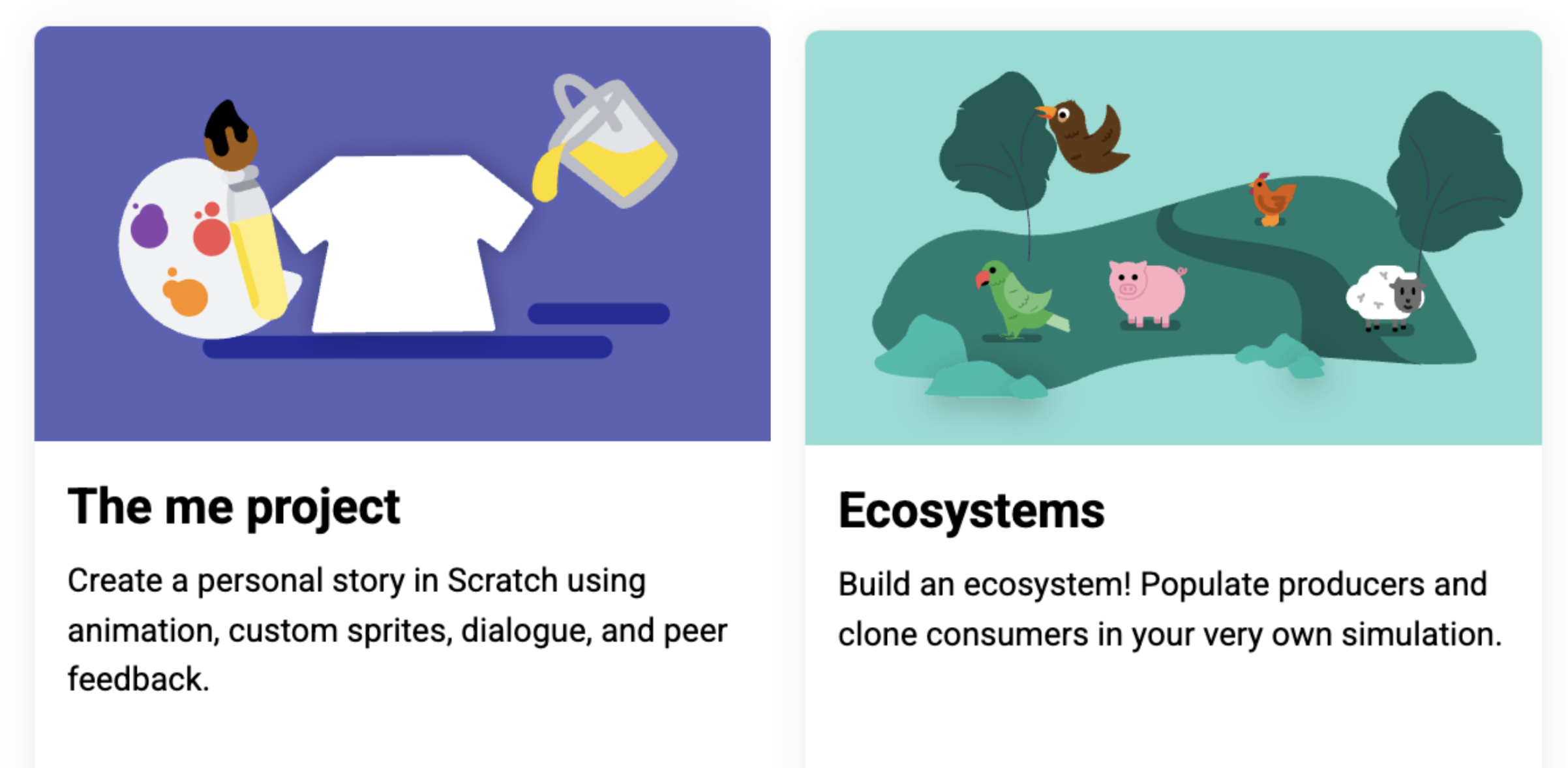
Of the two units, the storywriting-themed The me project was the stronger fit. It mapped cleanly onto language arts work her students were already doing. Students hit the signposts the unit lays out, but what they did inside that structure was theirs. One wrote the minimum and moved on. Another built a multi-scene story with custom sound effects, spending three weeks developing their project and making improvements.
The Ecosystems unit was more challenging for her students, and the students who finished “were the ones who were kind of the more gung-ho ones that were really into it.” She is not dismissing it, but she is clear that placement matters.
Allison highlighted that some of the students who were thriving in the Experience CS lessons were students who were experiencing difficulties in other areas of the curriculum. “The kids who don’t normally shine often do here,” she says. Describing one experience from her classroom, she shared that a student who had difficulties with reading quickly understood how a program should be sequenced. Within a week, classmates were walking to that desk for help. The peer support model is not something she engineers. It builds itself.
Running the lessons in October sets a tone she draws on all year. Something breaks, a student gets stuck, and the answer in her room becomes “We can figure it out.” That carries into math, into writing, into everything after.
Allison is not arguing that every student will grow up to write code. Her argument is that computational thinking transfers, and that it looks a lot like the writing instruction she is already doing: syntax, structure, sequence. Debugging a story and debugging a program are closer cousins than most people think.
In the age of AI, computational thinking and coding skills are especially important. Access to AI tools makes it easier for more people to generate code. Fewer people can read it, judge whether it is any good, and change it. Allison saw this on her son’s robotics team: the students who understood their code could adapt it when the robot did something unexpected. The ones who had generated code and dropped it in could not. Same tools, different outcomes, and the difference was comprehension.
Minnesota ranks near the bottom nationally for computer science access. In the most recent state-by-state accounting, 34 percent of its public high schools offered a foundational CS course, against a national average of 60 percent.
As a fifth grade teacher, Allison believes that if students may not have opportunities to learn CS in high school, the introduction has to happen earlier, in a classroom not labeled computer science.
She is candid that the barrier for elementary teachers is not interest. It is time, cost, and the fear of being asked a question they cannot answer. She sums up the Experience CS offering to her colleagues in a few words: free, little direct instruction, fits standards she is already teaching, and the kids like it enough to be loud about it.
“We can figure it out” is a good thing for a teacher to say out loud. It is a better thing for a room of ten-year-olds to start saying back.
Find out more about introducing Experience CS in your classroom: head to experience-cs.org today.
The post “We can figure it out”: How one Minnesota teacher uses Experience CS to set the tone for her whole year appeared first on Raspberry Pi Foundation.
D-Wave is a bit of an oddity in the quantum computing space, having been founded back in the last century. And its initial offering wasn't a quantum computer like those being developed by IBM or Google. Instead, the company built what's now called a quantum annealer, a machine that isn't general-purpose but can solve a large class of optimization problems. While the hardware shares some similarities with the qubits used in gate-based quantum computers, it operates in a fundamentally different way.
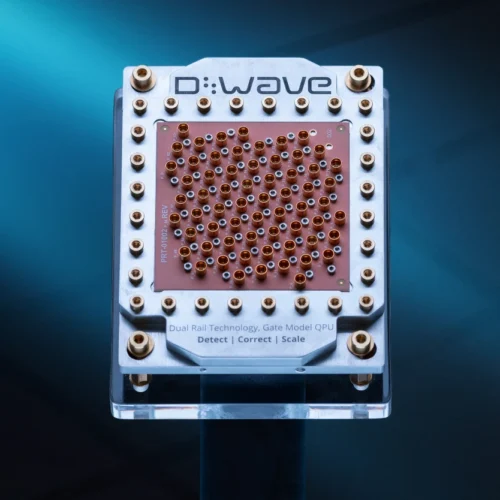
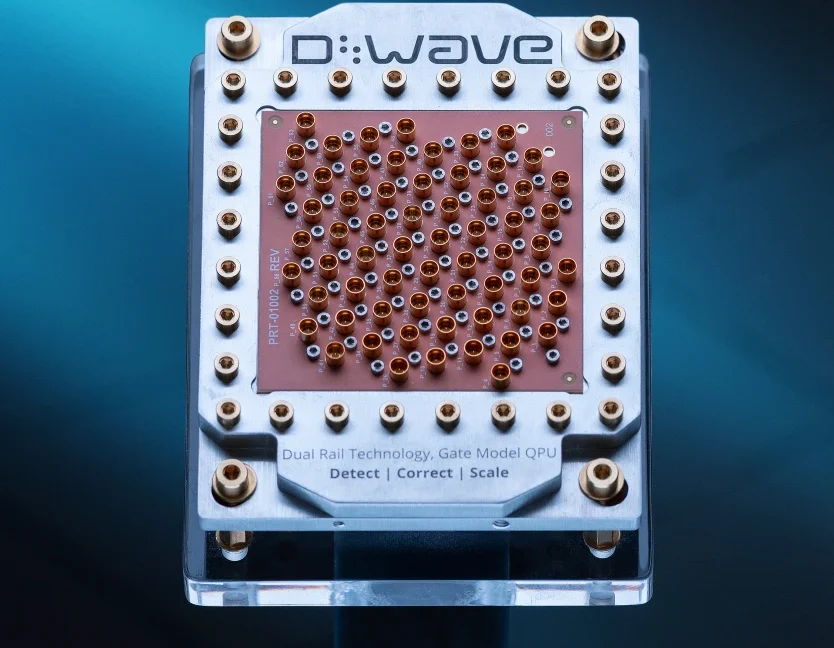
But a few years back, D-Wave started working on gate-based hardware, apparently choosing a somewhat unusual qubit technology called fluxonium. And this year, the company acquired a startup called Quantum Circuits that spun out of Yale University and has been developing what's called a dual-rail qubit (the same technology used by Amazon), which promises to make most errors very easy to detect, simplifying error correction.
On Wednesday, the company is publishing a paper in Nature that describes a key step in validating this dual-rail technology, showing that two of the qubits can be entangled without altering their best feature: Most are a single type that is easy to detect.
There are many algorithms for which it has been mathematically proven that a quantum computer can generate results that would take a classical computer an unreasonable amount of time to generate. Unfortunately, today's quantum computers either can't run those algorithms or can only run simplified versions that classical computers can also handle. This has left the field facing a challenging question: Can we demonstrate the promise of quantum computers on today's noisy, limited hardware?
That's a more difficult question than it may first appear. If you generate a result that's out of reach of today's regular computers, it may not be possible to verify that you got the right result. And given that today's quantum computers are somewhat error-prone, getting the wrong result is a distinct possibility. Further, in the absence of a mathematical proof of the capabilities of quantum hardware, it's possible that a better classical algorithm could outperform the quantum hardware.
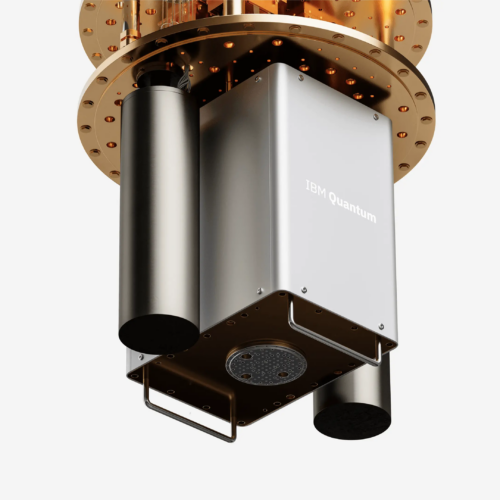
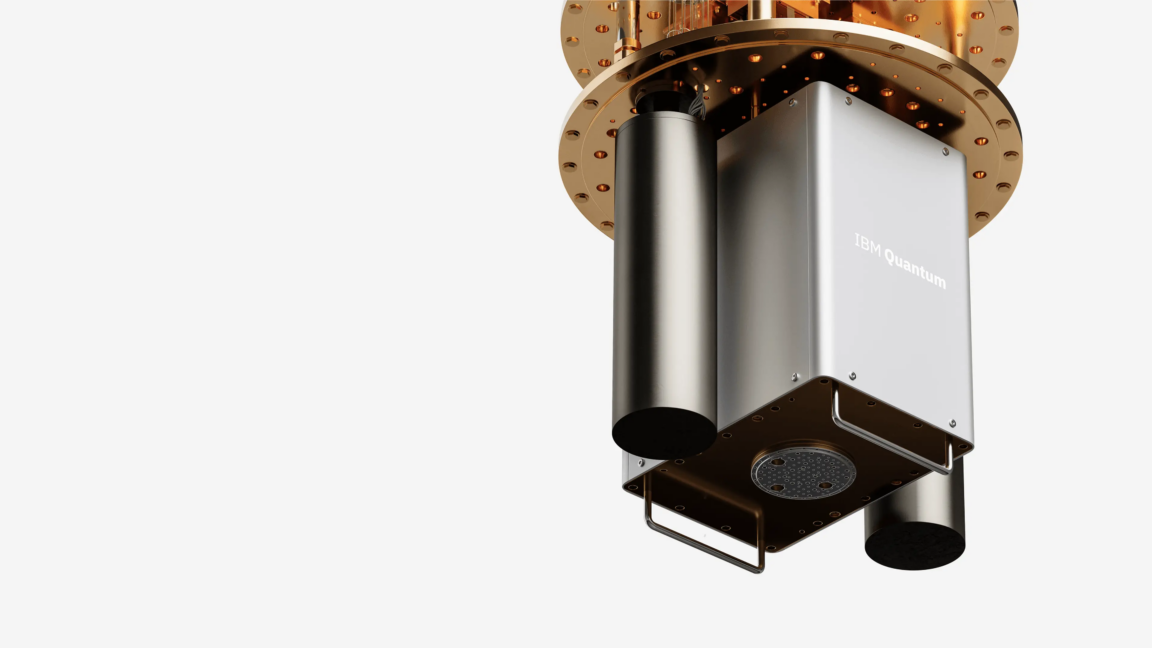
These issues inspired IBM to launch a quantum advantage tracker. On Thursday, the company announced three new entries that it says clearly show a quantum advantage, each using a different approach to overcoming errors and validating quantum results. "Trusted computing when you can do classical simulations is irrelevant," IBM's Jay Gambetta told Ars. "Trusted computing when you can't do classical simulations is a big deal."
If you follow quantum computing news for long enough, it can start to seem like any quantum system that can alternate between two well-separated energy states can be used as a qubit. Atoms, ions, photons, electrons, and manufactured devices all have their backers. One of the key things that attracts backers is the tech's ability to scale. We'll need a lot of high-quality qubits to start doing any complex computations, and the ability of any technology to get us there is the subject of debate.
So even as some technologies can now support thousands of qubits, some competitors are still working on a small handful of qubits—the companies behind them are convinced that they have the potential to scale more effectively.
One of those technologies involves quantum dots that hold a single electron. Their advantage is that we can manufacture them using the same tech we use to build traditional processors, an approach that has proven to be scalable. This week saw two new papers describing different ways of using quantum dots, one of which was appealing enough that IBM bought the company that developed it. Separately, another company has released a processor showing 100 individual electrons being held in diamond defects, technology that wasn't obvious could scale.
Giovanni Kanter goes to at least one art museum whenever he visits a new city. That’s on top of his regular exploration of galleries in New York, where the 25-year-old ICU nurse lives and studies. He typically discovers new artists and gallery openings through word of mouth, though he has recently started curating his social media feed to serve relevant content (he’s currently in what he terms a “surrealism phase”).
He was raised on visual art; he's the son of painter Marianne Gargour and nephew of mixed-media artist Heather Hutchison and painter-printmaker Mark Thomas Kanter. His “exposure-oriented education” featured childhood visits to galleries and shows in and around Dallas, where he grew up, and in France, where he spent time with his grandparents.
But Kanter is an exception. Many other young people have a less immersive artistic education, perhaps shaped by occasional school trips or family visits to museums. If they haven’t internalized an instinct for what Kanter calls “moving through the art and absorbing it,” the museum experience is central to how they learn about and understand art.


There are some obvious big picture issues that stand between us and useful quantum computing. Issues like whether we can make enough high-quality hardware qubits to connect into the error-corrected logical qubits we need, and how we generate the states needed to perform universal computation on those logical qubits. But there are also many less prominent challenges that will need to be solved before we can perform calculations.
One of those challenges, which only affects some types of hardware, is calibration. For devices we manufacture, like superconducting qubits, there are always subtle variations among individual qubits. (This is not true when we use something like an atom to hold the qubit, but the lasers that control them can drift.) As a result, this hardware is put through a process called calibration, where we test different frequencies and amplitudes of the microwave pulses that control them to find the combination that produces the lowest error rates, and then save those settings for use in calculations.
However, you can't perform the typical calibration process while you're doing calculations, which means drift becomes an issue for long and complicated algorithms. Google, though, has figured out that it's possible to do calibration using the same data that's used for error correction.


A short time back, we covered an announcement by Amazon that it would be hosting a useful quantum computer from its partner QuEra as soon as sometime in 2028. The system promised some eye-popping numbers compared to anything on the market today: over 10,000 individual qubits, each with an error rate low enough that the system could support hundreds of error-corrected logical qubits. But QuEra has to get there from its current hardware, which sits at 260 qubits that are relatively error-prone.
Those details about how it was going to get there were left for last Wednesday, when QuEra announced its roadmap. But the announcement only accentuated the gap: There will be no new hardware releases between now and the useful machine, and QuEra is promising to deliver an even more powerful machine just one year later.
"The company made a strategic decision not to sell NISQ [noisy intermediate scale quantum] systems anymore," QuEra's Yuval Borger told Ars. The two systems it had previously made available have similar capabilities, with about 250 hardware qubits and an appreciable error rate—enough to test some error correction codes, but not sufficient for using logical qubits in applications.
Quantum computing news usually picks up near the end of the year, as companies try to provide evidence that they are hitting benchmarks on time. However, there have been interesting announcements as the summer starts this year, from incremental progress to attention-grabbing promises. As we did earlier this month, Ars has a rundown of some of the most significant announcements.
These include a promise of useful, error-corrected quantum computing as soon as 2028, details on an updated trapped ion processor, and a case in which claims of quantum supremacy have been cut back a bit thanks to advances in more traditional algorithms.
Many people in the field expect that useful quantum computers are still about five to 10 years away. While there may be a few useful algorithms that can be run on existing error-prone hardware, almost all of the interesting problems that quantum computing can be applied to will require some form of error correction enabled by linking a small collection of hardware qubits together into what's called a logical qubit. Logical qubits include the redundant storage of information along with neighboring qubits that can be measured to determine when errors occur and how to fix them.
With dozens of companies, from small startups to tech giants, pursuing quantum computing, there's a steady flow of results as they try to find a path to utility. We typically focus on new technologies and major landmarks, which can obscure the fact that any big success will inevitably have been built on a lot of incremental progress.
The past few weeks have seen two companies release progress reports on how they're trying to get the technologies closer to general use. None of these represents a major breakthrough, but all are absolutely necessary for the technology to advance. The idea here is to convey the hard work required to move us closer to something useful.
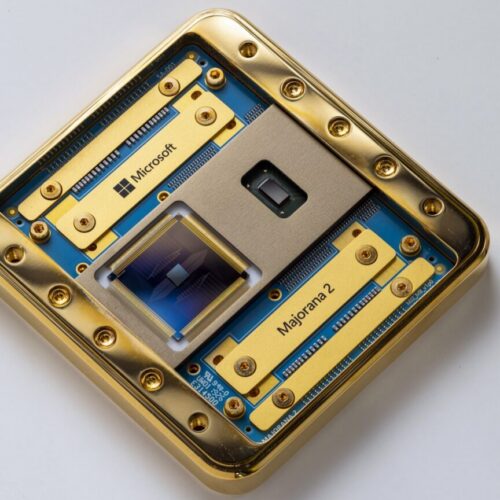
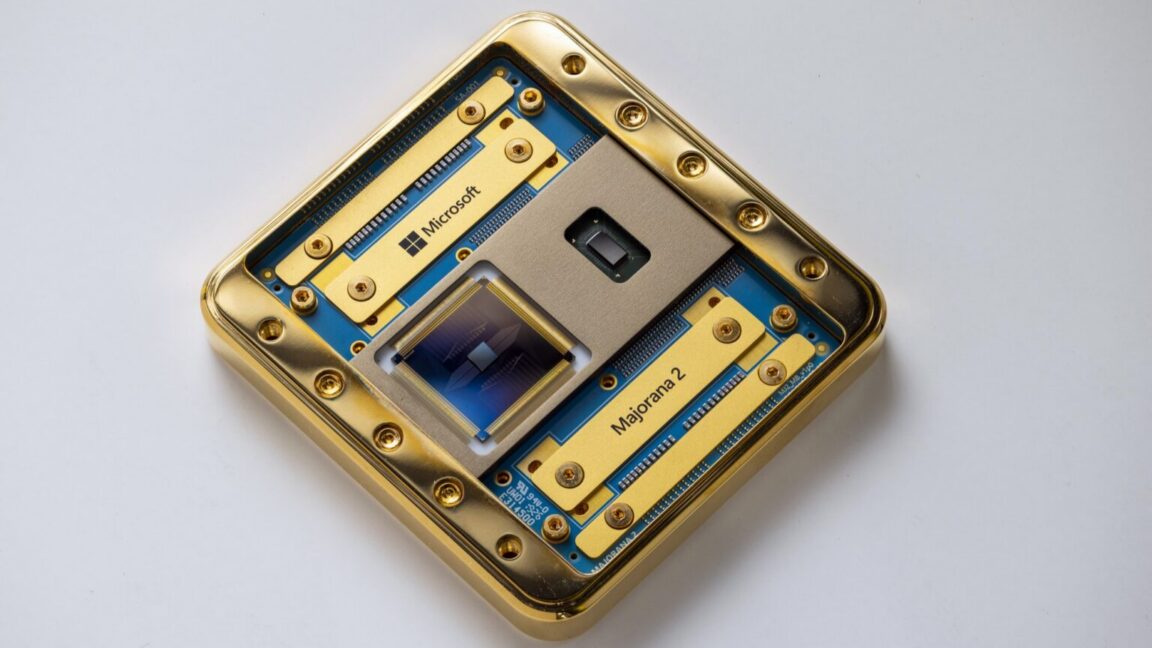
Microsoft is one of the few companies working on topological qubits, based on the distinct physics that occurs when particles are confined. Microsoft's system relies on a thin superconducting wire placed on top of a semiconductor. In superconductors, groups of two electrons form Cooper pairs. But if the wire contains an odd number of conducting electrons—meaning there's a single unpaired electron—it will end up delocalized to both ends of the wire. (Because quantum mechanics is weird.)
At the Raspberry Pi Foundation, we believe that alongside learning to code, a crucial part of computing education is building AI literacy skills. Amidst the rapid pace of development and the growing impact of AI tools, it is increasingly important for educators everywhere to feel equipped to address the topic of AI with their learners, to help young people understand their world, be responsible users of AI technologies, and prepare to become the future creators of these technologies.
We work at the leading edge of AI education, combining research and industry expertise with practical classroom experience to define what AI means for computing education, and how to best support teachers and learners to understand these technologies.
Whether you are a teacher, a Code Club mentor, or a parent, we have a wide range of free resources to help you teach your young people about AI, and learn more about it yourself.
We offer a variety of teaching materials to help you bring AI into your setting. You do not need to be a professional educator or have a background in computer science to use these resources, and we provide everything you need to guide your learners with confidence.
Experience AI is our free AI literacy programme, developed in collaboration with Google DeepMind. Through ready-to-use classroom resources, including lesson plans, presentations, and hands-on activities, the programme helps educators all over the world teach their learners about how AI works, as well as its wider social and ethical implications. You and your learners will investigate AI tools, explore real-world uses of AI, and engage with critical issues such as bias, fairness, and transparency, helping learners to understand AI and use it responsibly. The lessons currently available are designed for learners aged 11–14, and we are releasing resources for other age groups this year.
To help bring Experience AI to more educators and learners around the world, we work with a global network of partner organisations, who help us provide tailored and translated resources and offer localised, high-quality training and support for educators in their regions. Experience AI resources are currently available in 19 languages, and have already been downloaded in more than 180 countries. In recognition of its impact, in 2025 Experience AI was named a laureate of the UNESCO King Hamad Bin Isa Al-Khalifa Prize for the Use of ICT in Education.
“[Experience AI] has definitely changed my outlook on AI. I went from knowing nothing about it to understanding how it works, why it acts in certain ways, and how to actually create my own AI models and what data I would need for that. I would 100% recommend others who don’t know much about AI to try it out.” – Student, Arthur Mellows Village College, UK
If you are looking to introduce school-aged young people to AI with short, beginner-friendly coding and digital making projects, take a look at our collection of Code Club projects about AI and machine learning. These projects are a great way to spark curiosity and investigate how AI and machine learning works.
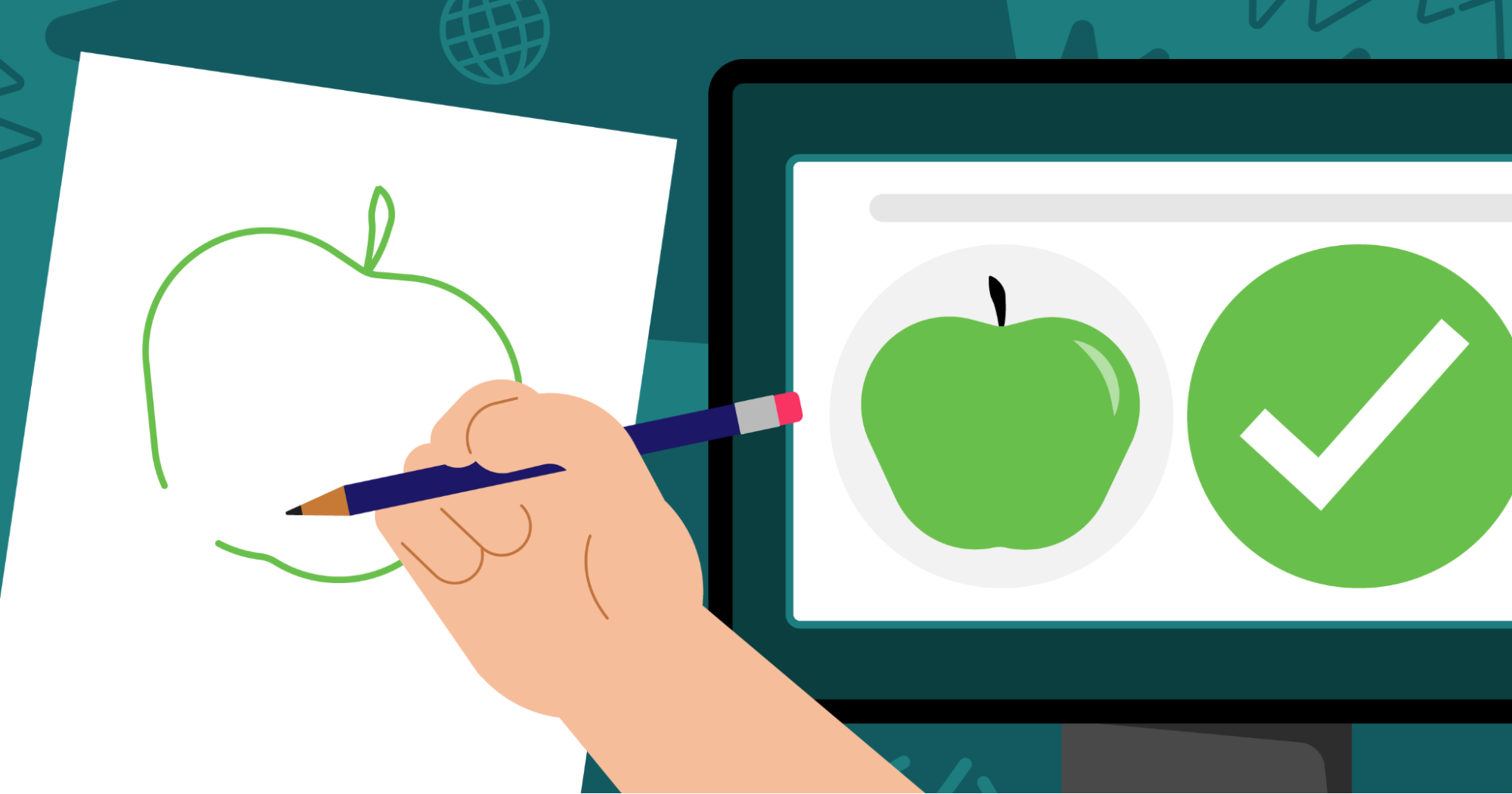
In the projects, learners get hands-on with a range of AI tools and platforms, and explore different applications of AI, such as image recognition, voice recognition, and (for learners aged 13 and over) generative AI. For example, in Doodle detector, learners use Machine Learning for Kids with Scratch to create a machine learning application that can identify what they have drawn.
The projects feature clear step-by-step instructions, and many include video tutorials, to help learners work at their own pace and in a style that suits them. We also provide mentor guidance to help you prepare.
For resources to support older learners to build their understanding of AI, head to Ada Computer Science. Ada Computer Science is our free online platform for computer science students and teachers, developed in partnership with the University of Cambridge. It provides comprehensive resources for learners aged 14–19 across the breadth of computer science, including detailed learning materials about AI and machine learning. The materials include helpful definitions, clear explanations, and carefully designed self-marking questions to support young people’s learning.
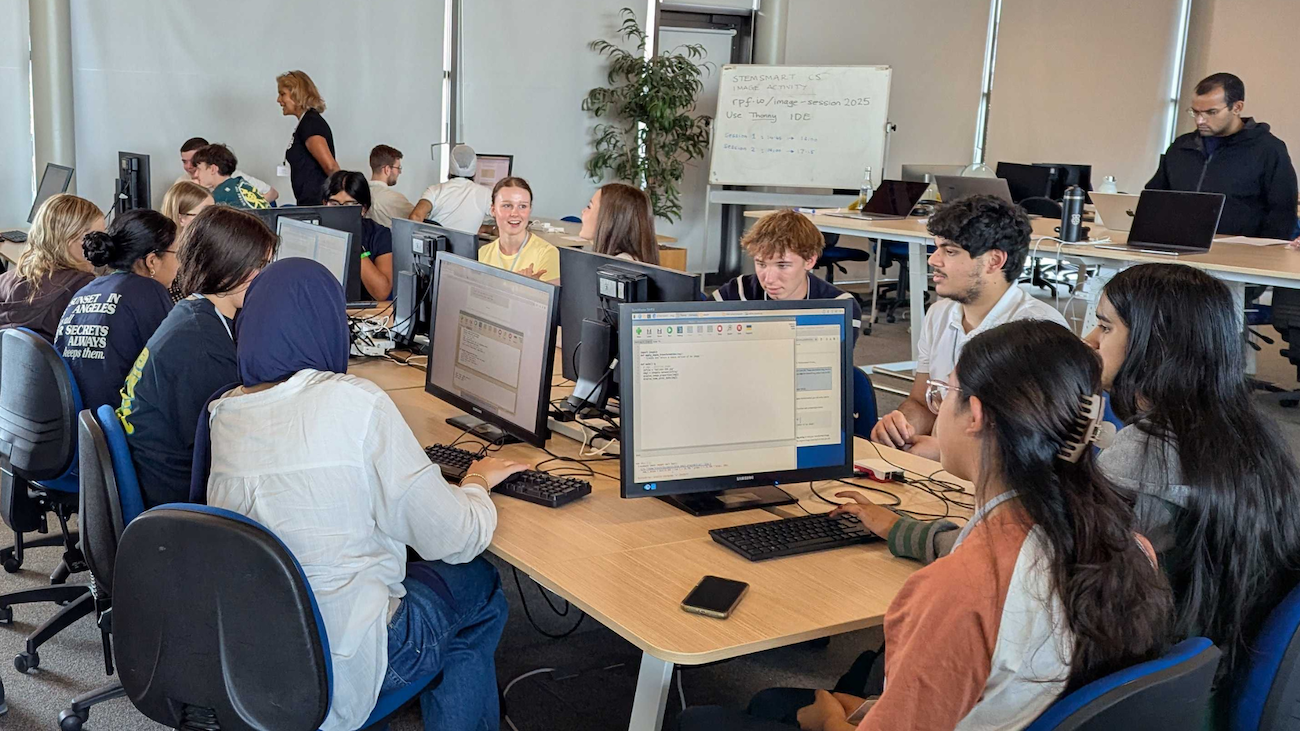
To help you build your knowledge around AI technologies and grow your confidence to teach your young people about this important topic, we offer a range of learning resources and professional development opportunities, all for free. They are open to everyone, so we invite you to dive into any that interest you.
For flexible, self-paced learning options, take a look at the following free online courses, which cover a range of topics within AI:
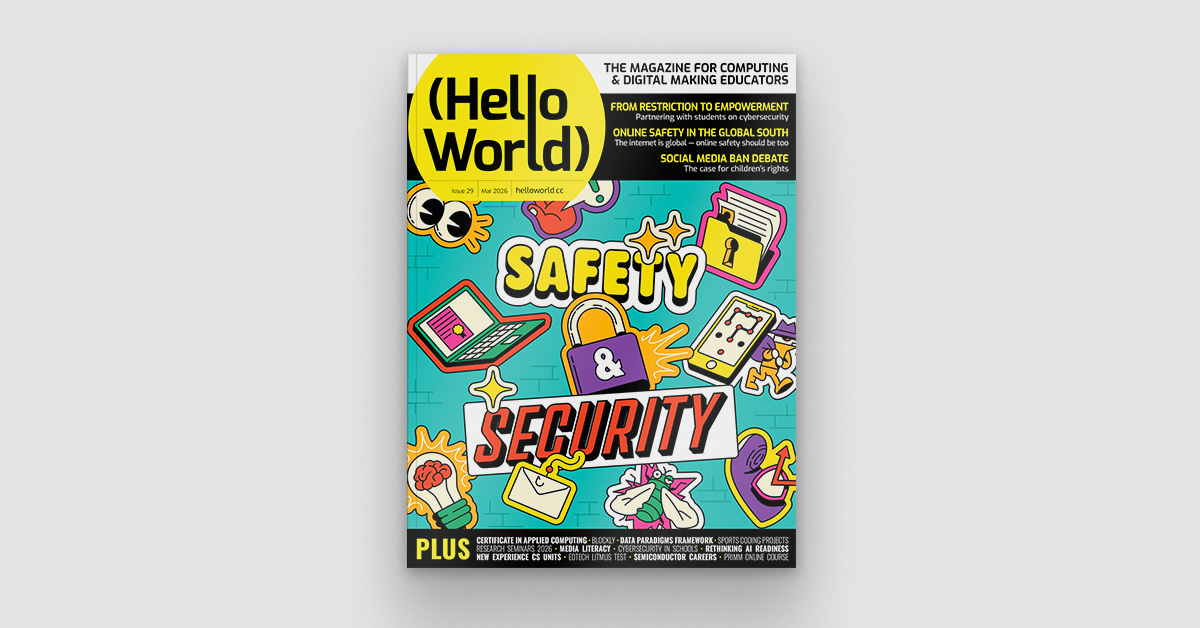
You might also be interested in Hello World, our free magazine and podcast for educators teaching computing and AI. Each magazine is packed with resources, discussions, news, and ideas, and you can subscribe to receive each issue as soon as it is released. The next issue, coming in July, will focus on critical thinking in the age of AI. You can download our previous issues to explore articles about a variety of topics within AI too. What’s more, you can continue your learning with the Hello World podcast, which accompanies the magazine and features discussions with educators and researchers from around the world. Visit the podcast page to discover previous episodes exploring vibe coding and programming education, AI education around the world, and more.
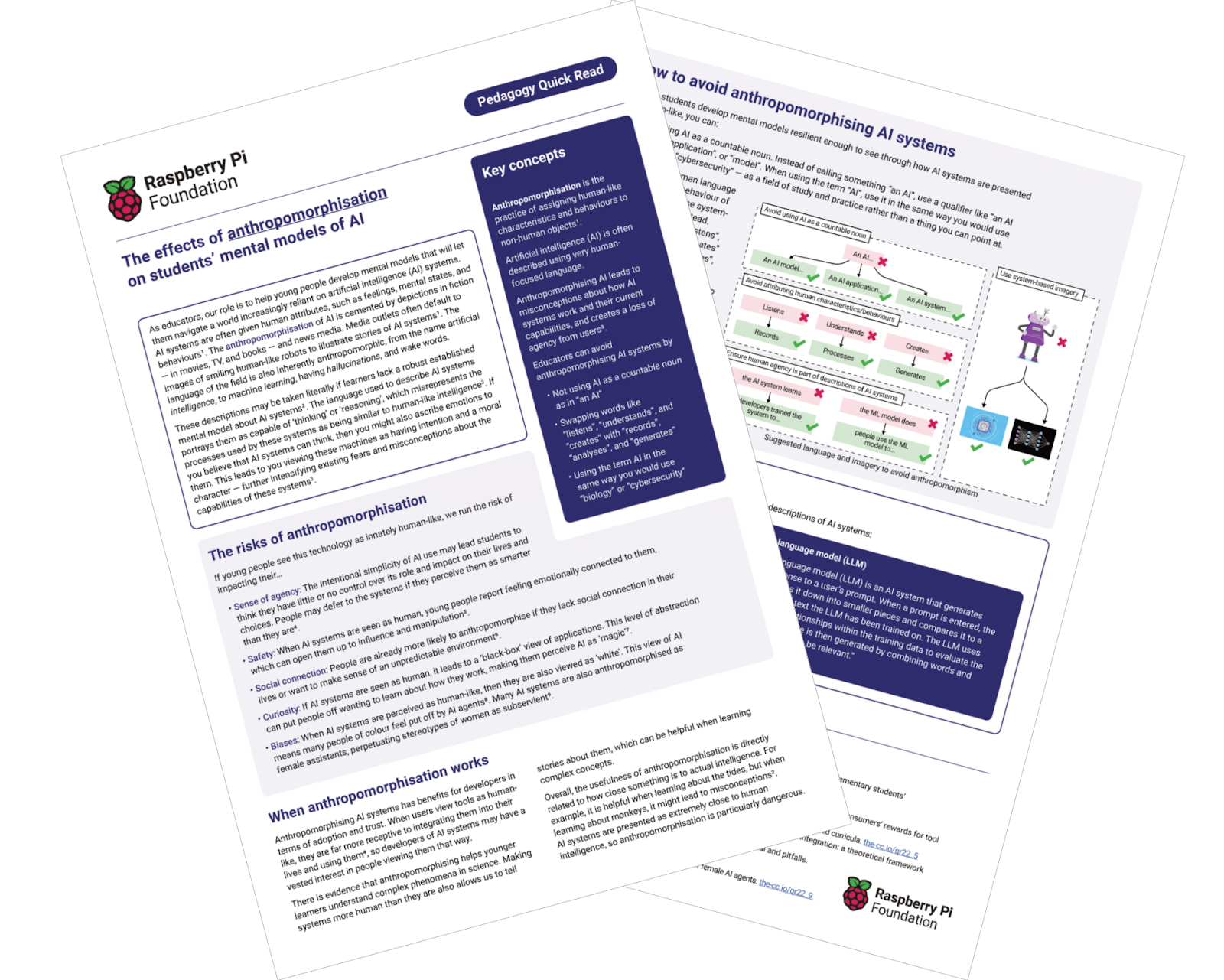
To learn about research-informed teaching strategies to help you as you explore AI with your learners, you can read these short Pedagogy Quick Reads:
For more insights from computing education research, you can join our monthly online research seminars. Our 2026 research seminar series focuses on teaching about AI across the curriculum, delving into research on teaching and learning about AI from disciplines beyond computer science, including the arts, sciences, and humanities. Our next seminar takes place on 16 June, and you can catch up on previous seminars from our current series here. You can also explore our archive of recordings from previous seminar series, with themes including teaching about AI and data science, teaching programming (with or without AI), and more.
All of these resources and learning opportunities are available to anyone interested in educating young people about AI, anywhere in the world. We hope they help you gain understanding, confidence, and inspiration to guide your young learners to engage with AI safely and responsibly, and to learn valuable skills that will help them navigate their world.
“Let the students explore, advance, and grow. And who knows — maybe one of our students will go on to become a mentor or leader in this field someday.” – Ana Judith Zavaleta, computer science teacher, Mexico, speaking about Experience AI
If you are in the UK, you can also use these resources to get involved with the first-ever AI Awareness Day, a new nationwide campaign designed to build AI literacy across UK schools, which is taking place on 4 June.
The post Support your young people with our AI literacy resources appeared first on Raspberry Pi Foundation.
To get quantum computing to work, we will ultimately need lots of high-quality qubits, which we can tie together into groups of error-corrected logical qubits. Companies are taking distinct approaches to get there, but you can think of them as falling into two broad categories. Some companies are focused on hosting the qubits in electronics that we can manufacture, guaranteeing that we can get lots of devices. Others are using atoms or photons as qubits, which give more consistent behavior but require lots of complicated hardware to manage.
One advantage of systems that use atoms or ions is that we can move them around. This allows us to entangle any qubit with any other, which provides a great deal of flexibility for error correction. Systems based on electronic devices, by contrast, are locked into whatever configuration they're wired into during manufacturing.
But this week, a new paper examined research that seems to provide the best of both worlds. It works with quantum dots, which can be manufactured in bulk and host a qubit as a single electron's spin. The work showed that it's possible to move these spin qubits from one quantum dot to another without losing quantum information. The ability to move them around could potentially enable the sort of any-to-any connectivity we see with atoms and ions.
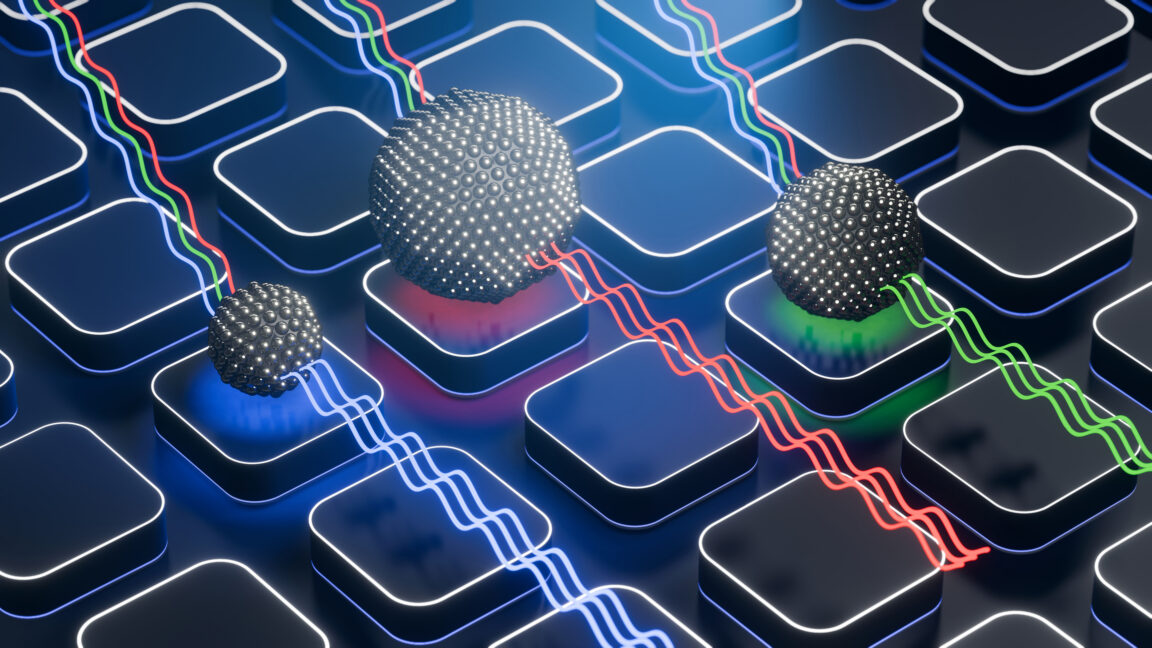
The genetic code is central to life. With minor variations, everything uses the same sets of three DNA bases to encode the same 20 amino acids. We have discovered no major exceptions to this, leading researchers to conclude that this code probably dated back to the last common ancestor of all life on Earth. But there has been a lot of informed speculation about how that genetic code initially evolved.
Most hypotheses suggest that earlier forms of life had partial genetic codes and used fewer than 20 amino acids. To test these hypotheses, a team from Columbia and Harvard decided to see if they could get rid of one of the 20 currently in use. And, as a first attempt, they engineered a portion of the ribosome that worked without using an otherwise essential amino acid: isoleucine.
First off, why would you do this? Most work in the field has focused on altering the genetic code in ways that are useful, such as using more than 20 amino acids to enable interesting chemistry.

The complete set of Experience CS units is now available.
With the release of the final six units, Experience CS now provides 18 cross-curricular, project-based computer science units for grades 3–8. It offers educators a collection of free, standards-aligned units to bring computing into their classrooms with confidence.
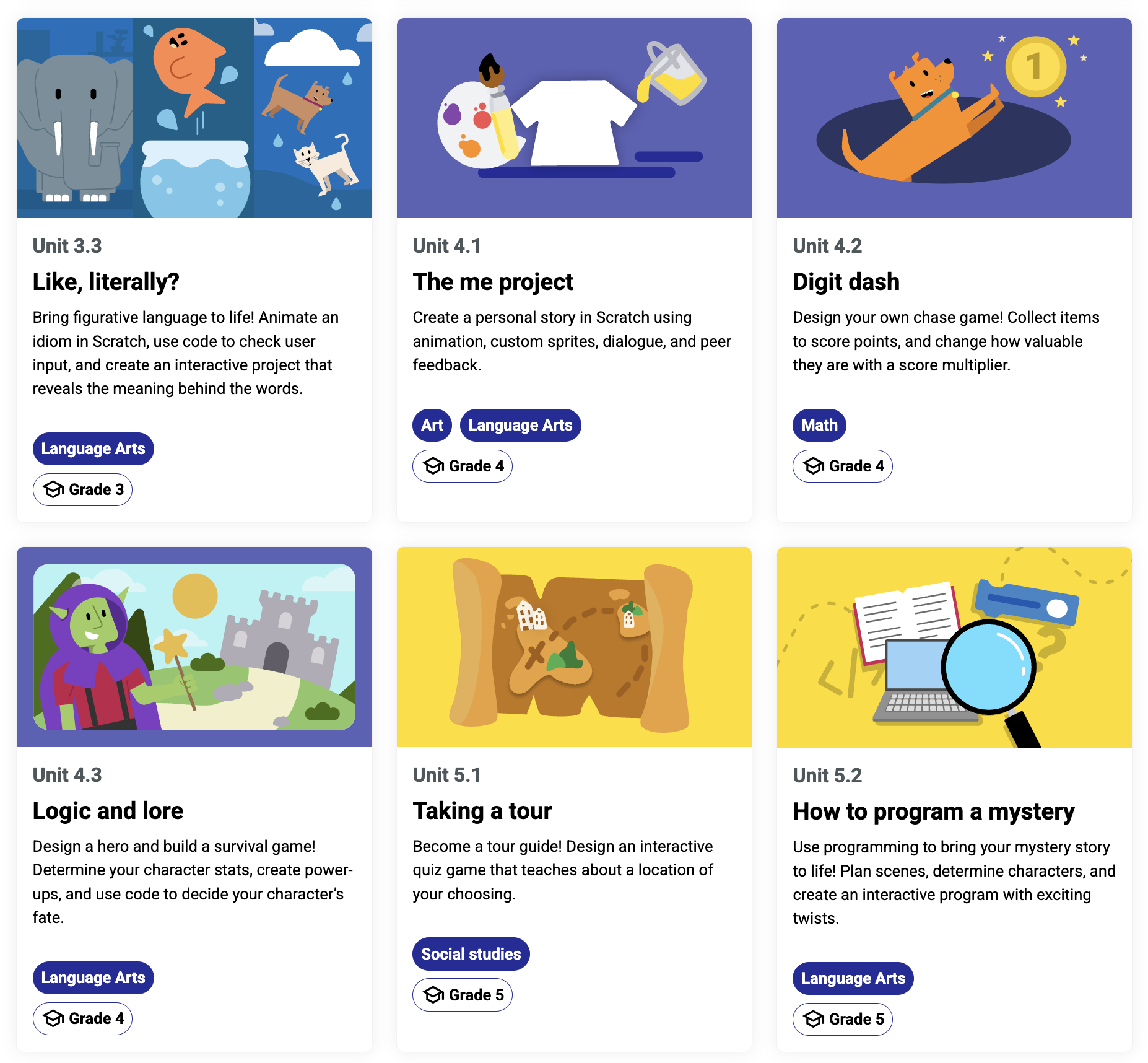
This milestone marks the culmination of a year of development, iteration, and collaboration with educators. The result is a set of learning resources designed by educators for educators, for real classrooms and real teaching needs.
Experience CS is built to make computer science (CS) accessible, engaging, and relevant for all learners, and teachable for all educators.
Rather than treating CS as a standalone subject, Experience CS integrates computing into core subjects like science, math, and the arts. Students learn key concepts such as sequencing, loops, cybersecurity, and networks while exploring meaningful, real-world themes. The Experience CS platform includes a school-safe version of Scratch that is easy for teachers to use and where students can explore making coding projects.
Every Experience CS unit includes:
No prior computer science experience is required — Experience CS makes it easier than ever for schools to get started.
Since we launched Experience CS in June 2025 with the first 6 units, we’ve worked steadily to create more resources, guided by feedback from educators and classroom testing.
Now complete, Experience CS offers:
Along the way, we have also added:
The final Experience CS units give students more opportunities to create, explore, and apply their learning:
While the curriculum is now complete, our work to expand access is just getting started.
Throughout 2026, we will host sessions, workshops, and conference events to support educators across the US in bringing Experience CS into their classrooms. These free professional development opportunities will help teachers build confidence, explore best practices, and connect with a growing community of educators.
We will host a webinar on April 30 at 3pm CT / 4pm ET to highlight the new units. Register today to join:
And you’ll find us at the following events this spring and summer:
And more! Keep up with us on social media to stay in the loop with conference appearances and sign up for Experience CS mailing updates to hear about upcoming PD opportunities.
Experience CS is already being implemented in schools and districts across the United States. With Data Privacy Agreements (DPAs) now in place in multiple states, even more districts can adopt the curriculum.If you have any questions about DPAs or district expansion, please reach out to experience-cs@raspberrypi.org.
The completion of Experience CS marks a big step forward in making computer science education accessible, creative, and inclusive.
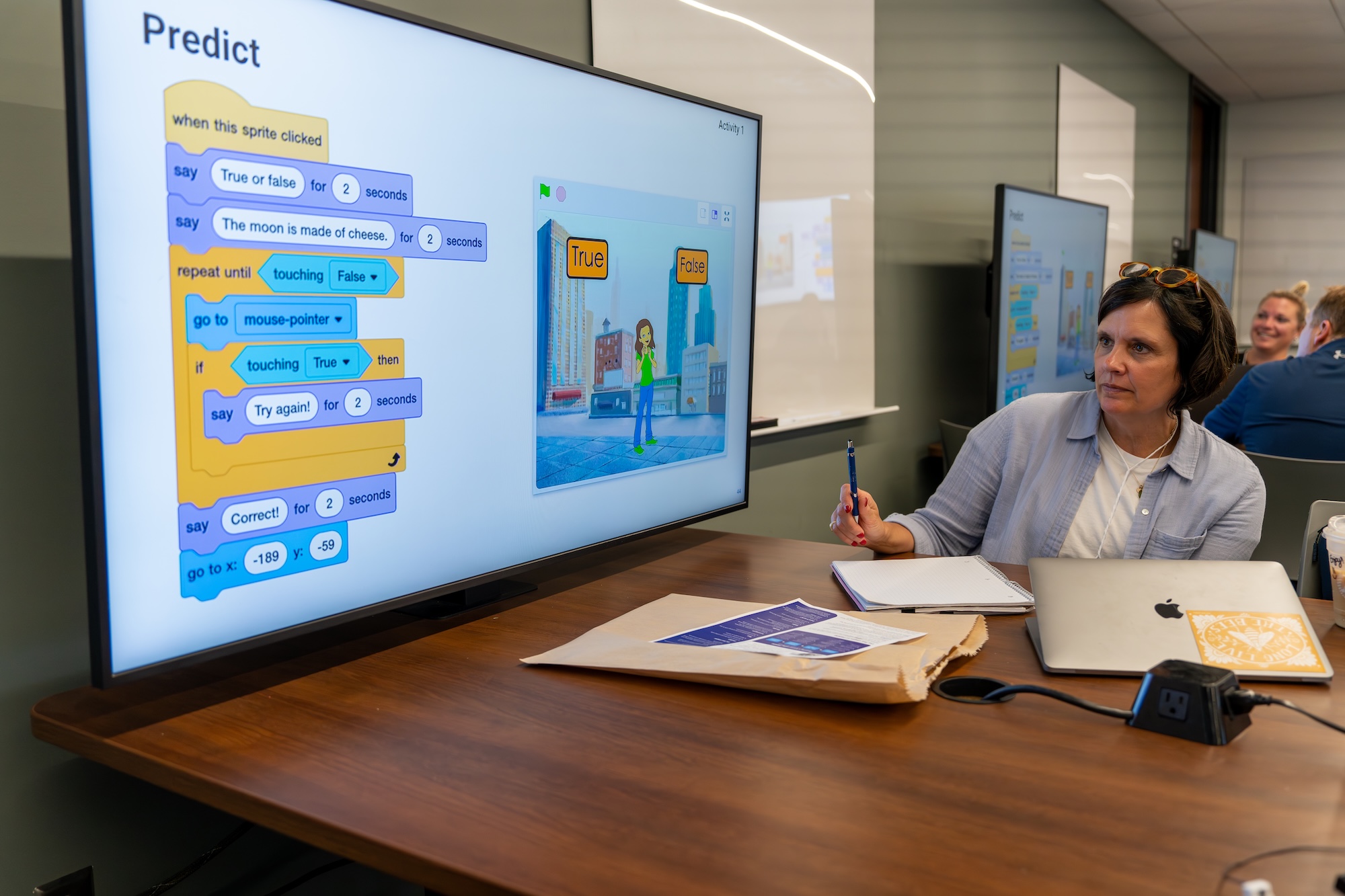
The cross-curricular design of each unit empowers non-specialist teachers to confidently introduce computer science in their subject and help students connect it to the world around them.
The complete Experience CS curriculum is now available.
Visit experience-cs.org to explore all 18 units and get started in your classroom.
The post Experience CS: The complete set of units is live appeared first on Raspberry Pi Foundation.
Listening to the voices of young people is crucial in creating genuinely effective learning resources. That’s why we recently ran a survey of students who use Ada Computer Science, our platform designed to help students learn and revise key computer science concepts.
“The different topics are nicely categorised and it is easy to find the information I wish to revise.” – Ada Computer Science student
We were delighted to hear from 103 students, most of whom are 16–19 years old and studying in England, and their insights are invaluable in helping us to continue to develop Ada CS.
The most common ways students use Ada CS are for revision and to check whether they understand concepts. The majority of respondents are building Ada CS into their regular study habits, with over half of respondents using the platform every week.
We were pleased to see the benefits of updates we’ve made, including a redesign of the question finder released in March 2025 — students reported that it is easy to navigate the platform and find what they need: 81% reported being able to find relevant content, and 77% could find the questions they were looking for.
“It’s SO EASY to find exactly what I want.” – Ada Computer Science student
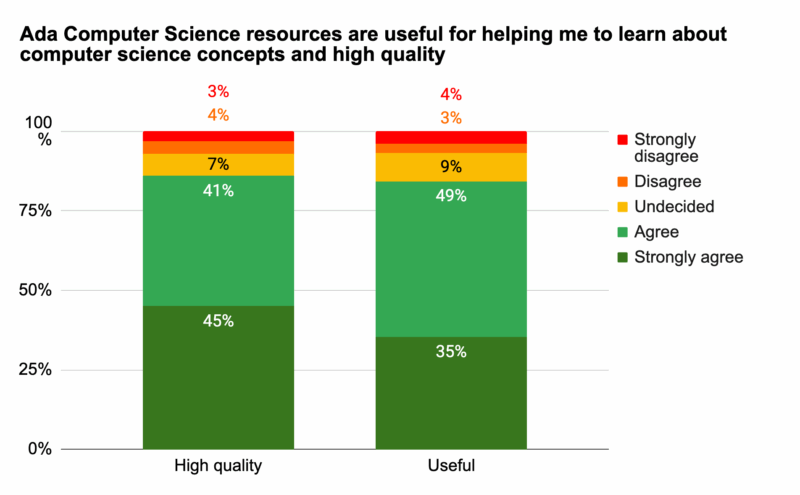
Overall, students perceive Ada CS as both useful for learning about computer science concepts and of high quality. They reported finding the content clear, with a good level of detail.
“The topics are broken down into easily digestible sections, and the provided diagrams really help with understanding the topics.” – Ada Computer Science student
“The resource is really well designed, short and concise.” – Ada Computer Science student
We also received helpful suggestions for future improvements. Students shared feedback on how the information on the platform is presented, asking for more concise, revision-friendly content as well as guidance for exploring concepts in more depth. We’ll therefore be looking into alternative ways to structure content as we continue to develop Ada CS.
The most popular feature is the quizzes and practice questions, including the immediate feedback and hints provided. Students value how these resources help them solidify their knowledge, learn from mistakes, and prepare for assessments.
“The questions are clear and make me think, they’re relevant to my studies and the hints for the questions are very useful.” – Ada Computer Science student
We also appreciated the suggestions we received for how we can further develop this feature, for example, creating more questions, extending the range of question types per topic, and making improvements to the hints.
Students also feel that using Ada CS has a tangible impact on their learning. 82% agreed they were more confident that they understand CS concepts as a result of using Ada CS and 79% feel more confident learning about computer science concepts without a teacher to explain.
“I do CS A level but I hadn’t done the GCSE and I found that all of the resources gave me enough information to learn the concepts from scratch and now I’m much more confident in my knowledge of the theory.” – Ada Computer Science student
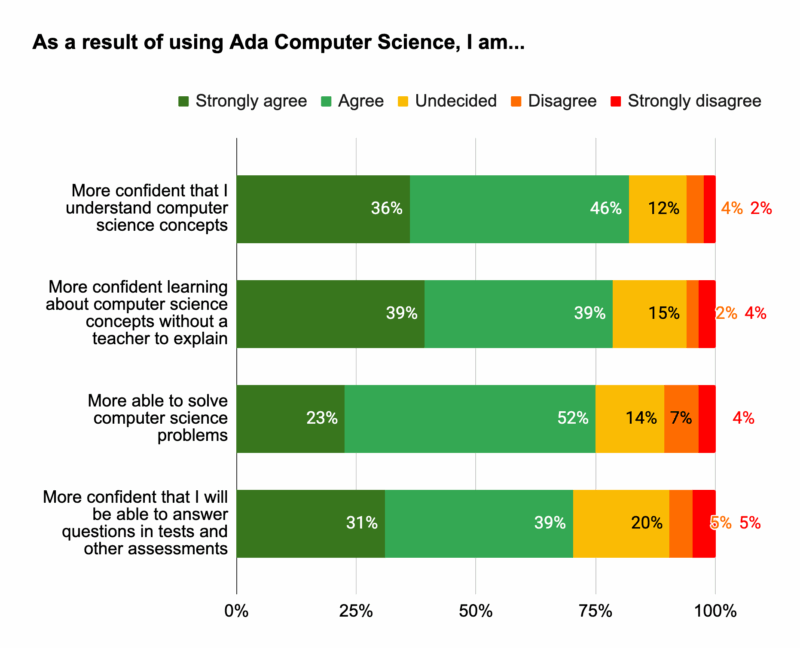
Students provided us with lots of useful feedback and suggestions for how we can further improve Ada CS, especially relating to practice questions. We’re already working on adding more questions across topics, creating more challenging questions, and adding more question types that will enhance students’ learning experience. We’ve got some other exciting developments in the pipeline too, which we’ll announce soon!
Thank you to everyone who took the time to complete the survey. These findings are invaluable for shaping the future of Ada Computer Science, helping us to continue to provide the best possible learning platform for students.
The post How Ada Computer Science empowers students: Survey findings appeared first on Raspberry Pi Foundation.
One of the things I love most about my role as Chief Learning Officer at the Raspberry Pi Foundation is hearing from teachers around the world. A teacher in Kenya told me how their students debugged their first programming projects on a shared laptop. In Scotland, another explained how our resources gave them the confidence to teach computing for the very first time. These stories remind me daily why our work matters: every young person, no matter where they live, should have the chance to explore the power of computing.
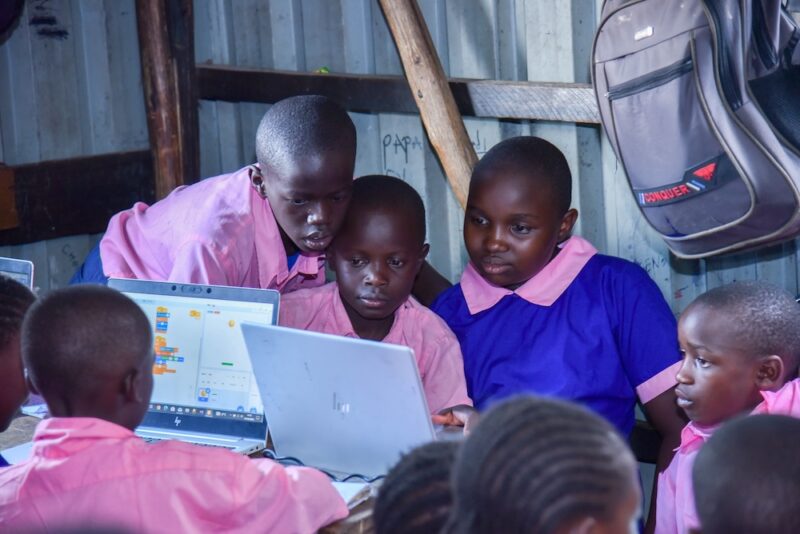
But creating resources that work in such different contexts is not easy. How do we design materials that work in a wide range of learning environments, from a bustling city classroom to a rural school where internet access can vary? How do we make sure that every learner sees themselves reflected in the examples we choose?
That’s where our teaching and learning design principles come in.
Over the past decade, we’ve learned a huge amount about what teachers and learners need from us. We’ve made mistakes, we’ve listened, and we’ve refined our practice again and again. The result is a set of design principles that guide the creation of everything we make, from full curricula to one-off projects.
These principles are practical and based on real classroom experience. They’re our way of making sure our resources are reliable, inspiring, and flexible, wherever and however teachers use them.
Here’s what that looks like in action:
For us, being transparent about our approach is about trust. Teachers make daily decisions about which resources to use, often with limited preparation time. By showing you the principles behind our work, we want to give you the confidence that our content is not only free and adaptable, but also designed with care, expertise, and your learners at the heart.
The world of computing education is moving fast, from new programming software, to artificial intelligence tools. Our design principles give us a strong foundation to keep innovating while staying true to our mission of enabling young people to realise their full potential through the power of computing and digital technologies.
And we’d love to hear from you! How do these principles resonate with your teaching? What helps you most in the classroom? Your feedback is what keeps making our work better.
The post Designing for every learner in every classroom appeared first on Raspberry Pi Foundation.
In June, we launched the first set of content for Experience CS, our integrated computer science curriculum for students ages 8–14. Experience CS was designed for all educators, including those without a computer science background, so that anyone can bring engaging, creative computer science learning into their classroom.
Since launch, we’ve seen educators across the US and beyond implement the first six integrated units, explore the tutorials, and join our webinars. We’re incredibly grateful to our early adopters who are already helping to shape the program’s future. With so much exciting content already available, what’s next for Experience CS?
We’re delighted to share that the initial six units are now available in Spanish and French. From the beginning, our goal has been to make Experience CS accessible to as many educators and learners as possible. We will continue translating new materials so more communities can integrate computer science into their classrooms.
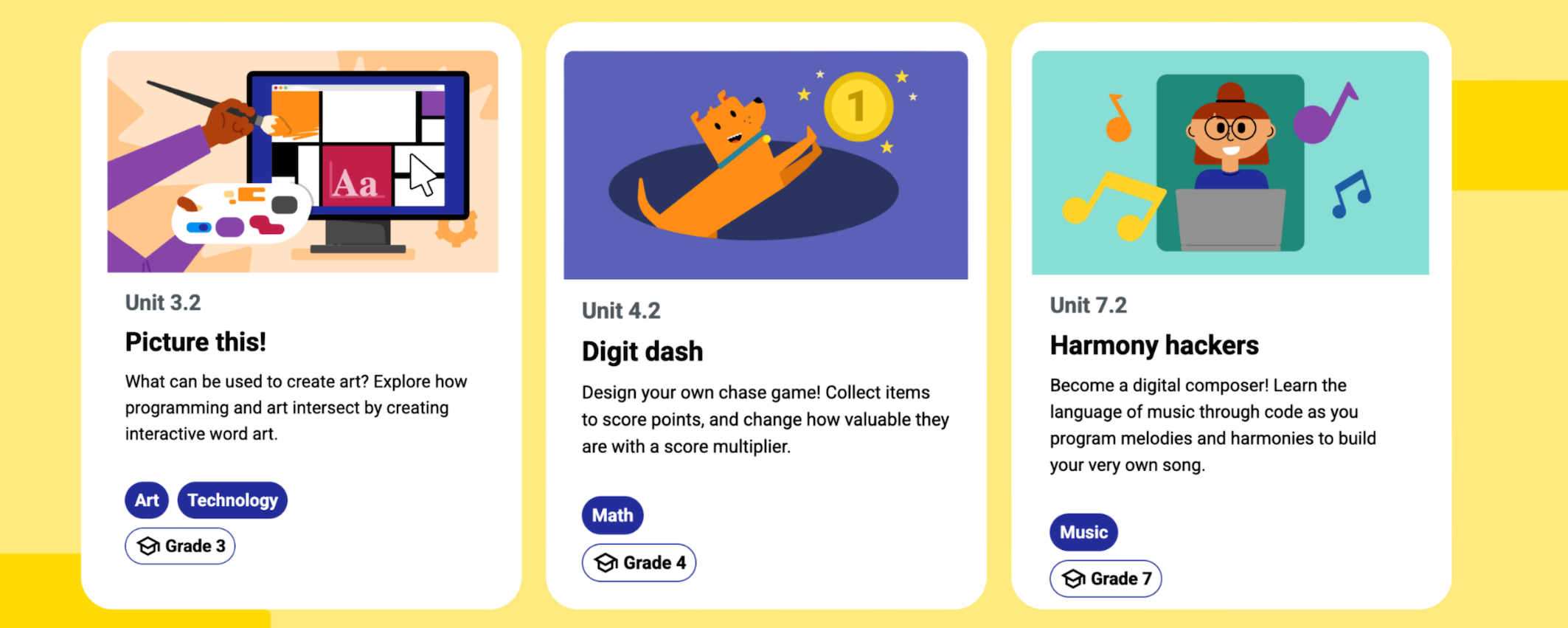
Educators asked us for more units — and we listened. Three brand-new units for grades 3, 4, and 7 are now available, with additional units on the way. These new resources give educators and students the chance to go deeper into computing concepts while connecting them to other subject areas.
The new units are currently available in English, with Spanish and French translations coming soon!
Experience CS is a platform built by teachers, for teachers. We’ve been listening closely to your feedback and making improvements to streamline the classroom experience. With new updates, educators can:
Our focus is on making it easier than ever for you to bring computer science into your teaching.
Bringing Experience CS into your classroom is simple and always free.
Need additional help? Everything you need to get started is right on our Getting Started page.
We’re just getting started with Experience CS. New curriculum units, more translations, and additional platform improvements are already in the works. Join our mailing list to stay informed about the latest updates. Also, sign up for this month’s webinar to get a deeper look at what’s next for Experience CS.
We can’t wait to keep bringing the power of computer science to more classrooms with you.
The post What’s next for Experience CS? appeared first on Raspberry Pi Foundation.
Experience CS is a brand-new, free, integrated computer science curriculum for elementary and middle school educators and anyone working with students aged 8 to 14. A key design principle for Experience CS is that any educator can use it. You don’t need a computer science qualification or previous experience in teaching computer science classes to deliver engaging and creative learning experiences for your students. That’s why, as US Executive Director, I’m especially pleased to announce the launch of the first six units in the curriculum today.
Read on to explore the new learning materials available and how you can start using them in your school.
Experience CS enables educators to teach computer science through a curriculum that integrates CS concepts and knowledge into core subjects such as math, science, and social studies. Ashly Tritch, computer science immersion specialist at Olson Middle School in Bloomington, MN, USA, said, “Cross-curricular computer science is important because it shows students how coding and tech skills can be used in other subjects like math, science, or even art. It helps make learning more interesting and helps kids understand how computer science connects to real life. The lessons that the Raspberry Pi Foundation is creating will be super engaging, with fun and creative activities that keep students curious and excited to learn.”
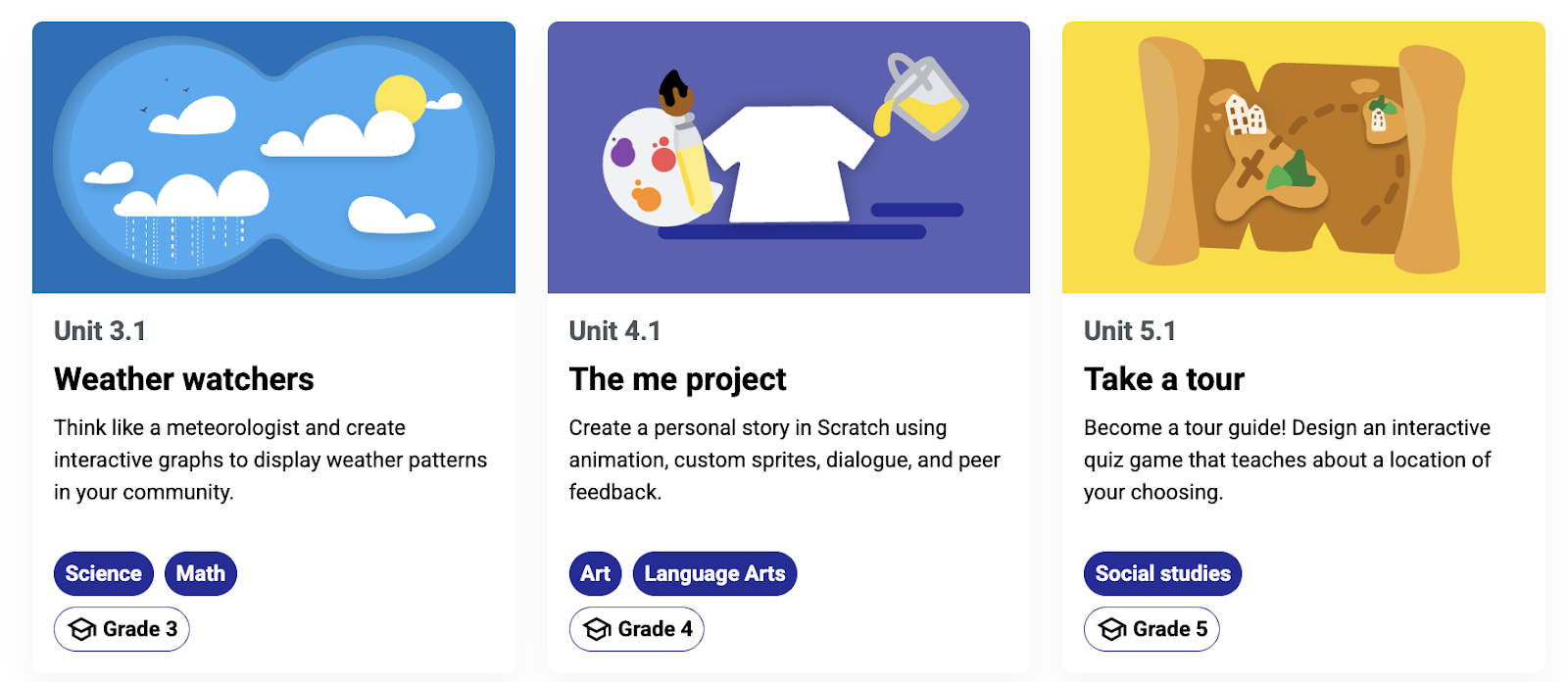
Six integrated computer science units are available to access, with more on the way. The units have been released in beta, and we would love to hear your feedback as we continue to make updates to the lesson materials. Each of the units includes an overview with a summary of the topics covered and a series of six to eight lessons, including lesson plans, slide decks, student-facing materials, and starter projects within our Code Editor for Education.
We have designed the units to be cross-curricular, so students can learn about computer science concepts while deepening their understanding of related subject area content. For example, in “The me project,” grade 4 students (ages 9–10) explore the basics of Scratch, personalise sprites, and develop programs to create an animation that tells a story all about them. The project could be integrated into language arts lessons, enabling young learners to explore visual representation and write their own unique stories. In the “Smart communities” unit, students in grade 6 (ages 11–12) explore ways in which computing and technology can be used to create environments that are responsive to the needs of community members; this could be included within science or technology lessons.
Initially, the curriculum and resources have been mapped to national and local standards in the US and Canada, including the K–12 Computer Science Teachers Association Standards for Students, but they are available for teachers and students anywhere in the world to use.
You can register for a free Raspberry Pi Foundation account to start downloading the learning materials, including lesson plans, slide decks, student activity sheets and assessment criteria.
Experience CS has been built from the ground up to support safe, confident computing lessons in real classrooms. It includes self-directed creative projects using the popular programming language Scratch. We have built a version of Scratch that is especially for schools. That means it doesn’t have the community and sharing features that are central to the full Scratch platform. Instead, everything runs in a closed, classroom-ready environment that supports safeguarding policies and fits with school filtering systems. Simple and intuitive learning management features enable teachers to create accounts, set assignments, and review progress.
On the “Getting Started” page, teachers will find everything they need, including helpful videos and tutorials. The next webinar takes place on 16th July, where we will walk you through all six units available at launch and show you how easy it is to get started with the learning materials. Whether you’re a CS teacher, general education teacher, administrator, or someone who works with school-aged young people, this session will give you the practical tools and guidance you need to bring Experience CS to life in your classroom or program.
No matter your experience or skill level, the Experience CS content has been designed to be easy to use. However, we also provide professional development (PD) opportunities to help build confidence in teaching computer science.
Teachers anywhere in the world can access free online courses offering flexible, self-paced learning to help you confidently teach block-based programming with effective, inclusive computing pedagogy. Our new course will develop your understanding of semantic waves while highlighting research-backed activities and examples directly from Experience CS units.
Experience CS is supported by Google and builds on the fantastic work they have done to support educators and students through CS First. The team behind Experience CS includes educators with significant experience in teaching CS in elementary and middle school settings, and it is based on extensive classroom testing and research. We will continue to develop and improve the curriculum and resources in response to feedback from teachers and students. If you would like to help shape the future of Experience CS by testing new features and providing valuable feedback to improve the programme, sign up for the mailing list.
We can’t wait for you to explore Experience CS. We will continue to release more curriculum units as well as make the materials available in French and Spanish. Get a head start ready for the next school year by registering for a free Raspberry Pi Foundation account, which will allow you immediate access to all the lesson materials, and then create your school account to begin creating classes, add a scratch project to a class, manage student accounts and view student work.
The post Experience CS: A free integrated curriculum for computer science appeared first on Raspberry Pi Foundation.
Experience CS is our new free curriculum that helps elementary and middle school educators (working with students aged 8 to 14) teach computer science with confidence through creative, cross-curricular lessons and projects. Designed for teachers, by teachers, Experience CS is built to be easy to use in classrooms, with everything you need integrated into one safe, school-friendly platform.
In this blog post, we will share more about the safety features of Experience CS, and the steps we’ve taken to make the platform a great fit for your school.
Experience CS supports young people to develop their understanding of computer science through engaging, interactive projects using the programming language Scratch. Scratch is a popular block-based language that helps young people get started with coding, and Experience CS includes a version of Scratch that we have built especially for schools. With our version, which is fully integrated into the Experience CS platform, students can explore coding in a teacher-managed, closed environment that aligns with schools’ safeguarding policies and gives you full control over what your students see and do.
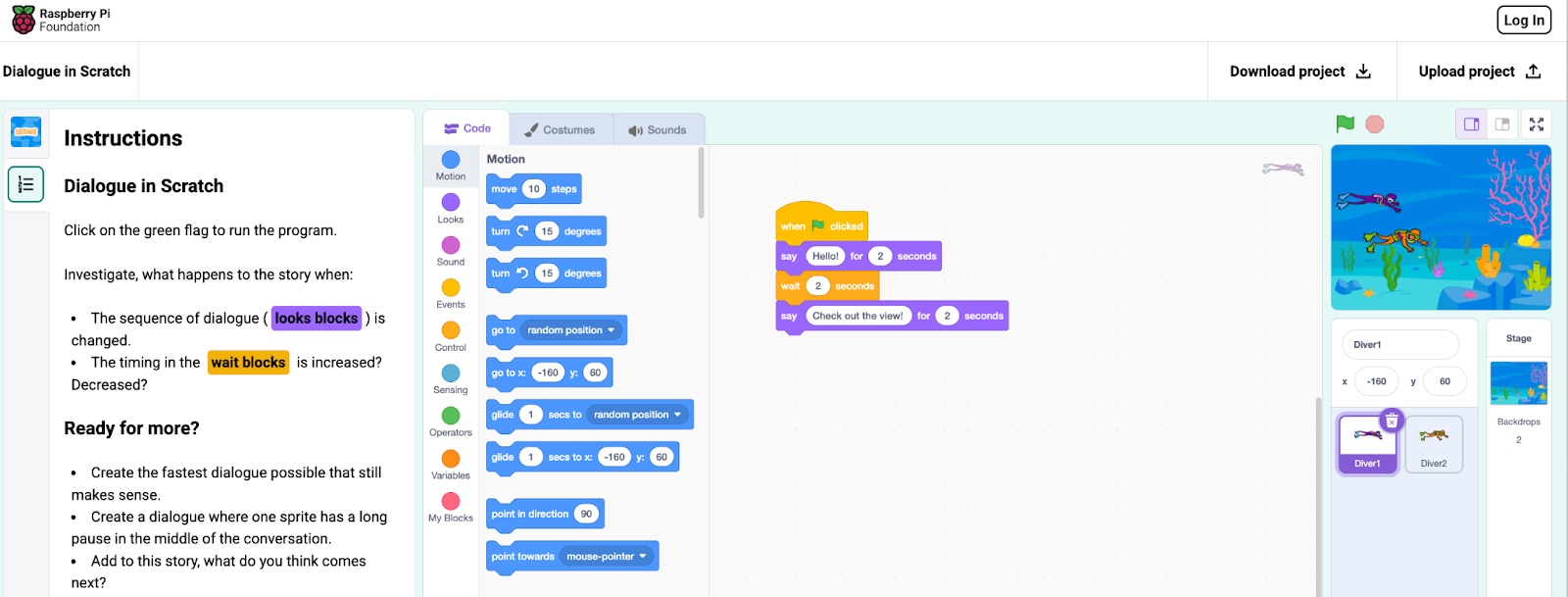
Student safety and privacy are at the forefront in Experience CS, which means:
We have designed every part of the Experience CS platform with school environments in mind, making it easier for teachers to manage and for students to use.
Here’s how:
Experience CS gives you the tools and peace of mind to deliver creative, engaging computer science lessons and activities in a way that works for your school. You will be able to effortlessly manage students’ work, with everything you and your students need provided within a simple, intuitive interface.
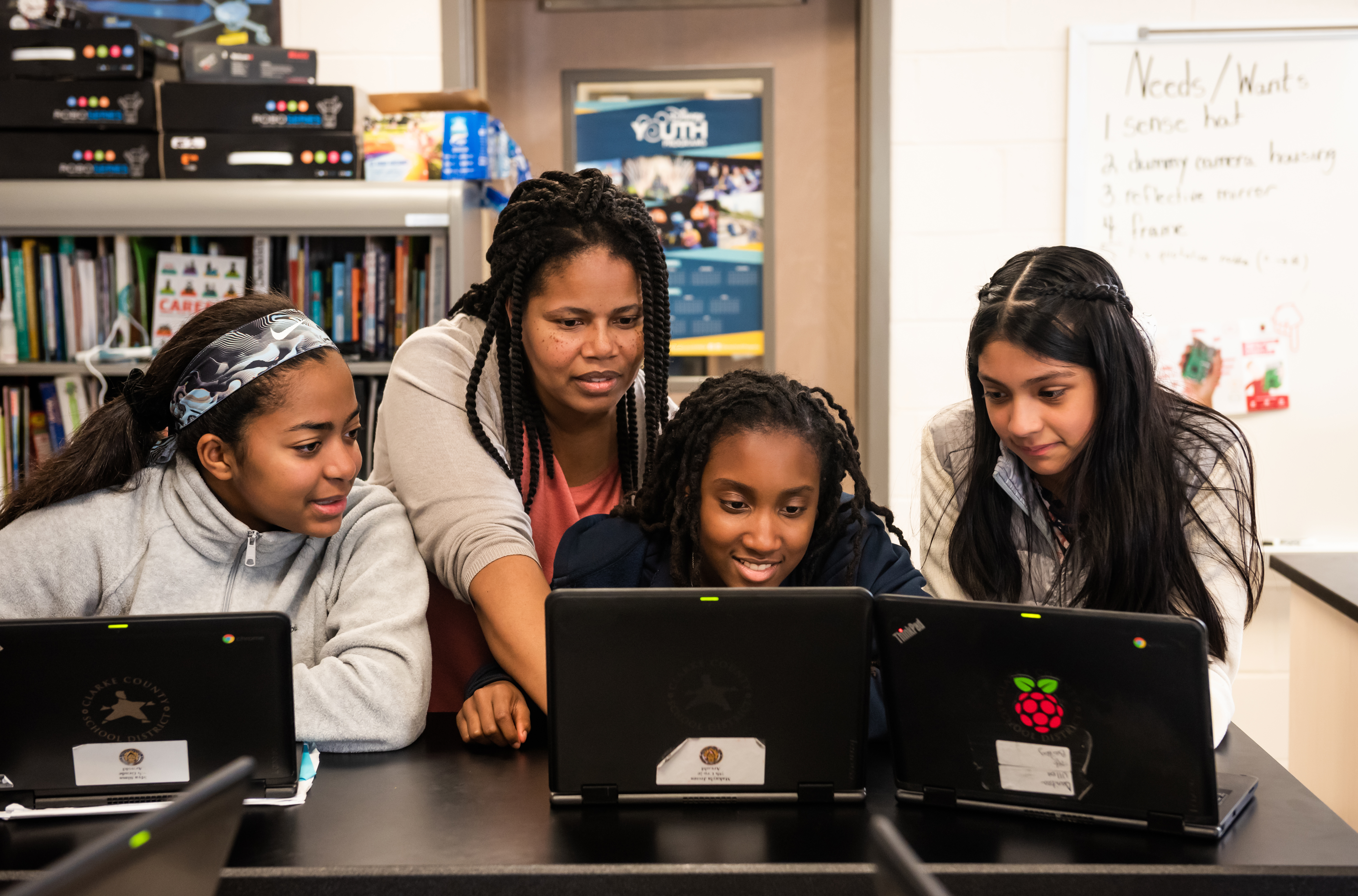
Experience CS is launching soon, and we can’t wait to see what you and your students create with it.
If you would like early access, want to stay up to date, or are interested in trying Experience CS out in your classroom, sign up for updates and we’ll keep you in the loop.
We’re also planning ahead: in the coming months, we’ll make our version of Scratch available to all schools and clubs via our Code Editor. That means whether or not you use the Experience CS curriculum, you’ll be able to run safe, creative coding sessions using Scratch in a school-friendly environment.
The post Experience CS: A safe, creative way to teach computing appeared first on Raspberry Pi Foundation.
I am delighted to announce Experience CS, a free, integrated computer science curriculum for elementary and middle school students (8–14 years old) that will be available in June 2025.
Experience CS enables educators to teach computer science through a standards-aligned curriculum that integrates computer science concepts and knowledge into core subjects like maths, science, languages, and the arts.
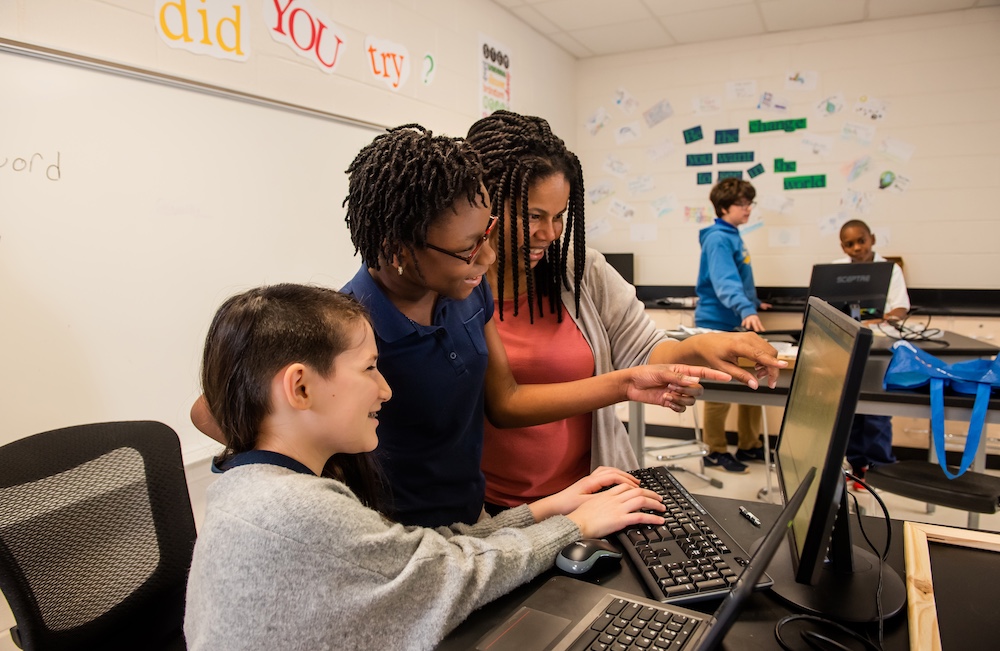
This cross-curricular and integrated approach is one of the most effective ways to provide younger students with an introduction to computer science and is increasingly important as the impact of digital technology reaches every corner of our lives. We also know that embedding CS in real-world contexts helps make it meaningful and relevant for students, which is essential if we are going to inspire kids from different backgrounds to want to learn more about computer science and technology.
The team behind Experience CS includes educators with significant experience of teaching CS in elementary and middle school settings and everything we do is being informed by the world’s leading research into effective pedagogy as well as extensive testing and research in classrooms. This won’t stop when we launch. We will continue to develop and improve the curriculum and resources in response to feedback from teachers and students.
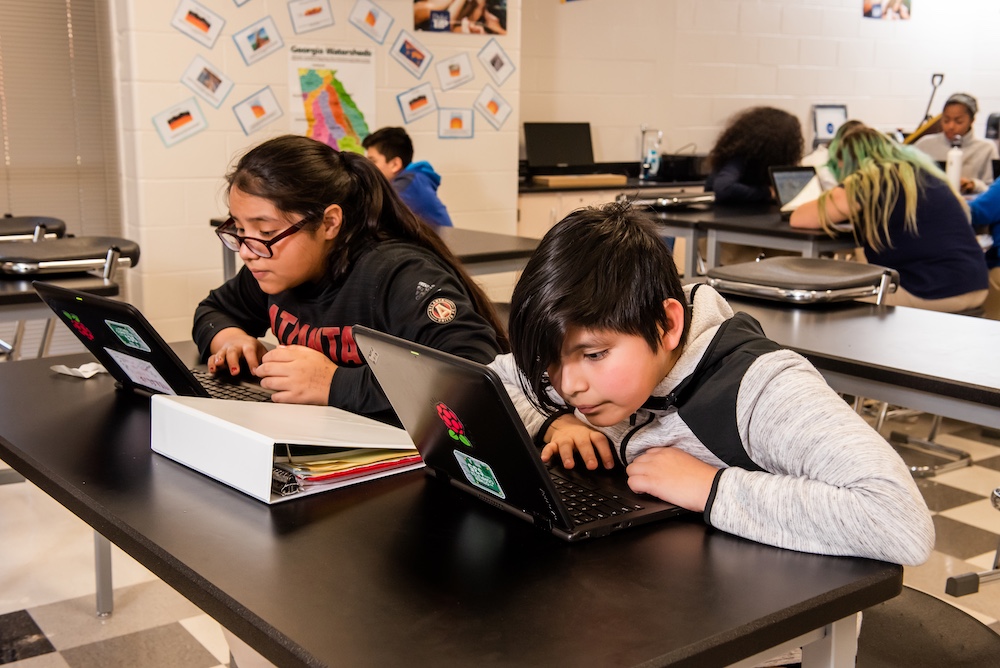
One of the most important design principles for Experience CS is that it can be used by any educator. You don’t need a CS qualification or any previous experience in teaching CS classes to deliver engaging and creative learning experiences for your students.
We will provide lesson plans, classroom resources, and an online platform that is designed to be easy and safe to use. We will also provide educators with professional development to help build their confidence, knowledge, and skills. You don’t need to adapt or amend the resources to use them, but you will be able to if you want to. We trust teachers to know what is best for their classrooms.
Crucially, Experience CS will be a creative learning experience. We’ve all seen those apps and platforms that purport to teach computer science by having young people direct their favourite pop culture character around a maze. While those types of games can be fun, we think that they fail to convey the creative potential of computer science and leave more students feeling “why bother” rather than being inspired to learn more.
That’s why Experience CS includes self-directed creative projects using the popular programming platform Scratch, with clear instructions and endless opportunities for young people to express themselves creatively.
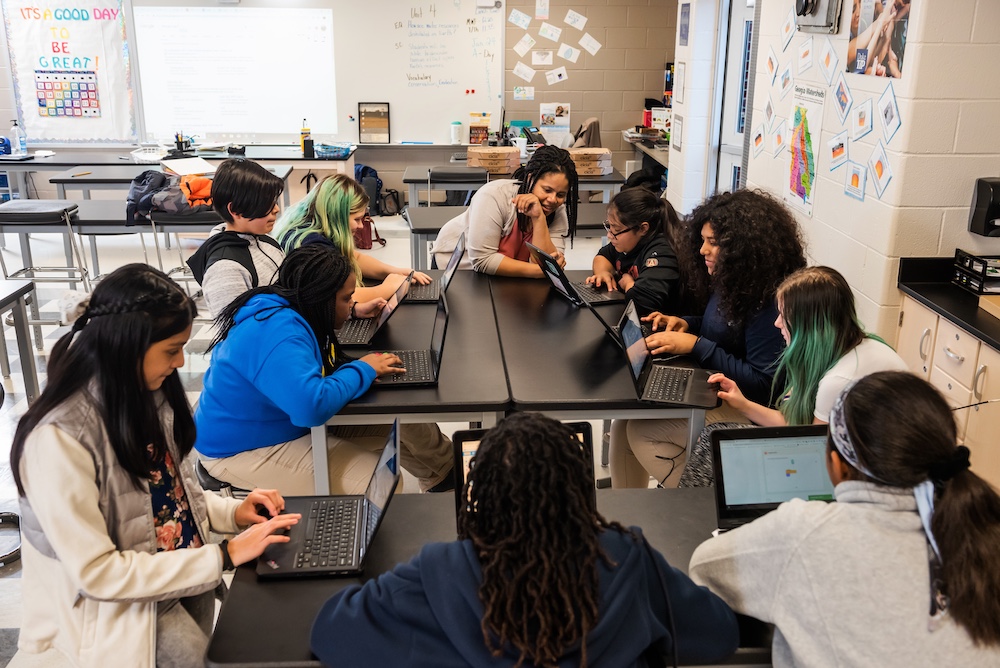
We know that online safety is the most important consideration for schools, teachers, and parents, which is why we have built a version of Scratch that is safe for schools. That means it won’t have the community and sharing features that are so central to the full Scratch platform. It will come with simple and intuitive classroom management features that enable teachers to create accounts, set assignments, review progress, and provide feedback to students.
Our promise is that Experience CS will be available for teachers and students anywhere in the world to use for free, for as long as you need it.
Initially, we are developing the curriculum and resources for the US and Canadian education systems and we will be mapping the lessons to national and local standards in both countries. The materials will all be available in English, French, and Spanish. We will also be focusing our professional development and support for schools in the US and Canada, including working with a fantastic network of educational partners.
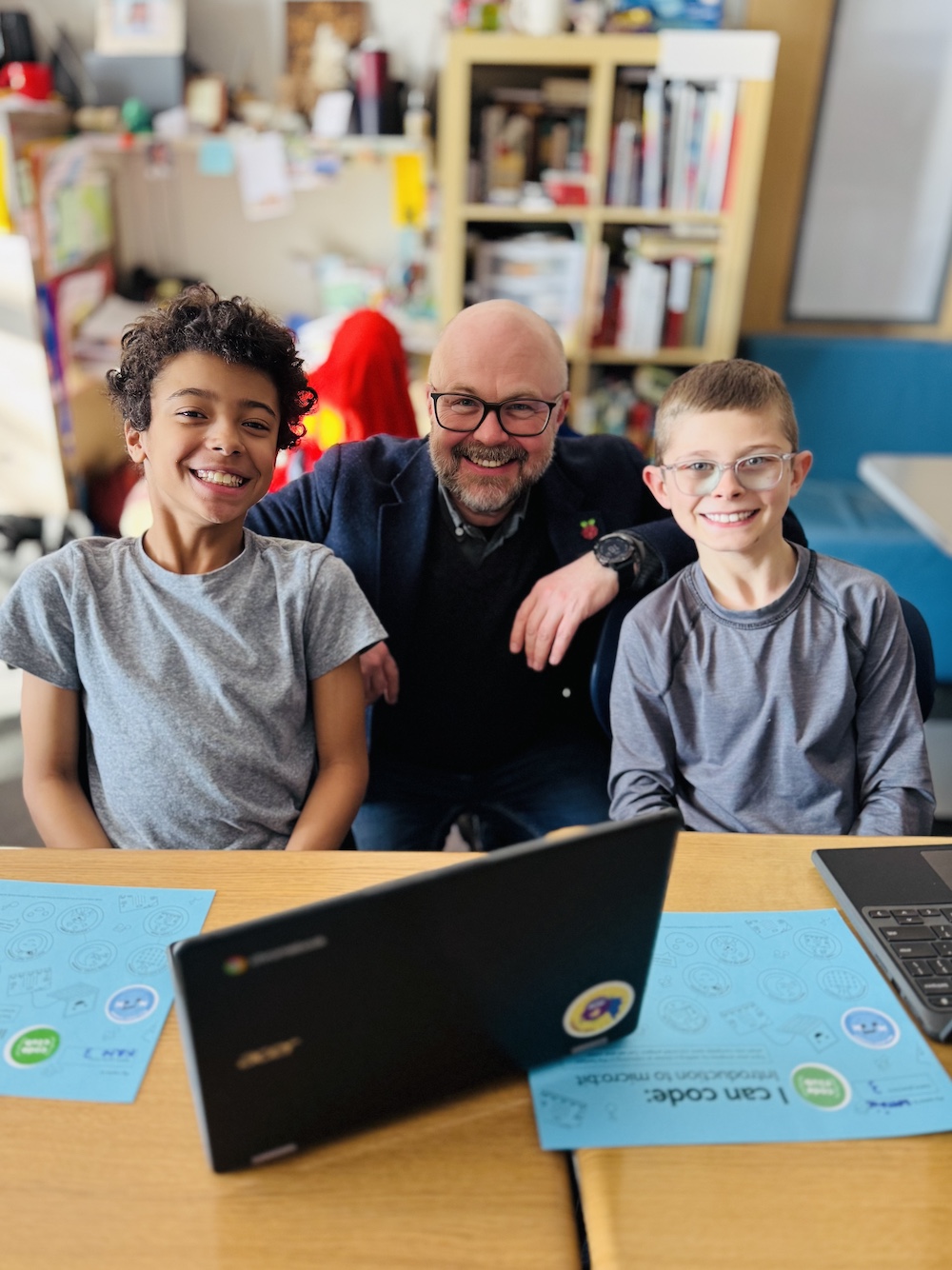
We are delighted that Experience CS is supported by Google and that we are able to build on the fantastic work that they have done over many years to support educators and students through CS First.
Google has today announced that CS First will no longer be available from June 30, 2025 and that they are recommending that their users should move over to Experience CS for the next school year. That is a huge vote of confidence from a team that really knows what they are talking about. I want to pay tribute to everyone at Google who has worked so hard over the years to support teachers and inspire students through CS First.
We are looking forward to working with all of the CS First community to make sure that you are supported through the transition and set up ready to go for the start of the new school year. You can find out more about the support we will be offering by registering here.
The post Experience CS: a new way to teach computer science appeared first on Raspberry Pi Foundation.
It’s been over a year since we launched Ada Computer Science, and we continue to see the numbers of students and teachers using the platform all around the world grow. Our recent year in review shared some of the key developments we’ve made since launching, many of which are a direct result of feedback from our community.
Today, we are publishing an impact report that includes some of this feedback, along with what users are saying about the impact Ada Computer Science is having.
Ada Computer Science is a free learning platform for computer science students and teachers. It provides high-quality, online learning materials to use in the classroom, for homework, and for revision. Our experienced team has created resources that cover every topic in the leading GCSE and A level computer science specifications.
From May to July 2024, we invited users to provide feedback via an online survey, and we got responses from 163 students and 27 teachers. To explore the feedback further, we also conducted in-depth interviews with three computer science teachers in September 2024.
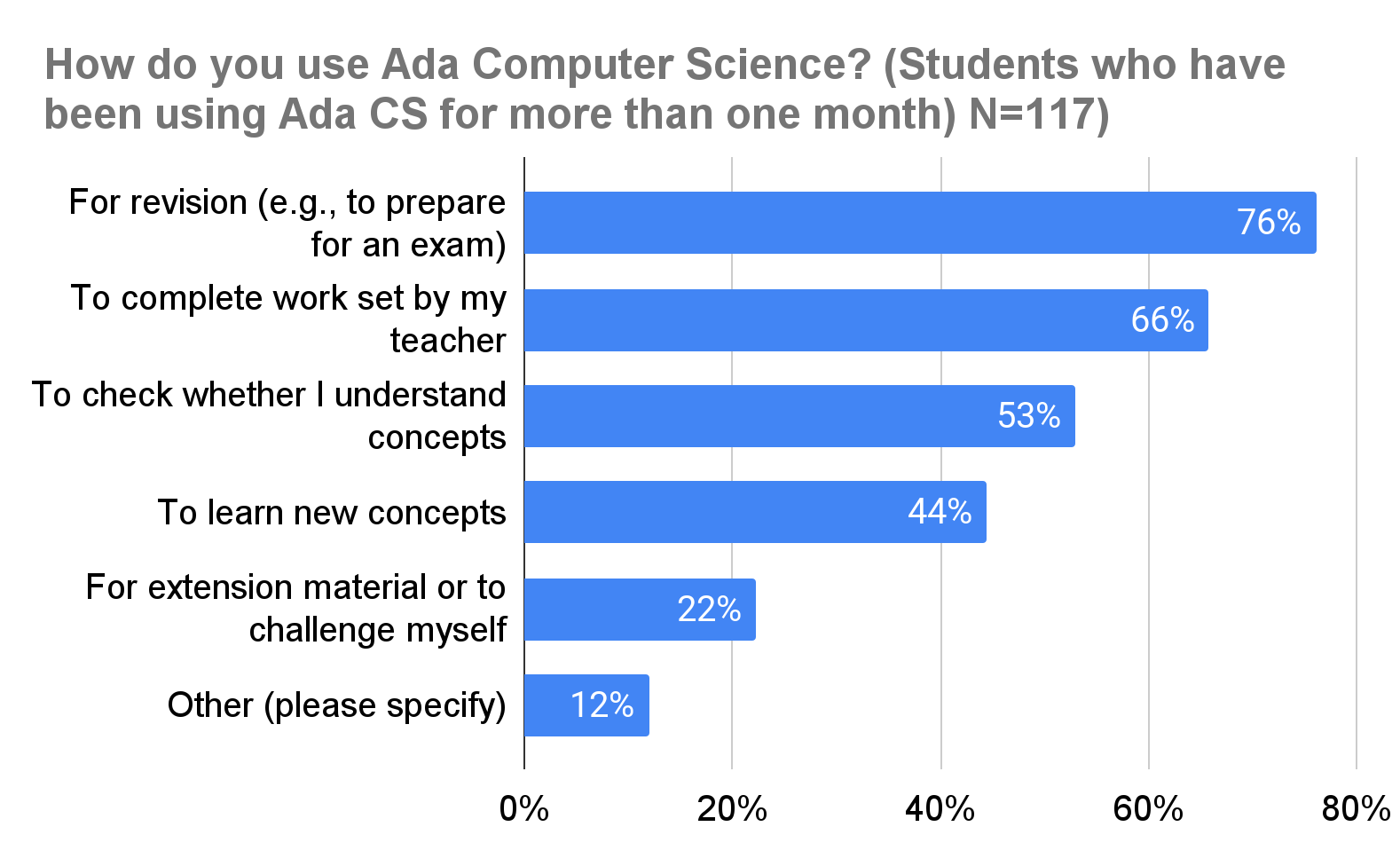
The most common ways students use Ada Computer Science — as reported by more than two thirds of respondents — is for revision and/or to complete work set by their teacher. Similarly, teachers most commonly said that they direct students to use Ada outside the classroom.
“I recommend my students use Ada Computer Science as their main textbook.” — Teacher
Most respondents agreed or strongly agreed that Ada is useful for learning (82%) and high quality (79%).
“Ada Computer Science has been very effective for independent revision, I like how it provides hints and pointers if you answer a question incorrectly.” — Student
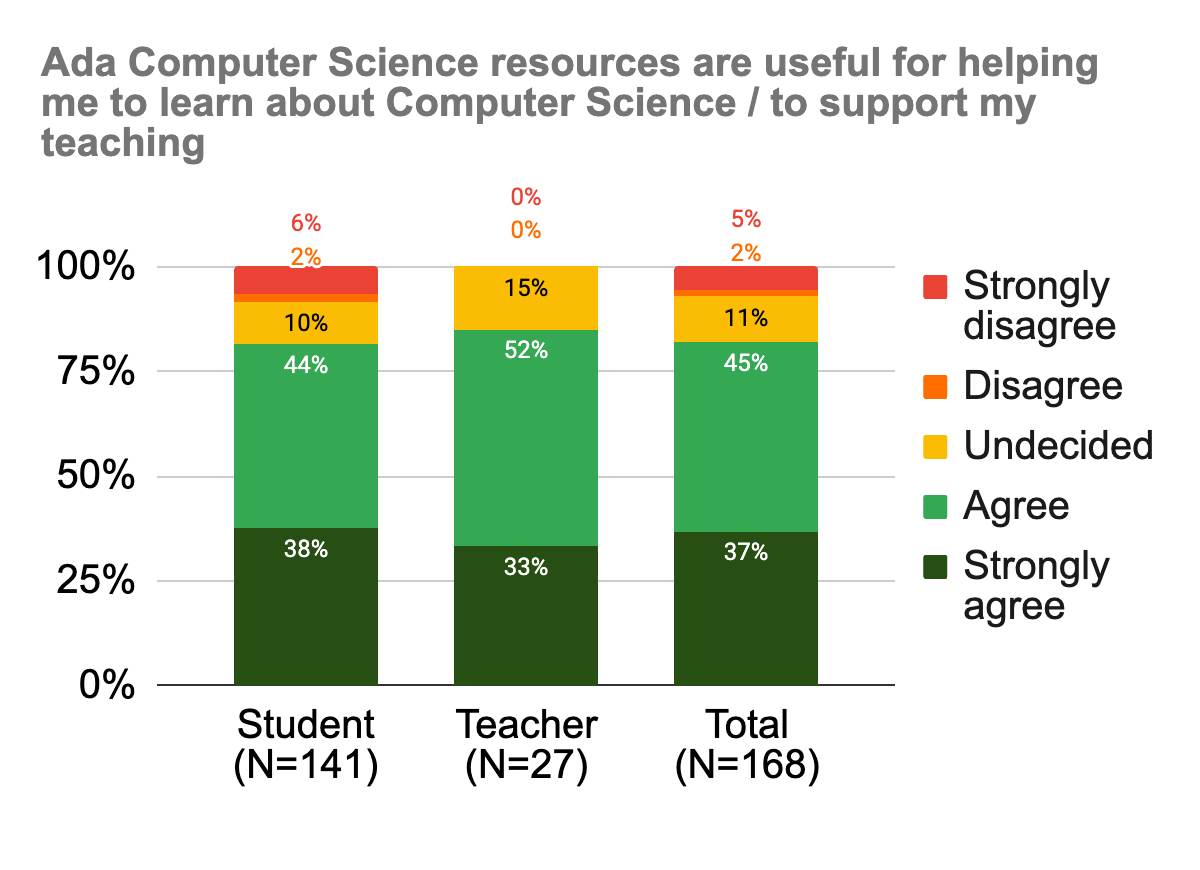
Ada users were generally positive about their overall experience of the platform and using it to find the information they were looking for.
“Ada is one of the best for hitting the nail on the head. They’ve really got it in tune with the depth that exam boards want.” — Ian Robinson, computer science teacher (St Alban’s Catholic High School, UK)
Around half of the teachers agreed that Ada had reduced their workload and/or increased their subject knowledge. Across all respondents, teachers estimated that the average weekly time saving was 1 hour 8 minutes.
Additionally, 81% of students agreed that as a result of using Ada, they had become better at understanding computer science concepts. Other benefits were reported too, with most students agreeing that they had become better problem-solvers, for example.
“I love Ada! It is an extremely helpful resource… The content featured is very comprehensive and detailed, and the visual guides… are particularly helpful to aid my understanding.” — Student
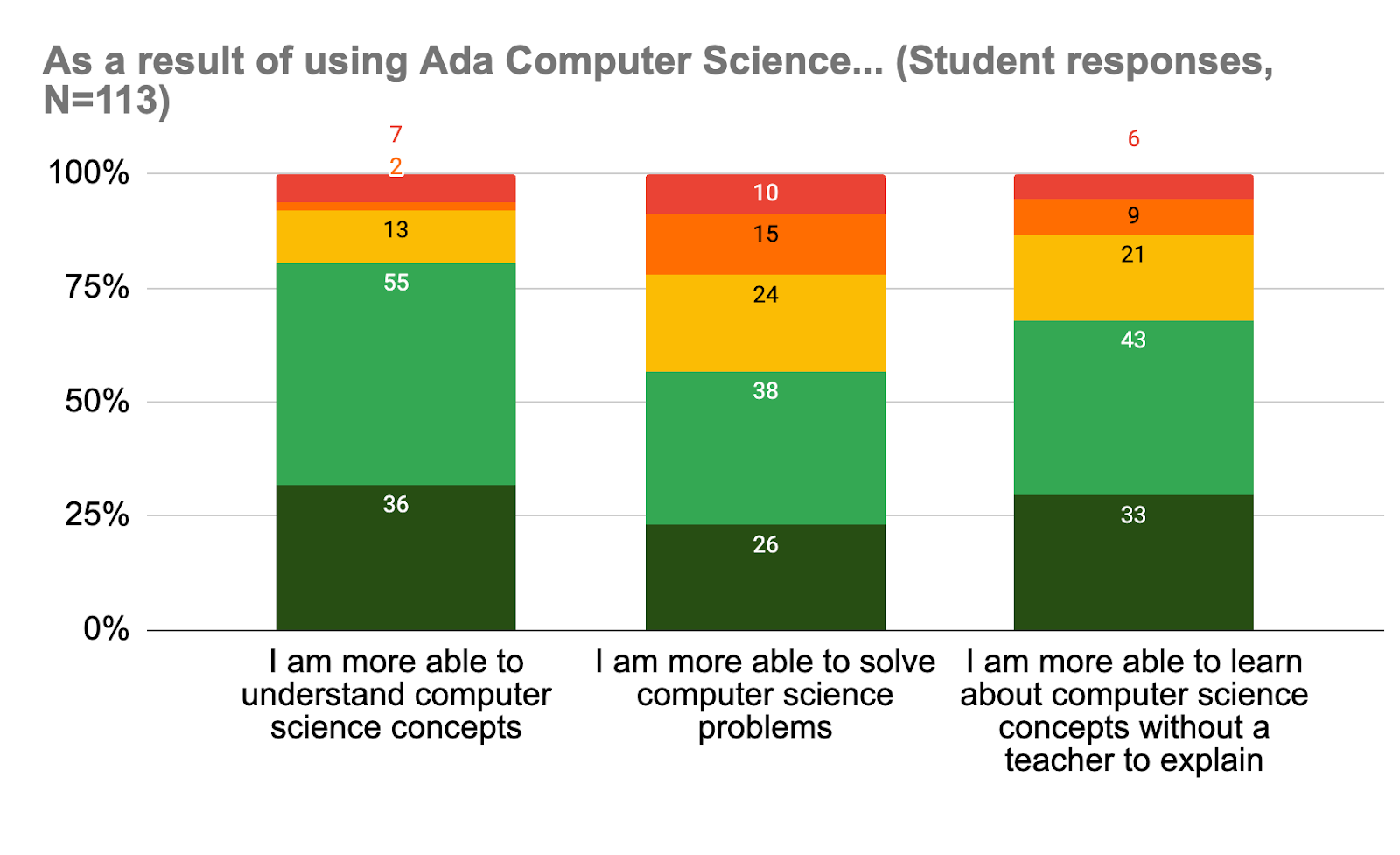
Since receiving this feedback, we have already released updated site navigation and new question finder designs. In 2025, we are planning improvements to the markbook (for example, giving teachers an overview of the assignments they’ve set) and to how assignments can be created.
If you’d like to read more about the findings, there’s a full report for you to download. Thank you to everyone who took the time to take part — we really value your feedback!
The post Ada Computer Science: What have we learnt so far appeared first on Raspberry Pi Foundation.
With the new academic year fully under way in many parts of the world, it’s the perfect time to reflect on the growth and innovations we’ve achieved with the Ada Computer Science platform. Your feedback has helped us make improvements to better support teachers and students — here’s a look back at some of the key developments for Ada from the past 12 months.
We made significant improvements throughout the year to support students with exam preparation and personalised learning. We introduced over 145 new self-marking questions and updated 50 existing ones, bringing the total to more than 1000. A new type of question was also launched to help students practise writing longer responses: they label parts of a sample answer and apply a mark scheme, simulating a peer review process. You can read more about this work in the AI section below.
We updated the question finder tool with an intuitive new design. Instead of seeing ten questions at random, students can now see all the questions we have on any given topic, and can use the filters to refine their searches by qualification and difficulty level. This enables students to better personalise their revision and progress tracking
“Ada Computer Science has been very effective for my revision. I like how it provides hints and pointers if you answer a question incorrectly.”
– Ada Computer Science student
The ‘Representation of sound’ topic received a major update, with clearer explanations, new diagrams, and improved feedback to support students as they tackle common misconceptions in sound physics. We also refreshed the ‘Representation of numbers’ topic, adding new content and interactive quizzes to support teachers in assessing students’ understanding more effectively.
We introduced a new database scenario titled ‘Repair & Reform’, offering an entity relationship diagram, a data dictionary, and a new SQL editor and question set to help students prepare for project-based assessments. We’ve further expanded this scenario into a full project covering all stages of development, including requirements analysis and evaluation.
April was dedicated to gearing up for the exam season, with the introduction of revision flashcards and ready-made quizzes on key topics like bitmapped graphics and sorting algorithms. We also launched a student revision challenge, which ran from April to June and attracted over 600 participants.
“Ada Computer Science is an excellent resource to help support teachers and students. The explanations are clear and relevant, and the questions help students test their knowledge and understanding in a structured way, providing links to help them reconcile any discrepancies or misunderstandings.”
– Patrick Kennedy, Computer Science teacher
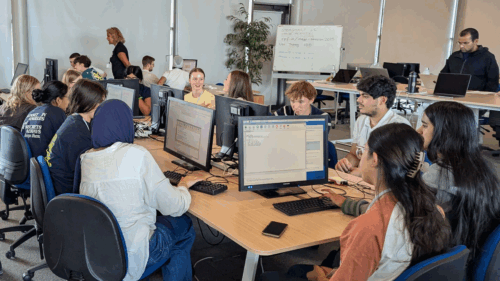
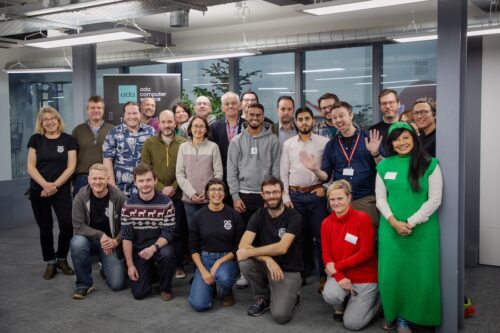
We expanded our efforts to support new computer science teachers with the launch of a teacher mentoring programme that offers free online drop-in sessions. We also hosted a teacher training event at the Raspberry Pi Foundation office in Cambridge (as seen in the picture below), where educators saw previews of upcoming content on AI and machine learning and contributed their own questions to the platform.
We continued our focus on AI and machine learning, releasing new learning resources that explore the ethical and social implications of AI alongside the practical applications of AI and machine learning models.
To expand the Ada platform’s features, we also made considerable progress in integrating a large language model (LLM) to mark free-text responses. Our research showed that, as of June, LLM marks matched real teachers’ marks 82% of the time. In July, we received ethics approval from the University of Cambridge to add LLM-marked questions to the Ada platform.
We made significant strides towards supporting Scottish teachers and students with resources tailored to the SQA Computing Science curriculum. From September to November last year, we piloted a new set of materials specifically designed for Scottish teachers, receiving valuable feedback that we’ve used in 2024 to develop new content. More than half of the theory content for the National 5 and Higher specifications is now available on the platform.

Our ‘Reform & Repair’ database scenario and project align with both SQA Higher and A level standards, providing a comprehensive resource for students preparing for project-based assessments.
We have big plans for Ada for the next 12 months. Our focus will remain on continuously improving our resources and supporting the needs of both educators and students.
After the positive response to our ‘Repair & Reform’ database project, our content experts are planning additional practical projects to support students and teachers. The next one will be a web project that covers HTML, CSS, JavaScript, and PHP, supporting students taking SQA qualifications in Scotland or undertaking the non-examined assessment (NEA) at A level.
We’ll be working on a number of teacher-focused improvements to the platform, which you’ll also see on Ada’s sibling site, Isaac Physics. These will include an overhaul of the markbook to make it more user-friendly, and updates to the ‘Assignments’ tool so assignments better meet the needs of teachers in schools.
We’ll be welcoming the next cohort of computer science students to the STEM SMART programme in January 2025 where, in partnership with the University of Cambridge, we’ll offer free, complementary teaching and support to UK students at state schools. Applications are now open.
Thank you to every teacher and student who has given their time in the last year to share feedback about Ada Computer Science — your insights are invaluable as we work to make high-quality computer science materials easily accessible. Here’s to another fantastic year of learning and growth!
The post Ada Computer Science: A year in review appeared first on Raspberry Pi Foundation.
One of our favourite things is sharing the stories of amazing young people, volunteers, and educators who are using their passion for technology to create positive change in the world around them.
Recently, we had the pleasure of speaking with Isabel, a computer science teacher at Barton Peveril Sixth Form College in Eastleigh, England. She told us her fascinating journey from industry to education, along with how she is helping to make the tech space inviting to all.
Isabel’s path to working in the tech sector started with her early exposure to engineering thanks to her father’s career in telecoms.
“I find this is true for a lot of female engineers my age: you will find that their dad or their uncle was an engineer. I remember that when I made the decision to study engineering, my teachers asked me if I was sure that it was something I wanted to do.”
Isabel pursued a degree in engineering because she loved the technical aspects, and during her studies she found a passion for programming. She went to work as a software engineer in Hampshire, contributing to the development of 3G mobile phone technology.
Despite enjoying her career in tech, Isabel felt a strong pull towards teaching due to her long-standing involvement with youth groups and a desire to give back to the community.
“While I was at university in London, I took part in a scheme where we could go into local primary schools and help with their science teaching. At the time, I just thought this was my way of giving back, I hadn’t really thought of it as a career. But actually, after a while, I thought ‘I’m enjoying this programming, but I really liked helping the young kids as well’.”
The transition wasn’t easy, as Computer Science was not widely taught in schools at the time, but Isabel persevered, teaching IT and Media to her classes as well.
Once Isabel settled into her teaching role, she began thinking about how she could tackle a problem she noticed in the STEM field.
Having experienced first-hand what it was like to be the only woman in STEM spaces, Isabel’s commitment to diversity in technology is at the core of her teaching philosophy. She works hard to create an inclusive environment and a diversity of opportunities in her classroom, making sure girls feel encouraged to pursue careers in tech through exploring various enrichment activities.
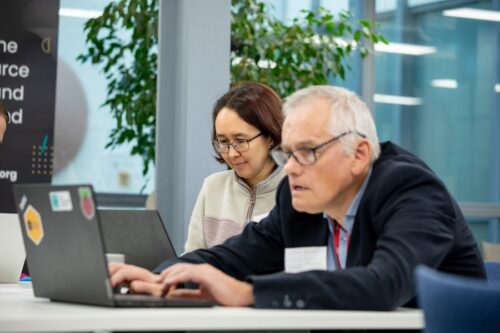
Isabel focuses on enrichment activities that bridge the gap between academic learning and real-world application. She runs various projects and competitions, ensuring a balanced representation of girls in these initiatives, and gives her students the opportunity to participate in programs like the Industrial Cadets, Student Robotics, and Coolest Projects.
Isabel told us that she feels these opportunities provide essential soft skills that are crucial for success in any career.
“The A level environment is so academic; it is heavily focused on working on your own on very abstract topics. Having worked in industry and knowing the need to collaborate, I found that really hard. So I’ve always made sure to do lots of projects with my students where we actually work with real engineers, do real-world projects. I believe strongly in teaching soft skills like team working, project management, and time management.”
A key resource in Isabel’s teaching toolkit is the Ada Computer Science platform. She values its reliability and the timely updates to the topics, which are crucial in a rapidly evolving subject like Computer Science.
She said she encourages both her students and fellow teachers, especially those who have retrained in Computer Science, to use the platform as a resource.
“Ada Computer Science is amazing. We know we can rely on saying to the students ‘look on Ada, the information will be correct’ because I trust the people creating the resources. And we even found ourselves as teachers double-checking things on there. We struggle to get Computer science teachers, so actually only two of us are Computer Science teachers, and the other three are Maths teachers we have trained up. To be able to say ‘if you are not sure about something, look on Ada’ is a really nice thing to have.”
Despite her efforts, Isabel acknowledges that progress in getting more girls to pursue tech careers is slow. Many girls still view tech as an uninviting space and feel like they don’t belong when they find themselves as one of a few girls — if not the only one — in a class. But Isabel remains hopeful that continuous exposure and positive experiences can change these perceptions.
“I talk to students who are often the only girl in the class and they find that really hard. So, if at GCSE they are the only girl in the class, they won’t do [the subject] at A level. So, if we leave it until A level, it is almost too late. Because of this, I try as much as I can to get as many girls as possible onto my engineering enrichment projects to show them as many opportunities in engineering as possible early on.”
Her work with organisations like the UK Electronics Skills Foundation reflects her commitment to raising awareness about careers in electronics and engineering. Through her outreach and enrichment projects, Isabel educates younger students about the opportunities in these fields, hoping to inspire more girls to consider them as viable career paths.
As new technology continues to be built, Isabel recognises the challenges in keeping up with rapid changes, especially with fields like artificial intelligence (AI). She stays updated through continuous learning and collaborating with her peers, and encourages her students to be adaptable and open to new developments. “The world of AI is both exciting and daunting,” she admits. “We need to prepare our students for a future that we can hardly predict.”
Isabel’s dedication to teaching, her advocacy for diversity, and her efforts to provide real-world learning opportunities make her an inspiring educator. Her commitment was recognised by the Era Foundation in 2023: Isabel was named as one of their David Clark Prize recipients. The award recognises those who “have gone above and beyond the curriculum to inspire students and showcase real-world engineering in the classroom”.
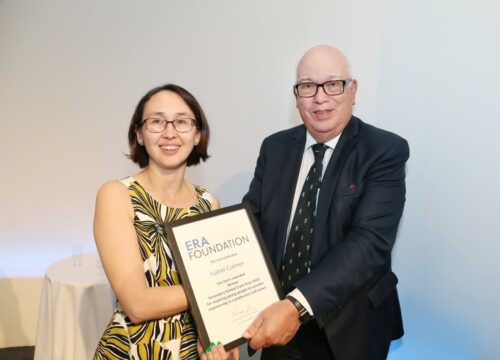
Isabel not only imparts technical knowledge — she inspires her students to believe in their potential, encouraging a new generation of diverse tech professionals.
If Isabel’s story has inspired you to encourage the next generation of young tech creators, check out the free teaching and training resources we provide to support your journey.
If you are working in Computer Science teaching for learners age 14 and up, take a look at how Ada Computer Science will support you.
The post Celebrating the community: Isabel appeared first on Raspberry Pi Foundation.
As educators, it’s important that we showcase the wide range of career opportunities available in the field of computing, not only to inspire learners, but also to help them feel sure they’re choosing to study a subject that is useful for their future. For example, a survey from the BBC in September 2023 found that more than a quarter of UK teenagers often feel anxious, with “exams and school life” among the main causes. To help young people chart their career paths, we recently hosted two live webinars for National Careers Week in the UK.


Our goal for the webinars was to highlight the breadth of careers within computing and to provide insights from professionals who are pursuing their own diverse and rewarding paths. Each webinar featured engaging discussions and an interactive Q&A session with learners who use our Ada Computer Science platform. The learners could ask their own questions to get firsthand knowledge and perspectives from our guest speakers.
Jess Van Brummelen is a Human–Computer Interaction Research Scientist at Niantic, the video games company behind augmented reality game Pokémon Go. After developing an interest in programming during her undergraduate degree in mechanical engineering, she went on to complete a Master’s degree and PhD in computer science at MIT.
Ashley Edwards is a Senior Research Scientist at Google DeepMind, working on reinforcement learning. She received her PhD in 2019 from Georgia Tech, spent time as an intern at Google Brain, and worked as a research scientist at Uber AI Labs.
You can read extracts from our interviews with Jess and Ashley and watch the full videos below. Teachers have contacted us to say they’ll be using the webinars for careers-focused sessions with their students. We hope you will do the same!
Please note that we have edited the extracts below to add clarity.

Hi Jess. What advice would you give to a student who is thinking about a career in human–computer interaction in the gaming industry?
In terms of HCI and gaming, I’d actually recommend that you keep gaming! It’s a small part of my job but it’s really important to understand what’s fun and enjoyable in games. Not only that; gaming can be great for learning to problem-solve — there’s been all sorts of research on the positive impact of gaming.
A second thing, going back to how I felt in my mechanical engineering classes, I really felt like an ‘other’ and not someone who is the standard computer scientist or engineer. I would encourage students to pursue their dreams anyway because it’s so important to have diversity in these types of careers, especially technology, because it goes out to so many different people and it can really affect society. It’s really important that the people who make it come from many different backgrounds and cultures so we can create technology that is better for everyone.
[From Owen, a student on the livestream] What’s the most impossible idea you’ve come up with while working at Niantic?
I’m currently publishing a paper addressing the question, ‘Can we guide people without using anything visual on their phone?’ That means using audio and haptic (technology that transmits information via touch, e.g. vibrations) prompts instead. We tried out different commands where the phone said ‘turn left’ and ‘turn right’, but we really wanted to test how to guide someone more specifically in a game environment. For example, if there was a hidden object on a wall in a game that a person couldn’t see, could we guide them to that object while they’re walking? So I ran a study where I guided people to scan a statue by moving around it. Scanning is the process of using the camera on your phone to scan an object in real life, which is then reconstructed on your phone. Scanning objects can trigger other augmented reality experiences within a game. For example, you might scan a real-life box in a room and this might trigger an animation of that box opening to reveal a secret within the game. We tested a lot of different things. For example, test subjects listened to music as they were walking and when they were on the right path, the music sounded really good. But when they were off the path, it sounded terrible. So it helped them to look for the right path. Then if you were pointing the phone in the wrong direction for scanning objects, you would get warning vibrations on the phone. So we did the study and we were hoping it would improve safety. It turns out it was neutral on improving safety — I think this is because it was such a novel system. People weren’t used to using it and still bumped into things! But it did make people better at scanning the objects, which was interesting.
Watch Jess’s full interview:

Hi Ashley. Is there something you studied in school that you found to be more useful now than you ever thought it would be?
Maths! I always enjoyed doing maths, but I didn’t realise I would need it as a computer scientist. You see it popping up all the time, especially in machine learning. Having a strong knowledge of calculus and linear algebra is really helpful.
How do you train an AI model using machine learning?
You start by asking the question, ‘What is the problem I’m trying to solve?’ Then typically you need input data and the outputs you want to achieve, so you ask two more questions, ‘What data do I want to come in?’ and ‘What do I want to come out?’ Let’s say you decide to use a supervised learning model (a category of machine learning where labelled data sets are used to train algorithms to detect patterns and predict outcomes) to predict whether a photo contains a cat. You train the model using a giant set of images with labels that say either ‘This is a cat’ or ‘This isn’t a cat’. By training the model with the images, you get to a point where your model can analyse the features of any image and predict whether it contains a cat or not.
In my field of research, I work on something called reinforcement learning, which is where you train your model through trial and error and the use of ‘rewards’. Let’s imagine we are trying to train a robot. We might write a program that tells the robot, ‘I am going to give you a reward if you take the right step forward and it’s going to be a positive reward. If you fall over, I’m going to give you a negative reward.’ So you train the robot to prioritise the right behaviours to optimise the rewards it’s getting.
[From a student] Will I still need to learn to code in the future?
I think it is going to be very different in the future, but we’ll still need to learn how to build different types of algorithms and we’re going to need to understand the concepts behind coding as well. We’ll still need to ask questions like, ‘What is it that I want to build?’ and ‘Is this actually doing the correct thing?’
Watch Ashley’s full interview:
Jess and Ashley are forging successful careers not only through a combination of smart choices, hard work, talent, and a passion for technology; they also had access to opportunities to discover their passion and receive an education in this field. Too many young people around the world still don’t have these opportunities.
That is why we provide free resources and training to help schools broaden access to computing education. For example, our free learning platform, Ada Computer Science, provides students aged 14 to 19 with high-quality computing resources and interactive questions, written by experts from our team. To learn more, visit adacomputerscience.org.
The post Careers in computer science: Two perspectives appeared first on Raspberry Pi Foundation.
We offer Ada Computer Science as a platform to support educators and learners alike. But we don’t take its usefulness for granted: as part of our commitment to impact, we regularly gather user feedback and evaluate all of our products, and Ada is no exception. In this blog, we share some of the feedback we’ve gathered from surveys and interviews with the people using Ada.
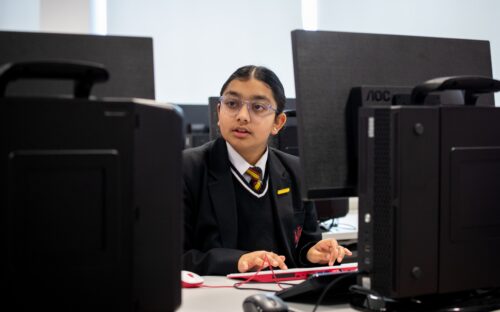
Ada Computer Science is our online learning platform designed for teachers, students, and anyone interested in learning about computer science. If you’re teaching or studying a computer science qualification at school, you can use Ada Computer Science for classwork, homework, and revision.
Launched last year as a partnership between us and the University of Cambridge, Ada’s comprehensive resources cover topics like algorithms, data structures, computational thinking, and cybersecurity. It also includes 1,000 self-marking questions, which both teachers and students can use to assess their knowledge and understanding.
Throughout 2023, we continued to develop the support Ada offers. For example, we:
A few weeks ago we launched two all-new topics about artificial intelligence (AI) and machine learning.
So far, all the content on Ada Computer Science is mapped to GCSE and A level exam boards in England, and we’ve just released new resources for the Scottish Qualification Authority’s Computer Systems area of study to support students in Scotland with their National 5 and Higher qualifications.
Ada is being used by a wide variety of users, from at least 127 countries all across the globe. Countries where Ada is most popular include the UK, US, Canada, Australia, Brazil, India, China, Nigeria, Ghana, Kenya, China, Myanmar, and Indonesia.

Just over half of students using Ada are completing work set by their teacher. However, there are also substantial numbers of young people benefitting from using Ada for their own independent learning. So far, over half a million question attempts have been made on the platform.
Students use Ada for a wide variety of purposes. The most common response in our survey was for revision, but students also use it to complete work set by teachers, to learn new concepts, and to check their understanding of computer science concepts.
Teachers also use Ada for a combination of their own learning, in the classroom with their students, and for setting work outside of lessons. They told us that they value Ada as a source of pre-made questions.
“I like having a bank of questions as a teacher. It’s tiring to create more. I like that I can use the finder and create questions very quickly.” — Computer science teacher, A level
“I like the structure of how it [Ada] is put together. [Resources] are really easy to find and being able to sort by exam board makes it really useful because… at A level there is a huge difference between exam boards.” — GCSE and A level teacher
Students and teachers alike were very positive about the quality and usefulness of Ada Computer Science. Overall, 89% of students responding to our survey agreed that Ada is useful for helping them to learn about computer science, and 93% of teachers agreed that it is high quality.
“The impact for me was just having a resource that I felt I always could trust.” — Head of Computer Science

Most teachers also reported that using Ada reduces their workload, saving an average of 3 hours per week.
“[Quizzes] are the most useful because it’s the biggest time saving…especially having them nicely self-marked as well.” — GCSE and A level computer science teacher
Even more encouragingly, Ada users report a positive impact on their knowledge, skills, and attitudes to computer science. Teachers report that, as a result of using Ada, their computer science subject knowledge and their confidence in teaching has increased, and report similar benefits for their students.
“They can easily…recap and see how they’ve been getting on with the different topic areas.” — GCSE and A level computer science teacher
“I see they’re answering the questions and learning things without really realising it, which is quite nice.” — GCSE and A level computer science teacher
Our content team is made up of experienced computer science teachers, and we’re always updating the site in response to feedback from the teachers and students who use our resources. We receive feedback through support tickets, and we have a monthly meeting where we comb through every wrong answer that students entered to help us identify new misconceptions. We then use all of this to improve the content, and the feedback we give students on the platform.
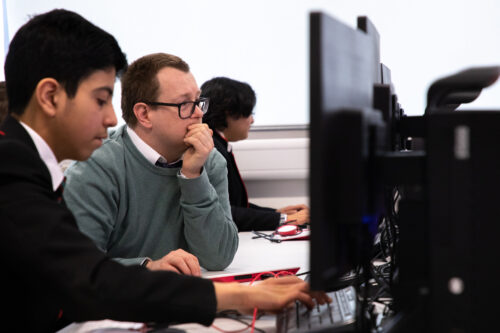
We’ll be conducting another round of surveys later this year, so when you see the link, please fill in the form. In the meantime, if you have any feedback or suggestions for improvements, please get in touch.
And if you’ve not signed up to Ada yet as a teacher or student, you can take a look right now over at adacomputerscience.org
The post How we’re creating more impact with Ada Computer Science appeared first on Raspberry Pi Foundation.
We are excited to launch Ada Computer Science, the new online learning platform for teachers, students, and anyone interested in learning about computer science.
With the rapid advances being made in AI systems and chatbots built on large language models, such as ChatGPT, it’s more important than ever that all young people understand the fundamentals of computer science.
Our aim is to enable young people all over the world to learn about computer science through providing access to free, high-quality and engaging resources that can be used by both students and teachers.
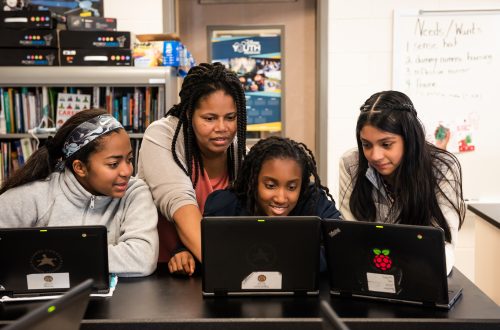
A partnership between the Raspberry Pi Foundation and the University of Cambridge, Ada Computer Science offers comprehensive resources covering everything from algorithms and data structures to computational thinking and cybersecurity. It also has nearly 1000 rigorously researched and automatically marked interactive questions to test your understanding. Ada Computer Science is improving all the time, with new content developed in response to user feedback and the latest research. Whatever your interest in computer science, Ada is the place for you.
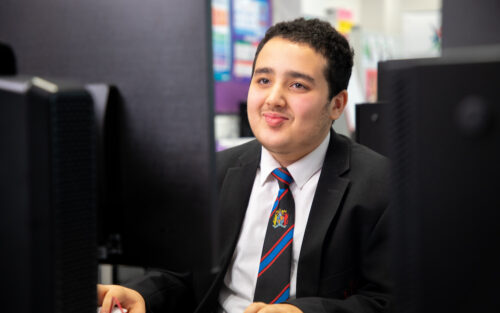
If you’re teaching or studying a computer science qualification at school, you can use Ada Computer Science for classwork, homework, and revision. Computer science teachers can select questions to set as assignments for their students and have the assignments marked directly. The assignment results help you and your students understand how well they have grasped the key concepts and identify areas where they would benefit from further tuition. Students can learn with the help of written materials, concept illustrations, and videos, and they can test their knowledge and prepare for exams.
Ada Computer Science builds on work we’ve done to support the English school system as part of the National Centre for Computing Education, funded by the Department for Education.
The topics on the website map to exam board specifications for England’s Computer Science GCSE and A level, and will map to other curricula in the future.
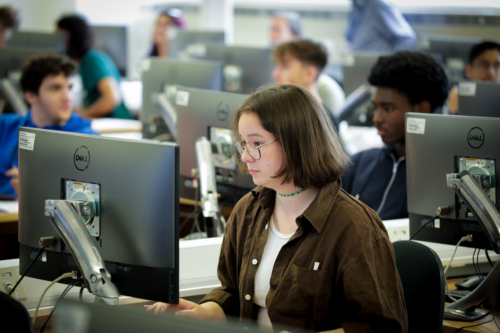
In addition, we want to make it easy for educators and learners across the globe to use Ada Computer Science. That’s why each topic is aligned to our own comprehensive taxonomy of computing content for education, which is independent of the English curriculum, and organises the content into 11 strands, including programming, computing systems, data and information, artificial intelligence, creating media, and societal impacts of digital technology.
If you are interested in how we can specifically adapt Ada Computer Science for your region, exam specification, or specialist area, please contact us.
Ada Computer Science enables teachers to:
Students get:
In addition:
Get started with Ada Computer Science today by visiting adacomputerscience.org.
The post Launching Ada Computer Science, the new platform for learning about computer science appeared first on Raspberry Pi Foundation.
The summer months are an exciting time at the Foundation: you can feel the buzz of activity as we prepare for the start of a new school year in many parts of the world. Across our range of fantastic (and free) programmes, everyone works hard to create new and improved resources that help teachers and students worldwide.
We’ve asked some of our programme leads to tell you what’s new in their respective areas. We hope that you’ll come away with a good idea of the breadth and depth of teacher support that’s on offer. Is there something we aren’t doing yet that we should be? Tell us in the comments below.

Sway Grantham has been at the forefront of writing resources for our Teach Computing Curriculum over the last three years. The Curriculum is part of the wider National Centre for Computing Education (NCCE) and provides hundreds of free classroom resources for teachers, from Key Stage 1 to 4. Each resource includes lesson plans, slides, activity sheets, homework, and assessments. Since we published the Curriculum in 2020, all lessons have been reviewed and updated at least once. Managing the process of continuously improving these resources is a key part of Sway’s work.
We make changes to the Teach Computing Curriculum all the time! However, specific things we are excited about ahead of the new school year are updates to how our content is presented on the website so that it’s really easy to see which unit you should be teaching in each half term. We’ve also renamed some of the units to make it clearer what they cover. And to help Key Stage 3 teachers launch Computing in secondary school with skills that are foundational for progress through the requirements of the Key Stage 3 curriculum, we’ve updated the first Year 7 unit, now called Clear messaging in digital media.
We are still in the process of looking through the feedback in detail, but I can share some high-level insights. 96% of teachers who responded to the survey gave a score between 7 and 10 for recommending that other teachers use the Teach Computing Curriculum. Over 80% reported that the Teach Computing Curriculum has improved their confidence, subject knowledge, and the quality of their teaching ‘a little’ or ‘a lot’. Finally, over 90% of respondents said the Curriculum is effective at supporting teachers, developing teachers’ subject knowledge, and saving teachers’ time.
We are grateful to the 907 people who took part in the survey! You have all helped us to ensure the Curriculum has a positive impact on teachers and learners throughout England and beyond.

James Robinson dedicates his work at the Foundation to creating free pedagogical resources that underpin the classroom practice of computing teachers worldwide. He has led the creation of the Pedagogy Quick Reads and the Research Bytes newsletter for the NCCE, and the development of our 12 principles of computing pedagogy, available as a handy poster. He also works on our Hello World magazine, produces the associated Hello World podcast, and curates Hello World’s special issues, such as The Big Book of Computing Pedagogy.
In order to teach any area of the curriculum effectively, educators need to understand both the content they are teaching and the most effective ways to deliver that content. Computing is a broad discipline made up of lots of inter-connected knowledge. Different areas of the subject benefit from different approaches, and this may vary depending on the experience of the learners and the context within which they are learning. Understanding which approaches are best suited to different content helps educators support learners effectively.
Computing education research related to school-aged learners is still in its early stages compared to other subjects, and new approaches and pedagogies are being developed, tested, and evaluated. Staying aware of these developments is important for educators and that’s why it’s something the Foundation is dedicated to supporting.
This year we continue to share best practice and hear from educators applying new ideas in their classroom through Hello World magazine and podcast. Educators should also keep a look out for our second Hello World special edition exploring the breadth and depth of Computing. To get hold of a copy of this later this year, make sure you’re subscribed to Hello World.
Allen Heard and his team have very recently completed a huge project: creating a full curriculum of GCSE topics and associated questions for Isaac Computer Science, our free online learning platform for teachers and students. The new topics cover the entirety of the GCSE exam board specifications for AQA, Edexcel, Eduqas, OCR, and WJEC, and are integrated with our existing A level computer science resources. They are great to pick up and use for classwork, homework, and revision.
I think one of the biggest and most important things that’s been evident to me while working on this project is the care and thought that our content creators have put into each and every piece they worked on. To the end user it will simply be material on a web page, but sitting behind each page are countless discussions involving the whole team around how to present certain facts, concepts, or processes. Sometimes these discussions have even caused us to reevaluate our own thinking around how we deliver computer science content. We have debated the smallest things such as glossary terms, questioning every word to make sure we are as clear and concise as possible. Hopefully the care, expertise, and dedication of the team shines through in what really is a fantastic source of information for teachers and learners.
With 96% of teachers and 88% of students reporting that the content is of high quality and easily accessible, we still need to continue to support them to ultimately enable learners to achieve their potential. Looking ahead, there is still lots of work to do to make sure Isaac offers the best possible user experience. And we plan to add a lot more questions to really bolster the numbers of questions at varying levels of difficulty for learners. This will have the added benefit of being useful for any teachers wanting to up-skill too! A massive strength of the platform is its questions, and we are really keen to give as wide a range of them as possible.
Tamasin Greenough Graham leads the team at Code Club, our global network of free, in-school coding clubs for young people aged 9 to 13. In Code Clubs, participants learn to code while having fun getting creative with their new skills. Clubs can be run by anyone who wants to help young people explore digital technologies — you don’t need coding experience at all. The Code Club team offers everything you need, including coding projects with easy-to-follow, step-by-step instructions, and lots of resources to help you support your club members. They are also on hand to answer your questions.
Running a Code Club really is simple and a lot of fun! We have free training to suit everyone, including webinars that guide you through getting started, a self-study online course you can take to prepare for running your Code Club, and drop-in online Q&A sessions where you can chat about your questions to our friendly team or to other educators who run clubs.
Once you have registered your Code Club, you’ll get access to an online dashboard packed with useful resources: from guidance on preparing and delivering your first session, to certificates to celebrate your club members’ successes, and unplugged activities for learners to do away from the screen.
You don’t need to have any coding experience to run a club, as we provide a giant range of fun coding projects and support materials that can be easily followed by educators and young people alike. You just need to support and encourage your young coders, and you can get in touch with the Code Club team if you need any help!
The project paths we offer provide a framework for young coders to develop their skills, whatever their starting point is. Each path starts with three Explore projects, where coders learn new coding concepts and skills. The next two Design projects in the path help them practise these skills through creating fun games, animations, or websites. The final Invent project of the path gives a design brief, and based on this learners have the space to use their new skills and their creativity to code something based on their own ideas.
Our project paths start with the basics of Scratch, and work through to creating websites in HTML and CSS, and to text-based coding in Python. For more advanced or adventurous coders, we also offer project paths to make physical projects with Raspberry Pi Pico, create 3D models in Blender, or even build 3D worlds in Unity.
Lots of primary-aged children use digital technology every day, whether that be a TV, a phone, playing video games, or a computer at school. But they don’t have to be just consumers of technology. Through learning to code, young people become able to create their own technology, and our projects are designed to help them see how these new skills allow them to express themselves and solve problems that matter to them.
What young people do with their new skills is up to them – that’s the exciting part! Computing skills open paths to a wide range of projects and work where digital skills are helpful. And while learning coding is fun and useful, it also helps learners develop a many other important skills to do with problem solving, teamwork, and creativity.

Martin O’Hanlon heads the team that produces our free online courses programme. If you’re looking for continued professional development in computer science, look no further than to our more than 35 courses. (For teachers in England, a large number of the courses count towards the NCCE’s Primary, Secondary, or GCSE certificates.) Curated in 13 curated learning pathways, all of our courses provide high-quality training that you can take at home, at a time that suits you.
Our online computing courses are free and have something for everyone who is interested in computing. We offer pathways for learning to program in Python or Scratch, teaching computing in the classroom, getting started with physical computing, and many more.
We vary the materials and formats used in our courses, including videos, written articles, quizzes, and discussions to help learners get the most out of the experience. You will find a lot of practical activities and opportunities to practice what you learn. There are loads of opportunities to interact with and learn from others who are doing the course at the same time as you. And educators from the Raspberry Pi Foundation join the courses during facilitation periods to give their advice, support, and encouragement.
We have a large catalogue of online training courses, and the pathways give learners a starting point. They group the courses into useful collections, offering a recommended path for everyone, whether that’s people who are brand-new to computing or who have identified a gap in their existing computing skills or knowledge.
Our aim is that these pathways help people find the right course at the right point in their computing journey.
We’re also very excited to work on new research projects this school year, to help deepen the computing education community’s understanding of how to teach the subject in schools. Are you a primary teacher in England who is interested in making computing culturally relevant for your pupils?

We’re currently looking for teachers to take part in our research project around primary school culturally adapted resources, running from October 2022 to July 2023. Find out more about what taking part involves.
The post Back to school 2022: Our support for teachers appeared first on Raspberry Pi.
From experience, being connected to a community of fellow computing educators is really important, especially given that some members of the community may be the only computing educator in their school, district, or country. These professional connections enable educators to share and learn from each other, develop their practice, and importantly reduce any feelings of isolation.
It was great to see the return of the Computer Science Teachers Association (CSTA) Annual Conference to an in-person event this year, and I was really excited to be able to attend.
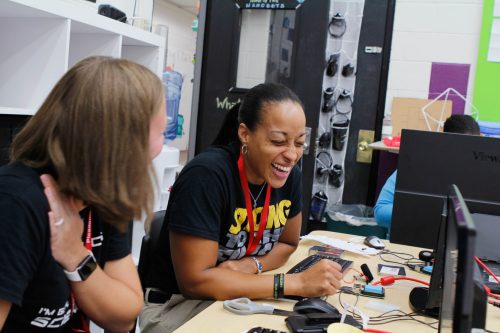
Our small Raspberry Pi Foundation team headed to Chicago for four and a half days of meetups, professional development, and conversations with educators from all across the US and around the world. Over the week our team ran workshops, delivered a keynote talk, gave away copies of Hello World magazine, and signed up many new subscribers. You too can subscribe to Hello World magazine for free at helloworld.cc/subscribe.
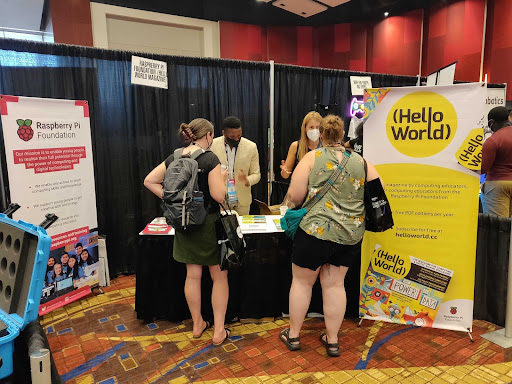
We spoke to so many educators about all parts of the Raspberry Pi Foundation’s work, with a particular focus on the Hello World magazine and podcast, and of course The Big Book of Computing Pedagogy. In collaboration with CSTA, we were really proud to be able to provide all attendees with their own physical copy of this very special edition.
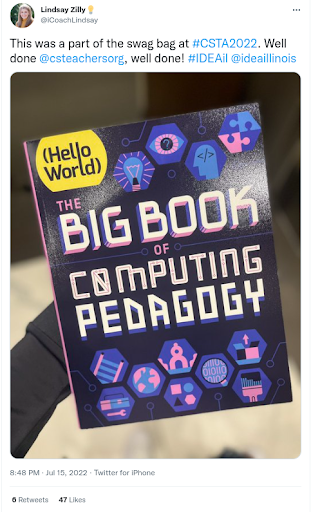
It was genuinely exciting to see how pleased attendees were to receive their copy of The Big Book of Computing Pedagogy. So many came to talk to us about how they’d used the digital copy already and their plans for using the book for training and development initiatives in their schools and districts. We gave away every last spare copy we had to teachers who wanted to share the book with their colleagues who couldn’t attend.
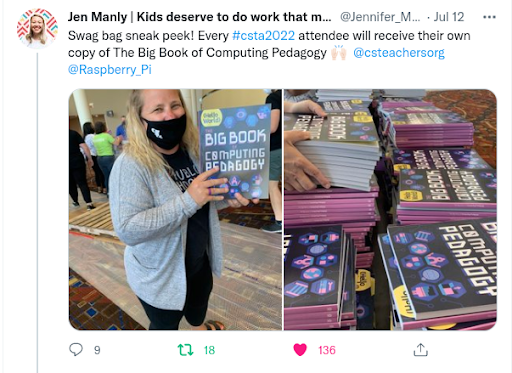
Don’t worry if you couldn’t make it to the conference, The Big Book of Computing Pedagogy is available as a free PDF, which due to its Creative Commons licence you are welcome to print for yourself.
Another goal for us at CSTA was to support and encourage new authors to the magazine in order to ensure that Hello World continues to be the magazine for computing educators, by computing educators. Anyone can propose an article idea for Hello World by completing this form. We’re confident that every computing educator out there has at least one story to tell, lessons or learnings to share, or perhaps a cautionary tale of something that failed.
We’ll review any and all ideas and will support you to craft your idea into a finished article. This is exactly what we began to do at the conference with our workshop for writers led by Gemma Coleman, our fantastic Hello World Editor. We’re really excited to see these ideas flourish into full-blown articles over the coming weeks and months.
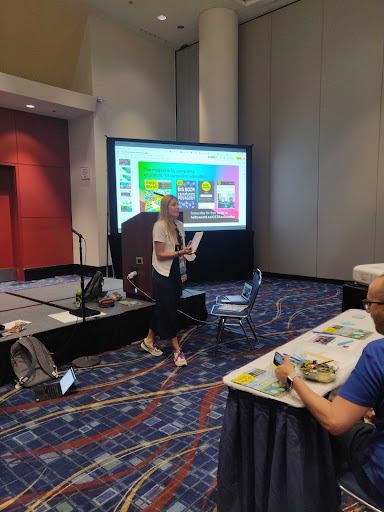
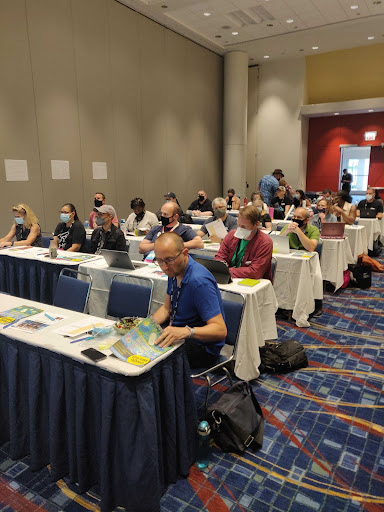
Our week culminated in a keynote talk delivered by Sue, Jane, and James, exploring how we developed our 12 pedagogy principles that underpin The Big Book of Computing Pedagogy, as well as much of the content we create at the Raspberry Pi Foundation. These principles are designed to describe a set of approaches that educators can add to their toolkit, giving them a shared language and the agency to select when and how they employ each approach. This was something we explored with teachers in our final breakout session where teachers applied these principles to describe a lesson or activity of their own.
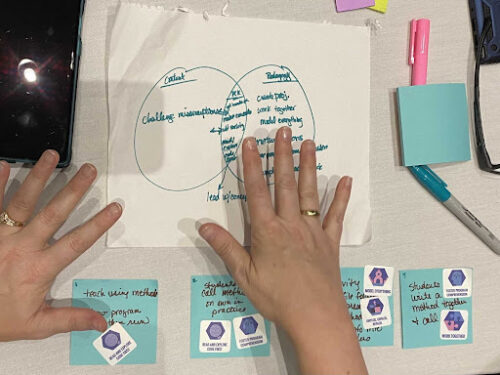
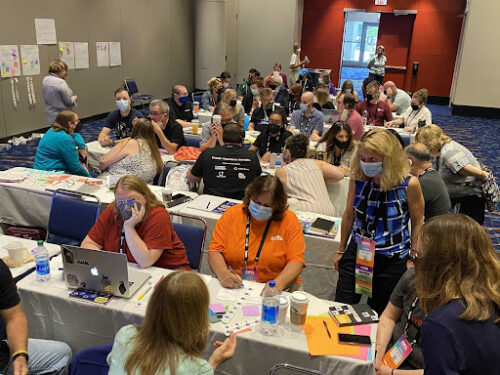
We found the experience extremely valuable and relished the opportunity to talk about teaching and learning with educators and share our work. We are incredibly grateful to the entire CSTA team for organising a fantastic conference and inviting us to participate.
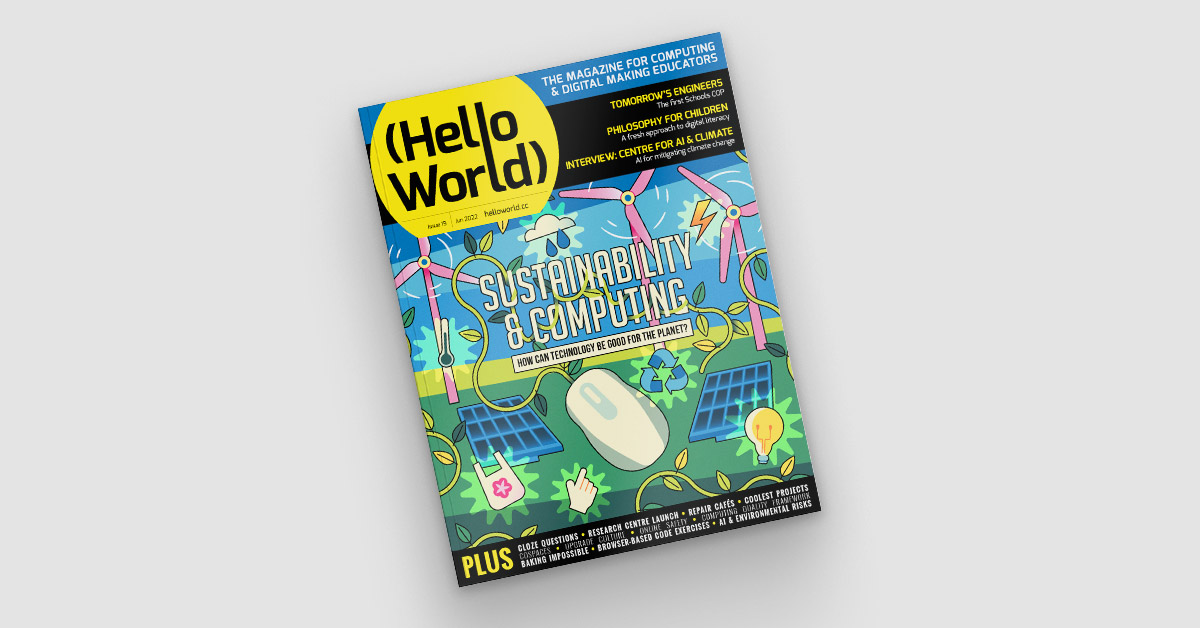
Subscribe now to get each new Hello World straight to your digital inbox, for free! And if you’re based in the UK and do paid or unpaid work in education, you can subscribe for free print issues.
The post What we learnt from the CSTA 2022 Annual Conference appeared first on Raspberry Pi.
Connecting face to face with educators around the world is a key part of our mission at the Raspberry Pi Foundation, and it’s something that we’ve sorely missed doing over the last two years. We’re therefore thrilled to be joining over 1000 computing educators in the USA at the Computer Science Teachers Association (CSTA) Annual Conference in Chicago in July.



You will find us at booth 521 in the expo hall throughout the conference, as well as running four sessions. Gemma, Kevin, James, Sue, and Jane are team members representing Hello World magazine, the Raspberry Pi Computing Education Research Centre, and our other free programmes and education initiatives. We thank the team at CSTA for involving us in what we know will be an amazing conference.


Developing and sharing effective computing pedagogy is our theme for CSTA 2022. We’ll be talking to you about our 12 pedagogy principles, laid out in The Big Book of Computing Pedagogy, available to download for free.
An exciting piece of news is that everyone attending CSTA 2022 will find a free print copy of the Big Book in their conference goodie bag!
We’re really looking forward to sharing and discussing the book and all our work with US educators, and to seeing some familiar faces. We’re also hoping to interview lots of old and new friends about your approaches to teaching computing and computer science for future Hello World podcast episodes.
Our team will also be running a number of sessions where you can join us to learn, discuss, and prepare lesson plans.
Thursday 14 July, 9am–12pm: Pre-conference workshop (booking required) with James Robinson and Jane Waite
If you enjoy explaining concepts using unplugged activities, analogy, or storytelling, then this practical pre-conference session is for you. In the session, we’ll introduce the idea of semantic waves, a learning theory that supports learners in building knowledge of new concepts through careful consideration of vocabulary and contexts. Across the world, this approach has been successfully used to teach topics ranging from ballet to chemistry — and now computing.
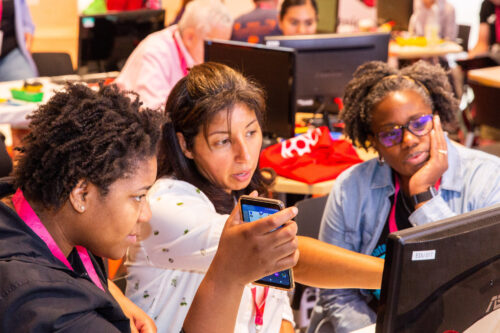
You’ll learn how this theory can be applied to deliver powerful explanations that connect abstract ideas and concrete experiences. By taking part in the session, you’ll gain a solid understanding of semantic wave theory, see it in practice in some freely available lesson plans, and apply it to your own planning.
Friday 15 July, 1–2pm: Workshop with Gemma Coleman
Do you enjoy sharing your teaching ideas, successes, and challenges with others? Do you want to connect with a global community of over 30,000 computing educators? Have you always wanted to be a published author? Then come along to this workshop session.
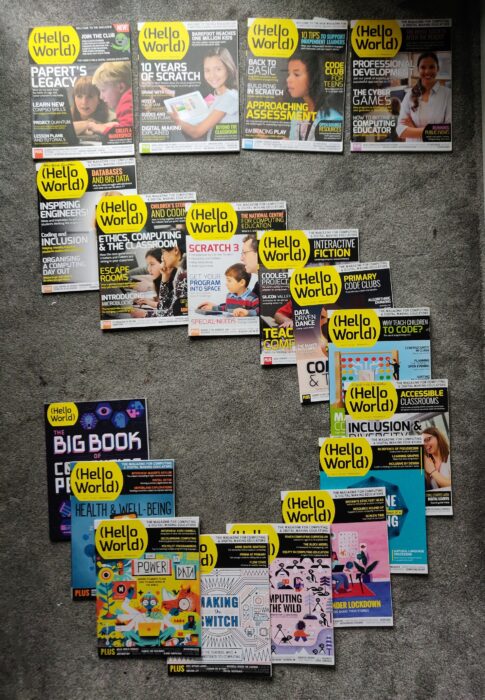
Every single computing or CS teacher out there has at least one lesson to share, idea to voice, or story to tell. In the session, you’ll discuss what makes a good article with Gemma Coleman, Hello World’s Editor, and you’ll learn top tips for how to communicate your ideas in writing. Gemma will also guide you through writing a plan for your very own article. Even if you’re not sure whether you want to write an article, doing this is a powerful way to reflect on your teaching practice.
Saturday 16 July, 4–5pm: Keynote talk by Sue Sentance
To teach any subject requires good teaching skills, knowledge about the subject being taught, and specific knowledge that a teacher gains about how to teach a particular topic, to their particular students, in a particular context. Teaching computer science is no different, and it’s a challenge for teachers to develop a go-to set of pedagogical strategies for such a new subject, especially for elements of the subject matter that they are just getting to grips with themselves.
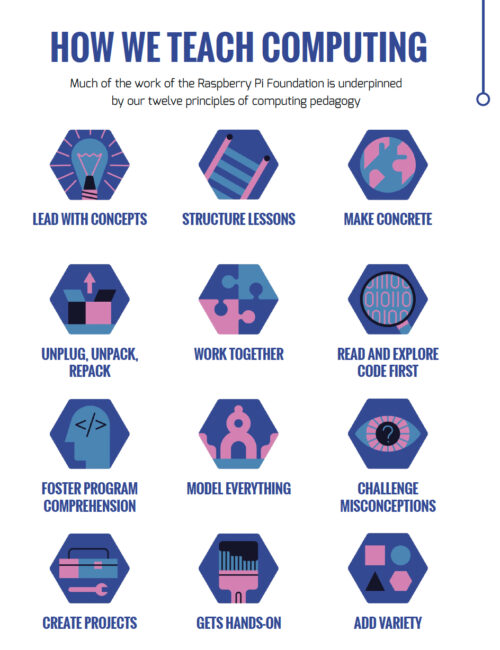
In this keynote talk, our Chief Learning Officer Sue Sentance will focus on some of the 12 pedagogy principles that we developed to support the teaching of computer science. We created this set of principles together with other teachers and researchers to help us and everyone in computing and computer science education reflect on how we teach our learners. Sue will share how we arrived at the principles, and she’ll use classroom examples to illustrate how you can apply them in practice.
Sunday 17 July, 9–10am: Workshop with Sue Sentance
The set of 12 pedagogy principles we’ve developed for teaching computing are presented in our Hello World Big Book of Computing Pedagogy. The book includes summaries, teachers’ perspectives, and lesson plans for each of the 12 principles.
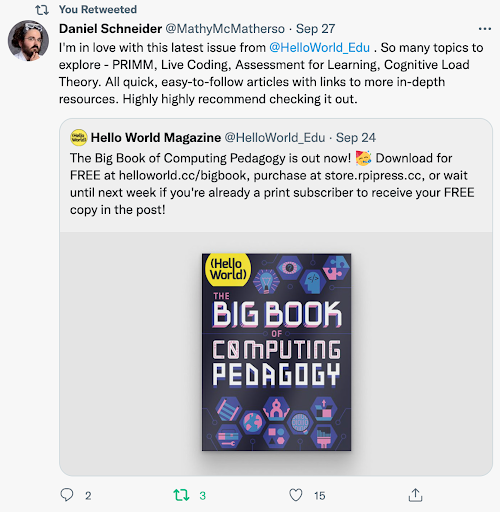
All CSTA attendees will get their own print copy of the Big Book, and in this practical session, we will use the book to explore together how you can use the 12 principles in the planning and delivery of your lessons. The session will be very hands-on, so bring along something you know you want or need to teach.
CSTA is now just a month away, and we can’t wait to meet old friends, make new connections, and learn from each other! Come find us at booth 521 or at our sessions to meet the team, discover Hello World magazine and the Hello World podcast, and find out more about our educational work. We hope to see you soon.
The post We’ll see you at CSTA 2022 Annual Conference appeared first on Raspberry Pi.
At the Raspberry Pi Foundation, we believe everyone belongs in computer science, and that it is a much more varied field than is commonly assumed. One of the ways we want to promote inclusivity and highlight the variety of skills and interests needed in computer science is through our ‘I belong’ campaign. We do this because the tech sector lacks diversity. Similarly, in schools, there is underrepresentation of students in computing along the axes of gender, ethnicity, and economic situation. (See how researchers describe data from England, and data from the USA.)
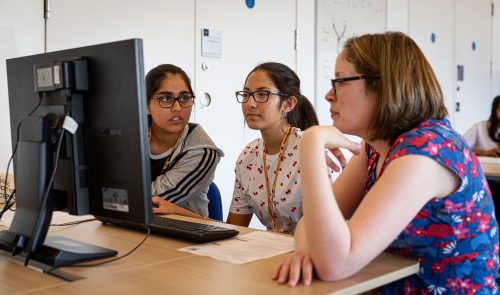
The ‘I belong’ campaign is part of our work on Isaac Computer Science, our free online learning platform for GCSE and A level students (ages 14 to 18) and their teachers, funded by the Department for Education. The campaign celebrates young computer scientists and how they came to love the subject, what their career journey has been so far, and what their thoughts are about inclusivity and belonging in their chosen field.
These people are role models who demonstrate that everyone belongs in computer science, and that everyone can bring their interests and skills to bear in the field. In this way, we want to show young people that they can do much more with computing than they might think, and to inspire them to consider how computing could be part of their own life and career path.
Salome is studying Computer Science with Digital Technology Solutions at the University of Leeds and doing a degree apprenticeship with PricewaterhouseCoopers (PwC).
“I was quite lucky, as growing up I saw a lot about women in STEM which inspired me to take this path. I think to improve the online community, we need to keep challenging stereotypes and getting more and more people to join, thereby improving the diversity. This way, a larger number of people can have role models and identify themselves with someone currently there.”
“Another thing is the assumption that computer science is just coding and not a wide and diverse field. I still have to explain to my friends what computer science involves and can become, and then they will say, ‘Wow, that’s really interesting, I didn’t know that.'”
Devyani is a third-year degree apprentice at Cisco.
“It was at A level where I developed my programming skills, and it was more practical rather than theoretical. I managed to complete a programming project where I utilised PHP, JavaScript, and phpMyAdmin (which is a database). It was after this that I started looking around and applying for degree apprenticeships. I thought that university wasn’t for me, because I wanted a more practical and hands-on approach, as I learn better that way.”
“At the moment, I’m currently doing a product owner role, which is where I hope to graduate into. It’s a mix between both a business role and a technical role. I have to stay up to speed with the current technologies we are using and developing for our clients and customers, but also I have to understand business needs and ensure that the team is able to develop and deliver on time to meet those needs.”
Omar is a Mexican palaeontologist who uses computer science to study dinosaur bones.
“I try to bring aspects that are very well developed in computer science and apply them in palaeontology. For instance, when digitising the vertebrae, I use a lot of information theory. I also use a lot of data science and integrity to make sure that what we have captured is comparable with what other people have found.”
“What drove me to computers was the fact you are always learning. That’s what keeps me interested in science: that I can keep growing, learn from others, and I can teach people. That’s the other thing that makes me feel like I belong, which is when I am able to communicate the things I know to someone else and I can see the face of the other person when they start to grasp a theory.”
Tasnima is a computer science graduate from Queen Mary University of London, and is currently working as a software engineer at Credit Suisse.
“During the pandemic, one of the good things to come out of it is that I could work from home, and that means working with people all over the world, bringing together every race, religion, gender, etc. Even though we are all very different, the one thing we all have in common is that we’re passionate about technology and computer science. Another thing is being able to work in technology in the real world. It has allowed me to work in an environment that is highly collaborative. I always feel like you’re involved from the get-go.”
“I think we need to also break the image that computer science is all about coding. I’ve had friends that have stayed away from any tech jobs because they think that they don’t want to code, but there’s so many other roles within technology and jobs that actually require no coding whatsoever.”
Aleena is a software engineer who works at a health tech startup in London and is also studying for a master’s degree in AI ethics at the University of Cambridge.
“I do quite a lot of different things as an engineer. It’s not just coding, which is part of it but it is a relatively small percentage, compared to a lot of other things. […] There’s a lot of collaborative time and I would say a quarter or third of the week is me by myself writing code. The other time is spent collaborating and working with other people and making sure that we’re all aligned on what we are working on.”
“I think it’s actually a very diverse field of tech to work in, once you actually end up in the industry. When studying STEM subjects at a college or university level it is often not very diverse. The industry is the opposite. A lot of people come from self-taught or bootcamp backgrounds, there’s a lot of ways to get into tech and software engineering, and I really like that aspect of it. Computer science isn’t the only way to go about it.”
Alice is a final-year undergraduate student of Computer Science with Artificial Intelligence at the University of Brighton. She is also the winner of the Global Challenges COVID-19 Research Scholarship offered by Santander Universities.
“[W]e need to advertise computer science as more than just a room full of computers, and to advertise computer sciences as highly collaborative. It’s very creative. If you’re on a team of developers, there’s a lot of communication involved.”
“There’s something about computer science that I think is so special: the fact that it is a skill anybody can learn, regardless of who they are. With the right idea, anybody can build anything.”
Help us spread the message that everyone belongs in computer science: share this blog with schools, teachers, STEM clubs, parents, and young people you want to inspire.
Whether you’re studying or teaching computer science GCSE or A levels in the UK (or thinking about doing so!), or you’re a teacher or student in another part of the world, Isaac Computer Science is here to help you achieve your computer science goals. Our high-quality learning platform is free to use and open to all. As a student, you can register to keep track of your progress. As a teacher, you can sign up to guide your students’ learning.
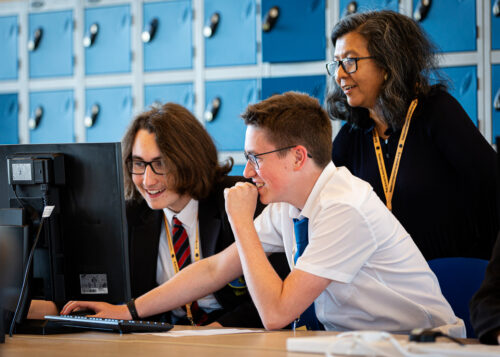
And for younger learners, we have lots of fun project guides to try out coding and creating with digital technologies.
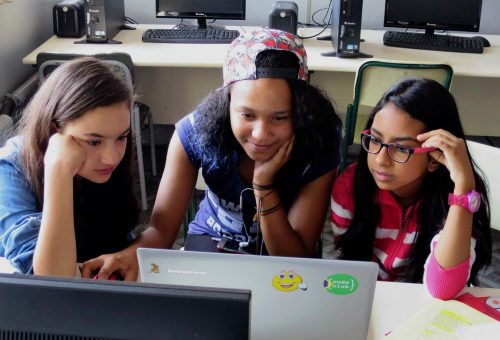
The post I belong in computer science appeared first on Raspberry Pi.
Last summer, the Raspberry Pi Foundation and the University of Cambridge Department of Computer Science and Technology created a new research centre focusing on computing education research for young people in both formal and non-formal education. The Raspberry Pi Computing Education Research Centre is an exciting venture through which we aim to deliver a step-change for the field.
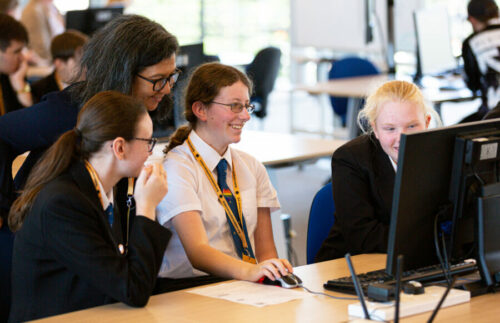
Computing education research that focuses specifically on young people is relatively new, particularly in contrast to established research disciplines such as those focused on mathematics or science education. However, computing is now a mandatory part of the curriculum in several countries, and being taken up in education globally, so we need to rigorously investigate the learning and teaching of this subject, and do so in conjunction with schools and teachers.
To celebrate the official launch of the Raspberry Pi Computing Education Research Centre, we will be holding an in-person event in Cambridge, UK on Weds 20 July from 15.00. This event is free and open to all: if you are interested in computing education research, we invite you to register for a ticket to attend. By coming together in person, we want to help strengthen a collaborative community of researchers, teachers, and other education practitioners.
The launch event is your opportunity to meet and mingle with members of the Centre’s research team and listen to a series of short talks. We are delighted that Prof. Mark Guzdial (University of Michigan), who many readers will be familiar with, will be travelling from the US to join us in cutting the ribbon. Mark has worked in computer science education for decades and won many awards for his research, so I can’t think of anybody better to be our guest speaker. Our other speakers are Prof. Alastair Beresford from the Department of Computer Science and Technology, and Carrie Anne Philbin MBE, our Director of Educator Support at the Foundation.



The event will take place at the Department of Computer Science and Technology in Cambridge. It will start at 15.00 with a reception where you’ll have the chance to talk to researchers and see the work we’ve been doing. We will then hear from our speakers, before wrapping up at 17.30. You can find more details about the event location on the ticket registration page.
The aim of the Raspberry Pi Computing Education Research Centre is to increase our understanding of teaching and learning computing, computer science, and associated subjects, with a particular focus on young people who are from backgrounds that are traditionally under-represented in the field of computing or who experience educational disadvantage.

We have been establishing the Centre over the last nine months. In October, I was appointed Director, and in December, we were awarded funding by Google for a one-year research project on culturally relevant computing teaching, following on from a project at the Raspberry Pi Foundation. The Centre’s research team is uniquely positioned, straddling both the University and the Foundation. Our two organisations complement each other very well: the University is one of the highest-ranking universities in the world and renowned for its leading-edge academic research, and the Raspberry Pi Foundation works with schools, educators, and learners globally to pursue its mission to put the power of computing into the hands of young people.
In our research at the Centre, we will make sure that:
We are excited to work with a large community of teachers and researchers, and we look forward to meeting you at the launch event.
At the end of June, we’ll be launching a new website for the Centre at computingeducationresearch.org. This will be the place for you to find out more about our projects and events, and to sign up to our newsletter. For announcements on social media, follow the Raspberry Pi Foundation on Twitter or Linkedin.
The post Join us at the launch event of the Raspberry Pi Computing Education Research Centre appeared first on Raspberry Pi.
We are delighted to announce that we’re expanding our free Isaac Computer Science online learning platform in response to overwhelming demand from teachers and students for us to cover GCSE content.
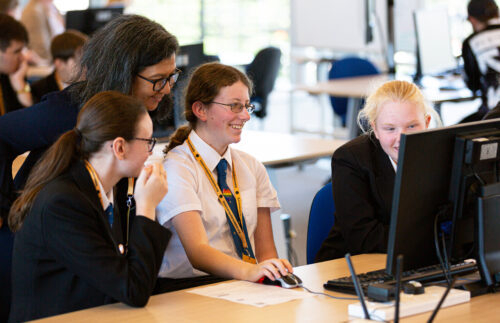
Thanks to our contract with England’s Department for Education which is funding our work as part of the National Centre for Computing Education (NCCE) consortium, we’ve been able to collaborate with the University of Cambridge’s Department of Computer Science and Technology to build the Isaac Computer Science platform, and to create an events programme, for A level students and teachers. Now we will use this existing funding to also provide content and events for learning and teaching GCSE computer science.
With content designed by our expert team of computer science teachers and researchers, the Isaac Computer Science platform is already being used by 2000 teachers and 18,000 students at A level. The platform houses a rich set of interactive study materials and reflective questions, providing full coverage of exam specifications.
Within the Teach Computing Curriculum we built as part of our NCCE work, we’ve already created free classroom resources to support teachers with the delivery of GCSE computer science (as well as the rest of the English computing curriculum from Key Stages 1 to 4). Expanding the Isaac Computer Science platform to offer interactive learning content to GCSE students, and running events specifically for GCSE students, will perfectly complement the Teach Computing Curriculum and support learners to continue their computing education beyond GCSE.
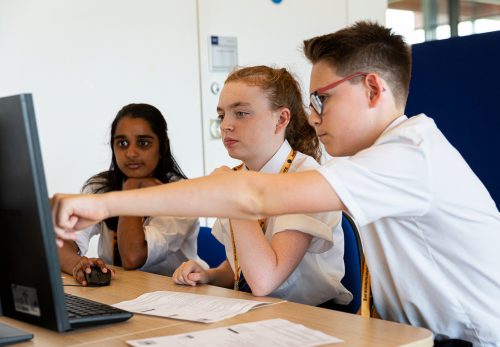
We’ll use our tried and tested process of content design, implementation of student and teacher feedback, and continual improvements based on evidence from platform usage data, to produce an educational offering for GCSE computer science that is of the highest quality.
Isaac Computer Science GCSE will support students and teachers of GCSE computer science across the OCR, AQA, Pearson Edexcel, Eduqas, and WJEC exam bodies, covering the whole of the national curriculum. The content will be aimed at ages 14 to 16, and it will be suitable for students of all experience levels and backgrounds — from those who have studied little computer science at Key Stage 3 and are simply interested, to those who are already set to pursue a career related to computer science.
Students will be able to:
Teachers will be able to:
As part of Isaac Computer Science GCSE, we’ll also organise an events programme for GCSE students to get support with specific topics, as well as inspiration about opportunities to continue their computer science education beyond GCSE into A level and higher education or employment.
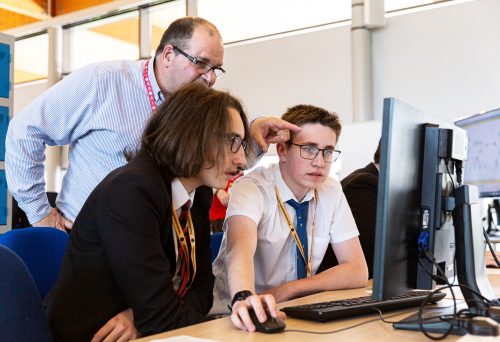
For teachers, we’ll continue to provide a wide spectrum of free CPD training events and courses through the National Centre for Computing Education.
As is the case for the Isaac Computer Science A level content, we’ll create content for this project to suit the English national curriculum and exam bodies. However, anyone anywhere in the world will be able to access and use the platform for free. The content will be published under an Open Government License v3.0.
Our launch will be in January of 2022, with the full suite of content available by September of 2022.
We’ll be putting out calls to the teaching community in England, asking for your help to guide the design and quality assurance of the Isaac Computer Science GCSE materials.
Follow Isaac Computer Science on social media and sign up on the Isaac Computer Science platform to be the first to hear news!
The post Expanding our free Isaac Computer Science platform with new GCSE content appeared first on Raspberry Pi.
Meet Callum Fawcett, who shares his journey from tinkering with the first Raspberry Pi while he was at school, to a Master’s degree in computer science and a real-life job in programming. We also get to see some of the awesome projects he’s made along the way.
Most of my learning was done through two sources. I learnt Linux and how the terminal worked using online resources such as Stack Overflow. I would have a problem that I needed to solve, look up solutions online, and try out commands that I found. This was perhaps the hardest part of learning how to use a Raspberry Pi, as it was something I had never done before, but it really helped me in later years when I would use Linux more than Windows. For learning programming, I preferred to use books. I had a book for C++ and a book for Python that I would work through. These were game-based books, so many of the fun projects that I did were simple text-based games where you typed in responses to questions.
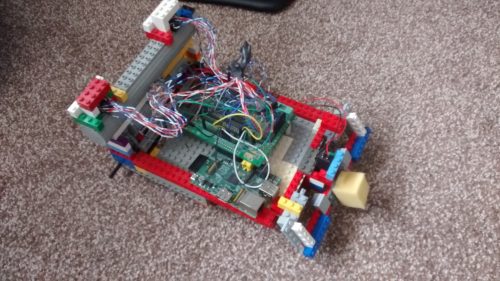
The first robot Callum made using a Raspberry Pi
By far the coolest project I did with the Raspberry Pi was to build a small robot (shown above). This was a joint project between myself and my dad. He sorted out the electronics and I programmed the robot. It was a great opportunity to learn about robotics and refine my programming skills. By the end, the robot was capable of moving around by itself, driving into objects, and then reversing and trying a new direction. It was almost like an unintelligent Roomba that couldn’t hoover, but I spent many hours improving small bits and pieces to make it as easy to use as possible. My one wish that I never managed to achieve with my robot was allowing it to map out its surroundings. This was a very ambitious project at the time, since I was still quite inexperienced in programming. The biggest problem with this was calibrating the robot’s turning circle, which was never consistent so it was very hard to have the robot know where in the room it was.
Another fun project that I worked on used the Sense HAT developed for the Astro Pi computers for use on the International Space Station. Using this, I was able to make a memory maze game (shown below), in which a player is shown a maze for several seconds and then has to navigate that maze from memory by shaking the device. This was my first introduction to using more interactive types of input, and this eventually led to my final-year project, which used these interesting interactions to develop another way of teaching.
I have now just finished my Master’s degree in computer science at the University of Bristol. Before going to university, I had no experience of being taught programming in a formal environment. It was not a taught subject at my secondary school or sixth form. I wanted to get more people at my school interested in this area of study though, which I did by running a coding club for people. I would help others debug their code and discuss interesting problems with them. The reason that I chose to study computer science is largely because of my experiences with Raspberry Pi and other programming I did in my own time during my teenage years. I likely would have studied history if it weren’t for the programming I had done by myself making robots and other games.
Raspberry Pi has continued to play a part in my degree and extra-curricular activities; I used them in two large projects during my time at university and used a similar device in my final project. My robot experience also helped me to enter my university’s ‘Robot Wars’ competition which, though we never won, was a lot of fun.
Having a Raspberry Pi is always useful during a hackathon, because it’s such a versatile component. Tech like Raspberry Pi will always be useful for beginners to learn the basics of programming and electronics, but these computers are also becoming more and more useful for people with more experience to make fun and useful projects. I could see tech like Raspberry Pi being used in the future to help quickly prototype many types of electronic devices and, as they become more powerful, even being used as an affordable way of controlling many types of robots, which will become more common in the future.

Our guest blogger Callum
Now I am going on to work on programming robot control systems at Ocado Technology. My experiences of robot building during my years before university played a large part in this decision. Already, robots are becoming a huge part of society, and I think they are only going to become more prominent in the future. Automation through robots and artificial intelligence will become one of the most important tools for humanity during the 21st century, and I look forward to being a part of that process. If it weren’t for learning through Raspberry Pi, I certainly wouldn’t be in this position.
Cheers for your story, Callum! Has tinkering with our tiny computer inspired your educational or professional choices? Let us know in the comments below.
The post Learning with Raspberry Pi — robotics, a Master’s degree, and beyond appeared first on Raspberry Pi.
We are delighted to co-launch Isaac Computer Science, a new online platform for teachers and students of A level Computer Science.
Introducing Isaac Computer Science
Introducing the new Isaac Computer Science online learning platform and calendar of free events for students and teachers. Be the first to know about new features and content on the platform: Twitter – ncce.io/ytqstw Instagram – ncce.io/ytqsig Facebook – ncce.io/ytqsfb If you are a teacher, you may also be interested in our free online training courses for GCSE Computer Science teachers.
The project is a collaboration between the Raspberry Pi Foundation and the University of Cambridge, and is funded by the Department for Education’s National Centre for Computing Education programme.
Isaac Computer Science gives you access to a huge range of online learning materials for the classroom, homework, and revision — all for free.
The platform’s resources are mapped to the A level specifications in England (including the AQA and OCR exam boards). You’ll be able to set assignments for your students, have the platform mark it for you, and be confident that the content is relevant and high quality. We are confident that this will save you time in planning lessons and setting homework.
“Computer Science is a relatively small subject area and teachers across the country often work alone without the support of colleagues. Isaac Computer Science will build a teaching and learning community to support teachers at all levels and will offer invaluable support to A level students in their learning journey. As an experienced teacher, I am very excited to have the opportunity to work on this project.”
– Diane Dowling, Isaac Computer Science Learning Manager and former teacher
And that’s not all! To further support you, we are also running free student workshops and teacher CPD events at universities and schools around England. Tickets for the events are available to book through the Isaac Computer Science website.
“Isaac Computer Science helped equip me with the skills to teach A level, and ran a great workshop at one of their recent Discovery events using the micro:bit and the Kitronik :MOVE mini. This is a session that I’ll definitely be using again and again.”
– James Spencer, Computer Science teacher at St Martin’s School
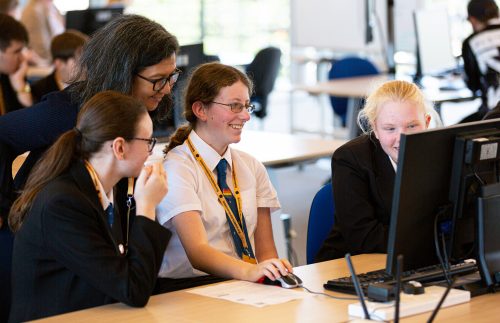
A teacher works with her students at our recent Discovery event in Cambridge.
Isaac Computer Science provides:
Isaac Computer Science allows you to:
Start using Isaac Computer Science today:
The post Say hello to Isaac Computer Science appeared first on Raspberry Pi.
Today is GCSE results day, and with it comes the usual amount of excitement and trepidation as thousands of young people in the UK find out whether they got the grades they wanted. So here’s a massive CONGRATULATIONS from everyone at the Raspberry Pi Foundation to all the students out there who have worked so hard to get their GCSEs, A levels, BTECs, IBs, and a host of other qualifications.
We also want to highlight the efforts of the amazing teachers who have spent countless hours thinking up new ways to bring their subjects to life and inspire the next generation.
Looking at the initial data from the Department for Education, it’s clear that:
From L to R: Rebecca Franks, Allen Heard, Ben Garside, Carrie Anne Philbin
I caught up with four former teachers on our team to reflect on these findings and their own experiences of results days…
What thoughts and emotions are going through your head as a teacher on results day?
Ben: It’s certainly a nerve-wracking time! You hope that your students have reached the potential that you know that they are capable of. You log onto the computer the second you wake up to see if you’ve got access to the exam boards results page yet. It was always great being there to see their faces, to give them a high five, and to support them with working out their options going forward.
Rebecca: I think that head teachers want you to be worried about targets and whether you’ve met them, but as a teacher, when you look at each individual students’ results, you see their journey, and you know how much effort they’ve put in. You are just really proud of how well they have done, and it’s lovely to have those post-results conversations and celebrate with them. It makes it all worth it.
Allen: I liken the feeling to that of an expectant father! You have done as much as you can to make sure things run smoothly, you’ve tried to keep all those involved calm, and now the moment is here and you just want everything to be OK.
Carrie Anne: As a teacher, I always felt both nerves and excitement for results day, probably more so than my students did. Sleepless nights in the run-up to the big day were common! But I always enjoyed seeing my students, who I’d worked with since they were youngsters, see the culmination of their hard work into something useful. I always felt proud of them for how far they’d come.
There has been an increased uptake of students taking computing-related subjects at GCSE since last year. What do you think about this?
Ben: It’s great news and shows that schools are realising how important the subject is to prepare our young people for the future workplace.
Carrie Anne: It’s a sign that our message — that all students should have access to a Computing qualification of rigour, and that there is a willing and ready audience hungry for the opportunity to study Computing at a deeper level — is making traction. My hope is to see this number increase as teachers take part in the free National Centre for Computing Education professional development and certification over the coming years.
Rebecca: I think it’s a step in the right direction, but we definitely have a long way to go. We must make sure that computing is at the forefront of any curriculum model in our secondary schools, which is why the National Centre for Computing Education is so important. In particular, we must support schools in ensuring that KS3 computing is given the time it needs to give students the grounding for GCSE.
Allen: I agree with Rebecca: more needs to be done about teacher training and helping schools see the overall benefit to students in undertaking such subjects. Schools that are investing time in nurturing these subjects in their curriculum provision are seeing them become more popular and enjoying success. Patience is the key for senior leadership teams, and teachers need support and to have confidence in their ability to continue to deliver the subject.
Why is it important that more students learn about computing?
Rebecca: Computing feeds into so much of our everyday lives, and we must prepare our young people for a world that doesn’t exist yet. Computing teaches you logical thinking and problem-solving. These skills are transferable and can be used in all sorts of situations. Computing also teaches you essential digital literacy skills that can help you keep safe whilst using online tools.
Ben: For me, it’s really important that young people pick this subject to help them understand the world around them. They’ll hopefully then be able to see the potential of computing as a power for good and harness it, rather than becoming passive consumers of technology.
Carrie Anne: Following on from what Ben said, I also think it’s important that technology developed in the future reflects the people and industries using it. The tech industry needs to become more diverse in its workforce, and non-technical fields will begin to use more technology in the coming years. If we equip young people with a grounding in computing, they will be equipped to enter these fields and find solutions to technical solutions without relying on a small technical elite.
Imagine I’m a GCSE student who has just passed my Computer Science exams. What resources should I look at if I want to learn more about computing with the Raspberry Pi Foundation for free?
Rebecca: Isaac Computer Science would be the best place to start, because it supports students through their A level Computer Science. If you wanted to experiment and try some physical computing, then you could take a look at the Projects page of the Raspberry Pi Foundation website. You can filter this page by ‘Software type: Python’ and find some ideas to keep you occupied!
Allen: First and foremost, I would advise you to keep your hard-earned coding skills on point, as moving on to the next level of complexity can be a shock. Now is the time to start building on your already sound knowledge and get prepared for A level Computer Science in September. Isaac Computer Science would be a great place to start to undertake some further learning over the summer and prime yourself for further study.
Ben: Same as Rebecca and Allen, I’d be telling you to get started with Isaac Computer Science too. The resources that are being provided for free are second to none, and will really help you get a good feel for what A level Computer Science is all about.
Carrie Anne: Beyond the Raspberry Pi projects site and Isaac Computer Science, I’d recommend getting some face-to-face experience. Every year the Python community holds a conference that’s open to everyone. It’s a great opportunity to meet new people and learn new skills. PyConUK 2019 is taking place in September and has bursaries to support people in full-time education to attend.
We’ve been working on providing support for secondary and GCSE teachers as part of the National Centre for Computing Education this year. Could you talk about the support we’ve got available?
Allen: We’re producing resources to cover the whole range of topics that appear in all the Computing/Computer Science specifications. The aim of these resources is to provide teachers — both experienced and new to the subject — with the support they need to deliver quality, engaging lessons. Founded on sound pedagogical principles and created by a number of well-established teachers, these resources will help reduce workload and increase productivity for teachers, and increase engagement of students. This will ultimately result in some fantastic out-turns for schools, as well as developing confident computing teachers along the way.
Rebecca: As Allen explained, we are busy creating new, free teaching resources for KS3 and GCSE. The units will cover the national curriculum and beyond, and the lessons will be fully resourced. They will be accessible to teachers with varying levels of experience, and there will be lots of support along the way through online courses and face-to-face training if teachers want to know more. Teachers can already take our ‘CS Accelerator’ programme, which is extremely popular and has excellent reviews.
Thanks for your time, everyone!
How was your GCSE results day? Are your students, or young people you know, receiving their results today? Tell us about it in the comments below.
The post It’s GCSE results day! appeared first on Raspberry Pi.

 Lateo.net - Flux RSS en pagaille (pour en ajouter : @ moi)