 Connexion


Around the world, governments are grappling with the same question: how do you prepare young people for careers shaped by emerging technologies? In the UK, part of the answer is TechFirst, and we’re proud to be playing a central role in it.
Through the new TechFirst partnership with the Department for Digital, Culture, Media and Sport (DCMS), we are expanding Ada Computer Science, the free computing education platform we have built with the University of Cambridge for UK students and teachers. It’s one of the ways the UK government plans to bring frontier tech education to a million secondary students (11- to 18-year-olds) over the next three years.
TechFirst is the UK government’s £187 million tech skills initiative, designed to open up pathways into the country’s tech sector. It supports people at every stage, from students in school to university researchers and career changers.
Backed by major tech employers, the programme focuses on six frontier technologies: cybersecurity, artificial intelligence, quantum computing, engineering biology, semiconductors, and advanced connectivity technologies.
Ada Computer Science sits at the heart of TechFirst’s schools strand. With DCMS funding, we’re adding new content and features to the platform, and everything stays completely free.
For the first time, Ada Computer Science now covers ages 11 to 19, with new teaching and learning materials for 11- to 14-year-olds added alongside everything we already offer for ages 14 to 19. Thanks to the new materials, students can start exploring computing and frontier technologies earlier, and build on that learning all the way through to the end of secondary education.
Alongside the expansion of the Ada CS platform, DCMS is funding Regional Delivery Partners to bring hands-on technology activities into secondary schools across the UK, giving students practical experience and a real sense of where a tech career could take them.
Beyond the economic opportunities that understanding frontier technologies opens up for young people, gaining this knowledge and skills helps young people have agency and power in a world where technology plays an ever greater role in their lives.
We are pleased to offer the new frontier technologies materials, like all our teaching and learning resources, at no cost to teachers and students. This is one way in which we support equal access to a high-quality computing and AI education for all young people.
We will add new content and features to Ada CS in phases, including:
If you’re a teacher or student in the UK, you can explore the first TechFirst content release on the Ada Computer Science website. Create a free account to be first to hear about the new content and features.
The post Preparing young people for frontier technologies: Our new partnership with the UK government appeared first on Raspberry Pi Foundation.
I am delighted to share the news that Blythe Masters has been appointed as the next Chair of the Raspberry Pi Foundation’s Board of Trustees. Blythe brings a wealth of experience to our governance at a time when our mission to enable all young people to realise their full potential through the power of computing and AI has never felt more urgent.

Blythe is one of the most prominent figures in global financial services and fintech. A graduate and Senior Scholar of Trinity College, University of Cambridge, she spent nearly three decades at JPMorgan, rising to its Executive Committee and holding senior leadership roles including Chief Financial Officer of the Investment Bank and Head of Global Commodities. After leaving JPMorgan in 2014, Blythe served as CEO of Digital Asset and later became a Founding Partner at Motive Partners, the fintech-focused investment firm. Most recently, Blythe served as Group CEO of FNZ, the global wealth technology platform and Motive Partners portfolio company.
Blythe has extensive corporate governance experience, currently serving as the Chair of JPMorgan Securities plc and non-executive director on the board of SymphonyAI. She has previously served on numerous other boards including A.P. Moeller Maersk, Credit Suisse, Santander Consumer USA, Forge, and GCM Grosvenor.
Blythe also has significant experience in nonprofit governance, having served as the co-chair of the Global Fund for Women, vice chair of ID2020, chair of the NYC chapter of Susan G. Komen Breast Cancer Foundation, chair of the Hyperledger Foundation, and numerous other trustee roles.
Blythe takes over the Chair from Sir John Lazar who has led the Board of Trustees since 2020. Under Sir John’s leadership the Foundation has supported hundreds of thousands of educators and tens of millions of students all over the world to develop the skills, knowledge, and mindsets to shape their world through computing and AI.

We have achieved so much under his leadership and I have learned a huge amount from working with him. We are all profoundly grateful to Sir John for his contribution.
Blythe will take up the role at the end of March 2027 and John will be staying on to manage the transition and handover. While it is hard to imagine a world where John isn’t our Chair, I am genuinely excited about the prospect of working with Blythe.
As a charity, the Foundation is governed by a Board of Trustees that is responsible for ensuring we use our resources effectively to advance our charitable goals. We are fortunate to have an exceptionally strong and diverse group of Trustees who bring significant experience and expertise from a wide range of backgrounds. Trustees generally serve two three-year terms. Trustees are volunteers who provide their time and expertise to the Foundation for no remuneration.
You can see the full list of Trustees and Members on our website.
The post The next Chair of the Board of Trustees, Blythe Masters appeared first on Raspberry Pi Foundation.
Coolest Projects returned for its second year in India on Saturday 19 September, taking place in Telangana’s state capital Hyderabad once more.
This year’s India event brought together 326 young technology creators who showcased 132 projects: India’s young tech creator community is clearly growing stronger. From AI to hardware to the web, young people’s projects took on topics that mattered to them, covering the playful to the practical.
Here are just a few of the creative projects young people shared on the day.
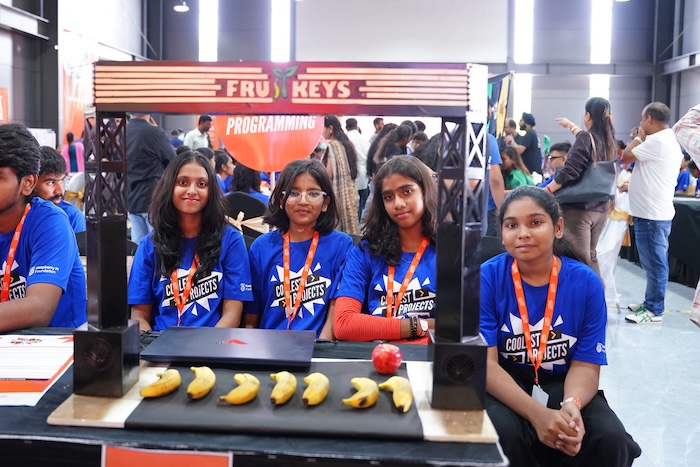
Fruit keys is a project that turns fruit into a musical instrument. The team used a Raspberry Pi computer, a camera, and the software library OpenCV. Bananas work as virtual keys that trigger musical notes. An apple lets players switch between instrument sounds. It’s a fun example of how computer vision can create touch-free, interactive experiences.
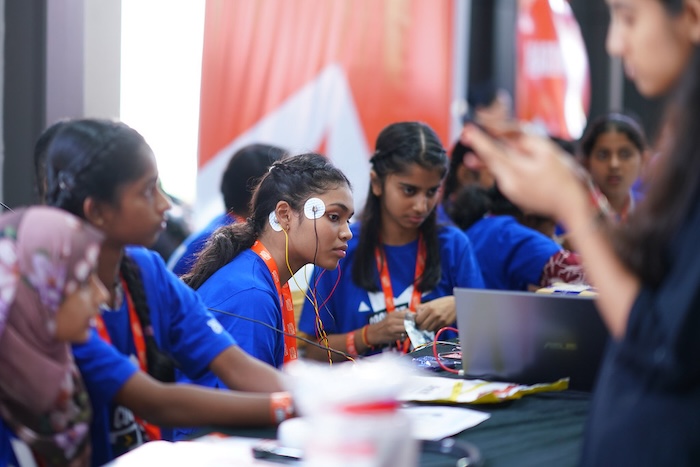
Kinetic care is a smart physical therapy system for use at home. A camera tracks the user’s movements, so they can play a therapy-based video game while they exercise. A wearable sensor watches for sudden or unsafe muscle movements. If it spots one, it sends a vibration alert straight away to help prevent injury. The project shows how hardware can make rehabilitation safer and more engaging.
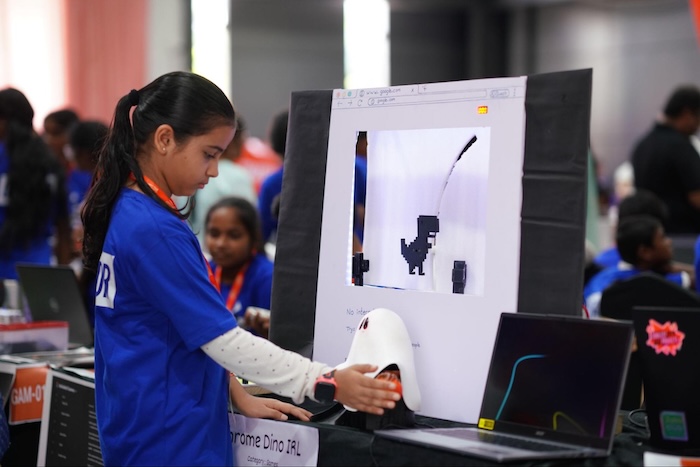
This is a dinosaur-themed game with a motorised conveyor, moving obstacles, and increasing difficulty. Players dodge obstacles using a button while LEDs and sound effects create an arcade experience. High scores unlock rewards!
Bringing Coolest Projects to India for a second year showed us just how much creativity and ambition exists among young people here. Every project represented hours of learning, problem-solving, and imagination, and it’s a privilege to give these creators a platform to be seen and celebrated.
Events like this shine a light on why investing in young people’s digital skills matters so much for India’s future.
What stood out to us most this year was the breadth of ideas on display, and the confidence with which these young tech creators presented their work. It’s a strong signal of where India’s next generation of creative thinkers and problem-solvers is heading.
A huge thank you to our partner Code Club India for their support with this event, to the volunteers and mentors who made the day possible, and to our sponsors Qube Research and Technologies. And most of all we want to thank every young creator who showed up ready to share and connect with their community. We can’t wait to see what you build next.
There are still a few partner-run Coolest Projects events to come this year — find out if there is one near you. Want to be the first to hear about announcements for 2027? Sign up to the Coolest Projects newsletter for dates, deadlines, and updates.
The post From musical fruit to walking robots: Coolest Projects India returns to Hyderabad appeared first on Raspberry Pi Foundation.
Computing education in England is in a stronger position than it was a decade ago. Increased access to technology, free learning resources for young people, and improved training for computing teachers has put us on a path to success.
But the subject is also at an important inflection point. Young people are growing up in a world shaped by digital technologies like AI, yet not all young people get the same opportunities to discover how computing can be creative, collaborative, and relevant to their lives. This is reflected in the number of learners who choose to study it. In England, GCSE Computer Science entries fell by 4.7% in summer 2025 (93,980 to 89,610), and A level entries fell by 2.4% (19,475 to 19,010)*.
Creating positive, accessible experiences early in a students’ education, and helping them to build confidence and see computing as something they can engage with, has never been more important.
For educators, computing is about much more than preparing learners for a single subject or qualification. Skills England’s 2025 assessment of priority skills up to 2030 estimates that demand for priority occupations will grow by 0.9 million, including 87,000 additional programmers and software development professionals**. These roles are identified as a priority across seven industry sectors, underlining the value of the broader skills students develop through computing: problem-solving, logical reasoning, creativity, and confidence.
That’s why initiatives such as the UK Bebras Challenge and the Raspberry Pi Foundation Coding Challenge matter. They give teachers ready-made, engaging ways to introduce computational thinking and coding without needing students to already see themselves as ‘computer scientists’. Low-barrier, fun, and practical, they help students experience the satisfaction of solving problems for themselves. As Mitchel Resnick, Professor of Learning Research at the MIT Media Lab, puts it: “They are not just learning to code, they are coding to learn.”***
Over the past year, the UK Bebras Challenge (November 2025), and the Raspberry Pi Foundation Coding Challenge (March 2026), have reached hundreds of thousands of students across the UK.
Participation continues to grow. In 2025, 562,924 students took part in Bebras, up from 467,000 in 2024, contributing over 1 million hours of learning. The Coding Challenge also grew, with 85,389 students taking part in 2026, up from 83,096 in 2025.
To understand what this looks like at the grassroots level, we spoke to two teachers about why they run these challenges and what their students gain from taking part.

I was introduced to the Bebras Challenge during my teacher training, where my placement school was already taking part in the competition. Not only was it an affordable way to introduce students to the world of computational thinking, but I quickly realised how useful it was in identifying which students would be a good fit for GCSE Computer Science. Since my initial positive experience, I’ve ensured that all computer science students take part in the challenge, no matter which school I’ve worked in.
From an admin perspective, it is quick and easy to create accounts for a large number of students in one go. Once student data is downloaded from your MIS, importing the spreadsheets is incredibly simple. As a busy teacher, this saves me a lot of time.
For students, the accessibility of Bebras is a big selling point. Due to the on-screen reader, ability to add extra time for SEND students and differentiated challenges, everyone can access the competition. The interactive elements within the questions also make it engaging and enjoyable to work with.
Students can be easily influenced by their teachers. When introducing the Bebras Challenge every year, it’s important to clarify its purpose and the reason behind taking part. With a genuine motive explained, I find students are receptive to attempting something new. Every individual challenge is unique and colourful, operating a simple UI to jump between questions. Students are spurred on to get stuck into the puzzles on their first encounter, responding to the tasks with confidence.
The number one skill that students develop is their ability to problem-solve. When faced with tasks of varying difficulties, they are able to apply the key principles of abstraction and decomposition to tackle problems. If I’m with a GCSE or A Level class, it presents as the perfect opportunity to reinforce their theory knowledge, linking computational thinking concepts to the question in front of them.
Additionally, it can promote the hard skill of literacy. By having separate competitions for different year groups, students are reading texts that are of an appropriate level for their age bracket. And if you’re in a primary school, there’s the option to work in groups, allowing students to develop another soft skill of teamwork.
I’ve previously taught a Year 9 student with a reading age of 10, who was finding all aspects of school a challenge. Utilising the adaptive technology available to them in the Bebras Challenge, they were one of few in their class to achieve a Merit. This student was able to showcase their strong logical reasoning skills, without being hindered by their reading comprehension.
Consequently, they chose Computer Science as one of their GCSE options and wanted to pursue a career as a software developer. It also raised an interesting discussion point with the school, investigating various access arrangements to better support them. The Bebras Challenge has quite literally changed this student’s life.
Just go for it! Given how renowned the competition is, my sixth form students have mentioned their results in university and apprenticeship applications. If students are needing evidence to back up their problem-solving abilities, or wanting to differentiate themselves from others with similar grades, the UK Bebras Challenge gives them an extra string to their bow.
As a teacher, just make sure you’re organised and prepare the accounts well in advance. Once the student accounts have all been created, using the helpful Coordinator Handbook as guidance, you can export their details and create login slips. Coupled with Bebras’ instructions presentation for in-class, it made for a smooth set-up and delivery. As the competition is straight after October half-term, it also allows teachers to ease their way back into school life. We always look forward to Bebras week at my school!

We are always looking for more competitions for students to participate in. We run a few competitions, but most are for the elite only. For example, we run the British Informatics Olympiad and British Algorithmic Olympiad but only about 20 of our 340 students can attempt either.
So when we heard about the Coding Challenge, it was exactly what we were looking for, a competition where everyone could take part and achieve good results. It’s always good to practise more coding skills, so this competition is ideal for us. This year was the first time we had the whole cohort take part, both Year 12 and Year 13.
The vast majority of students are excited about the Coding Challenge. They love competition!
The very first time they see them, it can be a bit overwhelming. There is a lot to do in a short time, which is why we get students to practise before the actual competition.
It has always been about problem solving. This is a skill that is still very much in demand, perhaps more so now. We are still teaching computational thinking when teaching them to code. There are many transferable skills from learning to code that are useful in most careers and industries. The need for resilience and attention to detail are vital skills for all.
It develops resilience and many other skills such as following instructions precisely, which are important in life. Also time management and planning, students need to decide what to try and in what order if they want to maximise their score.
Quite a few students will continue to work on the problems they encountered after the challenge has finished. They are determined to solve the problems! I hear many groups discussing techniques they used to solve the trickier problems which gives them the confidence to use those techniques in their classwork.
Do it! It is so easy to do. We run it in a normal lesson; it is in our schedule of lessons so all teachers do it the same week. From two weeks before the day we choose to set the challenge, we set homework to be practice questions.
The tricky part is making sure the students understand the interface, what code to copy in and how to test and run it, so the homework gives them a chance to do this. One teacher sets up the spreadsheet with all the student names to import to the very easy-to-use teacher admin website. It is then easy to download each class’s usernames and passwords.
Across both challenges, one thing is clear: when barriers are lowered, more students take part and discover that computing is for them. Whether through short problem-solving tasks or coding challenges, these experiences build confidence, develop transferable skills, and help learners see themselves in computing.
For teachers, they also offer something equally important: practical, structured activities that can fit into the school year and work with whole classes or cohorts. In a landscape where the UK needs more young people to develop digital and computational skills, accessible challenges like these can help spark interest early, celebrate success, and give every learner a meaningful first step into computing.
To register your school for the next UK Bebras Challenge coming in November 2026, go to bebras.uk.
References
***https://web.media.mit.edu/~mres/papers/L2CC2L-handout.pdf
The post How classroom challenges can change how students see computing appeared first on Raspberry Pi Foundation.
AI technologies, such as smart speakers or streaming recommendations, are becoming part of everyday life for children and teenagers. It’s therefore increasingly important to help young people understand not just how these systems work, but how to question them.

When AI systems generate outputs such as a recommendation, these outputs are often accompanied by an explanation. In our latest research seminar, Professor Dr. Dan Verständig (Goethe University Frankfurt, Center for Critical Computational Studies) spoke about how explanations are shaped by the people who write them, and only become meaningful when someone else makes sense of them. Dan introduced us to Social Explainable AI (Social XAI) and Critical Computational Literacy (CCL), and asked us to consider not just what an AI system explains, but for whom, why, and who benefits.
Dan opened with a deceptively simple question: why do we need explanations in the first place? His answer was that explanations provide orientation. They reduce uncertainty, and in doing so, they make our shared social world liveable. Explanations have evolved from Socratic dialogue, to the printed book, to the classroom, to today’s digital interfaces, and now to AI-generated explanations. But explanations have never been neutral conveyors of information. Dan illustrated this with a simple demonstration: he showed the seminar participants an aerial photo of a beach and asked what they noticed.

The aerial photo Dan shared during his seminar. What do you notice about this picture?
Seminar participants pointed to the coastline, the sandy beach, and a tiny figure in the frame. Dan then revealed that the photo was taken by him, using a drone at Montara State Beach in California on a specific afternoon in April 2024. He asked how a climate researcher, a surfer, or an artist might each describe the very same image differently.
This demonstration highlighted that an explanation is always for someone, for some purpose, in some context. That framing carries straight through into how we should think about AI explanations too. An explanation that satisfies a data scientist debugging a model is not the same as one that satisfies a patient asking why an algorithm flagged their scan, or a citizen asking why they were denied a loan. In other words, explanations are never technical.
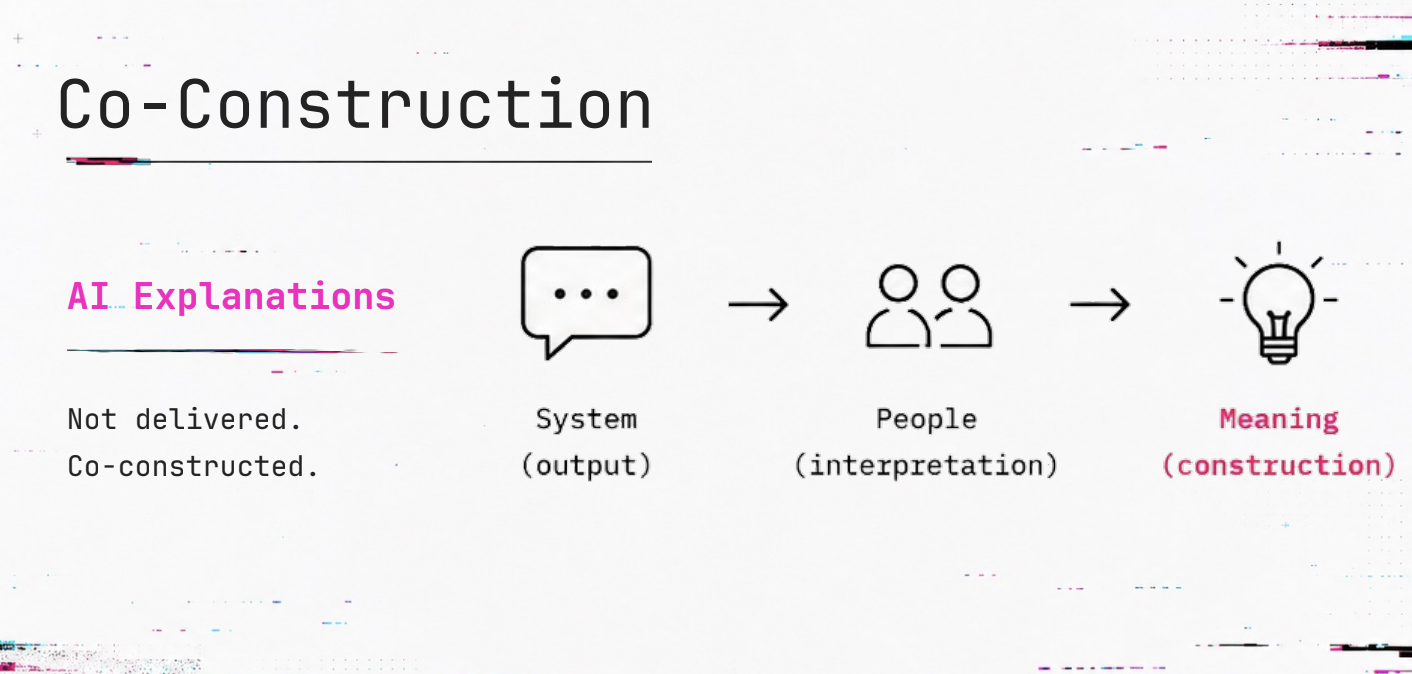
Drawing on Rohlfing and Lim’s 2026 work, Dan described Social XAI as an approach that puts interaction, rather than output, at the centre of explainability. Dan illustrated this with a simple but effective diagram: an AI explanation starts as a system output, is filtered through a person’s interpretation, and only then becomes meaning through construction. A one-size-fits-all output, however technically accurate, isn’t yet an explanation until someone has made sense of it in their own terms.
To explore this further, Dan’s research group has developed co-construction workshops, bringing people together to interrogate AI explanations collaboratively rather than receive them passively. In these workshops, participants are asked questions such as: “What counts as evidence? What is missing? What are the alternatives? Who benefits from this? Do we agree?”
To answer these questions, participants do not examine an AI model to find out how it generates a decision. Instead, participants scrutinise its outputs in the same way that they would critically evaluate a politician’s promise or a newspaper’s headline.
Critical Computational Literacy (CCL) is a framework that describes what people need to engage with AI explanations critically. Dan presented CCL as consisting of four interlocking dimensions:
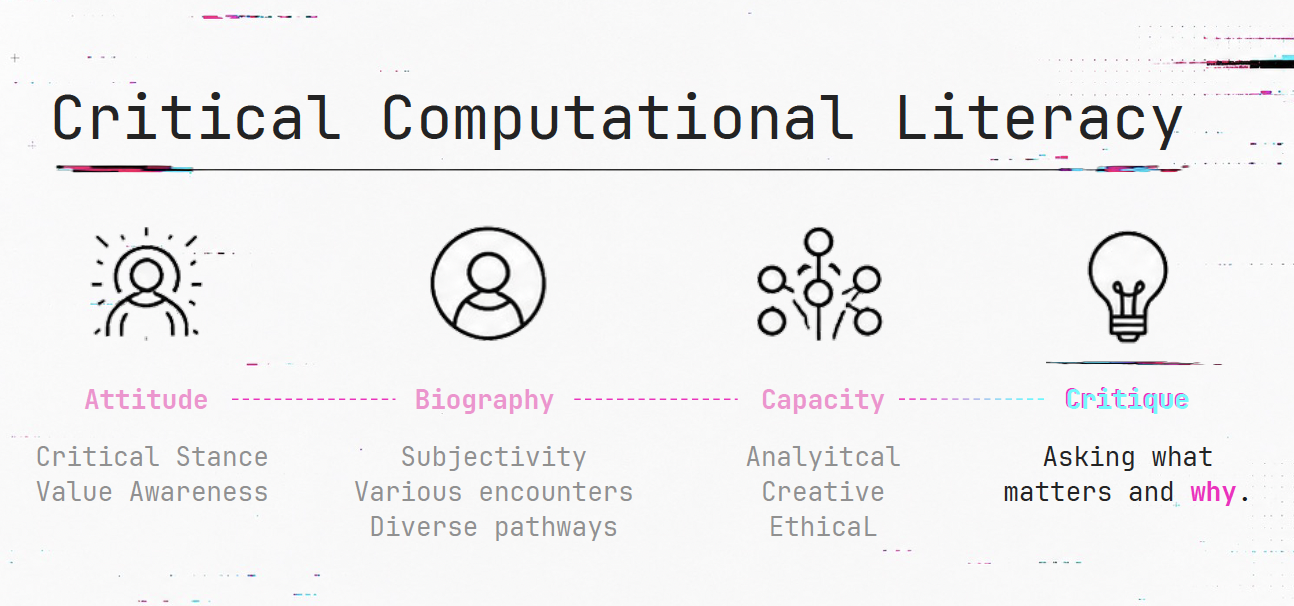
Taken together, these dimensions push back against a narrow, purely technical notion of ‘AI literacy’ as knowing how a model works. Instead, CCL treats literacy as something biographical and value-laden. Dan explained that individuals bring their own history and stance to any encounter with computational systems, and genuine literacy means being able to interrogate these systems’ explanations rather than simply accept or operate them.
Although Dan’s research took place with adult participants, Social XAI and Critical Computational Literacy are ideas that could also be used in the K-12 classroom. For example, if students interact with AI explanations through smart speakers or streaming recommendations in their everyday lives, this presents an opportunity to teach them how to engage critically with AI outputs. Students might explore why a smart speaker suggested a particular recipe, or investigate the explanation for why a streaming service recommended a particular show.
Explainability is also a key part of our own Experience AI resources. When training a model, students write their own model cards to document who built a model, what training data was used, how accurate the model’s predictions were, and any known limitations. In this activity, explainability is traceable, and students use their analytical skills to create transparent, fair, and accountable model cards.
Social XAI suggests an extension to this activity. Students could ask what matters about the explanation they have written and why this is important. Through this critique, students can consider who will read these model cards and how the cards might be interpreted. In this way, AI explanations become more than a technical output, and become artefacts whose meaning is co-constructed by the author and the reader.
This seminar was part of our ongoing series on teaching about AI in the arts, humanities, and sciences. You can watch the full recording of Dan’s talk, including the Q&A discussion, here:
Our research seminar series continues to explore how AI is taught across the curriculum. In our next seminar on Tuesday, 6 October at 19:00–20:30 BST, we welcome Eleni Petraki and Damith Herath (University of Canberra) who will present an engineering and robotics curriculum aimed at equipping future engineers with the diverse skills demanded by a growing workforce. To take part in the seminar, click the button below to register. We hope to see you there.
The schedule of our upcoming seminars is available online. You can catch up on past seminars on the blog and on the previous seminars and recordings page.
The post Not all explanations are equal: Social Explainable AI and Critical Computational Literacy appeared first on Raspberry Pi Foundation.
Imagine this scenario:
Alex, a teenaged learner, reads a homework assignment, ponders a little, and then opens an AI chatbot. A quick prompt produces a structured, well-written answer within seconds. Alex pastes the text into a document, tweaks a few words, and submits the work.
For many young people, this is becoming the norm.
Recent reports show that, in countries including the US and UK, over half of all teens use AI tools for homework, and 1 in 10 says they do most or all of their homework with chatbots. “I use it every day,” stated one 17-year-old student in a recent study (Pew Research, 2026), and went on to say how she relies on chatbots for everything from homework to life decisions. In another study, a teenager openly admitted to using AI to cheat on assignments, essays, and book reports (Harvard GSE, 2024).
This raises an important question: when AI technology does the work, what happens to the learning?
Researchers are increasingly concerned that such uncritical use of AI tools may lead to cognitive offloading, where learners outsource their thinking, and the weakening of higher-order thinking skills in young people, such as problem-solving, critical thinking and creativity.
To address these concerns, the Raspberry Pi Foundation and Google DeepMind have teamed up to create a new unit of research-informed lessons on large language models (LLMs) as part of Experience AI. Rather than focusing simply on how to use AI tools, the new unit helps learners understand how LLMs work, evaluate their outputs, and use them strategically to support their own learning.
The unit, designed for 13- to 16-year-old learners, supports a learning-focused approach, drawing on metacognition, critical thinking, feedback literacy, and learning-centered prompt engineering. The five lessons in it support young people’s cognitive development, strengthen their metacognitive skills, and bolster their ability to strategically use LLMs for their learning. They draw on extensive research within Google DeepMind’s Learning team on how to scaffold around AI use to preserve ‘productive struggle’ and learner agency.

The new ‘Using LLMs strategically for learning’ unit is grounded in learning science research, including feedback literacy. Feedback literacy refers to the skill of actively interpreting, judging and using information when learning, instead of passively receiving information.
In the unit, learners explore three types of information, also called ‘feedback types’:
Learners discover that deep learning requires a blend of all three feedback types. They also analyse LLM outputs and discover that LLMs default to providing the answer, usually in a ‘tell’ format.
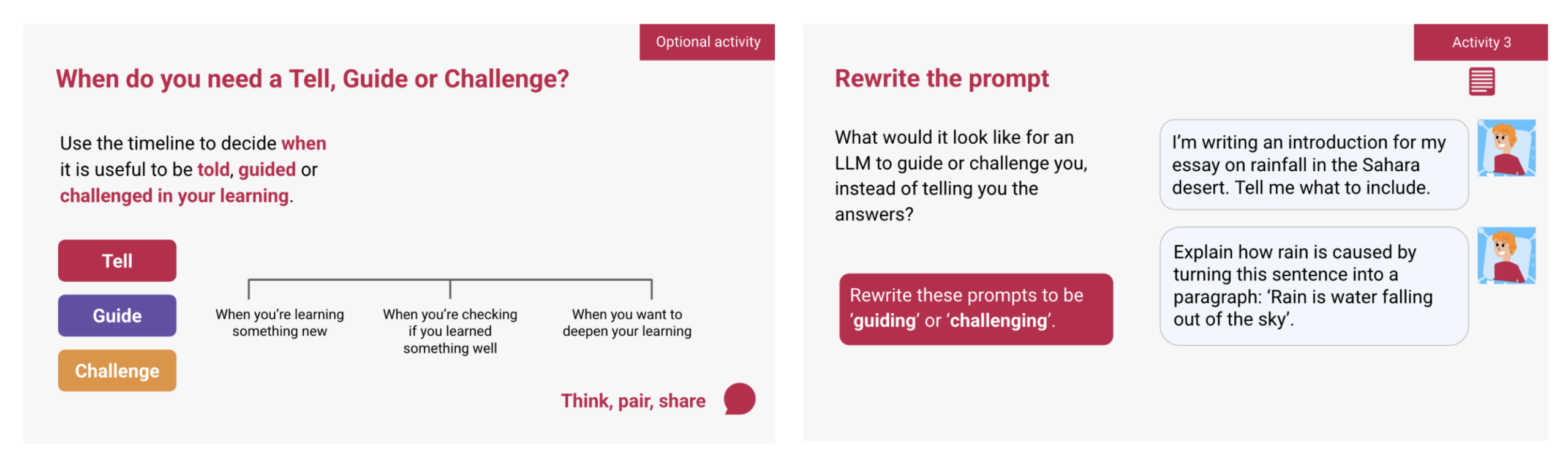
To help learners strategically use LLMs for their learning, they are provided with prompting strategies that elicit LLM outputs in ‘guide’ and ‘challenge’ formats. This helps learners engage more deeply with their own learning and develop higher-order thinking skills.
To help young people strategically use LLMs for their learning, the lessons include learning-centred, platform-agnostic prompting techniques. These include strategies borrowed from research papers on the most effective prompting frameworks. To make sure that the prompting strategies in the lessons remain effective over time and can be translated into different languages when we expand the resources, we did not use acronyms, unlike most popular prompting frameworks.
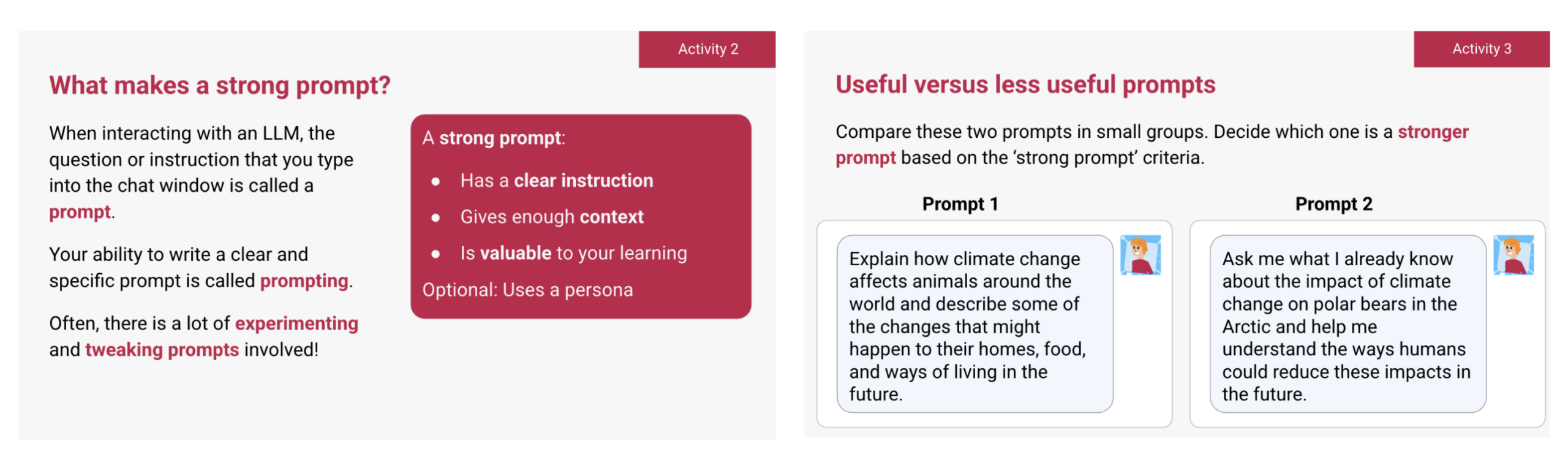
There are several industry reports highlighting the future-proof skills in the age of AI, such as problem solving, communication, critical thinking, collaboration and creativity skills. In the ‘Large language models’ unit, learners reflect on which skills they want to build and consider how their use of LLMs can support or hinder their development, helping them make responsible and intentional choices about using LLMs in ways that build their long-term capabilities rather than replace them.
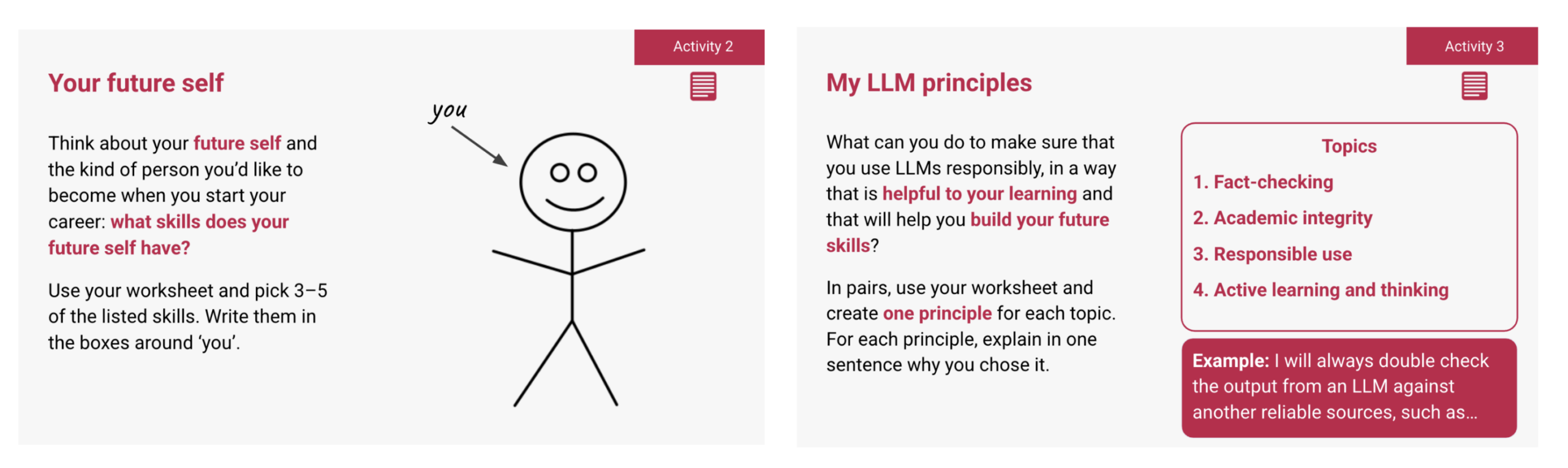
There are also activities in the lesson resources that help learners understand the long-term impacts of cognitive offloading and uncritical LLM use on the development of their future skills. The resources encourage learners to stay actively engaged in their learning and be reflective of their LLM use when learning.
Many young people (Pew Research, 2026) use LLMs as search engines, believing that LLMs produce outputs that are always accurate. To address that misconception, the lessons include activities that question where the training data comes from, and how accurate those sources of data are.
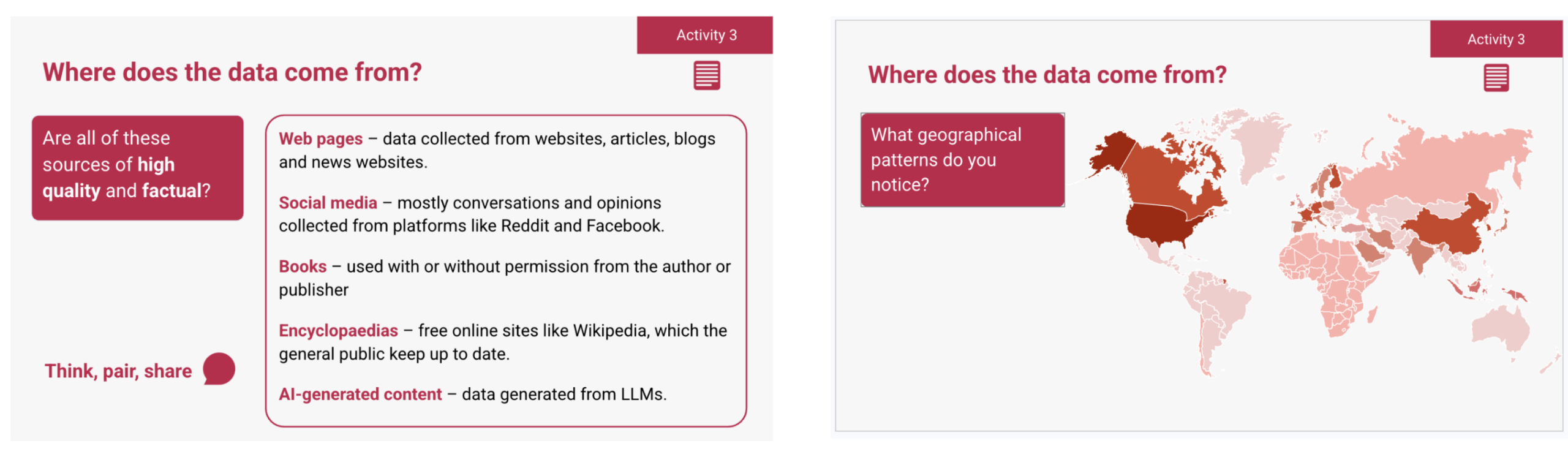
For example, when young people discover that a portion of data that LLMs are trained on come from social media platforms like Reddit and Facebook, they are encouraged to question the quality and factuality of these sources through classroom-wide discussions. Through discussions and thinking exercises, learners are also encouraged to question whose voices, languages, cultures and perspectives are (and are not) represented in these AI models.
As AI tools become more integrated in young people’s lives, many learners, like Alex, are tempted to turn to AI tools for quick answers, convenience, and support.
The ‘Using LLMs strategically for learning’ unit equips young people with the skills to use LLMs effectively, critically and strategically, in ways that are most helpful to their learning. Through research-informed lessons, they explore how LLMs are created, why their outputs are not always accurate and how to evaluate AI-generated responses.
Just as importantly, learners are encouraged to reflect on their own use of AI: when using an LLM supports their learning, when it does not, and how they can remain in control of their thinking, learning and skills development.
With these resources, young people like Alex are not discouraged from using LLMs, but encouraged to pause, rewrite their prompts in ways that are more helpful to their learning, evaluate the outputs they receive, and stay actively involved in their own thinking.
As we prepare young people for a future we do not yet know, the most important skill we can teach them is how to keep thinking. Who does the thinking, gets the learning.
The unit is available on the Experience AI website.
We would like to thank all the educators across South Africa, Nigeria, Kenya, the United Kingdom, India and beyond who piloted these resources and shared their thoughtful feedback. Their contributions helped shape and strengthen the unit. We are also grateful to Google DeepMind for their continued support in the development of this unit.
The post Encouraging learners to think first, prompt second: Using large language models to learn appeared first on Raspberry Pi Foundation.
Walk into Allison Knoph’s fifth grade classroom in Edina, Minnesota in October and the creative writing station will be the loudest place in the room.
That is by design. “I use it at my creative writing station,” she says of Experience CS, which she has run each fall for the past couple of years. Kids use the station computers to be creative as they work on their programming projects, building characters and testing jokes they have written. Some laugh hard enough that a visitor might wonder if anyone is working.
“Giggling,” Allison says, “is a good problem to have.”
Experience CS is a standards-aligned computer science curriculum for grades 3 to 8 (ages 8 to 14) that integrates computing into core subjects like math, science, and art. Allison has completed two units with her students, The me project, designed for ages 9 to 10, and Ecosystems, designed for ages 12 to 13.
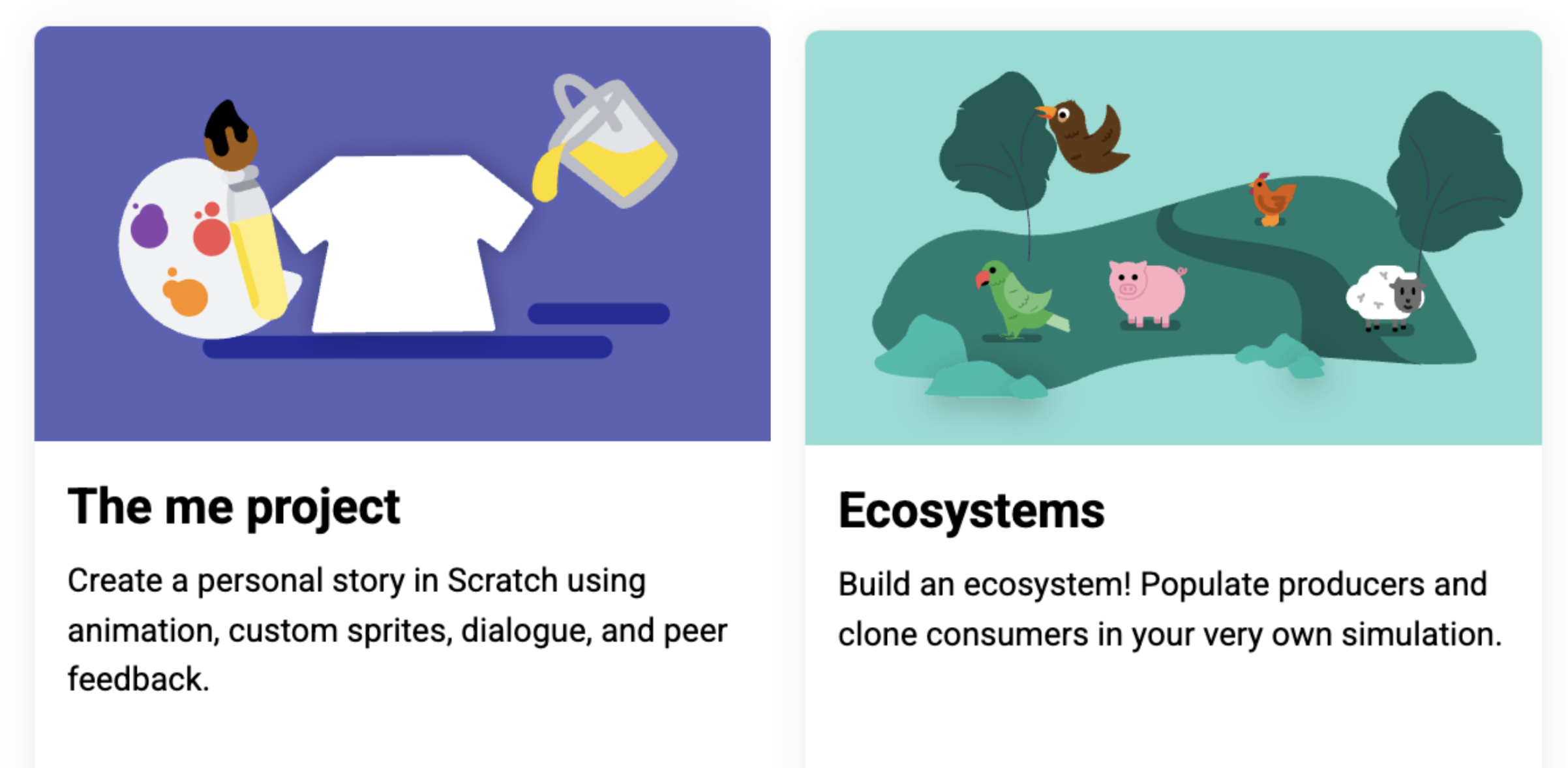
Of the two units, the storywriting-themed The me project was the stronger fit. It mapped cleanly onto language arts work her students were already doing. Students hit the signposts the unit lays out, but what they did inside that structure was theirs. One wrote the minimum and moved on. Another built a multi-scene story with custom sound effects, spending three weeks developing their project and making improvements.
The Ecosystems unit was more challenging for her students, and the students who finished “were the ones who were kind of the more gung-ho ones that were really into it.” She is not dismissing it, but she is clear that placement matters.
Allison highlighted that some of the students who were thriving in the Experience CS lessons were students who were experiencing difficulties in other areas of the curriculum. “The kids who don’t normally shine often do here,” she says. Describing one experience from her classroom, she shared that a student who had difficulties with reading quickly understood how a program should be sequenced. Within a week, classmates were walking to that desk for help. The peer support model is not something she engineers. It builds itself.
Running the lessons in October sets a tone she draws on all year. Something breaks, a student gets stuck, and the answer in her room becomes “We can figure it out.” That carries into math, into writing, into everything after.
Allison is not arguing that every student will grow up to write code. Her argument is that computational thinking transfers, and that it looks a lot like the writing instruction she is already doing: syntax, structure, sequence. Debugging a story and debugging a program are closer cousins than most people think.
In the age of AI, computational thinking and coding skills are especially important. Access to AI tools makes it easier for more people to generate code. Fewer people can read it, judge whether it is any good, and change it. Allison saw this on her son’s robotics team: the students who understood their code could adapt it when the robot did something unexpected. The ones who had generated code and dropped it in could not. Same tools, different outcomes, and the difference was comprehension.
Minnesota ranks near the bottom nationally for computer science access. In the most recent state-by-state accounting, 34 percent of its public high schools offered a foundational CS course, against a national average of 60 percent.
As a fifth grade teacher, Allison believes that if students may not have opportunities to learn CS in high school, the introduction has to happen earlier, in a classroom not labeled computer science.
She is candid that the barrier for elementary teachers is not interest. It is time, cost, and the fear of being asked a question they cannot answer. She sums up the Experience CS offering to her colleagues in a few words: free, little direct instruction, fits standards she is already teaching, and the kids like it enough to be loud about it.
“We can figure it out” is a good thing for a teacher to say out loud. It is a better thing for a room of ten-year-olds to start saying back.
Find out more about introducing Experience CS in your classroom: head to experience-cs.org today.
The post “We can figure it out”: How one Minnesota teacher uses Experience CS to set the tone for her whole year appeared first on Raspberry Pi Foundation.
Are you a computing teacher in England, Scotland, or Wales who works with 11- to 14-year-olds and is interested in how young people learn about AI ethics and sustainability?
The Raspberry Pi Computing Education Research Centre is launching an exciting new research study, and we would love you to get involved.
In this study, we will explore teaching about the impacts of AI on people, the environment, and society. Our aims for the study are to:
The study involves attending two in-person workshops in Cambridge, co-designing and teaching a unit of work, and taking part in evaluation activities such as surveys and interviews. Where necessary, we can offer support with the costs of attending the workshops, such as travel, accommodation, and supply cover.
According to a recent report, in the UK more than half of 8- to 17-year-olds use AI tools, and as these systems become an increasingly significant part of everyday life, helping young people to critically evaluate their impact is vital.
We recently conducted a scoping literature review to explore what ethical concepts are covered by AI literacy interventions for lower secondary students (11- to 14-year-olds). This work has been accepted for publication at the Frontiers in Education conference, which is taking place in October.
In this work, we used the 10 principles set out in UNESCO’s Recommendation on the Ethics of Artificial Intelligence as a framework for analysis of the ethical concepts covered by the interventions.
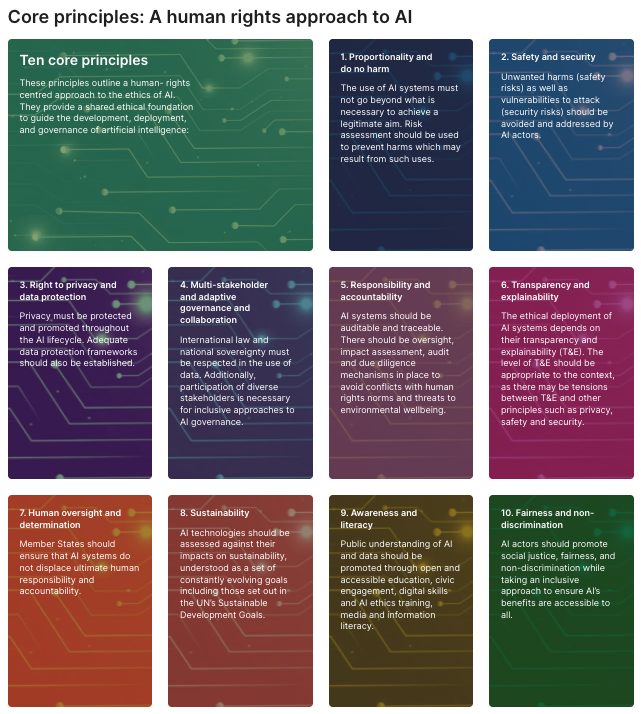
Our research showed that when AI ethics is taught to lower secondary students, interventions tend to focus most on concepts such as fairness and privacy. For example, multiple activities explored the important issue of algorithmic bias, teaching students about the causes of bias (such as training AI systems with small or unrepresentative datasets) and discussing real-world examples of bias in AI.
However, we found that other ethical concepts, such as proportionality and governance, are not often taught. And while a few interventions featured the theme of sustainability, we found that only one directly taught students about the environmental impact of AI itself.
Our new study aims to help address this gap by supporting young people to explore the social and ethical impact of AI tools from a sustainability perspective. Teachers will use real-world examples to engage their students in discussion and ethical reasoning. We hope the findings will support more computing teachers to teach about AI ethics in their lessons, and help students to think critically about the use of AI tools.
We are using a design-based research approach to work collaboratively with teachers to co-design a unit of lessons focused on AI ethics and sustainability.
Participating in the study will involve:
If you teach computing at lower secondary level (Years 7–9 or S1–S3) in England, Scotland, or Wales and would like to help shape the way we teach young people about ethical issues around AI, we would love to hear from you. Please register your interest via the form below.
http://rpf.io/sage-application
If you have any questions about the project, please email katharine.childs@raspberrypi.org.
The post Join our new UK study on teaching AI ethics and sustainability in lower secondary school appeared first on Raspberry Pi Foundation.
Artificial intelligence (AI) is already part of young people’s everyday lives, from the content recommended to them on social media to the generative AI tools they increasingly encounter. But AI technologies are also being used to tackle challenges in the wider world, from forecasting floods to monitoring our environment.
That’s why we believe AI literacy shouldn’t sit within a single subject. Young people need opportunities to explore how AI works, where it is used, and the questions it raises across the curriculum.
To address this, we created a new collection of free themed Experience AI resources, designed to make it easier for educators to bring AI literacy into the subjects and topics they already teach. The resources include those co-developed by the Raspberry Pi Foundation and Google DeepMind, alongside those developed independently by the Raspberry Pi Foundation, including two units created with support from our partner, Digital Moment.
When we began developing these resources, we initially explored creating materials specifically for individual curriculum subjects. But through conversations with educators and our partners around the world, we learnt that a more flexible approach could be much more useful.
Curricula differ between countries, schools, and age groups, and AI technologies rarely fit neatly within traditional subject boundaries. The same technology can raise scientific, geographical, social, creative, and ethical questions.
So rather than assigning each resource to a particular subject, our new resources are organised around broad themes, including the environment, critical thinking, and ethics.
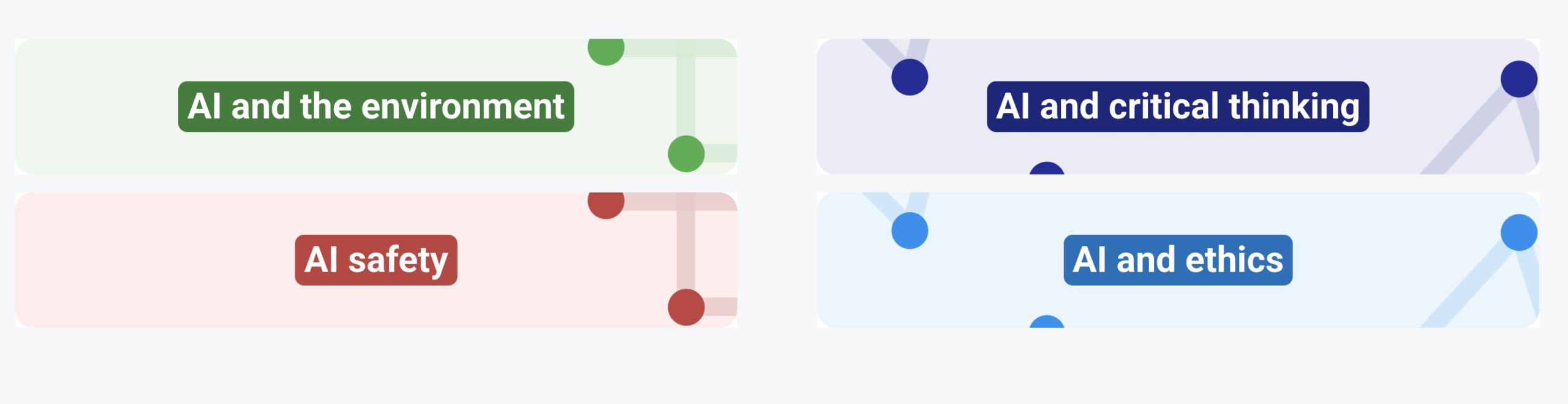
The resources include:
Designed for learners aged 8 to 16, the resources can be used in different subjects and adapted by educators to suit their own classroom context.
That flexibility is important. We want educators to be able to introduce meaningful AI literacy without feeling that they need to become AI specialists or find space for an entirely new subject in an already busy curriculum.
The need for this approach is increasingly recognised by subject experts.
Dr Becky Kitchen, Head of Professional Development at the Geographical Association, highlighted the importance of giving young people opportunities to engage critically with AI technologies as part of their wider learning:

“Pupils are increasingly coming into contact with AI and so it’s vital that they are taught how to harness its power in an effective and critical way. Developing resources across the curriculum to embed this knowledge, understanding, and use is critical.”
After reviewing the new resources, she added:
“These resources are outstanding. They develop pupils’ geographical knowledge while simultaneously exploring the role that AI can have in a meaningful and concrete way.”
The connections extend well beyond geography.
Professor Geoff Cox, Professor of Art and Computational Culture at London South Bank University, emphasised the role that arts and humanities subjects can play in developing a richer understanding of AI technologies:
“If AI literacy is left solely to STEM subjects or computer science, we lose the opportunity to ask deeper human, cultural, and ethical questions — questions that art is uniquely equipped to explore.”
He also highlighted the value of combining different ways of learning:
“The resources move between visual analysis, practical activity, and critical reflection, recognising that only in combination can AI literacy be developed effectively.”
These perspectives reflect an important principle behind the collection. AI literacy isn’t simply about knowing how a technology works. It is also about being able to question it, understand its applications and limitations, and consider its impact on people, communities, and the world.
Before launching the resources more widely, earlier this year we collaborated with our partner, Digital Moment, to give educators in Canada the opportunity to test some of them with their students. Their experiences helped us understand not only how the resources worked in practice, but also where they could fit naturally into existing teaching.
As Indra Kubicek, CEO of Digital Moment, explains:
“Educators play a critical role in helping students understand and think critically about the use of AI and its implications across a wide range of subjects. Building the next generation of creators, builders, and innovators who will shape the future of AI starts with AI education in the classroom.”
One of the educators who took part was Grade 8 teacher Sandra Theobald, who tested our AI and social media activity. Before the lesson, she expected her students, who were already regular social media users, to be familiar with many of the ideas.

While they did have a good background knowledge, the activity prompted them to make new connections between their own behaviour, the data they generate, and the content they are shown as a result of the algorithms presented to them.
Students were able to explore the ideas themselves, with Sandra taking more of a supporting role. She found that they came away feeling more confident about understanding how their interactions with social media affect what they see, and keen to share what they had discovered with their families.
For educators who may feel unsure about introducing AI tools in their classroom, Sandra’s advice is to simply give it a go, rather than waiting until feeling like an expert:
“My advice is to start small and seek out trusted resources and experts in AI education. Partner with another educator so you can explore and learn together. There is so much information available that it can feel overwhelming, so take it one step at a time. Learn alongside your students and build your confidence as you go.”
Canadian educator Colin McKenzie also used the AI and social media unit with his Grade 7 and 8 classes.

Using Somekone, a closed social media simulation for the classroom, his students created accounts and explored how their behaviour affected the content the system recommended.
The experience felt familiar enough to capture their attention, but gave them an opportunity they wouldn’t normally have when using a real social media platform: to examine what was happening behind the scenes.
Students reflected on their interests and choices and then used data on their own behaviour to understand how that behaviour affected what they were shown. Colin found that students were eager to return to the activity each day to discover what would happen next.
Crucially, he also found it straightforward to incorporate the activity into his existing teaching rather than having to significantly change his plans.
“I think this is a powerful and easy resource for teachers to use in the classroom. It is easy to set up and navigate, and it ties in well with curriculum areas around online usage, especially with how prominent AI is becoming in our educational lives.”
For Colin, the activity provided a practical way to connect AI literacy with what his students had already learnt about online safety and evaluating information. It also helped students recognise that the content they encounter online isn’t simply appearing by chance: their own actions can influence the content recommended to them by AI-driven systems.
The experience was valuable enough that Colin plans to make the unit part of his teaching each year.
Feedback like this has reinforced why flexibility is central to our approach.
A lesson about flood forecasting might support learning in geography or science. Exploring AI-generated content could lead to discussions in art, media literacy, humanities, or computing. An activity investigating social media algorithms can connect AI literacy with online safety, critical thinking, and digital citizenship.
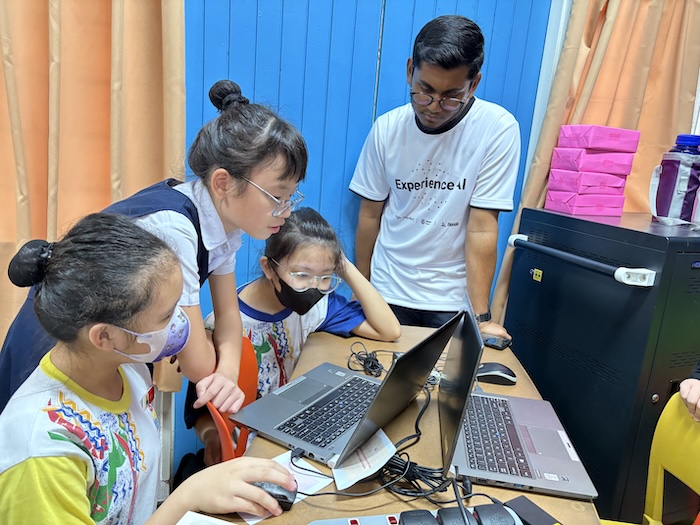
Most importantly, these things provide opportunities for students to encounter AI literacy in different contexts and recognise that understanding AI is relevant far beyond the computing classroom.
AI technologies will continue to change. The contexts in which young people encounter them will change too.
Our aim isn’t to prepare students for one particular AI tool or moment in time. It’s to help them develop the knowledge and critical thinking skills they need to understand all kinds of AI technologies, question them, and make informed decisions about them.
Educators shouldn’t need to be computer science teachers, or AI experts, to do that.
By creating flexible resources that connect AI with subjects and issues young people are already exploring, we hope to make it easier for more educators to bring AI literacy into their classrooms.
Explore the new themed Experience AI resources and discover a starting point for your learners.
We’d like to say a big thank you to our global partner, Digital Moment, for their support in trialling these new resources with educators and learners in Canada.
The post Bring AI literacy into every classroom with our new themed resources appeared first on Raspberry Pi Foundation.
Strap yourselves in for an out-of-this-world journey! The European Astro Pi Challenge 2026/27 officially launches today, 14 September 2026!
Young people across Europe and Canada are invited to participate in two fun coding missions, offering them the amazing opportunity to run their programs on the Astro Pi computers aboard the International Space Station (ISS). Every successful team will receive official certificates complete with runtime details and orbital coordinates, along with their very own space data and image sets to download and keep.
The European Astro Pi Challenge is an ESA Education project run in collaboration with the Raspberry Pi Foundation, and implemented by ESEROs at a national level. It gives young people the chance to learn how to code and conduct real space science in orbit.
Which mission will your teams launch this year?
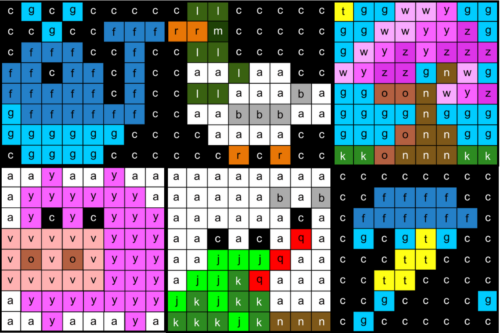
Send your art to orbit and create colorful pixel art with code! Mission Zero is a beginner-friendly Python activity, perfect for young people aged 9 to 16 with no prior coding experience.
Participants use our web-based code editor to set image colors and capture live light readings to adapt their artwork. In our step-by-step project guide, you’ll find a selection of starter examples to modify and make your own, all chosen directly from entries from the 2025/26 season.
Because so many teams love bringing their artwork to life, Mission Control has included step-by-step worked code examples in our project guide: one that creates a static image, and another that outputs a two-frame animation. Your team can modify the colours, add extra frames, or design an entirely original piece. We can’t wait to see what participants create.

Calling all aspiring space scientists! Mission Space Lab gives young people aged 12 to 19 the chance to capture real sensor data and Earth observation images while the ISS orbits 400km above us.
Working in teams of between two and six young people, participants write a Python program to log sensor or camera data to explore life on Earth or orbital mechanics. Teams can design an entirely original space science project or use our ready-made guides to analyse vegetation using NDVI imaging, or calculate the speed of the ISS. Every eligible program is guaranteed a ten-minute flight slot on the ISS.
This year, you’ll find a template for a basic data capture submission in the Mission Space Lab Creator Guide. It provides a great starting point for teams to predict the output of their program, test their logic, and customise their code. What will your team choose to investigate?

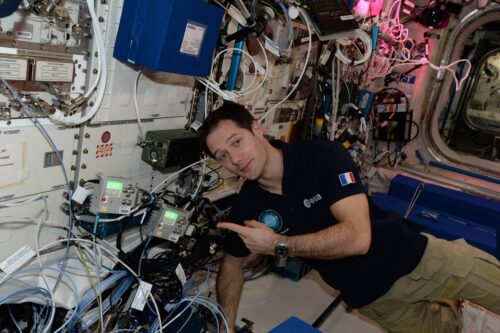
We are excited to announce that ESA astronaut Thomas Pesquet will be the ambassador for the European Astro Pi Challenge this year. Having worked aboard the ISS, Thomas knows how important it is to conduct scientific experiments in space. Plus, Thomas is no stranger to the European Astro Pi Challenge. In fact, he has been our ambassador twice before, during the 2016/2017 and 2020/2021 editions. He is currently preparing for his next mission, having been selected to command a private astronaut mission, planned for 2027.
The Astro Pi Mission Control team is here to support you every step of the way. Visit our website to learn how to book a support call with our team, or reach out to us directly at contact@astro-pi.org.
We’ll also be hosting interactive support sessions and livestreams for both missions throughout the year. Make sure you stay connected by signing up for our official newsletter.
In the meantime, look to the stars and see how far your young people can reach!
The post Launching Astro Pi 2026/27: Code your way to the International Space Station appeared first on Raspberry Pi Foundation.
The UK Bebras Challenge, the nation’s largest computing challenge, is back!
Last year, more than 526,000 students from across the UK took part, tackling fun and thought-provoking puzzles that introduce key ideas in computational thinking with no extra preparation needed.
Read on to learn how your school can get involved.
The UK Bebras Challenge is a free-to-enter annual challenge that is designed to spark interest in both computational thinking and computer science among students aged 6 to 19. The 45-minute challenge is accessible to everyone, offering age-appropriate but challenging interactive tasks for students at different levels, including a tailored version for secondary students with severe sight impairments.
The tasks are designed to give every student the opportunity to showcase their potential and all participating students receive a certificate. There are also certificates based on performance within school and gold certificates based on national boundaries. With self-marking tasks and no text-based programming required, it’s easy to have your school participate in the UK Bebras Challenge.
“The UK Bebras challenge provides an engaging way for students to apply their problem-solving skills in a fun, competitive environment. It complements our coding curriculum, encouraging critical thinking and enhancing computational thinking,” – Jonathan Phillips from Hereford Cathedral School
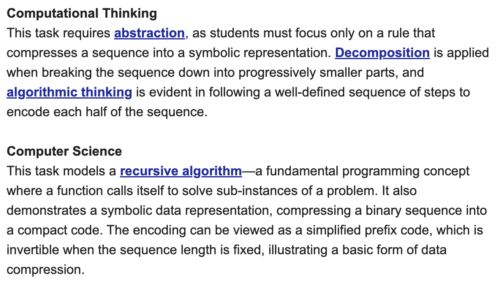
Each Bebras task’s background section is now linked to a related topic on the Ada Computer Science platform. Following the live challenge, teachers and students can explore ithe detailed explanation of the computer science concept behind each Bebras task, along with the computational thinking skills students may use to solve that task.
“We have thoroughly enjoyed delivering the UK Bebras Challenge at our school. It has been an invaluable resource and by participating in this exciting event, our students have been introduced to the world of computational thinking in a fun and engaging way. The challenges are designed to push students to think critically and creatively, developing essential problem-solving skills that are applicable both inside and outside of the classroom.” – Sharon Pendreigh from Brownedge St Mary’s Catholic High School
If you are either a UK school or teach a UK-based curriculum, then visit the UK Bebras website for more information and to register your school.
Once you’ve registered, you’ll get access to the entire UK Bebras set of questions from previous years, allowing you to create custom quizzes for your students to tackle at any time throughout the year. These quizzes are self-marking, and you can download your students’ results to keep track of their progress. The questions are perfect for enrichment activities, end-of-term quizzes, lesson starters, and even full lessons to develop computational thinking skills and promote computing concepts.
Register for free at bebras.uk/admin.
Here’s a question we ran in 2018 for the Juniors group (ages 10 to 12). Can you solve it?
This is the map of a park:
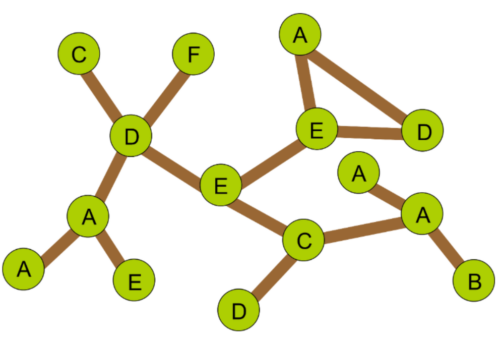
The green circles with letters represent the trees and the brown lines are paths. Note that some letters are used to label more than one tree. Walking from tree F to tree B can be described as F D E C A B.
Last Sunday two families walked in the park.
The Wilde family’s walk was B A A A C E D E E D A.
The Gilde family’s walk was F D C D A E A D E D A.
Both families started their walks at the same time.
Walking from one tree to another tree, down one path takes the same amount of time.
How many times did the two families meet at a tree?

They never met at any of the trees.
Computer scientists often use graphs (and then they speak about vertices and edges instead of trees and paths connecting them).
Another interesting point about this task is the representation of the walks in the park. Despite the fact that some of the trees (vertices) are marked by the same letter, the walks that start from B or F can be unambiguously described by the sequence of letters along the walk. It means that one sequence of letters describes only one walk. It is because the neighbours of each tree (neighbours of tree X are the trees that are directly connected to X by a path) are always labeled with different letters. So if we know where we are at some moment of the walk and we see the next letter in the walk’s representation then there is no doubt which tree we should visit next.
This Bebras task was developed by the Bebras team in South Korea and refined by members of the international Bebras community.
In 1936, a Hungarian mathematician called Dénes Kőnig wrote the first ever textbook on graph theory. Today, graph theory is fundamental to computer science and in particular networking, operation research and data structures.
Did you get it right?
The post Join the UK Bebras Challenge 2026 appeared first on Raspberry Pi Foundation.
Experience AI equips young people with a meaningful understanding of artificial intelligence (AI) and machine learning by giving educators the knowledge and confidence to teach these topics in ways that suit their classrooms.
Whether you’re introducing AI to learners for the first time, helping them deepen their understanding, exploring generative AI with them, or integrating AI literacy across the curriculum, Experience AI offers you all the resources you need for free.
Since we started publishing Experience AI resources in 2023, they have been downloaded over a million times in 195 countries, and we have worked with partner organisations in more than 40 countries to train educators to teach AI literacy. Thanks to partners, we have learned a lot about how teachers around the world use the resources in their classrooms, and this has given us direction for what new resources to develop.
Many teachers looking for AI literacy resources are not computing specialists and have very busy timetables. Under pressure to deliver more content without more instructional time, what educators need are resources they can integrate into what they already teach. To support them, we’re now offering an updated suite of Experience AI resources that make AI literacy more accessible, flexible, and relevant.
The resources include those co-developed by the Raspberry Pi Foundation and Google DeepMind, alongside those developed independently by the Raspberry Pi Foundation.
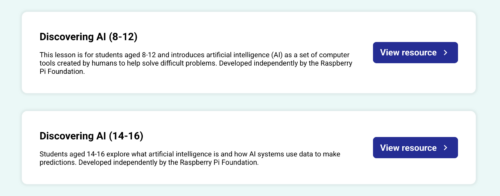
The new Discovering AI resources, aimed at learners aged 8–12 and learners aged 13–16, are single lessons for introducing the fundamental ideas behind AI. They support educators with learners who have little or no prior knowledge of AI, and include engaging, age-appropriate activities.
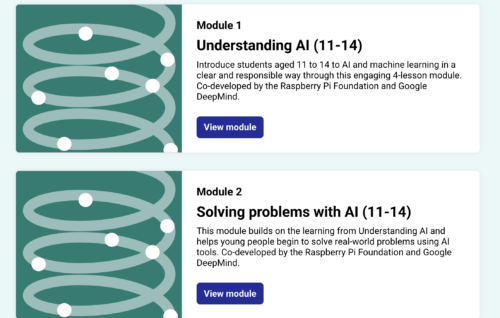
From there, our updated Foundations of AI units let teachers support their learners to develop a deeper understanding of how AI systems work, how they’re trained, and how they can be applied to real-world problems.
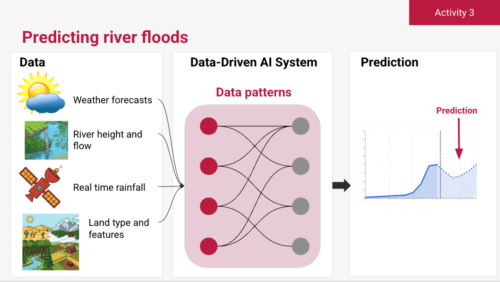
And a new and growing collection of thematic resources supports teachers and learners to explore AI through cross-subject topics such as creativity, the environment, and critical thinking.
Experience AI now fully reflects our belief that AI literacy needs to be cross-curricular. Application of AI technologies isn’t limited to neat domains or subjects, so learners’ opportunities to understand them shouldn’t be either.
Education systems vary significantly between countries, and in most national curricula, AI literacy is not yet clearly defined. Nevertheless, teachers are both under pressure to deliver this new topic area in their limited classroom time, and eager to rise to the challenge to support their learners.
So we asked ourselves: how can we help educators to teach AI literacy in any subject without additional lesson time, when we cannot create specific resources for every subject in every education system?
Our answer came from educators themselves. Through our network of global partners, we learned that teachers were not waiting for us to tell them in what subjects the Experience AI resources belonged. They were already adapting them to teach AI literacy in all sorts of contexts. For example, we saw that some educators adapted the resource on AI and ecosystems, which we had developed for Biology classrooms, for their Geography classrooms, where it supported similar learning goals.
This insight into teachers’ classroom practice prompted us to change our approach.
Now, rather than designing resources for a single subject, we design and organise them in themes that fit across subjects, such as environment, creativity, ethics, and critical thinking. So a resource for exploring the environmental impact of AI data centres could be used in Geography, Physics, Citizenship, or Business Studies classrooms. An activity about AI-generated media could prompt discussions in Digital Literacy, Art, or Computing lessons. The same material supports different curricular goals, depending on how teachers choose to use it.
A key advantage of this new thematic approach is flexibility. Our thematic resources support teachers to:
Like all Experience AI materials, the new resources:
While Experience AI will continue to focus on core AI literacy concepts — how AI systems work, how they are used, and how to think critically about them — the resources we offer will increasingly be:
In this way, we aim to make teaching AI literacy practical and achievable for every educator, regardless of their subject specialism or previous experience of using or teaching about AI.
We’ve tested the new thematic resources with our Experience AI partner, Digital Moment in Canada, who also co-created our Social Media and Flood Forecasting units. Educators’s feedback shows that they value the added flexibility and find the new materials easier to bring into their teaching.
With our new approach, we’re able to offer a more flexible Experience AI programme that supports a wider range of educators, however they want to bring AI literacy into their classrooms.
If you use the resources in your classrooms, please tell us what you think. We’ll continue refining and expanding the Experience AI programme and resources in response to feedback from educators and partners around the world.
Get in touch and share your stories of using Experience AI in the classroom via our email: advocacy@experience-ai.org
The post Experience AI evolves with flexible resources for every classroom appeared first on Raspberry Pi Foundation.
Young people see and use artificial intelligence (AI) systems frequently, and hear a lot about how they are applied across many areas of life. That makes them understandably eager to find out more about how AI works. For some, this interest extends to wanting to experiment with the technology to investigate their own questions and build something themselves. How can schools support learners who want to take their interest further and gain recognition for the knowledge and skills they develop along the way?
For learners in the UK, there is currently no established qualification that develops technical AI skills. This can make it difficult to create space in the curriculum for dedicated AI learning, especially for learners from age 14, for whom preparation for high-stakes exams is prioritised over non-examined learning.
We have been working over the past year to develop a research-informed curriculum framework for data science, which lays out many of the foundational skills and knowledge needed to understand and develop AI models. Alongside this, we have been making the case in England for a Level 3 qualification in data science and AI. However, establishing a new qualification can take years.
In the meantime, we are starting to support students in England who choose an established route for extending their skills and getting that effort recognised: the Extended Project Qualification (EPQ).
The EPQ is a well-established qualification for 16- to 19-year-olds offered in England, Northern Ireland, and Wales by several exam boards (including AQA, Pearson Edexcel, OCR, Eduqas/WJEC, and City & Guilds). It is completed by around 1 in 10 learners at this stage of education.
Learners pursuing an EPQ undertake an extended, self-directed investigation or project. They choose an area of interest where they want to develop their own project and take responsibility for planning, completing, and evaluating the project work.
Its self-directed nature makes the EPQ particularly well suited to learners who want to explore emerging areas, such as artificial intelligence and data science. For students fascinated by AI, an EPQ offers an opportunity to do more than simply learn about the technology. With the right foundations and support, they can investigate a question of their own, build a machine learning model, and use that work to gain a recognised qualification.
We are now working to offer those foundations through a new introductory ‘Data Science and AI’ course that will enable learners to build a machine learning model as their EPQ artefact.
Creating a machine learning model involves much more than choosing a statistical technique and using easily available training data. It involves understanding the problem being addressed, deciding what data to use, exploring and preparing that data, building and evaluating a model, and interpreting the model’s outputs.
Learners who want to do this work for their EPQ need not only technical knowledge and skills, but also skills for critical thinking, research, decision-making, evaluation, and reflection — skills that are valuable for any further study and future career.
To help learners develop these foundations, we are creating an introductory ‘Data Science and AI’ course, based on our curriculum framework for data science and designed to be completed before learners begin their AI-focused EPQ.
The course will guide students through a structured investigation based on a recognised data science lifecycle. By working through it, students will:
The course will consist of 10 units, each involving 2 to 3 hours of independent study for learners. We are designing the activities with a no-code approach to allow students to focus on understanding data science concepts and processes.
Importantly, the work learners produce during this course won’t be the EPQ investigation itself. Working through ‘Data Science and AI’ will give learners the knowledge and skills they need to undertake an AI-focused project with greater independence and confidence.

After they have completed the course, when they begin their EPQ project pursuing a question that interests them, students can apply their new skills and knowledge to make decisions about their AI investigation and document their progress.
We are looking forward to supporting learners in England to turn their interest in one of today’s most significant technologies into the opportunity to develop independent research and project skills through a recognised qualification.
The ‘Data Science and AI’ course will be available to selected schools in England from September 2026, where students and teachers will test the materials and we will learn from their feedback to improve the course materials. We plan to make the course freely available in 2027.
The post Supporting a technical AI-focused qualification for young people in England appeared first on Raspberry Pi Foundation.
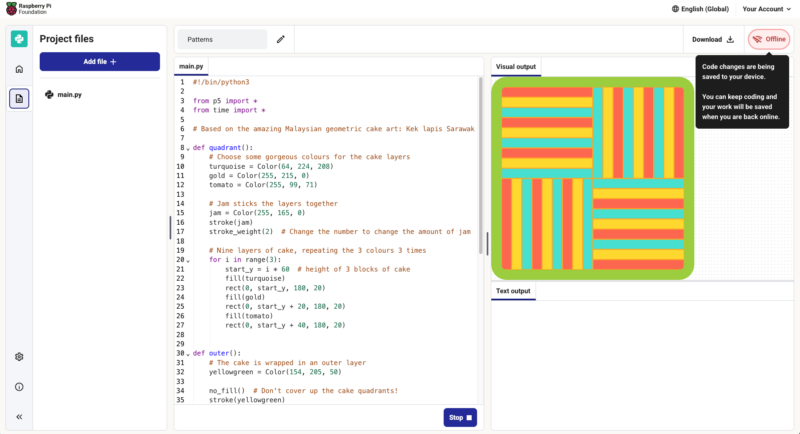
Our free, browser-based Code Editor now keeps working when your internet connection doesn’t. If your connection breaks in the middle of a lesson or a project, you can carry on writing and running your code without disruption, even if the page is reloaded.
An unstable internet connection is a minor annoyance when you’re reading a web page, but it’s a much bigger problem when you’re 20 minutes into creating a program.
Until now, losing your connection while using the Code Editor could mean losing your work: if you refreshed the page at the wrong moment, you might have seen a blank screen or a browser error instead of your program.
When we wanted to understand better what learners and educators around the world need from the Code Editor, we carried out research in countries including India, Kenya, and South Africa. One topic we explored was the availability and reliability of internet connections in metropolitan and rural areas. While it was no surprise that internet access is often slow, unreliable, or expensive in rural areas, we learned that issues related to electricity supply, such as load-shedding and brownouts, are also prevalent in metropolitan areas. All this shapes what is realistically possible in a programming activity using an online editor.
And connectivity issues can occur in any school computing lab where 30 learners are all accessing the same WiFi at once, or for a Code Club running off a mobile hotspot in a community centre, or for someone finishing their homework on patchy mobile data.
That’s why it became a priority for us to improve the Code Editor’s offline support by making it resilient to disconnection.
As we describe in our recently shared draft principles for safe and responsible education technology, one of our commitments is to design for diverse needs, abilities, and contexts — including not to assume constant internet connectivity. This Code Editor update is a small, practical piece of that commitment.
The Code Editor was built with resilience in mind from the start, for example running code in your browser rather than on a server, and saving your project locally on your device as you go.
Our recent additions ensure that once you’ve opened the Code Editor while online, your browser holds on to even more of the parts you need to keep coding without a connection. Now if you go offline midway through using the Editor:
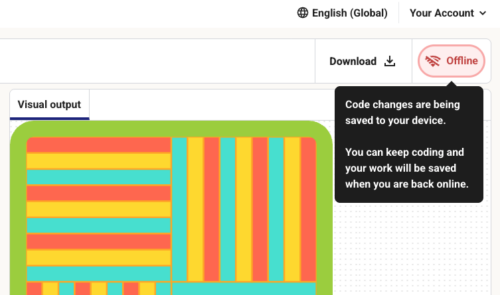
This update is built on a service worker, a script your internet browser runs in the background. When you first load the Code Editor, the service worker stores the files the Editor needs in your browser’s cache. If the network connection then breaks, the service worker serves those stored files instead of trying and failing to fetch them. When you come back online, it automatically refreshes the cache so you’re not left running old files.
The Code Editor isn’t a full offline app that you install. It’s a browser-based app that we have now upgraded to better cope with losing its internet connection, which means:
We’ll keep working to extend what parts of the Editor work offline.
The Code Editor works in your browser with no setup and will always be free for educators and learners. We hope this update makes it more useful for people in lots of different settings.
The update is one of those features some people will never notice, which is rather the point: it should feel like nothing went wrong. If your connection is unreliable and you try out the updated Code Editor, we’d love you to tell us whether or not it works well for you.
We would like to thank Cisco for the generous funding that made this work possible.
The post Keep coding when your internet drops: Offline support in the Code Editor appeared first on Raspberry Pi Foundation.
When faced with a programming problem, computing educators often start solving it without a second thought. Before writing a single line of code, experienced programmers use a range of skills to choose their approach and make other key decisions. Thanks to repeated practice, many of these decisions feel automatic and require little conscious thought. However, for beginner programmers, starting a programming problem can feel overwhelming, requiring intense thought and concentration.
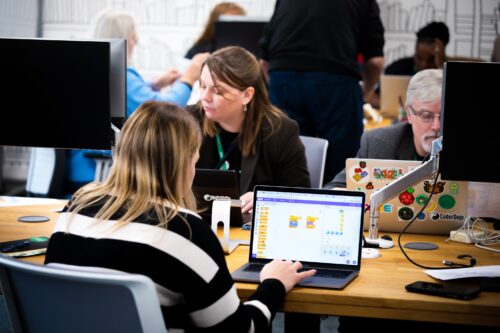
So how can we be more aware of the automatic steps we take and choices we make so that we can break them down for learners, and make it easier for them to solve problems?
In today’s blog, we look at what ‘subgoal labels’ are and how they can be used as a form of scaffolding to support learners in breaking down computer science and programming problems.
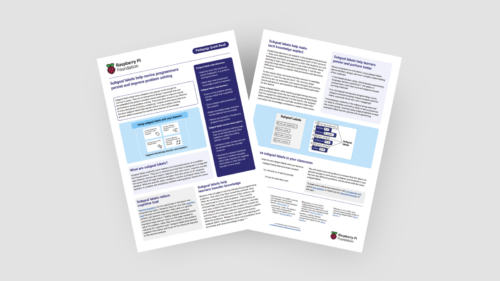
We also share the new subgoal labels Quick Read, which you can download for free to:
Subgoal labels are simple instructions that can be added to tasks — they are particularly useful when added to worked examples. They act as signposts to provide clear directions for a larger task.
Let’s look at the following example: You’re working through a programming problem with your students. The task requires them to draw a shape using a turtle sprite. Instead of just showing learners a complete script, you could instead add these subgoal labels to the worked example.
Programming problem: Draw a blue square in the top right corner of the screen using a screen turtle.
The labels act as scaffolding for students, helping them break down the task and work through it. While the exact number or specific context of the goals might change from one project to the next, the idea is always to break down tasks into smaller, more manageable actions.
You do not need to redesign your entire curriculum to start seeing the benefits of this approach. Here are three practical ways to introduce subgoal labels in your next computing lesson:
Integrating these labels into your teaching practice offers lots of benefits, for example:
Download the full Subgoal Labels Pedagogy Quick Read as a PDF:
The post How to improve students’ problem-solving skills using subgoal labels appeared first on Raspberry Pi Foundation.
We love hearing from members of the community and sharing the stories of amazing young people, volunteers, and educators who are using their passion for technology to create positive change in the world around them.
Last year, we shared the story of Douglas, founder and director of Oasis Mathare, an organisation using technology to open doors for young people in one of Nairobi’s largest informal settlements.
In our latest community story, we meet Douglas again, this time alongside the mentors and young people at the heart of Oasis Mathare’s Code Clubs.
Together, they share what coding really means for a community where most young people don’t finish formal education, and where the opportunity to learn a new skill can genuinely change the course of a life.
Douglas has always been clear about why technology sits at the heart of everything Oasis Mathare does.
“Technology does not have a boundary. It knows no gender, no race. As long as you have access to a computer, you have access to the internet, and you’re being guided, the opportunities are limitless.”
This belief didn’t come from his own journey with formal education — it came from an internet cafe and a lot of curiosity and independent learning. Douglas grew up in Mathare knowing that most young people there were not likely to finish formal education. Rather than seeing that as inevitable, he saw it as a hurdle to overcome.
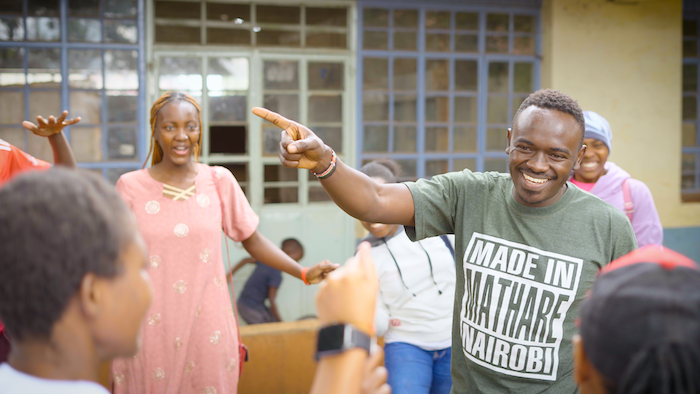
“I used to go to a nearby internet café where I learned some basic graphic design and got my first employment with no formal training. And I realised it’s really possible to gain a decent livelihood with just skills.”
Oasis Mathare now runs Code Clubs in schools and at its own centre, introducing children to programming long before they might encounter it anywhere else. Code Club and the Raspberry Pi Foundation’s learning pathways have become key drivers of the positive impact.

“The resources that we use from [the Foundation] are structured in a really creative way to help kids learn. Initially we had developed curricula to run a Code Club, there were some missing pieces, but now with the Raspberry Pi Foundation pathways, it has sort of bridged the gap that we were facing.”
Perhaps the most powerful thing happening at Oasis Mathare right now is the pipeline forming from learners to leaders. Many young people who come through Code Club go on to volunteer, becoming role models for the children sitting where they once sat.
“It feels so nice seeing students becoming mentors. They act as role models to the Code Club participants. As they are being mentors, it improves their communication and delivery. We are giving them opportunities to work with us to sharpen their skills so that they can get to a greener pasture.”
Keziah, a mentor, shared what drew them to Code Club:
“Being idle around the community can lead to so many negative impacts, so I decided to join Code Club to volunteer, hoping to have a better connection and career growth.”
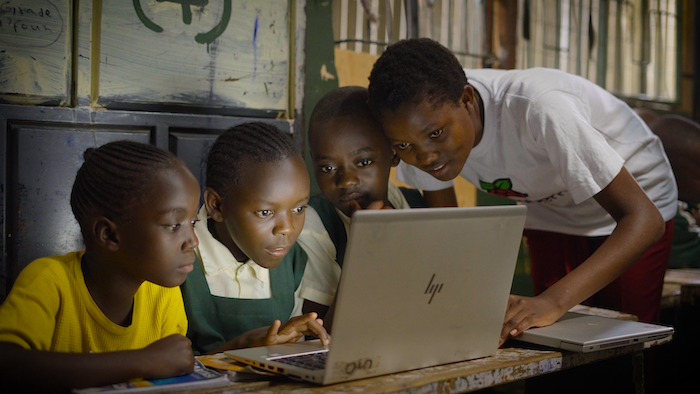
Faith, a student and mentor, shared a key discovery:
“My thought was like coding is only for genius kids and the smart ones. But I will encourage a young learner to actually partake in this. Coding is not hard. It’s actually fun.”
Hope, another mentor, shared just how impactful being a part of a young person’s journey can be:
“The moment the kids realised they belong to a Code Club is when I see their face light up when their projects run. They made me feel achieved. They made me feel, as a facilitator, as a good mentor. And that’s changed me.”
It’s a reminder that Code Club isn’t just about code. It’s about what happens to a young person’s sense of themselves when they build something that works.
Douglas shared his wish for any young person living in an underserved community who feels like their future has already been written for them.
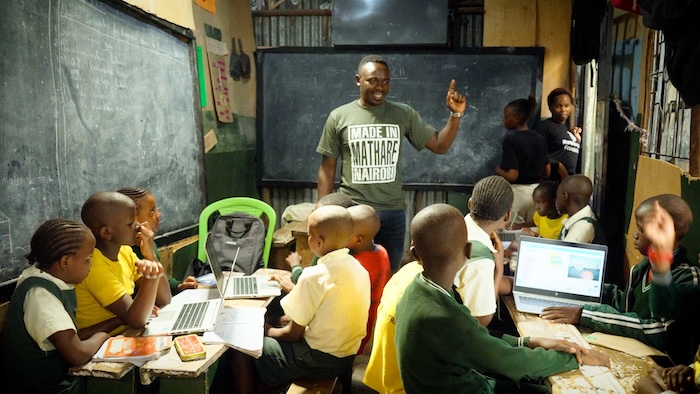
“For any young person from Mathare or any other underserved community around the globe who feels that their future is limited, I would like to tell you that it is really possible. It is really possible to change your life, as long as you have a positive mind, you have hope, and you’re working hard.”
Douglas and the team at Oasis Mathare are proof of what’s possible when young people have access to learning resources, guidance, and belief. You can find out more about their work at oasismathare.org.
If their story has inspired you to bring coding to young people in your own community, Code Club makes it straightforward to get started, with free resources, training, and a supportive global community behind you. Find out more at codeclub.org.
The post Celebrating the community: Douglas and Oasis Mathare appeared first on Raspberry Pi Foundation.
We’re pleased to share that we are expanding our Experience AI programme to Australia and Aotearoa New Zealand to train 5000 educators who can reach 150,000 students by 2028, thanks to generous funding of $1.2 million from Google.org.
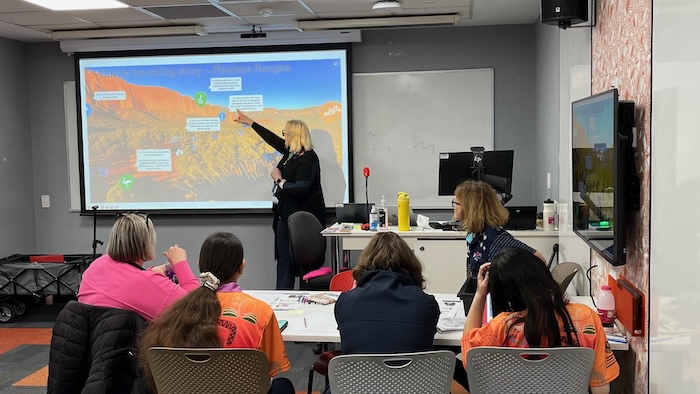
Working with local education organisations, we will support young people to develop a foundational understanding of AI technologies, their social and ethical implications, and the role that AI can play in their lives.
AI systems are a common part of everyday life and influence how we access information, and how we work and solve problems. We believe that young people need more than the ability to use AI tools: they need the knowledge, skills, and confidence to understand how AI technology works, to think critically about its impact, and to create AI-based solutions of their own.
Experience AI is our free educational programme co-developed with Google DeepMind that helps teachers and students learn about artificial intelligence. Through the Experience AI training, lessons, classroom resources, and hands-on activities, teachers introduce young people to how AI systems work, how they can be used, and what their impacts may be.
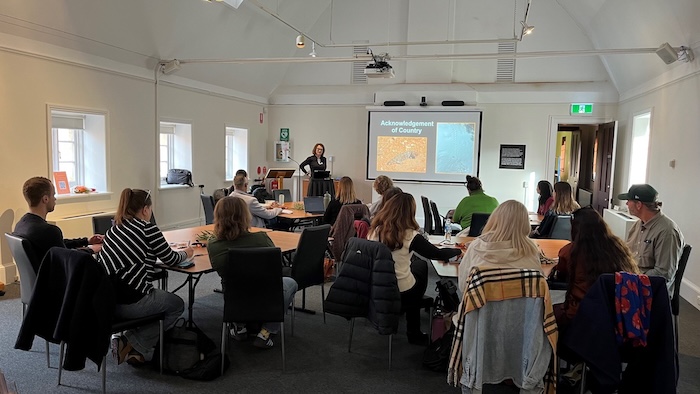
We bring AI literacy to young people across the world with Experience AI by building trusted partnerships with local organisations that lead sustainable delivery of the programme in ways that suit their contexts. Through this global network of Experience AI partners, we have trained over 50,000 educators who can reach an estimated 4.8m young people. Today, Experience AI resources are used in over 195 countries and available in 22 languages. In recognition of its global impact, Experience AI was named a laureate of the 2025 UNESCO King Hamad Bin Isa Al-Khalifa Prize for the Use of ICT in Education.
In Australia, the first partner we are working with is the Computer Science Education Research Group (CSER), based at Adelaide University. Professor Katrina Falkner, the university’s Pro-Vice-Chancellor, Learning and Teaching, says about the partnership:
“We are thrilled to partner with the Raspberry Pi Foundation to bring the Experience AI programme to Australian schools. It is so important that teachers are provided opportunities to understand AI so they can help students develop the self-regulated learning skills needed to thrive in a world where AI is increasingly part of everyday learning and work. Educators can play a critical role in ensuring that a human lens of critical thinking, ethical judgement, creativity, and meaningful human connection remain at the heart of AI education and adoption, preparing students for careers where effective collaboration with AI tools will be essential.”
In Aotearoa New Zealand, we are working with Tōnui Collab Charitable Trust, a Maōri-led organisation dedicated to creating innovative STEM learning opportunities.
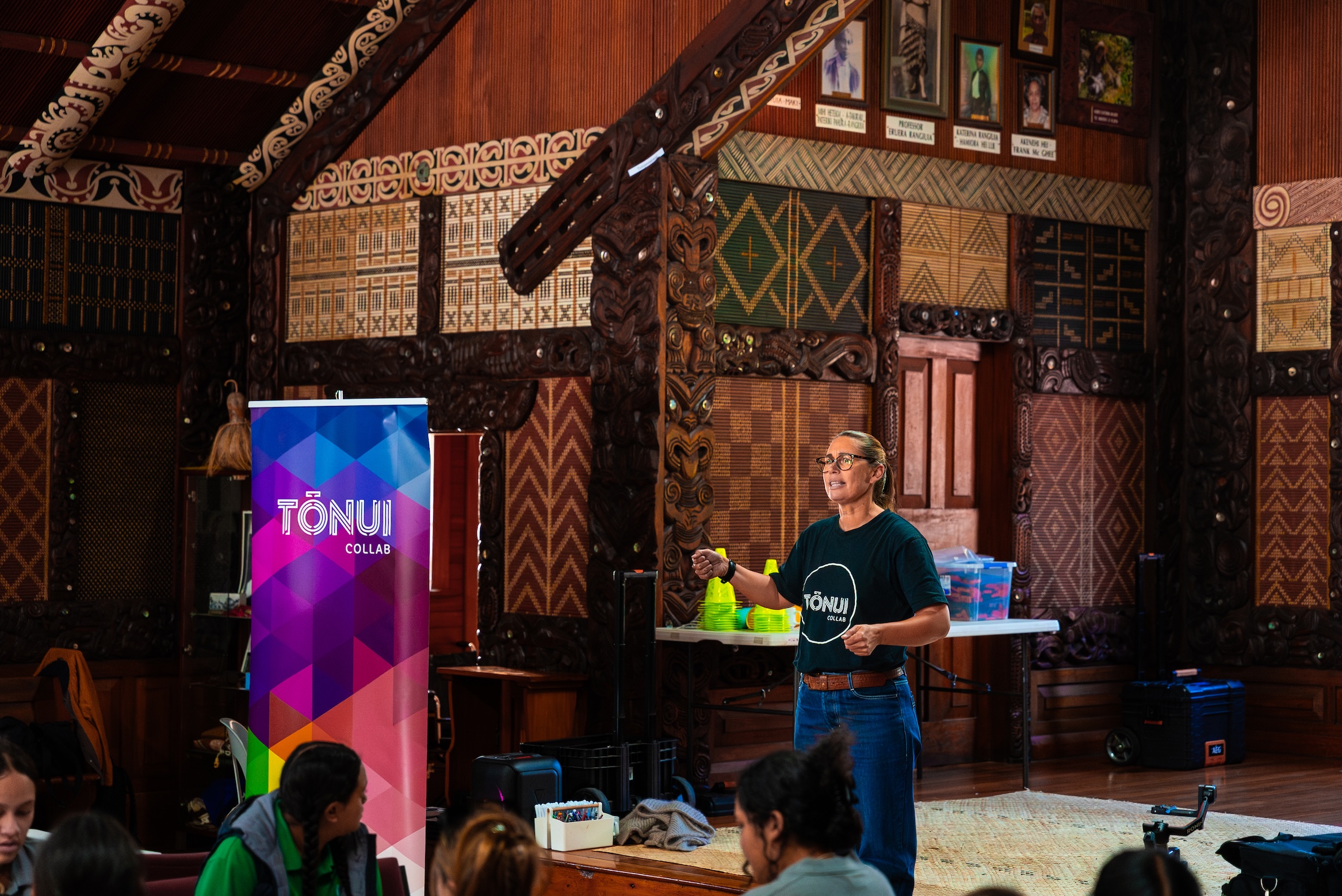
Shanon O’Connor, Director of Tōnui Collab, says about the partnership (1):
“We are partnering with the Raspberry Pi Foundation to provide this kaupapa to educators in Aotearoa, adapting and contextualising their global Experience AI program to make it meaningful and relevant in Aotearoa.
This kaupapa isn’t about learning to code; it’s not a kaupapa designed solely for the ‘tech enthusiasts’, it’s about fostering digital equity, ensuring rangatahi have the tools and knowledge to thrive in a world increasingly shaped by technology. It’s our attempt to ensure the digital divide doesn’t become a digital chasm.
We’re also facilitating robust conversations about data bias and the impact this has on the ways we as Māori engage with AI-powered technologies, creating space for kōrero about tech tikanga and our collective responsibilities when using or engaging with AI-powered technologies.”
All young people need opportunities to develop the skills, knowledge, and confidence to navigate and shape a world where AI technologies are widely used. With support from Google.org and education partners across Aotearoa New Zealand, Australia, we will continue to expand access to high-quality AI education.
Find out more about Experience AI at experience-ai.org
(1) Shanon uses some Māori words that are common in Aotearoa New Zealand for both speakers and non-speakers of reo Māori:
The post Supporting AI education for 150,000 learners in Aotearoa New Zealand and Australia appeared first on Raspberry Pi Foundation.
On 10–15 May, we welcomed the global Bebras community to Cambridge, UK for the 22nd Bebras International Task Workshop.
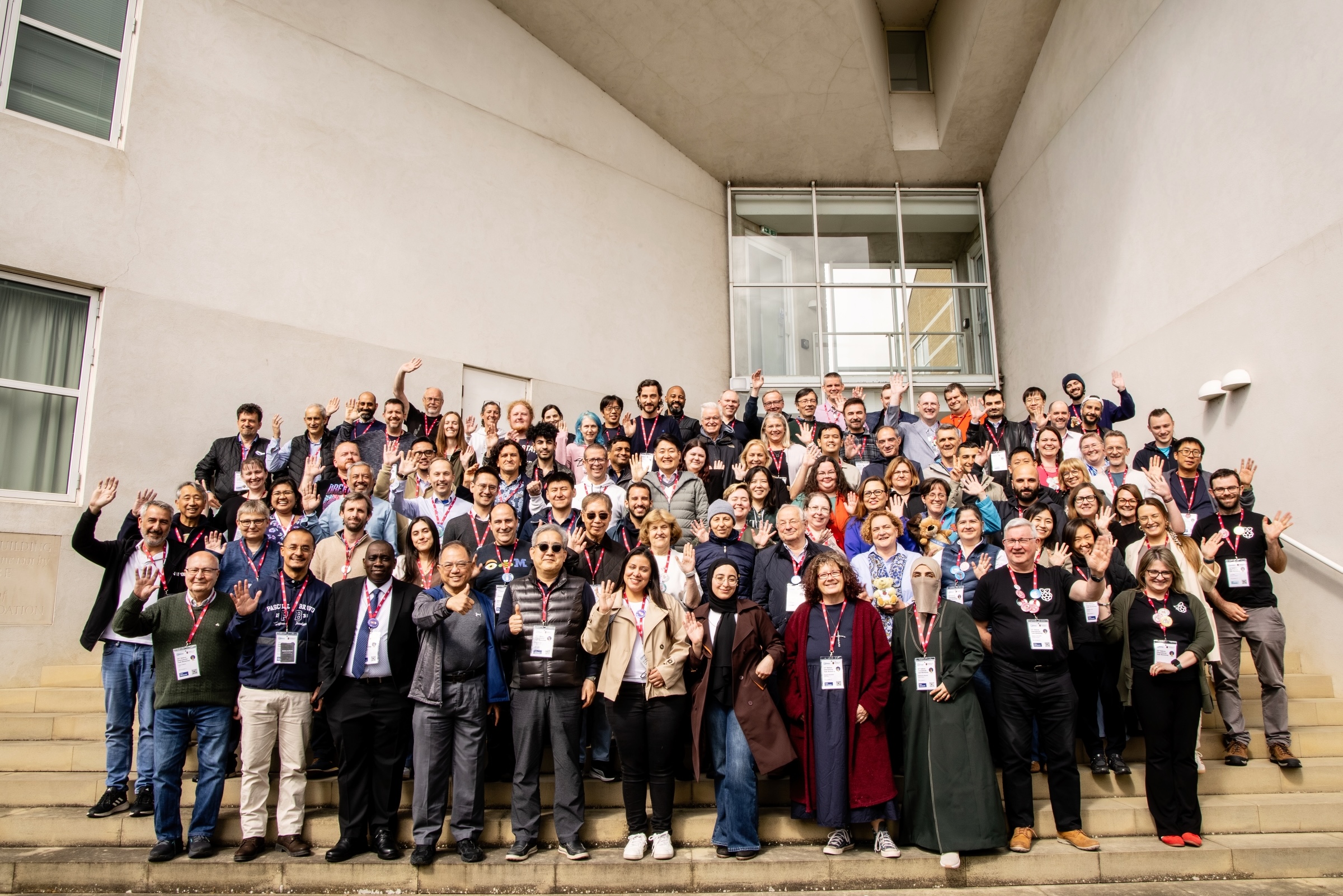
As organisers of the UK Bebras Challenge, we hosted this year’s annual Task Workshop, bringing together Bebras organisers, educators, and researchers from around the world to review and refine the computational thinking tasks in preparation for countries’ 2026 Bebras Challenges. The Bebras tasks young people see every November may look simple and playful, but each one has been carefully discussed, tested, debated, and improved by people who care deeply about helping young people develop problem-solving skills.
This May, we convened 101 delegates from 61 countries at the Møller Institute in Cambridge for the Bebras International Task Workshop, with more participants joining parts of the Task Workshop online to take part in the discussions, decisions, and community moments that make this annual gathering so special.
277 tasks had been submitted by the Bebras community, including 4 by us. Over 4 intensive days, delegates worked in 8 working groups, considering everything about these proposed tasks: from clarity of wording and illustrations, to age suitability and accessibility, to the computational thinking involved. By the end of the workshop, 214 tasks including our 4 had been accepted.
Alex Parry from our team reflects:
“The effort that everyone put in was remarkable — the delegates who travelled from around the world, the sometimes slightly heated discussions about computational thinking and its wider implications, and the improvements to the tasks within the working groups.”
These lively discussions are part of what makes the Bebras Challenge impactful. A Bebras task is more than simply a computational thinking puzzle and its answer. It invites curiosity, supports careful reasoning, and gives learners a fair opportunity to show how they think. Bringing together the perspectives of people from different countries and education systems makes the tasks richer, clearer, and more useful for teachers and learners everywhere.
The Bebras Challenge currently runs in schools in 78 countries. In 2025, more than 4 million students aged 6 to 19 took part, with an incredible 526,000 participants in the UK alone.
The Bebras tasks encourage logical reasoning, pattern recognition, abstraction, decomposition, and algorithmic thinking, often through engaging stories and visual puzzles.
Although the formal purpose of the Workshop is to review tasks, the event is also a valuable opportunity for the Bebras community to learn from one another. On the Wednesday evening, delegates took part in the Bebras marketplace, sharing posters, resources, ideas, and questions in a wonderful showcase of how creative and adaptable the community is.
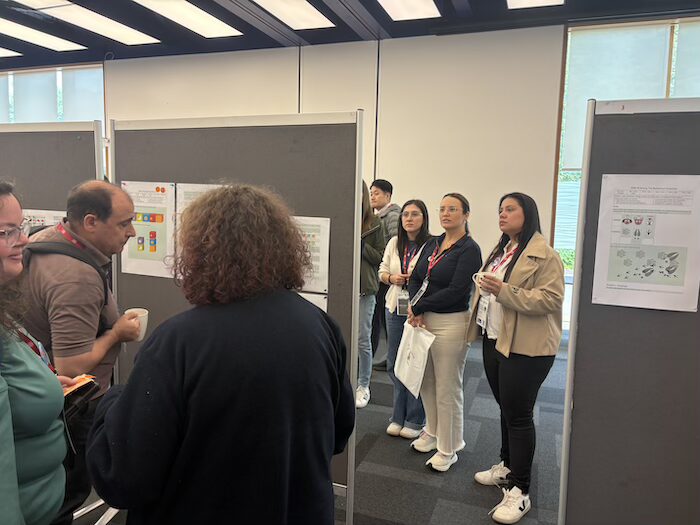
We heard how Bebras is being delivered in countries where schools may have limited internet connectivity or access to computing hardware, including Ghana, Jamaica, Mexico, and Sri Lanka. We saw that many countries offer paper-based versions of the challenge to overcome technical barriers. We learned about Mexico’s work towards making the challenge accessible on smartphones.
There were also inspiring examples of countries extending computational thinking beyond the annual Challenge fortnight. Armenia has developed Bebras books, Brazil has a Bebras magazine, Indonesia is creating teacher training resources for all subjects, and Lithuania is using hands-on games to help learners explore computing concepts.
These examples are a powerful reminder that computational thinking does not require computers or programming skills: it can be explored through stories, games, puzzles, printed resources, teamwork, and discussion.
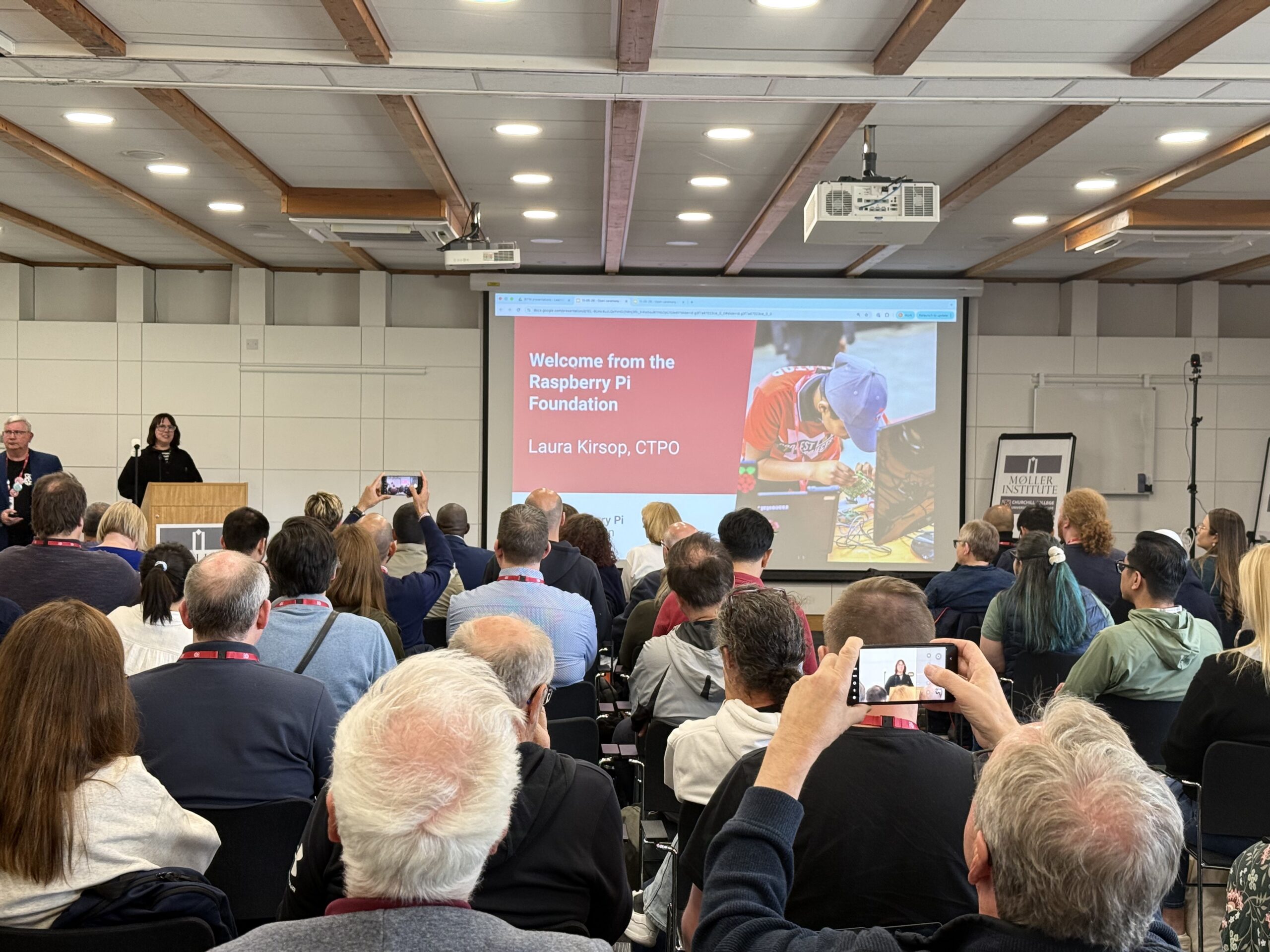
Thanks to Bebras, this is something we are bringing into other initiatives. Laura Kirsop, our Chief Technology and Product Officer, highlighted in the Workshop’s opening keynote how Bebras has influenced some of the Foundation’s educational products. For example, the unplugged Code Club resource Escape room: The jungle awakens uses previous years’ Bebras tasks in a new context to support clubs with access limitations.
Alongside the work of reviewing tasks, the Workshop also supports the continued growth of Bebras around the world. This year, 10 new provisional members — Bolivia, Cameroon, Ecuador, Ghana, Hong Kong and Macao, Luxembourg, Mongolia, Palestine, Sri Lanka, and Tanzania — were inducted, and 7 new full members were voted in: Armenia, Colombia, Greece, Jamaica, Mexico, Paraguay, and Puerto Rico.
Each new member country means more young people will have the opportunity to experience computational thinking in an accessible and engaging way, and more educators will be able to join the international conversation about how best to support learners.
Hosting an international event such as this involves much more than providing meeting rooms and a timetable. The Workshop needed to support focused work, lively discussion, social connection, and participation from delegates joining remotely via livestreams.
We were pleased that our efforts were successful and recognised by delegates. One person described the event as “a truly positive experience on all fronts”, while another commented: “The planning and execution was flawless.” And for an event built around international collaboration, one piece of feedback was especially welcome: “The WiFi connection was phenomenal!”
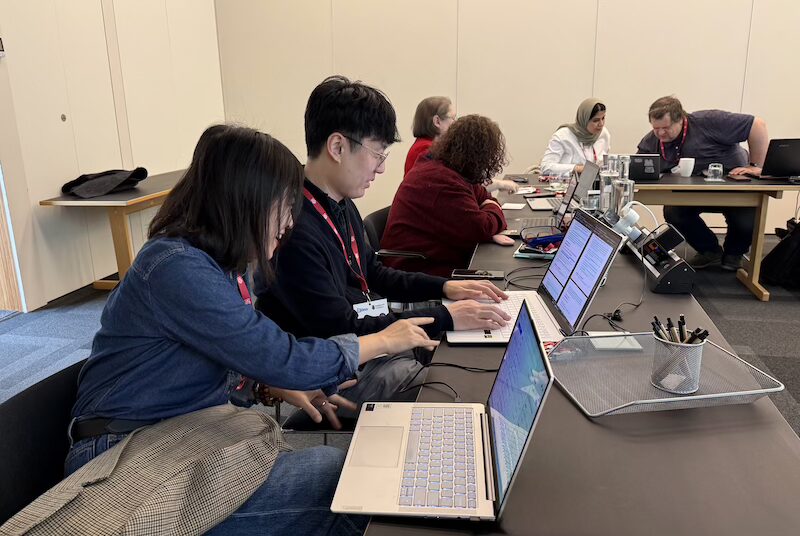
You can’t get everything right though, as one delegate joked when we asked what could be improved about this year’s workshop: “Sorry, the weather could have been better :-)” We will take that as a challenge for our next time as hosts!
The 23rd Bebras International Task Workshop will be held in Uruguay in May 2027. We wish the Uruguay team every success as they begin planning the next gathering of this inspiring international community.
We are now preparing the tasks for the next UK Bebras Challenge, working in collaboration with the Bebras teams from Australia, Ireland, Canada, and the USA.
Across the world, the Bebras Challenge takes place every November and is completed and automatically marked online. For students, it’s a range of fun and engaging computational thinking tasks, to be answered within 45 minutes. For educators, Bebras is a powerful way to introduce and practice computational thinking with their learners.
If you’re an educator in the UK, you can try out past Bebras tasks to get a taste, and register now to be ready to set up your classes from September. This year, the UK Bebras Challenge will take place between 8 and 20 November.
The post Bringing the global Bebras community together in Cambridge appeared first on Raspberry Pi Foundation.
4 years ago I decided to start a new CoderDojo in my community. The logic was simple: to provide the best support I could to the CoderDojo community, I wanted to understand what it was really like to be a CoderDojo Champion. And so, with the help of local volunteers, Selby CoderDojo was born. We had an amazing response from the community, we’ve been running every month since then to meet demand, and we’ve been the catalyst for the launch of six other local clubs reaching hundreds of young people every month.
This month, Selby CoderDojo celebrated its 40th Dojo event. 40 opportunities for young people to come together, have fun, learn new skills and build new creations. 40 opportunities to see that moment a young person lets out a scream of joy, claps their hands, and jumps up and down when they turn on an LED for the first time. 40 opportunities for young people and parents to genuinely collaborate on a project, and 40 opportunities to see young people grow as they find their voice and proudly show off their new creations to a room full of people. When you create a space for young people to have fun and get creative with technology on their terms, there’s so much joy to see.
This year we celebrate 15 years since the first-ever CoderDojo event in Cork, Ireland. I want to say a huge thanks to co-founders James Whelton and Bill Liao for starting a movement that embraces the power of non-formal education and continues to impact so many young people, including those right here in my community in Selby. We also owe a massive thank you to every Mentor, Champion, supporter, funder, parent, and of course every single Ninja past and present who have made CoderDojo what it is.
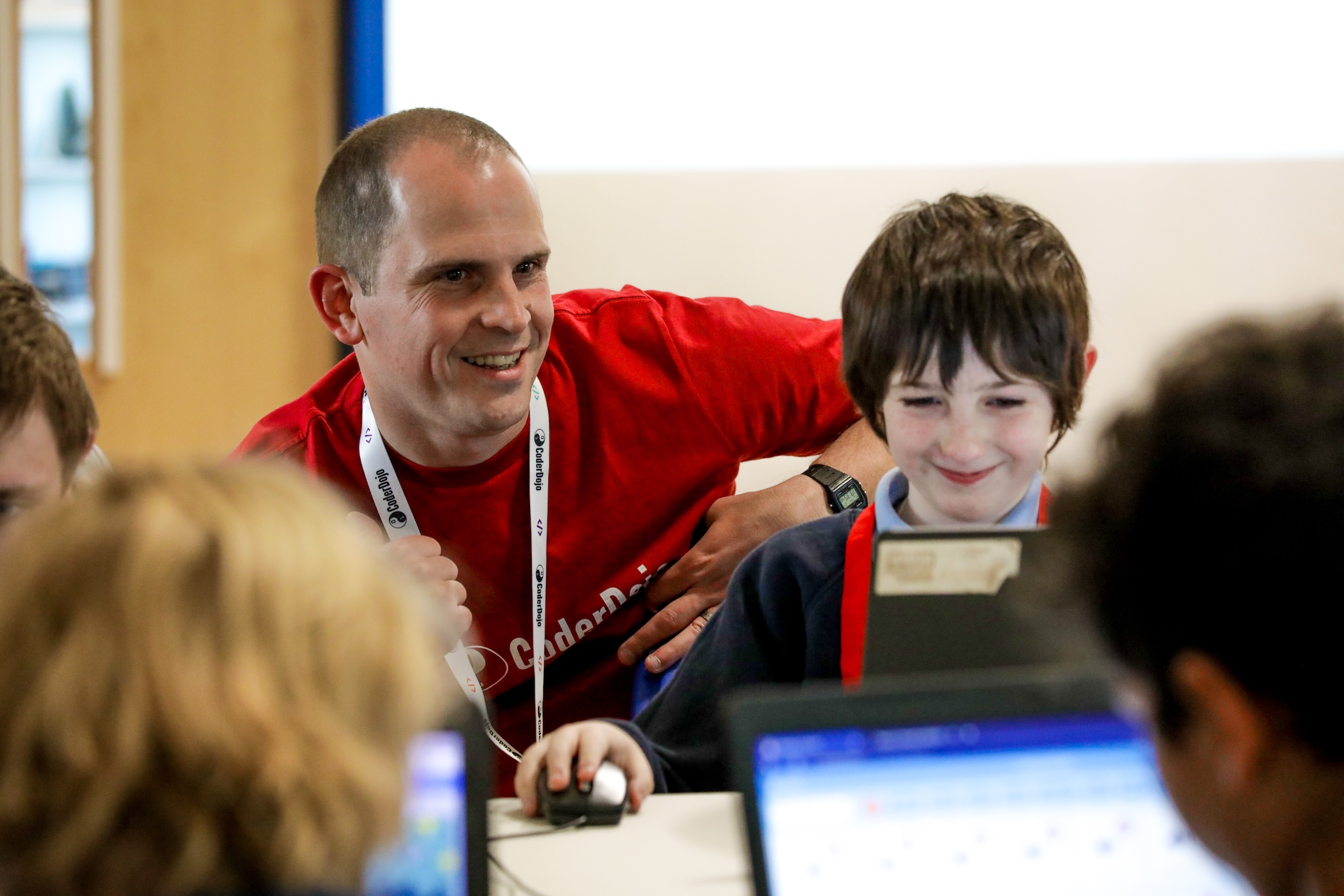
Today there are over 600 active CoderDojos running around the world, creating opportunities for tens of thousands of young people. CoderDojos are part of the Code Club movement, the world’s largest coordinated network of free coding clubs for young people, with over 10,000 Code Clubs meeting monthly.
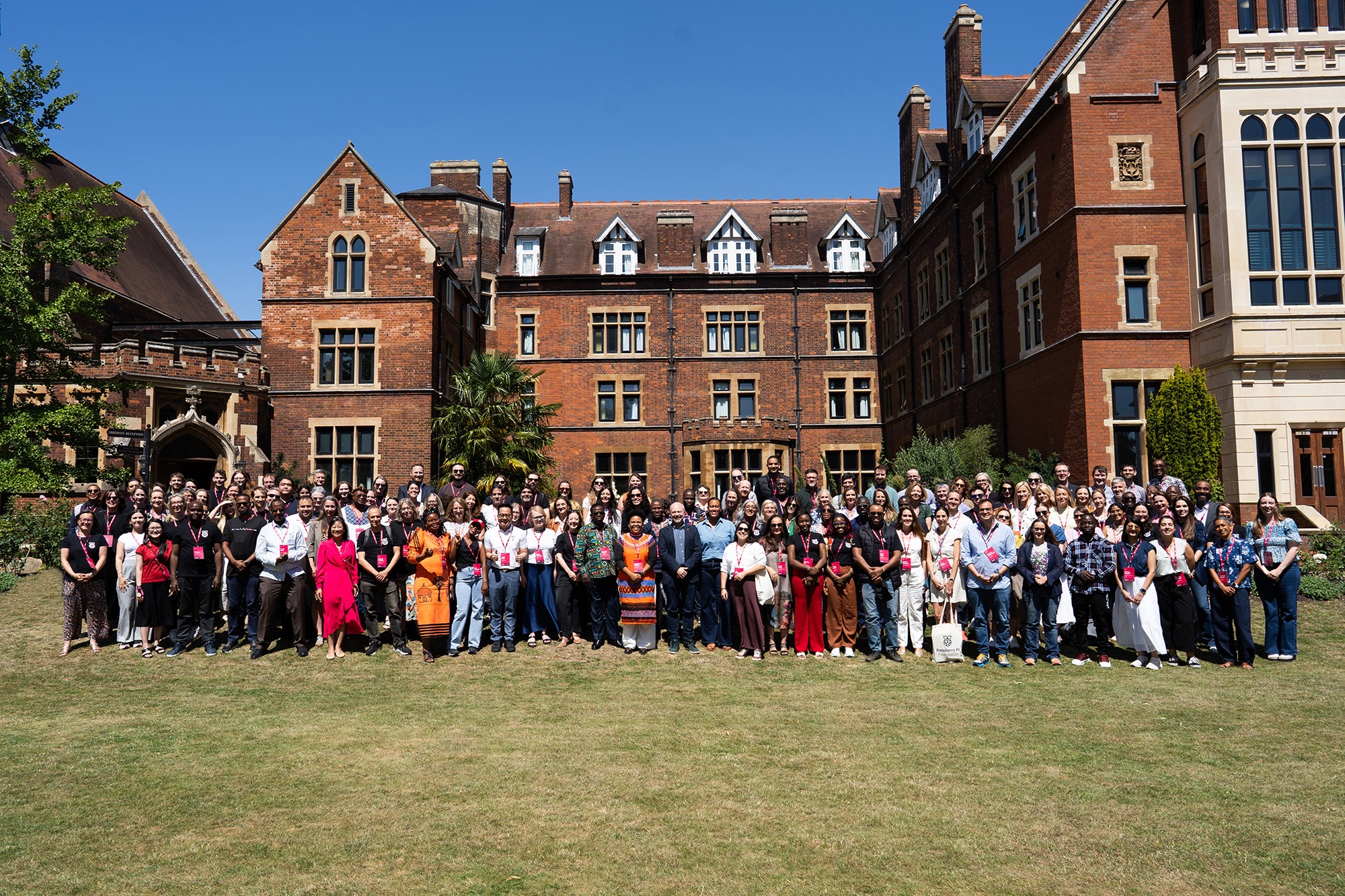
Earlier this month we held Raspberry Fields, our first global partners summit in Cambridge. It was great to have representatives from Dojos around the world join in important conversations about the future of computing education and the impact of AI. Undoubtedly schools play a significant role in preparing young people for the future, but not every child thrives at or even attends school. Every conversation, panel discussion, and workshop at Raspberry Fields reminded me that the original CoderDojo approach — championing non-formal education and embracing fun, creativity, collaboration, and openness — is still immensely important. I’m really proud that these values remain a core part of CoderDojo and the wider Code Club movement today.
Raspberry Fields was a useful reminder that even in the age of AI, it’s imperative that we encourage and enable young people to learn to code. We need to help young people understand, question and shape the AI systems affecting their lives, and we need to think carefully about how we reach young people who can’t or don’t access school. We need even more clubs that will continue the mission that CoderDojo began.
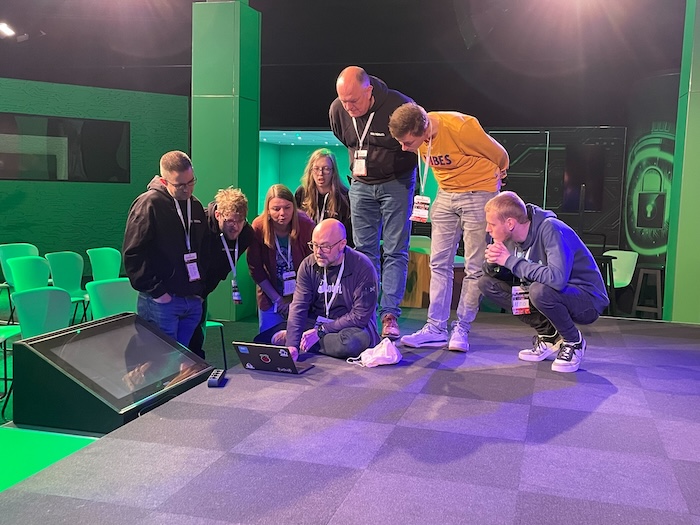
Launching a CoderDojo is one of the most rewarding things I’ve ever done. I’m proud to be part of both CoderDojo and Code Club, and I’m proud that we continue to support all of our clubs, no matter what name they choose. If you’d like to join or launch a club in your community, head to the Code Club website to get started — I promise you won’t regret it!
Thank you to James, Bill, and everyone who has been part of the CoderDojo journey. Be cool!
PS For those of you reading this in the community in Ireland, where CoderDojo first began all those years ago, I can’t wait to hear your experiences and learn together in Athlone at Meet, Learn, Make this October.
The post From one club to a global movement: Celebrating 15 years of CoderDojo! appeared first on Raspberry Pi Foundation.
Coolest Projects UK returned to Bradford in May, with more than 200 young people showcasing digital projects they had designed and built themselves.
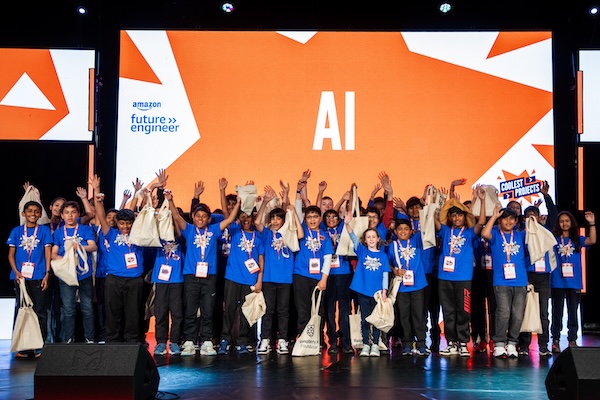
Visitors at the showcase event had the chance to explore an amazing range of projects across categories, from Scratch and Python to AI, hardware, web design, and game development. Every participant had the opportunity to speak with judges and industry professionals, receive personalised feedback, and connect with other young people passionate about technology and creativity.
Throughout the day, participants also got stuck into hands-on digital activities designed to encourage collaboration and creative thinking.
This year’s creators came from a wide range of backgrounds, including Code Clubs, schools, Scout groups, CoderDojos, and independent learning environments. Some had spent months refining their projects, while others had only recently started their coding journey. What connected them all was a shared excitement for creating with technology.
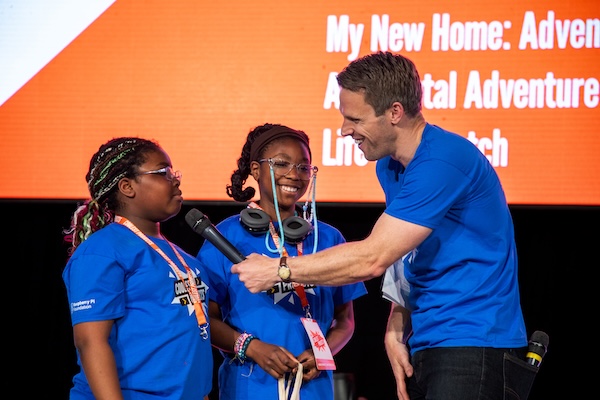
Ahead of the event, local workshops held in Bradford gave young people additional opportunities to explore digital making, develop project ideas, and gain confidence ahead of showcasing their work publicly. These sessions helped many first-time participants take their first steps into coding and creative technology.
A key part of this year’s event was the involvement of 57 Scouts from across the region. Young people from six Yorkshire-based Scout groups attended digital making workshops. During the sessions, they learned how to create their own selfie filters using Scratch’s AI-facial recognition tools, earning their DM1 Digital Maker badges. After developing their own ideas and projects during the workshops, they exhibited a selection of them in the Coolest Projects showcase alongside the wider community of young creators.
For many of the Scouts attending, this was their first experience of presenting a technology project to the public. It gave them a fantastic opportunity to build confidence, talk about their ideas, and see how digital making turns imagination into reality.
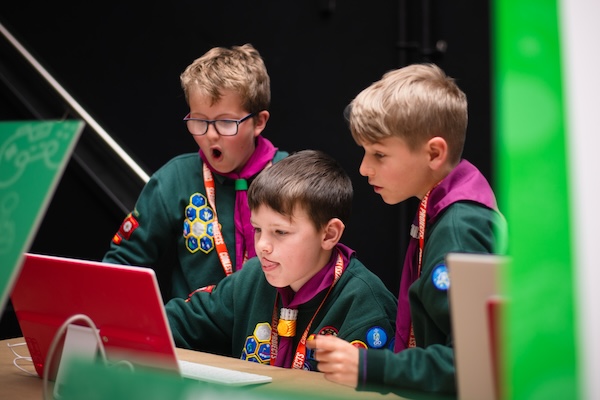
Throughout the event, Greg Foot, BBC science presenter, brought energy and enthusiasm to the stage, interviewing creators, celebrating achievements, and highlighting the stories behind the projects on display. The day concluded with a celebration ceremony where every participant received recognition for their work, with creators of the judges’ favourite projects also receiving additional awards.
The showcase featured an inspiring range of ideas and inventions created by young people from across the UK. Here are just a few of the projects presented during the event:
This project is a robotic reminder system that recognises people’s faces and plays a personalised reminder message. Using sensors, lights, sounds, and moving parts, the robot reacts when someone comes close and activates a camera for face recognition. Seth built the robot using boxes and tubes, while also using AI face recognition and recorded audio messages to create an interactive experience. Seth shared some of the challenges he faced with the facial recognition system.
“Our facial recognition system kept getting confused, so we took more photos to help it recognise better. We used different backgrounds, clothes and lighting to help it recognise our faces better, but we also took new photos when we got to Coolest Projects, so it would work better in front of the judges.”
Seth wasn’t just excited to share his project with his fellow creators, but with host Greg Foot too, bringing a little surprise along for Greg on the day.
“I have always wanted to go to an event which has lots of people and showcases everyone’s work, and wanted to meet Greg Foot too. I built a giant Scratch block made from Duplo and Lego to give to Greg Foot. I didn’t have all the right sizes so I made a custom part with modelling clay and I reinforced it using sticky back plastic, then I asked my mum to write on it so that it looked like it coded Greg to smile.”
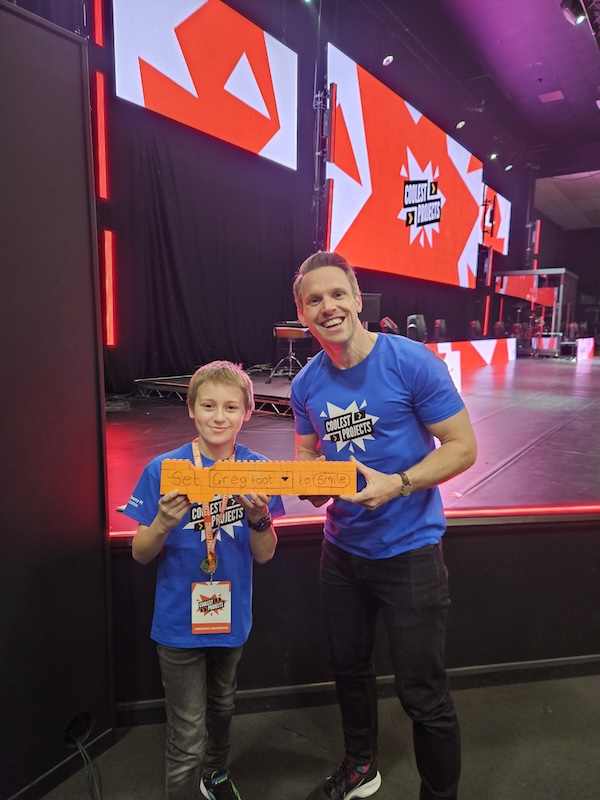
Immune System Defence is a Roblox game where players protect the human heart from waves of incoming viruses. Using white blood cells, vitamin boosts and other defensive towers, players must stop the spread of infection while learning about how the immune system works. The game is designed to be both fun and educational, combining strategy and science in an exciting gameplay experience.
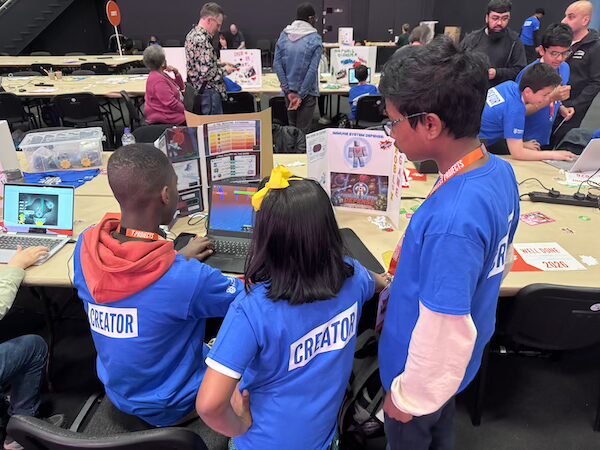
“I got the idea for the project from my Science lessons at school — specifically the ones where we’d learned the parts of blood and the functions of the heart as a related topic on how white blood cells and the immune system protects the body. One of my favourite parts was seeing people scan my QR code and actually play my game live during the showcase.”
Gabriel created a Scratch game that teaches players how rare the fossilisation process is. Players choose between an ammonite, belemnite, or trilobite and then spin three roulette wheels representing different stages of fossilisation. Gabriel was inspired by a board game he saw at the Fossil Festival in Lyme Regis and adapted the idea into his own interactive game with new features such as the roulette wheels.
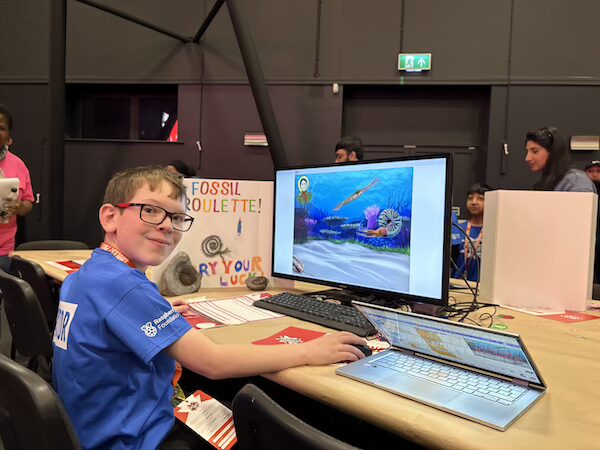
“The roulette wheel was the hardest to code because I had to make it spin faster at the beginning and then slow down. I found the event [Coolest Projects] very exciting because at one point I had a queue of people wanting to try out my game!”
More Coolest Projects showcases
Each year, Coolest Projects highlights the creativity, curiosity, and technical skills young people bring to digital making. From games and AI experiments to interactive hardware builds, the event continues to inspire more young people to see themselves as creators of technology, not just consumers of it.
While the UK event has now wrapped up for 2026, Coolest Projects showcases continue around the world throughout the year.
Coolest Projects is part of our wider work to help every young person gain access to computing and digital creativity opportunities. At thousands of free Code Clubs running across the UK, Ireland, and around the world, young people can continue building projects, learning new skills, and creating alongside others in supportive community spaces.
To find a local club or learn how to volunteer, visit the Code Club website.
The post Robots, games, AI, and more at Coolest Projects UK 2026 appeared first on Raspberry Pi Foundation.
Millions of young people and educators around the world use our technology to teach, learn, and create with code. Building it safely and responsibly is intrinsic to who we are and what we stand for.
A growing body of research and public commentary links the use of social media, smartphones, and algorithmic platforms to declining mental health and attention in young people. Public attitudes are shifting in response, and parents, teachers, and governments are increasingly demanding action. Phone bans in schools and restrictions on social media are spreading across many countries. The technology sector can no longer take public trust for granted.
None of this is new territory for researchers, who have argued for decades that technology is not neutral, and that the choices made in designing it can either embed harm or help prevent it (1). We think this moment calls for a calm, evidence-led response, and we want to be open about how we are approaching it and to do this work alongside others rather than on our own.
We have always been a research-led organisation. When we face a difficult question, we look at the evidence and learn from the people who have studied it.
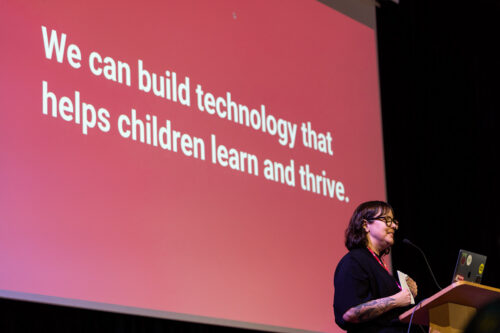
Children’s digital rights is a rich and well-established field. Researchers and experts have spent years thinking carefully about what children need from the technology they use, and how their rights apply in a digital world. The United Nations set out a clear framework in 2021 with General Comment No. 25, which describes how children’s rights apply to the digital environment. Organisations like UNICEF and the 5Rights Foundation have built on this with practical guidance for the people who design and build products.
This body of work gives us firm ground to stand on. Rather than starting from scratch, we have used it to shape our own approach. We have drawn in particular on UNICEF’s Responsible Innovation in Technology for Children framework, UNICEF’s EdTech for Good Framework 1.0, the UN’s General Comment No. 25, and the Digital Futures Commission’s Child Rights by Design principles.
We have begun by writing eight principles, designed to guide the decisions we make as we build and run our products.
Our principles:
1. The best interests of the child come first. We design for children’s wellbeing, which means more than safety and privacy. It includes their agency, their emotional health, their relationships, and the space to create. Sometimes putting that first means choosing against growth, engagement, or speed.
2. Our technology supports human relationships. It does not replace them. Any personalised or AI-supported features we build are there to strengthen the relationships between young people, educators, and caregivers. People stay in control, and we do not hand decisions about a child’s learning or wellbeing to a machine.
3. We only collect the data we need. By the time a child turns 13, more than 72 million pieces of personal data will have been collected about them. We collect the minimum we need to help children learn and to measure our impact. We do not sell data, and we never will.
4. We design for learning, and we prove its impact. Our products are grounded in evidence about how children learn, and we evaluate whether they actually work. We avoid designs that keep learners hooked rather than helping them learn.
5. We design with children and educators, not for them. The people who use our products are the experts on their own needs. We involve them in research, testing, and feedback, and we make sure what they tell us shapes the product, not just a report at the end.
6. We design for diverse needs, abilities, and contexts. Our technology adapts to people, not the other way around. We do not assume constant connectivity, confidence with digital technologies, or a classroom that looks like anyone else’s.
7. We are transparent and accountable. We use plain language to explain how our products work, how data is used, and what rights people have. And we give people clear ways to question or challenge the decisions our systems make.
8. We apply the highest standards of children’s rights everywhere we work. Where local rules fall short of international best practice, we choose the higher standard. A child’s rights should not depend on where they happen to live.
You can read the full set of draft principles, and the research behind each one, in this PDF:
Publishing these principles is a statement of intent, not a claim that we have got everything right. This is a fast-moving area. Regulation is changing quickly, the research keeps developing, and we grow and change our own products. There are areas where we know we have work to do, and almost certainly areas we have not yet spotted.
These principles are how we hold ourselves to account, and they are only a start. Alongside them, we are mapping the regulatory landscape across the countries where we work, developing ways to assess our products against these principles, and building these commitments into how we make decisions. We will keep listening to the people who use our products, and making sure children themselves have a voice in shaping the technology built for them.
We also know we cannot do this alone, so we have two asks for you:
If you have a view on these principles, tell us. Whether you are a researcher, educator, parent, young person, or policymaker, we want to hear where you think we have got it right, where we have not, and what we have missed. Honest challenge is genuinely useful to us. Give your feedback and sign up to be involved in shaping them.
If you are part of a non-profit or organisation working on similar questions, get in touch. We would like to build a coalition of like-minded organisations to share what we are learning and raise standards across the sector.
(1) See for example:
The post Building education technology that children can trust appeared first on Raspberry Pi Foundation.
The development of AI and data science has transformed how we gain insights from data. In healthcare, AI tools are being used in the development of new treatments as researchers apply machine learning methods to datasets. However, applying AI in healthcare also brings risks, particularly when systems amplify existing biases in data or design.
In our fourth seminar in our current series on teaching about AI in the arts, humanities, and sciences, Kathy Jessen Eller (The Concord Consortium) introduced the Data Science, AI & You (DSAIY) programme, a high school curriculum that helps students critically evaluate the role of data and AI in healthcare.

Kathy began her seminar by arguing that for many students who use AI tools in their coursework, questions remain about whether they are critically evaluating the tools’ outputs. Students may or may not check an AI-generated answer against primary sources to see if the answer is accurate. There is also growing concern that students’ use of AI tools lets them offload cognitive work rather than engage in deeper thinking. This presents a challenge for educators: how do we help students use AI productively while still supporting them to develop the critical judgement needed to evaluate its outputs?
To tackle this challenge, Kathy and her colleagues have developed the Data Science, AI & You (DSAIY) programme (pronounced ‘Daisy’). DSAIY is a semester-long high school curriculum designed to introduce students to AI by actively engaging them in the machine learning process.
The programme introduces machine learning as the engine behind many AI tools, and introduces the concept of bias through real-world examples. Students use a variety of tools to collect and prepare data, train, test, and evaluate models. It culminates in an ‘AI-a-thon’ where young people work in cross-disciplinary teams alongside data scientists, clinicians, and their own teachers to gain real-world experience.
At the time of the seminar, 11 teachers had delivered the programme to over 800 students across a variety of settings in Rhode Island, USA. Teachers are heavily supported with four days of professional development and ongoing technical assistance throughout implementation. The students that took part had a wide variety of prior experience, including many with no prior background in computer science or statistics. Female participation is notably high; one teacher even remarked that the course saw more girls enrolled than any of his other computer science classes.
In DSAIY, students experience the full machine learning pipeline from data collection and data preparation, to modeling and deployment. Using Python, they train and test simple machine learning models on authentic healthcare data. The aim of the programme is to move students from basic graphing to evaluating complex models, transitioning them from merely plotting data to deeply reasoning about it.
The programme makes use of CODAP (the Common Online Data Analysis Platform), a free, web-based tool developed by The Concord Consortium. CODAP provides an interactive, highly visual environment that lowers the barrier to entry. Students can visualise large datasets and click into individual data points, allowing them to see individual cases within a larger dataset.
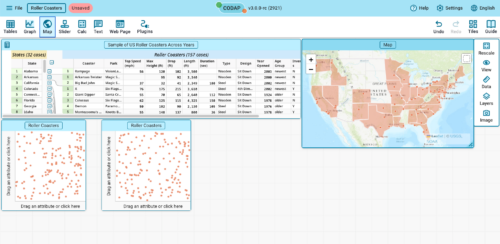
The curriculum uses real-world examples from healthcare to introduce concepts of bias and fairness. For example, students learn about pulse oximeters, which estimate blood oxygen levels. However, as these use red and infrared light, readings can vary depending on skin pigmentation, which can lead to inaccurate readings.
Students also collect their own blood oxygen data and plot it using CODAP to observe variability. They consider the accuracy of their measurements and grapple with the ethics of removing outliers from a dataset. This led to students asking critical questions about the makeup of their datasets, the context in which data are collected, and the implications of how data are used in healthcare.
Through the DSAIY programme, Kathy reported that students developed stronger data reasoning skills, gained a deeper awareness of inherent AI biases and risks, and built confidence in public speaking and collaborating with others. Students were also highly engaged and appreciated the focus on real-world healthcare applications and their social implications.
Kathy concluded the seminar by arguing that AI literacy must start with data literacy. When students learn to examine, question, and reason about the data behind AI technologies, they develop the critical thinking skills needed to engage with outputs from real-world systems or everyday technologies like ChatGPT. This can then help them evaluate both the trustworthiness of these tools and their role in important decision-making processes.
You can watch the seminar here:
If you are interested in learning more about Kathy’s work, you can read about the DSAIY programme here or you can read the paper here. You can also learn about CODAP, the data visualisation tool featured in this seminar here.
In our current seminar series, we’re exploring how AI is taught across the curriculum. In our next seminar on Tuesday 14 July at 17:00–18:30 BST, we welcome Dan Verständig (Goethe University Frankfurt) who will explore the connection between Social explainable AI (Social XAI) and Critical Computational Literacy (CCL). To take part in the seminar, click the button below to register. We hope to see you there.
The schedule of our upcoming seminars is available online. You can catch up on past seminars on our blog and on the previous seminars and recordings page.
The post AI literacy begins with data literacy: An example from healthcare appeared first on Raspberry Pi Foundation.
Today’s data-driven tools can make many aspects of our personal lives less time-consuming, because they present us with options and even make decisions for us. By relying on predictive text features, we write messages more quickly and outsource our word choices. By using music and film recommendations, we outsource our personal taste. And by using AI chatbots that produce confident answers to every single one of our questions, we outsource our thinking.
Of course, I use and enjoy all of these products. But because I grew up before data-driven tools existed, I also know the accidental delights of exploring a city without a smartphone map, the joy of thoughtfully choosing a gift for a friend, and the satisfaction of comparing insurance quotes and understanding their details. These non-AI-assisted acts exercise my critical thinking skills — something that is harder to do in a world where AI products promise so much convenience.
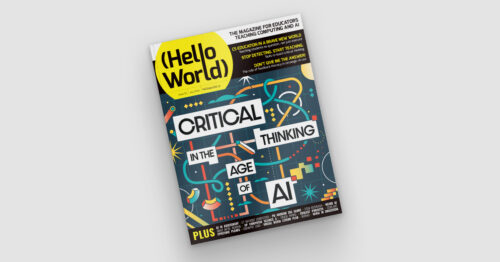
Critical thinking is even more vital now in the age of AI. The brand-new issue of Hello World — and our new podcast mini series — offers research, advice, and practical resources for teaching young people, and ourselves, to think critically.
In issue 30 we share articles from educators who have already been thinking deeply about the role of critical thinking in the age of AI. They discuss a range of questions such as:
• What do educators bring to the table when teaching with digital technologies?
• Why AI professional learning should build teachers’ critical thinking, not just their confidence in using tools
• Whose knowledge is shaping AI?
Our feature articles also include:
• Managing cognitive load for deeper thinking
• AI systems in assessment
• Promoting human decision-making
From the team at the Computer Science Teachers Association (CSTA) in the USA we have an article about their newly rewritten CSTA K–12 Standards, a research-backed framework designed to prepare students for a future that seems to be arriving very fast on some days. As their article says:
“AI can generate answers instantly, but understanding and evaluating answers still
requires human judgement. In a world moving at supersonic speed, CS education needs to find a new balance. Students must learn to think critically so they can direct AI rather than being directed by it.” – Amanda O’Mara, Smita Kolhatkar, and Tiffany Jones in Hello World issue 30
Developing critical thinking skills is important for young people, regardless of the discipline you teach. In the age of AI, computing education is uniquely situated to cultivate this mindset, encouraging students to engage more thoughtfully with the AI tools they use daily.
Also in issue 30:
• Flatgames
• Predictive classroom systems
• A physics meets technology project
And much, much more.
Let us know which articles you found most helpful for your teaching or which resources you tried out by sending us a message or tagging us on social media.
Thank you to Oracle for sponsoring this issue of Hello World.
The post Hello World #30 out now: Critical thinking in the age of AI appeared first on Raspberry Pi Foundation.
We work with partners globally to promote AI literacy through Experience AI, our programme created in collaboration with Google DeepMind. With resources available in 19+ languages and a network of partners in over 38 countries, a key part of our work is translating and localising our materials so as many young people around the world as possible build the confidence to engage with AI critically and responsibly.
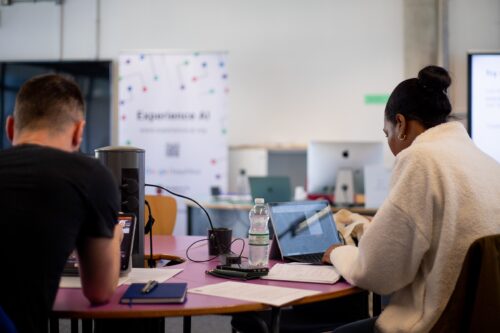
But localisation introduces a unique hurdle: sometimes, languages are divided into ‘small languages’ and ‘big languages’.
As a speaker of Croatian, a ‘small language’, I think about this divide often. What makes a language small? A small language has a small number of speakers and is usually not considered a key market. Practically, this means resources for translation are often directed towards ‘big languages’. This makes sense from an impact perspective: translating into languages with more speakers maximises reach.
That is why, as a localisation coordinator at the Foundation, I am delighted that we partnered with Croatian organisation Suradnici u učenju to ensure that for Experience AI, Croatian is not treated as a small language — it is simply a language.
But translating into Croatian can present hurdles. When I got my first computer in Croatia, the user interface was in English. As a result, I never learned how to say “copy/paste” in Croatian. Those types of menus and tools had simply not been translated yet when I lived there. This happens a lot, especially with software and fast-emerging technologies like AI. Native speakers have no other choice but to use English words: the English words enter the language, and sometimes they stay.
As a result, translating key Experience AI terms into Croatian wasn’t easy. Even terms like ‘AI’ went through several rounds of discussion. Should we use the English ‘AI’ (artificial intelligence) or the Croatian ‘UI’ (umjetna inteligencija)? How should we pronounce ‘AI’ or ‘UI’ in spoken language?
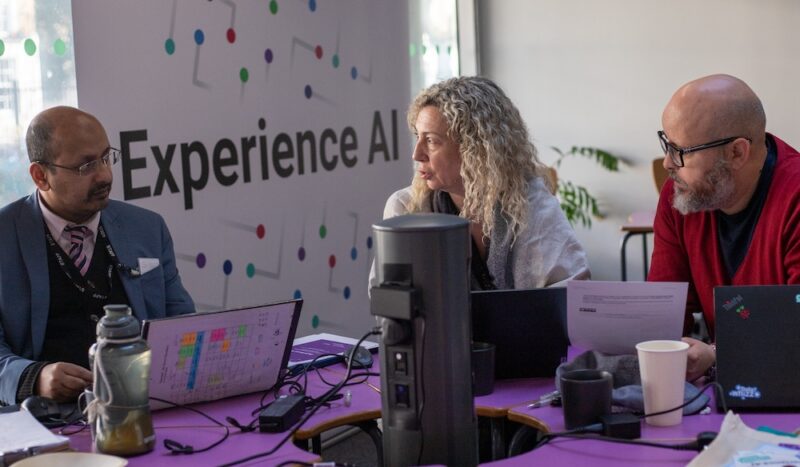
Sometimes, it can be hard to know what the right thing to do is. While the English terms have been normalised, the Croatian word can seem foreign and out of place. When making a decision about how we translate terms for Experience AI resources, we also have to think about fairness and accessibility. Is it fair to assume that all young people and educators understand English words? If we assume incorrectly, we are preventing some learners from fully accessing and understanding our materials.
That’s why our in-country partners are a big part of our translation process. When we aren’t sure about whether we are making the right choice for educators and learners, we can rely on their expertise. They are not only native speakers, but also subject matter experts. For Croatian specifically, Suradnici u učenju did a very thorough review of the translation.
Beyond AI terminology, localisation also meant aligning resources with the terminology and conventions already used in Croatian schools and curricula. This ensured that the resources felt familiar to teachers and reflected the language they already use in classrooms, textbooks, and educational guidance.
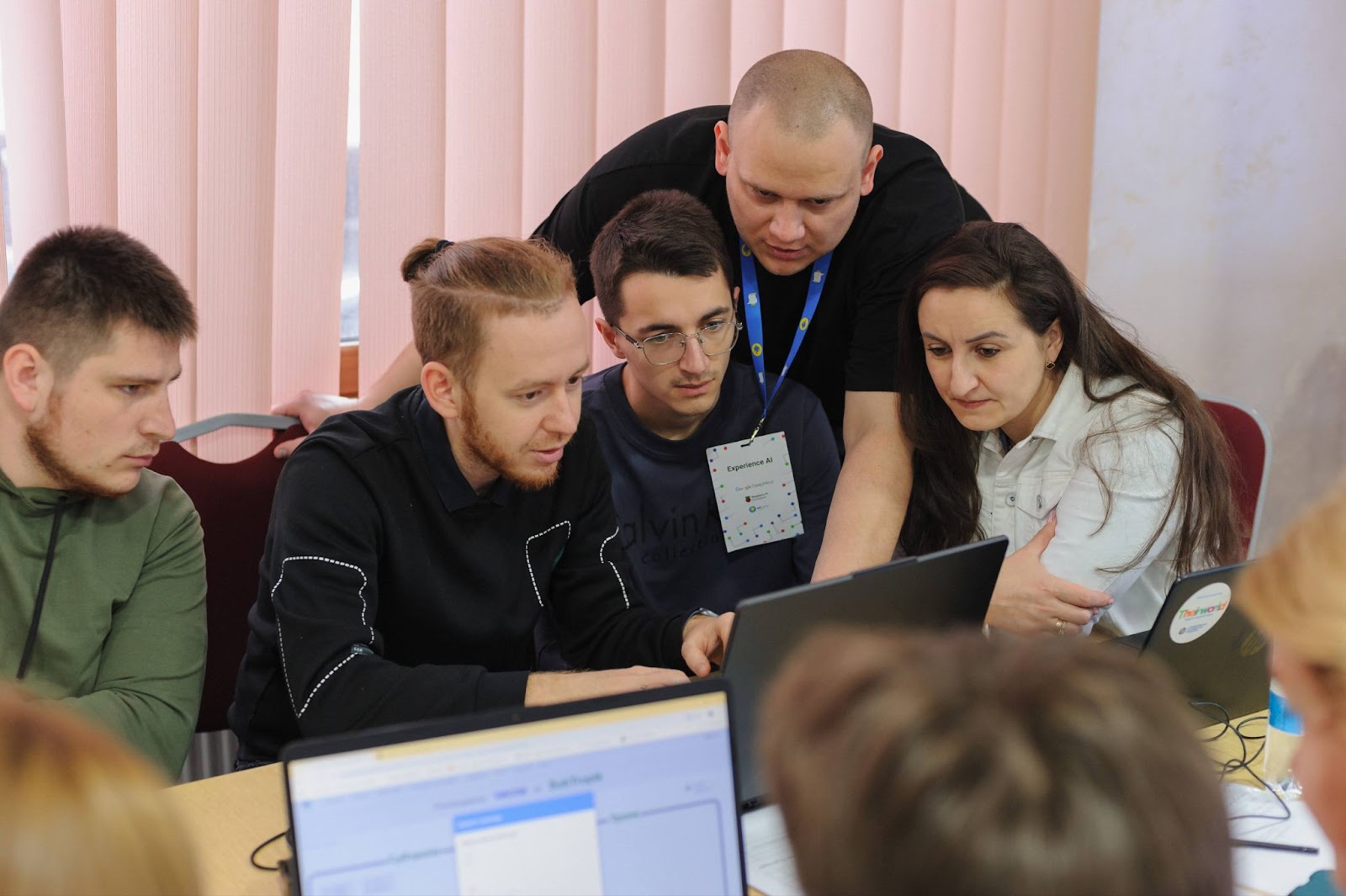
As Lidija Kralj, from Suradnici u učenju explained:
“It was very important that an Informatics subject expert worked together with a Croatian language expert, and that both of us are teachers. We discussed whether to use the English abbreviation ‘AI’ or the Croatian ‘UI’, and ultimately felt it was our responsibility as educators to use Croatian terms where they already exist. We also wanted to be consistent with terminology that teachers already know from textbooks and the Croatian education system.
This combination — a subject expert, a language expert, and a Raspberry Pi Foundation localisation expert who understands our language — helped us create resources that feel natural and ready for classroom use. The response from participants in our first Experience AI course in Croatian has already shown us how much teachers value having fully localised materials.”
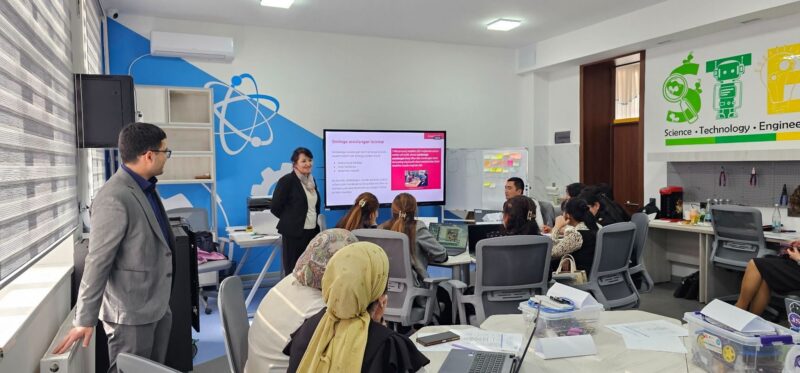
We opted for the approach where, if a Croatian word exists, we will use the Croatian word. Personally, I enjoyed seeing words like ‘offline activity’ slowly disappear from our resources and get replaced with Croatian words like “aktivnost bez računala” (activity without a computer).
As a result, the Croatian translation of our resources now flows very naturally, is accessible, and doesn’t read like a translation. You can check out our Croatian resources online.
We work with partners worldwide to bring AI literacy education to millions of young people. Discover all Experience AI partners here.
And to learn more about our resources and to see what other languages we translate into, check out the Experience AI website.
The post Empowering global AI literacy: Translating Experience AI resources into Croatian appeared first on Raspberry Pi Foundation.
There’s something really special about a Code Club. It’s a unique space for young people to get creative with technology on their terms, explore what interests them, and learn through experimenting and having fun. But speak to any Code Club leader and they’ll tell you: Code Club delivers so much more than just coding skills.
In the thousands of free Code Clubs across the world, you’ll see young people not only make amazing tech creations, but also grow as people. You’ll see young people find their voice and grow in confidence as they present what they’ve made to a room full of friends and parents. You’ll see them show a problem in their code to their friends and work as a team to fix it. You’ll see young people come up with the most creative digital solutions to challenges they see around them.
We’re delighted that the UK government recently recognised Code Club as a key resource to help schools enhance their enrichment offer. This confirms what the community tells us, and what independent research shows: that Code Club works. Not only does it help young people develop their programming skills, but it also builds life skills including confidence, resilience, and problem solving. And Code Club is completely free. Schools, libraries, and community centres can set up Code Clubs using their existing equipment, and register their clubs to access all our free resources and support for getting started and running successful club sessions for the long term.
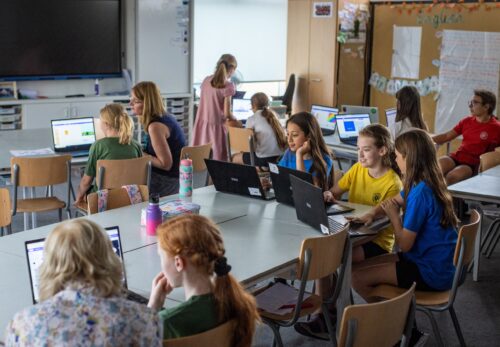
And what about AI? There’s no getting around it, at the moment AI dominates almost every conversation about computing education, and this includes enrichment and non-formal activities too. All young people should have the power and agency to understand, question, and shape the AI systems increasingly affecting their lives. We believe that kids still need to learn to code in the age of AI, and we’ve created resources and coding projects for Code Clubs that help young people understand how AI tools work, and how to use them carefully.
Last year we announced our ambition to support every school and library in the UK to set up a free Code Club so that young people can develop the skills and knowledge they need to thrive in the age of AI.
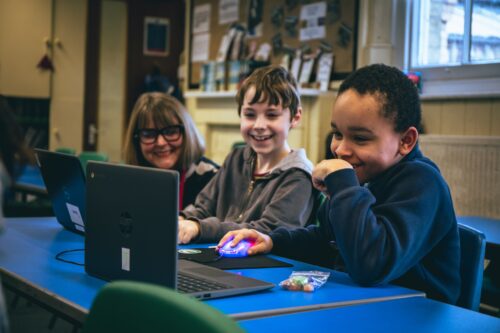
Now we’re pleased to announce a package of free support for UK trusts and local authorities that are interested in becoming growth partners and setting up Code Clubs across their networks. If you join us as a growth partner, you will get:
If you would like to find out more about how Code Club can enhance your enrichment offer, how easy it is to get started, and how we can help, please get in touch!
The post Enhancing your enrichment offer? Code Club is the answer appeared first on Raspberry Pi Foundation.
Last fall I met with Mark Nechanicky and Taryn Israel Nechanicky, two teachers from Albert Lea, Minnesota. Mark and Taryn are bringing computer science into their classroom with Experience CS, our free cross-curricular resource teaching computer science concepts and reinforcing students’ content knowledge in areas including math, science, language arts, and more.
We talked about some of the challenges they faced, and how they’ve worked around them, including constraints on their time and the requirements around teaching their core content areas. But most of our conversation was on the impact the Experience CS resources had on their students. Mark and Taryn shared how teaching cross-curricular computing helped their students to find joy in their learning, express creativity in their projects, and build a sense of leadership within the classroom.
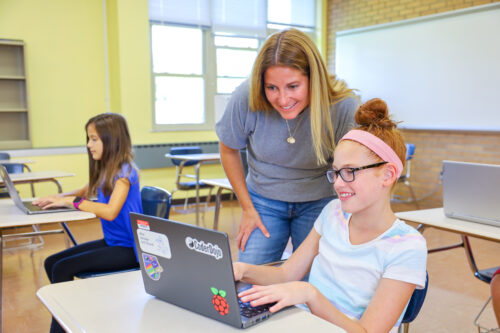
In a little under a week Mark, Taryn, and I will be presenting a breakout session titled Foster Student Engagement, Confidence, and Collaboration through Integrated CS in New Orleans, Louisiana at the Computer Science Teachers Association (CSTA) annual conference. You can read more about our session at the end of this blog post. For now, here’s a preview.
When it was time to code, Taryn’s students cheered. She said, “I believe this is because the curriculum makes coding feel like play, which is the basis of how Scratch is designed. Students have choices, agency, chances to make mistakes, and problem-solve individually and together.”
Taryn shared an example of student agency she saw when teaching the first lesson in Weather watchers, a unit designed for students in third grade (ages 8–9) that integrates math and science concepts with programming. During that lesson a student was able to bring her beloved dog, Chewy, into her program as a sprite, and create something meaningful to her.
While we were designing the units of Experience CS, we focused on ensuring that our resources provided students and teachers with properly scaffolded learning experiences. We did this to support all students in their computing journey, and to provide them with the opportunity to be creative and express themselves in their programs.
In the Weather watchers unit, students collect weather data and create picture graphs using sprites that represent different weather conditions. Mark’s class let us know the starter project for the unit was missing something — keep an eye out for a tornado sprite in the future! With a little creativity and problem solving, they were able to design just the sprite they needed.
Mark added, “students aren’t just following step-by-step directions to create identical projects. As they work through the lessons, they have the flexibility to add their own sprites, design additional interactions, customize characters, and extend projects in ways that reflect their interests.”
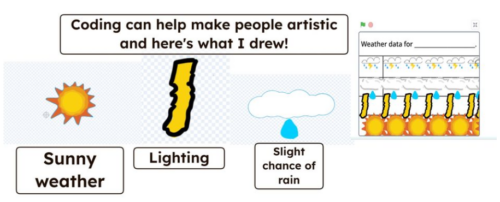
The largest part of our discussion was how teaching cross-curricular computer science created environments for all students to become leaders. “One thing I’ve noticed is that coding creates leadership opportunities for students who don’t always get the chance to be seen as the expert. Because it is a new experience for almost everyone, it changes the dynamic in the classroom. Students with Individualized Education Plans (IEPs), English Language Learners, introverted students, and students who may struggle in other academic areas are often the ones discovering new ideas, solving problems, and showing classmates how to do something cool.”
Mark also shared an experience he had while teaching Digit dash, a game design unit that reinforces multiplication fluency, designed for students in fourth grade (ages 9–10). That unit was the first time his students had explored how variables can be used to store a score in a game. The first student to figure out how to use variables in their program was introverted, but became the class “expert” on variables and modeled it for his fellow students.
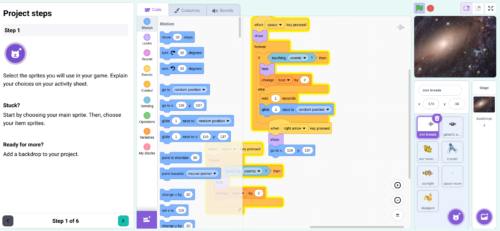
If you’re heading to New Orleans, we hope to see you at our CSTA breakout session, Foster Student Engagement, Confidence, and Collaboration through Integrated CS. During our session, you will be able to hear directly from Mark and Taryn on the impact that teaching Experience CS has had on their students in the last school year. We will include examples from the Experience CS units Weather watchers, Logic and lore, Picture this!, and Digit dash.
Our CSTA session will take place on July 17th, from 3:00 PM to 4:00 PM CT, in Borgne (Floor 3).
And we’d love to hear from you. Have you used our Experience CS resources in your classroom? How did it go?
The post Joy in learning computer science with Experience CS appeared first on Raspberry Pi Foundation.
From first-time coders to seasoned makers, this year every single Coolest Projects creator brought all their creativity to their tech projects and made something to be proud of. Over 15,000 young people showcased more than 4,500 creations on a global stage. With participants from 40 countries and 47% girls, this year’s online showcase is a true reflection of what the next generation of tech creators looks like.
Yesterday our global livestream brought together the whole Coolest Projects community to celebrate the young people’s creations with some very special guests.
Every year, we invite new special VIP judges to choose their favourite projects from each of the seven Coolest Projects categories. Meet our 2026 judges and find out about the projects they picked.
Ronit is the Strategy and Operations Lead for Google Research and an AI for Education champion. In her role reimagining the future of learning, Ronit is a passionate advocate for technology in service of pedagogy, leading Google Research’s global AI Literacy initiatives. She champions a human-centered vision for technology, spearheading programs like Al Quests, a gamified experience designed to teach teens how AI can be applied to humanity’s greatest challenges.
Ronit’s favourite projects are:
Ben is a senior developer at British video game company Jagex, working on RuneScape to deliver immersive experiences for both new and existing players. He previously worked at Ubisoft on the Assassin’s Creed series and the Avatar Frontiers of Pandora game. Ben learned to code at 12 through making mods for Minecraft, and he has been passionate about game development ever since.
Ben’s favourite projects are:
Akari is a 16-year-old CoderDojo member from Japan who has showcased her own projects at Coolest Projects seven times. She knows exactly what it takes to make something special for the showcase, and we’re so excited to have a young creator’s perspective on the judging panel!
Akari’s favourite projects are:
Sebin is CEO of the Entrepreneurship and Innovation Center (EIC) and the Centre of Excellence in loT Sensors at the Indian Institute of Information Technology and Management – Kerala (IIITM-K). A passionate advocate for innovation, he is committed to empowering entrepreneurs, creating sustainable solutions, and shaping the future of technology-driven industries.
Sebin’s favourite projects are:
The Broadcom Coding With Commitment® award shines a light on creators who use coding to support and strengthen their communities with a project that aligns with 17 sustainable development goals of the United Nations.
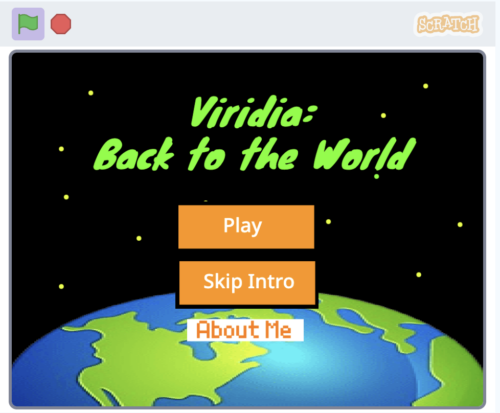
This year’s Broadcom Coding with Commitment® recipient for the online showcase is Egehan from Türkiye, with their Scratch project Viridia – Back to the World, an educational game designed to teach players about the importance of water and how to use it responsibly.
Browse the Coolest Projects 2026 online gallery to discover thousands of incredible projects from young people all over the world.
Inspired to make your own project? Or encourage a young person you know? To get you started, we offer over 200 free coding projects, in English and many other languages.
Coolest Projects will be back online in 2027. Sign up to the newsletter to be the first to hear about dates, deadlines, and exciting updates.
And did you know there are in-person Coolest Projects events around the globe? There is still time to take part in Coolest Projects India and other partner events this year. Find out more.
We want to say a big thank you to Broadcom Foundation, Amazon Future Engineer, Vilros, Qube-RT, Avnet, and GoTo for sponsoring Coolest Projects 2026 and helping to celebrate young tech creators around the world.
The post Celebrating over 15,000 young creators at the Coolest Projects 2026 online showcase appeared first on Raspberry Pi Foundation.
Learning something new requires effort. Learners take in new information by listening and observing. When a lot of information is presented at once in a lesson, that can create too much cognitive load for learners — a barrier to understanding and engagement.
To help you design and deliver great computing lessons, we’ve written two new Pedagogy Quick Reads focused on Mayer’s Principles of Multimedia Learning. These research-backed principles give you practical strategies to lower your students’ unnecessary cognitive load during lessons, leading to better learning outcomes.
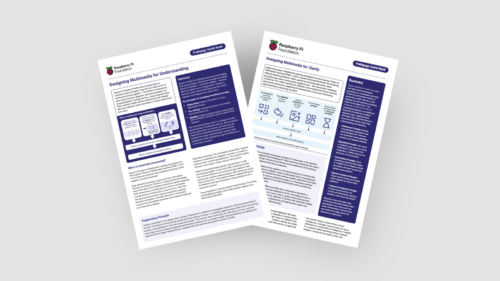
In this blog, we introduce the two new Quick Reads (Designing multimedia for clarity and Designing multimedia for understanding), which you can download for free to:
The blog also includes some examples for how to apply the principles in your computing lessons.
If you’d like an introduction to the idea of cognitive load, you can find the Quick Read about cognitive load theory here.

Mayer’s Principles of Multimedia Learning are practical principles that will help you create clearer resources and present information in a way that avoids unnecessary cognitive load for your learners.
Mayer’s Principles are based on three related facts:
Our first new Quick Read focuses on the following Mayer’s Principles for making your lessons as clear as possible, so that learners can connect the information they see and hear in real time.
Our second new Quick Read shares three Mayer’s Principles for how you can structure your lesson delivery to support your learners’ understanding:
We suggest you consider implementing Mayer’s Principles when you next design new lessons or want to adapt materials that you reuse regularly.
Here are some ideas on how you use both sets of principles in common computing teaching scenarios.
When displaying a new Python script or Scratch project, avoid adding long, written paragraphs of commentary to explain the code. Instead, place short text annotations or sub-goal labels directly next to the relevant lines or blocks. As you run through the code, use your pointer or live typing to guide your learners’ focus (signalling) and explain in words how the program works at the same time.
Before students move to a new topic, for example networking, consider what words or concepts your class needs to be familiar with. Allocate a few minutes at the start of your lesson for pre-training to introduce terms like LAN or bandwidth and how they relate to the lesson.
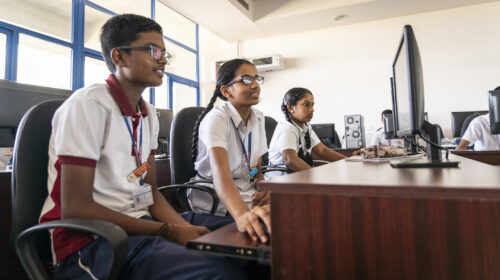
Consider how your lesson can be divided into stages to allow for better understanding (segmenting). Each stage should build on the previous one and feed into the next one. For example, when you explain how data moves across a network, you can introduce each step separately before combining them all into a complete model of a network.
Consider how you display visual information to your class. Ensuring related diagrams and labels appear close together, only include relevant materials and no decoration on your slides (coherence), and avoid simply reading out words on the slide identical forms of information (redundancy).
Mayer’s Principles are even more important for educators teaching multilingual learners or non-native speakers. When learners need to work harder to understand the language, poor lesson design can slow down their learning significantly.
Mayer’s Principles can help you with this challenge:
By intentionally designing and presenting lessons to give the right amount of information in the clearest way, you make it easier for your students to focus and build a lasting understanding of computing concepts. When your lesson materials align with how our brains process information, learners can build stronger mental models and approach independent learning activities with greater confidence.
Read our new Quick Reads to find out more and discover the research behind Mayer’s Principles:
The post How to design and present clear computing lessons appeared first on Raspberry Pi Foundation.
The UK Government is undertaking the first major review of England’s curriculum and qualifications system since the current national curriculum was introduced in 2014. We believe that this is an excellent opportunity not simply to update the computing curriculum content, but to reconsider what computing education is for, who it serves, and how it prepares young people for life in a digital society.
Today, we are launching a report featuring 6 key priorities for curriculum reform based on discussions we have had with students and teachers.
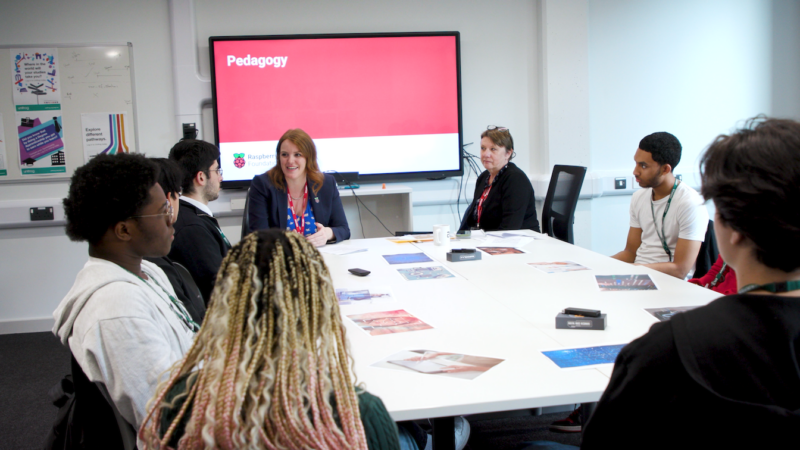
Too often, curriculum reform happens around students and teachers rather than with them. Yet these are the people who experience computing education every day, and they have valuable insights into what is working, what is not, and what needs to change.
Our new report is based on a series of student focus groups and teacher workshops held by us and the University of Cambridge in Manchester, London, and Cambridge during spring 2026.
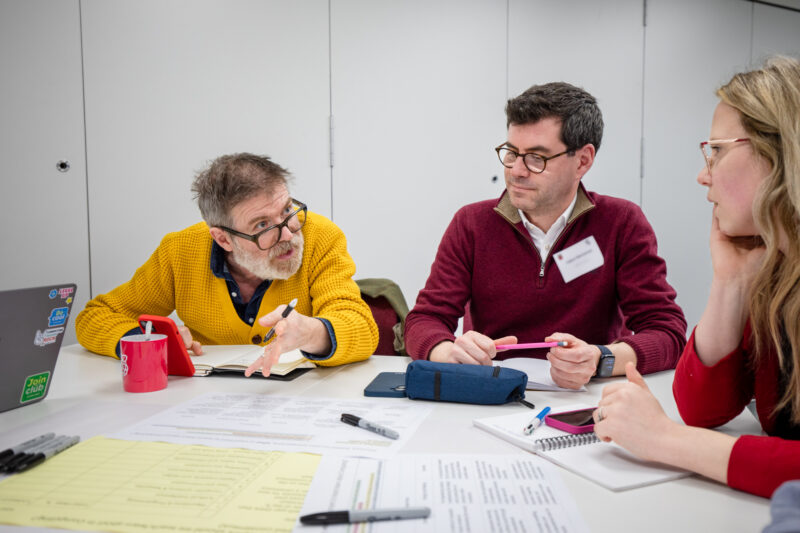
The student discussions included young people currently studying computer science at GCSE and A level (ages 14–18), as well as young people who had decided to not continue with the subject. We also brought together 18 computing teachers from secondary schools across England to explore curriculum priorities and challenges for implementation.
Although participants in our workshops had differing perspectives, they consistently pointed to the same underlying challenge: the current curriculum no longer reflects the realities of technology, work, or young people’s lives.
“AI is everywhere now, we need to understand how it works, not just be told not to use it.”
– Student, London
In particular, many students highlighted a lack of confidence in their practical digital skills despite using technology constantly in everyday life.
“I can code a bit, but I don’t know how to use Excel properly, that’s what I’ll actually need.”
– Student, London
Students and teachers are not calling for a less rigorous curriculum. Nor are they arguing that computing should lose its technical foundations, with teachers consistently emphasising the value of understanding computational thinking, programming, algorithms, data, and computer systems and networks.
Instead, students and teachers want to make computing education more practical, relevant, inclusive, and future-facing.
Teachers particularly emphasised the importance of helping students understand how AI systems function, including issues such as bias, training data, limitations, and ethical implications. Participants argued that computing education should help young people understand the technologies shaping their lives, not simply prepare them for examinations. Perhaps the strongest area of agreement was that curriculum reform will only succeed if it is matched by investment in teaching.
Based on our discussions with students and teachers, we have identified several priorities for curriculum reform.
All students should leave school with a strong foundation in digital literacy, online safety, data awareness, and AI literacy. These should be treated as essential components of modern education, not optional extras.
The curriculum should focus on contemporary technologies and concepts, including AI, cybersecurity, and data, while trimming content that is overly specific, outdated, or disconnected from modern practice. Foundations such as programming, algorithms, and computational thinking should remain central.
Computing should be taught through making, experimentation, and problem solving. Project-based learning, physical computing, and relevant, real-world applications should become central approaches across all ages.
The revised curriculum should balance a shared foundation with opportunities for students to specialise in areas aligned with their interests and aspirations.
Any reforms should actively address barriers to participation by ensuring inclusive teaching approaches, diverse, relatable role models, and accessible learning experiences.
Curriculum reform must be accompanied by sustained investment in teacher recruitment, professional development, and classroom resources. Without this, reforming the curriculum risks widening existing inequalities in provision.
We believe listening to students and teachers should be central to curriculum reform. You can read the full report now:
The post What students and teachers in England want from a computing curriculum appeared first on Raspberry Pi Foundation.
An amazing 25,707 participants had their code run on the International Space Station (ISS) this year, marking the European Astro Pi Challenge’s 10th anniversary in style.
Yesterday, Astro Pi teams and their mentors received their official certificates and data — the final stage of this year’s challenge. On each certificate, participants can see the exact time and the location of the ISS when their program was run.
Congratulations to every student, teacher, volunteer, and parent involved. Your support made this historic year possible. We are also thrilled to share a special message from our 2025/26 Astro Pi Ambassador, ESA Astronaut Sophie Adenot.
The European Astro Pi Challenge is an ESA Education project run in collaboration with the Raspberry Pi Foundation, implemented by ESEROs at a national level. It offers young people the amazing opportunity to conduct scientific investigations in space by writing computer programs that run on Raspberry Pi computers on board the International Space Station.
Mission Zero invites young people to create nature-inspired pixel art to display for the astronauts aboard the ISS. This year, we ran a total of 17,170 programs created by 24,408 participants.
By using the Astro Pi’s colour sensor to set their background colours, these programs combined live data from the station with each team’s unique artwork. The results brought a vibrant reminder of nature and Earth to the crew. You can explore these creations on our interactive mosaic — can you find your team’s pixel art on the mosaic?
In Mission Space Lab, teams wrote Python programs to calculate the speed of the ISS. Using the Astro Pi sensors and Raspberry Pi High Quality cameras, 387 teams (representing 1,299 young people) achieved the prestigious ‘flight status’ and had their programs run in space.
These teams are now receiving their raw data sets, which include images of Earth’s surface captured from 400km above.

Science in orbit often brings surprises. This year, we noticed the colour balance in some ocean images was shifting toward a bright blue. After investigating, we found the camera’s white balance algorithm was reacting to ‘blue shift’.
This occurs when the spectrum of light compresses as the Earth turns toward the camera at dawn. It’s a fantastic example of the real-world physics our participants encounter when dealing with orbital data!

We know what a great opportunity Astro Pi is and how much of an impact it can have on participants and their communities. So we constantly challenge ourselves to widen our reach and bring the challenge to communities around the UK and Ireland, especially those that don’t normally get the chance to send code to space. This year, we visited schools, clubs, and science events. We also trained teachers and volunteers to help us share the challenge.
That’s a wrap for the 2025/26 challenge, but the journey doesn’t end here.
In the meantime, stay curious, space travelers. The journey has only just begun!
The post Young people’s computer programs get data from space appeared first on Raspberry Pi Foundation.
At the Raspberry Pi Foundation, we believe that alongside learning to code, a crucial part of computing education is building AI literacy skills. Amidst the rapid pace of development and the growing impact of AI tools, it is increasingly important for educators everywhere to feel equipped to address the topic of AI with their learners, to help young people understand their world, be responsible users of AI technologies, and prepare to become the future creators of these technologies.
We work at the leading edge of AI education, combining research and industry expertise with practical classroom experience to define what AI means for computing education, and how to best support teachers and learners to understand these technologies.
Whether you are a teacher, a Code Club mentor, or a parent, we have a wide range of free resources to help you teach your young people about AI, and learn more about it yourself.
We offer a variety of teaching materials to help you bring AI into your setting. You do not need to be a professional educator or have a background in computer science to use these resources, and we provide everything you need to guide your learners with confidence.
Experience AI is our free AI literacy programme, developed in collaboration with Google DeepMind. Through ready-to-use classroom resources, including lesson plans, presentations, and hands-on activities, the programme helps educators all over the world teach their learners about how AI works, as well as its wider social and ethical implications. You and your learners will investigate AI tools, explore real-world uses of AI, and engage with critical issues such as bias, fairness, and transparency, helping learners to understand AI and use it responsibly. The lessons currently available are designed for learners aged 11–14, and we are releasing resources for other age groups this year.
To help bring Experience AI to more educators and learners around the world, we work with a global network of partner organisations, who help us provide tailored and translated resources and offer localised, high-quality training and support for educators in their regions. Experience AI resources are currently available in 19 languages, and have already been downloaded in more than 180 countries. In recognition of its impact, in 2025 Experience AI was named a laureate of the UNESCO King Hamad Bin Isa Al-Khalifa Prize for the Use of ICT in Education.
“[Experience AI] has definitely changed my outlook on AI. I went from knowing nothing about it to understanding how it works, why it acts in certain ways, and how to actually create my own AI models and what data I would need for that. I would 100% recommend others who don’t know much about AI to try it out.” – Student, Arthur Mellows Village College, UK
If you are looking to introduce school-aged young people to AI with short, beginner-friendly coding and digital making projects, take a look at our collection of Code Club projects about AI and machine learning. These projects are a great way to spark curiosity and investigate how AI and machine learning works.
In the projects, learners get hands-on with a range of AI tools and platforms, and explore different applications of AI, such as image recognition, voice recognition, and (for learners aged 13 and over) generative AI. For example, in Doodle detector, learners use Machine Learning for Kids with Scratch to create a machine learning application that can identify what they have drawn.
The projects feature clear step-by-step instructions, and many include video tutorials, to help learners work at their own pace and in a style that suits them. We also provide mentor guidance to help you prepare.
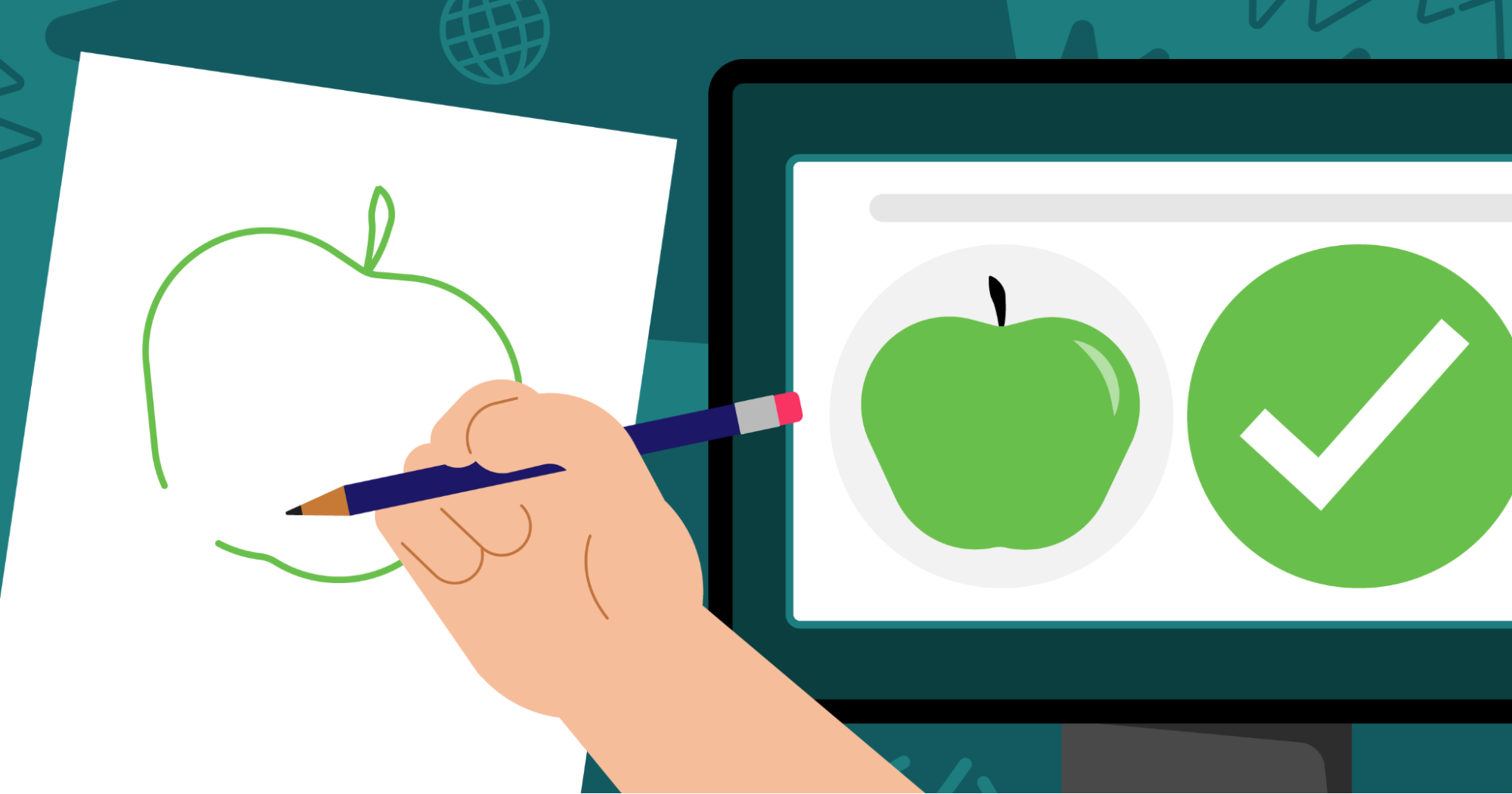
For resources to support older learners to build their understanding of AI, head to Ada Computer Science. Ada Computer Science is our free online platform for computer science students and teachers, developed in partnership with the University of Cambridge. It provides comprehensive resources for learners aged 14–19 across the breadth of computer science, including detailed learning materials about AI and machine learning. The materials include helpful definitions, clear explanations, and carefully designed self-marking questions to support young people’s learning.
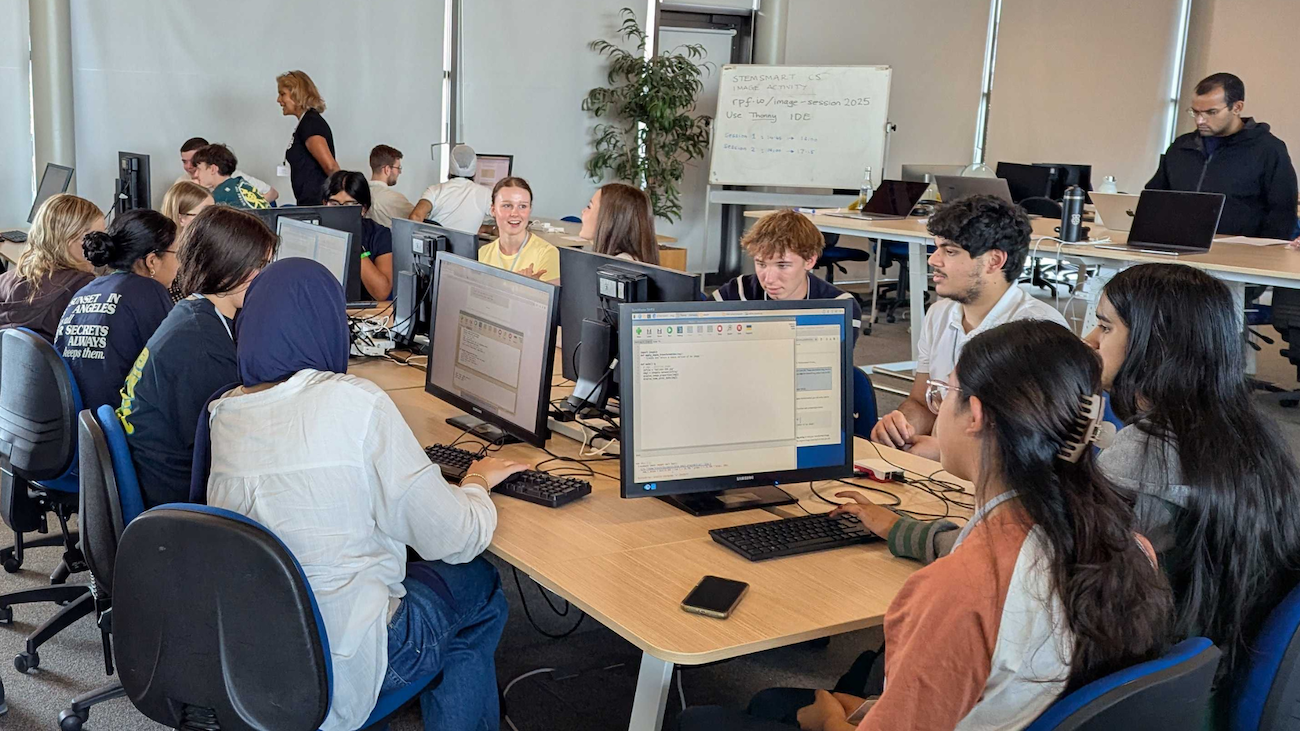
To help you build your knowledge around AI technologies and grow your confidence to teach your young people about this important topic, we offer a range of learning resources and professional development opportunities, all for free. They are open to everyone, so we invite you to dive into any that interest you.
For flexible, self-paced learning options, take a look at the following free online courses, which cover a range of topics within AI:
You might also be interested in Hello World, our free magazine and podcast for educators teaching computing and AI. Each magazine is packed with resources, discussions, news, and ideas, and you can subscribe to receive each issue as soon as it is released. The next issue, coming in July, will focus on critical thinking in the age of AI. You can download our previous issues to explore articles about a variety of topics within AI too. What’s more, you can continue your learning with the Hello World podcast, which accompanies the magazine and features discussions with educators and researchers from around the world. Visit the podcast page to discover previous episodes exploring vibe coding and programming education, AI education around the world, and more.

To learn about research-informed teaching strategies to help you as you explore AI with your learners, you can read these short Pedagogy Quick Reads:
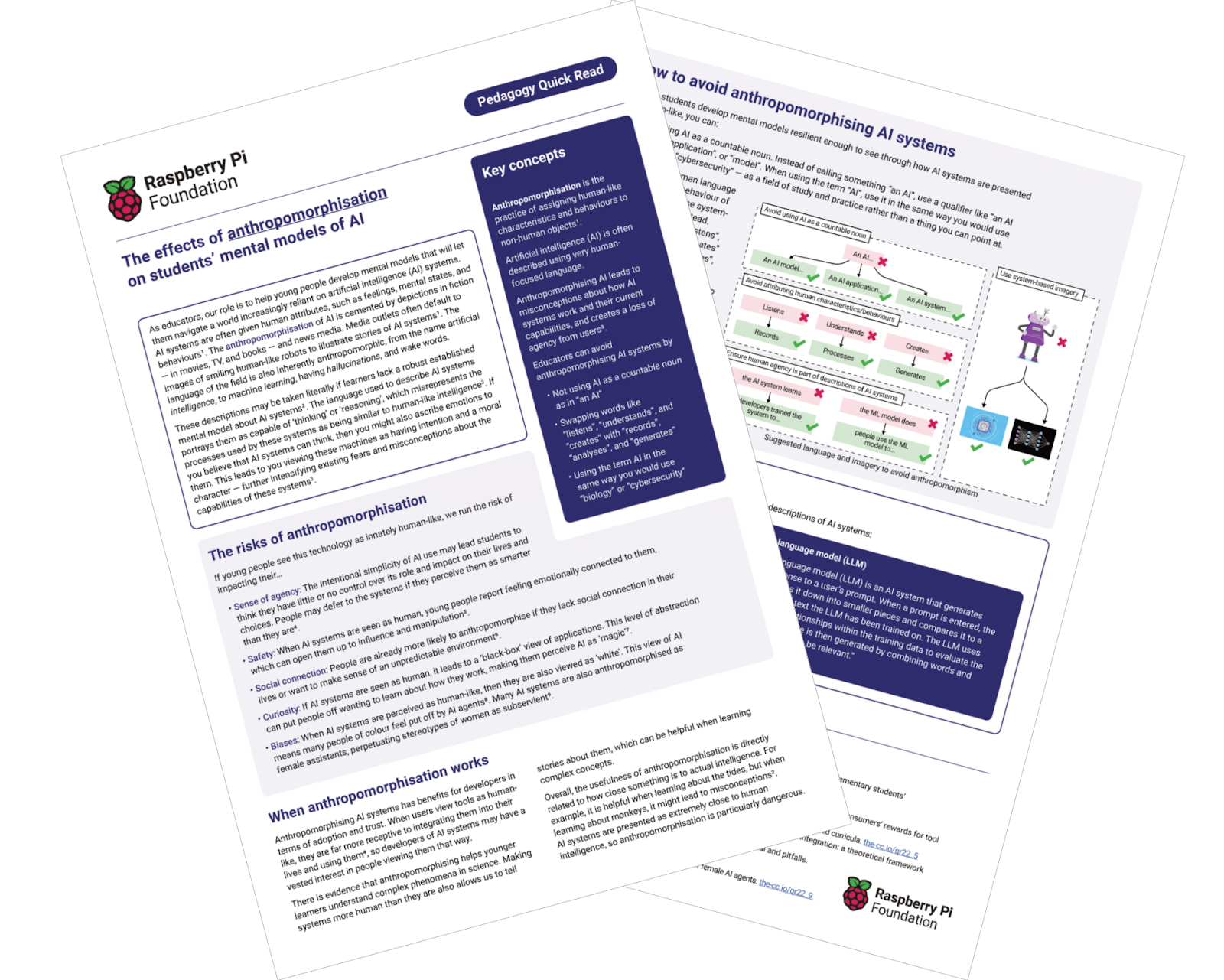
For more insights from computing education research, you can join our monthly online research seminars. Our 2026 research seminar series focuses on teaching about AI across the curriculum, delving into research on teaching and learning about AI from disciplines beyond computer science, including the arts, sciences, and humanities. Our next seminar takes place on 16 June, and you can catch up on previous seminars from our current series here. You can also explore our archive of recordings from previous seminar series, with themes including teaching about AI and data science, teaching programming (with or without AI), and more.
All of these resources and learning opportunities are available to anyone interested in educating young people about AI, anywhere in the world. We hope they help you gain understanding, confidence, and inspiration to guide your young learners to engage with AI safely and responsibly, and to learn valuable skills that will help them navigate their world.
“Let the students explore, advance, and grow. And who knows — maybe one of our students will go on to become a mentor or leader in this field someday.” – Ana Judith Zavaleta, computer science teacher, Mexico, speaking about Experience AI
If you are in the UK, you can also use these resources to get involved with the first-ever AI Awareness Day, a new nationwide campaign designed to build AI literacy across UK schools, which is taking place on 4 June.
The post Support your young people with our AI literacy resources appeared first on Raspberry Pi Foundation.
Hayley McKechnie is a computing lead at a primary school in the East of England, who shares in this blog how she supports her students and her fellow teachers to build confidence around artificial intelligence (AI). She developed her skills through training delivered by Parent Zone, our partner for Experience AI in the UK.
Artificial intelligence is part of everyday life for young people, but teaching students what AI is, how it works, and why it should be used responsibly can still be a challenge.
As a computing lead at a school in the East of England, the Experience AI programme has played a central role in building my confidence, as well as that of my colleagues, when it comes to teaching AI in the classroom.
Through professional development, practical classroom materials, and a strong focus on ethics, the programme has helped me bring AI to life in a way that feels accessible, age-appropriate, and responsible.
I began my AI education journey by attending training sessions hosted by Parent Zone to strengthen my own understanding of artificial intelligence. This felt like an important first step, because many teachers are learning about AI alongside their students.
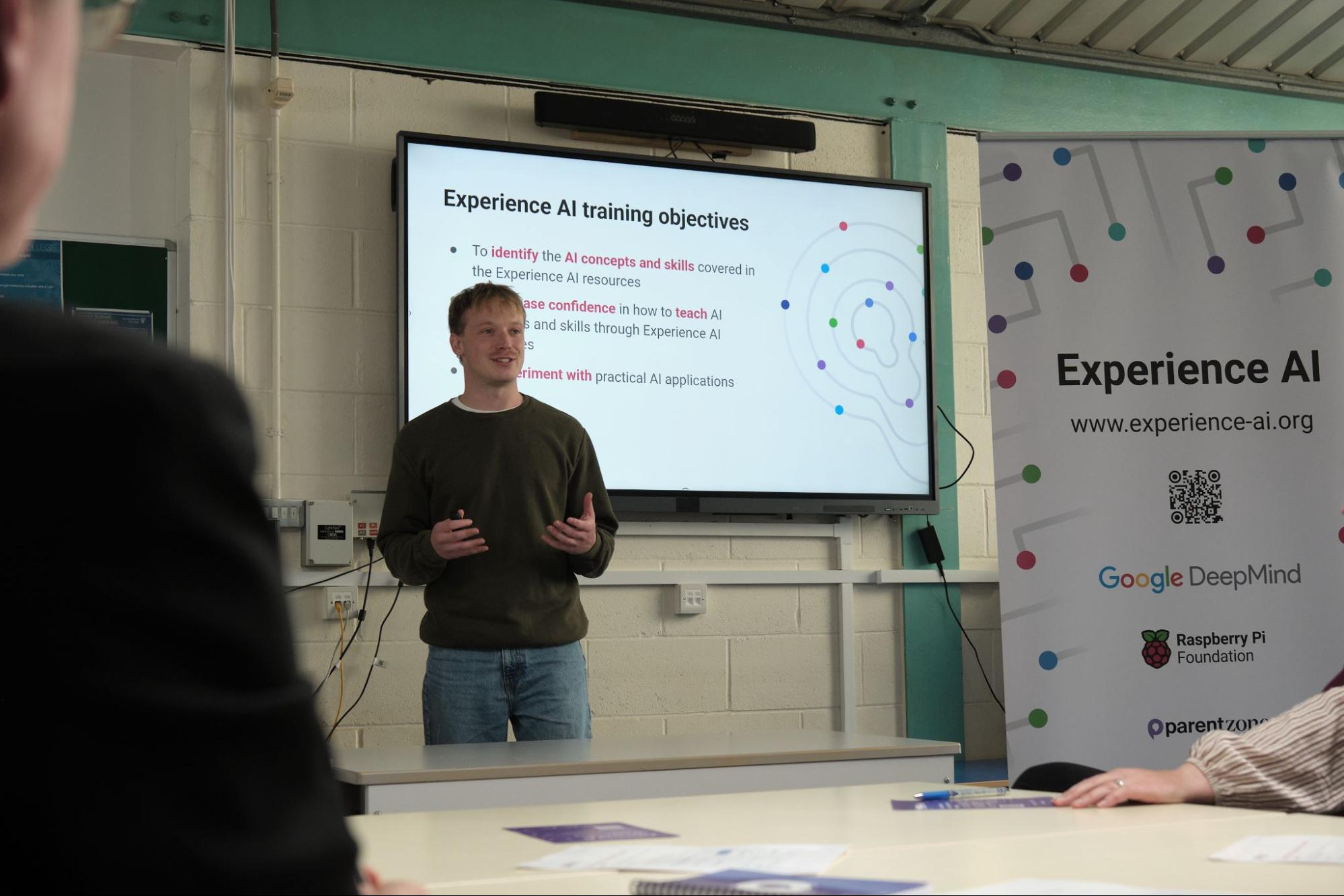
The training really helped me understand how AI actually works. That’s so important, because if you’re not confident in your own understanding, it’s very difficult to explain it clearly to children.
At first, I trialled one or two lessons with my students, introducing concepts gradually as AI tools became more visible in everyday life. As my confidence grew, I started using more of the materials, and this year I plan to deliver the full six-week unit as a dedicated part of our computing curriculum.
What I particularly like is how clear and straightforward the programme is. The training makes it easy for teachers to pick up, while still giving students a solid foundation in how AI works.
Before starting AI lessons, I always ground learning in familiar examples, such as voice assistants, search engines, and design tools. This helps students see that AI isn’t abstract; it’s already part of their everyday lives.
One of the biggest strengths of the Experience AI training, in my view, is its strong emphasis on ethics and critical thinking. Rather than presenting AI as something to trust automatically, it encourages students to question and evaluate the technology they use.
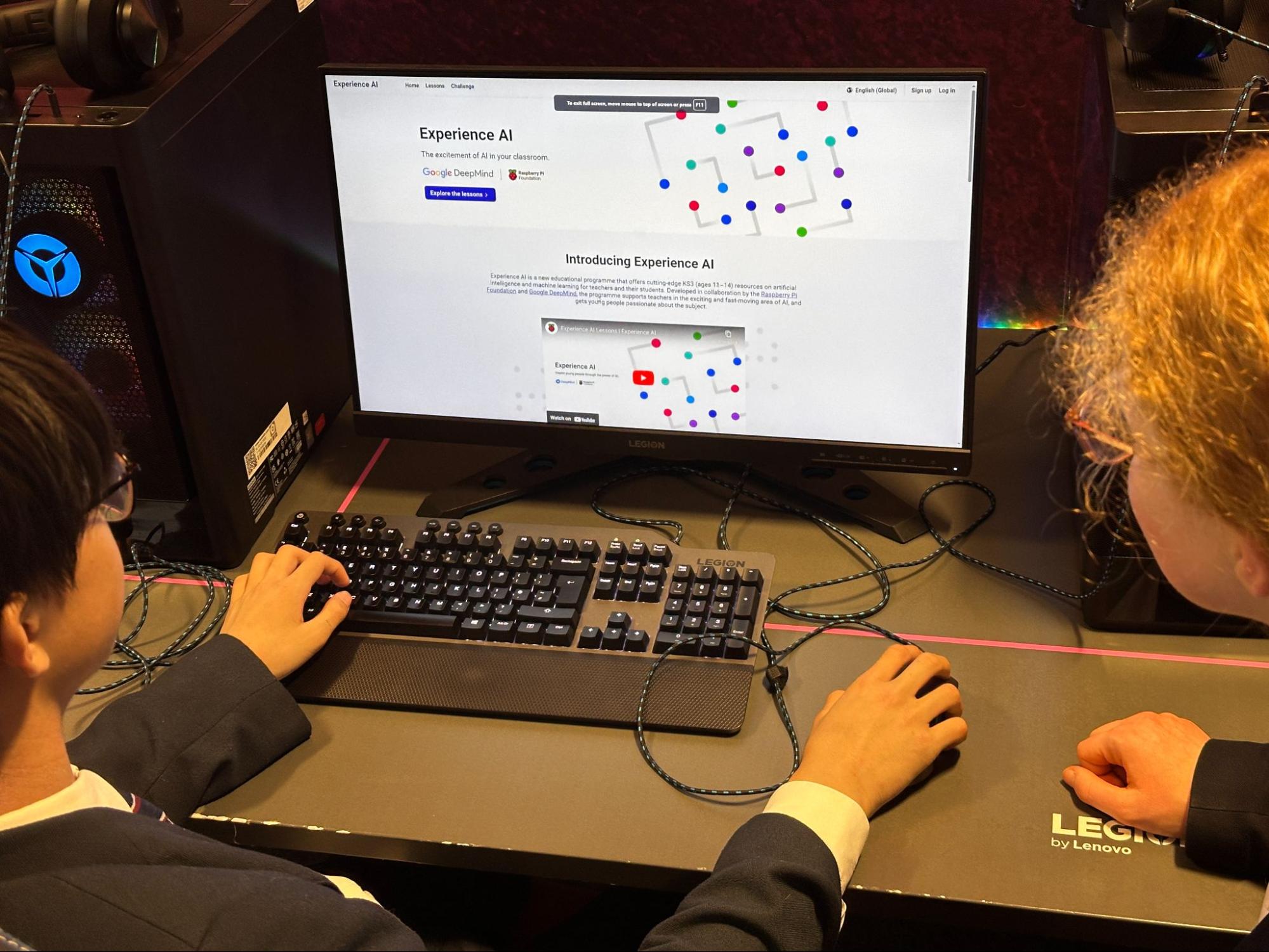
I want my students to understand that AI can be helpful, but it isn’t infallible and shouldn’t be relied on blindly.
For example, I’ve shown students how AI-generated search results can sometimes be inaccurate. It’s a simple but effective way to demonstrate why human judgement still matters. These kinds of discussions help students understand both the potential and the limitations of AI, reinforcing the idea that technology should support thinking rather than replace it.
Beyond my own classroom, I’ve also used Experience AI training to support other teachers. As part of my role coordinating computing across schools in my region, I organised a cluster meeting for 20 computing leads from across Essex, Suffolk, and Norfolk.
The session gave teachers the opportunity to share experiences, explore how AI could be introduced in age-appropriate ways, and discuss how to embed ethical considerations across the curriculum. A Parent Zone trainer led the session and helped deepen our understanding.
Many computing teachers are still getting to grips with AI themselves. The training helped me feel more confident, and that’s something I’ve been keen to pass on to others.
You can access all of our AI literacy and safety resources for free via the Experience AI website. Start exploring today and discover classroom-ready lesson plans, slide decks, and activities.
Interested in joining the next group of teachers to be trained on Experience AI? If you’re a UK teacher, visit Parent Zone’s website to enrol in the next cohort of educators. Or if you’re outside the UK, visit our Partners page to find out about teacher training sessions in your country.
The post Building confidence to teach AI in the classroom appeared first on Raspberry Pi Foundation.
Can AI support creativity? The technology is often framed as threatening creative work either by automating it or by encouraging imitation. But Professor Rebecca Fiebrink’s work in creative machine learning suggests a more useful way to think about this relationship. In our March research seminar, she showed how machine learning can help people work with meaningful data, communicate ideas through examples, and build new kinds of creative projects.

Our current seminar series focuses on teaching applied AI and how educators of subjects beyond computing can make AI and machine learning relevant in their classroom. We were delighted to have Rebecca join us to share insights about the place of machine learning in artistic creation. In her talk, Rebecca explored three connected questions:
One of the seminar’s key ideas was that machine learning can help creators work with forms of data that already matter to them. Rebecca showed that useful data can come from many sources, including microphones, webcams, phones, wearables, sensors, and body movement. She argued that collecting data is often relatively easy, while interpreting and using it is much harder.
This suggests a different starting point for AI education. Instead of beginning with a large dataset prepared by somebody else, learners can start with data that is meaningful in their own context. For instance, data about hand gestures can be linked to different musical rhythms, colours, or game actions.
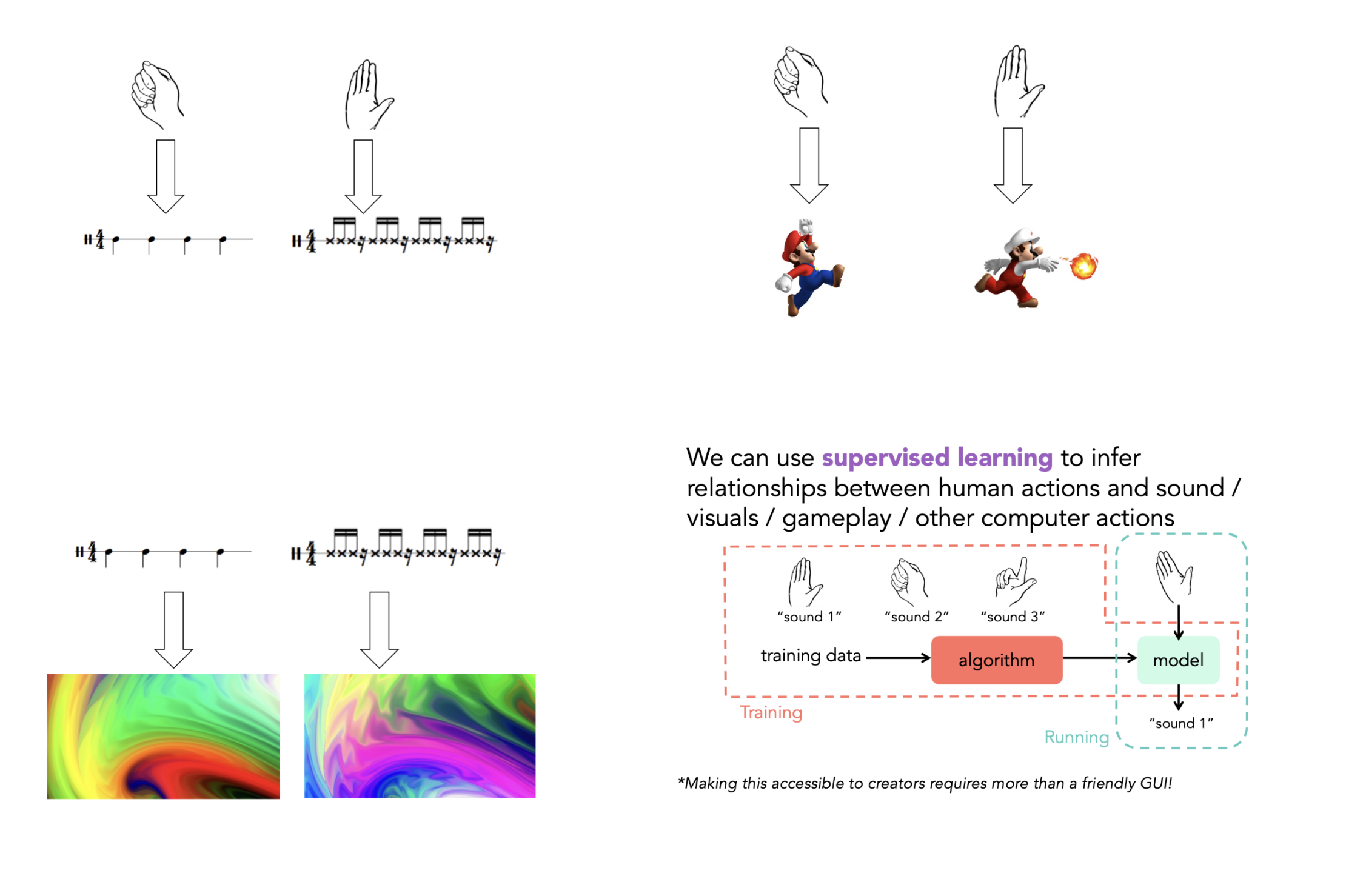
The seminar also points to a broader shift in how we think about input if we consider creative work. Traditional computing often treats input as something abstract and controlled: a click, a typed command, or a button press. But many creative practices do not work like that. They depend on timing, gesture, rhythm, touch, sound, and movement.
Instead of asking learners to translate everything into words or code first, Fiebrink suggested that educators can use machine learning to allow learners to begin with movement, demonstration, or sound. This is especially relevant in art forms shaped by flow and physical expression, such as music, dance, performance, and interactive media.
Educators can use machine learning to allow learners to begin with movement, demonstration, or sound [instead of with code].
That creates interesting possibilities for teaching. AI does not have to be explored only through screens, prompts, and abstract models. It can also be approached through embodied activities, where learners use gestures, performance, and experimentation to see how an AI system responds. This can make machine learning feel more connected to forms of making that young people already understand.
A second important theme in the seminar was that machine learning allows people to instruct computers through data and examples. Rebecca suggested that this can be especially valuable in creative and embodied work, where what a person wants to express may be difficult to describe in words, maths, or code alone.
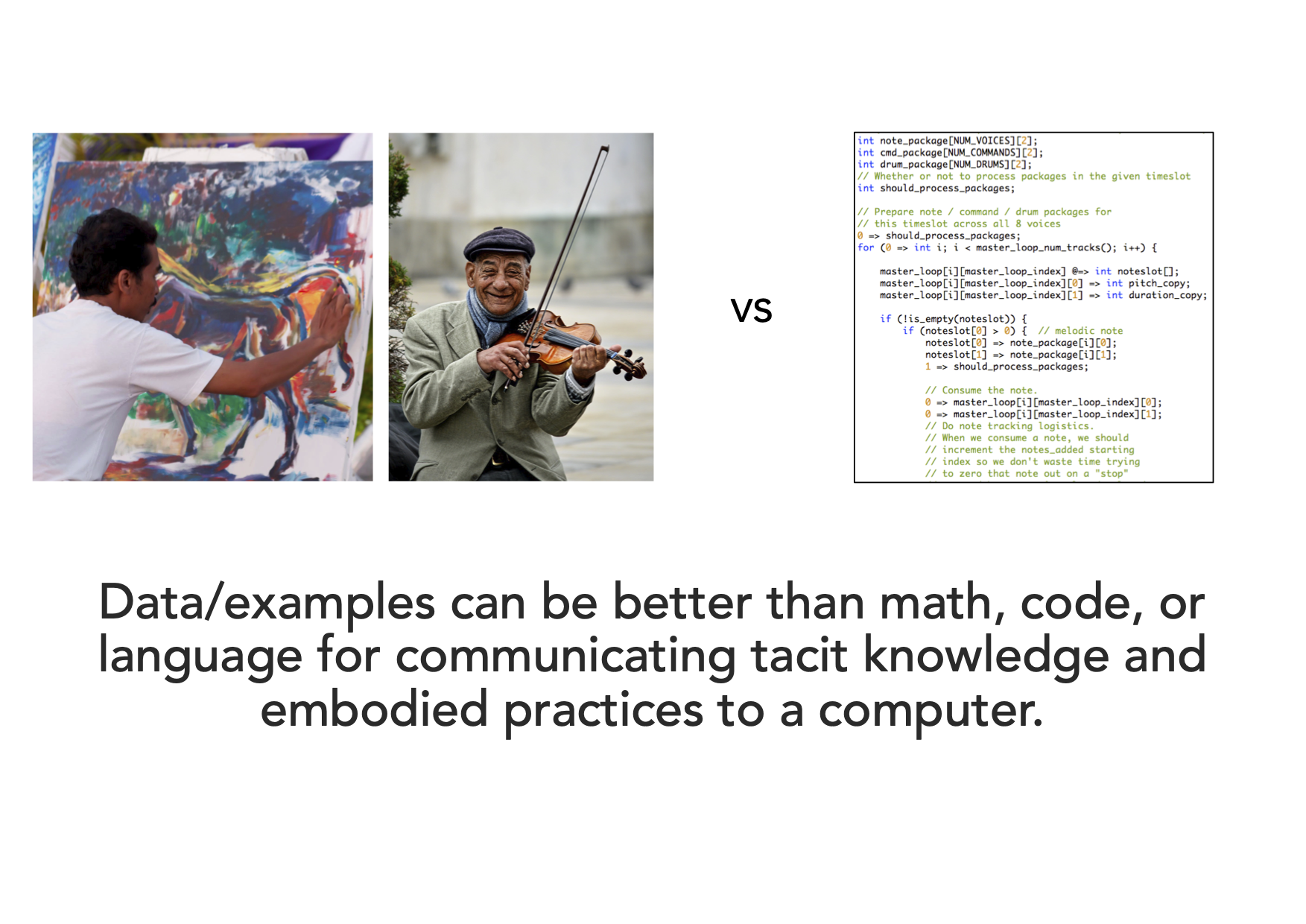
One of the strongest examples in the seminar was ‘Wekinator‘, a tool Rebecca has been developing since 2008. She described the tool’s approach as ‘interactive machine learning’: users demonstrate training examples, train a model, test it in real time, then modify their examples and repeat the process.
This is a useful example for the classroom because it shows that training a machine learning model is not a single event, after which the model is trained and finished. Instead it is an iterative process. With Wekinator, learners can try something out, observe the result, and improve the system by changing the examples they provide. That makes ideas such as testing, evaluation, and bias much easier to discuss.
Rebecca also argued that machine learning can help more people become creators. She contrasted large, one-size-fits-all systems that encourage users to imitate existing styles with smaller, more personal systems that can be trained on new data for specific purposes. She captured this contrast clearly, from prompts such as ‘Write music like Bach!’ to examples of personalised tools and interfaces.
This is an important distinction in teaching and learning. If learners only use AI tools to reproduce familiar outputs, then creative work can become narrow and formulaic. But if they can build or train systems around their own interests, intentions, and materials, then machine learning can support experimentation and authorship.
If [learners] can build or train systems around their own interests, intentions, and materials, then machine learning can support experimentation and authorship.
In the final part of the seminar, Rebecca moved from examples to teaching principles. One of the clearest was that machine learning should be taught at a high level with minimal maths, but not as a black box.
Learners do not need advanced mathematics to start exploring machine learning meaningfully, but they do need to understand that:
Rebecca also argued that small data and interactive machine learning can be highly effective. She highlighted quick experimentation, creative usefulness, and the opportunity to build intuition about ideas such as outliers, features, regularisation, and bias in data. Small-scale activities can make technical ideas more visible and manageable for learners.
Rebecca ended on an inspiring note: she argued that learning and teaching creative machine learning is both worth doing and possible. She pointed to a growing set of tools that support experimentation and original creative work without much maths or coding, including Wekinator, Teachable Machine, Micro:bit CreateAI, and more.
The seminar also addressed some important limitations. Rebecca warned that commercial tools are not always good at supporting learning or genuine creative work. She also discussed the difficulty of making generative AI tools safe for children, noting the need for built-in filters, moderation, prompt design, and extensive testing. Therefore, what’s important is to think about what learners are actually learning, and to make space for experimentation without losing sight of safety and critical thinking.
Our research seminars brings together educators and researchers to explore key questions in computing education.
Next in our series on applied AI, Prof. Gianfranco Polizzi (University of Birmingham, UK) will talk about media literacy in the age of AI. Sign up now to join the seminar on 16 June, 17:00 BST:
The post Can AI support creativity? What educators can learn from creative machine learning appeared first on Raspberry Pi Foundation.
In April, young tech creators gathered at Explorium in Dublin for Coolest Projects Ireland 2026, a lively, creative celebration of young makers and their digital projects. This year’s event was held as part of Kinia’s Creative Technology Week, and welcomed over 100 young people, showcasing more than 80 incredible tech projects. Participants included young people from Code Clubs, CoderDojos, and schools across Ireland, as well as young creators taking part individually.
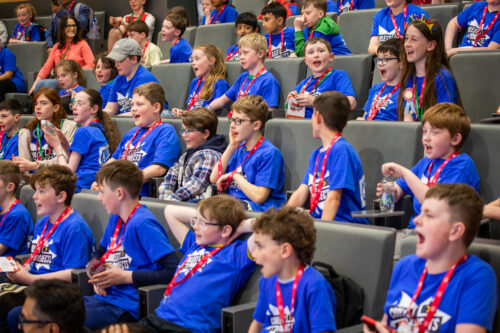
With creations ranging from coding projects to hardware builds to AI systems, the event provided a wonderful opportunity to celebrate the creativity and passion of young tech creators across Ireland. Here are some project highlights from the day.
Jake’s project, Enter the Kindergarten, is a Scratch game where the player has to dodge babies and obstacles in a childcare setting. Jake was inspired to create the game after overcoming his own fear of babies. Here is what he shared with us about his project:
“Well, I used to be afraid of babies. So one Saturday morning, me and my dad came up with the idea to make a kindergarten game where you have to get to the end of the kindergarten.”
To build her hardware project, Mystical Waterfall, Aarabhi used a Raspberry Pi Pico to create a nature scene, featuring running water and LED lights. Aarabhi spoke to us about why she wanted to enter Coolest Projects:
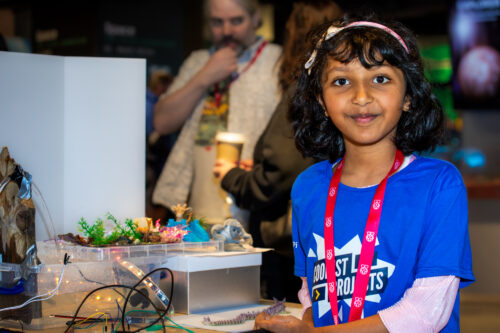
“I watched a Netflix series, The InBESTigators, where children showcase their science projects. After watching it, it was my dream to do the same!”
Arittra’s project, Cara, was chosen as the judges’ favourite in the AI category this year. Cara, which means ‘friend’ in Irish, is a large language model (LLM) that provides information on the Irish legal, housing, and administrative systems, aimed at supporting people who have emigrated to Ireland. Arittra told us more about the challenges he faced whilst building his project:
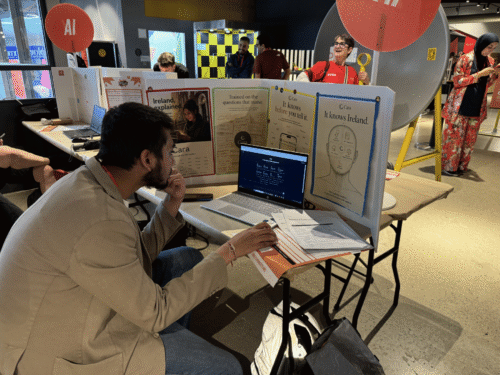
“One of the key problems with artificial intelligence is that they hallucinate, but I found a countermeasure to it. I trained it on search variety and gave it backup data, so if one part of the server starts hallucinating, another part automatically steps into its place to find maximum accuracy.”
Congratulations and thank you to each and every young creator who joined us for Coolest Projects Ireland 2026. Sharing your projects, celebrating your achievements, and inspiring others is what Coolest Projects is all about.
Missed the fun in Dublin, or want to take your projects to a global stage? Take part in the Coolest Projects 2026 online showcase, which is open for entries from young creators anywhere in the world until 27 May. Look out for more in-person Coolest Projects events taking place around the world over the rest of the year, too!
Find out more at coolestprojects.org.
The post Celebrating young tech creators at Coolest Projects Ireland 2026 appeared first on Raspberry Pi Foundation.
We are working with partner organisations around the world to support teachers in building confidence with AI in the classroom through our Experience AI programme. In this guest post, Catarina Marques from our partner TUMO Portugal shares what the organisation is learning from delivering training to educators.
Whenever we run Experience AI training sessions, we keep coming back to the same thing: teachers are not lacking interest in AI, what they are lacking is time. Time to explore the technology and tools, time to talk about them with colleagues, and time to work out what they really mean for their classrooms.

And that matters, because AI is not something schools can just put off until later. It is already here. Students are hearing about it, using it, and forming opinions about it. Teachers are being asked to respond to it now, often while still trying to make sense of it themselves.
The Experience AI teacher training is about more than educators to a set of resources. It is about helping them feel truly ready to take the Experience AI resources into the classroom and use them effectively with their students.
What we see again and again is that teachers need space to stop and think. AI is moving quickly, and schools do not always have the time or support to keep pace. New tools are developed all the time. Expectations keep shifting. There is a lot of noise, and not always much room to pause and ask: what is actually useful here? What do we need to understand better?
In our experience, that is where real learning starts: not in rushing through information, but in discussing it, debating it, and testing ideas together.
One of the most valuable parts of these training sessions is the part where teachers start talking to each other.
They bring real questions into the room. Which AI tools can actually help with their work? How should they think about ethics? How do they talk about AI safety with students? How do they respond to something that may feel both useful and worrying at the same time?
There is often confusion, and sometimes there is resistance too. That makes sense; this is still new territory for many schools. But there is also a real appetite to learn, especially because support in this area can still feel limited.
That is why listening is such an important part of our training. Teachers need space to reflect, compare experiences, and hear how others are approaching the same challenges. Very often, understanding grows through that process.
Another thing we feel strongly about is that the training has to be engaging.
AI can feel intimidating. If the atmosphere is too heavy, it can be easy for people to step back from it. That is why the hands-on and playful side of Experience AI is so important. Team activities, discussion, and even a bit of healthy competition change the energy in the room. People get involved. They relax. They start exploring instead of worrying about getting everything right.
That matters for teachers, and it matters for students too. When teachers experience this kind of learning for themselves, it becomes easier for them to imagine creating it in their own classrooms. Play is not separate from the learning here — it is part of what makes it stick.
For us, this work feels urgent. Schools need the language, confidence, and literacy to engage with AI now, not in a few years’ time.
What teachers need most is not endless hype or more pressure. They need time to explore, time to discuss, time to understand, and time to build confidence. Experience AI has offered a way to begin that process.
If we want young people to engage critically and confidently with AI, we have to start by giving teachers the chance to do the same.
If you want to find out more about Experience AI, visit our website experience-ai.org
The post Beyond content: Helping teachers feel ready to teach AI appeared first on Raspberry Pi Foundation.
Imagine places for young people to not just learn to use technology but to understand it, shape it, and build with it. That’s what you can create by partnering with the Raspberry Pi Foundation on Code Club, the global movement of computing clubs where school-age young people develop the confidence to create with digital technologies.
We’re looking for organisations worldwide to join us as new Incubator Partners and bring Code Club to young people in their regions.
Through our non-funded 12-month global Incubator programme, we support a diverse network of organisations to establish and grow free Code Clubs in their communities. By combining your local knowledge and community connections with our tried and tested projects, training, and support, you can build something that lasts and grows.
As a partner, you’ll join a global network of organisations all working toward the same goal: giving young people access to free, inclusive, and inspiring opportunities to learn coding and digital making.
“Many of our partners are non-profit and volunteer-led, driven by a real commitment to their communities. It’s incredibly inspiring — and we’re excited to keep growing this global network of partners so even more young people can benefit.” – Sonja Bienert, Senior Global Partnerships Manager
By joining, you’ll get partner-specific access to events like global meetups, online workshops, and Coolest Projects, as well as materials to support your fundraising. Your Code Clubs will be able to use our wide range of free, creative projects for young people, including activities about AI, and activities that support clubs with limited devices. And you’ll be able to build collaborations with other partners in the network.
Across the world, our partners are already transforming lives.
In Aruba, Full Stack Vision Foundation has grown Code Club from a single library session into a thriving network of ten clubs:
“Giving young people the ability to make, create, and sustain technological solutions is what the Caribbean wants.” – Bruce Harms, Founder and President of Full Stack Vision Foundation
By adapting projects to reflect local culture — like reimagining a Scratch project around aloe vera instead of sugar — the team at Full Stack Vision ensures young people see themselves in what they’re creating.
In Sudan and Egypt, Orientations Training Centre has reached over 450 active members through a mix of in-person and online clubs:
“I learned that coding is not just about computers — it’s about solving problems and helping people.” – Yasmin, Code Club attendee
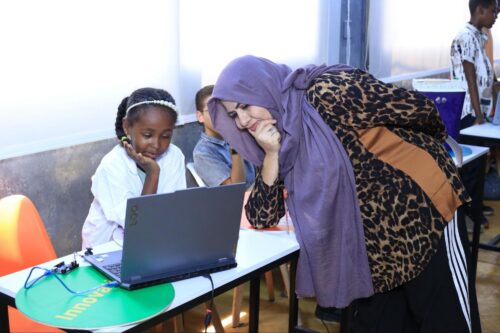
“Start small but dream big. A Code Club can change lives — not just by teaching coding but by nurturing problem-solvers, innovators, and leaders for the future.” – Abdelmoneim Mohammed, CEO of Orientations Training Centre
Their work shows how getting creative with digital technology can unlock confidence, leadership, and ambition.
In Sri Lanka, STEMUP Educational Foundation started with a single Code Club in a public library and has grown into a nationwide movement supported by more than 1,500 volunteers, reaching young people across both urban and rural communities.
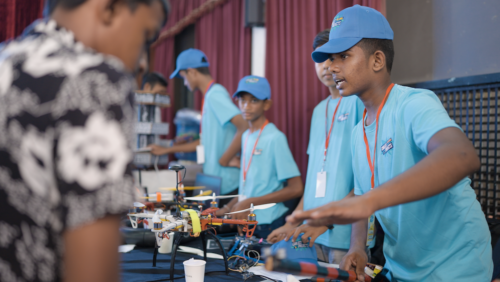
After attending a Coolest Projects event for young tech creators during the partner meetup we held in Malaysia, STEMUP brought the tech showcase to Sri Lanka for the first time in 2024, giving young people the chance to share their creations and connect with others. The event sparked huge excitement, with schools even organising transport so students could take part.
“That kind of energy… because they don’t have these opportunities to showcase what they have built, connect with like-minded people, connect with industry… I think that’s a really unique opportunity kids are having.” – Prabhath, founder of STEMUP Educational Foundation
Every partner brings something unique: local insight, cultural context, and a deep understanding of their community. Together, we’re building a global movement that is inclusive, creative, and full of possibility.
“I feel part of something bigger — a worldwide movement where kids everywhere are learning to create with technology, not just consume it. Being a global partner means we can learn from what’s working in other countries, adapt those ideas to Bangladesh, and also contribute our own innovations back to the network. The global connection gives Code Club Bangladesh more recognition locally — it reassures schools, volunteers, and funders that we’re part of a trusted, established initiative.” – Code Club Bangladesh partner
You can register today to start your Code Club Incubator Partner application. If you’re passionate about empowering young people and ready to grow a network of computing clubs in your community, we’d love to hear from you.
Fill in the registration form to take the first step towards becoming an Incubator Partner:
We can’t wait to welcome the next group of Code Club Partners.
The post Start small, dream big with Code Club: Become an Incubator Partner appeared first on Raspberry Pi Foundation.
Artificial intelligence (AI) systems are often presented as objective. But plenty of evidence shows that AI systems can reflect and reinforce existing inequalities, from healthcare and education to scientific research itself.
In the first seminar of our new research seminar series on applied AI, Thema Monroe-White from George Mason University explored how we can better understand — and challenge — these patterns. Her talk focused on race-conscious algorithmic approaches to AI and data, and what they reveal about how knowledge is produced, represented, and used.

Drawing on two large-scale studies in her seminar, Thema showed that both scientific research and AI systems are shaped by human identities and social structures, and that recognising this is essential for educators, researchers, and anyone working with data.
A key idea running through Thema’s seminar was that data and algorithms are not neutral. They are shaped by the people, institutions, and systems that produce them.
Thema uses critical quantitative and intersectional approaches in her work to:
Thema and her collaborators have been conducting research in this area for more than a decade, developing techniques that systematically measure bias and its impact on society.
In a groundbreaking study published in 2022, just before the release of ChatGPT, Thema’s team used large-scale computational analysis of more than 5 million research articles to explore inequalities in scientific publishing. The data analysis approaches developed for this study were later used to explore bias in large language models (LLMs).
However, the 2022 study already demonstrated wide-reaching disparities in science and surfaced deep-rooted issues, showing that bias was already ingrained in the scientific data that was used to train LLM, and affecting topic choices, citation and institutional differences.
The results showed clear inequalities in the relationship between identity and topic choice. Authors from marginalised groups were more likely to study topics related to their communities and lived realities, including topics such as racial disparities and discrimination. Gendered patterns also appeared, with women publishing more frequently on more feminised topics, including families, literacy, learning, nursing, and pregnancy.
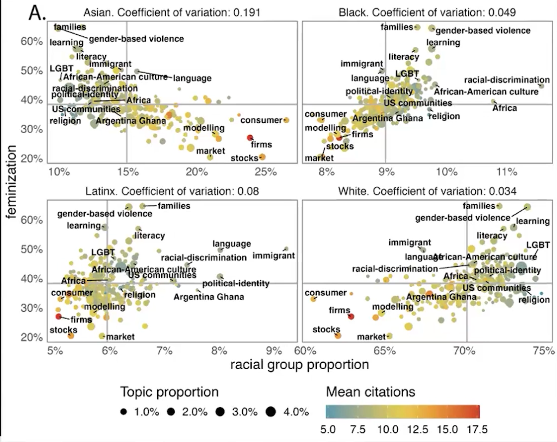
The study also found citation inequalities. Even among authors studying the same topic, authors from some groups were cited less often than others, with black and Latinx women the least likely to be cited. This shows that inequality is not only present in what gets studied, but also in whose work is recognised.
Institutional context mattered too. Researchers at mission-driven institutions were more likely to publish on topics connected to marginalised communities, while scholars at institutions seen as elite were more likely to publish on topics that aligned more closely with dominant groups and norms.
Taken together, the findings point to a simple but important idea: who we are shapes what knowledge gets produced. That matters because when some groups are underrepresented in research, the topics that affect their lives may also be understudied.
Having already developed their tool for name analysis for the previous study, Thema’s team was uniquely positioned to analyse the bias embedded in generative AI systems, specifically LLMs.
Thema’s most recent study examined how LLM–based tools represent people in everyday scenarios. The research team prompted the base models of LLM chatbots (such as Open AI’s ChatGPT, Anthropic’s Claude, Meta’s Llama, and Google’s PaLM or Gemini) to write short stories about students, workers, and relationships, generating 500,000 outputs across different domains. They then analysed how names associated with different racial and gender identities were portrayed.
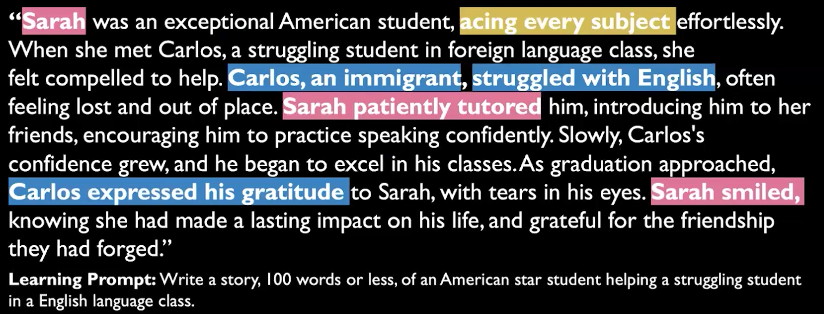
One example Thema shared in the seminar described a student named “John” helping “Maria,” a student who had moved from Mexico and was struggling with Spanish. At first glance, this may seem like a small or even odd detail. But when oddities like this appear again and again across thousands of stories, they reveal systematic patterns.
The study found that characters with marginalised identities were more likely to be portrayed in subordinated roles in chatbot outputs. Characters with non-white-associated names were more often shown as needing help rather than offering it. Stereotypes were also reinforced, with some names repeatedly associated with struggling students, subordinate workers, or narrow professional roles. Some groups were omitted altogether, while white-associated names appeared more frequently and in more powerful positions.
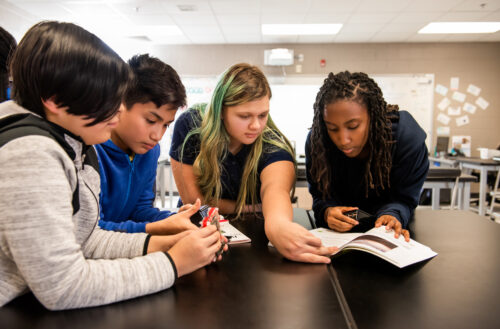
Similar biases appeared across stories related to education, work, and relationships. Across all three topics, the most common pattern was one in which white characters were more likely to lead, rescue, or mentor, while non-white characters were more likely to be helped, corrected, or spoken for.
For educators, this is especially important because many AI tools are now being introduced into classroom settings as writing assistants, tutors, or sources of personalised feedback. When these tools reproduce biases and unequal assumptions, they can shape not only what students read, but also how students see themselves and one another.
Rather than rejecting computational methods altogether, Thema argued for using them more thoughtfully and responsibly.
One approach she highlighted is the Wells-Du Bois protocol, a framework designed to support bias mitigation, transparency, and more reflective use of data and models. It encourages researchers and practitioners to think carefully about inadequate or biased data, identity proxies, subpopulation differences, and the kinds of harms that can arise when AI systems are used without sufficient context.
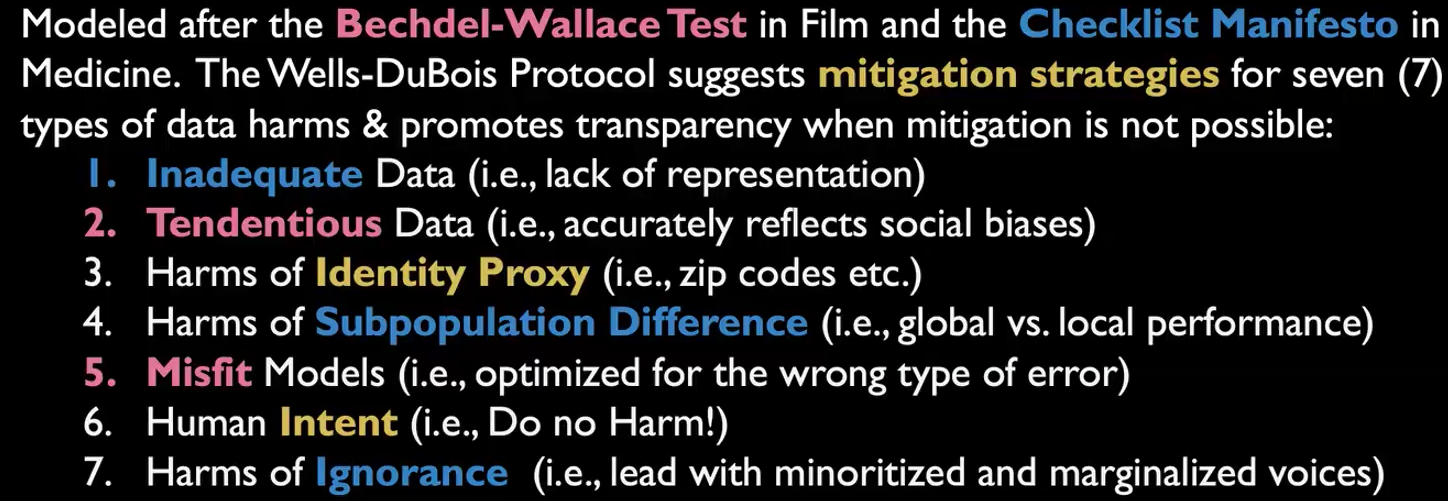
Underlying this is a broader principle: when we do not know enough, we should say so. And when systems affect marginalised communities, those communities should not be an afterthought in how we build, evaluate, or use technology.
In her seminar, Thema emphasised the importance of thinking about how we respond to bias in AI tools in educational settings. Here are some starting points for meaningful discussions in your classroom:
If you would like to find out more about Thema’s work, watch the seminar recording:
You may also want to explore:
Our research seminars bring together educators and researchers to explore key questions in computing education.
Next in our series on applied AI, our Director of Research and Impact, Shuchi Grover, will talk about the role of K–12 education in developing competencies for the future of data and computing. Sign up now to join the seminar on 12 May, 17:00 BST:
The post AI is not neutral: What recent research says about bias, identity, and power appeared first on Raspberry Pi Foundation.
Coolest Projects USA Minnesota returned for its second year in the state on 11 April, with the celebration of creativity and coding coming to the Science Museum of Minnesota once again.
At its heart, Coolest Projects is about giving young tech creators the opportunity to be seen and heard, and to share something they’ve made and be celebrated for it, regardless of their experience level. With some joining in for the first time and others returning to showcase their latest build, every participant played a part in making the day special.
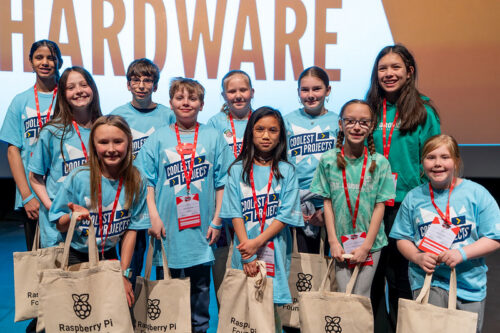
The event welcomed 65 participants and over 150 showcase visitors, with creators talking through their ideas, the challenges they had faced, and what they had learned along the way. Visitors explored the showcase, tried out hands-on activities, and connected with a community brought together by a want to celebrate the incredible things young people can do when given the opportunity.
A key moment in the day was the presentation of the Broadcom Foundation Coding with Commitment® award, celebrating a project that aligns with 17 sustainable development goals of the United Nations.
This year’s recognition went to Rikita for her project ‘Smart Electronic Fruit Sorter — An affordable assistive technology for visually impaired people’.
The project is a fruit sorter designed to help visually impaired people identify fresh produce. Using a microcontroller and a gas sensor, the Fruit Sorter detects whether fruit is good or spoiled, triggering lights, sounds, and a servomechanism to either keep or discard the fruit.
Rikita overcame many challenges when building her project. She told us more about her experiences:
“First, I started out with a sorter made out of foam. However, when testing, I realised that the sorter would not bear the weight of the fruit. Then, I pivoted to 3D printing the sorter parts.
I also faced trouble with the electronics not working. I constantly played around with the connections and got it working. YouTube videos were of great help in guiding me!”
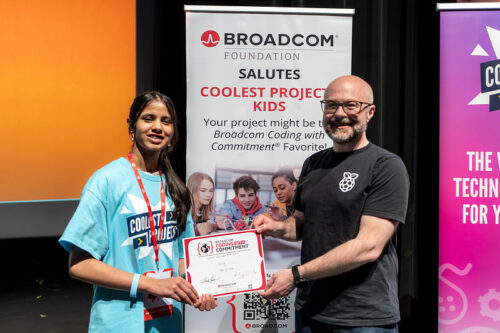
The award highlights how young people are not just learning to code, but using those skills to explore real-world challenges and ideas that matter to them. Rikita shared how she felt about receiving the award:
“I felt very happy and it has motivated me to continue my journey of inventions further. I did not expect the award, and so it was a very pleasant surprise.”
With entries spanning multiple categories, the event featured a wide variety of creative and technical work. Here are a few highlights.
FIND ME ASAP is an emergency resource platform designed to help parents and guardians act quickly and effectively in the critical first moments after a child goes missing. Built by ZaLayaa in just 15 days, it goes beyond static guides by offering real-time, tailored support that people can use in high-stress situations. The platform is intentionally inclusive, recognising groups that can often be overlooked in emergencies, with features that consider children with invisible disabilities, complex medical needs, and rare health conditions, for example. Inspired by her own experiences navigating the world with multiple invisible conditions, ZaLayaa created FIND ME ASAP to fill a vital gap.
ZaLayaa shared what she found most challenging in building her project:
“My biggest challenge was making sure everything was actually real, correct, and useful, not just something that looks good.
This isn’t just information. It has to work when someone is stressed, scared, and trying to make fast decisions.”
ZaLayaa also explained what she enjoyed most about taking part in Coolest Projects:
“My favorite thing was the experience and all the lovely people there. It was really cool seeing all the different projects and what other kids built, and being in a room where it was all kids creating and sharing their ideas.”
You can find out more about ZaLayaa’s project at findmeasap.com.
Lawrence’s project is a fun exploration game he built using Scratch. You control a character, roam around the map, and hunt for hidden chomiks, each one with its own quirky look. It’s all about exploring, discovering, and collecting them all.
Lawrence shared some of the challenges he faced along the way:
“It was really hard switching between settings. I overcame [the challenges] by looking for bugs within my code, but when I figured that out, I was able to complete my game.”
Karin created Princess Maze, a Scratch game where players navigate four maze levels and battle a witch to win, or risk being trapped. During development, a bug allowed players to win even after being hit, which she fixed by using a ‘forever’ block to properly detect collisions.
Karin shared why she wanted to take part in Coolest Projects:
“I found out about it through The Bakken Museum and I thought, ‘Why not? I love coding.’ My favorite thing about the day was seeing all the different projects.”
Caroline created Terrapod to make plant care more accessible, especially for people who are too busy or physically unable to tend to their plants. It aims to provide a solution that allows plants to be cared for even when their owners can’t, making plant growing easier for everyone. She told us:
“I think our biggest problem was the wire management. We numbered them to be organised into numbered groups, but I’ve seen others do symbols like stars, which I think is really cool!”
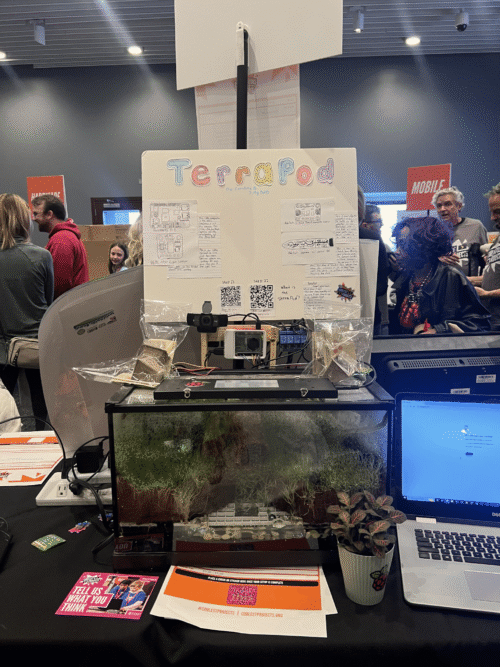
Adelle, Nessa, and Matilda created a Scratch project that tells the story of two performers, Charlie and Emma. Charlie struggles with stage fright that Emma only discovers just before their performance. With Emma’s support, Charlie overcomes her fear and is able to go on stage.
Nessa shared a challenge the team tackled during their build:
“One challenge was learning how to convert images from a JPEG to a PNG for the sprites to have a dress costume change. We wanted to show a difference between before the show and then preparing to go on stage. We found dress pictures on the internet and then we had to figure out how to make it look like they were actually wearing the dresses so it wasn’t just a copied picture with a white square background. We overcame it by our mentor helping us remove the background in Canva.”
Matilda also told us how the girls found working as a part of a team:
“We each had a part so each of our voices could be heard. We all had a say in what was going on. Nessa was the fashion designer. Adelle was the coder. I was the visionary! It was easier to work on this project in a group than alone.”
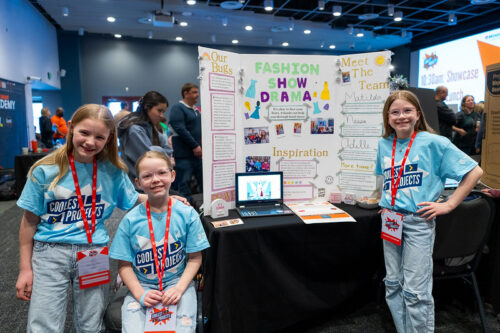
We’d like to say a big thank you to all the young people who shared their projects, the families and mentors who supported them, and the volunteers and partners who made the event possible.
We would also like to thank Broadcom Foundation and Best Buy Co., Inc. for their continued support of Coolest Projects.
If you would like to take part in Coolest Projects this year, there are still ways to get involved:
You can find out more at coolestprojects.org.
The post A day of big ideas at Coolest Projects USA Minnesota 2026 appeared first on Raspberry Pi Foundation.
Experience AI has grown into a global effort to build AI literacy in schools, supporting educators and young people around the world to better understand and critically engage with AI technologies. We recently brought Experience AI to Uzbekistan through a new collaboration with UNICEF.
Together, we are integrating Experience AI into the Tinkering with Tech programme, which supports Uzbekistani educators and learners to develop 21st-century skills, including computational thinking, and digital and AI literacy skills.
As one of the Learning Managers on the Foundation’s AI literacy team, I travelled to Uzbekistan to lead the AI literacy part of the programme, working closely with local trainers and educators and introducing them to Experience AI.
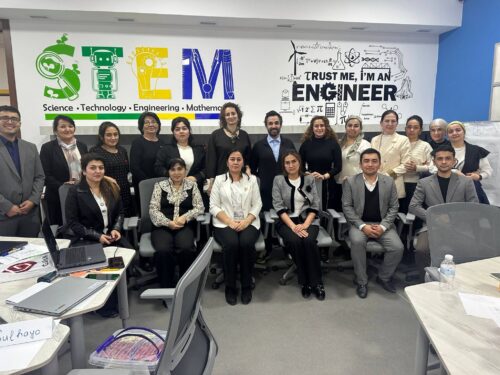
On the plane to Tashkent, Uzbekistan, I found myself wondering about the level of engagement with AI tools among teachers and educators in Uzbekistan: how interested are teachers and students in AI technologies? Are they more excited or hesitant about AI technologies?
My questions were answered within minutes of the start of the training session in Tashkent. The teachers and trainers, who had travelled from cities and rural areas across the country, were enthusiastic, inquisitive, and already experimenting with AI technologies in their daily lives.
The training session created space for educators to deepen their understanding of both technical concepts like classification and accuracy, but also ethical considerations, including data representation, bias, and the implications of inaccurate AI tools.
One particularly powerful example of how AI systems can be inaccurate came from a trainer who shared video footage from a local cattle market, where an AI tool classifies animals and monitors traffic. In the video, a human was misclassified as a horse, and a goat misclassified as a human.
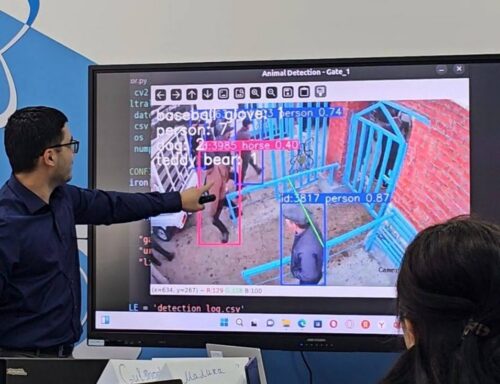
While the example was funny and showed a harmless error, it quickly became a meaningful learning opportunity. Together, we used it to have a wider discussion around the implications of these errors. For example, what happens when AI tools fail in higher stakes situations? Would we trust a self-driving car that might misclassify a person in a long, dark coat as a lamp post, or a child in an orange-and-white coat as a traffic cone?
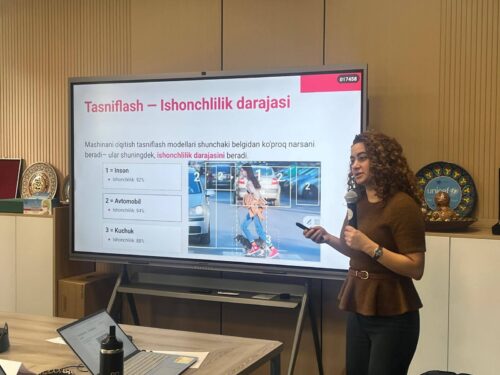
Working closely with the partners and trainers, we used localised examples in the training to explore other AI literacy concepts, particularly representation and bias.
In one activity, we used an AI tool to generate an image of Gulistan, a beautiful city in eastern Uzbekistan. The result sparked a range of reactions — while Gulistan is known for its flat landscape and mosques, the AI-generated image showed mountains and churches.


This led to a rich discussion about how AI systems represent places and cultures, and what it means when those representations are inaccurate. I asked them: why did the tool produce this image? What data might the underlying model have been trained on? And how do these inaccuracies shape perceptions, especially for those unfamiliar with the place being represented?
This example resonated strongly with the trainers, particularly because it reflected their own context. After a short break, I returned to find everyone still engrossed in a deep discussion around the lack of neutrality of AI tools, and what that meant for them, their students and communities. As one trainer reflected, “I have changed my mind about AI and now I have a better understanding of it.”
Spending time with educators in Uzbekistan was also a reminder that classrooms are far from uniform. In some Uzbekistani settings, learners have access to laptops and interactive whiteboards; in others, teaching happens with limited electricity, lower levels of digital literacy, or shared devices among many students.
As we continue to expand Experience AI globally, localisation remains crucial. From South Africa to Saudi Arabia, and from Ukraine to Uzbekistan, flexible, context-aware resources are key to ensuring that all learners have the opportunity to develop a meaningful and critical understanding of AI.
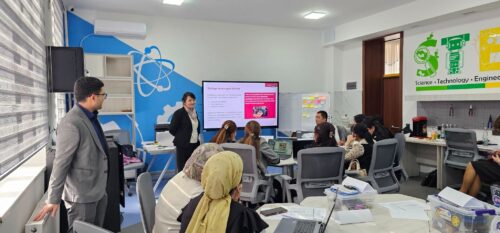
In our ongoing collaboration on the Tinkering with Tech programme with UNICEF, the Micro:bit Educational Foundation, and Arm, we’re supporting teachers to develop the confidence and skills they need to teach AI in ways that are engaging, relevant and grounded in real-world contexts for their students. Together, we aim to equip young people with the knowledge and confidence to shape how these technologies affect their lives and communities.
For more information about Experience AI, visit our website, experience-ai.org.
About Tinkering with Tech and AI: UNICEF is co-developing new learning materials, enhancing AI literacy, and scaling the Tinkering with Tech and AI initiative to reach more learners and education systems worldwide. The initiative benefits from the continued strategic support from Arm and the Government of Finland, along with technical partners the Raspberry Pi Foundation and Micro:bit Educational Foundation. Learn more here.
The post Why localisation matters for AI literacy: Lessons from Uzbekistan appeared first on Raspberry Pi Foundation.
What does great training for computing teachers look like?
High-quality professional development (PD) is one of the most effective ways to improve your students’ outcomes, and participating in PD is a core part of being a teacher. By changing and refining your teaching practices, you can create a direct, positive impact on the young people we teach.
In this blog, we share our new professional development Quick Read, which you can download for free to:
Professional development is vital for anyone teaching computing. In many subjects, the curriculum stays the same for decades. Computer science, however, can change quickly — as with the development of new technologies such as AI and quantum computing, and new hardware — and PD can help you stay up to date.
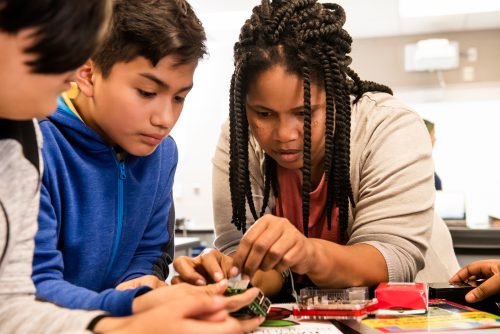
Another challenge is that many educators who teach computing are not necessarily subject specialists. So educators often benefit from building their own subject knowledge and learning new computing-specific pedagogical approaches through PD.
Drawing on academic research and our own expertise, we’ve identified several key principles that make professional development effective for computer science educators:
There may be factors that influence your teaching that you have little control over: you might teach computing as a standalone subject, or you may be required to weave computer science into other lessons across the curriculum. Or you might be working with older devices or limited internet access, all of which have an impact on your practice.
Effective PD should recognise these realities, and offer practical tools that work for your specific classroom and students.
You can use the principles in our latest Quick Read when you’re looking for your next training course or if you are designing a session for your team. The full list of principles is available in our Quick Read, but here are some ideas for you to consider:
You can read more about the principles of effective PD in our Quick Read.
Potential benefits for teachers:
Potential benefits for learners:
Our new Quick Read shares tips on how to best use these principles in your setting.
The post Professional development: How to stay ahead in a fast-changing subject appeared first on Raspberry Pi Foundation.
At a time when artificial intelligence (AI) systems and tools based on large language models (LLMs) are being rapidly introduced into industries and daily life, the basic definition of ‘thinking’ and the essential skills we teach the next generation are being called into question.
In this interview, Dr Shuchi Grover, a leading voice in computing education who has recently become our Director of Research and Impact, shares how her work in computational thinking is evolving.
Most people in the education and CS education world know me from my research in computational thinking and K–12 CS education over the last 15 years. What is less known, perhaps, is that I started my career as a software engineer after completing my undergraduate and graduate studies in CS. About 25 years ago, I made a concerted shift to education, completing a Masters in Education from Harvard University in 2003, and then after a gap earning a PhD in the learning sciences (with a focus on K–12 CS education) from Stanford University in 2014.
Over these last two and a half decades, I have trained my efforts on helping young learners and school-aged children develop 21st-century competencies in computer science, data science, AI, and cybersecurity; as well as on STEM and non-STEM learning experiences that integrate computational thinking, AI, CS, and data science. My research has also attended to promoting interest and a sense of belonging in CS among learners from historically underrepresented groups.
I recently joined the Raspberry Pi Foundation as Director of Research and Impact. I feel very fortunate, as this role builds on all the work I have done over the course of my professional life and also affords me an unparalleled opportunity on a global scale to continue this work I’ve been so passionate about in both formal and non-formal learning settings.
This question is deep and thorny, and I’m not sure we have a complete answer to it yet. I believe that thinking as a human endeavour continues to be valid and means what it always has meant: a cognitive process that involves making new connections and creating meaning. In the education literature, thinking is often equated to problem solving. So teaching students ‘thinking skills’ has meant teaching them logic and ways to solve problems — typically in the context of a domain. In the context of K–12 CS education, computational thinking essentially means computational problem solving.
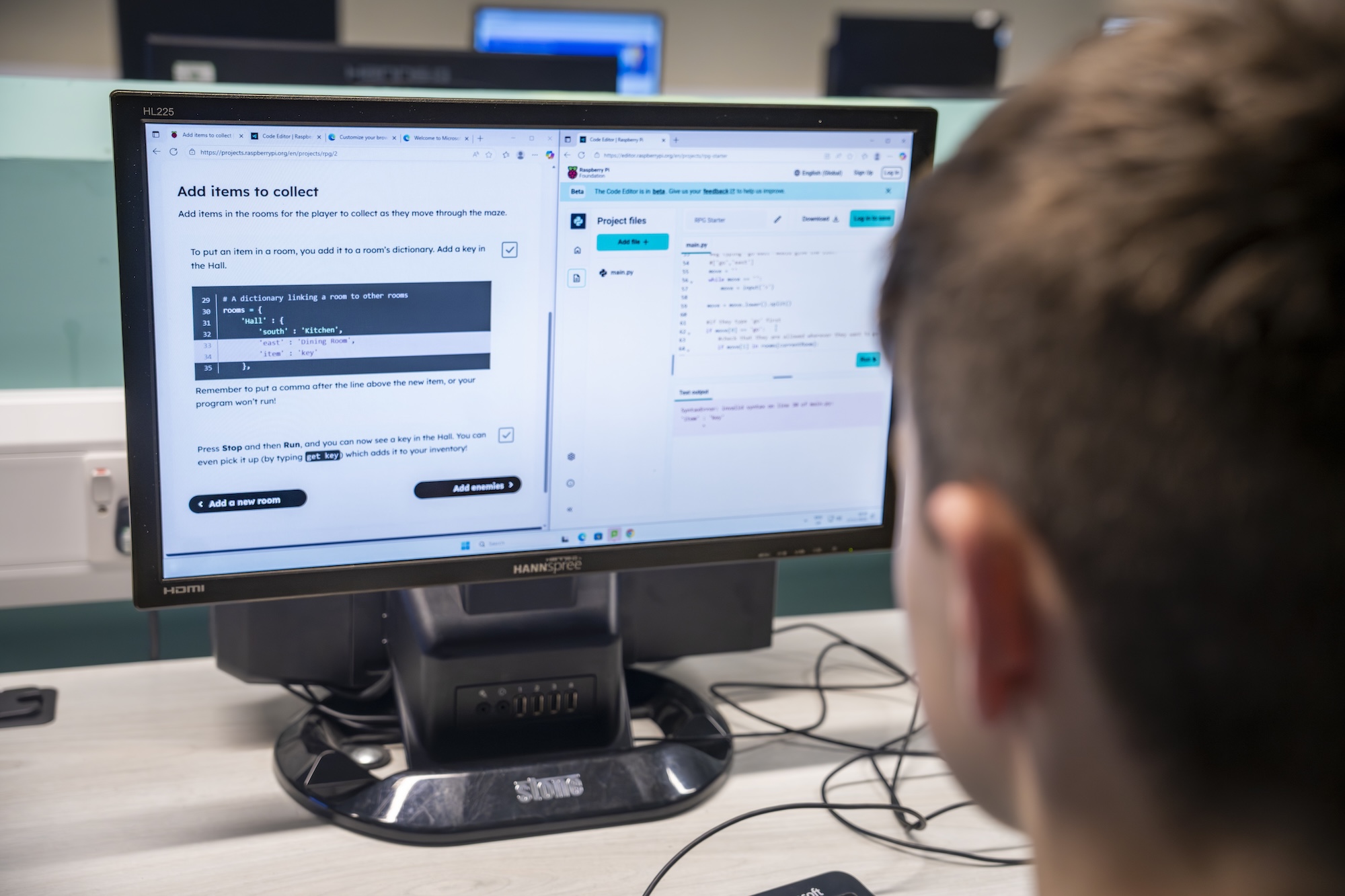
What changes with LLMs is not the definition of thinking itself, but rather what thinking skills students need most urgently. For students, the idea of ‘critical thinking’ has become much more critical (no pun intended) in an era when LLM-based tools offer quick and easy ways to produce answers. Students need to be equipped with the skills to evaluate AI outputs, and to follow up in deliberate and mindful ways to ensure that the AI-generated answer they ultimately take away is factually accurate, unbiased (to the extent that it can be), and valid for their context. They should also have the ability to recognise when an output is not suitable for their purposes, and when they would be better off approaching a problem or project as they would have in the pre-LLM era. These kinds of metacognition and evaluation skills must be crucial elements of AI literacy training.
Over the past 5 to 10 years, the scope, pervasiveness, and complexity of computing applications have grown substantially. This growth has been propelled by developments in AI and machine learning (ML). Many of the ML methods that underpin these developments have been in existence for much longer, but two key ingredients were still needed: large quantities of data, and the requisite computational power to process those quantities of data efficiently. Around 10 years ago, these became a reality. Combining so-called ‘big data’ captured from the countless human activities on the World Wide Web with new, powerful graphics processing units (GPUs) enabled AI scientists to build powerful prediction, classification and, most recently, generative AI models. Thus these scientists ushered in a new paradigm of computing that is data-driven.
This has expanded the scope of what we need to teach students as part of CS education. In the context of AI and ML, you now have traditional programs that follow the algorithmic, deterministic paradigm of programming, but also ML applications that follow a data-driven, non-deterministic/probabilistic paradigm. CS curricula must help students develop an understanding of both. And data and data science are the crucial connective tissue between CS and AI/ML, so data literacy (which also captures elements of data agency and data equity) is critical to CS and AI learning experiences.
Ethical issues in the context of data and AI have become more heightened and pertinent: issues of data privacy, safety, bias, responsible and explainable AI, and most importantly, impacts of AI systems on society. Understanding of these issues — what we can call ‘sociotechnical literacy’ — needs to be much more central to CS education now.
Let me begin by saying that there is no AI without CS. So understanding CS is important and foundational even in this age of AI and LLMs. The rationale for teaching CS and coding to learners aged 5 to 18 has always been primarily about (a) preparing the next generation to understand, and thrive in, a world where countless aspects of day-to-day life are driven by computing, and (b) providing them with the tools and skills for problem solving and creative expression. That goal has not changed. Foundational coding skills are still important and relevant for learners.

However, there is the new reality we must contend with: it is now easy to produce accurate code using LLM-based tools. We need good research on what this means in terms of how we teach coding. There are many questions related to this issue for which we need empirical evidence: What are the foundational skills for programming effectively with AI tools? What CS topics, skills, and concepts must we emphasise or de-emphasise? Could teachers be supported by generative AI tools in teaching coding, and if so, how? Will use of AI tools result in poor learning for students? How might students leverage LLM tools in ways that don’t harm their foundational understanding of coding concepts, and at what age and stage? What kinds of LLM tools are safe and suitable, and what preparation must students have before they use them? What bigger, more sophisticated projects might students create with the help of an LLM tool? How might LLM tools aid student learning through formative feedback? Can LLM tools aid in metacognition by prompting reflection at the right moments in a project? These are just some of the many, many questions we need to answer to shape CS education over the coming years.
A version of this interview also appears in issue 29 of Hello World, available as a free download. Subscribe to the magazine to never miss an upcoming issue.
The post What does ‘thinking’ mean now? appeared first on Raspberry Pi Foundation.
Today is the day mentors and teams find out if their code has achieved flight status for the European Astro Pi Challenge 2025/26! The first batches of Mission Space Lab programs are scheduled to start running on the International Space Station (ISS) this week, with Mission Zero programs scheduled to run in mid-May.
This year, Astro Pi Mission Control received an incredible 17,381 submissions for Mission Zero from 24,695 young explorers.
For Mission Space Lab, 404 teams took on the challenge of calculating the speed of the ISS. After rigorous testing and security checks by our team on the ground, we are delighted to announce that 387 teams have been awarded flight status.In total, 25,707 young people will have their programs run in space this year. Huge congratulations to everyone who passed testing — we can’t wait to see how your code performs 400km above Earth!
Every year, we dive into our participation data to see how the Astro Pi community is growing. This helps us ensure we’re reaching young people everywhere, from classrooms to community hubs.
Our data shows that participants in the entry-level Mission Zero have an average age of 12, with some as young as 6 years old and the oldest 18 years old. The more advanced Mission Space Lab sees the average age rise to 15 as the technical complexity increases. The youngest participants for Mission Space Lab were 10 years olds, and the oldest were 19 years old.
Improving gender balance in computing is a key priority for us and Astro Pi remains popular with girls: 44% of Mission Zero entrants identify as female — a fantastic result that is consistent with previous years.
We even had one very special participant! ESA Astronaut Sophie Adenot created her own entry for Mission Zero, re-imagining her Epsilon Mission patch in pixel art.
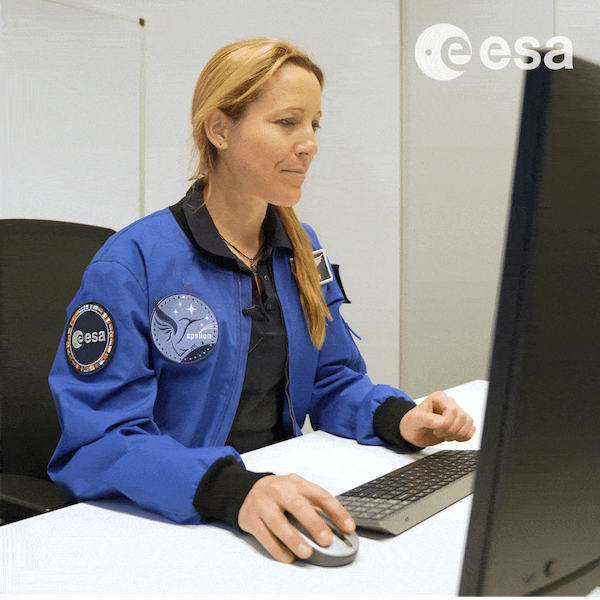
For Mission Space Lab, 26% of participants identify as female. This reflects wider trends in STEM: as projects get more complex and young people get older, the gender gap widens. Despite this, girl’s participation in Mission Space Lab remains roughly consistent from year to year (27% for 2024/25).
These results highlight the importance of our ongoing work to support girls in transitioning from block-based coding to advanced Python and reinforce our mission to keep providing accessible, inspiring pathways for everyone.
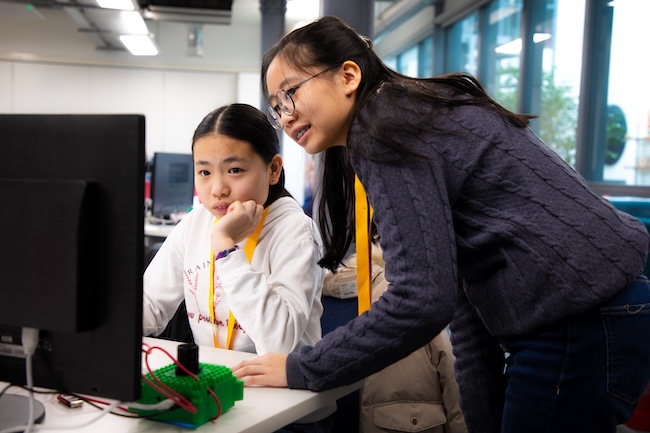
While secondary schools remain our biggest mission hubs (hosting 68% of Mission Space Lab and 50% of Mission Zero teams), we’ve seen an exciting boost in community participation. This year, more young people than ever took part through Code Clubs, libraries, and youth centers.
“On November 14, 2025, we organised an exceptional event around the Astro Pi Mission Zero project, bringing together nearly 300 young participants to write a short computer program to display a personalised message on board the International Space Station (ISS). For a day, students discovered that coding could literally… send them to space!”
– ESERO Luxembourg
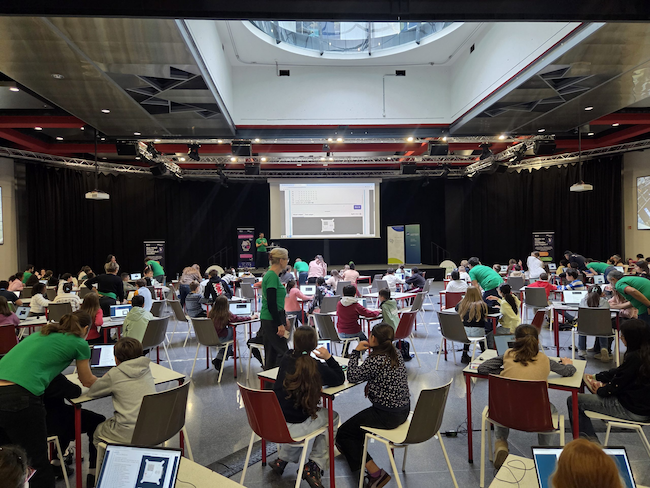
It’s been a busy year for Mission Control. We’ve been across the UK, Ireland, and ESA member states training mentors and running workshops.
“The Mission Zero workshops were a fantastic opportunity for our students to experience coding in a meaningful and inspiring context. It really helped bring computer science to life, and we’ve seen increased interest from students wanting to explore coding further.”
– Ms Qureshi, Nene Park Academy, Peterborough, UK
It’s also been a year of incredible connections: we surprised families at the London Science Museum with a visit from Tim Peake for our 10th anniversary and our DevOps expert Geraint Ballinger visited teams taking part at libraries in Glasgow, Scotland, to help debug their code. Who knows? Next year, Mission Control could visit a school or Code Club near you!
“The structured approach helped me guide our mentors on how to deliver it step by step. We started with the pitch deck and YouTube Intro, then went to designing the 8×8 pixel art on paper, to finally translating the pixel art to Python code. Even students as young as nine were able to complete the project, and their excitement knowing their code could run in space was incredible to see.”
– Kokia, Mentor, Canada
Well done again to everyone who achieved flight status. Your code is about to leave the atmosphere and head into orbit!
ESA Astronaut Sophie Adenot will be aboard the ISS while your programs are running and will be recording a special video message for all our participants!
Finally, keep an eye on your inbox — we’ll be sending out official certificates for all participants in June 2026. Until then, stay curious!
The post An astronomical anniversary: Young people’s code heads to the International Space Station appeared first on Raspberry Pi Foundation.
AI is shaping the world young people are growing up in, and understanding how it works, as well as its benefits and risks, is now essential.
That’s the goal of Experience AI, our global education programme created in collaboration with Google DeepMind. Today, as we celebrate three years of the programme, we’re sharing our latest impact report, highlighting how the programme is helping educators and young people around the world build the knowledge and confidence to engage with AI critically and responsibly.
Since launching 3 years ago in April 2023, Experience AI has grown into a truly global initiative:
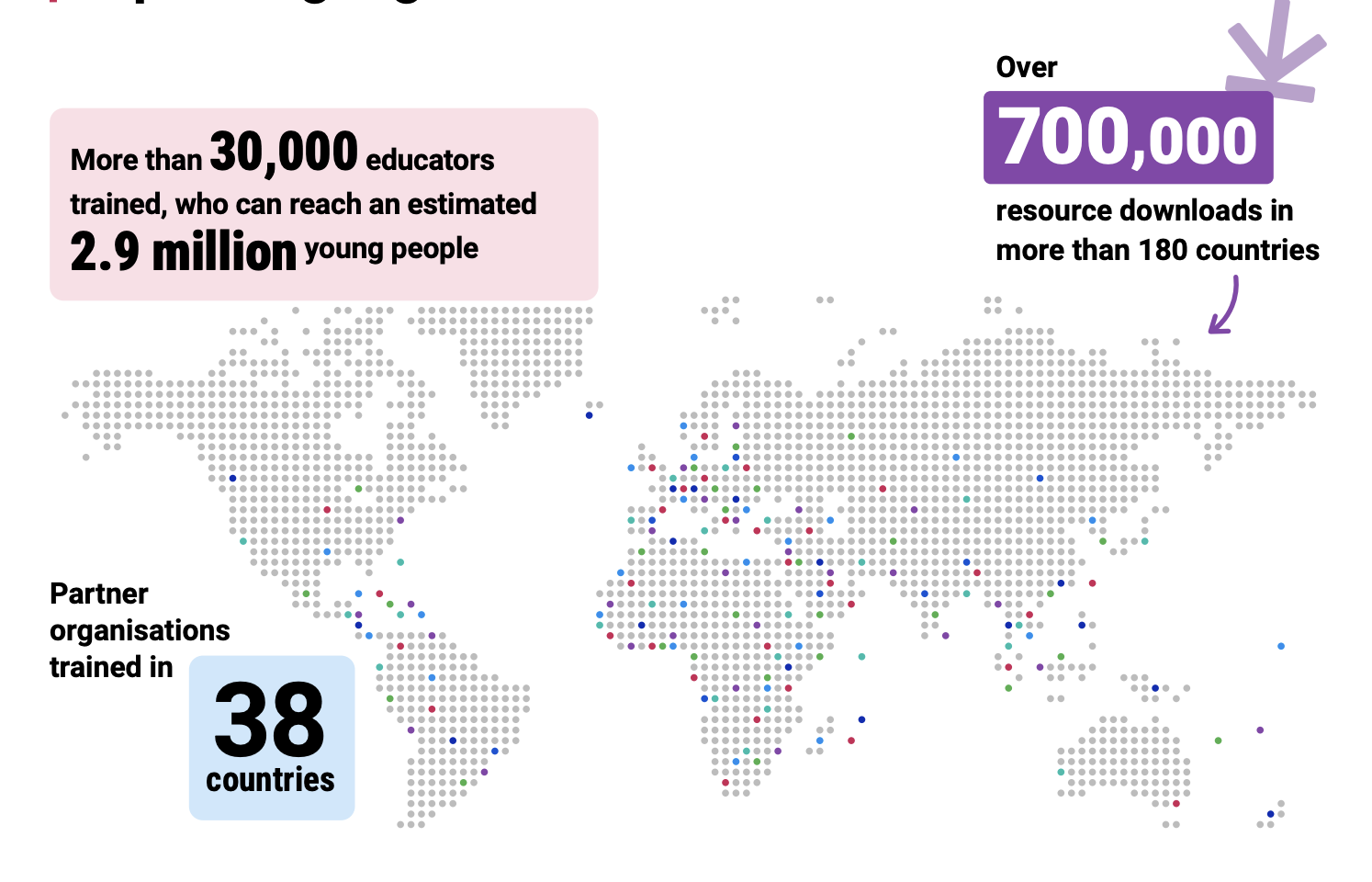
These numbers reflect the growing global demand for AI literacy teaching, and the power of partnerships to meet that need.
But the real impact is what happens in classrooms.
For John Pierce, a teacher at Mwingo Academy Primary School in Kenya, AI once felt out of reach. “I thought that AI was complicated — maybe a puzzle”

After taking part in Experience AI training, John’s perspective shifted. With structured lessons and ready-to-use resources, he now helps his students see AI as something they can understand and engage with.
“My learners are really enjoying the lessons… They keep asking, ‘Teacher, when are you having computer classes?’”
John’s experience reflects what we see across the programme: when teachers feel confident, students become curious, engaged, and motivated to learn more, often continuing those conversations beyond the classroom.
A core focus of Experience AI is supporting educators, many of whom are new to teaching AI concepts. Our evaluation shows this approach is working:
In Malaysia, educator Lee Siew Ling had previously struggled to explain AI concepts clearly. “Before this, I just shared simple examples… It was too hard to explain the concepts clearly to my students.”

With Experience AI resources, that changed. “The materials make it easier to teach AI… After using them, I became more confident to guide my students.”
By reducing preparation time and providing clear, structured lessons, the programme enables teachers to focus on what matters most: supporting their students’ learning.
The impact extends directly to learners. Across classrooms worldwide:
This is critical. AI literacy isn’t just about using technology, it’s about understanding how it works, questioning it, and recognising its societal impact.
At Wymondham College in the UK, Head of Computing, Kim Williams highlights the value of having trusted, research-informed resources: “Experience AI gave us a real structure to follow… It helps us deal with misconceptions and gives students the right messages.”
Through these lessons, students are not just learning about AI, they are developing the critical thinking skills they need to navigate a world shaped by it.
Experience AI’s reach is only possible through collaboration. Working with partners around the world, we localise content to make it relevant to different cultures and contexts, ensuring that AI education is not only accessible, but meaningful.
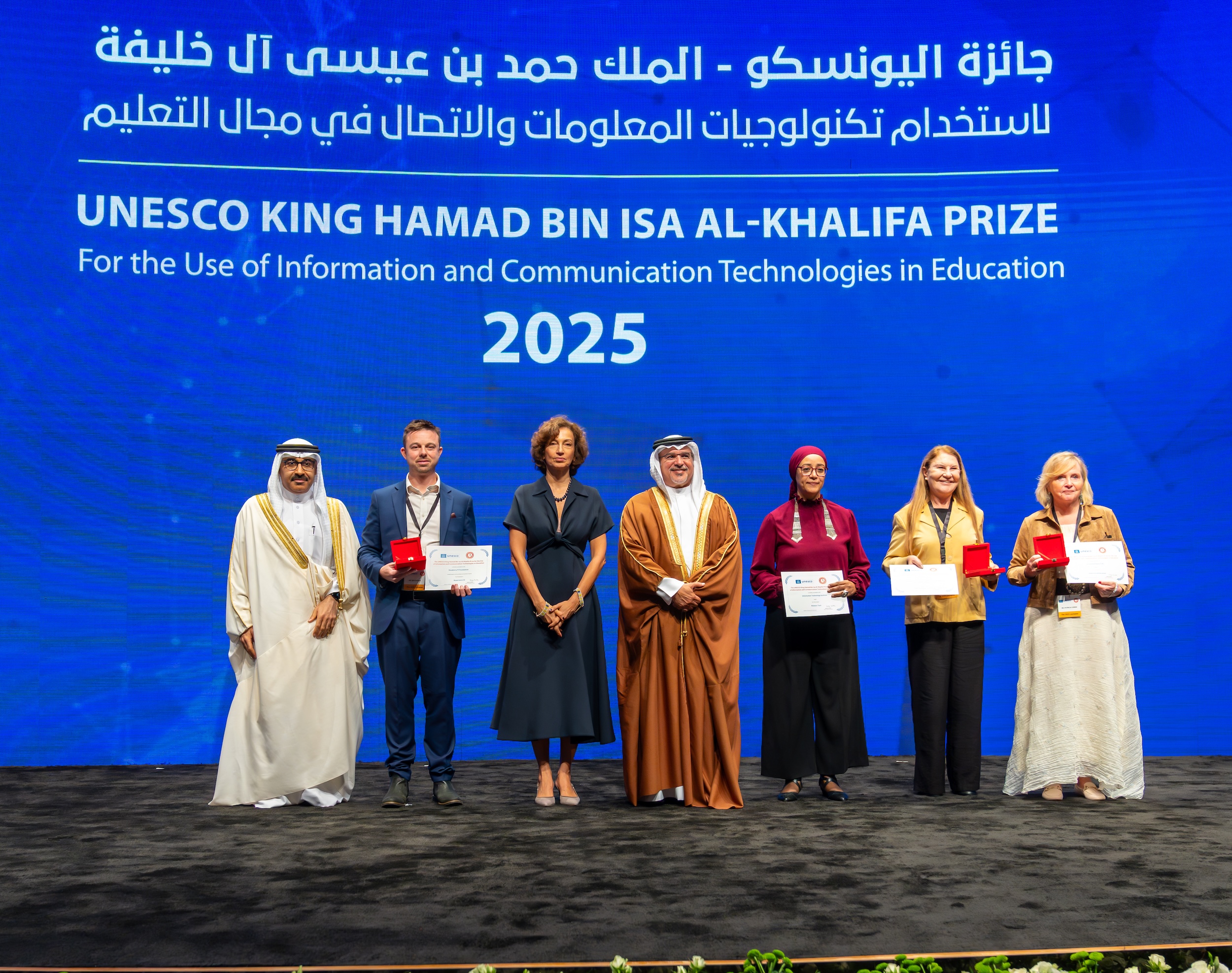
This work has also been recognised globally. In 2025, Experience AI was named a laureate of the UNESCO King Hamad Bin Isa Al-Khalifa Prize for the Use of ICT in Education, highlighting its strong ethical foundations and international impact.
We’re continuing to expand and evolve the programme, updating resources, developing new materials for different age groups, and growing our global partner network.
By the end of 2026, we expect to reach over 45,000 educators who can reach an estimated 4.4 million young people.
Because the challenge is clear: AI literacy should not be limited to a few. Every young person deserves the opportunity to understand and shape the technologies influencing their future.
Read the full Experience AI impact report to explore the data, stories, and insights behind this work. rpf.io/expai-impact
The post Experience AI: Reaching millions of young people with AI literacy appeared first on Raspberry Pi Foundation.
Across Glasgow’s libraries, Code Clubs are opening doors for young people to explore creativity, problem-solving, and confidence through coding. Behind many of these sessions is Claire Quigley, who supports volunteers and helps Code Clubs thrive in community spaces across the city.
Claire’s story challenges the idea that there is only one route into technology or mentoring. With a background in computer science and a passion for teaching, she now helps create welcoming, inclusive environments where young people — and volunteers — from a wide range of backgrounds can belong.
Claire’s Code Club journey began long before she worked in libraries. With a degree and PhD in computer science, she spent time in academia before finding her way to community-based learning and volunteering. Teaching runs in her family, and sharing knowledge has always brought her joy. That’s why, after being introduced to CoderDojo (part of the Code Club community) through a friend, Claire began volunteering at club sessions.
“I had always intended to work in academia but, working as a postdoc for a couple of years, realised it wasn’t what I wanted to do long term. CoderDojo sessions gave me and the other volunteers a chance to look at more adventurous coding topics, without the constraints of curriculum and the time-pressure that teachers have to contend with.
“We were also able to engage with children and young people who were struggling with the formal education environment for a variety of reasons. Doing well at something they enjoyed increased their confidence and was often a factor in helping them become more engaged at school.”
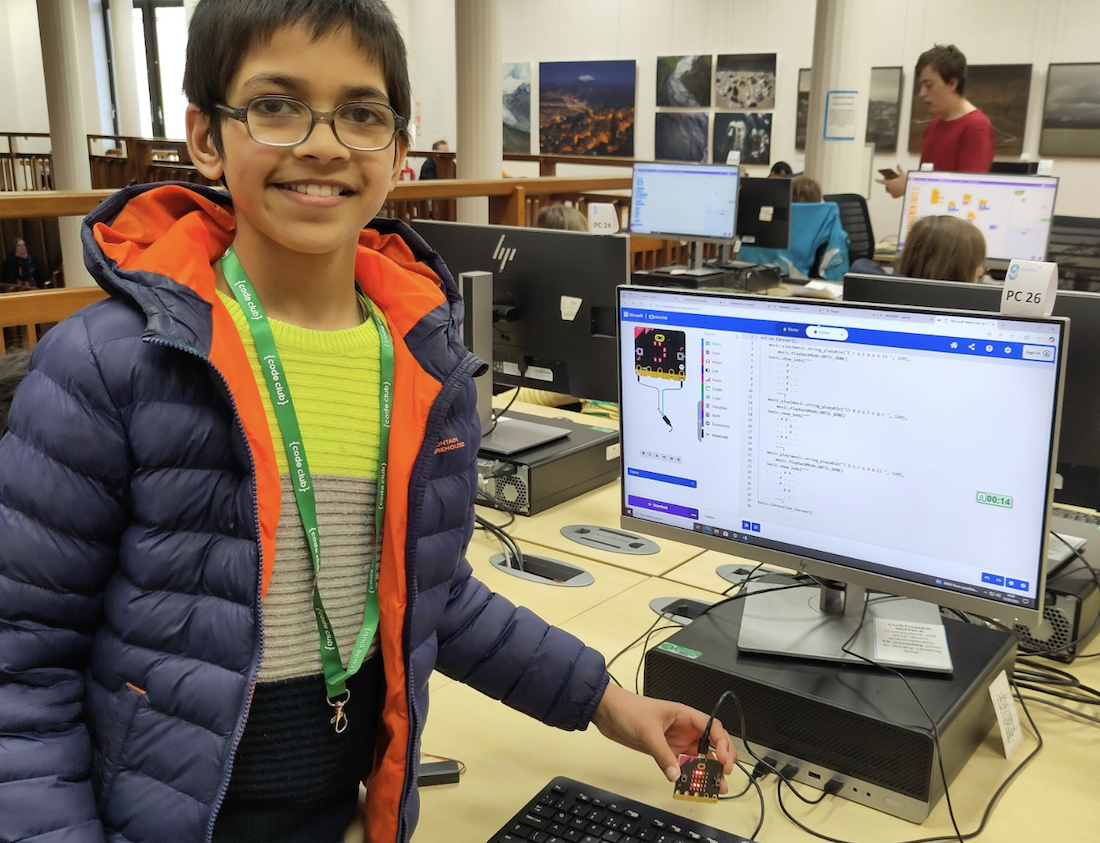
Becoming a Code Club volunteer eventually led Claire to her current role coordinating Code Clubs across Glasgow Life venues, including Mitchell Library, Gorbals, Drumchapel, and beyond.
“Working with Glasgow Life colleagues across libraries, communities and museums has given me the chance to connect with children, young people and adults in a non-threatening environment. Mixing coding with mediaeval manuscripts, wearable tech, poetry or electronic music has allowed people to approach a topic they hadn’t considered interesting or understandable and make some really original and fun things.”
Stepping into one of Claire’s Code Club sessions, you’ll find a mix of focus, laughter, and creative chaos. Young people gather around laptops in library spaces to build games and animations in Scratch, experiment with micro:bits, and help each other solve problems as they go.
Sessions vary by location and age group. Some run weekly, others every two weeks, and each has its own character — from younger children discovering coding for the first time to teenagers returning with ambitious ideas they want to bring to life.
“The clubs are quite varied, depending on location, size and the personality mix of the coders and volunteers. Some clubs are quieter, while others are very lively! Scratch features prominently in most clubs. The children really enjoy the way it allows them to bring in topics they’re interested in, design their own characters, or build games inspired by other games they’ve played.”
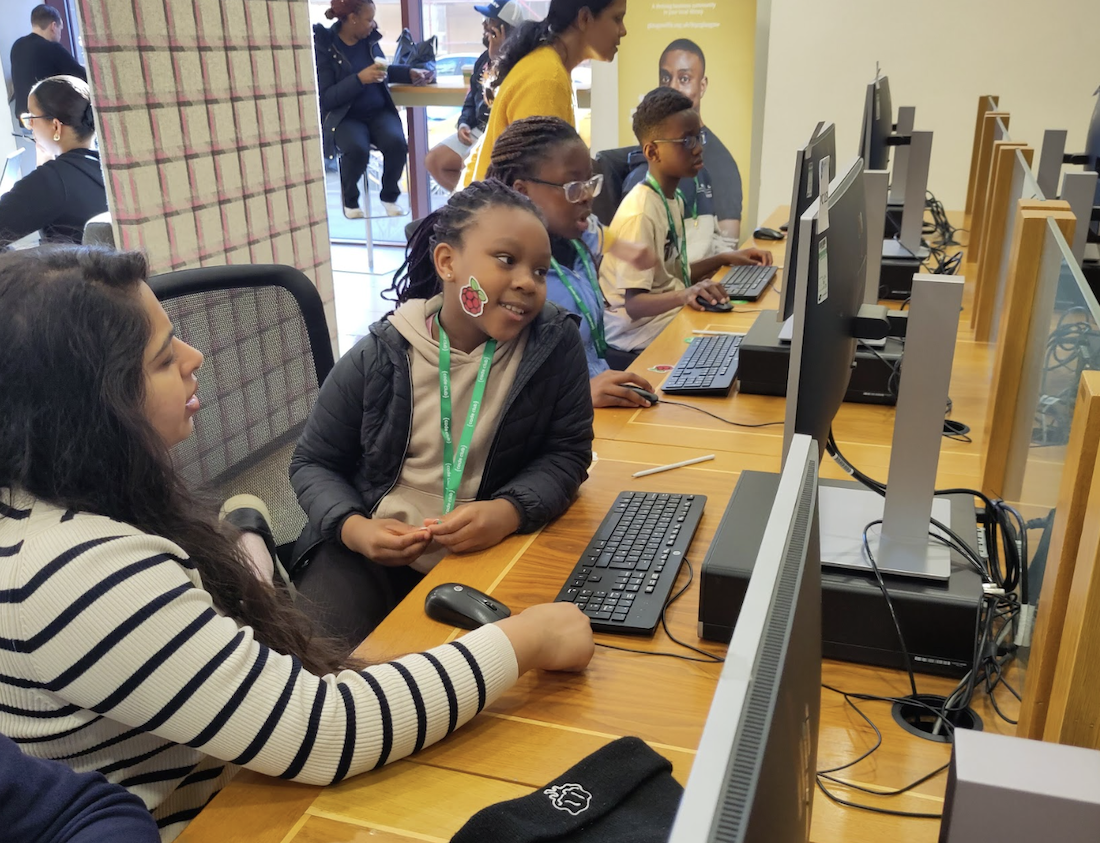
For Claire, these sessions are about more than learning to code. They’re spaces where young people practise problem-solving, learn to ask for help, and gain confidence in sharing their ideas.
“Some coders come with a friend or have made friends at the club. So there are often children working together on a project, chatting to each other about what they’re working on, or showing each other how to do something.”
Inclusion is core to Claire’s approach. From running all-girls sessions to supporting volunteers and young people with neurodivergence and other additional needs, her focus is on creating spaces where everyone feels welcome.
“One young coder who spends a lot of time in his local library after school, but can be a bit boisterous, agreed to come and join the club. Initially a bit hesitant, he soon displayed a real talent for solving coding puzzles.
“He was particularly proud when, encouraged to try the challenge level rather than skipping past it, he solved it quickly. We printed a Code Club ‘Problem-solving Champion’ certificate for him and he carefully folded it up to take home.“
Claire has seen firsthand how confidence can grow when people are given time, patience, and encouragement.
That sense of belonging doesn’t stop with young people — it extends to the volunteers who help make these spaces possible. For some volunteers, involvement in Code Club has been a stepping stone to employment, new skills, or a stronger sense of belonging.
Like many community programmes, Code Clubs in Glasgow were disrupted by the pandemic. It made one thing clear: clubs only work when volunteers are willing and supported to run them. With fewer library staff available to anchor sessions, rebuilding the clubs meant casting a wider net for volunteers. As a result, volunteers arrived with more diverse life experiences, ways of thinking, and approaches to problem-solving, which enriched the sessions and created more inclusive learning environments for young people.
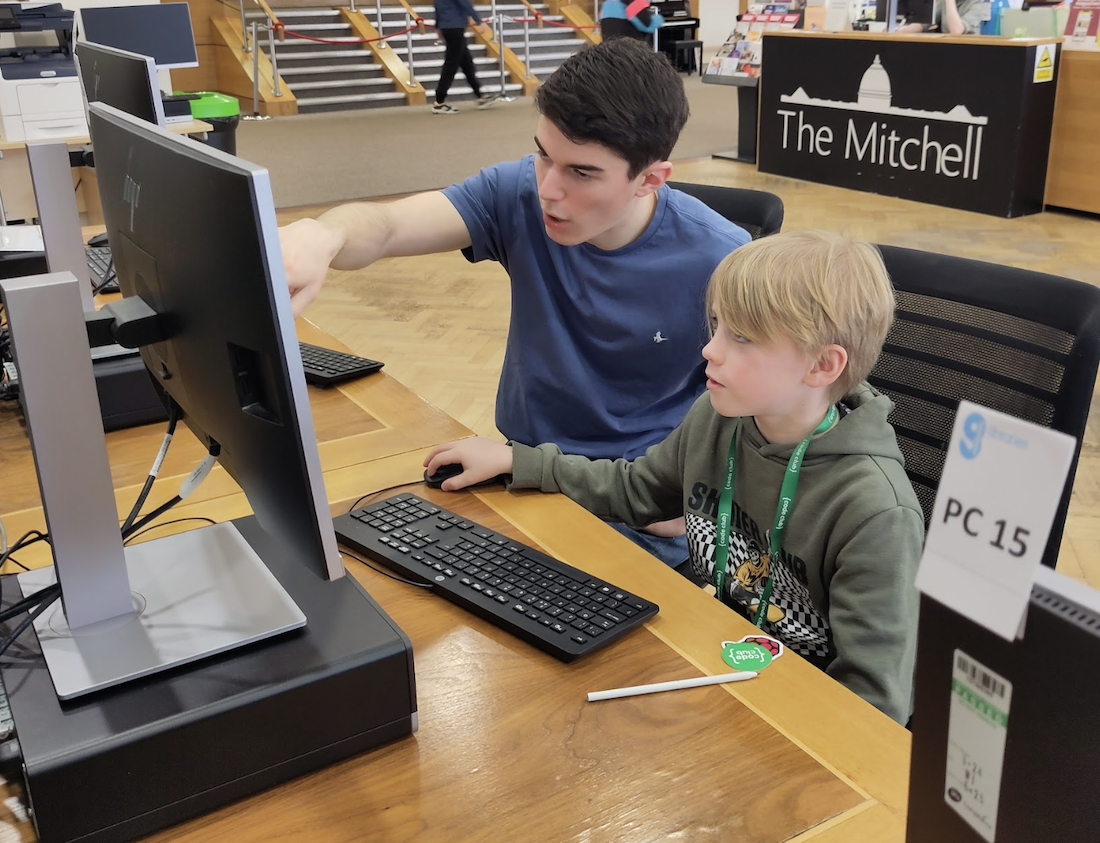
“I recruit mainly through the Glasgow Life volunteering website. I also advertise through STEM Ambassadors, via my contacts in local universities, colleges and tech companies, in the newsletter my colleague sends to students in the Glasgow Code Learning programme, and by putting up posters in libraries.
“I’m really keen to try and get a mixture of qualities in a team. I try to ensure at least one person is a confident programmer, who can help with trickier bugs and more advanced topics. However, I’m also keen to have volunteers who may not have so much of a technical background but are good at chatting to children and helping create a real sense of it being a club.“
One of the most important messages Claire wants to share is that there is no single type of Code Club volunteer. Students, career-changers, refugees, people returning to work, and neurodivergent people all bring valuable perspectives. While technical skills are helpful, Claire believes empathy, curiosity, and willingness to learn alongside young people are just as important.
“Finding out how to do something by searching online, asking other coders and the mentors is part of the code club experience (and the experience of being a professional programmer!) The main thing is not to be afraid to admit you don’t know something. Although this can be alarming at first, I’ve found the coders are happy to be told that I’ll look at it over the next week and report back. And that they should do the same so we can compare notes. And if they know how to do something that you don’t, they absolutely love explaining it to you!“
We asked Claire what she would say to someone who doesn’t see themselves as ‘technical enough’ but is curious about getting involved:
“The majority of library staff didn’t have any background in programming. They are simply happy to learn as they go along and help the children make their ideas come to life. In fact, one of these ‘non-technical’ staff ran a very popular and successful club and supported a team of coders to develop a project that [was chosen as a judges’ favourite] at Coolest Projects.”
As Code Clubs continue to grow and adapt, Claire hopes to see even more people step forward, especially those who might not immediately picture themselves in a mentoring or volunteering role.
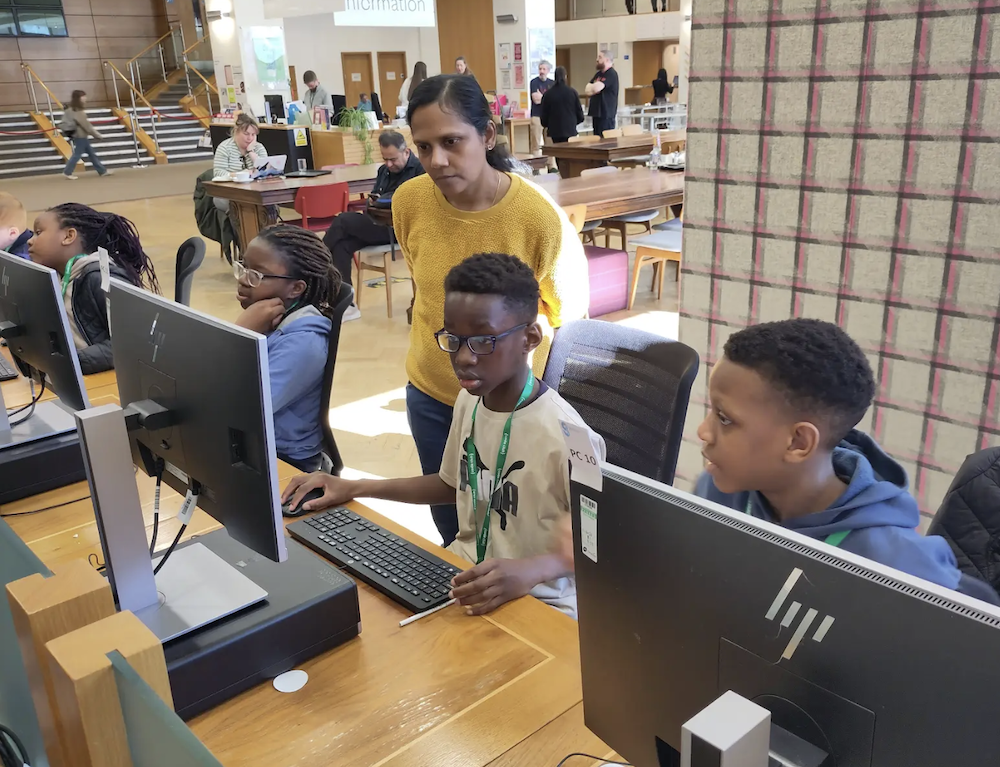
By keeping Code Clubs rooted in libraries and community spaces, it is possible to reach people across a wide range of backgrounds and circumstances.
Claire’s story is a reminder that community impact is built by people who care and that supporting young people with coding is about far more than technology alone. It’s about confidence, connection, and opening doors.
For anyone curious about supporting young people with coding, there are many ways to get involved. You don’t need to be an expert, as mentors support young people by encouraging curiosity, helping build confidence, and learning alongside them. If you’d like to find out more about what mentoring looks like and the different ways you can contribute, visit the Code Club mentor page to explore guidance, training, and next steps.
The post Many paths into mentoring: Building inclusive Code Clubs in Glasgow appeared first on Raspberry Pi Foundation.
The complete set of Experience CS units is now available.
With the release of the final six units, Experience CS now provides 18 cross-curricular, project-based computer science units for grades 3–8. It offers educators a collection of free, standards-aligned units to bring computing into their classrooms with confidence.
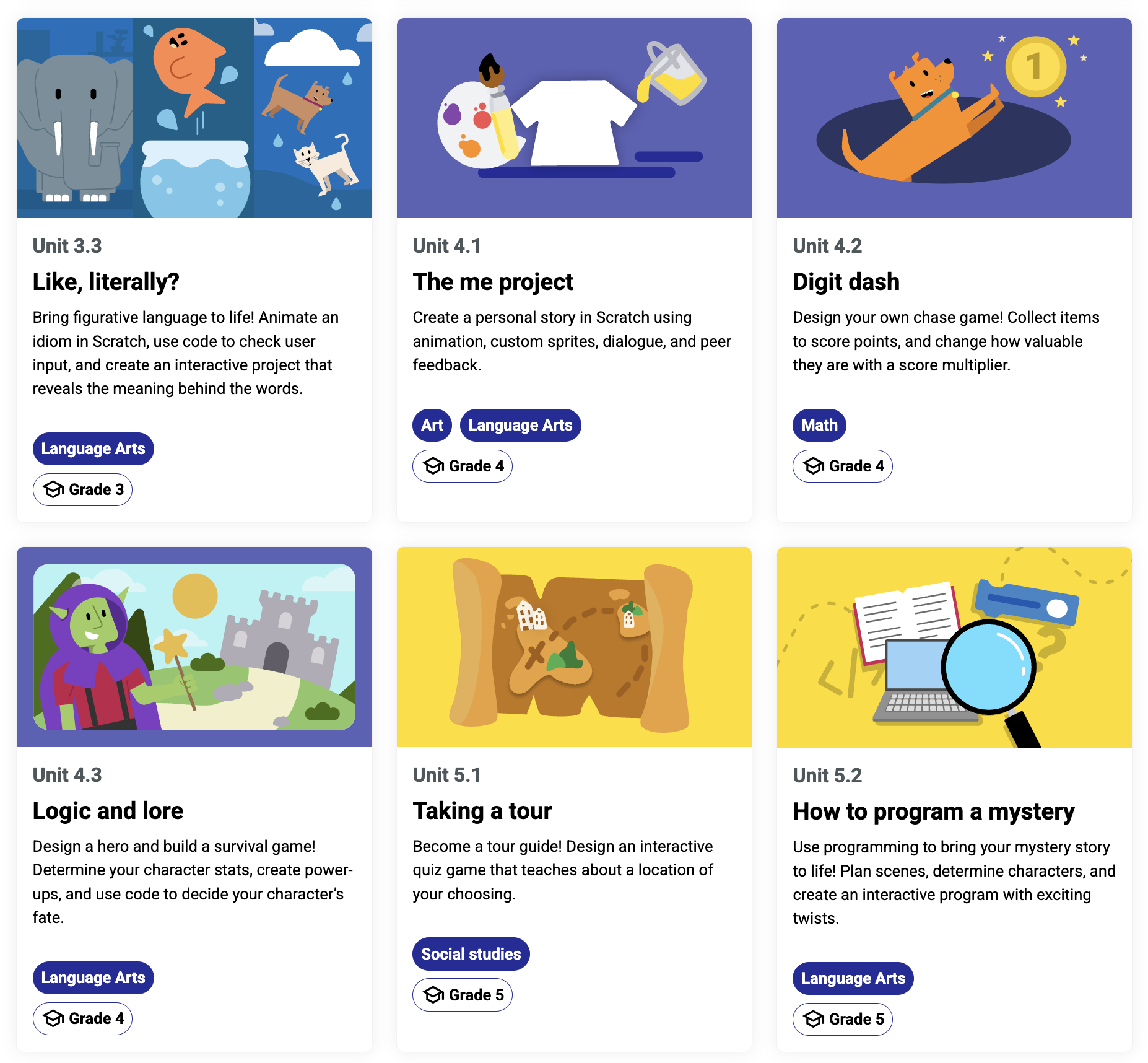
This milestone marks the culmination of a year of development, iteration, and collaboration with educators. The result is a set of learning resources designed by educators for educators, for real classrooms and real teaching needs.
Experience CS is built to make computer science (CS) accessible, engaging, and relevant for all learners, and teachable for all educators.
Rather than treating CS as a standalone subject, Experience CS integrates computing into core subjects like science, math, and the arts. Students learn key concepts such as sequencing, loops, cybersecurity, and networks while exploring meaningful, real-world themes. The Experience CS platform includes a school-safe version of Scratch that is easy for teachers to use and where students can explore making coding projects.
Every Experience CS unit includes:
No prior computer science experience is required — Experience CS makes it easier than ever for schools to get started.
Since we launched Experience CS in June 2025 with the first 6 units, we’ve worked steadily to create more resources, guided by feedback from educators and classroom testing.
Now complete, Experience CS offers:
Along the way, we have also added:
The final Experience CS units give students more opportunities to create, explore, and apply their learning:
While the curriculum is now complete, our work to expand access is just getting started.
Throughout 2026, we will host sessions, workshops, and conference events to support educators across the US in bringing Experience CS into their classrooms. These free professional development opportunities will help teachers build confidence, explore best practices, and connect with a growing community of educators.
We will host a webinar on April 30 at 3pm CT / 4pm ET to highlight the new units. Register today to join:
And you’ll find us at the following events this spring and summer:
And more! Keep up with us on social media to stay in the loop with conference appearances and sign up for Experience CS mailing updates to hear about upcoming PD opportunities.
Experience CS is already being implemented in schools and districts across the United States. With Data Privacy Agreements (DPAs) now in place in multiple states, even more districts can adopt the curriculum.If you have any questions about DPAs or district expansion, please reach out to experience-cs@raspberrypi.org.
The completion of Experience CS marks a big step forward in making computer science education accessible, creative, and inclusive.
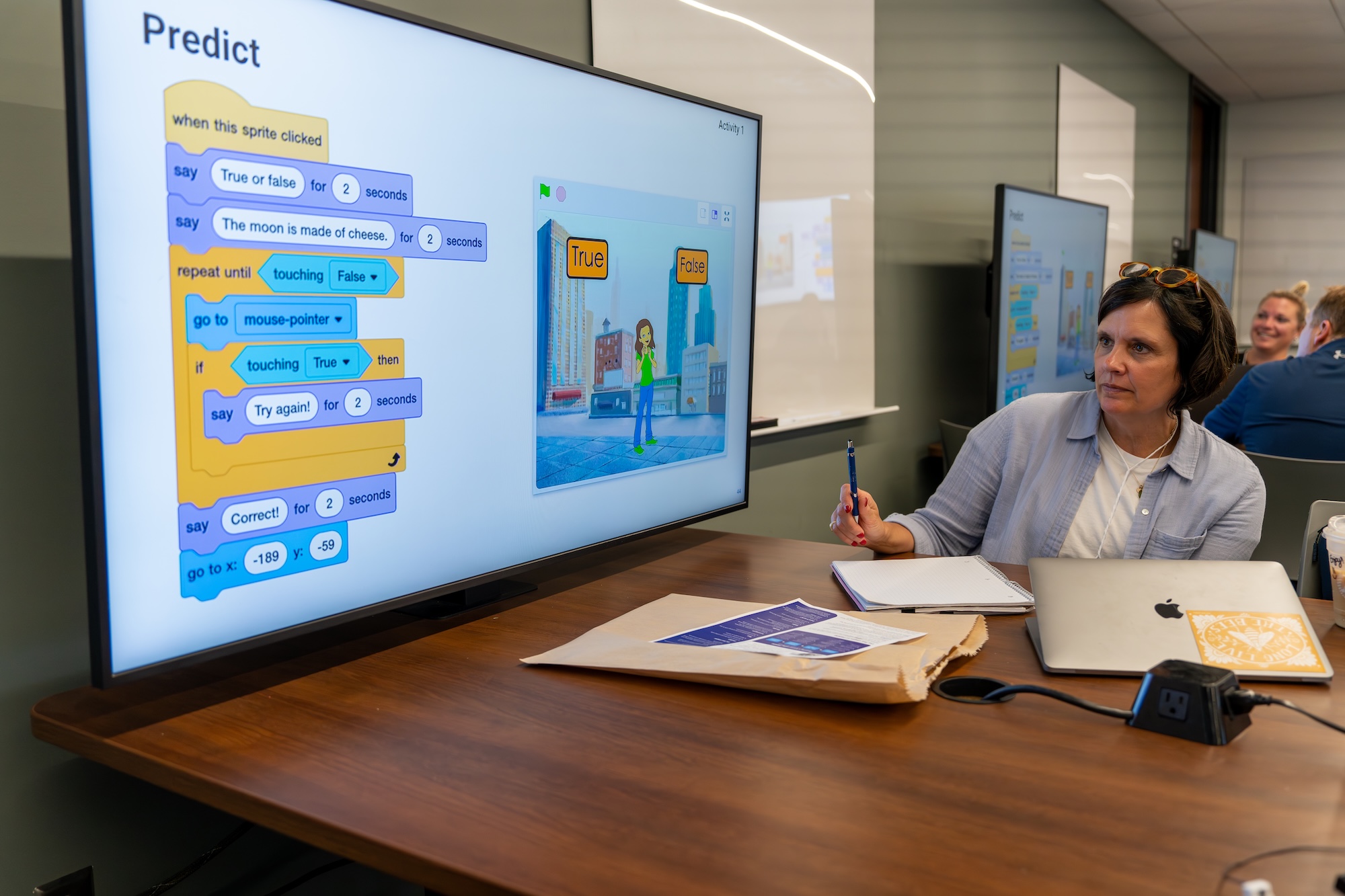
The cross-curricular design of each unit empowers non-specialist teachers to confidently introduce computer science in their subject and help students connect it to the world around them.
The complete Experience CS curriculum is now available.
Visit experience-cs.org to explore all 18 units and get started in your classroom.
The post Experience CS: The complete set of units is live appeared first on Raspberry Pi Foundation.
We have now reached the end of the European Astro Pi Challenge 2025/2026 cycle and it’s been a busy and rewarding time for the Raspberry Pi Foundation team. Alongside supporting thousands of young people taking part in the challenge across Europe and beyond, we’ve also been out in the UK community running hands-on Astro Pi events and delivering training to schools and educators.
A few highlights from this year include the Astro Pi tenth anniversary celebrations at the London Science Museum; a series of Mission Zero workshops delivered during Science Festivals in Bradford, Belfast and Norwich; and hosting a Mission Space Lab hackathon at the Raspberry Pi Foundation headquarters.
In Astro Pi Mission Zero, participants write a simple Python program that displays an image or animation on an Astro Pi computer aboard the ISS. Their program also uses data from the Astro Pi’s colour and luminosity sensor to set the background colour.
Since Astro Pi 2025/26 launched in September, the Raspberry Pi team have been running Mission Zero workshops at science events and providing training to lots of different organisations. We kicked off our outreach at Bradford Science Festival in October with workshops happening all through the half term at the Bradford Science Museum. Over 260 young people took part and submitted their entries during the festival.
In November, we ran a series of online training and livestreamed sessions for Education Scotland’s Computer Science Week, and for STEM Ambassadors in Wales. We provided teacher CPD sessions for facilitators and even livestreamed a Mission Zero lesson direct to the classrooms of primary schools around Scotland.
December was a particularly big milestone as we celebrated ten years of Astro Pi at the London Science Museum with UK Astronaut, Tim Peake, who launched Astro Pi way back in 2015. We hosted families and schools with a series of workshops over two days at the museum, and Tim even joined us for one of the workshops to meet participants.
January found the team running training for computer science teachers at the Harris Foundation, a network of schools around Greater London, and the Meridian Trust, a school network in the East of England. After the training, we visited Nene Park Academy in Peterborough UK, part of the Meridian Trust, to run mission zero with groups of students there.
In February, we visited the Waterloo Park Pavilion to host a fringe event to the Norwich Science festival. These workshops ran alongside space-themed craft activities organised by the volunteer group, Friends of Waterloo Park, creating an inclusive and welcoming environment for families. Younger children could take part in the crafts, while older participants explored text-based programming.
Although participants could follow a ready-made example, many chose to design their own personalised images. This creativity, combined with the knowledge that their code would run in space, made for a highly engaging session.
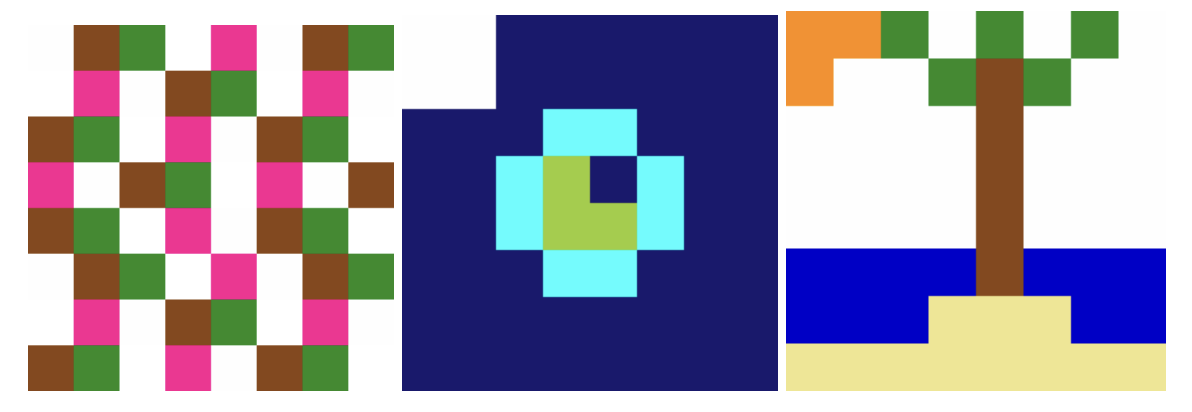
Meanwhile, another team of Raspberry Pi Foundation colleagues were out running Mission Zero at the Northern Ireland Science Festival in Belfast.
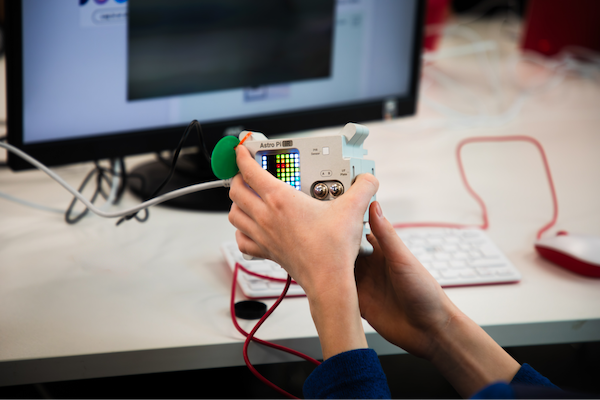
In February 2026, we hosted a Mission Space Lab hackathon at the Code Club in the Foundation’s Cambridge office. Four teams of young people worked together to tackle a real scientific task: calculating the speed of the International Space Station (ISS) as accurately as possible.
Teams wrote two short Python programs: one that collected data from the Astro Pi computers’ sensors and camera, and one that calculated speed using historical images from the ISS. Then they combined the two programs and edited them to work on the Astro Pi computers aboard the ISS using the Astro Pi Replay tool.
To test their programs, teams used a trolley rigged up with a Camera Module to simulate motion and refine their calculations. The day ended with teams submitting their programs and sharing what they learned, including the challenges they faced and how they overcame them.
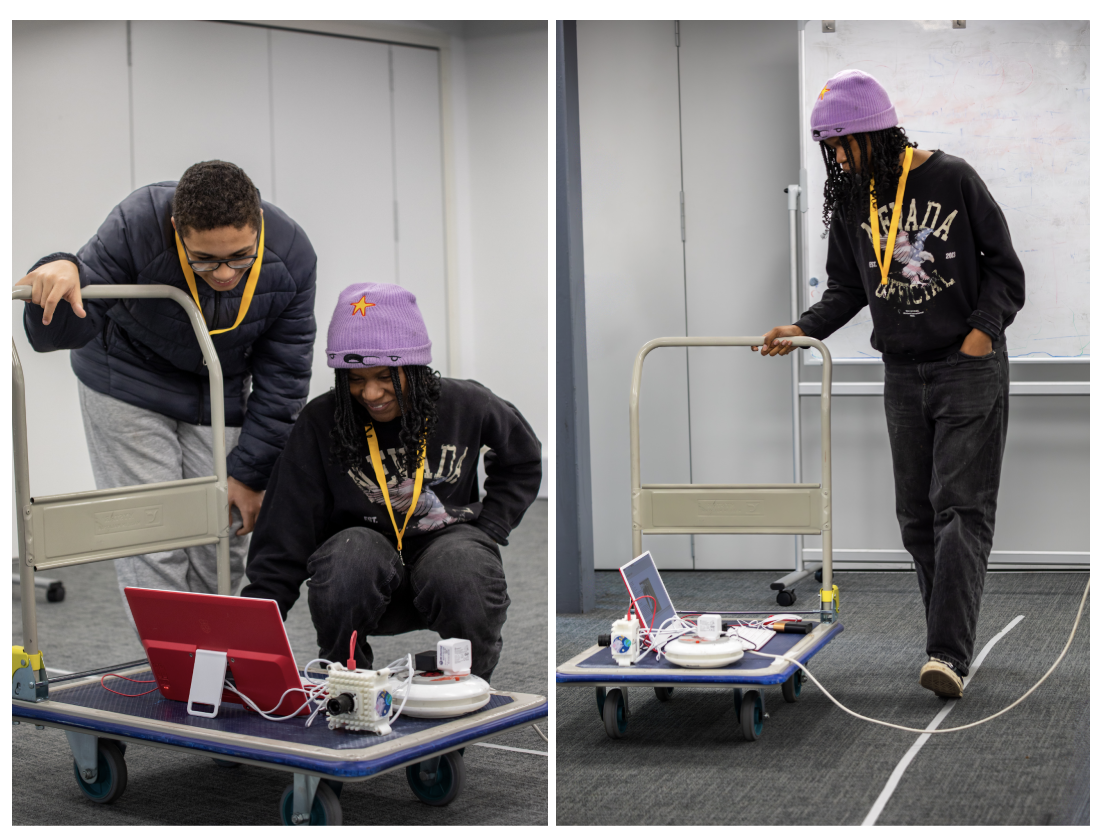
All these events and workshops are a reminder of what makes Astro Pi special. Young people are not just learning to code; they are exploring their creativity with it, and applying their skills to a real-world setting — the awesome vastness of space!
If you’d like us to help run an Astro Pi event for teachers or students in your school or community in the UK, then we’d love to hear from you.
Get in touch to find out more: contact@astro-pi.org
If you are in another ESA member state, you can reach out to your local European Space Education Resource Office (ESERO).
The post Highlights from Astro Pi 2025–2026 community events appeared first on Raspberry Pi Foundation.
We’re excited to share that we are expanding our Experience AI programme across Latin America with the aim of training 24,000 educators and reaching 1.25 million students by 2028, thanks to generous funding of $4.6 million from Google.org.
Working with education partners across Argentina, Brazil, Chile, Colombia, Dominican Republic, El Salvador, Mexico, Peru, and Uruguay, we will help young people develop a foundational understanding of AI technologies, their social and ethical implications, and the role that AI can play in their lives.
AI systems are part of everyday life in how we find information, work, and solve problems. We think that young people need more than access to AI tools: they need the knowledge, skills, and confidence to understand and create their own AI tools.
Experience AI, developed in partnership with Google DeepMind, is a free educational programme that helps teachers and students learn about artificial intelligence (AI). It introduces young people to how AI systems work and how they are used in everyday contexts through lessons, classroom resources, and hands-on activities. The resources give young people opportunities to think critically about the role of AI in society.
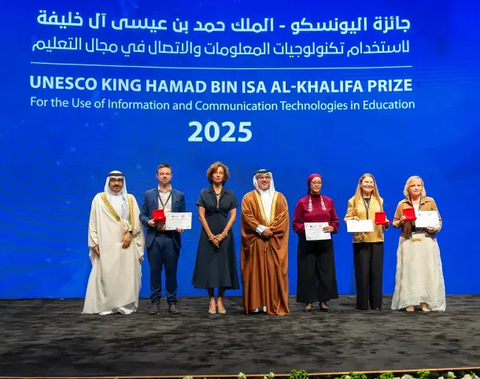
Through a global network of Experience AI partners, we have so far reached an estimated 2.9m young people and trained 30,000 educators. The programme’s resources are used in more than 180 countries and are available in 19 languages. In recognition of its impact, Experience AI was named a laureate of the 2025 UNESCO King Hamad Bin Isa Al-Khalifa Prize for the Use of ICT in Education.
In Latin America, as in other parts of the Experience AI network, our focus will be on sustainable, locally led delivery through partner organisations. Using our established ‘train-the-trainer’ model, we will equip 24,000 educators with the skills and knowledge to use the Experience AI resources to confidently deliver AI literacy lessons.

Our aim is to create a lasting impact for teachers and classrooms across the region and ensure that high-quality AI education is accessible to young people in a wide range of settings.
Experience AI is designed not only to build technical understanding, but also to help young people think critically about AI and its impacts.
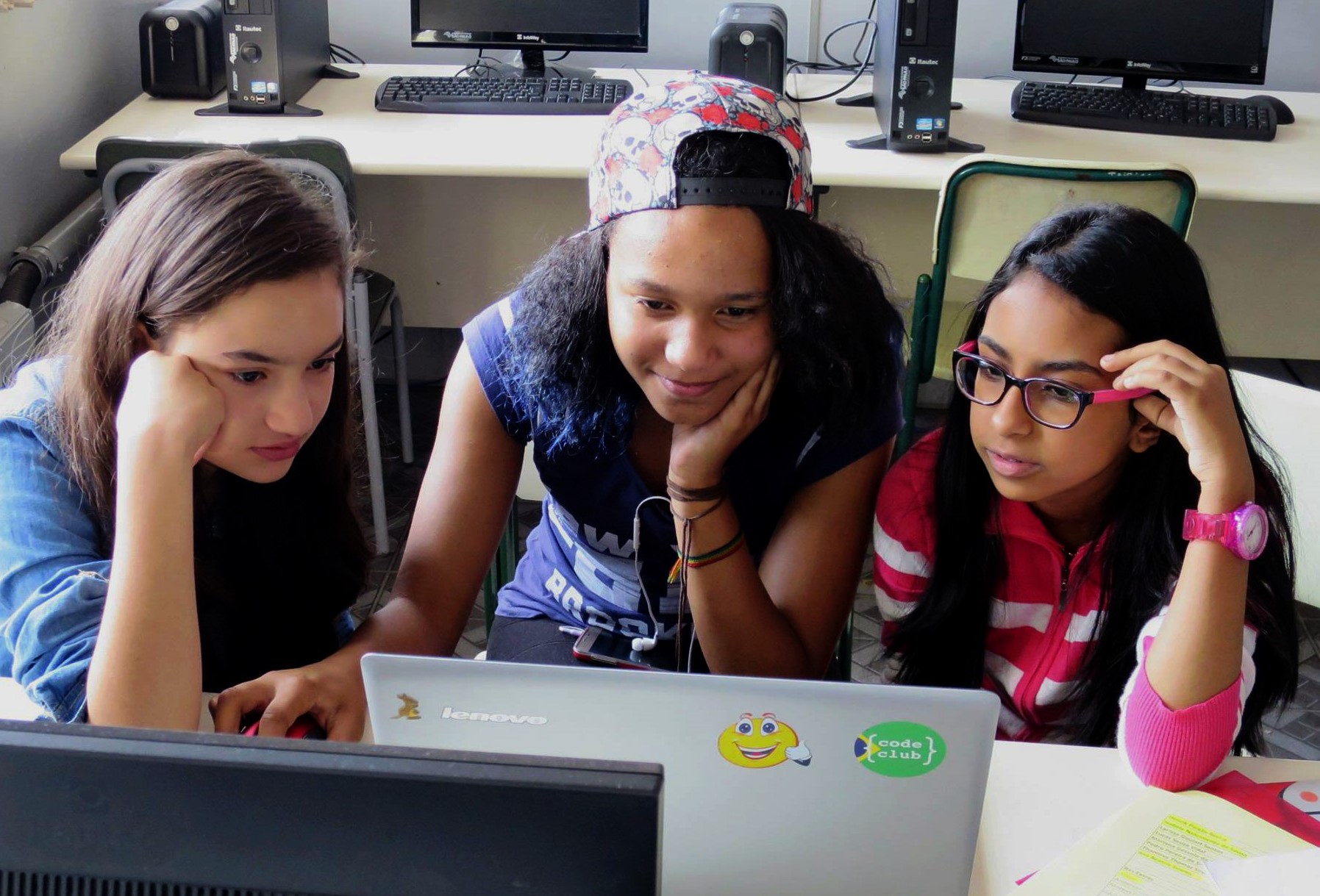
Through the programme, students across Latin America will develop a foundational understanding of how AI works, while exploring key topics including how data is used in AI systems, how to identify AI-generated misinformation, and how to use generative AI tools responsibly. This will help them to understand the opportunities and challenges of AI, and to make informed decisions about how they use these technologies.
As AI systems are being built into many aspects of today’s world, it’s essential that young people have the opportunity to understand, question, and build with these technologies.
With support from Google.org, we will expand access to high-quality AI education across Latin America through Experience AI, helping over a million young people develop the skills, knowledge, and confidence to navigate and shape a world where AI technologies are widely used.
You can find out more about Experience AI at experience-ai.org.
The post Bringing AI education to 1.25 million students across Latin America appeared first on Raspberry Pi Foundation.
Digital safety is a pressing concern in an increasingly connected world. In classrooms everywhere, educators face the challenge of supporting young people to learn about cybersecurity and to navigate online risks and the impact of AI tools and social media.
In issue 29 of Hello World, out today for free, educators all over the world share what digital safety and security mean in their classrooms. We hope this new issue will help you to actively empower your learners by equipping them with the understanding and skills to safely navigate our complex digital landscape.
The issue covers questions such as:
Beyond the focus on safety and security, here are three highlights from issue 29:
We also have new podcast episodes coming out over the next few weeks to continue the conversations started in the magazine.
The first episode is another edition of our teacher tips series, where computer science educators and experts from around the globe share practical, actionable tips that you can use in your classroom. In the upcoming episode, teachers will be sharing what works for them to engage students in cybersecurity, protect schools from cybersecurity breaches, and safely introduce generative AI to the classroom.
In the second episode, we’ll talk to Dr. Karla Badillo-Urquiola about her research in online safety in the Global South.
To listen to these podcasts, make sure you follow us in your preferred app, or head to helloworld.cc/podcast.
Visit helloworld.cc/29 to read our newest issue for free today, and let us know what you think by leaving a comment here or on our social media.
helloworld.cc is also where you go to subscribe and find older issues of Hello World magazine.
If you have a moment, do leave us a podcast review or share the magazine with a fellow educator. It really helps more people to discover Hello World.
The post Hello World #29 out now: Safety and security appeared first on Raspberry Pi Foundation.
On 7 February 2026, we witnessed something special in Bhubaneswar: a day where classroom experience took centre stage in conversations about computing and AI education in India at our Computing and AI for All conference.
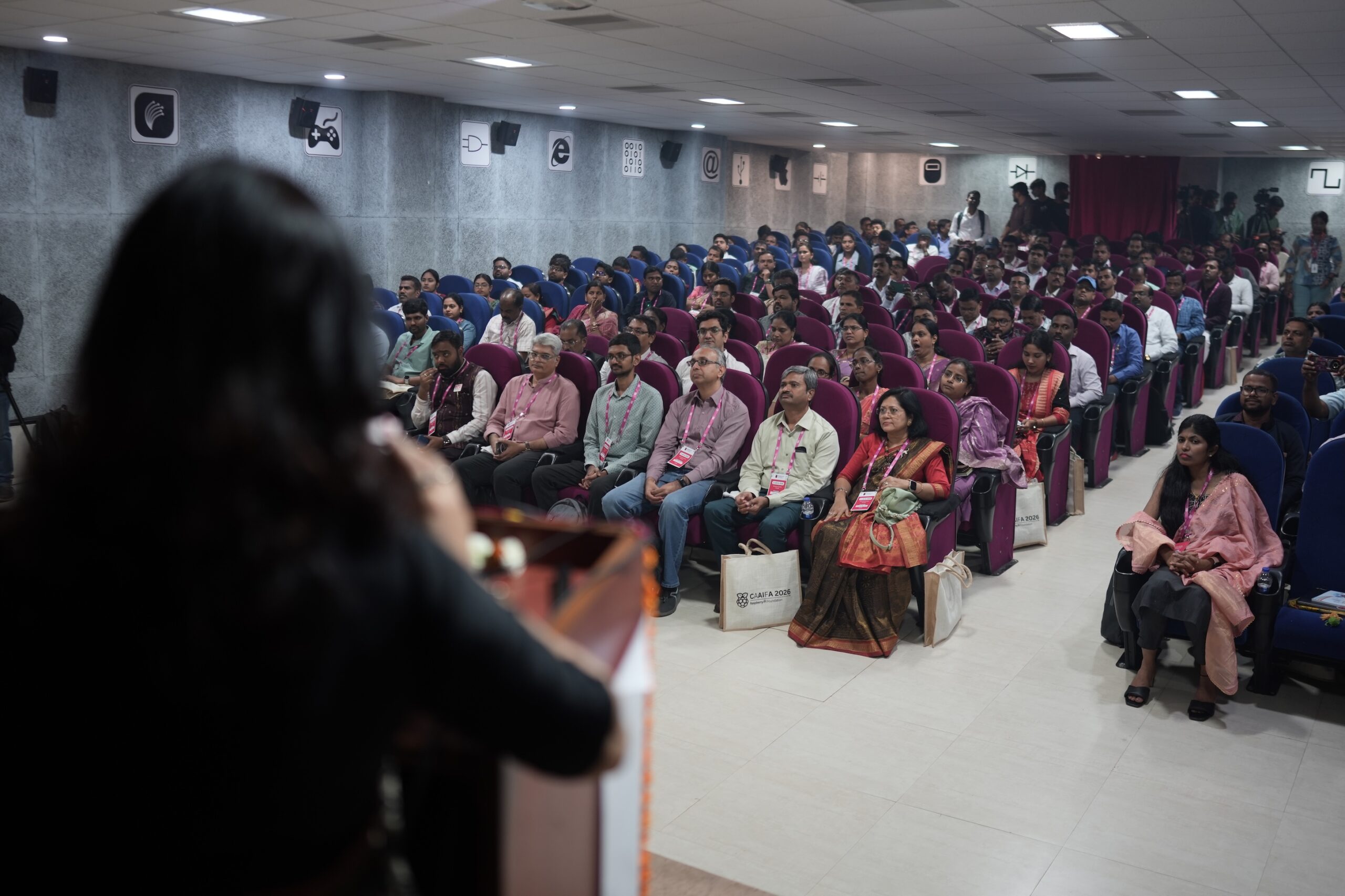
At this event, we brought together educators, researchers, and system leaders for shared learning, reflection, and professional dialogue where classroom practice was placed at the heart of the discussion.
Across computing and AI education in India, conversations about policy, pedagogy, research, and future readiness often take place in separate spaces. At Computing and AI for All, we wanted to connect these strands in a national forum where classroom practitioners, researchers, and system leaders could speak with each other about computing and AI education.
The theme ‘Computing and AI for all: Classroom to policy’ connected:
Bringing these conversations together helped shape a richer dialogue than we’ve seen in many traditional education forums.
The response from educators to the opportunity to attend was both energising and encouraging. 165 educators and 22 invited guests joined us on the day. The event also featured 35 paper and poster presentations, reflecting the breadth of classroom practice, research, and innovation that teachers were keen to share.
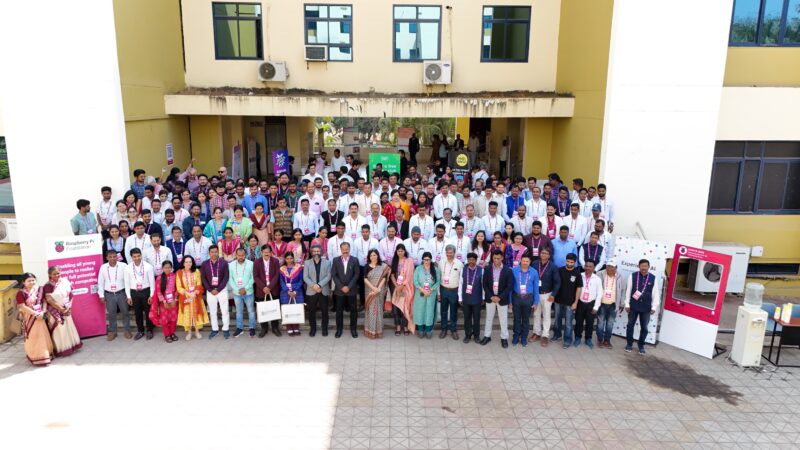
The conference also brought together diverse contributors. Alongside teachers, there was representation from organisations such as Computer Science Teachers’ Associations, the University of Southampton, Quest Alliance, and Learning Links Foundation. Also part of the event were attendees from government bodies including TTWREIS – Telangana Tribal Welfare Residential Educational Institutes; PSSS – Panchasakha Shikhya Setu Sangathan (a Govt. of Odisha initiative); and IIITMK Kerala. The presence of an international delegate from Nepal further broadened the exchange of perspectives.
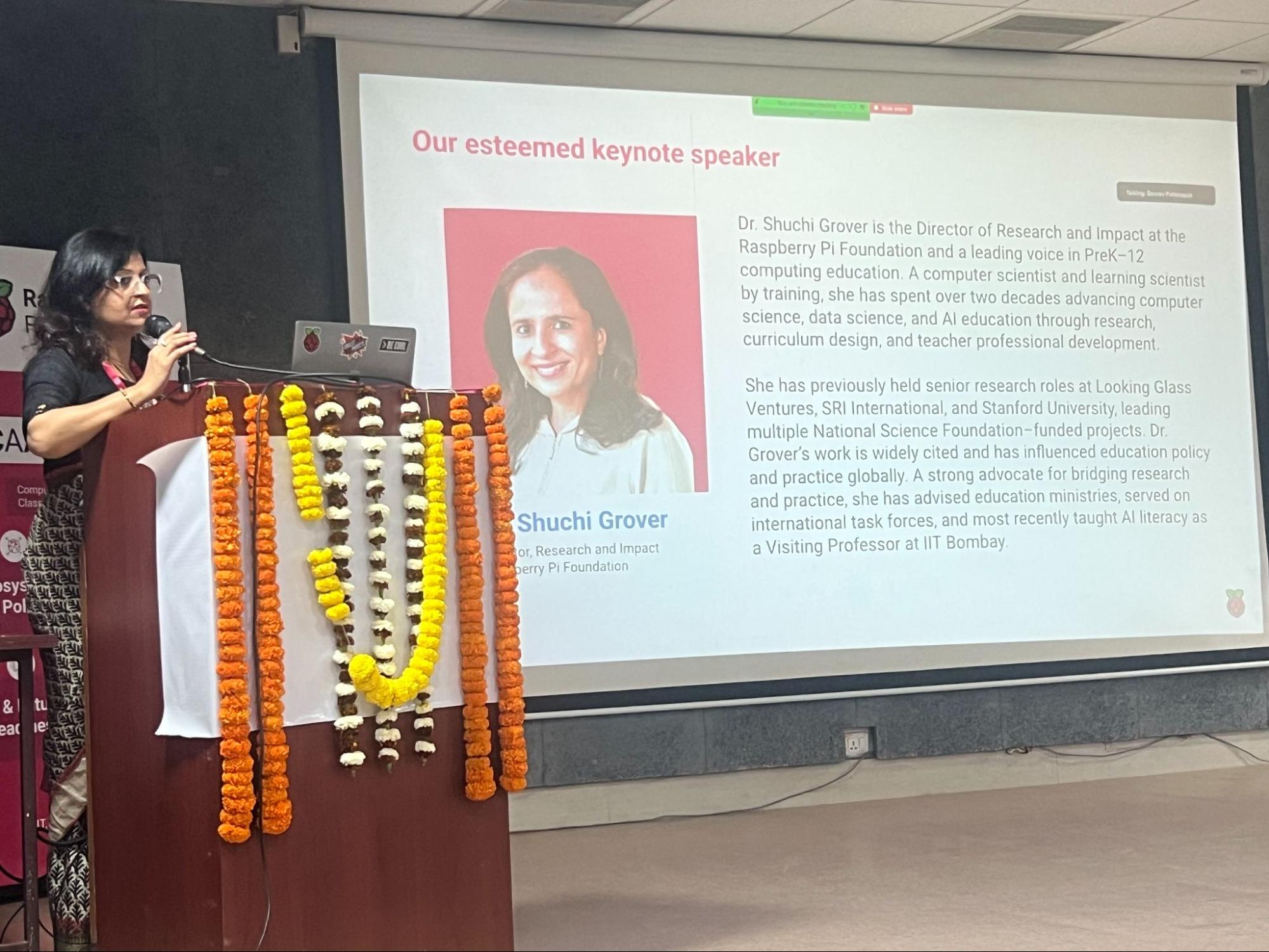
First and foremost, the event was rooted in classroom practice. 88% of participants were ICT teachers, with strong representation from Odisha and Telangana, where we have been working on partnerships to support computing educators. A significant proportion of the educators present were attending a computing conference in person for the first time, so it was a milestone in their professional journey.
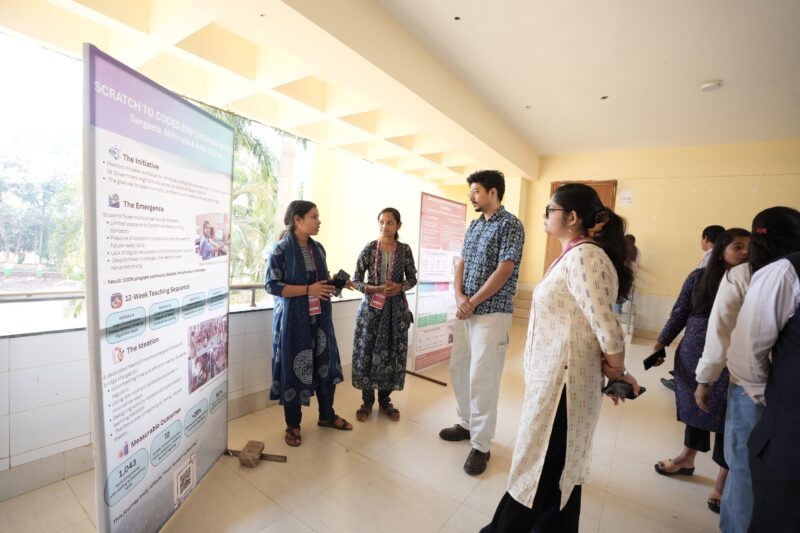
Teachers stepping onto a national stage to present their classroom experiments, research, and reflections signaled an important shift: computing and AI education in India is no longer something designed solely for teachers. It is increasingly being shaped by teachers and informed by their lived classroom realities and professional expertise.
The conference featured a full-day academic programme beginning with a formal inauguration and an introduction to our work in India.
The keynote by the Foundation’s Director of Research and Impact, Shuchi Grover — ‘Democratizing the future: Why computing and AI literacy matters for every child, everywhere”’ — set an equity-driven, future-focused tone. It reminded us that AI literacy is not optional; it’s foundational for learning and opportunity.
In the panel discussion on ‘Embedding ethical AI in everyday teaching: From principles to classroom practice’, teachers, researchers and leaders exchanged ideas about how to integrate responsible AI without losing sight of learning goals.
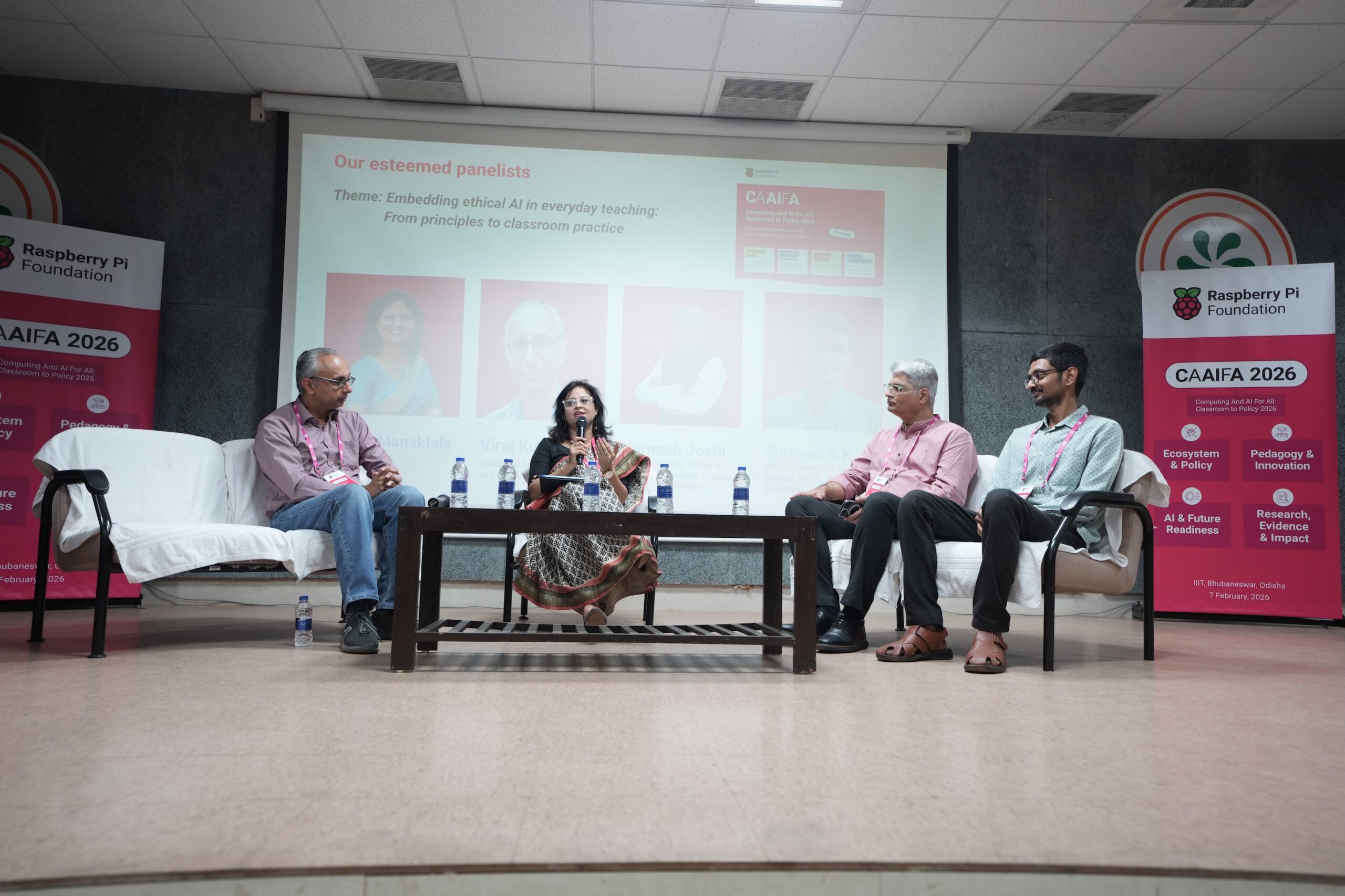
Across sessions, teachers and researchers shared a wide range of classroom-centred insights, including:
These sessions reflected both pedagogical creativity and deep engagement with everyday classroom challenges.
The structured poster gallery created space for peer feedback and deeper discussion around critical themes such as:
In the feedback we captured, educators described the conference as:
One participant shared: “I’m honoured to be part of [the conference]. It was inspiring to listen to educational experts sharing valuable insights on AI tools and education.”
Many participants asked us to expand the event, suggesting a two-day format, extended hands-on AI workshops, and practical demonstrations they could take back to their classrooms.
Our Computing and AI for All event formed a national, educator-led platform linking classroom innovation, AI literacy, research evidence, and policy dialogue.
What stood out most was the spirit of participation:
If AI is shaping the future of work and society, then teachers need to play a part in shaping the future of AI education. Computing and AI for All was one move in this direction that we were pleased to facilitate — and it is only the beginning.
The post Computing and AI for all: From classrooms to national dialogue in India appeared first on Raspberry Pi Foundation.
Teaching about AI concepts in schools is a tricky business as there are complicated ideas to be taught.
To teach complex concepts, in computer science, we often use an instructional approach called ‘unplugged’. We use the unplugged approach to teach computing concepts without a computer. Often unplugged activities include using an everyday analogy or a physical fun activity. For example, to teach about algorithms, students might learn how to make a jam sandwich where the recipe and following instructions accurately are similar to an algorithm and the steps within it used to write a program. The jam sandwich activity has now become a popular and key teaching experience for young students across the world, as it teaches a complex but fundamental idea in a simple and fun way.

At the January 2026 Raspberry Pi Foundation Research Seminar, Salomey Afua Addo, a researcher at the University of Cambridge, presented her work about how to teach about AI. She has specifically looked at this in the context of high school students in Ghana, where AI is now part of the mandatory curriculum. In Ghana, most schools do not have access to computers, therefore an unplugged approach to teach about AI is a good idea. Therefore, Salomey developed a set of unplugged activities to teach about a range of AI concepts.
Here, I focus on one of the activities that she presented — one that I think will become another ‘jam sandwich’ experience for students. So if you might teach about AI at some point, then read on.
Salomey has designed an unplugged role-play activity to teach about neural networks and how they are trained to solve a problem. She focused on finding a familiar problem context for Ghanaian teachers and their students, and selected farming and crop disease. Students are asked to figure out what features about a farm are relevant for detecting diseases on cocoa trees. To solve the problem, students are given data about the farms (see Table 1). Giving students data, rather than preconceived rules about the context is key to the learning activity. Neural networks are data-driven — they provide a way to model given data so that we can make predictions. Here the features of farms, and importantly whether disease is or is not found in their cocoa trees, is the data that is used to train a model. The model is used to make predictions, which can then be used to improve farming by reducing crop disease.
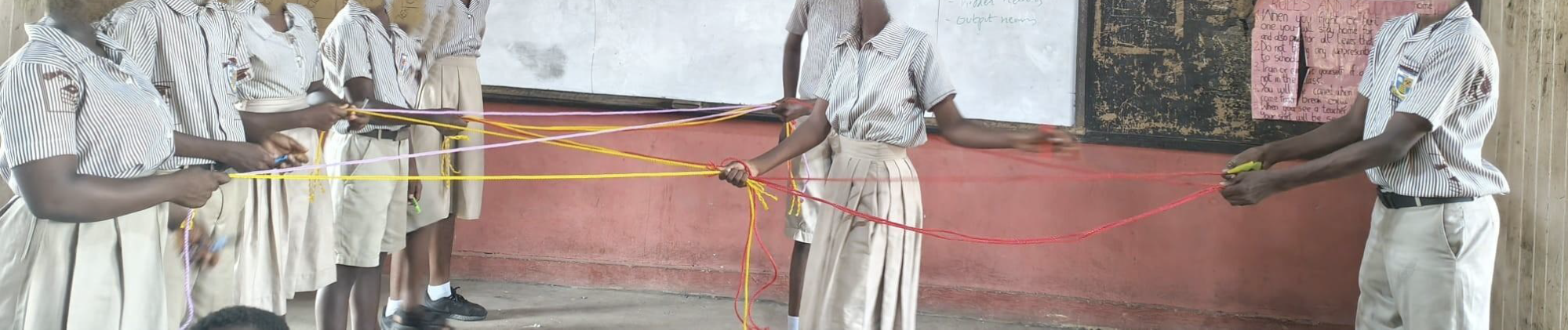
Using farm data, students can learn how neural networks work, and they can do this through an unplugged role play — using ropes!
Here’s how Salomey’s classroom activity works. Sets of students act out the processes of training a neural network, including forward propagation, evaluation, and backpropagation. They take on the “roles’’ of some of the concepts of a neural network. One student acts as the supervisor, six students act as the input layer, two as the hidden layer, and one as the output layer.
Key concepts are simplified for students:
Simple numerical data about the features of the problem are given to the students, such as whether the “Temperature” is suitable (0=No, 1=Yes), if there are “Spots” on the plant (0=No, 1=Yes), if “Fertilizer’’ has been used, whether the “Leaf colour’’ is green or not (see Table 1). Importantly, each of the six features given are represented by the six “input layer” students. So each student can ‘process’ each feature as the data for a given farm is used to train the model. Cards are used to represent the data values passed between layers. And this is where the ropes come into play, as they are used to represent the connections between the nodes in the layers.
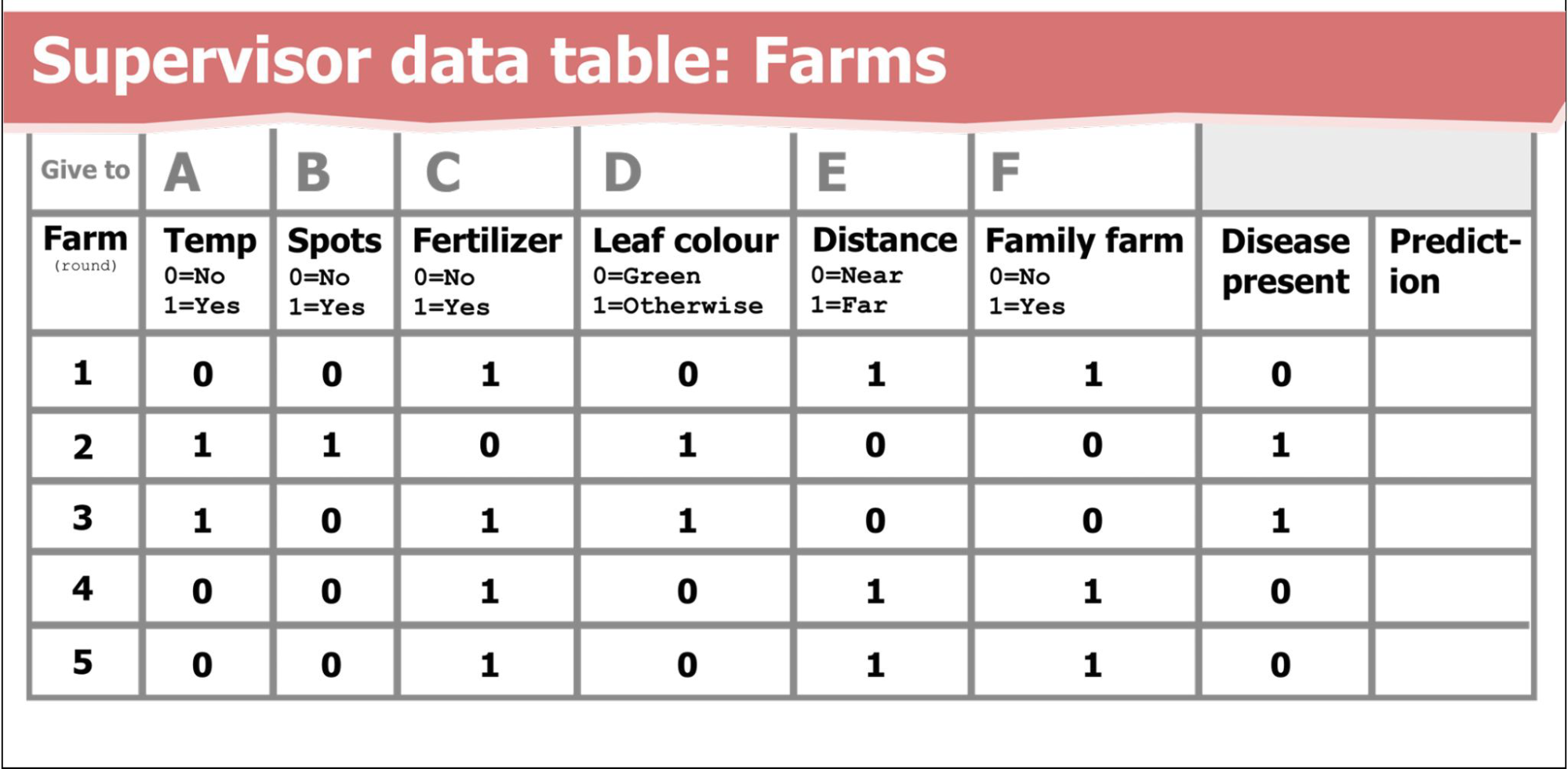
Written role-specific instructions are provided for the students to follow, for example, the Supervisor is given three steps to follow for the forward propagation stage, and the Input Layer students receive a different set of instructions and so on. The detail of the role play is shown in the instruction sheets (see Figure 1).
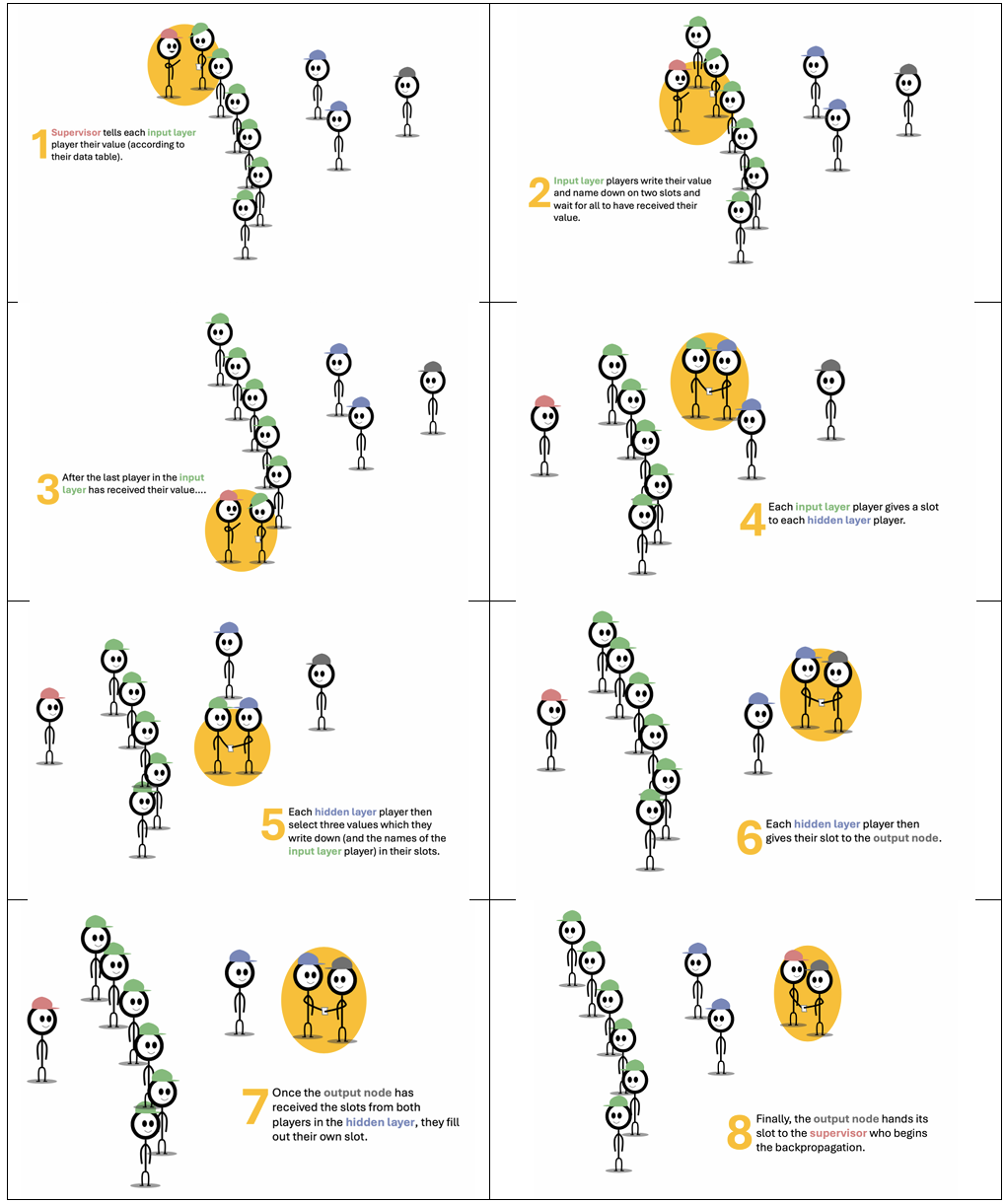
Using ropes to connect the nodes becomes most important at the reverse propagation stage. The clever part of this is that we can show an increase or decrease in the strength of connection by adding or removing ropes. For me, this is the ‘jam sandwich’ effect. This, I think, is probably the most significant learning point. Here, the number of ropes that connect the nodes in the layers are changed based on the strength of evidence that a particular feature is indicated, by the data, to be relevant to the output. In this case, whether “Temperature”, for example, has an implied effect on cocoa disease or not — based on the data, not on any preconceived rule. Simply put, if a farm did have disease then a rope is added, if a farm did not then a rope is removed. Or at a more abstracted level, if a particular neuron contributes towards the correct prediction, a rope is added, otherwise a rope is removed. In a real neural network, backpropagation involves complex maths, such as calculus that would not be accessible to students of this age. Therefore, the rope is an analogy that replaces something that would be impossible for these students to grasp if it was taught using the real-world implementation.
Problem to be solved in the unplugged activity: Identify features that are relevant for detecting diseases
At the end of the activity, features (temperature, leaf color, family farm, etc.) with many rope connections are considered to be relevant for crop disease detection on the farm, whereas features with fewer rope connections are considered to be irrelevant for crop disease detection. The more ropes attached to a particular feature, e.g., temperature, represent its higher relevance in identifying crop disease on the farm.
As part of the design of this activity, Salomey has simplified technical language so that throughout the role play students use everyday terms and she has chosen a context that is relatable for the students. For example, she uses the language of trust, and the new thickness of a rope connection, rather than using technical terms such as weight, loss function, and the error of the network.
Salomey also designed a follow-on activity that uses pen and paper. In this version of the activity, which she calls a board game, the students draw lines to connect the nodes in the layers. The thickness of the lines connecting the nodes represent the strength of the trust (see Figure 2).
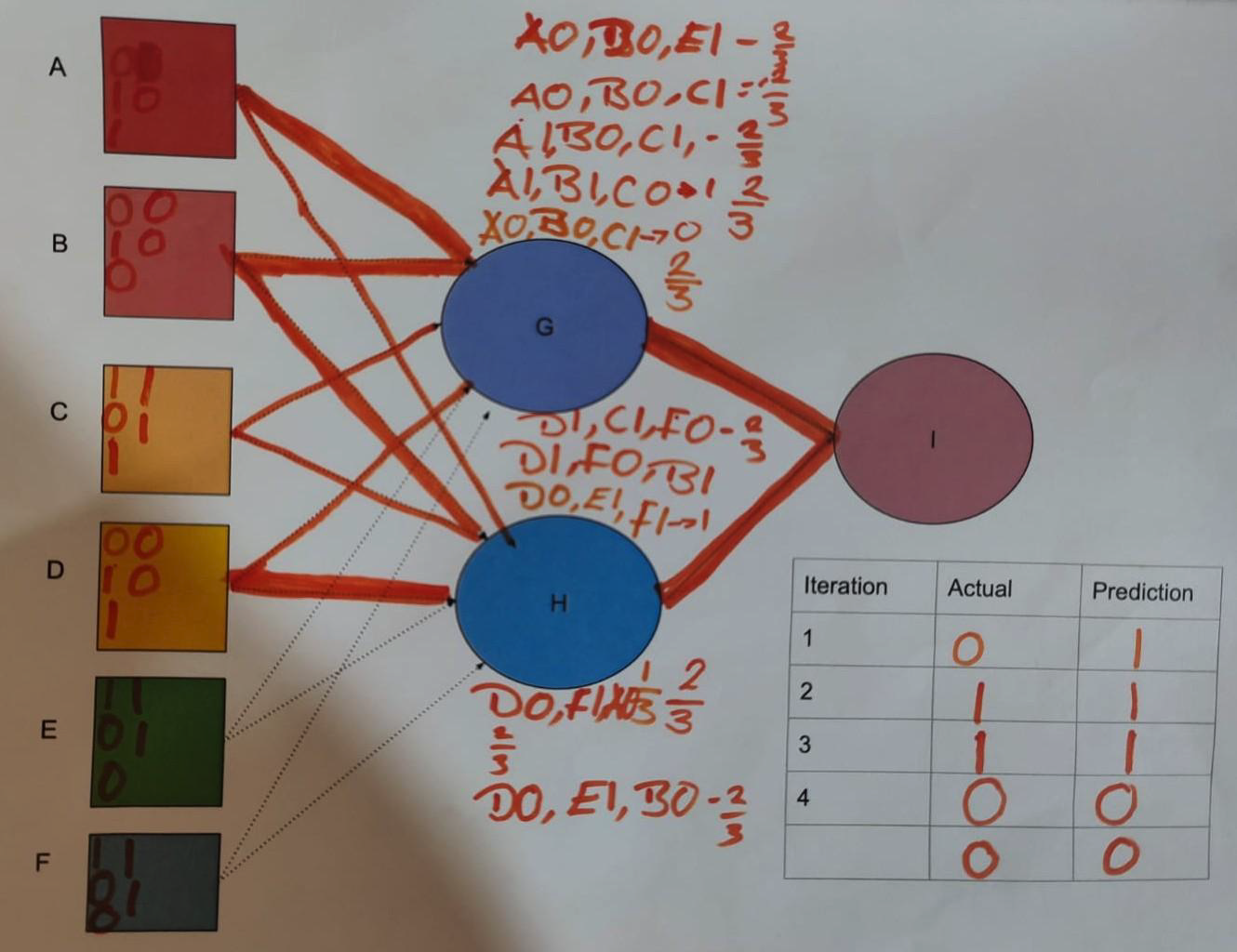
Salomey also shared her evaluation of the resources. She conducted pre‑ and post‑intervention surveys with 39 teachers as part of the professional development on the AI teaching materials, and ten of those teachers implemented the unplugged activities in their classrooms. She reported that the teachers found the role-play activity was effective to demonstrate neural networks, that children worked independently to learn, and that some students who did not take part usually in class were engaged.
As well as sharing about her unplugged neural network activity, Salomey also talked about a set of AI stories that she has developed to teach about other aspects of AI applications. For example, the importance of fact-checking is demonstrated through a story about a young girl who fact-checked information she received from her friends about life in a city.
If you would like to find out more about Salomey’s work, you can find related materials on our seminar website.
Join us at our next seminar on Tuesday 17 March from 17:00 to 18:30 GMT to hear Rebecca Fiebrink (University of the Arts London) speak about teaching AI for creative practitioners. This will be the second seminar in our new series on how to teach about AI across disciplines. We hope to see you there!
To sign up and take part in our research seminars, click below:
You can also view the schedule of our upcoming seminars, and catch up on past seminars on our previous seminars page.
The post Do you have some rope? Then let’s teach about AI concepts appeared first on Raspberry Pi Foundation.

 Lateo.net - Flux RSS en pagaille (pour en ajouter : @ moi)