 Connexion


Today’s data-driven tools can make many aspects of our personal lives less time-consuming, because they present us with options and even make decisions for us. By relying on predictive text features, we write messages more quickly and outsource our word choices. By using music and film recommendations, we outsource our personal taste. And by using AI chatbots that produce confident answers to every single one of our questions, we outsource our thinking.
Of course, I use and enjoy all of these products. But because I grew up before data-driven tools existed, I also know the accidental delights of exploring a city without a smartphone map, the joy of thoughtfully choosing a gift for a friend, and the satisfaction of comparing insurance quotes and understanding their details. These non-AI-assisted acts exercise my critical thinking skills — something that is harder to do in a world where AI products promise so much convenience.
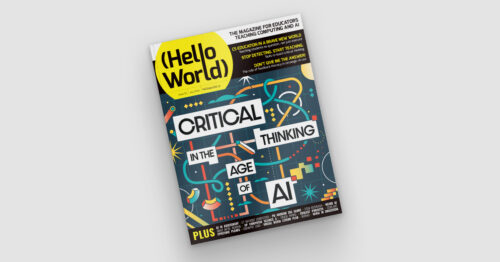
Critical thinking is even more vital now in the age of AI. The brand-new issue of Hello World — and our new podcast mini series — offers research, advice, and practical resources for teaching young people, and ourselves, to think critically.
In issue 30 we share articles from educators who have already been thinking deeply about the role of critical thinking in the age of AI. They discuss a range of questions such as:
• What do educators bring to the table when teaching with digital technologies?
• Why AI professional learning should build teachers’ critical thinking, not just their confidence in using tools
• Whose knowledge is shaping AI?
Our feature articles also include:
• Managing cognitive load for deeper thinking
• AI systems in assessment
• Promoting human decision-making
From the team at the Computer Science Teachers Association (CSTA) in the USA we have an article about their newly rewritten CSTA K–12 Standards, a research-backed framework designed to prepare students for a future that seems to be arriving very fast on some days. As their article says:
“AI can generate answers instantly, but understanding and evaluating answers still
requires human judgement. In a world moving at supersonic speed, CS education needs to find a new balance. Students must learn to think critically so they can direct AI rather than being directed by it.” – Amanda O’Mara, Smita Kolhatkar, and Tiffany Jones in Hello World issue 30
Developing critical thinking skills is important for young people, regardless of the discipline you teach. In the age of AI, computing education is uniquely situated to cultivate this mindset, encouraging students to engage more thoughtfully with the AI tools they use daily.
Also in issue 30:
• Flatgames
• Predictive classroom systems
• A physics meets technology project
And much, much more.
Let us know which articles you found most helpful for your teaching or which resources you tried out by sending us a message or tagging us on social media.
Thank you to Oracle for sponsoring this issue of Hello World.
The post Hello World #30 out now: Critical thinking in the age of AI appeared first on Raspberry Pi Foundation.
At the Raspberry Pi Foundation, we believe that alongside learning to code, a crucial part of computing education is building AI literacy skills. Amidst the rapid pace of development and the growing impact of AI tools, it is increasingly important for educators everywhere to feel equipped to address the topic of AI with their learners, to help young people understand their world, be responsible users of AI technologies, and prepare to become the future creators of these technologies.
We work at the leading edge of AI education, combining research and industry expertise with practical classroom experience to define what AI means for computing education, and how to best support teachers and learners to understand these technologies.
Whether you are a teacher, a Code Club mentor, or a parent, we have a wide range of free resources to help you teach your young people about AI, and learn more about it yourself.
We offer a variety of teaching materials to help you bring AI into your setting. You do not need to be a professional educator or have a background in computer science to use these resources, and we provide everything you need to guide your learners with confidence.
Experience AI is our free AI literacy programme, developed in collaboration with Google DeepMind. Through ready-to-use classroom resources, including lesson plans, presentations, and hands-on activities, the programme helps educators all over the world teach their learners about how AI works, as well as its wider social and ethical implications. You and your learners will investigate AI tools, explore real-world uses of AI, and engage with critical issues such as bias, fairness, and transparency, helping learners to understand AI and use it responsibly. The lessons currently available are designed for learners aged 11–14, and we are releasing resources for other age groups this year.
To help bring Experience AI to more educators and learners around the world, we work with a global network of partner organisations, who help us provide tailored and translated resources and offer localised, high-quality training and support for educators in their regions. Experience AI resources are currently available in 19 languages, and have already been downloaded in more than 180 countries. In recognition of its impact, in 2025 Experience AI was named a laureate of the UNESCO King Hamad Bin Isa Al-Khalifa Prize for the Use of ICT in Education.
“[Experience AI] has definitely changed my outlook on AI. I went from knowing nothing about it to understanding how it works, why it acts in certain ways, and how to actually create my own AI models and what data I would need for that. I would 100% recommend others who don’t know much about AI to try it out.” – Student, Arthur Mellows Village College, UK
If you are looking to introduce school-aged young people to AI with short, beginner-friendly coding and digital making projects, take a look at our collection of Code Club projects about AI and machine learning. These projects are a great way to spark curiosity and investigate how AI and machine learning works.
In the projects, learners get hands-on with a range of AI tools and platforms, and explore different applications of AI, such as image recognition, voice recognition, and (for learners aged 13 and over) generative AI. For example, in Doodle detector, learners use Machine Learning for Kids with Scratch to create a machine learning application that can identify what they have drawn.
The projects feature clear step-by-step instructions, and many include video tutorials, to help learners work at their own pace and in a style that suits them. We also provide mentor guidance to help you prepare.
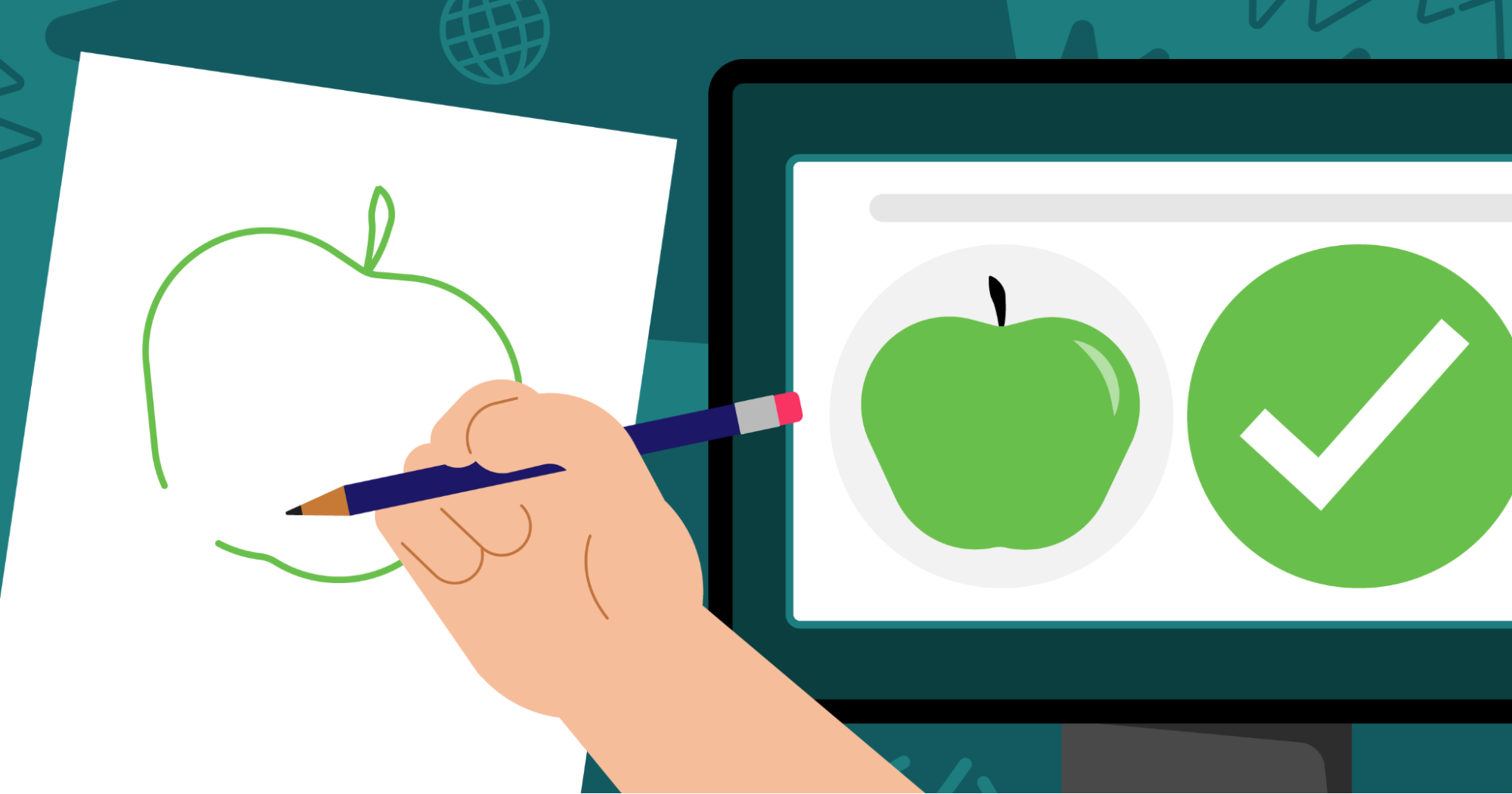
For resources to support older learners to build their understanding of AI, head to Ada Computer Science. Ada Computer Science is our free online platform for computer science students and teachers, developed in partnership with the University of Cambridge. It provides comprehensive resources for learners aged 14–19 across the breadth of computer science, including detailed learning materials about AI and machine learning. The materials include helpful definitions, clear explanations, and carefully designed self-marking questions to support young people’s learning.
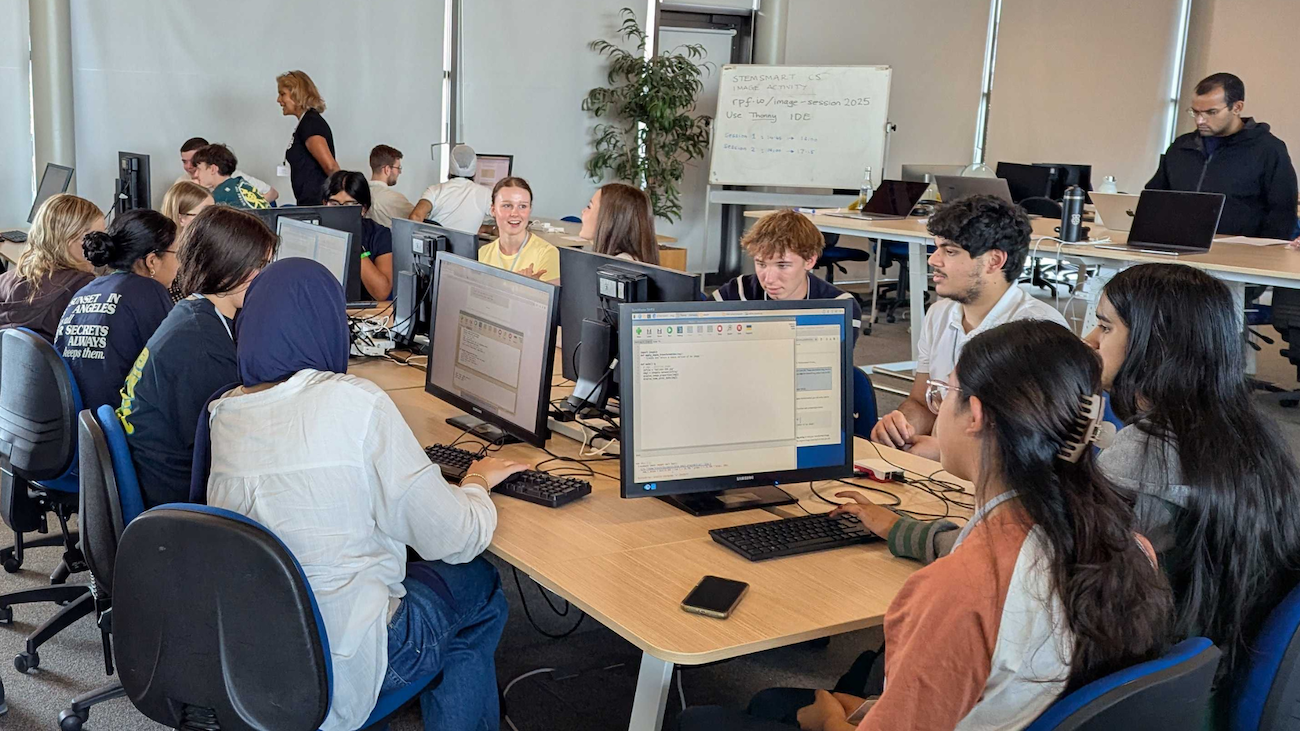
To help you build your knowledge around AI technologies and grow your confidence to teach your young people about this important topic, we offer a range of learning resources and professional development opportunities, all for free. They are open to everyone, so we invite you to dive into any that interest you.
For flexible, self-paced learning options, take a look at the following free online courses, which cover a range of topics within AI:
You might also be interested in Hello World, our free magazine and podcast for educators teaching computing and AI. Each magazine is packed with resources, discussions, news, and ideas, and you can subscribe to receive each issue as soon as it is released. The next issue, coming in July, will focus on critical thinking in the age of AI. You can download our previous issues to explore articles about a variety of topics within AI too. What’s more, you can continue your learning with the Hello World podcast, which accompanies the magazine and features discussions with educators and researchers from around the world. Visit the podcast page to discover previous episodes exploring vibe coding and programming education, AI education around the world, and more.
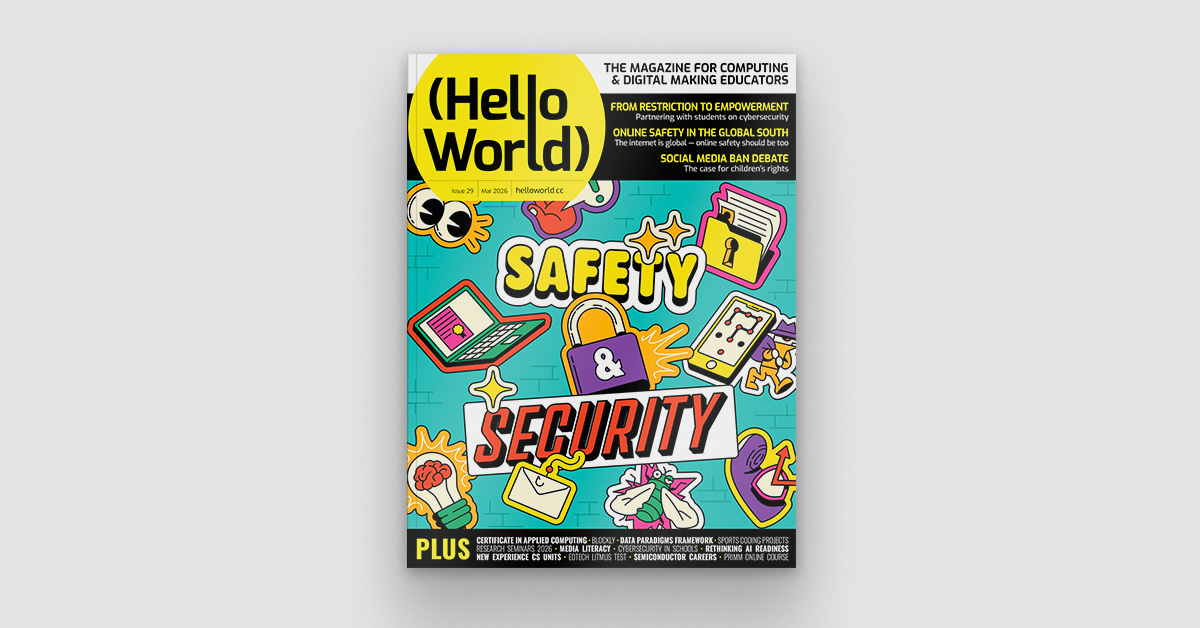
To learn about research-informed teaching strategies to help you as you explore AI with your learners, you can read these short Pedagogy Quick Reads:
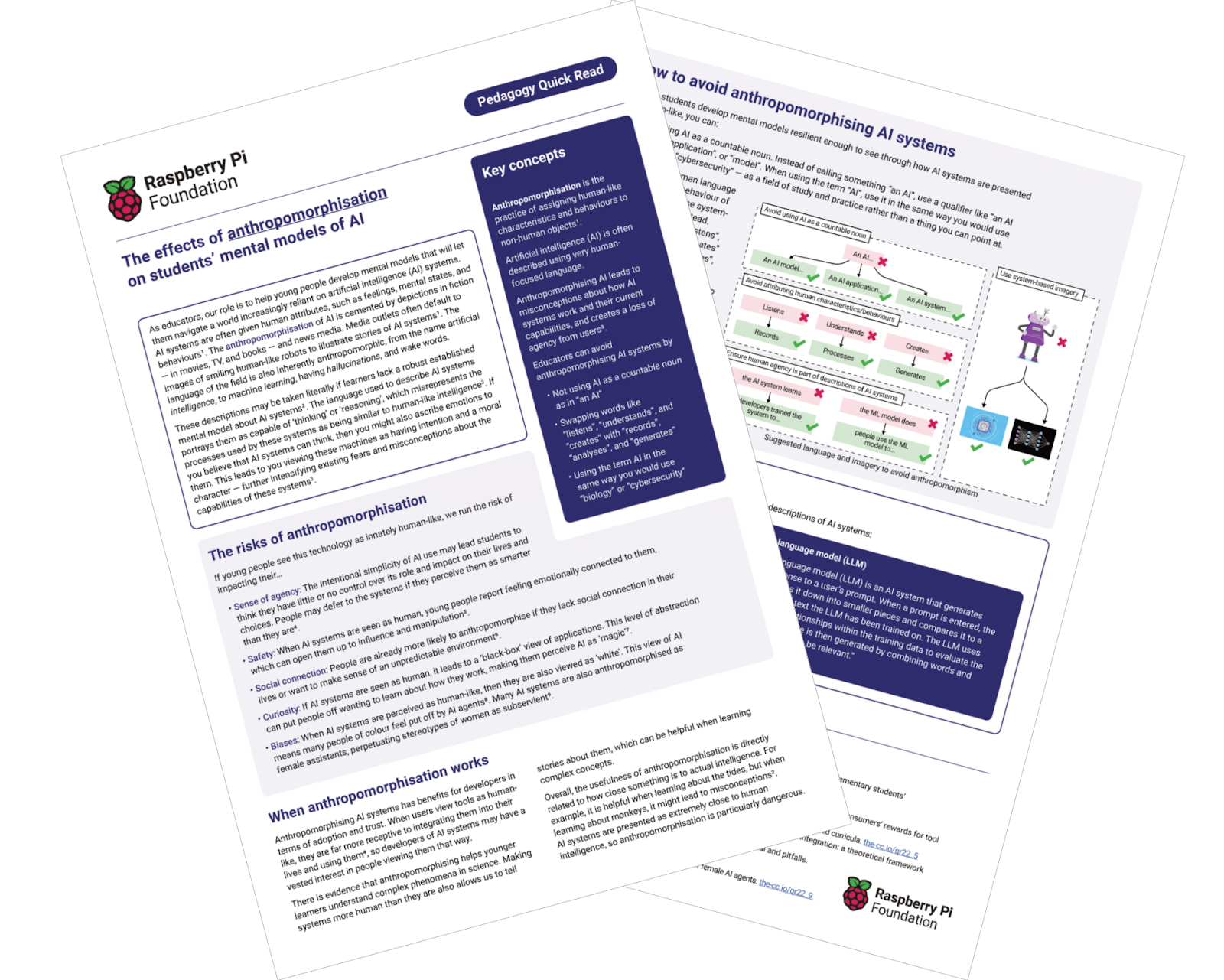
For more insights from computing education research, you can join our monthly online research seminars. Our 2026 research seminar series focuses on teaching about AI across the curriculum, delving into research on teaching and learning about AI from disciplines beyond computer science, including the arts, sciences, and humanities. Our next seminar takes place on 16 June, and you can catch up on previous seminars from our current series here. You can also explore our archive of recordings from previous seminar series, with themes including teaching about AI and data science, teaching programming (with or without AI), and more.
All of these resources and learning opportunities are available to anyone interested in educating young people about AI, anywhere in the world. We hope they help you gain understanding, confidence, and inspiration to guide your young learners to engage with AI safely and responsibly, and to learn valuable skills that will help them navigate their world.
“Let the students explore, advance, and grow. And who knows — maybe one of our students will go on to become a mentor or leader in this field someday.” – Ana Judith Zavaleta, computer science teacher, Mexico, speaking about Experience AI
If you are in the UK, you can also use these resources to get involved with the first-ever AI Awareness Day, a new nationwide campaign designed to build AI literacy across UK schools, which is taking place on 4 June.
The post Support your young people with our AI literacy resources appeared first on Raspberry Pi Foundation.
At a time when artificial intelligence (AI) systems and tools based on large language models (LLMs) are being rapidly introduced into industries and daily life, the basic definition of ‘thinking’ and the essential skills we teach the next generation are being called into question.
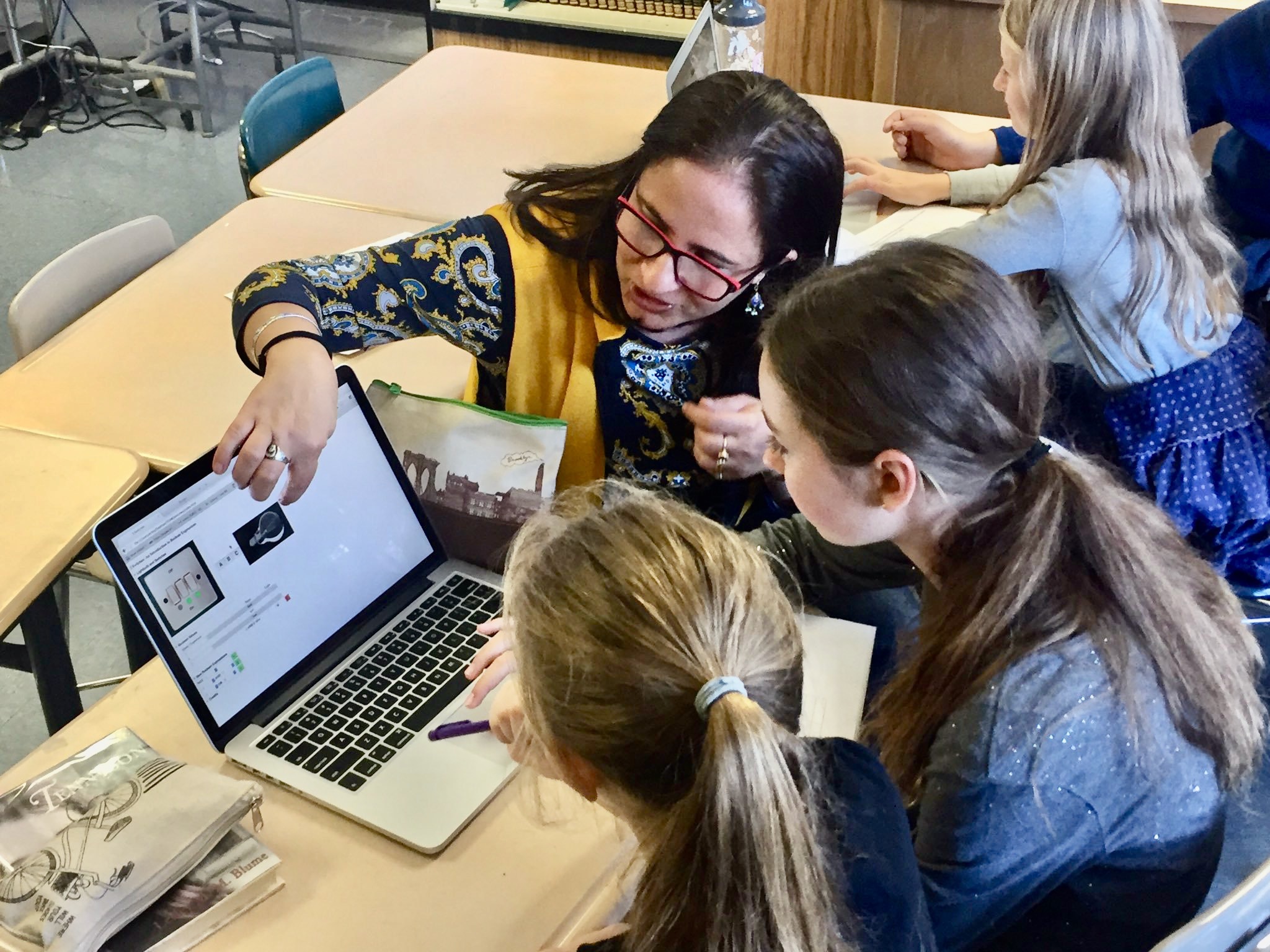
In this interview, Dr Shuchi Grover, a leading voice in computing education who has recently become our Director of Research and Impact, shares how her work in computational thinking is evolving.
Most people in the education and CS education world know me from my research in computational thinking and K–12 CS education over the last 15 years. What is less known, perhaps, is that I started my career as a software engineer after completing my undergraduate and graduate studies in CS. About 25 years ago, I made a concerted shift to education, completing a Masters in Education from Harvard University in 2003, and then after a gap earning a PhD in the learning sciences (with a focus on K–12 CS education) from Stanford University in 2014.
Over these last two and a half decades, I have trained my efforts on helping young learners and school-aged children develop 21st-century competencies in computer science, data science, AI, and cybersecurity; as well as on STEM and non-STEM learning experiences that integrate computational thinking, AI, CS, and data science. My research has also attended to promoting interest and a sense of belonging in CS among learners from historically underrepresented groups.
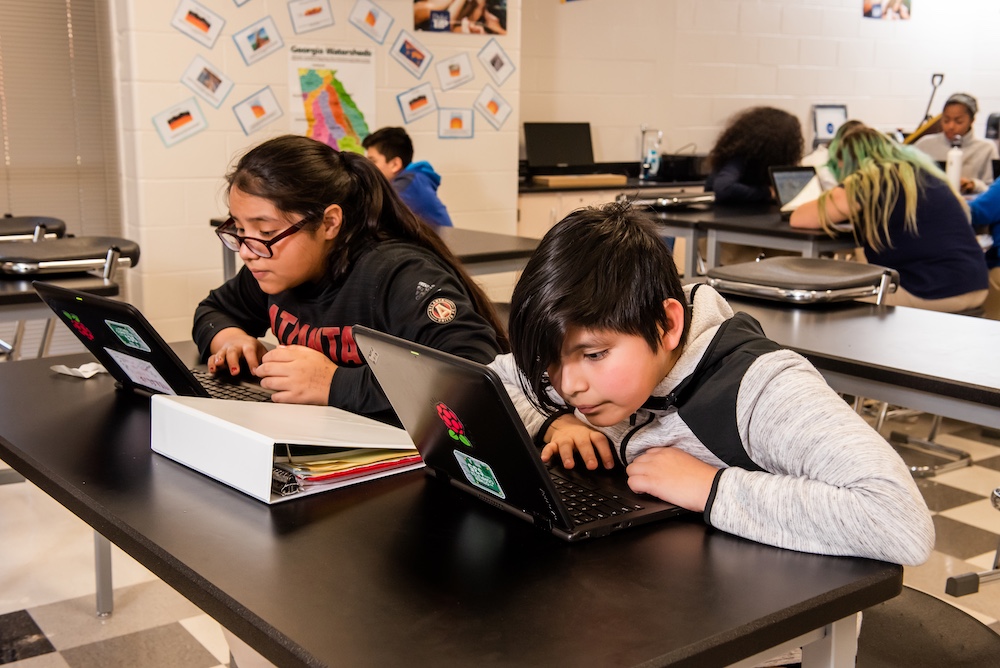
I recently joined the Raspberry Pi Foundation as Director of Research and Impact. I feel very fortunate, as this role builds on all the work I have done over the course of my professional life and also affords me an unparalleled opportunity on a global scale to continue this work I’ve been so passionate about in both formal and non-formal learning settings.
This question is deep and thorny, and I’m not sure we have a complete answer to it yet. I believe that thinking as a human endeavour continues to be valid and means what it always has meant: a cognitive process that involves making new connections and creating meaning. In the education literature, thinking is often equated to problem solving. So teaching students ‘thinking skills’ has meant teaching them logic and ways to solve problems — typically in the context of a domain. In the context of K–12 CS education, computational thinking essentially means computational problem solving.
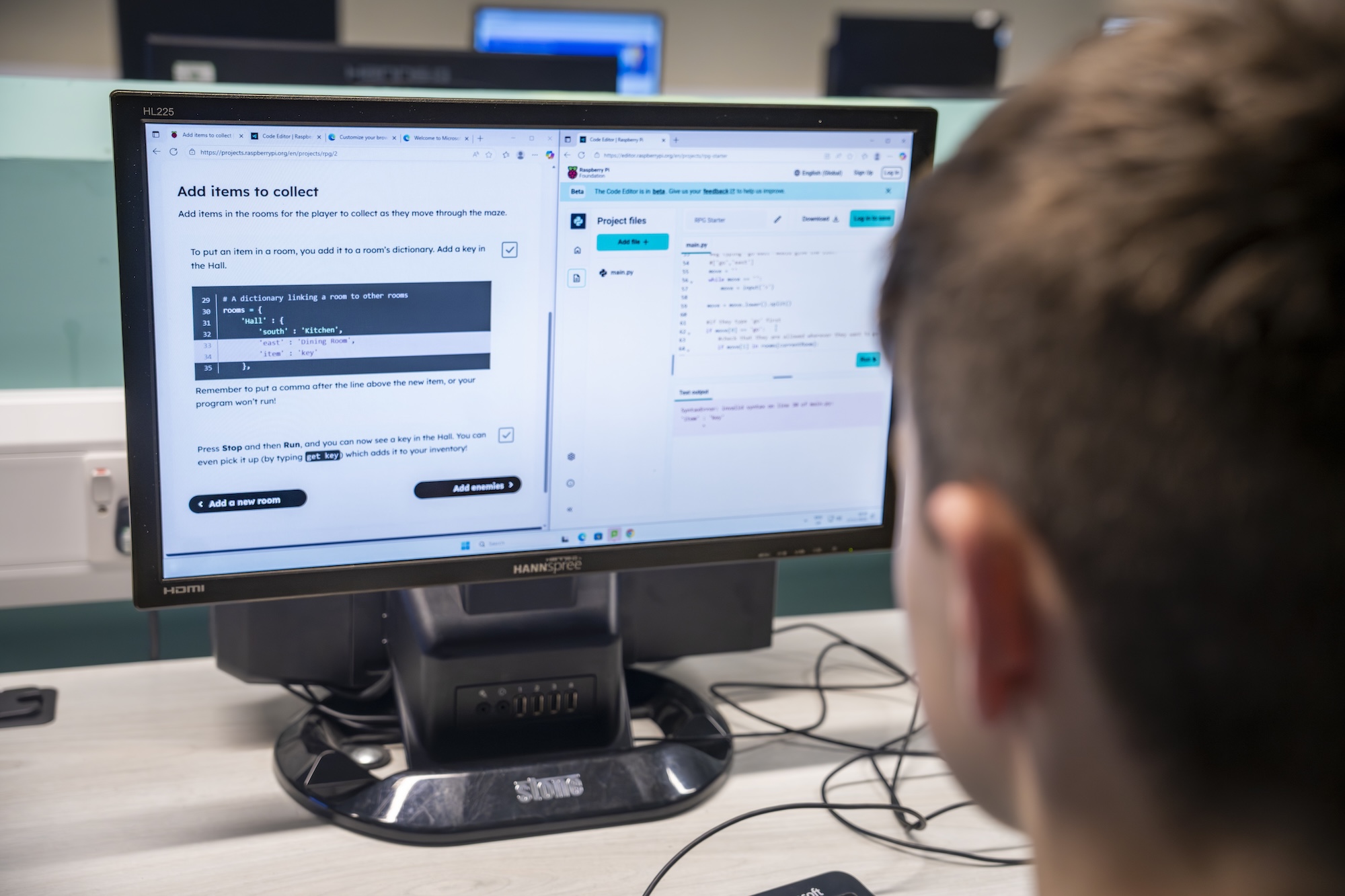
What changes with LLMs is not the definition of thinking itself, but rather what thinking skills students need most urgently. For students, the idea of ‘critical thinking’ has become much more critical (no pun intended) in an era when LLM-based tools offer quick and easy ways to produce answers. Students need to be equipped with the skills to evaluate AI outputs, and to follow up in deliberate and mindful ways to ensure that the AI-generated answer they ultimately take away is factually accurate, unbiased (to the extent that it can be), and valid for their context. They should also have the ability to recognise when an output is not suitable for their purposes, and when they would be better off approaching a problem or project as they would have in the pre-LLM era. These kinds of metacognition and evaluation skills must be crucial elements of AI literacy training.
Over the past 5 to 10 years, the scope, pervasiveness, and complexity of computing applications have grown substantially. This growth has been propelled by developments in AI and machine learning (ML). Many of the ML methods that underpin these developments have been in existence for much longer, but two key ingredients were still needed: large quantities of data, and the requisite computational power to process those quantities of data efficiently. Around 10 years ago, these became a reality. Combining so-called ‘big data’ captured from the countless human activities on the World Wide Web with new, powerful graphics processing units (GPUs) enabled AI scientists to build powerful prediction, classification and, most recently, generative AI models. Thus these scientists ushered in a new paradigm of computing that is data-driven.
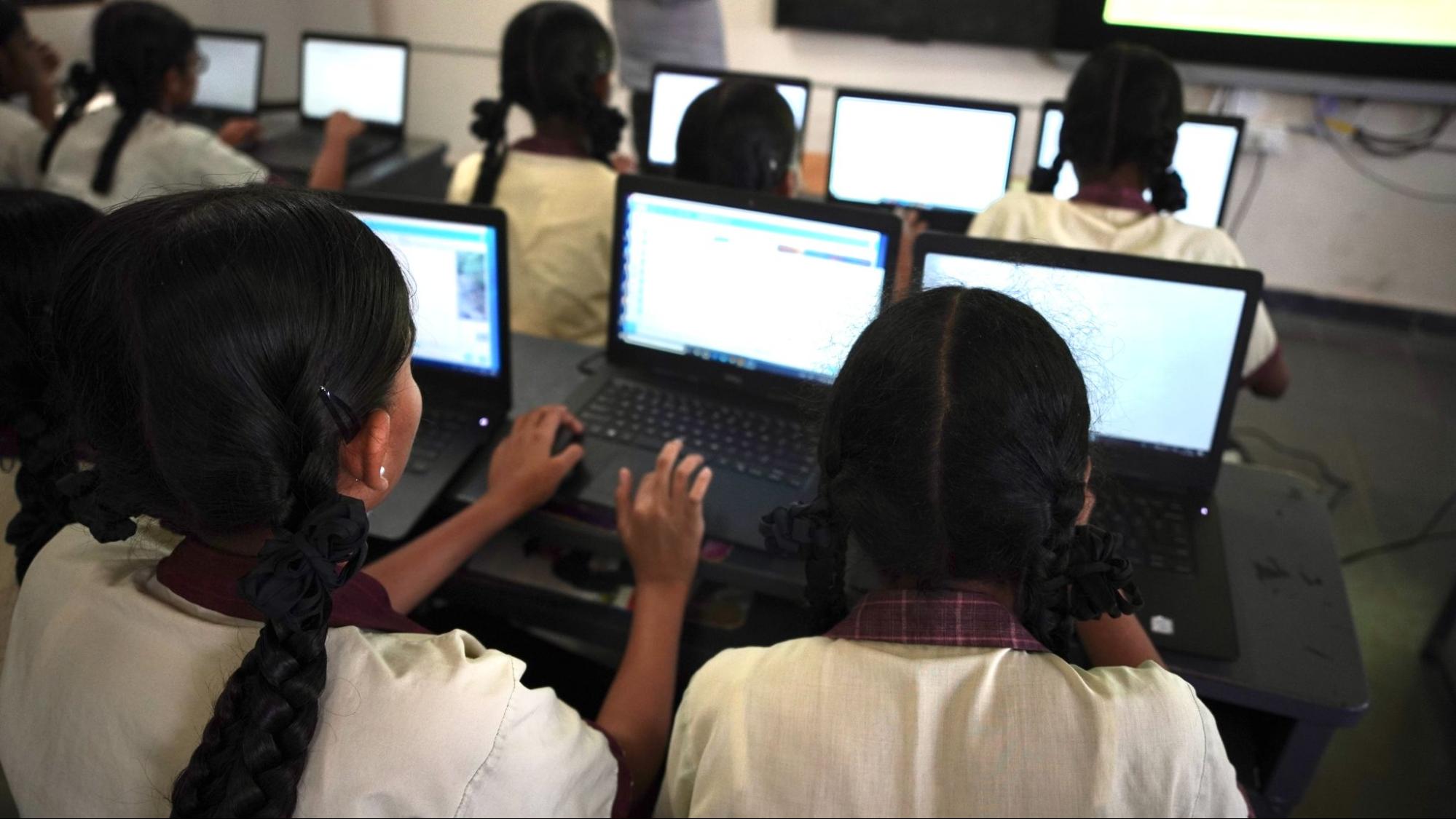
This has expanded the scope of what we need to teach students as part of CS education. In the context of AI and ML, you now have traditional programs that follow the algorithmic, deterministic paradigm of programming, but also ML applications that follow a data-driven, non-deterministic/probabilistic paradigm. CS curricula must help students develop an understanding of both. And data and data science are the crucial connective tissue between CS and AI/ML, so data literacy (which also captures elements of data agency and data equity) is critical to CS and AI learning experiences.
Ethical issues in the context of data and AI have become more heightened and pertinent: issues of data privacy, safety, bias, responsible and explainable AI, and most importantly, impacts of AI systems on society. Understanding of these issues — what we can call ‘sociotechnical literacy’ — needs to be much more central to CS education now.
Let me begin by saying that there is no AI without CS. So understanding CS is important and foundational even in this age of AI and LLMs. The rationale for teaching CS and coding to learners aged 5 to 18 has always been primarily about (a) preparing the next generation to understand, and thrive in, a world where countless aspects of day-to-day life are driven by computing, and (b) providing them with the tools and skills for problem solving and creative expression. That goal has not changed. Foundational coding skills are still important and relevant for learners.

However, there is the new reality we must contend with: it is now easy to produce accurate code using LLM-based tools. We need good research on what this means in terms of how we teach coding. There are many questions related to this issue for which we need empirical evidence: What are the foundational skills for programming effectively with AI tools? What CS topics, skills, and concepts must we emphasise or de-emphasise? Could teachers be supported by generative AI tools in teaching coding, and if so, how? Will use of AI tools result in poor learning for students? How might students leverage LLM tools in ways that don’t harm their foundational understanding of coding concepts, and at what age and stage? What kinds of LLM tools are safe and suitable, and what preparation must students have before they use them? What bigger, more sophisticated projects might students create with the help of an LLM tool? How might LLM tools aid student learning through formative feedback? Can LLM tools aid in metacognition by prompting reflection at the right moments in a project? These are just some of the many, many questions we need to answer to shape CS education over the coming years.
A version of this interview also appears in issue 29 of Hello World, available as a free download. Subscribe to the magazine to never miss an upcoming issue.
The post What does ‘thinking’ mean now? appeared first on Raspberry Pi Foundation.
Digital safety is a pressing concern in an increasingly connected world. In classrooms everywhere, educators face the challenge of supporting young people to learn about cybersecurity and to navigate online risks and the impact of AI tools and social media.
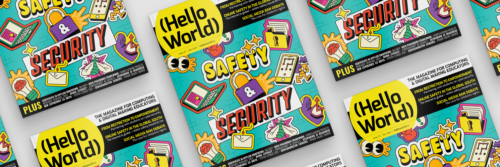
In issue 29 of Hello World, out today for free, educators all over the world share what digital safety and security mean in their classrooms. We hope this new issue will help you to actively empower your learners by equipping them with the understanding and skills to safely navigate our complex digital landscape.
The issue covers questions such as:
Beyond the focus on safety and security, here are three highlights from issue 29:
We also have new podcast episodes coming out over the next few weeks to continue the conversations started in the magazine.
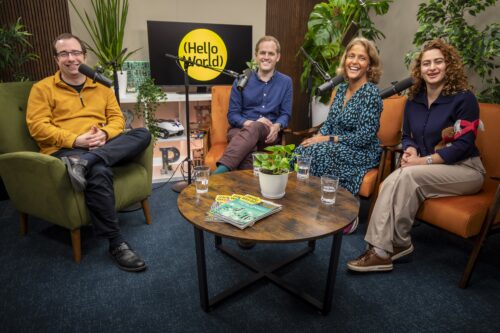
The first episode is another edition of our teacher tips series, where computer science educators and experts from around the globe share practical, actionable tips that you can use in your classroom. In the upcoming episode, teachers will be sharing what works for them to engage students in cybersecurity, protect schools from cybersecurity breaches, and safely introduce generative AI to the classroom.
In the second episode, we’ll talk to Dr. Karla Badillo-Urquiola about her research in online safety in the Global South.
To listen to these podcasts, make sure you follow us in your preferred app, or head to helloworld.cc/podcast.
Visit helloworld.cc/29 to read our newest issue for free today, and let us know what you think by leaving a comment here or on our social media.
helloworld.cc is also where you go to subscribe and find older issues of Hello World magazine.
If you have a moment, do leave us a podcast review or share the magazine with a fellow educator. It really helps more people to discover Hello World.
The post Hello World #29 out now: Safety and security appeared first on Raspberry Pi Foundation.
To mark the start of 2026, we’re releasing a special episode of our Hello World podcast, which reflects on the key developments in computing education during 2025 and considers the trends likely to shape the year ahead.
Hosted by James Robinson, the episode brings together a conversation between three Foundation team members — Rehana Al-Soltane, Dr Bobby Whyte, and Laura James — and perspectives from colleagues and partners in Kenya, South Africa, and Greece.
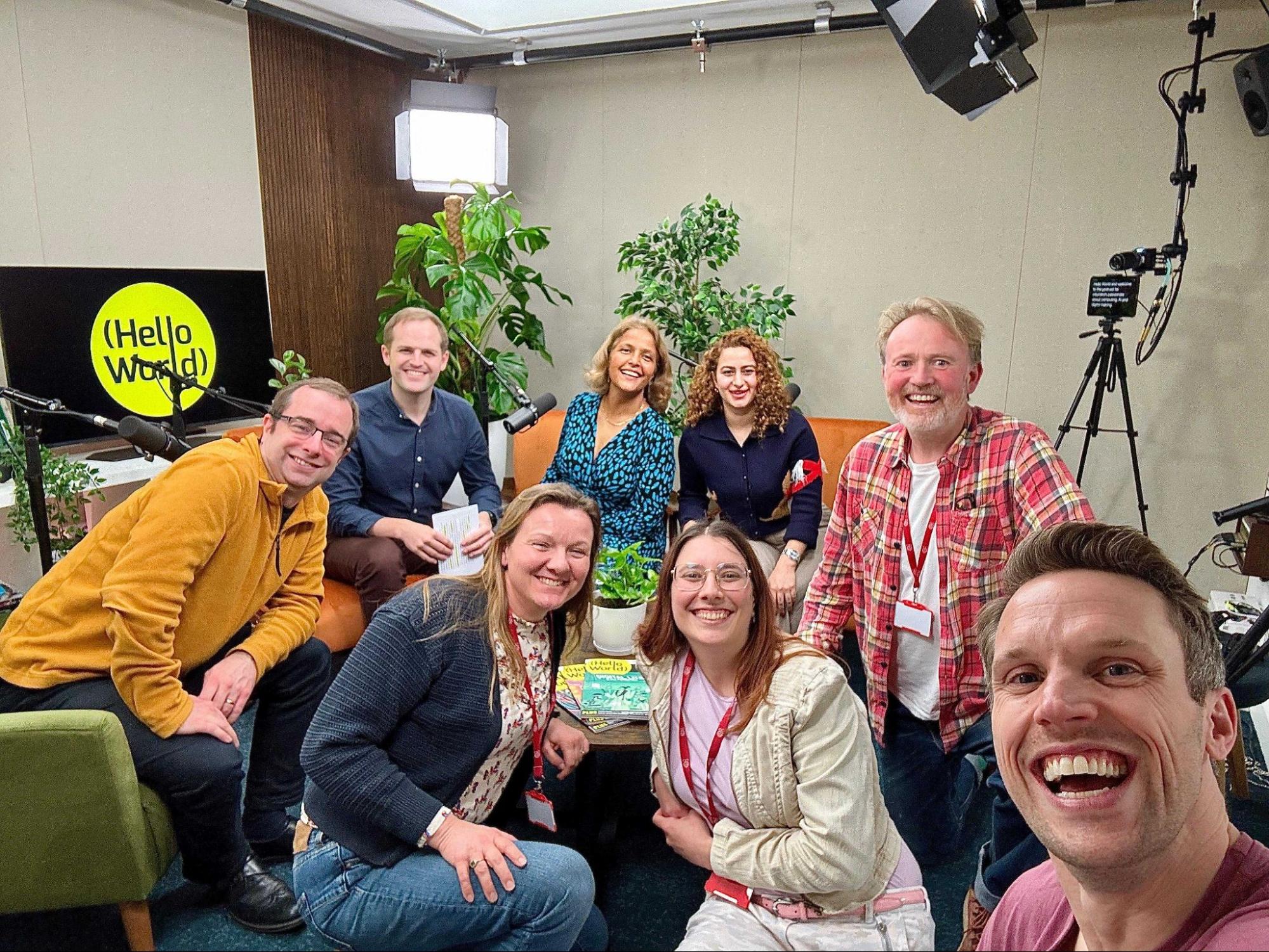
The podcast is framed around three major themes that defined 2025: data science, AI literacy, and digital literacy, all of which continue to play an increasingly important role in education systems worldwide.
In the podcast, Rehana reflects on a year characterised by research, collaboration, and community, highlighting the importance of global partnerships in developing and localising AI literacy resources for diverse educational contexts.
From a research perspective, Bobby explains that 2025 was about pulling together what we already know and making sense of it, to better understand what good data science education should look like, including curriculum design, pedagogy, and appropriate tools.
Laura focuses on resilience and creativity in computing education, as well as the growing presence of more personalised forms of artificial intelligence, which present both significant opportunities and complex ethical challenges.

A key concern raised throughout the episode is the risk of cognitive offloading, whereby learners rely on AI tools to bypass critical thinking processes. The speakers emphasise the need for learning experiences and assessments that value process, reasoning, and reflection rather than solely final outputs.
The episode also examines barriers to the adoption of computing and AI education, including teacher confidence, limited access to devices, restrictive school IT policies, and the need for translated and localised resources.
Contributions from our colleagues around the world highlight stark contrasts in educational contexts, with challenges such as funding constraints, connectivity issues, and teacher training needs, alongside examples of innovation where educators are adequately supported.
Looking ahead to 2026, Rehana outlines the potential of interdisciplinary approaches to AI literacy, integrating AI concepts into subjects such as geography, history, languages, and the arts to increase relevance and engagement (look out for our upcoming research seminar series on the topic).

Bobby anticipates a gradual shift towards more data-informed approaches to computing education, with greater emphasis on classroom-based trials and research that directly informs practice.
Laura offers a strong call to renew focus on cybersecurity education, arguing that security and safety must remain central as digital systems and AI technologies continue to evolve.
In a series of concise predictions, the speakers point to increased attention on explainable AI, wider integration of AI literacy across the curriculum, and renewed concern for digital safety and security.
You can subscribe to Hello World and listen to the full podcast episodes from wherever you get your podcasts. Or you can find this and previous Hello World podcasts on our podcast page.
Also check out Hello World magazine, our free digital and print magazine from computing educators for computing educators.
The post What shaped computing education in 2025 — and what comes next appeared first on Raspberry Pi Foundation.
Take a minute to think about the technology you use every day. How many programming hours went into the way you are reading this blog post? What discussions and solutions built the browser you’re using? We take for granted all the clever, creative programming that goes into the technology we use in our daily lives. But how do we best teach programming to support the next generation of innovators?

The brand-new issue of Hello World — and our new podcast mini series — aims to answer that question. This issue is packed with insightful research, practical advice, and thoughtful ways to best teach programming in your classroom.
In their articles for issue 28, educators explore a range of topics related to teaching programming, such as:
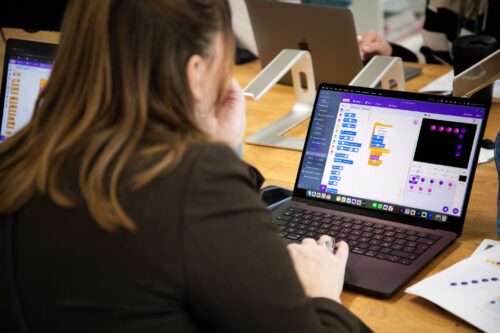
Our feature articles also include:
Simon Peyton Jones, British computer scientist and Member of the Raspberry Pi Foundation, says in his article ‘Programming the Future’:
“Designing and writing software is one of the most demanding, intellectually stretching tasks that humans undertake. If we build a building, we are limited by the strength of steel — we can only make the tower so high before it will fall under its own weight. But software knows no such limits. The only limit is our own ability (or inability) to manage the complexity of the systems we build. That is humbling — but also exciting.”
Programming is exciting, and we hope Hello World issue 28 inspires you to continue doing the important work of educating the next generation of programmers and innovators. This issue will provide you with plenty of ideas to take away and build upon.
Also in issue 28:
And much, much more.
Let us know which articles you found most thought-provoking, and which will be most helpful for your teaching, by sending us a message or tagging us on social media.
Thank you to Oracle for sponsoring this issue of Hello World.
The post Hello World #28 out now: Teaching programming appeared first on Raspberry Pi Foundation.
In a rapidly evolving digital landscape, AI literacy is becoming as fundamental as traditional reading and writing. The latest episode of the Hello World podcast explores this crucial topic, bringing together experts from Kenya, Lithuania, and Malaysia to discuss the current state of AI literacy in their countries. Together, they shed light on the challenges and immense potential of AI education globally.
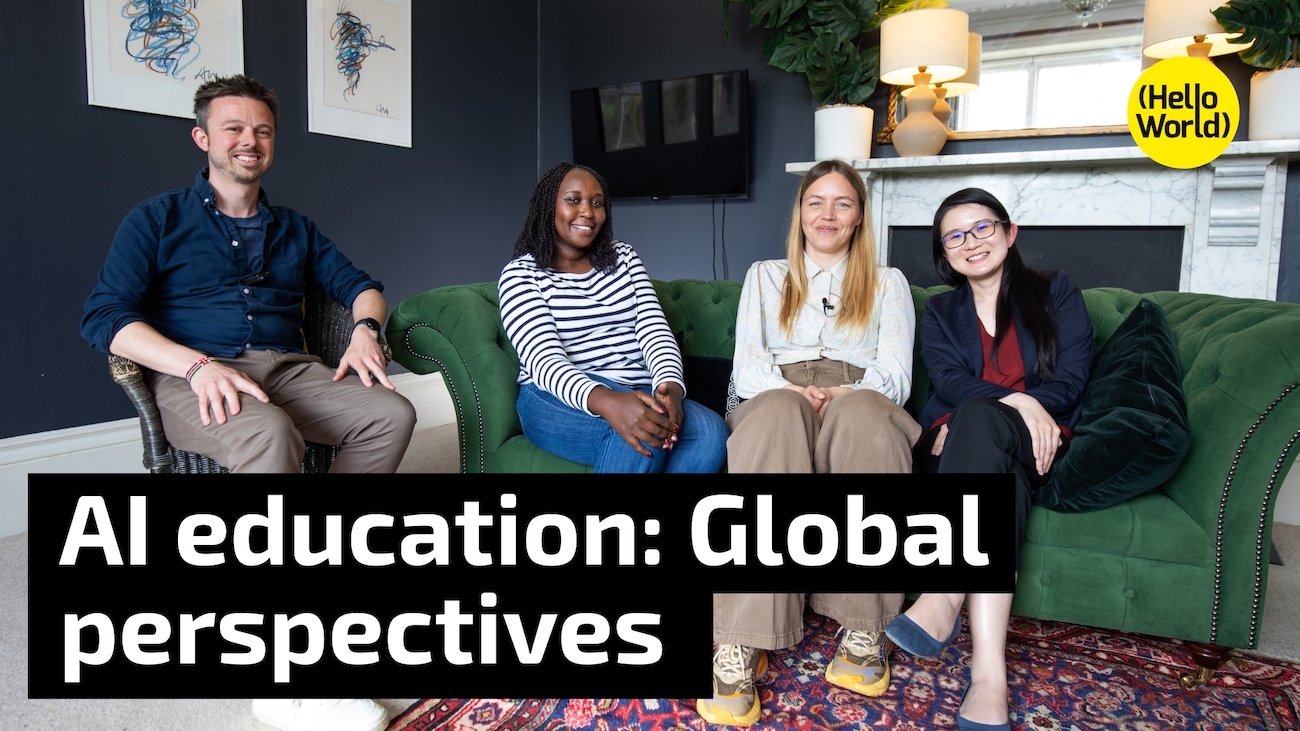
This episode features a conversation led by Ben Garside (Raspberry Pi Foundation), with contributions from Leonida Soi (Raspberry Pi Foundation, Kenya), Aimy Lee (Penang Science Cluster, Malaysia), and Monika Katkutė-Gelžinė (Vedliai, Lithuania). All are key collaborators in the Raspberry Pi Foundation’s AI literacy programme, Experience AI.
One of the most striking takeaways from the conversation is the universal excitement surrounding AI, coupled with a significant need for foundational digital literacy. As Leonida explains:
“There’s an excitement about AI literacy, both from the learners and the teachers… However, one thing to look into is, we still have low digital literacy. As much as we are bringing in AI, if it is not bundled up together with digital literacy, then there is also misuse.”
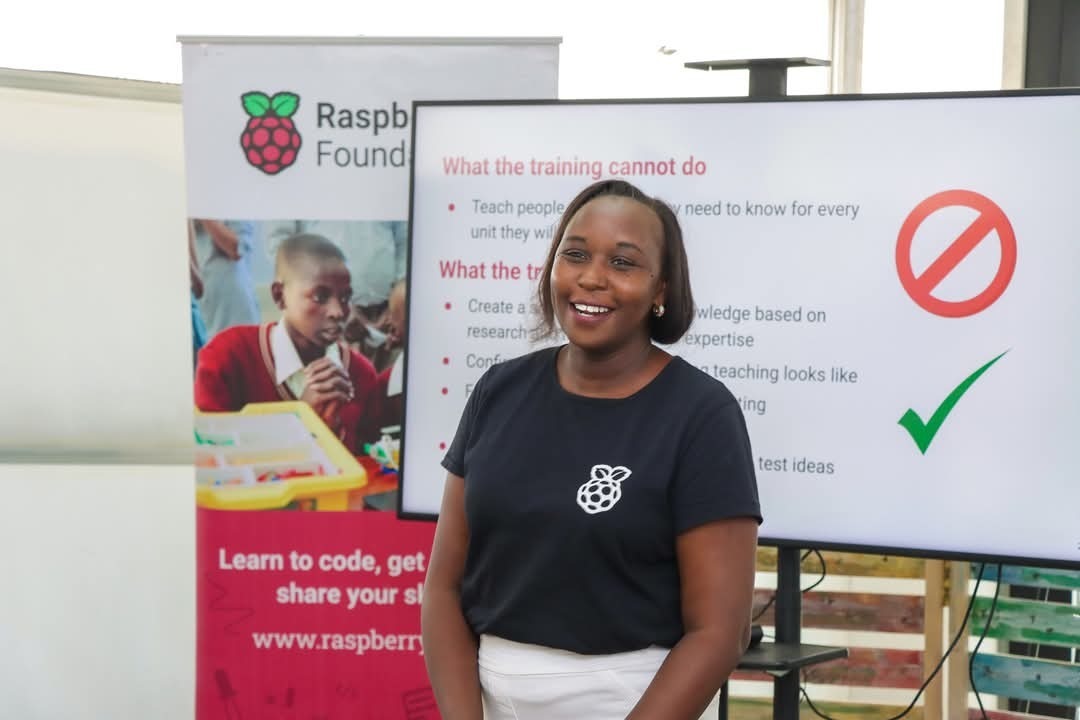
This highlights a crucial point: simply introducing AI tools isn’t enough. A solid understanding of digital fundamentals is essential for responsible and effective use of AI.
The discussion also reveals the varying approaches to AI education in different countries. Monika shares her experience in Lithuania:
“We’ve been teaching AI for the last 5 years… I see a lot of opportunity in it, but a lot of challenges not to overburden teachers with the noise and changes.”
Her insight highlights the ongoing need for teacher training and sustainable pedagogical strategies, particularly in a field that evolves so quickly.
A key theme throughout the podcast is the importance of integrating AI literacy beyond traditional computer science classrooms. As Leonida emphasises:
“It’s time that AI literacy is looked at from a broader view, not just in computing… something that cuts across all the learning areas.”
This sentiment is echoed by Monika, who suggests:
“I feel like the entire education system needs to go through an AI filter and come out of it with a bit more efficiency, with a bit more understanding, so it lives in a 21st-century AI world. And I see AI as a form of, you know, building and also as a co-worker for everyone in the future.”

The vision of AI as a “co-worker” for all, empowering young people rather than replacing them, offers a powerful perspective for future education.
Equity is another critical issue, particularly in rural areas. Aimy highlights the ongoing challenge of access:
“The digital divide is in the access to devices, as well as access to high-speed internet connections… but the other thing is also in terms of trained teachers as well.”
Leonida adds that in Kenya there’s a need for unplugged activities to give students an idea of what the world is doing, so that we can start to bridge that gap.
These insights highlight the need for equitable access and innovative teaching methods to ensure no one is left behind.
For teachers who might feel overwhelmed by the prospect of teaching AI, the advice is clear and encouraging. Aimy suggests:
“Start small, cover one topic at a time, one concept at a time. Don’t feel the need to cover everything all at the same time.”

Leonida advocates for the power of community, suggesting a “community of practice where [teachers] can share amongst each other and where they can encourage others.”
Building a network of support and shared resources is key as educators take their first steps into teaching AI.
This episode of the Hello World podcast is a powerful reminder that AI literacy is not just a skill, but a mindset that needs to be nurtured across all subjects and communities. It also underscores that the commitment to prepare the next generation for an AI-powered world is global.
Listen to the full episode of the Hello World podcast to learn more about the global state of AI literacy and gain practical insights for your classroom.
The Experience AI programme is a collaboration between the Raspberry Pi Foundation and Google DeepMind to help young people and educators understand and engage with artificial intelligence. Through free, classroom-ready resources, professional development for teachers, and global partnerships, the programme aims to make AI literacy accessible to all, regardless of geography or background. By supporting educators and inspiring students, Experience AI is helping to prepare the next generation to thrive in a world increasingly shaped by artificial intelligence.
Find out more about Experience AI and how it can support you to bring AI literacy skills to your learners.
The post Hello World podcast: What does AI education look like around the world? appeared first on Raspberry Pi Foundation.
In our latest podcast miniseries, we spoke to educators live from the CSTA 2025 annual conference in Cleveland, Ohio, to hear their top tips for integrating computer science (CS) into other subjects.
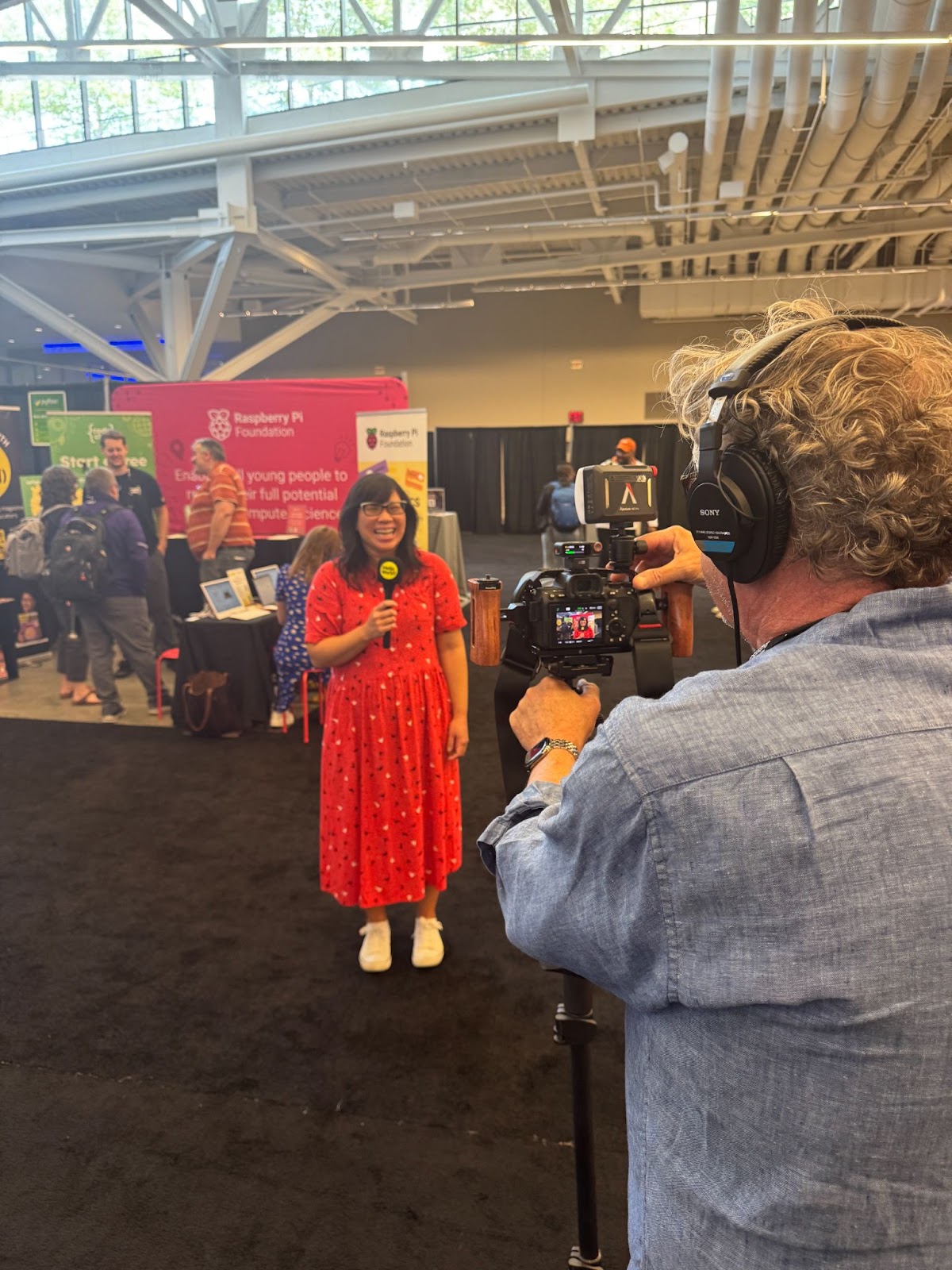
Hello World editor, Meg Wang and the team met teachers in the exhibit hall for real-time reflections and essential teacher tips on teaching cross-curricular CS. They spoke to some amazing educators from across the United States and had a great time interacting with everyone in attendance.
“Meeting teachers and hearing first-hand about their experiences, challenges, and triumphs was invaluable. It was amazing to meet Hello World writers in person, and to also meet future writers. Like I said at the conference, Hello World is for educators, by educators, so that means you! Everyone has valuable experience or useful advice to share, and we’re here to help you amplify that.” – Meg Wang, editor of the Hello World magazine
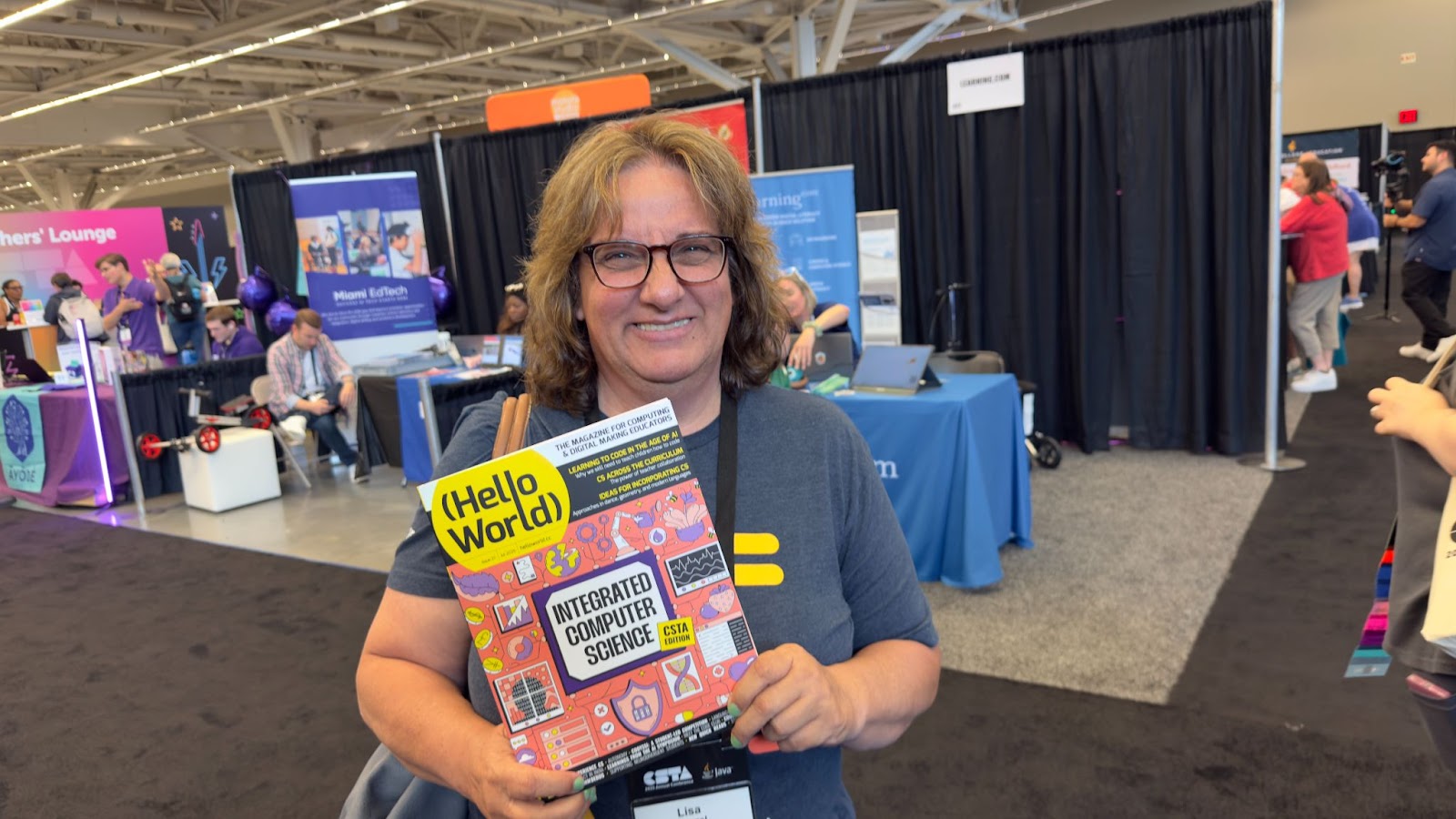
Lisa’s top tip for integrating computer science into your lessons is to start with topics that you’re passionate about. If you’re not a CS teacher yourself, Lisa suggests finding a colleague who teaches the subject. She advises having a chat with them to explore how you can include CS concepts into subjects you’re particularly interested in.
“I guarantee you that they’re going to have something […] to teach [another subject], and it’s going to involve computer science.”
Through peer discussions and collaboration between educators, you’ll discover engaging ways that you can incorporate CS into your teaching. Give it a try the next time you’re chatting to a CS teacher.
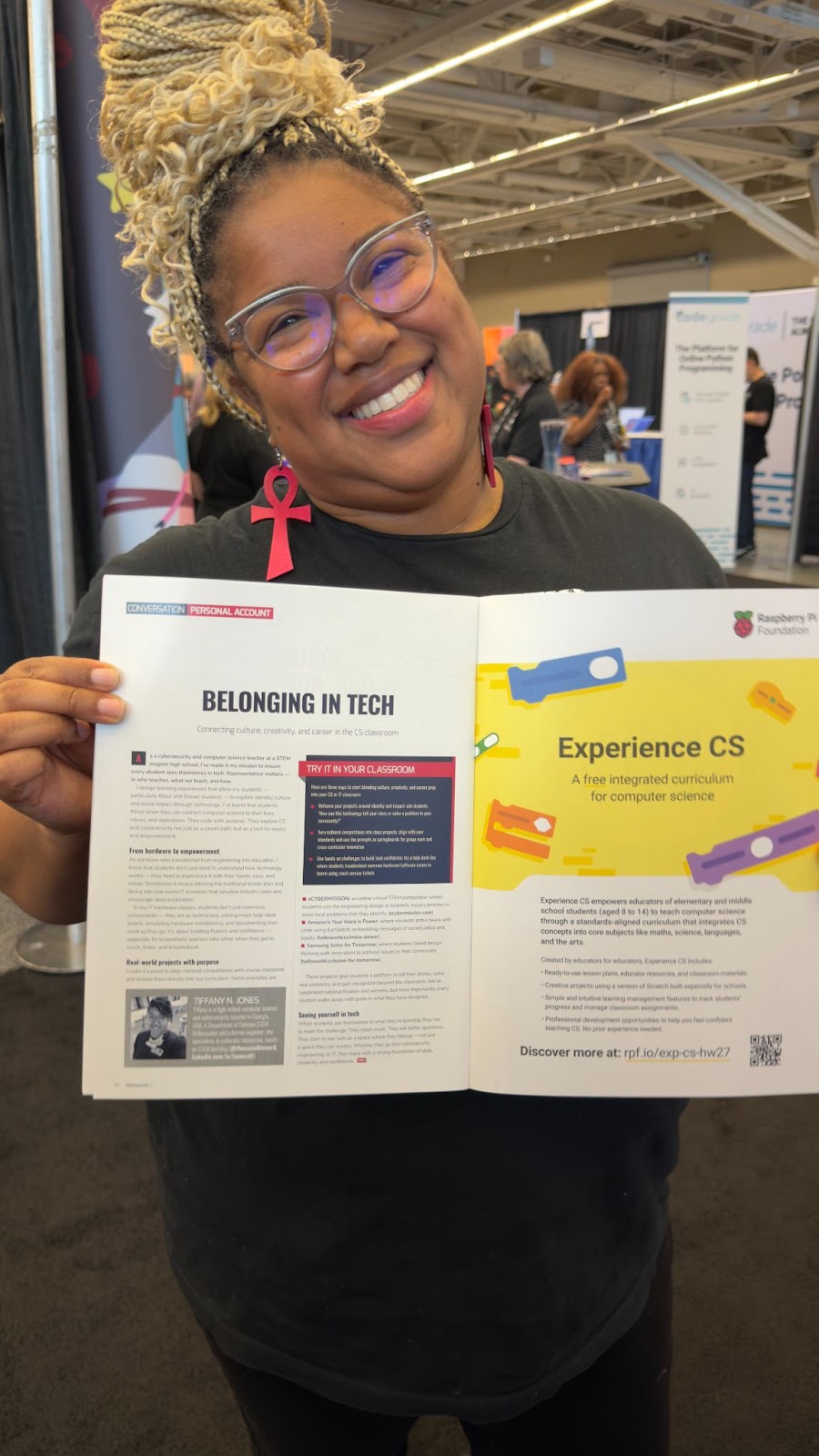
Tiffany N. Jones, author of ‘Belonging in Tech’ (featured on page 82 of Hello World Issue 27), shares her top tip to seamlessly integrate computer science into other subjects.
Using the example of a class studying ocean health and pollution, Tiffany shares how you can introduce students to real-world applications of computer science by exploring how sensors and microcontrollers can be used to collect environmental data.
She then suggests exploring how databases and programming languages can be used to analyse and visualise the data that the sensors and microcontrollers have recorded. This not only deepens your learner’s scientific understanding but also demonstrates how computing concepts are used in real-world industry practices.
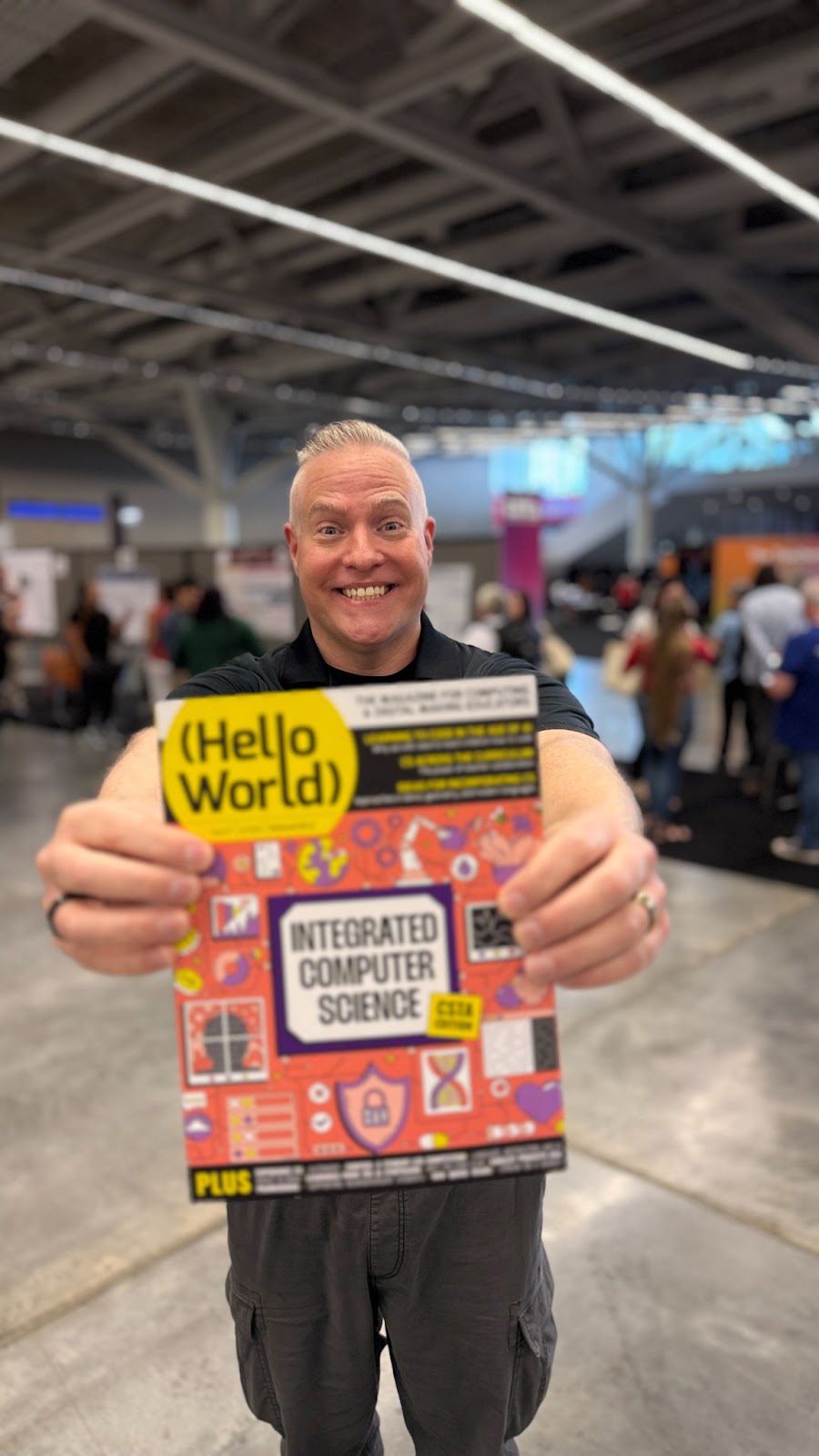
Rick’s top tip for integrating CS is to first think about your favourite lesson and consider ways that you can introduce computational thinking.
In the podcast, Rick says:
“chances are, computational thinking is already a part of that lesson you’re doing. Call it out to the students, and that’s going to help them to start understanding how computer science is baked into everything we do.”
Rick also offers a great example from his experience as a band teacher. He shares how learning to read a new piece of music is very similar to the steps involved in computational thinking. s
“[You’ve] got to break it down. There’s abstraction. You’ve got to figure out the sequencing, and you create the way that you’re going to learn it. And that is all part of computational thinking.”
This approach shows students that CS isn’t just coding; it’s a way of thinking that can be applied across disciplines.
To hear more practical teacher tips and discover what else our guest teachers had to say, listen to or watch the full episode here.
We hope this episode inspires you and helps you to engage your students in computing. We’d love to hear your thoughts, your feedback, and any of your own tips on how to integrate CS into other subjects. Share your advice in the comments section below.
We hope you enjoy the episode!
Next week, we’ll be sharing an interesting conversation between Ben Garside, Senior Learning Manager (AI Literacy) at the Raspberry Pi Foundation, Leonida Soi, Learning Manager (Kenya) at the Raspberry Pi Foundation, and two of our global Experience AI partners, Monika Katkutė-Gelžinė from Vedliai in Lithuania, and Aimy Lee from Penang Science Cluster in Malaysia.

They’ll be exploring what AI education looks like around the world and what teachers need to feel confident teaching it.
You can watch or listen to each episode of our podcast on YouTube, or listen via your preferred audio streaming service, whether that’s Apple Podcasts, Spotify, or Amazon Music.
Subscribe to Hello World today to ensure you never miss a podcast episode or issue of the magazine.
The post Essential tips to integrate computer science into your lessons: Teacher tips from CSTA 2025 appeared first on Raspberry Pi Foundation.
The Hello World podcast is back, accompanying the latest issue of Hello World magazine. This new three-part miniseries explores some of the topics from issue 27 of Hello World, which focuses on integrating computing education across the curriculum.
Whether you’re a seasoned educator or just starting your journey with computing education, this podcast audio and video series is full of insights, inspiration, and practical tips from educators and experts around the world.
If you’re already subscribed, the new episodes will appear automatically in your favourite podcast app every Tuesday.
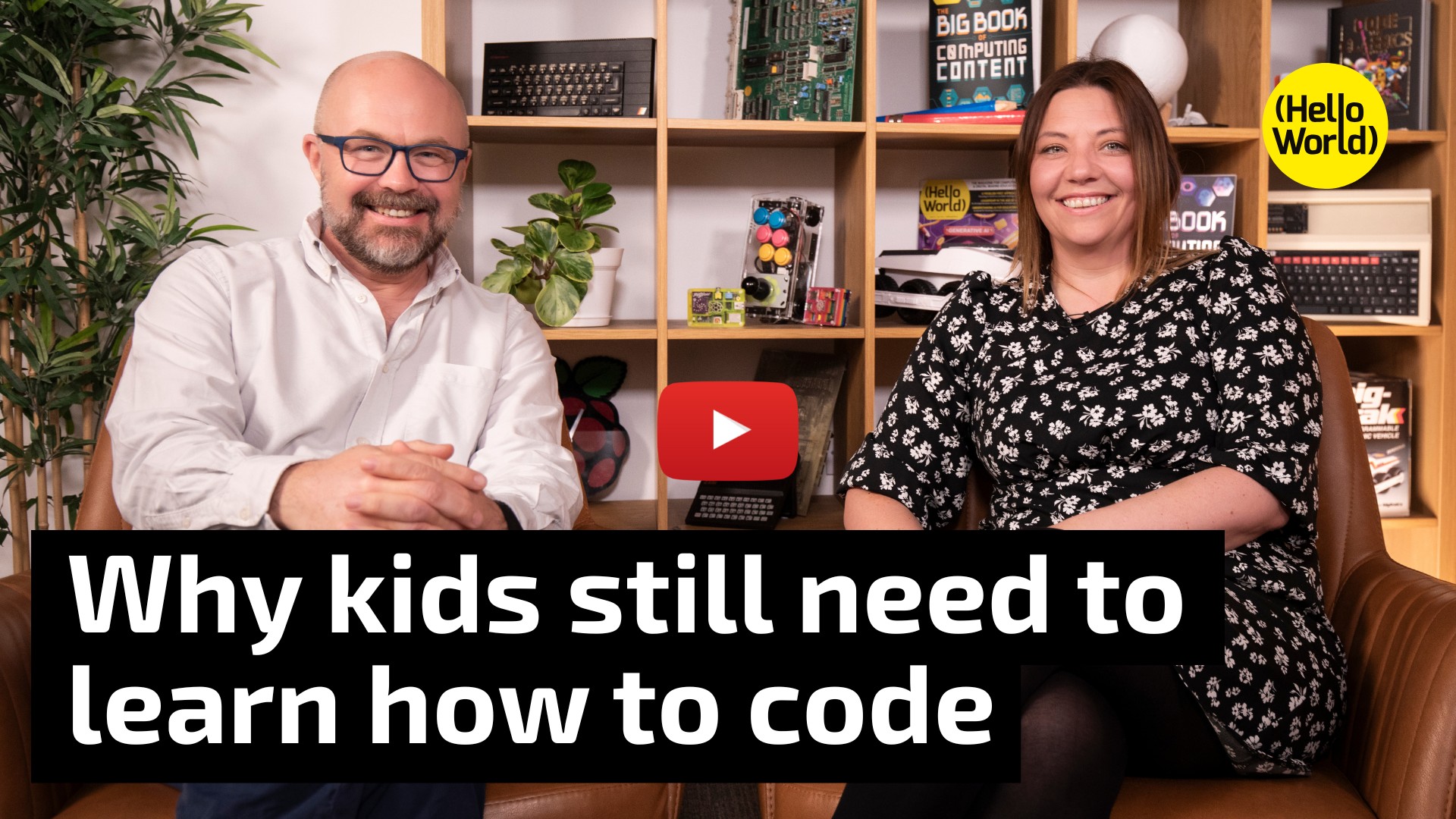
In our first episode, Raspberry Pi Foundation CEO Philip Colligan, CBE, sits down with teacher Janine Kirk to discuss why, in the age of AI, it’s more important than ever for young people to learn to code. Their conversation draws on ideas from our downloadable position paper, which is also featured in issue 27 of Hello World magazine.
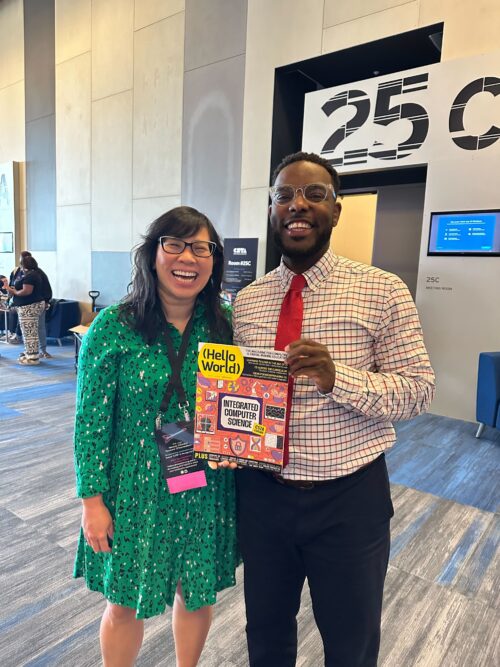
Next week, we’ll bring you the buzz from the Computer Science Teachers Association’s annual conference in Cleveland, USA. We’re speaking with educators at the conference to hear how they’re integrating computer science across subjects, and you’ll hear their top classroom tips for teaching CS in context.
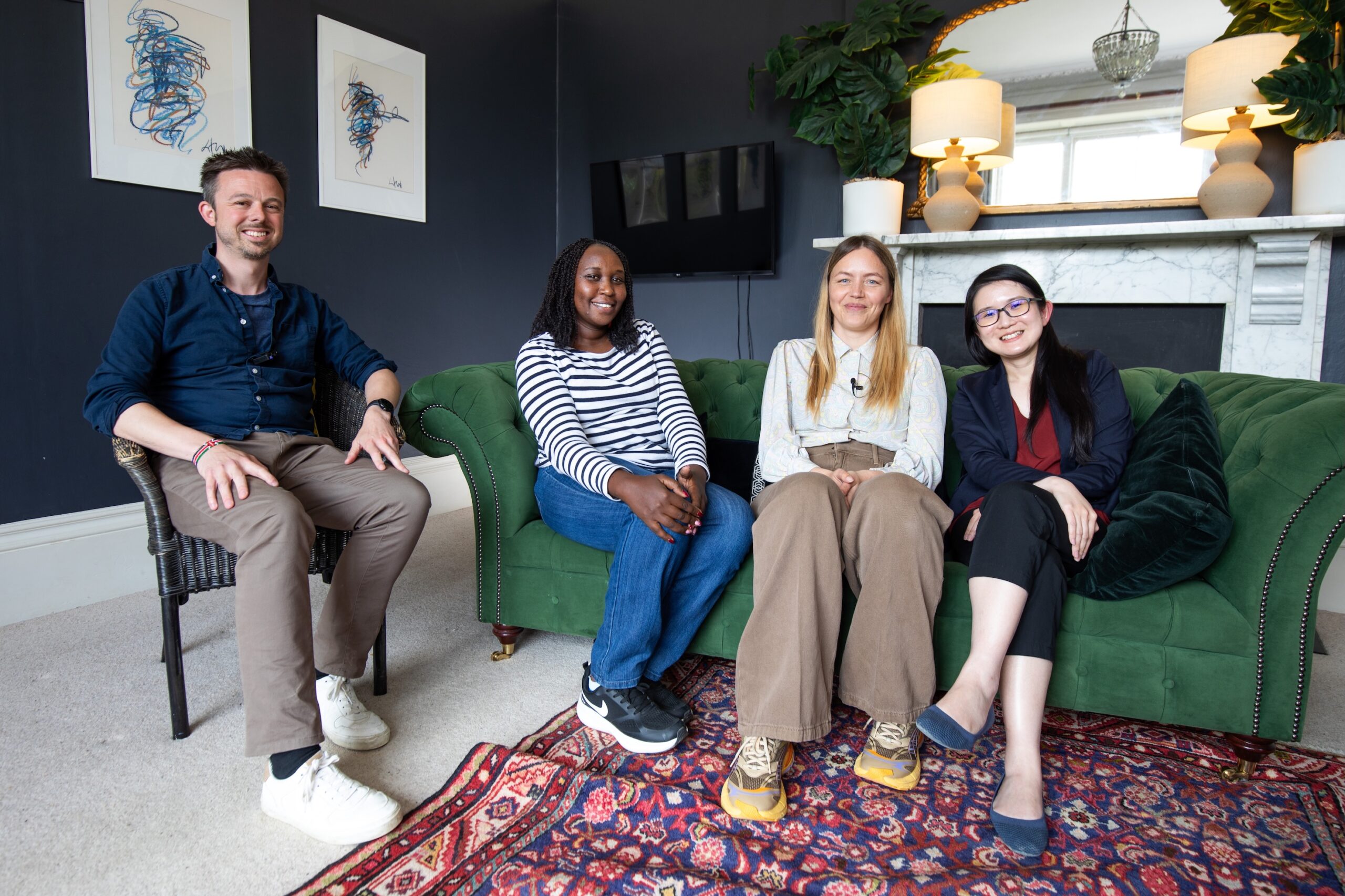
The miniseries wraps up with an in-depth discussion about AI education around the world. Hosted by Ben Garside, Senior Learning Manager for Experience AI, the conversation features Leonida Soi, Learning Manager in Kenya; Monika Katkute-Gelzine, CEO of Vedliai in Lithuania; and Aimy Lee, COO of Penang Science Cluster in Malaysia. Monika and Aimy work with us in our global Experience AI partner programme.
Each of these three podcast episode builds on the themes in the latest Hello World issue, where you’ll find inspiration and practical tips from educators who are integrating CS across a variety of subjects and for all school ages.
Subscribe to the Hello World podcast wherever you get your podcasts to never miss an episode, and to help us reach more teachers. If you’re subscribe to Hello World magazine (it’s free), we’ll also let you know when new podcast episodes are available.
And, don’t forget to share this new podcast series with your fellow educators.
The post New Hello World podcast series: Bringing computer science into every classroom appeared first on Raspberry Pi Foundation.
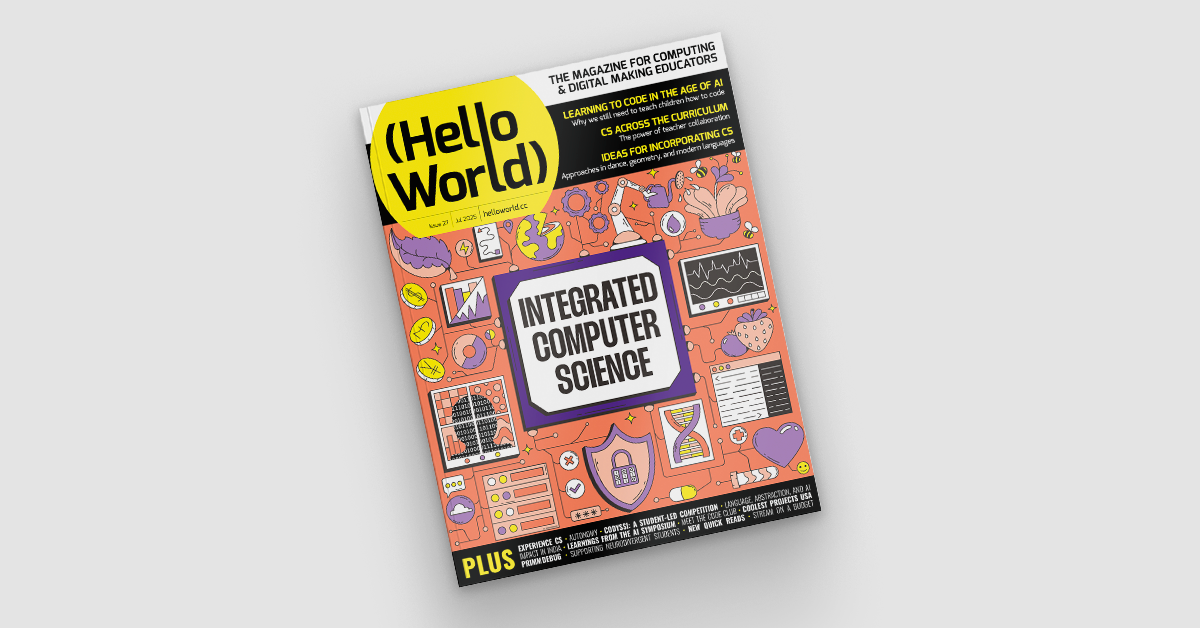
While in some countries, such as England, computing is taught as a standalone subject, in others, like the USA, computing concepts are integrated across the school curriculum. In our brand-new issue of Hello World, out today for free, educators share ways to integrate computer science into your classroom.
The argument for making computing and computer science (CS) standalone has often been about quality. We’ve heard educators say that teaching CS as part of other subjects can be hard, especially if you don’t have a CS background. On the other hand, integrating computer science into other subjects can offer a more accessible entry point for young people, broadening participation in CS education. And the critical thinking and problem-solving skills young people gain through computer science can enhance their learning of any subject.
As digital technology increasingly shapes our world, it may be that thoughtful cross-curricular CS education is the most effective way to empower all young people to become confident and critical technology users.
Issue 27 of Hello World features a range of practical articles with ideas for integrating CS over a variety of subjects at the primary, elementary, and high-school levels.
For example:
Also in this issue:
And much, much more.
Jake Baskin, Executive Director of the Computer Science Teachers Association, says in this issue of Hello World: “If you’re a teacher who is implementing CS principles in your classroom, you are a computer science teacher.”
Whether CS is your specialist subject or not, Hello World is full of ideas from your fellow educators on how to inspire your students.
The Hello World podcast is also back, with a miniseries in audio and video focused on integrated CS. If you’re subscribed via a podcast app, the three new episodes will show up in your feed on Tuesdays. Or you can already listen to the new episodes today via the exclusive links inside issue 27.

We hope you enjoy this issue of Hello World. Please get in touch with your article ideas or what you would like to see in the magazine.
The post Hello World 27 out now: Integrated computer science appeared first on Raspberry Pi Foundation.
Amidst heated discussion of smartphones and their impacts on young people’s lives, it’s become a frequent recommendation to ban phones in schools. Below I summarise the research evidence on smartphone bans (it’s mixed) and share tips for computing educators on how to constructively address the topic with their learners and empower them to think critically about technology design.
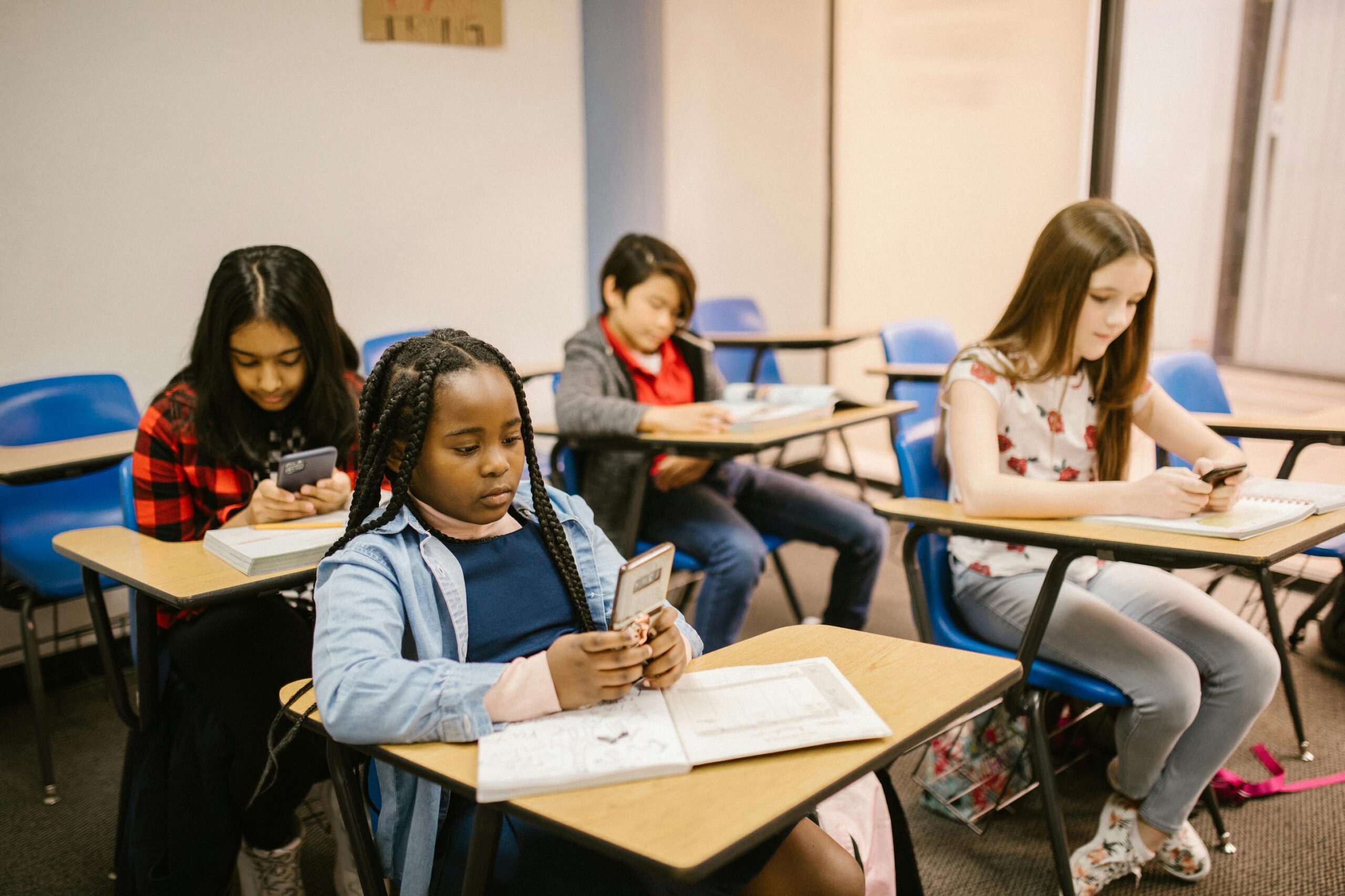
2024 was the year the tide turned against smartphones. Across the world, parents, teachers, and governments highlighted the risks of excessive phone use among young people. In the UK, the ‘Smartphone Free Childhood’ movement emerged, quickly growing to 100,000 members who advocate for keeping smartphones away from children due to concerns about addiction, harmful content, and mental health. Jonathan Haidt’s global bestseller The Anxious Generation has further fuelled the movement, linking smartphone use to adolescent mental health issues and recommending phonefree schools. Meanwhile, countries including England, France, and Finland have urged schools to adopt strict phone bans, hoping to reduce classroom distractions and enhance student safety.

Despite widespread support, academic research on phone bans remains limited and inconclusive. Given this situation, computing educators are uniquely positioned to offer an alternative approach.
The rapid spread of school smartphone bans is a straightforward response to complex issues around personal technology use in education. Teachers and parents frequently view phones as inherently disruptive, a perspective supported by studies that show phones can impair students’ focus and engagement in lessons. Concerns about cyberbullying and addiction contribute to this view, with many educators seeing bans as a practical solution to mitigate risks. Surveys in England reveal that nearly half of all secondary schools now enforce all-day bans. This trend was supported by teachers participating in my master’s degree research, who see these policies as necessary to reduce distractions and maintain control in the classroom.
“Calls for outright bans may oversimplify the conversation.”
Yet calls for outright bans may oversimplify the conversation, limiting opportunities to examine both the benefits and the risks of smartphone use in schools. Evidence on the impact of phone restrictions is mixed: while some studies suggest restrictions may benefit learning, especially for students who struggle the most, others indicate no significant impact on academic outcomes. Additionally, recent findings show that cyberbullying is not directly linked to time spent online, with traditional bullying still more prevalent in schools. Even the narrative around smartphone addiction is contested, with some researchers suggesting that concerns about addiction may be overstated. And some schools do not have access to digital devices for learners and then smartphones may play a crucial role in teaching and learning digital literacy skills.
As the debate over smartphone bans continues, educators have an opportunity to move beyond restrictions and engage students in understanding the technology that shapes their lives. This is where computing educators can really make a difference. How can they guide students to understand why technology is designed to capture attention and what lies behind these design choices?
School smartphone bans can feel like a hopeless act that suggests phones and social media are inherently incompatible with learning and student well-being. This approach assumes the only solution is to remove them, rather than considering how these technologies might be better managed or reimagined to support young people. What if, instead of banning phones, educators worked with students to explore why they are so captivating and how they could be designed differently? Computing educators can lead this exploration. With digital literacy as part of their curriculum, computing teachers can help students question the motives behind their devices, fostering a critical understanding of the forces shaping their digital world.
“With digital literacy as part of their curriculum, computing teachers can help students question the motives behind their devices, fostering a critical understanding of the forces shaping their digital world.”
At the heart of how social media platforms are designed is their business models. Tech companies rely on features such as notifications, autoplay, and infinite scrolling to maximise user engagement and revenue. This is part of what the writer Shoshana Zuboff calls “surveillance capitalism”, where companies gather vast amounts of behavioural data by keeping users engaged on their platforms for as long as possible.
In the classroom, educators can open discussions with students on the motives behind technology design, exploring questions such as why platforms want users to stay engaged, and what data they are collecting. Activities might include analysing popular apps to identify which features encourage prolonged use, or debating how social media could be designed to prioritise user wellbeing. By critically examining these design choices, students can better understand the forces driving their digital interactions and consider ways in which technology could be reimagined to serve them, rather than just profiting from them.
Once young people understand why phones and social media are designed the way they are, educators can work with students to create phone policies that reflect shared values and goals. This collaborative approach encourages students to take ownership of their technology use, and computing teachers, drawing on their knowledge of technology design and digital literacy, are ideally positioned to facilitate these discussions.

Research suggests that policies developed with student input are more effective, as they foster responsibility and engagement. By involving students in policymaking, educators can encourage them to consider how phones could support rather than hinder learning. For example, students might agree that phones should stay off during certain times, or in certain spaces, but that they might be useful in other scenarios where access benefits learning. This kind of flexibility ensures that phones are used thoughtfully, allowing for both practical boundaries and opportunities for educational use.
As debate around smartphone use in schools continues, academic research remains inconclusive on the effectiveness of phone bans. This uncertainty presents computing educators with an opportunity to move beyond restrictive policies and foster deeper understanding. By guiding students to explore why phones and social media are designed to capture attention, we can help to equip them with the critical skills needed to navigate their digital world thoughtfully. Involving students in crafting flexible, meaningful phone policies reinforces this understanding, giving them a sense of agency in shaping technology’s role in their lives.

Computing educators are uniquely positioned to empower students, not just as users, but as active challengers of technology design norms. Embracing a collaborative approach allows computing educators to inspire students to envision a future where technology genuinely serves their growth and their learning, rather than commercial interests.
A version of this article appears in the newest issue of Hello World magazine, which is all about teaching digital literacy. Explore issue 26 and download your free PDF copy today.
You can also listen to our recent Hello World podcast episode discussing the myth of the ‘digital native’ and whether today’s young people are tech-savvy or tech-dependent.
The post Beyond phone bans: Empowering students to critically navigate and reimagine technology appeared first on Raspberry Pi Foundation.
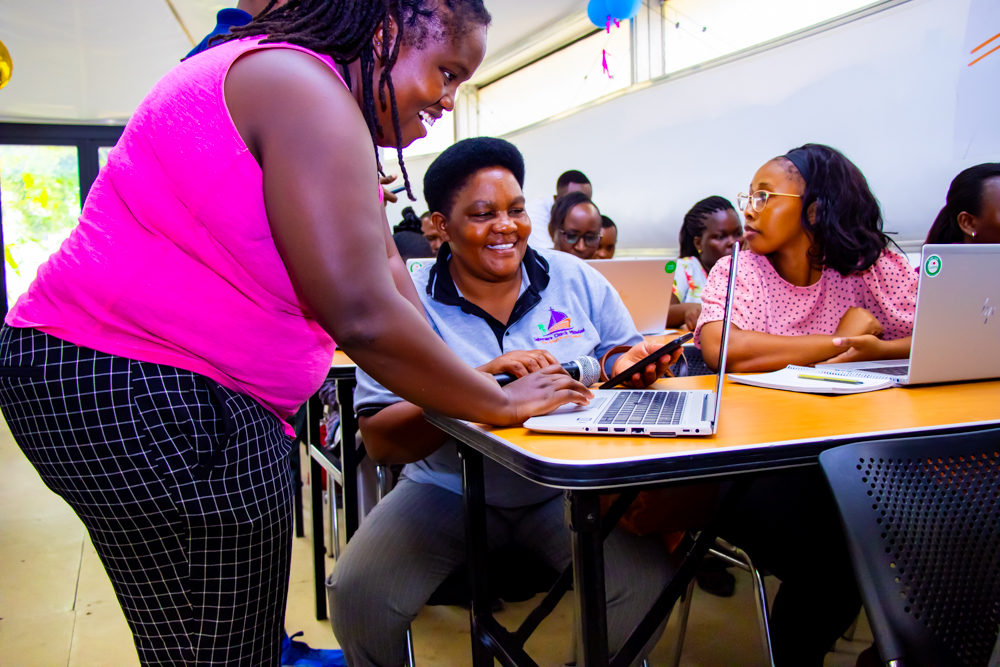
Lack of access to devices presents teachers with challenges in any setting. In schools, money is often limited and digital technology may not be the priority when buildings need maintenance or libraries need replenishing. This issue is particularly important when the very subject you teach relies on and relates to devices that you may have limited or no access to.
It must be frustrating for teachers in this situation to see marketing campaigns from companies showing how their curriculum offering will use the very latest in robotics, AI, or media production, when the teachers’ reality is that they don’t have anything like the means or resources to deliver this.
Fortunately there are approaches that can help. Below I outline some of the ways we are working with teachers to make the teaching of computing and digital literacy less resource-heavy and more accessible and equitable.
Our work with Kenyan teachers has brought the access issue into sharp focus for us. We are currently developing free resources to deliver the Kenyan curriculum to schools in Mombasa and the Frontier Counties. There are big contrasts both between and within these two areas of the country. Some schools are well equipped with digital technology, while others have very little access to any computing devices; in these schools, smartphones play a crucial role.
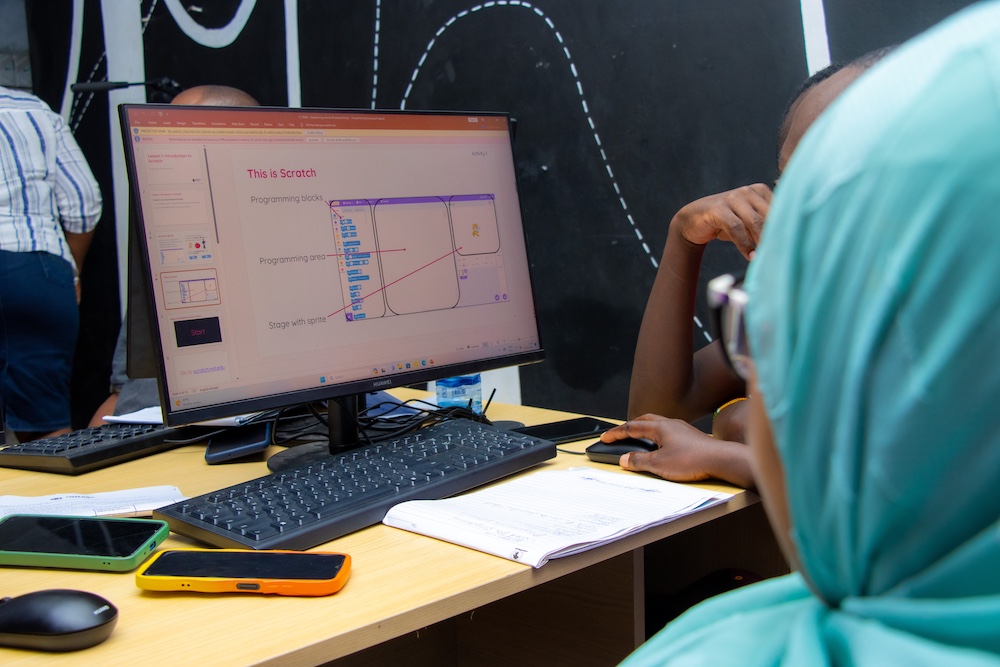
With that in mind, the curriculum resources we develop suggest class activities that make the most of limited devices, such as the use of projected demonstrations. We also provide a step-by-step guide to computing tasks, with screenshots, to guide learners through the tasks conceptually. This ensures learners understand the process and can apply their new knowledge once they gain access to the necessary devices.
We make these resources available online and in downloadable documents. This means the resources can be taken offline and taught in places without stable internet connection. We are also careful to limit file sizes, to make downloads more accessible. Wherever possible, our resources are device-agnostic, so that they can be accessed on a wide range of devices, including personal devices such as mobile phones.
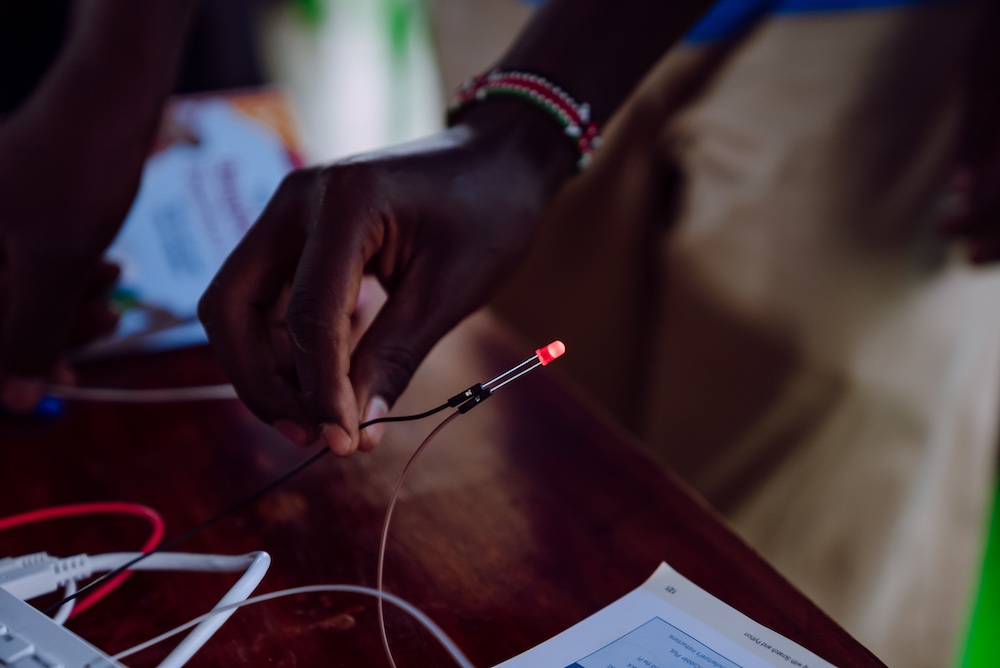
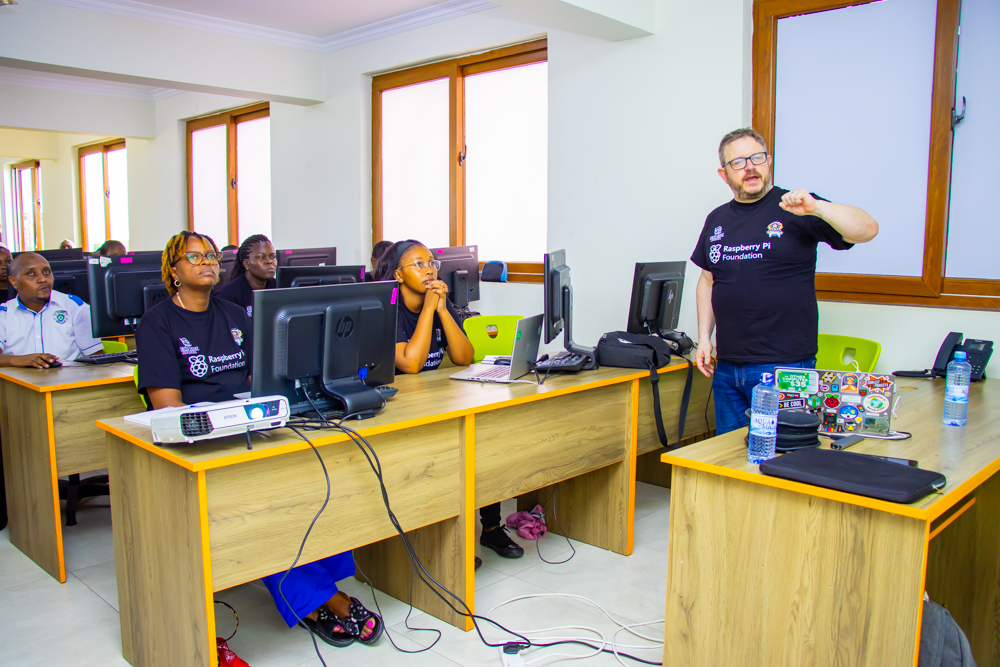
As well as tailoring curriculum resources, we have also adapted our teacher training to make it more accessible for people with less experience of using computing devices. For example, during a recent project coaching community trainers in Mombasa, we emphasised activities that improve digital skills on various devices. This meant that when passing the training on to other teachers, the community trainers had a broader set of skills across a wider range of devices.
Even computing-specific concepts such as a programming construct can, to a degree, be taught with very limited access to devices. Unplugged activities, where no digital technology is required, can be used to introduce fundamental concepts such as sequencing and repetition.
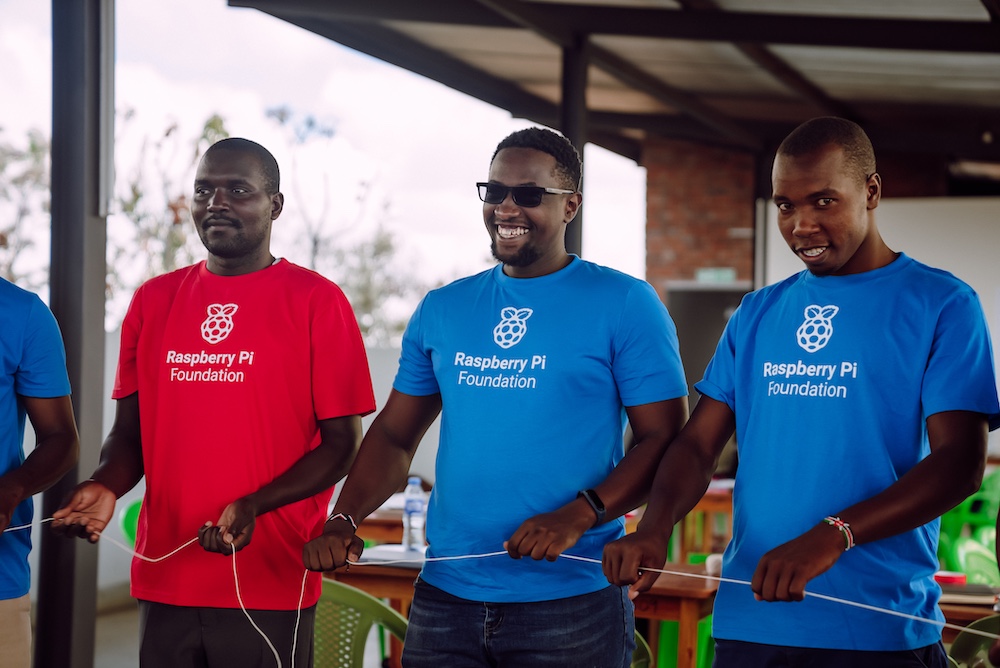
For example, you can ask learners to recognise patterns in repeating sequences of colours and identify how to describe the sequences without repeating the colours many times. While it is good practice to link the learning from an unplugged activity back to a plugged activity, students will still benefit when that is not possible.
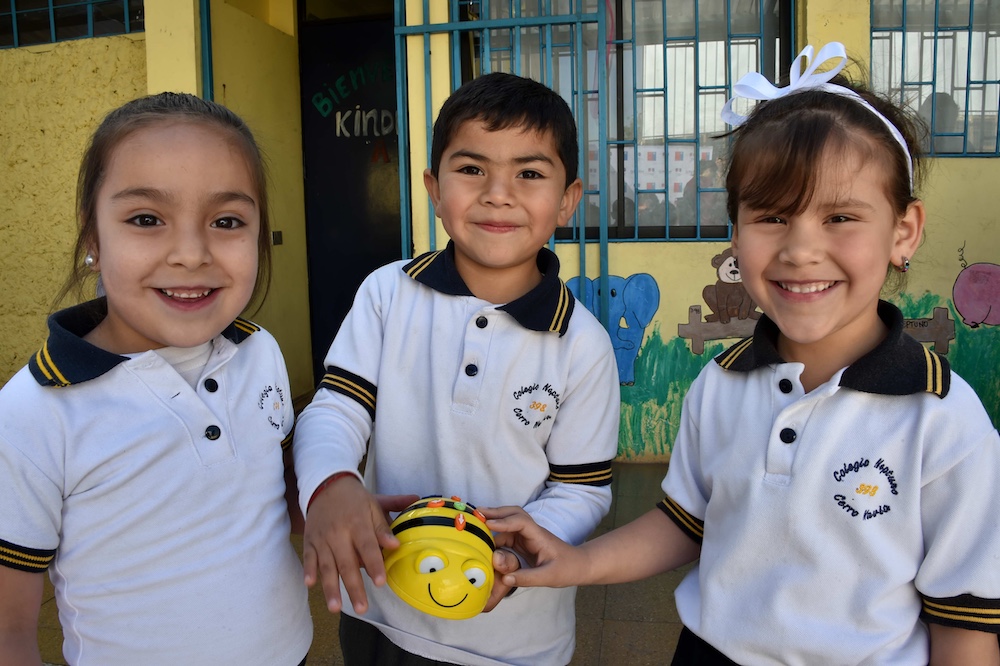
There are also a significant number of devices which offer online emulator apps that mirror the functions of the physical device. Consider Bee-Bot floor robots, which can be relatively expensive to purchase and may get damaged in a classroom. If you don’t have the physical device, its emulator app provides a similar experience.
Similarly, the micro:bit, a versatile microcontroller for young people, can be emulated in the MakeCode programming environment, including all its buttons and sensors. There are also numerous emulators which enable you to make and test your own circuits using a variety of hardware platforms.
Sometimes it can be helpful to look up what devices you actually need — they might not be as expensive as you think. General-purpose, single-board computers such as Raspberry Pi can be bought new for less than £25, and more powerful models still under £50.
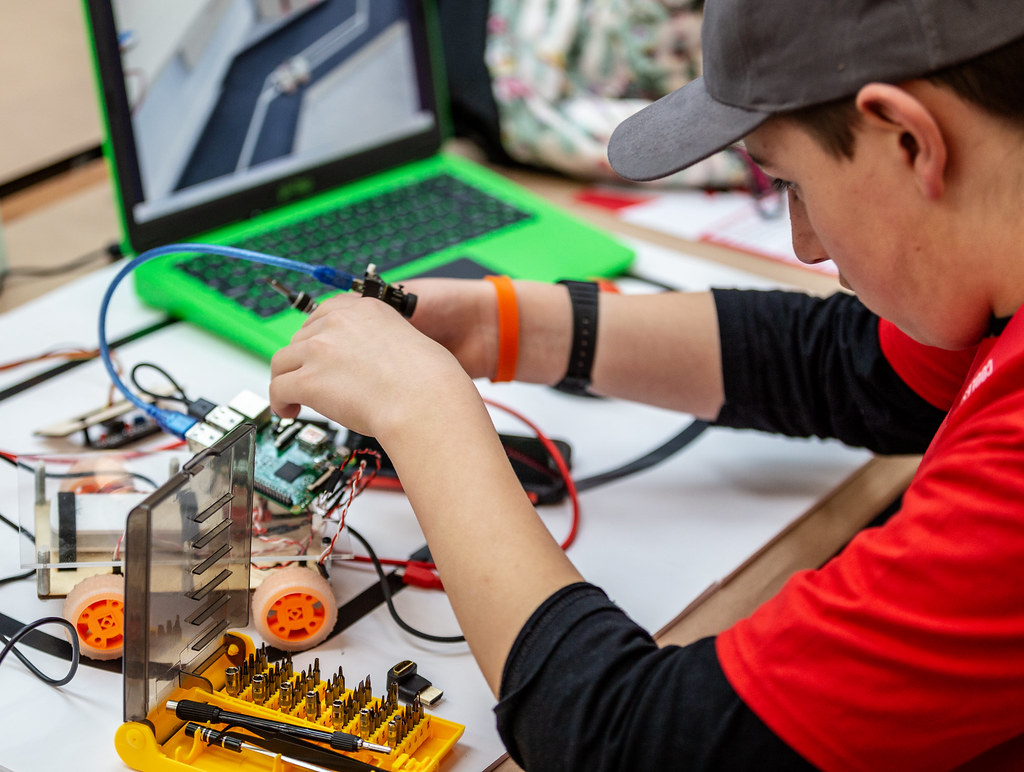
Similarly, microcontrollers such as Raspberry Pi Pico, micro:bit, or Crumble, range from about £5 to £20 per device. Accessories such as LEDs, jumper leads, motors, and buzzers are also reasonably priced. They can be a relatively low-cost entry into physical computing and robotics, especially if you pair them with craft materials or share devices between students.
However limited your access to devices is, I encourage you to:
If you have your own tips to share with fellow teachers, please comment below.
You can discover our free teacher training and classroom resources, and read about how we’ve integrated digital literacy in The Computing Curriculum.
A version of this article appears in the newest issue of Hello World magazine, which is all about digital literacy. Explore issue 26 and download your free PDF copy today.
You can also listen to our recent Hello World podcast episode exploring three teachers’ digital literacy tips for the classroom.
The post Teaching digital literacy without devices appeared first on Raspberry Pi Foundation.
The term ‘digital native’ was coined in 2001 to describe young people who grew up surrounded by technology, implying they possess an almost instinctive understanding of digital tools. But how accurate is that label today? Are they truly tech-savvy, or are they simply fluent in using user-friendly devices without a deeper understanding of how they work?
In our latest podcast episode, we explore this crucial question: does growing up with technology automatically make someone digitally literate, or just digitally dependent?
Host James Robinson (Raspberry Pi Foundation) is joined by colleague Sway Grantham, Anna Lahtinen (Haaga-Helia University), and Nicole O’Connor (Digi Know This) to unpack the complexities of digital skills, access, and education, and to explore how the label of digital native can sometimes hide broader challenges.
This episode wraps up our three-part mini-series on digital literacy. Each episode builds on the conversations from the latest issue of Hello World magazine, offering expert insight and practical ideas from educators driving real change.
We’ve assembled a panel of expert guests to discuss and debate the concept of the digital native.

Anna is an internationally recognised scholar who specialises in the transformative effects of artificial intelligence (AI) on working life, businesses, and careers. In the latest issue of Hello World, Anna and her colleague Antonia O’Connell write about assumptions regarding high digital literacy among youth in the setting of a work environment.
In the podcast, Anna explains that the term ‘digital native’ can be useful for starting conversations about the skills, access, and confidence people need to navigate technology, particularly in the workplace. However, she warns that the term can be misleading, as it often assumes that young people have strong digital skills, when many struggle with the practical demands of using technology at work.
Anna also highlights the importance of supporting young people to use technology responsibly and develop a healthy relationship with it. As she puts it:
“If we instil the right values in students, that will eventually lead to a healthy relationship with technology and ethical use of new tools in both their work and their lives.”

Nicole O’Connor is a two-time female founder who brings her expertise to improving teaching and learning through innovative EdTech, digital literacy, and accessibility.
In the podcast, Nicole challenges the idea of the digital native, calling it both problematic and overly simplistic. She explains that the term overlooks important differences, like access, privilege, and levels of exposure to technology, which all shape a person’s digital skills. For Nicole, it’s a “grey area” that proves we can’t assume young people are automatically tech-savvy just because they grew up with devices.
Nicole sees digital literacy as a journey, not something people are born with. She compares it to learning a language: while young people may be familiar with technology, they still need to develop deeper skills to become critical thinkers, careful users, and aware of issues like data privacy and online safety. As she puts it:
“They might have had some exposure, but over time they need to learn the skills to be digitally literate… They’re not even close to that.”
To hear more, listen to or watch the full episode.
You can watch or listen to each episode of our podcast on YouTube, or listen via your preferred audio streaming service, whether that’s Apple Podcasts, Spotify, or Amazon Music.
We hope this episode, along with the others in the series, inspires you and helps you to engage your students more in computing. In the comments section below, we’d love to hear your thoughts and experience around digital literacy.
The latest issue of Hello World magazine features more insightful articles on digital literacy. Don’t miss out on this discussion — subscribe to Hello World today to ensure you never miss a podcast episode or issue of the magazine.
The post Should we ditch the term ‘digital native’? The latest conversation on the podcast appeared first on Raspberry Pi Foundation.
A key part of digital literacy is ensuring that all learners, regardless of their background or gender, have equal opportunities to develop computing skills and confidence in using technology.
However, the Department for Education in the UK recently released a report highlighting the growing gender gap in maths and science education. With International Girls in ICT Day just around the corner, it’s a timely reminder of the need to empower more girls and women within the computing sector.
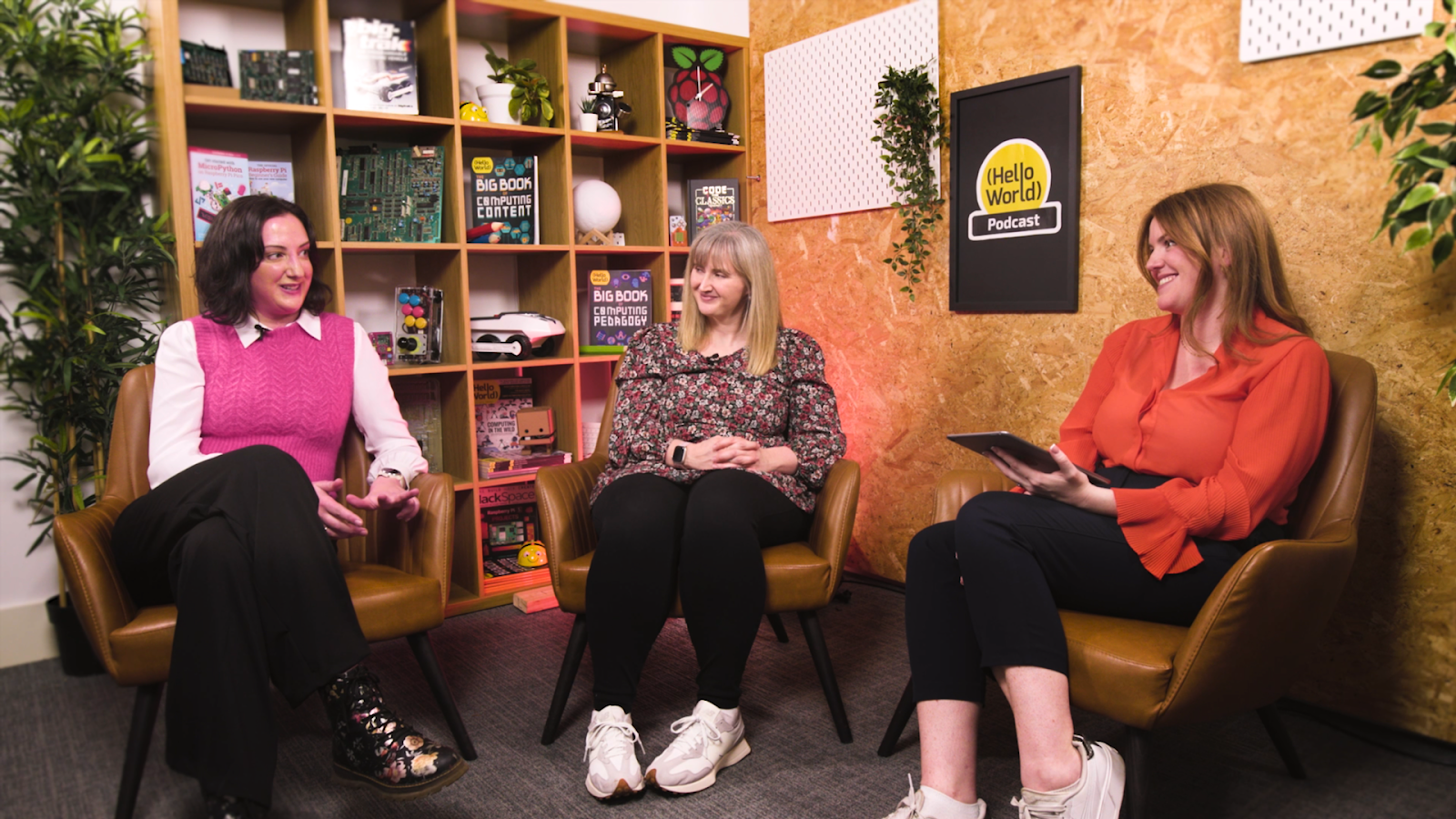
In the latest episode of the Hello World podcast, Rachel Arthur, Chief Learning Officer at the Raspberry Pi Foundation, is joined by Dr. Jessica Hamer from King’s College London and Becky Patel from Tech She Can. Together, they explore the current state of girls’ engagement in computing and what we can do to support change.
This episode is the second in our three-part mini series on digital literacy. Each episode continues the conversations featured in the latest issue of the Hello World magazine, offering expert perspectives and practical examples from educators making a difference.
The gender gap in computing refers to the disparity between the proportion of female and male students who choose computing as a subject or career. This is problematic because:
To address these issues in detail, Rachel is joined by two guests who have dedicated years to understanding and addressing the gender gap.

Dr. Jessica Hamer is a Research Associate at King’s College London. She transitioned to academic research after working for a decade as a science teacher in secondary education. With a focus on projects like the SCARI project, she investigates factors affecting girls’ performance and participation in secondary-level computing. Her work includes a key report published last year on this topic.
In the podcast, Dr. Hamer reveals concerning findings about stereotypes in computing and how early they form. She explains that beliefs portraying girls as less interested in computing emerge as early as ages five or six, which significantly hinders girls’ engagement and involvement in the field.
Further, when students were asked to name famous figures in computing, most cited white, male tech entrepreneurs who are frequently in the news. This revealed a limited view of the kinds of people involved in computing, as well as a narrow conception of tech careers, with roles in areas like climate change and social justice being overlooked. However, Jessica highlights a key insight: “We found that girls were three times more likely to suggest a female famous face”, emphasising the vital importance of female representation and the need for relatable role models.

Becky Patel is the Head of Education and Learning at Tech She Can, a UK charity focused on increasing women’s representation in technology. She has a decade of teaching experience in both primary and secondary education and now develops the ‘Tech WE Can’ educational resources, which aim to inspire all children, particularly girls, to pursue careers in technology.
In the podcast, Becky emphasises the importance of early intervention to address gender stereotypes. She advocates for introducing children to a wide range of STEM careers, and to do this not just in computing lessons but across the whole curriculum.
Another key strategy Becky highlights is showing children that they can explore their hobbies and interests further through technology, even when at first glance it might seem that technology can’t play a role. She explains:
“There are so many tech roles which you can do working behind the scenes, training the athlete, helping them with health and physiotherapy, working on goal-line technology… There’s so many cool things and when you show children this, you see the attention. You see them sit up like, hold on, she’s talking about me and the thing I love. And she’s also talking about computing.”
To hear more about how to empower girls into computing, listen to or watch the full episode.
We hope this episode inspires you and helps you to engage your students more in computing. In the comments section below, we’d love to hear your thoughts, your feedback, and any of your own tips for empowering girls and young women.
Enjoy the conversation!
Next week, in the final podcast in our mini series, we’ll be looking at the notion of the ‘digital native’. Are young people truly tech-savvy, or are they simply reliant on digital tools without understanding the underlying mechanics?
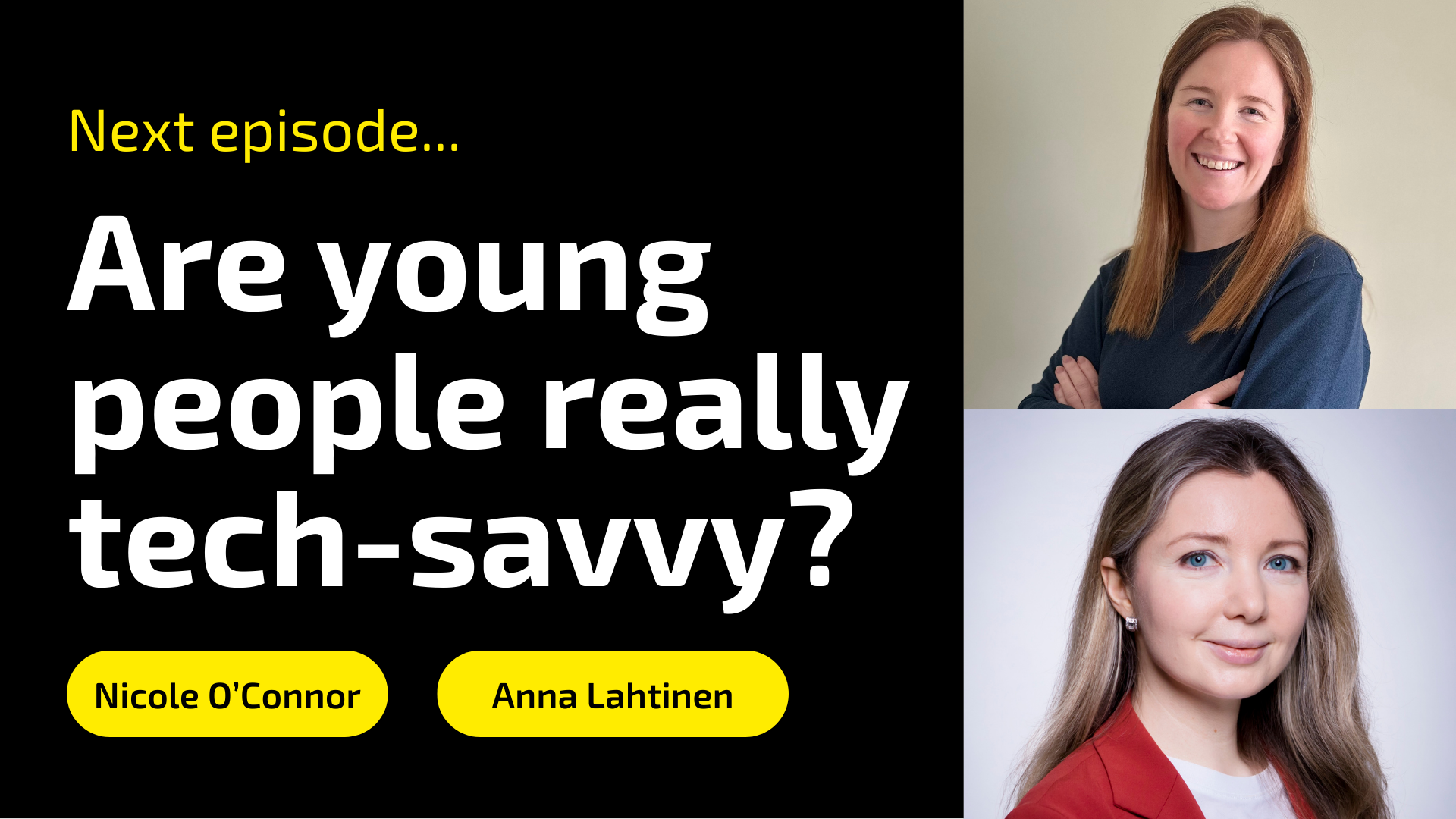
James Robinson, Senior Learning Manager at the Raspberry Pi Foundation, will be joined by fellow colleague Sway Gratham and two guest speakers, Anna Lahtinen from Haaga-Helia University and Nicole O’Connor from Digi Know This, as they debate the complexities of digital skills, access, and education. Discover how the label ‘digital native’ can mask crucial issues and learn what real digital literacy looks like today.
You can watch, or listen, to each episode of our podcast on YouTube, or listen via your preferred audio streaming service, whether that’s Apple Podcasts, Spotify, or Amazon Music.
Don’t miss out on this discussion — subscribe to Hello World today to ensure you never miss a podcast episode or issue of the magazine.
The post How can we empower girls in computing? An important conversation on the Hello World podcast appeared first on Raspberry Pi Foundation.
Are you looking to strengthen digital literacy in your classroom? In the latest episode of the Hello World podcast, three experienced teachers from the USA and the UK share practical tips they’ve used in their classrooms to help their students build digital literacy. Whether you’re just getting started with digital literacy or looking for new ideas, the episode is full of real-world advice you can apply straight away.
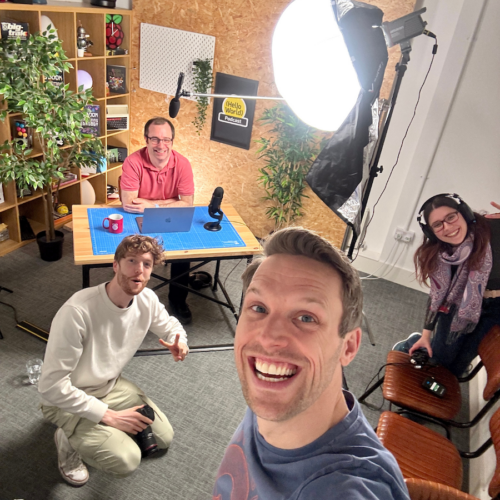
The episode also marks the launch of a new mini-series on the Hello World podcast focusing on digital literacy. Throughout the series, which totals three episodes, we’ll continue conversations that feature in the latest issue of the Hello World magazine, sharing expert insights and real-world examples from educators who are integrating digital literacy into their classrooms.
So tune in this week, then stay tuned!
We’ve got tips from three teachers whose articles feature in Hello World’s newest magazine issue.
Get ready for some top tips from Katie Dahlman, a preschool teacher and Digital Learning Specialist in Bloomington Public Schools in Minnesota, USA. With over 16 years of experience as an early childhood educator, Katie has dedicated her time to developing engaging computer science (CS) lessons for young learners.

Katie believes that digital literacy starts with building foundational skills to prepare students for their roles as digital citizens. One of the tips Katie shares in the episode emphasises the importance of integrating computational thinking into the classroom:
“My second tip for enhancing digital literacy in your classroom is to integrate computational thinking skills and vocabulary into your existing curriculum.”
Read Katie’s article ‘Tech tinkering and teamwork’ on pages 52–53 of Hello World, issue 26.
We also hear from Curt Hitchens, a computer science teacher at Saddle Ridge Elementary and Middle School in Rock Spring, Georgia, USA. Since 2018, Curt has been teaching computer science and now serves as a Virtual CS Specialist for the Georgia Department of Education.

Curt explains in the podcast that digital literacy is about equipping students with the necessary skills to use technology effectively in everyday situations and the workplace. He also shares an important tip for teachers, encouraging them to give students regular chances to engage in hands-on learning:
“Make sure that you’re providing consistent opportunities for creation and exploration within your classes.”
Read Curt’s article ‘Computer science opportunities in rural schools’ on pages 46–47 of Issue 26.
The episode also features Halima Bhayat, the Head of Computing and Digital T Levels at Ursuline High School in London, UK. Halima is an Asian Women of Achievement 2021 Finalist, a digit<all> ambassador, an Amazon teacher, and the Computing at School Merton lead for all schools.

With a wealth of experience, she emphasises that digital literacy is more than about using technology — it’s about understanding how the digital world functions, how technology shapes our daily lives, and how it impacts individuals and communities.
One of Halima’s top tips for enhancing digital literacy in the classroom is to focus on touch typing. She believes that students should be equipped with fast and efficient typing skills, as so many tasks today are online.
“My first tip would be to get [your students] touch typing, get them to start becoming faster with their fingers on those keyboards, because lots of things have become online.”
Read Halima’s article ‘From switches to success’ on pages 76–77 of Issue 26.
To hear more practical tips and discover what else our guest teachers have to say, listen to or watch the full episode here.
We hope this episode inspires you and helps you to engage your students in computing. We’d love to hear your thoughts, your feedback, and any of your own tips on the topic of digital literacy in the comments section below.
We hope you enjoy the episode!
Next week, the podcast brings you an insightful conversation featuring Rachel Arthur, Chief Learning Officer at the Raspberry Pi Foundation, Dr Jessica Hamer from King’s College London, and Becky Patel from Tech She Can.
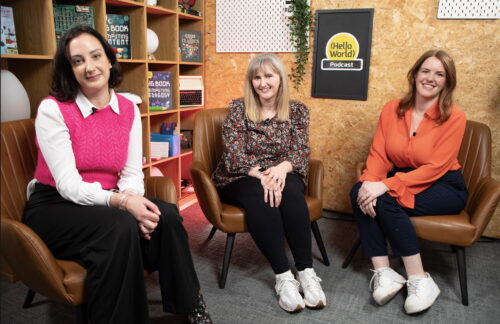
They’ll discuss the current state of girls’ engagement in computing and explore ways to empower young women in computing at school, at university, and onwards into their careers.
You can watch, or listen, to each episode of our podcast on YouTube, or listen via your preferred audio streaming service, whether that’s Apple Podcasts, Spotify, or Amazon Music.
Subscribe to Hello World today to ensure you never miss a podcast episode or issue of the magazine.
The post How to bring digital literacy into your classroom: practical tips from the Hello World podcast appeared first on Raspberry Pi Foundation.
We often believe we understand the meaning of ‘digital literacy’, but it can be a misleading term. Do we mean digital skills? Online safety? Where does AI fit in? As computer science education evolves to meet the needs of our increasingly digital world, we believe that true digital literacy empowers young people to engage with technology thoughtfully, critically, and confidently.
In this issue of Hello World, out today for free, we discuss what digital literacy means, how it is taught in different countries around the world, and how educators are rethinking digital literacy for their students and themselves.
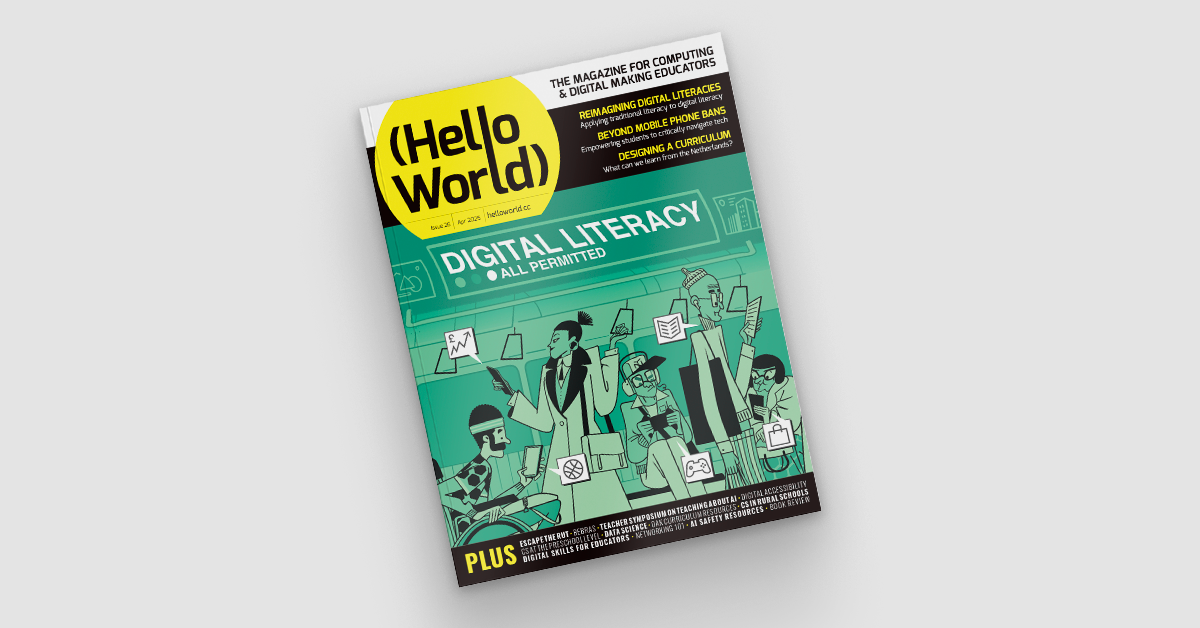
As the use of digital technology grows, a broader view of digital literacy is necessary. Digital literacy is more than knowing how to use software. It’s the ability to use digital technologies effectively, safely, and responsibly.
In Issue 26 of Hello World, we explore this topic in detail and hear insights from educators across the world, including:
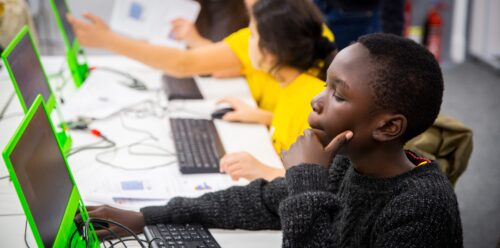
This issue also includes inspiring articles from the world of computer science education:
And there is lots more for you to discover in issue 26.
We’re also pleased to announce that the Hello World podcast has returned alongside the magazine with a miniseries also focused on digital literacy.
We asked for your thoughts on the podcast in our previous annual survey, and you kindly sent us lots of helpful feedback. Based on that, we’re trialling new episode formats, welcoming additional hosts, and bringing in more expert voices from around the world.
On Tuesday 15 April we’ll be releasing our first teacher tips episode, a shorter podcast with 3 teachers sharing practical, actionable tips for improving digital literacy in the classroom.
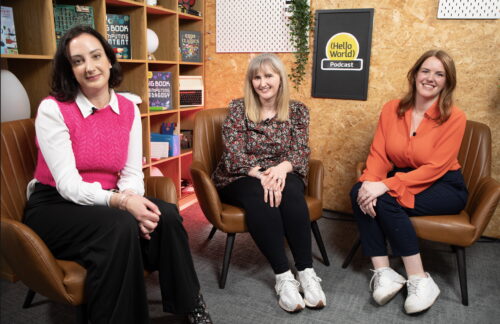
The week after, Tuesday 22 April, you’ll be able to hear a brilliant conversation between the Raspberry Pi Foundation’s Chief Learning Officer, Rachel Arthur, and two special guests: Dr Jessica Hamer from King’s College London’s School of Education, Communication and Society, and Becky Patel from Tech She Can. They’ll be discussing the current state of girls’ engagement in computing — a wide-reaching and important conversation exploring how we can empower more girls in computing through school, university and their careers.
Then on Tuesday 29 April the final episode in the miniseries will be a panel debate about “digital natives” where we’ll be asking, ‘Are young people who grew up with technology around them truly tech-savvy, or are they dependent on digital tools without understanding how they work?’ James Robinson — Senior Learning Manager here at the Raspberry Pi Foundation and regular host of the podcast — will lead this discussion as global educators debate the myth of the “digital native,” uncover how it could overlook complex issues of access, skills, and education, and consider what it really takes to be tech-smart in the modern world.
More information and links to listen can be found inside the magazine.
We hope you enjoy this issue of Hello World, and please get in touch with your article ideas or what you would like to see in the magazine.
Subscribe to Hello World for free to never miss an issue.
The post Hello World #26 out now: Digital Literacy appeared first on Raspberry Pi Foundation.
As adults, it’s easy for us to see the impact technology has had on society and on our lives. Yet when I tell pupils that, within my lifetime, it wasn’t always illegal to hold your mobile phone to your ear and have a call while driving, they are horrified. They are living in the now and don’t yet have the perspective to allow them to see the change that has happened.
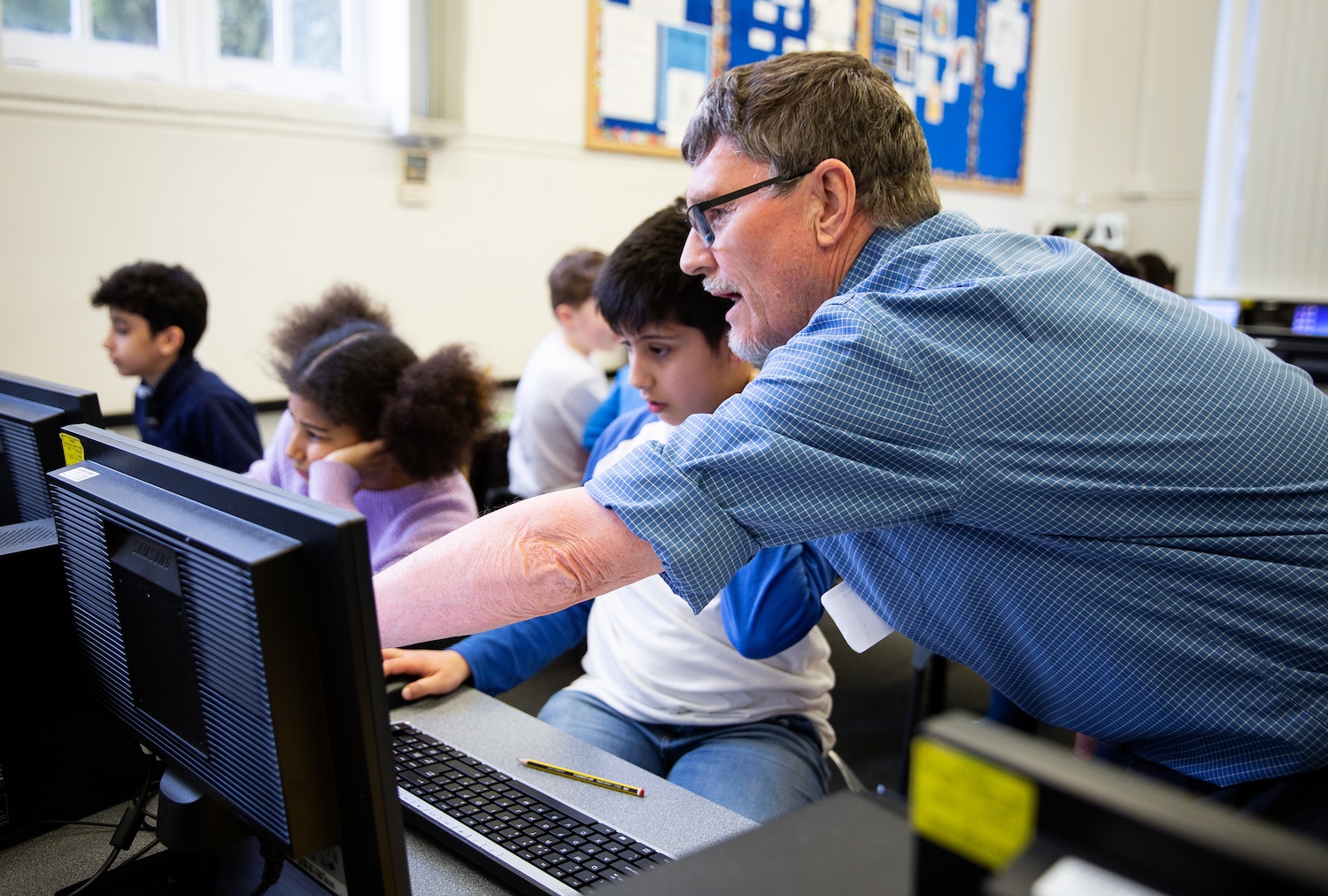
With the greater understanding we now have of technology and its impact, we can better learn from previous mistakes, make decisions around ethical behaviour (such as whether to use a phone while driving), and critically engage in real-world issues.
As teachers, allocating some time to this topic throughout the year can seem challenging, but by implementing a few small changes, the benefits might be more than you imagine. Here are three ways you can help your students explore the impact of technology.
As teachers know, some computing lessons work best when students don’t use devices, whether it’s a matter of students designing programs before starting to code them, drawing maps of their school network, or discussing the implications of bias in AI training models. It’s important that learners recognise that computers are tools — sometimes they allow us to do and achieve great things, but sometimes there are other approaches that are more suitable.
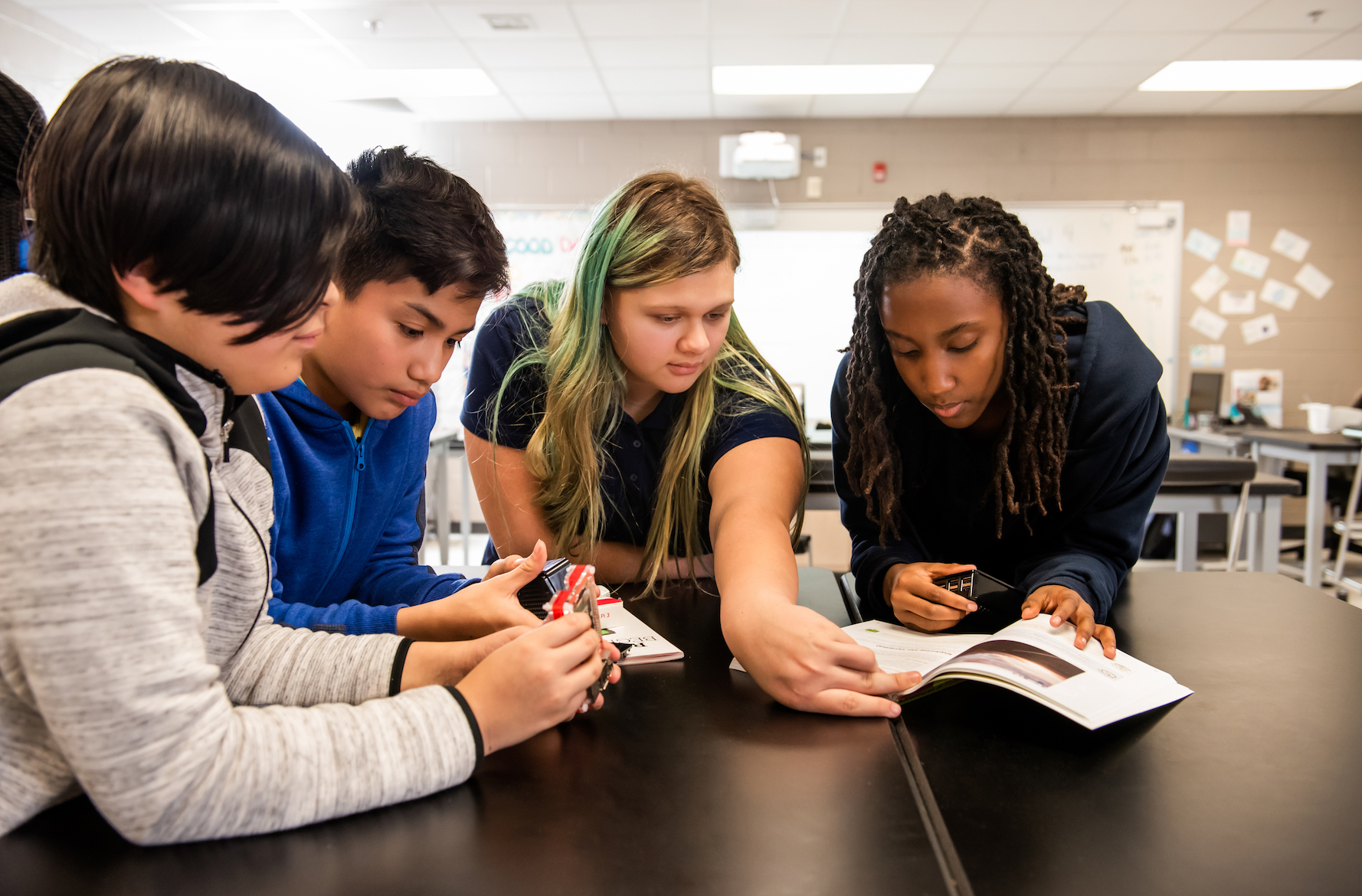
Spending time discussing the impact of technology can help learners decide for themselves when technology is an asset, and when it is a burden. Another advantage of changing the format of your computing lessons away from device usage is that they may appeal to a wider range of students. While some students may not be interested in using technology, they may enjoy debating ethics, discussing world events, or finding solutions to real-world problems — all of which can take centre stage in a more discussion-focused computing lesson.
This approach can also demonstrate to your class that lots of different skill sets are needed in the computing industry, and inspire your learners to consider career paths they might have otherwise dismissed. In addition, open, discussion-based lessons can give your learners food for thought, encouraging them to approach tasks in subsequent lessons with a greater appreciation of broader issues — whether they’re designing a program, deciding what features to build into a website, or how to structure a database.
Young people exist in an interesting space when it comes to world events. Even if they’re not engaged in current affairs, they’ll probably still encounter a lot of content about what’s happening in the world. They may see snippets of news footage on television, hear adults talking about a big event, or — with so much of their lives now happening online — stumble across trending stories and associated opinions while using social media, apps, and websites.
Young people will often try to make sense of all these bits of information, filling in the blanks. The problem is that if we don’t talk to young people about what they’re hearing, they may fill in the blanks incorrectly. Before you know it, they might be anxious that artificial intelligence will take over the world, or that adults hate TikTok for no reason.
It’s important to equip young people with the skills to think about real-world events — and developments related to technology — critically and calmly.
Headlines such as “Why the USA is banning TikTok” or self-help articles with titles like “Why muting people on social media will change your life” could make brilliant focus points for a lesson or activity about the impact of technology. Discussing these kinds of headlines and articles can help your learners consider their own opinions, apply what they know about how technology works, and gain a sense of grounding in our often turbulent world.
By encouraging your learners to articulate what they know and apply it to real-world situations, you’ll enrich their computing education while also nurturing responsible digital citizens.
The role of a computing teacher is often broad. Beyond curriculum and teaching responsibilities, it will usually involve providing tech support (changing ink in printers, for instance) and dealing with safeguarding incidents that have happened between pupils at the weekend.
Safeguarding is a key part of teaching. Effective safeguarding should include teaching your learners about what to do in difficult scenarios, like when a WhatsApp group goes awry, when an image is shared on social media when it shouldn’t have been, or when a game becomes popular that your learners aren’t old enough to play.
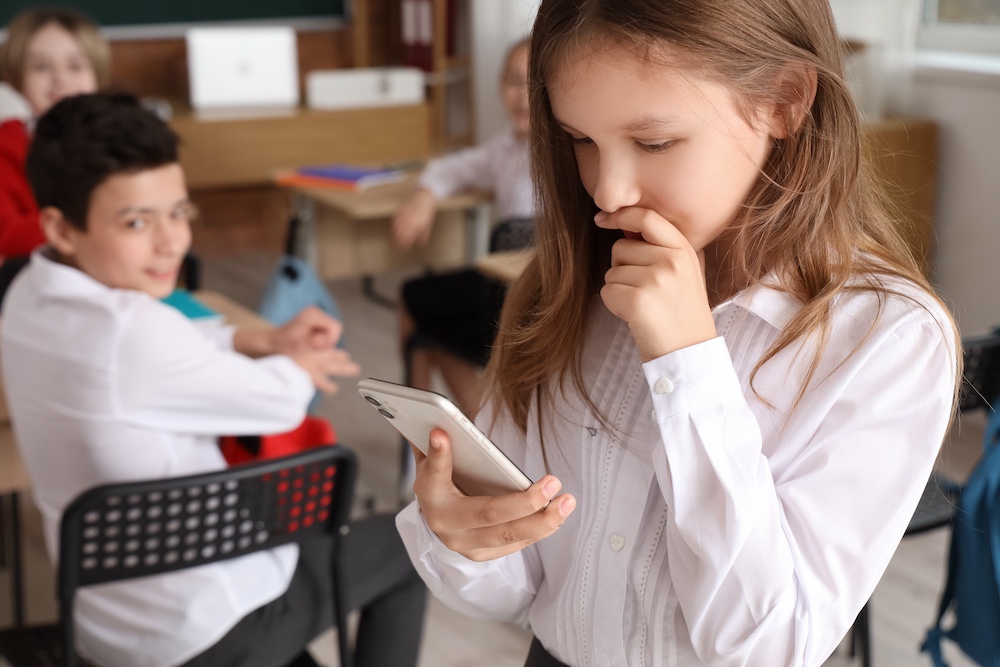
Each of these scenarios is an example of technology’s impact on our lives. It’s important that your learners know how to deal with these scenarios and can have different opinions while talking and listening to each other. Also, if your learners can do these things, it will make things easier in the future if you need to talk to a particular learner about something inappropriate they’ve done.
By encouraging your learners to have difficult conversations, you’ll practise how to navigate the tension between legality, rules from home, and best-practice advice from external sources. You’ll also have lessons that you can refer back to: “Remember when we were discussing the TikTok ban? How might some of those conversations relate to this situation? What about when we discussed when to block people on games or on social media? Would that be appropriate here?”
Technology is going to continue to impact the lives of the pupils we work with, whether they can recognise that or not. Increasing their awareness of the impact technology is having, in both positive and negative ways, will enrich your lessons, show that content is relevant to your learners, and help protect them when they have to make their own critical decisions.
There are suggestions in this article to use with learners of all ages, but if you want more support on how to teach the topic with older learners, we have an online course for educators (helloworld.cc/impactoftech) and a unit of work for 14-year-olds (helloworld.cc/ks4impact).
A version of this article also appears in Hello World issue 24.
The post Three ways to help students learn about the impact of technology appeared first on Raspberry Pi Foundation.
As an organisation with global reach, translation and localisation have been part of the Raspberry Pi Foundation’s activities from the start. Code Clubs and educational partners all over the world are helping young people learn about computing in their own language. We’ve already published over 1,900 translated learning resources, covering up to 32 languages, thanks to the work of our talented localisation team and our amazing community of volunteer translators.
English is seen by many as the language of computing, and in many countries, it’s also either the language of education or a language that young people aspire to learn. However, English is, in some instances, a barrier to learning: young people in many communities don’t have enough knowledge of English to use it to learn about digital technologies, or even if they do, the language of communication with other students, teachers, or volunteers may not be English.
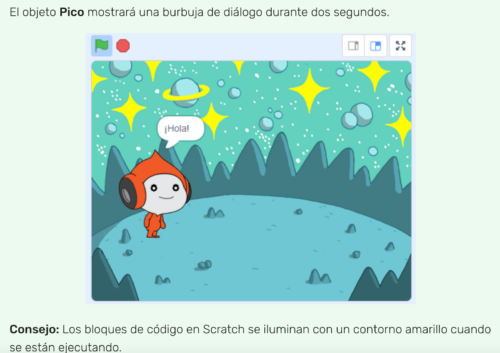
In a world where browsers can instantly translate web pages and large language models can power seemingly perfect conversations in virtually any language, it’s easy to assume that translation just happens and that somehow, technology takes care of it. Unfortunately, that’s not the case. Technology is certainly crucial to translation, but there’s much more to it than that. Our approach to translation involves considering design, process, and people to ensure that localised materials truly help young people with their learning journey.
Localisation and translation are similar terms that are often used interchangeably. Localisation normally refers to adapting a product to suit a local market, whereas translation is a subset of localisation that involves changing the language of the text. For instance, localisation includes currencies, measurements, formatting dates and numbers, and contextual references. Meanwhile, translation involves only changing the language of the text, such as from English to French.
At the Raspberry Pi Foundation, we see translation as an enabler. It enables volunteers to reach learners, learners to succeed in their educational goals, and the Foundation to achieve its mission all over the world.
1. Create with localisation in mind
Regardless of whether learning materials are intended for English-speaking or global audiences, it’s important to create and design them with localisation in mind. That way, they can be used in a variety of places, and any piece of content (text, graphics, or illustrations) can be modified to meet the needs of the target audience. Keeping localisation in mind might include allowing space for text expansion, being mindful of any text embedded in graphic elements, and even making sure the context is understandable for a variety of audiences. Making a piece of content localisable at the creation stage is virtually cost-free. Modifying fully built assets to translate them or to use them in other markets can be expensive and extremely time-consuming!
2. Always have user needs and priorities upfront
Before investing in localising or translating any materials, we seek to understand the needs and priorities of our users. In many countries where English is not the usual language of communication, materials in English are a barrier, even if some of the users have a working knowledge of English. Making materials available in local languages directly results in additional reach and enhanced learning outcomes. In other communities where English has a certain status, a more selective approach may be more appropriate. A full translation may not be expected, but translating or adapting elements within them, such as introductions, videos, infographics, or glossaries, can help engage new learners.
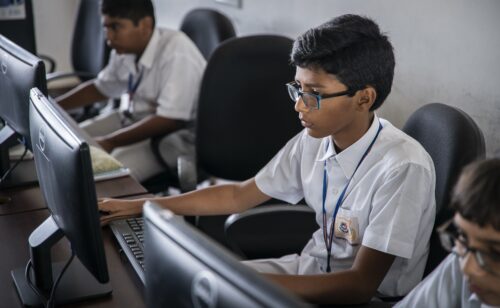
3. Maximise the use of technology
While it’s possible to translate with pen and paper, translation is only scalable with the use of technology. Computer-assisted translation tools, translation memories, terminology databases, machine translation, large language models, and so on are all technologies that play their part in making the translation process more efficient and scalable.
At the Foundation, we make use of a variety of translation technologies and also, crucially, work very closely with our content and development teams to integrate their tools and processes into the overall localisation workflow.
4. Take great care of the people
Even with the best technology and the smoothest integrations, there is a human element that is absolutely essential. Our amazing community of volunteers and partners work very closely with learners in their communities. They understand the needs of those learners and have a wealth of information and insights. We work with them to prioritise, translate, review and test the learning materials. They are key to ensuring that our learning materials help our users reach their learning goals.
Thinking about localisation from the moment we start creating learning materials, understanding the needs of users when creating our end goals, maximising the use of technology, and taking good care of our people and partners are the key principles that drive our translation effort.
If you’d like to find out more about translation at the Raspberry Pi Foundation or would like to contribute to the translation of our learning materials, feel free to contact us at translation@raspberrypi.org.
A version of this article also appears in Hello World issue 23.
The post Translating educational content: four key principles appeared first on Raspberry Pi Foundation.
Have you heard of ChatGPT, Gemini, or Claude, but haven’t tried any of them yourself? Navigating the world of large language models (LLMs) might feel a bit daunting. However, with the right approach, these tools can really enhance your teaching and make classroom admin and planning easier and quicker.
That’s where the OCEAN prompting process comes in: it’s a straightforward framework designed to work with any LLM, helping you reliably get the results you want.
The great thing about the OCEAN process is that it takes the guesswork out of using LLMs. It helps you move past that ‘blank page syndrome’ — that moment when you can ask the model anything but aren’t sure where to start. By focusing on clear objectives and guiding the model with the right context, you can generate content that is spot on for your needs, every single time.
OCEAN’s name is an acronym: objective, context, examples, assess, negotiate — so let’s begin at the top.
1. Define your objective
Think of this as setting a clear goal for your interaction with the LLM. A well-defined objective ensures that the responses you get are focused and relevant.
Maybe you need to:
By knowing exactly what you want, you can give the LLM clear directions to follow, turning a broad idea into a focused task.
2. Provide some context
This is where you give the LLM the background information it needs to deliver the right kind of response. Think of it as setting the scene and providing some of the important information about why, and for whom, you are making the document.
You might include:
All of this helps the LLM include the bigger picture in its analysis and tailor its responses to suit your needs.

3. Include examples
By showing the LLM what you’re aiming for, you make it easier for the model to deliver the kind of output you want. This is called one-shot, few-shot, or many-shot prompting, depending on how many examples you provide.
You can:
Without any examples at all (zero-shot prompting), you’ll still get a response, but it might not be exactly what you had in mind. Providing examples is like giving a recipe to follow that includes pictures of the desired result, rather than just vague instructions — it helps to ensure the final product comes out the way you want it.
4. Assess the LLM’s response
This is where you check whether what you’ve got aligns with your original goal and meets your standards.
Keep an eye out for:
A good assessment ensures that the LLM’s response is accurate and useful. Remember, LLMs don’t make decisions — they just follow instructions, so it’s up to you to guide them. This brings us neatly to the next step: negotiate the results.
5. Negotiate the results
If the first response isn’t quite right, don’t worry — that’s where negotiation comes in. You should give the LLM frank and clear feedback and tweak the output until it’s just right. (Don’t worry, it doesn’t have any feelings to be hurt!)
When you negotiate, tell the LLM if it made any mistakes, and what you did and didn’t like in the output. Tell it to ‘Add a bit at the end about …’ or ‘Stop using the word “delve” all the time!’

Another excellent tip is to use descriptors for the desired tone of the document in your negotiations with the LLM, such as, ‘Make that output slightly more casual.’
In this way, you can guide the LLM to be:
Remember: LLMs have no idea what their output says or means; they are literally just very powerful autocomplete tools, just like those in text messaging apps. It’s up to you, the human, to make sure they are on the right track.
Even after you’ve refined the LLM’s response, it’s important to do a final human edit. This is your chance to make sure everything’s perfect, checking for accuracy, clarity, and anything the LLM might have missed. LLMs are great tools, but they don’t catch everything, so your final touch ensures the content is just right.
At a certain point it’s also simpler and less time-consuming for you to alter individual words in the output, or use your unique expertise to massage the language for just the right tone and clarity, than going back to the LLM for a further iteration.

Now it’s time to put the OCEAN process into action! Log in to your preferred LLM platform, take a simple prompt you’ve used before, and see how the process improves the output. Then share your findings with your colleagues. This hands-on approach will help you see the difference the OCEAN method can make!
Sign up for a free account at one of these platforms:
By embracing the OCEAN prompting process, you can quickly and easily make LLMs a valuable part of your teaching toolkit. The process helps you get the most out of these powerful tools, while keeping things ethical, fair, and effective.
If you’re excited about using AI in your classroom preparation, and want to build more confidence in integrating it responsibly, we’ve got great news for you. You can sign up for our totally free online course on edX called ‘Teach Teens Computing: Understanding AI for Educators’ (helloworld.cc/ai-for-educators). In this course, you’ll learn all about the OCEAN process and how to better integrate generative AI into your teaching practice. It’s a fantastic way to ensure you’re using these technologies responsibly and ethically while making the most of what they have to offer. Join us and take your AI skills to the next level!
A version of this article also appears in Hello World issue 25.
The post Ocean Prompting Process: How to get the results you want from an LLM appeared first on Raspberry Pi Foundation.
Since they became publicly available at the end of 2022, generative AI tools have been hotly discussed by educators: what role should these tools for generating human-seeming text, images, and other media play in teaching and learning?
Two years later, the one thing most people agree on is that, like it or not, generative AI is here to stay. And as a computing educator, you probably have your learners and colleagues looking to you for guidance about this technology. We’re sharing how educators like you are approaching generative AI in issue 25 of Hello World, out today for free.
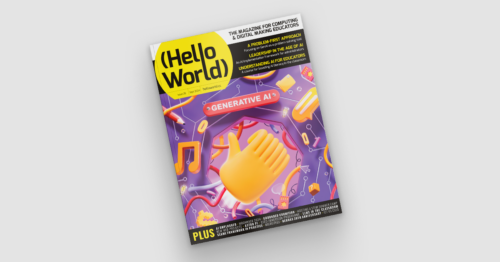
Since our ‘Teaching and AI’ issue a year ago, educators have been making strides grappling with generative AI’s place in their classroom, and with the potential risks to young people. In this issue, you’ll hear from a wide range of educators who are approaching this technology in different ways.
For example:
This issue also includes practical solutions to problems that are unique to computer science educators:
And there is lots more for you to discover in issue 25.
Whether or not you use generative AI as part of your teaching practice, it’s important for you to be aware of AI technologies and how your young people may be interacting with it. In his article “A problem-first approach to the development of AI systems”, Ben Garside from our team affirms that:
“A big part of our job as educators is to help young people navigate the changing world and prepare them for their futures, and education has an essential role to play in helping people understand AI technologies so that they can avoid the dangers.
Our approach at the Raspberry Pi Foundation is not to focus purely on the threats and dangers, but to teach young people to be critical users of technologies and not passive consumers. […]
Our call to action to educators, carers, and parents is to have conversations with your young people about generative AI. Get to know their opinions on it and how they view its role in their lives, and help them to become critical thinkers when interacting with technology.”
Computing teachers are being asked again to teach something that they didn’t study. With generative AI as with all things computing, we want to support your teaching and share your successes. We hope you enjoy this issue of Hello World, and please get in touch with your article ideas or what you would like to see in the magazine.
We’d like to thank Oracle for supporting this issue.
The post Hello World #25 out now: Generative AI appeared first on Raspberry Pi Foundation.
Do you remember a time before social media? Mobile phones? Email? We are surrounded by digital technology, and new applications impact our lives whether we engage with them or not. Issue 24 of Hello World, out today for free, gives you ideas for how to help your learners think openly and critically about technology.
For learners to become informed, empowered citizens, they need to understand the impact technology has on them as individuals, and on society as a whole. In our brand-new issue of Hello World, educators share insights from their work in and around classrooms that will help you engage your learners in learning about and discussing the impact of tech.
For example:
This issue also includes stories on how educators use technology to create a positive impact for learners:
And there is lots more for you to discover in issue 24.
The issue also covers how you can make time to teach about the impact of technology in an already packed curriculum. Sway Grantham, Senior Learning Manager at the Raspberry Pi Foundation, says in her article:
“As adults, it is easy for us to see the impact technology has had on society and on our lives. Yet when I tell pupils that, within my lifetime, it wasn’t always illegal to hold your mobile phone to your ear and have a call while driving, they are horrified. They are living in the now and don’t yet have the perspective to allow them to see the change that has happened. However, knowing the impact of technology allows us to learn from previous mistakes, to make decisions around ethical behaviour (such as using a phone while driving), and to critically engage in real-world issues.
As teachers, allocating some time to this topic throughout the year can seem challenging, but with a few small changes, the impact might be more than you can imagine.”
With so many aspects of life impacted by technology, computing educators play a crucial role in supporting young people to become informed, empowered citizens. We hope you enjoy this issue of Hello World and find it useful in your teaching.
The post Hello World #24 out now: Impact of tech appeared first on Raspberry Pi Foundation.
Through the Hello World podcast, we help to connect computing educators around the world and share their experiences. In each episode, we expand on a topic from a recent Hello World magazine issue. After 5 seasons, and a break last year, we are back with season 6 today.

In the recent ‘Teaching & AI’ issue of Hello World, our CEO Philip Colligan discussed what AI means for computing education, including for learning to program. And our first new podcast episode is all about this question, which every computing educator has probably thought about at least once in recent months: Do kids still need to learn how to code?
Joining my co-host Veronica and me are two computing educators: Pete Dring, Head of Computing at Fulford School in York, and Chris Coetzee, a computer science teacher for 24 years and currently a PhD student in Computer Science Education at Abertay Dundee. Given the recent developments in AI-based code generators, we talk about whether such tools will remove our learners’ need to learn to code or simply change what coding, and learning to code, looks like*.
New episode of season 6 will come out every 2 weeks. In each episode we explore computing, coding, and digital making education by delving into an exciting topic together with our guests: experts, practitioners, and other members of the Hello World community.
Also in season 6, we’ll explore:
We discuss the value and importance of being connected to other computing educators through the many different teaching communities that exist around the world. What makes effective communities, and how do we build and sustain them?
From classroom lessons to challenges and competitions, there are lots of opportunities for learners to discover cybersecurity. There are also many pitfalls where learners’ online activities put them at risk of breaking the law. We discuss some of these pitfalls along with the many career opportunities in cybersecurity.
What is involved in becoming an effective computing educator? What knowledge, skills, and behaviours are needed, and how do we go about developing them? We sit down with teacher trainers and trainees to explore this topic.
Computing education has come a long way in the last decade in terms of practice and policy, as well as research. Together with our guests we discuss where computing education is today around the world, and we consider the lessons we can learn and the challenges ahead
AI continues to be a disruptive technology in many spaces, and the classroom is no exception. We hear examples of practices and approaches being explored by teachers in the classroom.
If you’ve not listened to the Hello World podcast yet, there are 5 whole seasons for you to discover. We talk about everything from ecology and quantum computing to philosophy, ethics, and inclusion, and our conversations always focus on the practicalities of teaching in the classroom.

Many of our podcast guests are Hello World authors, so if you’re an educator who wants to share your insights into how to teach young people about digital technology, please let us know. Your words could end up in the pages as well as on the airwaves of Hello World.
You’ll find the upcoming Hello World season and past episodes on your favourite podcast platform, including YouTube now, where you can also subscribe to never miss an episode. Alternatively, you can listen here via your browser.
* If you want to dive into the newest research on programming education with and without AI, check out our current seminar series.
The post Season 6 of the Hello World podcast is here appeared first on Raspberry Pi Foundation.
How is computing taught around the globe? Our brand-new, free issue of Hello World, out today, paints a picture for you. It features stories from over 20 countries, where educators, researchers, and volunteers share their work and their personal challenges and joys in bringing computing education to their part of the world.
In Hello World issue 23, you’ll hear about countries where computing is an official school subject and how it was set up that way, and you’ll hear about countries that are newer to computing education and working to fast-track their students’ learning.
And there is lots more for you to discover in issue 23.
Sue Sentance, director of the Raspberry Pi Computing Education Research Centre at the University of Cambridge, says in her article:
“Our own experience of implementing computing education in England since 2014 has shown the importance of teachers supporting each other, and how various networks … are instrumental in bringing computing teachers together to share knowledge and experiences. With so many countries introducing computing education, and teachers around the globe facing similar challenges, maybe we need to extend this to a global teacher network, where teachers and policymakers can share good practice and learn from each other. “
We aim for Hello World magazine to be one of the places where this sharing, exchange, and learning can take place. Subscribe for free to never miss an issue, and find out how you can write for the magazine.
Research highlights the importance of computing education to young people’s futures, whether or not they pursue a degree or career in the area. From teaching computing in schools where the electricity cuts out, to incorporating artificial intelligence into curricula in different countries, and to teaming up with local governments when there isn’t a national computing curriculum, educators are doing wonderful things around the globe to make sure the young people they support have the opportunity to learn. Read their stories today.
Also in issue 23:
And much, much more.
Send us a message or tag us on social media to let us know which articles have made you think, and most importantly, which will help you with your teaching. And to hear monthly news about Hello World and the whole Raspberry Pi Foundation, sign up to the Hello World newsletter.
The post Hello World #23 out now: Global exchange of computing education ideas appeared first on Raspberry Pi Foundation.
In the rapidly evolving digital landscape, students are increasingly interacting with AI-powered applications when listening to music, writing assignments, and shopping online. As educators, it’s our responsibility to equip them with the skills to critically evaluate these technologies.
A key aspect of this is understanding ‘explainability’ in AI and machine learning (ML) systems. The explainability of a model is how easy it is to ‘explain’ how a particular output was generated. Imagine having a job application rejected by an AI model, or facial recognition technology failing to recognise you — you would want to know why.
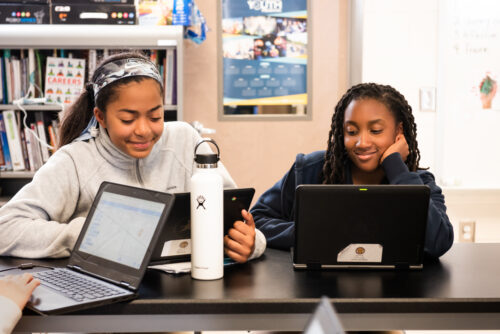
Establishing standards for explainability is crucial. Otherwise we risk creating a world where decisions impacting our lives are made by opaque systems we don’t understand. Learning about explainability is key for students to develop digital literacy, enabling them to navigate the digital world with informed awareness and critical thinking.
AI models can have a significant impact on people’s lives in various ways. For instance, if a model determines a child’s exam results, parents and teachers would want to understand the reasoning behind it.
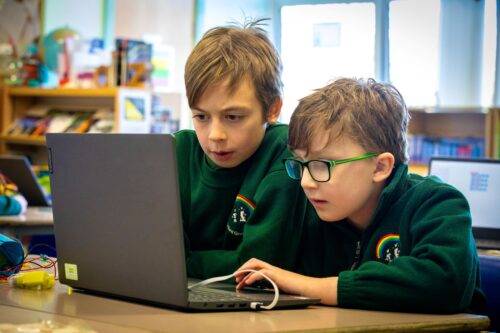
Artists might want to know if their creative works have been used to train a model and could be at risk of plagiarism. Likewise, coders will want to know if their code is being generated and used by others without their knowledge or consent. If you came across an AI-generated artwork that features a face resembling yours, it’s natural to want to understand how a photo of you was incorporated into the training data.
Explainability is about accountability, transparency, and fairness, which are vital lessons for children as they grow up in an increasingly digital world.
There will also be instances where a model seems to be working for some people but is inaccurate for a certain demographic of users. This happened with Twitter’s (now X’s) face detection model in photos; the model didn’t work as well for people with darker skin tones, who found that it could not detect their faces as effectively as their lighter-skinned friends and family. Explainability allows us not only to understand but also to challenge the outputs of a model if they are found to be unfair.
In essence, explainability is about accountability, transparency, and fairness, which are vital lessons for children as they grow up in an increasingly digital world.
Some models, like decision trees, regression curves, and clustering, have an in-built level of explainability. There is a visual way to represent these models, so we can pretty accurately follow the logic implemented by the model to arrive at a particular output.
By teaching students about AI explainability, we are not only educating them about the workings of these technologies, but also teaching them to expect transparency as they grow to be future consumers or even developers of AI technology.
A decision tree works like a flowchart, and you can follow the conditions used to arrive at a prediction. Regression curves can be shown on a graph to understand why a particular piece of data was treated the way it was, although this wouldn’t give us insight into exactly why the curve was placed at that point. Clustering is a way of collecting similar pieces of data together to create groups (or clusters) with which we can interrogate the model to determine which characteristics were used to create the groupings.
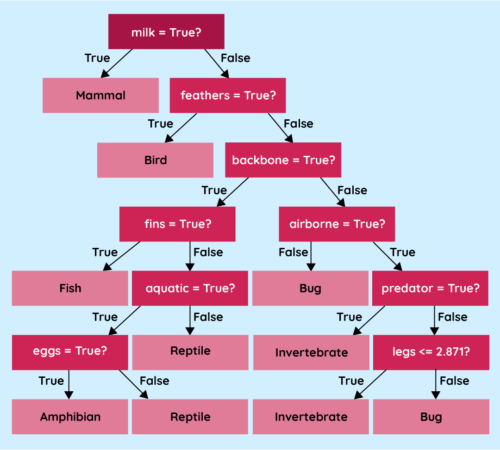
However, the more powerful the model, the less explainable it tends to be. Neural networks, for instance, are notoriously hard to understand — even for their developers. The networks used to generate images or text can contain millions of nodes spread across thousands of layers. Trying to work out what any individual node or layer is doing to the data is extremely difficult.
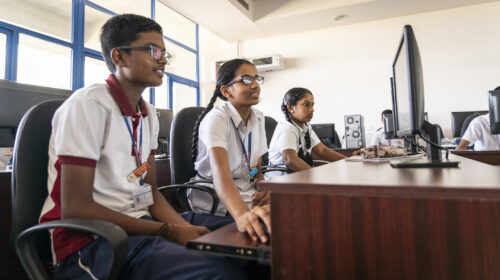
Regardless of the complexity, it is still vital that developers find a way of providing essential information to anyone looking to use their models in an application or to a consumer who might be negatively impacted by the use of their model.
One suggested strategy to add transparency to these models is using model cards. When you buy an item of food in a supermarket, you can look at the packaging and find all sorts of nutritional information, such as the ingredients, macronutrients, allergens they may contain, and recommended serving sizes. This information is there to help inform consumers about the choices they are making.
Model cards attempt to do the same thing for ML models, providing essential information to developers and users of a model so they can make informed choices about whether or not they want to use it.
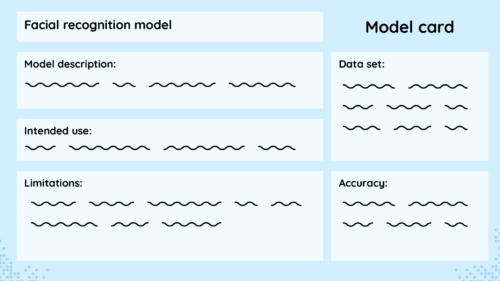
Model cards include details such as the developer of the model, the training data used, the accuracy across diverse groups of people, and any limitations the developers uncovered in testing.
Model cards should be accessible to as many people as possible.
A real-world example of a model card is Google’s Face Detection model card. This details the model’s purpose, architecture, performance across various demographics, and any known limitations of their model. This information helps developers who might want to use the model to assess whether it is fit for their purpose.
As the world settles into the new reality of having the amazing power of AI models at our disposal for almost any task, we must teach young people about the importance of transparency and responsibility.
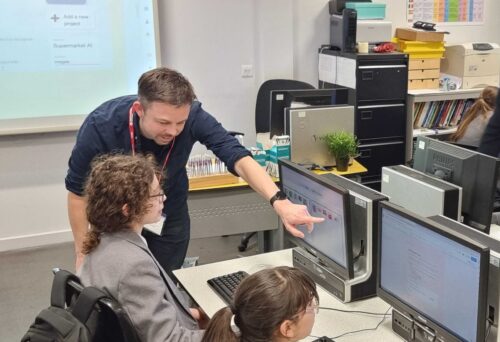
As a society, we need to have hard discussions about where and when we are comfortable implementing models and the consequences they might have for different groups of people. By teaching students about explainability, we are not only educating them about the workings of these technologies, but also teaching them to expect transparency as they grow to be future consumers or even developers of AI technology.
Most importantly, model cards should be accessible to as many people as possible — taking this information and presenting it in a clear and understandable way. Model cards are a great way for you to show your students what information is important for people to know about an AI model and why they might want to know it. Model cards can help students understand the importance of transparency and accountability in AI.
This article also appears in issue 22 of Hello World, which is all about teaching and AI. Download your free PDF copy now.
If you’re an educator, you can use our free Experience AI Lessons to teach your learners the basics of how AI works, whatever your subject area.
The post Teaching about AI explainability appeared first on Raspberry Pi Foundation.
Young children have a unique perspective on the world they live in. They often seem oblivious to what’s going on around them, but then they will ask a question that makes you realise they did get some insight from a news story or a conversation they overheard. This happened to me with a class of ten-year-olds when one boy asked, with complete sincerity and curiosity, “And is that when the zombie apocalypse happened?” He had unknowingly conflated the Great Plague with television depictions of zombies taking over the world.

Absorbing media and assimilating it into your existing knowledge is a challenge, and this is a concern when the media is full of big, scary headlines about artificial intelligence (AI) taking over the world, stealing jobs, and being sentient. As teachers and parents, you don’t need to know all the details about AI to answer young people’s questions, but you can avoid accidentally introducing alternate conceptions. This article offers some top tips to help you point those inquisitive minds in the right direction.

Technology companies like to anthropomorphise their products and give them friendly names. Why? Because it makes their products seem more endearing and less scary, and makes you more likely to include them in your lives. However, when you think of AI as a human with a name who needs you to say ‘please’ or is ‘there to help you’, you start to make presumptions about how it works, what it ‘knows’, and its morality. This changes what we ask, how much we trust an AI device’s responses, and how we behave when using the device. The device, though, does not ‘see’ or ‘know’ anything; instead, it uses lots of data to make predictions. Think of word association: if I say “bread”, I predict that a lot of people in the UK will think “butter”. Here, I’ve used the data I’ve collected from years of living in this country to predict a reasonable answer. This is all AI devices are doing.

[AI] does not ‘see’ or ‘know’ anything; instead, it uses lots of data to make predictions.
When talking to young children about AI, try to avoid using pronouns such as ‘she’ or ‘he’. Where possible, avoid giving devices human names, and instead call them “computer”, to reinforce the idea that humans and computers are very different. Let’s imagine that a child in your class says, “Alexa told me a joke at the weekend — she’s funny!” You could respond, “I love using computers to find new jokes! What was it?” This is just a micro-conversation, but with it, you are helping to surreptitiously challenge the child’s perception of Alexa and the role of AI in it.
Where possible, avoid giving devices human names, and instead call them ‘computer’, to reinforce the idea that humans and computers are very different.
Another good approach is to remember to keep your emotions separate from computers, so as not to give them human-like characteristics: don’t say that the computer ‘hates’ you, or is ‘deliberately ignoring’ you, and remember that it’s only ‘helpful’ because it was told to be. Language is important, and we need to continually practise avoiding anthropomorphism.
The media plays a huge role in what we imagine when we talk about AI. For the media, the challenge is how to make lines of code and data inside a computer look exciting and recognisable to their audiences. The answer? Robots! When learners hear about AI taking over the world, it’s easy for them to imagine robots like those you’d find in a Marvel movie. Yet the majority of AI exists within systems they’re already aware of and are using — you might just need to help draw their attention to it.
Even better than just calling out uses of AI: try to have conversations about when things go wrong and AI systems suggest silly options.
For example, when using a word processor, you can highlight to learners that the software sometimes predicts what word you want to type next, and that this is an example of the computer using AI. When learners are using streaming services for music or TV and the service predicts something that they might want to watch or listen to next, point out that this is using AI technology. When they see their parents planning a route using a satnav, explain that the satnav system uses data and AI to plan the best route.
Even better than just calling out uses of AI: try to have conversations about when things go wrong and AI systems suggest silly options. This is a great way to build young people’s critical thinking around the use of computers. AI systems don’t always know best, because they’re just making predictions, and predictions can always be wrong.
There’s a delicate balance between acknowledging the limitations of AI and portraying it as a problematic tool that we shouldn’t use. AI offers us great opportunities to improve the way we work, to get us started on a creative project, or to complete mundane tasks. However, it is just a tool, and tools complement the range of skills that humans already have. For example, if you gave an AI chatbot app the prompt, ‘Write a setting description using these four phrases: dark, scary, forest, fairy tale’, the first output from the app probably wouldn’t make much sense. As a human, though, you’d probably have to do far less work to edit the output than if you had had to write the setting description from scratch. Now, say you had the perfect example of a setting description, but you wanted 29 more examples, a different version for each learner in your class. This is where AI can help: completing a repetitive task and saving time for humans.

To help children understand how AI and humans complement each other, ask them the question, ‘What can’t a computer do?’ Answers that I have received before include, ‘Give me a hug’, ‘Make me laugh’, and ‘Paint a picture’, and these are all true. Can Alexa tell you a joke that makes you laugh? Yes — but a human created that joke. The computer is just the way in which it is being shared. Even with AI ‘creating’ new artwork, it is really only using data from something that someone else created. Humans are required.
Overall, we must remember that young children are part of a world that uses AI, and that it is likely to be ever more present in the future. We need to ensure that they know how to use AI responsibly, by minimising their alternate conceptions. With our youngest learners, this means taking care with the language you choose and the examples you use, and explaining AI’s role as a tool.
To help children understand how AI and humans complement each other, ask them the question, ‘What can’t a computer do?’
These simple approaches are the first steps to empowering children to go on to harness this technology. They also pave the way for you to simply introduce the core concepts of AI in later computing lessons without first having to untangle a web of alternate conceptions.
This article also appears in issue 22 of Hello World, which is all about teaching and AI. Download your free PDF copy now.
If you’re an educator, you can use our free Experience AI Lessons to teach your learners the basics of how AI works, whatever your subject area.
The post AI isn’t just robots: How to talk to young children about AI appeared first on Raspberry Pi Foundation.
Recent developments in artificial intelligence are changing how the world sees computing and challenging computing educators to rethink their approach to teaching. In the brand-new issue of Hello World, out today for free, we tackle some big questions about AI and computing education. We also get practical with resources for your classroom.
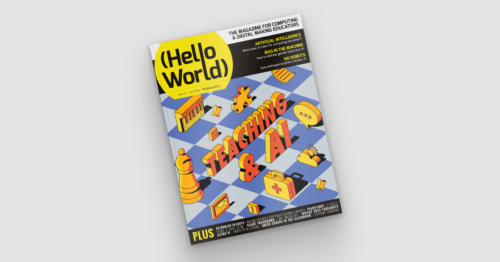
In their articles for issue 22, educators explore a range of topics related to teaching and AI, including what is AI literacy and how do we teach it; gender bias in AI and what we can do about it; how to speak to young children about AI; and why anthropomorphism hinders learners’ understanding of AI.
Our feature articles also include a research digest on AI ethics for children, and of course hands-on examples of AI lessons for your learners.
Hello World issue 22 is a comprehensive snapshot of the current landscape of AI education. Ben Garside, Learning Manager for our Experience AI programme and guest editor of this issue, says:
“When I was teaching in the classroom, I used to enjoy getting to grips with new technological advances and finding ways in which I could bring them into school and excite the students I taught. Occasionally, during the busiest of times, I’d also look longingly at other subjects and be jealous that their curriculum appeared to be more static than ours (probably a huge misconception on my behalf).”
It’s inspiring for me to see how the education community is reacting to the opportunities that AI can provide.
Ben Garside
“It’s inspiring for me to see how the education community is reacting to the opportunities that AI can provide. Of course, there are elements of AI where we need to tread carefully and be very cautious in our approach, but what you’ll see in this magazine is educators who are thinking creatively in this space.”
AI is a topic we’ve addressed before in Hello World, and we’ll keep covering this rapidly evolving area in future. We hope this issue gives you plenty of ideas to take away and build upon.
Also in issue 22:
You can download your free PDF issue now, or purchase a print copy from our store. UK-based subscribers for a free print edition can expect their copies to arrive in the mail this week.
Send us a message or tag us on social media to let us know which articles have made you think and, most importantly, which will help you with your teaching.
The post Hello World #22 out now: Teaching & AI appeared first on Raspberry Pi Foundation.
Launched six years ago, Hello World magazine is the education magazine about computing and digital making. It’s made for educators by educators, and a community of teachers around the world reads and contributes to every issue. We’re now starting a monthly Hello World newsletter to bring you more great content for computing educators while you await each new magazine issue.
The Hello World community is an amazing group of people, and we love hearing your ideas about what could make Hello World even better at supporting your classroom practice. That’s why we host a fun and informative Hello World podcast to chat with educators around the globe about all things computing and digital making, and why we regularly share some of our favourite past magazine articles online to keep the conversation on important topics going.
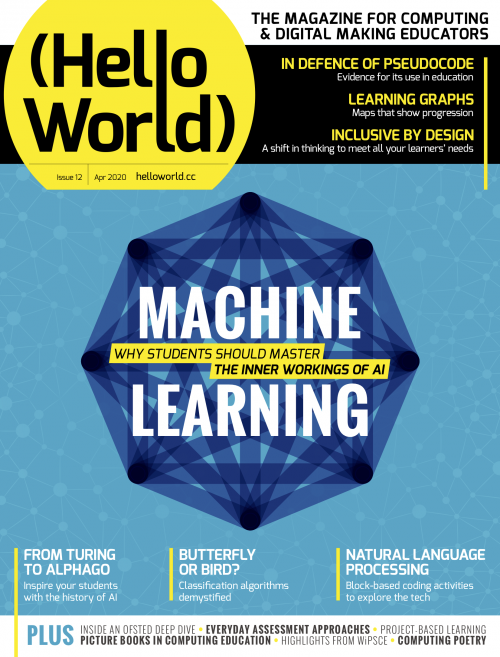
Now we’re starting a monthly newsletter to offer you another way to get regular computing education ideas and insights you can use in your teaching. Every month, we’ll be curating a couple of interesting Hello World articles, plus news about the free education resources, research, community stories, and events from the Foundation. You can expect bite-size summaries of all items, plus links for you to explore more in your own time.
Keep up with all of the education news from the Raspberry Pi Foundation and Hello World by signing up for the Hello World newsletter today.
If you’re already signed up to the Raspberry Pi LEARN newsletter, then you don’t need to do anything: this newsletter replaces LEARN and you will be automatically subscribed.
We hope you’ll enjoy the first Hello World newsletter, which we will send out this week. As always, let us know what you think of it on Twitter or Facebook, or here in the comments.
PS Remember that if you work or volunteer as an educator in the UK, you can subscribe to receive free Hello World print copies to your home or workplace.
The post Introducing the Hello World newsletter appeared first on Raspberry Pi Foundation.
How do we best prepare young children for a world filled with digital technology? This is the question the writers in our newest issue of Hello World respond to with inspiration and ideas for computing education in primary school.
It is vital that young children gain good digital literacy skills and understanding of computing concepts, which they can then build on as they grow up. Digital technology is here to stay, and as Sethi De Clercq points out in his article, we need to prepare our youngest learners for circumstances and jobs that don’t yet exist.
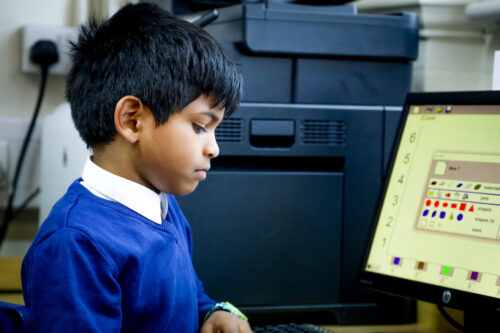
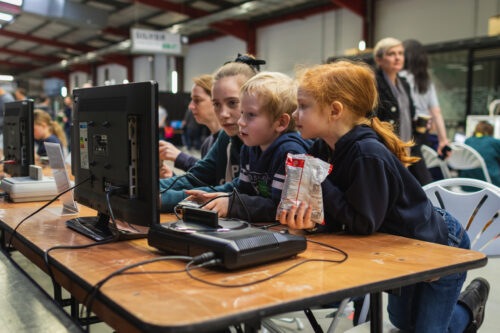
Issue 21 of Hello World covers a big range of topics in the theme of primary computing education, including:
The issue also has useful news and updates about our work: we share insights from our primary-specialist learning managers, tell you a bit about the research presented at our ongoing primary education seminar series, and include some relevant lesson plans from The Computing Curriculum.

As always, you’ll find many other articles to support and inspire you in your computing teaching in this new issue. Topics include programming with dyslexia, exploring filter bubbles with your learners to teach them about data science, and using metaphors, similes, and analogies to help your learners understand abstract concepts.
This issue of Hello World focusses on primary computing education because readers like you told us in the annual readers’ survey that they’d like more articles for primary teachers.
We love to hear your ideas about what we can do to continue making Hello World interesting and relevant for you. So please get in touch on Twitter with your thoughts and suggestions.
The post Hello World #21 out now: Focus on primary computing education appeared first on Raspberry Pi Foundation.
How do we teach our youngest learners digital and computing skills? Hello World‘s issue 21 will focus on this question and all things primary school computing education. We’re excited to share this new issue with you on Tuesday 30 May. Today we’re giving you a taste by sharing an article from it, written by our own Sway Grantham.
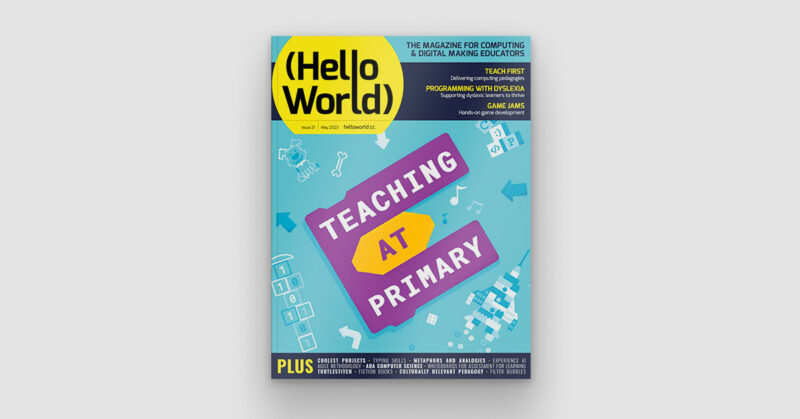
How are you preparing young children for a world filled with digital technology? Technology use of our youngest learners is a hotly debated topic. From governments to parents and from learning outcomes to screen-time rules, everyone has an opinion on the ‘right’ approach. Meanwhile, many young children encounter digital technology as a part of their world at home. For example in the UK, 87 percent of 3- to 4-year-olds and 93 percent of 5- to 7-year-olds went online at home in 2023. Schools should be no different.
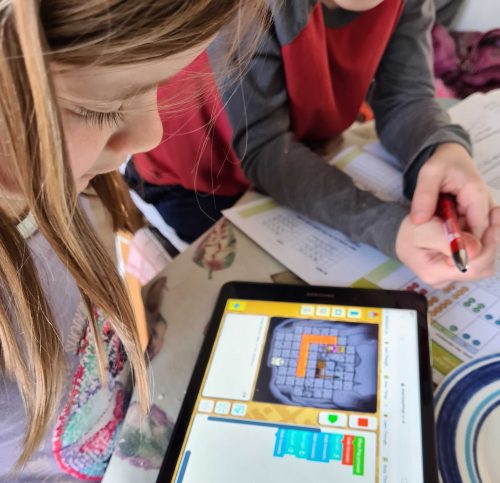
As educators, we have a responsibility to prepare learners for life in a digital world. We want them to understand its uses, to be aware of its risks, and to have access to the wide range of experiences unavailable without it. And we especially need to consider the children who do not encounter technology at home. Education should be a great equaliser, so we need to ensure all our youngest learners have access to the skills they need to realise their full potential.
A major aspect of early-years or kindergarten education is about learners sharing their world with each other and discovering that everyone has different experiences and does things in their own way. Using digital technology is no different.
Allowing learners to share their experiences of using digital technology both accepts the central role of technology in our lives today and also introduces them to its broader uses in helping people to learn, talk to others, have fun, and do work. At home, many young learners may use technology to do just one of these things. Expanding their use of technology can encourage them to explore a wider range of skills and to see technology differently.
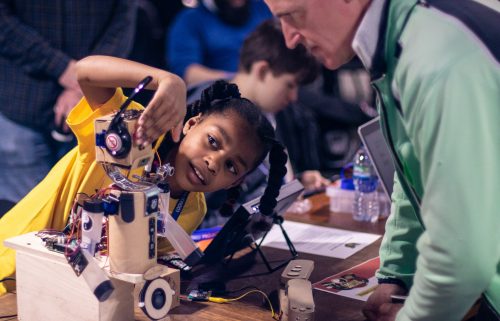
In their classroom environment, these explorations can first take place as part of the roleplay area of a classroom, where learners can use toys to show how they have seen people use technology. It may seem counterintuitive that play-based use of non-digital toys can contribute to reducing the digital divide, but if you don’t know what technology can do, how can you go about learning to use it? There is also a range of digital roleplay apps (such as the Toca Boca apps) that allow learners to recreate their experiences of real-world situations, such as visiting the hospital, a hair salon, or an office. Such apps are great tools for extending roleplay areas beyond the resources you already have.
Another aspect of a child’s learning that technology can facilitate is their understanding of the world beyond their local community. Technology allows learners to explore the wider world and follow their interests in ways that are otherwise largely inaccessible. For example:
Each of these opportunities gives children a richer understanding of the world while they use technology in meaningful ways.
Beyond helping children to better understand our world, technology offers opportunities to be expressive and imaginative. For example, alongside your classroom art activities, how about using an app like Draw & Tell, which helps learners draw pictures and then record themselves explaining what they are drawing? Or what about using filters on photographs to create artistic portraits of themselves or their favourite toys? Digital technology should be part of the range of tools learners can access for creative play and expression, particularly where it offers opportunities that analogue tools don’t.

Using technology is also invaluable for learners who struggle with communication and language skills. When speaking is something you find challenging, it can often be intimidating to talk to others who speak much more confidently. But speaking to a tablet? A tablet only speaks as well as you do. Apps to record sounds and listen back to them are a helpful way for young children to learn about how clear their speech is and practise speech exercises. ChatterPix Kids is a great tool for this. It lets learners take a photo of an object, e.g. their favourite soft toy, and record themselves talking about it. When they play back the recording, the app makes it look like the toy is saying their words. This is a very engaging way for young learners to practise communicating.
No matter how we feel about the role of technology in the lives of young people, it is a part of their world. We need to ensure we are giving all learners opportunities to develop digital skills and understand the role of technology, including how people can use it for social good.
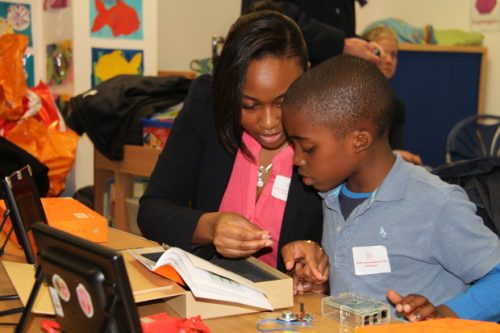
This is not just about preparing them for their computing education (although that’s definitely a bonus!) or about online safety (although this is vital — see my articles in Hello World issue 15 and issue 19 for more about the topic). It’s about their right to be active citizens in the digital world.
So I ask again: how are you preparing young children for a digital world?
The first experiences children have with learning about computing and digital technologies are formative. That’s why primary computing education should be of interest to all educators, no matter what the age of your learners is. This issue covers for example:
And there’s much more besides. So don’t miss out on this upcoming issue of Hello World — subscribe for free today to receive every PDF edition in your inbox on the day of publication.
The post Preparing young children for a digital world | Hello World #21 appeared first on Raspberry Pi Foundation.
Why are computing systems at the heart of our computing curriculum design? Senior Learning Manager Sway Grantham from the Foundation team explains in her article from the brand-new issue of Hello World, our free magazine for computing educators, out today.
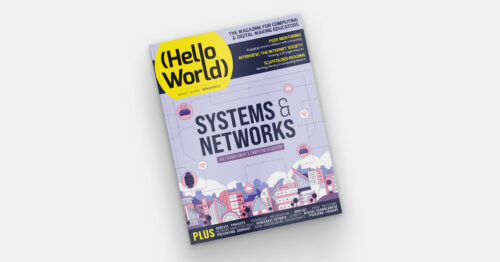
Whether you plan lessons on a Computing topic, develop curriculum content, or even write curriculum policy, you have to make choices. What are you going to include and what is less of a priority? You have to consider time constraints and access to resources, prior learning and maybe even pupil interests. You probably also have to consider the wider curriculum context. Well, here is my first principle to help you: computing systems should be the foundation of your Computing curriculum.
As a primary teacher, when I first began writing Computing lesson plans for children aged 9 to 10, I started with programming. This was a very visual entry into Computing, and children were excited to create projects that were familiar to them, such as games and animations. However, as my understanding of Computing grew, I realised that something was missing.
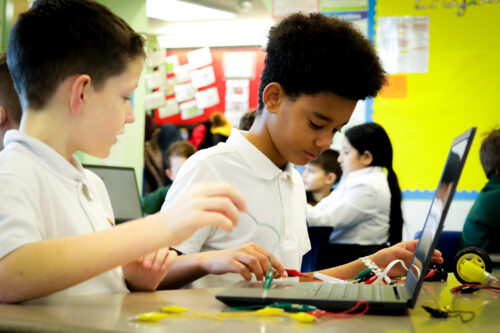
My learners could explain what an algorithm is, as well as explaining that a program is ‘a set of instructions that runs on a computer to tell it what to do’. Both of these met the curriculum needs, but I wasn’t convinced that they could link these two concepts together. Could they connect what they were doing on a floor robot to the computing systems around them? Did they understand what a computer was? Well… I asked them to see what they’d say!
According to my class, a computer was:
This very simple question highlighted a wealth of alternate conceptions about programming and computing systems. The other commonality of my learners’ definitions was that they described the computer’s function, as if, in order to define what a computer is, we just need to know what it does. This view of a definition greatly limits learners’ ability to understand what potential computers have beyond personal use.
My learners had two discrete chunks of knowledge: how to program a floor robot, and that laptops were computers. However, without a bridge to connect them, this learning was disjointed. Learners needed to have a concrete, conceptual understanding of ‘what a computer is’ before they could start to comprehend the more abstract role of a program in that system.
Knowledge of computing systems empowers people to take control of technology and not just consume it.
Beyond the experiences of my young learners, we see examples of a lack of understanding about computing systems all the time in society. Many competent users of software are able to regularly complete the tasks that they need, but if one day something doesn’t work, they do not know how to find a solution. Equally, many people enjoy exploring digital making projects, yet if they want to personalise the project, they don’t know what they can or can’t change to do this. Knowledge of computing systems empowers people to take control of technology and not just consume it.
Both of these examples highlight the importance of introducing computing systems as both life skills and as support for developing other areas of computing. More recently, the Raspberry Pi Foundation has been creating 100 hours of curriculum content in partnership with non-profit organisation Amala Education. Through this content we aim to give refugee learners who may never have used technology enough understanding to build a website that encourages social change.
Whilst we know that the material needs to include some foundational knowledge of computing systems, we must first consider the core content that learners must understand to achieve the end goal, such as:
These areas of learning are a great place to start as, undeniably, learners aren’t going to be able to build a website without knowing the process of creating a website, the languages used to create web pages, or the project management skills to see a project from start to finish.
This could be the entirety of the content, but instead, I encourage you to think back to those children who could program but didn’t know on what devices programs could run. We need to connect the core content to that foundational content: how is building a website related to computing systems?
All learning is built on prior knowledge, even if that prior knowledge has been gained through life experience and not formal education. To build a website, we need to know how to type and use a mouse. We need to know what a website is, why people use websites, and what sort of media is found on them. Beyond that, we need to know how the files that we are creating are being shared with other people. We need to understand that a computer can communicate with another computer and what the process is to make that happen. None of this learning is the core content of building a website, but if you tried to build a website without understanding these things, it would be difficult to do.
All learning is built on prior knowledge, even if that prior knowledge has been gained through life experience and not formal education.
As the learners we support together with Amala Education might have no prior experience of using technology, we needed to ensure that enough foundational computing systems content was built into the learning sequence — things such as:
By incorporating this content into the learning sequence, we ensure that learners do not just learn a process for creating a website. They understand the impact of the choices they make when building a website, they have the skills to implement their ideas, and they can connect their understanding to solve any unexpected challenges they find along the way. This more holistic approach should support learners’ knowledge transfer and offer them a much broader range of opportunities.
This more holistic approach should support learners’ knowledge transfer and offer them a much broader range of opportunities.
Whatever your curriculum requires, you will have the core content you need to teach. This could be the requirements of your standardised curriculum, it could be the specific project you’re trying to build, or it could be the aspirations that you have for your students. However, rather than stopping at that part of your learning sequence, take a step back and consider the prior knowledge you’re connecting to. I expect you will find that computing systems is what you need to ensure learners’ new knowledge has a solid foundation.
Computing systems and networks is one of those computer science topics in which misconceptions abound. Hello World issue 20 focuses on how you can support your learners to grasp even the tricky ideas within this topic, giving you practical ideas, activities, and insights from practicing educators. Download your free PDF copy now, and subscribe to never miss an issue.
The post Computing curriculum fundamentals | Hello World #20 appeared first on Raspberry Pi.
Reflecting is important within any line of work, and computing education is no different. Reflective practice is always valuable, whether you support learners in a non-formal setting, such as a Code Club or CoderDojo, or in a more formal environment, such as a school or college. When you reflect, you might for example evaluate a session or lesson and make changes for next time, or consider whether to reorder activities and learning across a longer time period, or even think broadly about what you teach and how you teach it.
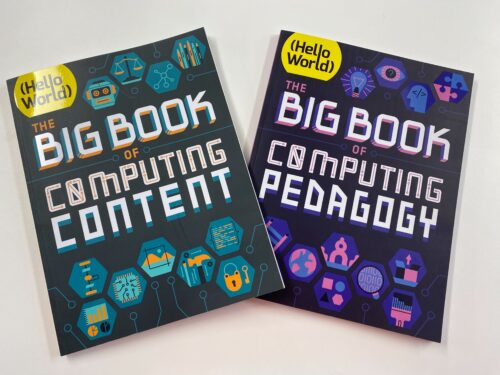
This is where our two special editions of Hello World come in: The Big Book of Computing Content and The Big Book of Computing Pedagogy. Both available as free downloads, they help you reflect on what you teach within Computing and how you teach it.
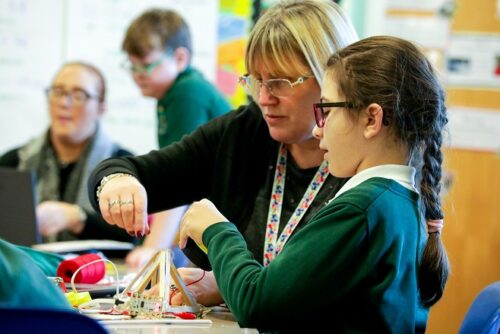
Computing is a broad and interdisciplinary subject, and different curricula and courses around the world focus on different aspects of it. For all of us, therefore, computing is framed by the curricula with which we are working and the terms which we’re using to talk about the subject. Over the past years at the Foundation, we have been developing a Computing taxonomy to help describe the different aspects of the subject. The Big Book of Computing Content is based on this taxonomy. The aim of this special edition of Hello World is to illustrate the breadth of Computing, and to model language that describes the different concepts, knowledge, and skills that comprise it.
We have organised this Big Book according to our taxonomy’s 11 content strands and also included progressive learning outcomes for each strand at different stages of learning. These outcomes are not prescriptive; instead they illustrate the wide applications of the subject by highlighting the kinds of knowledge and understanding that learners could develop in each area of Computing.
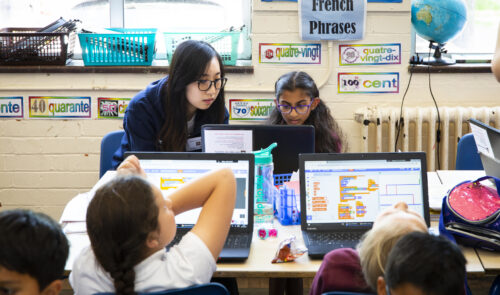
We hope that The Big Book of Computing Content encourages educators to reflect on all aspects of Computing and how they interconnect, as well as on the language we use to describe Computing. Whether the Big Book helps you to discover new aspects to Computing, to think about the subject differently, or simply to see the differences in how we as educators talk about our subject, the time you spend reflecting is important and valuable.
One part of our work as educators is understanding the breadth of Computing and the specific ideas within it. The other part is reflecting on how we teach the subject: the specific methods, strategies, and practices we can use with our learners. The Big Book of Computing Pedagogy describes a range of teaching approaches framed around our 12 pedagogical principles for teaching Computing. Each research-informed principle either reflects how general-purpose pedagogy applies within Computing or explores pedagogies specific to Computing itself. This Big Book consists of research summaries as well as practical articles from educators which illustrate how you can apply the different pedagogies.
Rather than prescribing a set of principles that educators must follow, the aim of The Big Book of Computing Pedagogy is to help you develop your understanding of a range of pedagogical approaches which you can select, apply, and adapt to suit your context.
Ultimately we want to support all Computing and Computer Science educators to build their understanding of subject matter (that is, content) and pedagogy, or what is called pedagogical content knowledge (PCK, a term popularised by Lee Shulman). Combining your PCK with your grasp of the context of your learners, curricula, and setting will enable you to choose suitable practices for your content and context.
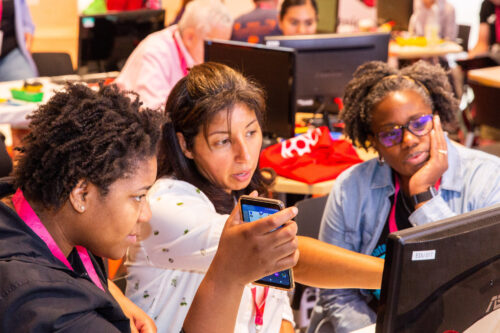
We hope that you find the two Big Books to be valuable reference tools to help you and your peers reflect on what it is you mean when you talk about Computing, and on how you teach the concepts, knowledge, and skills within it. Both books are available as free PDF downloads.
We would love to hear examples of how you have used The Big Book of Computing Pedagogy or The Big Book of Computing Content to inform your own teaching practice or to discuss practice with colleagues. Tell us in the comments.
The post Reflecting on what we teach in computing education and how we teach it appeared first on Raspberry Pi.
Hello World, our free magazine for computing and digital making educators, has just published its second special edition: The Big Book of Computing Content.
While Hello World‘s first special edition, The Big Book of Computing Pedagogy, focused on how we can teach Computing, this new book is about what we mean by Computing. It aims to demonstrate the breadth of knowledge and skills contained within this constantly evolving subject.
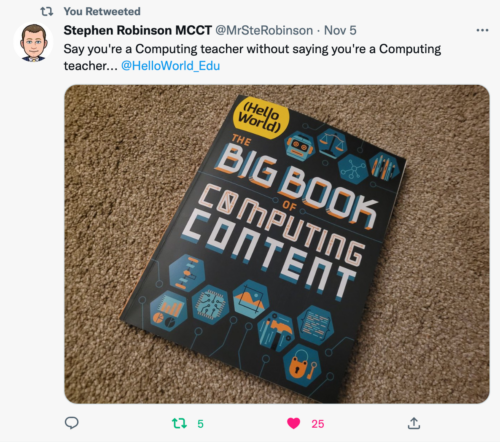
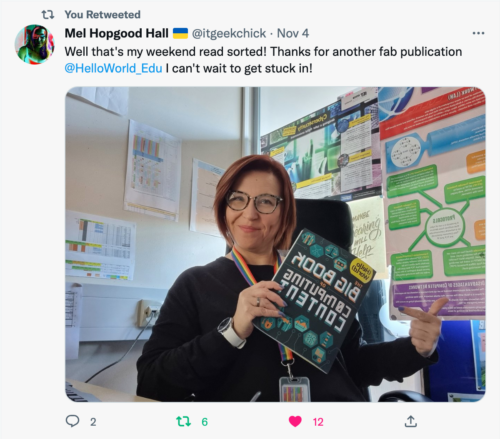
We have structured the new special edition around our taxonomy for formal Computing education, to which we map all our formal education resources. Originally we developed the taxonomy when we started work in the consortium setting up and delivering England’s National Centre for Computing Education, and specifically when we designed the 500 hours of classroom materials in the Teach Computing Curriculum.
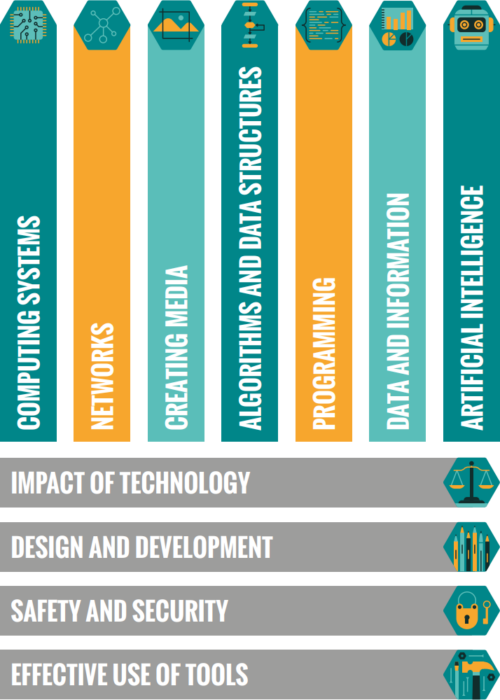
Our Computing taxonomy comprises eleven strands and aims to categorise Computing conceptual knowledge and skills to both demonstrate the breadth of Computing as a discipline, and to provide a common language to describe the different areas of study and competencies.
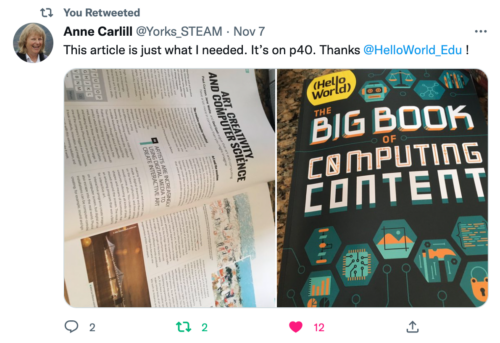
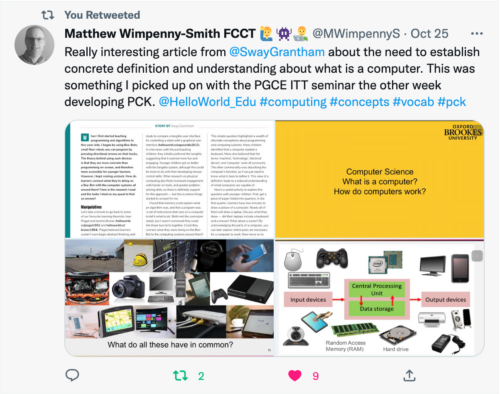
The Big Book of Computing Content complements our first Hello World special edition and follows the same principle of introducing readers to up-to-date research, followed by our favourite stories from past Hello World issues by educators who put that content into practice. For each of the eleven strands in our taxonomy, we also present a table of learning outcomes, which provides examples of knowledge and skills that learners from ages 5 to 19 could develop at each stage of their formal computing education.
Hello World’s first special edition was very popular around the world, with educators setting up Big Book of Computing Pedagogy reading groups, leaders using the book to support pre-service teachers, and even of an upcoming translation into Thai.
We’ve already started to hear similar stories about The Big Book of Computing Content from Hello World readers, including CSEdResearch dedicating their Computer Science Education Discussion Group to all things Big Book of Computing Content in its first week of publication.
We’d love to hear from more educators about how you are using this new special edition, and how it complements your reading of the first Big Book.
You can also subscribe now to get each new Hello World — whether regular issue or special edition — straight to your digital inbox, for free! And if you’re based in the UK and do paid or voluntary work in education, you can subscribe for free print issues.
PS Have you listened to our Hello World podcast yet? Listen and subscribe wherever you get your podcasts.
The post Out now: Hello World’s special edition on Computing content appeared first on Raspberry Pi.
Supporting educators to provide high-quality computing education has always been integral to our mission. In 2018, we began creating more learning resources for formal education settings. The UK government had recently announced future investment in supporting computing educators. Schools in England were offering the national Computing curriculum established in 2014. (In the USA, a more common term for prescribed education content is ‘standards’.)

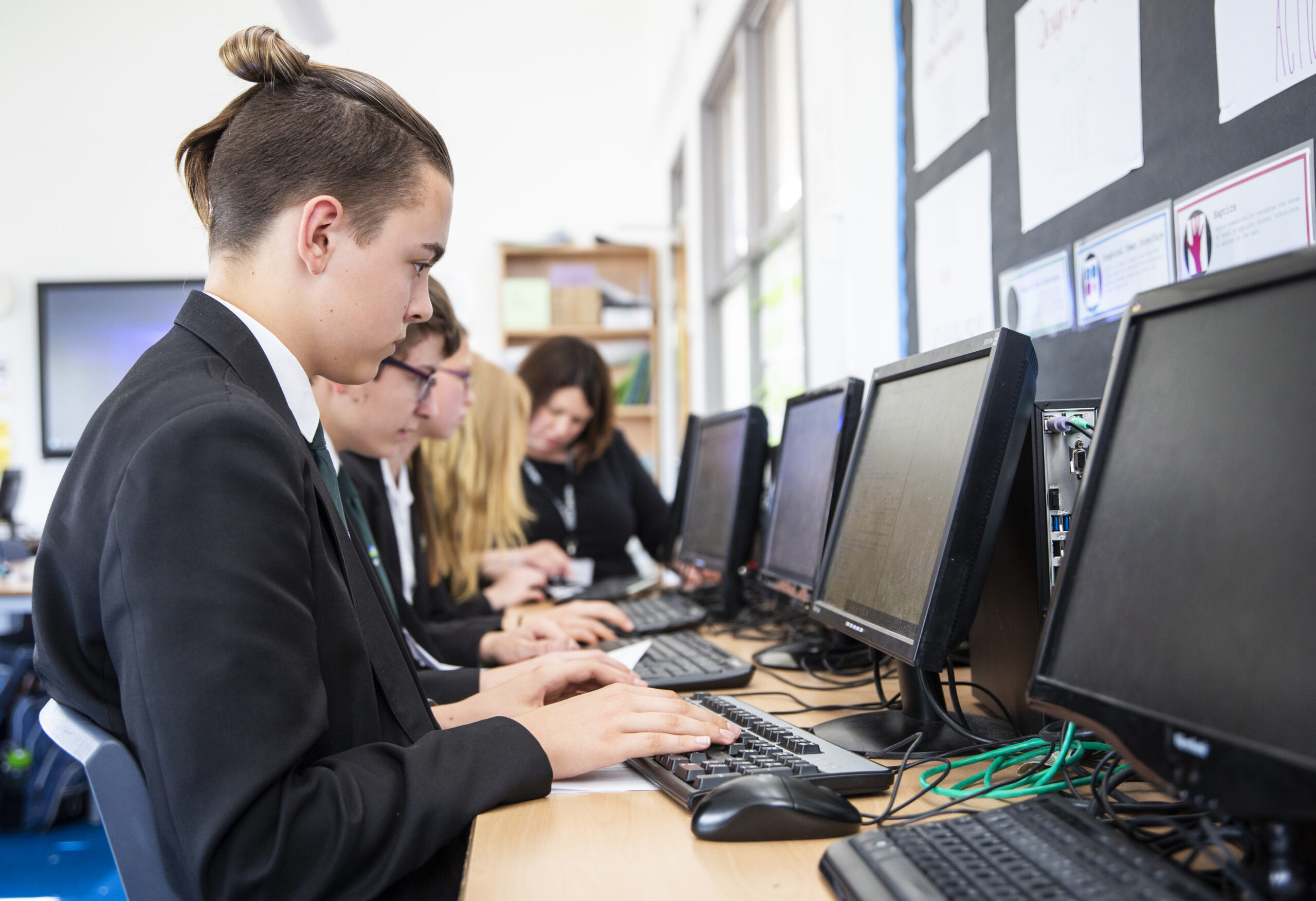
England’s Computing curriculum requires that all learners be taught the subject between ages 5 and 16, and it consists of only 25 statements outlining expectations for learners. To accompany this curriculum, we started developing a framework to help us describe the subject of Computing, and in particular the common threads running through it.
A 2012 report by the Royal Society presented the breadth of computing by dividing it into three areas: information technology, computer science, and digital literacy. Although this goes some way to describe computing as a discipline, in our view this model creates artificial divides between aspects of the subject according to whether they are seen as more or less technical. Our more holistic view of computing recognises that concepts and skills within the subject are far more interconnected.
When we set out to develop our framework, the goal was to provide a way to look at and describe the subject of Computing as a set of interconnected topics; the framework doesn’t define standards or curricula. There are, of course, many ways of organising the subject matter, implemented through exam specifications, textbooks, schemes of learning, and various progression guides. For our framework, we reviewed examples of each of these, from England and beyond, and decided on some organisational principles:
Following these principles, we identified ten content themes, or strands, that thread through a learner’s journey in Computing education. We call this framework representing the knowledge and skills that make up the subject our Computing taxonomy. As the Foundation is part of the consortium that established the National Centre for Computing Education in England, our taxonomy became a cornerstone of the work of the Centre, providing a common language to describe Computing in English schools and shaping the educational content we created for online teacher training courses, the classroom resources that make up the Teach Computing Curriculum, and the material on the Isaac Computer Science platform for A level and GCSE learners and teachers.
Computing is, of course, a constantly evolving field and as such, our taxonomy evolves with it. Since 2018 we’ve iterated our taxonomy to incorporate new things we’ve learned, for example relating to the rapid developments of artificial intelligence (AI) technology in recent years. AI now is a significant area of study and represented as its own strand in our current taxonomy, bringing the number of strands up to eleven:
Given the interconnected nature of Computing, we embrace a best-fit approach to content categorisation, choosing the most appropriate strand(s) for each idea. In developing our Computing taxonomy, we determined that four of the strands (the horizontal strands in the diagram) were best taught interwoven with the others, in context rather than as discrete topics. A good example of this is the strand ‘Safety and security’, which focuses on supporting learners to realise the benefits of digital technology without putting themselves and others at risk. While it would be possible to teach this strand as one discrete set of lessons, revisiting it throughout a learner’s journey provides regular reinforcement as well as grounding in the context of other strands.
Within the strands, we have also identified progressive learning outcomes for each stage of learning. These learning outcomes are illustrative of the kinds of knowledge and understanding that learners could develop in each area of Computing. They are not prescriptive and instead aim to illustrate the wide applications of the discipline.
On 24 October, we will publish The Big Book of Computing Content. Framed by our taxonomy, The Big Book of Computing Content presents our work so far in describing the diverse range of concepts and skills that comprise Computing. It also includes the illustrative learning outcomes we’ve identified.
This will be the second special edition of Hello World, our free magazine for computing educators. The new Big Book complements our first special edition, The Big Book of Computing Pedagogy, in which we lay out 12 key principles for teaching the subject.
The Big Book of Computing Content will be available in print and as a free PDF download; if you subscribe now, you’ll receive the PDF in your inbox on publication day.
We hope our taxonomy and the new Big Book enable you to reflect on the breadth of Computing and resonate with your teaching. Please share your reflections, in the comments below or by tagging us on social media, if you’d like to help us develop the taxonomy further.
The post A taxonomy of Computing content for education appeared first on Raspberry Pi.
The summer months are an exciting time at the Foundation: you can feel the buzz of activity as we prepare for the start of a new school year in many parts of the world. Across our range of fantastic (and free) programmes, everyone works hard to create new and improved resources that help teachers and students worldwide.
We’ve asked some of our programme leads to tell you what’s new in their respective areas. We hope that you’ll come away with a good idea of the breadth and depth of teacher support that’s on offer. Is there something we aren’t doing yet that we should be? Tell us in the comments below.

Sway Grantham has been at the forefront of writing resources for our Teach Computing Curriculum over the last three years. The Curriculum is part of the wider National Centre for Computing Education (NCCE) and provides hundreds of free classroom resources for teachers, from Key Stage 1 to 4. Each resource includes lesson plans, slides, activity sheets, homework, and assessments. Since we published the Curriculum in 2020, all lessons have been reviewed and updated at least once. Managing the process of continuously improving these resources is a key part of Sway’s work.
We make changes to the Teach Computing Curriculum all the time! However, specific things we are excited about ahead of the new school year are updates to how our content is presented on the website so that it’s really easy to see which unit you should be teaching in each half term. We’ve also renamed some of the units to make it clearer what they cover. And to help Key Stage 3 teachers launch Computing in secondary school with skills that are foundational for progress through the requirements of the Key Stage 3 curriculum, we’ve updated the first Year 7 unit, now called Clear messaging in digital media.
We are still in the process of looking through the feedback in detail, but I can share some high-level insights. 96% of teachers who responded to the survey gave a score between 7 and 10 for recommending that other teachers use the Teach Computing Curriculum. Over 80% reported that the Teach Computing Curriculum has improved their confidence, subject knowledge, and the quality of their teaching ‘a little’ or ‘a lot’. Finally, over 90% of respondents said the Curriculum is effective at supporting teachers, developing teachers’ subject knowledge, and saving teachers’ time.
We are grateful to the 907 people who took part in the survey! You have all helped us to ensure the Curriculum has a positive impact on teachers and learners throughout England and beyond.

James Robinson dedicates his work at the Foundation to creating free pedagogical resources that underpin the classroom practice of computing teachers worldwide. He has led the creation of the Pedagogy Quick Reads and the Research Bytes newsletter for the NCCE, and the development of our 12 principles of computing pedagogy, available as a handy poster. He also works on our Hello World magazine, produces the associated Hello World podcast, and curates Hello World’s special issues, such as The Big Book of Computing Pedagogy.
In order to teach any area of the curriculum effectively, educators need to understand both the content they are teaching and the most effective ways to deliver that content. Computing is a broad discipline made up of lots of inter-connected knowledge. Different areas of the subject benefit from different approaches, and this may vary depending on the experience of the learners and the context within which they are learning. Understanding which approaches are best suited to different content helps educators support learners effectively.
Computing education research related to school-aged learners is still in its early stages compared to other subjects, and new approaches and pedagogies are being developed, tested, and evaluated. Staying aware of these developments is important for educators and that’s why it’s something the Foundation is dedicated to supporting.
This year we continue to share best practice and hear from educators applying new ideas in their classroom through Hello World magazine and podcast. Educators should also keep a look out for our second Hello World special edition exploring the breadth and depth of Computing. To get hold of a copy of this later this year, make sure you’re subscribed to Hello World.

Allen Heard and his team have very recently completed a huge project: creating a full curriculum of GCSE topics and associated questions for Isaac Computer Science, our free online learning platform for teachers and students. The new topics cover the entirety of the GCSE exam board specifications for AQA, Edexcel, Eduqas, OCR, and WJEC, and are integrated with our existing A level computer science resources. They are great to pick up and use for classwork, homework, and revision.
I think one of the biggest and most important things that’s been evident to me while working on this project is the care and thought that our content creators have put into each and every piece they worked on. To the end user it will simply be material on a web page, but sitting behind each page are countless discussions involving the whole team around how to present certain facts, concepts, or processes. Sometimes these discussions have even caused us to reevaluate our own thinking around how we deliver computer science content. We have debated the smallest things such as glossary terms, questioning every word to make sure we are as clear and concise as possible. Hopefully the care, expertise, and dedication of the team shines through in what really is a fantastic source of information for teachers and learners.
With 96% of teachers and 88% of students reporting that the content is of high quality and easily accessible, we still need to continue to support them to ultimately enable learners to achieve their potential. Looking ahead, there is still lots of work to do to make sure Isaac offers the best possible user experience. And we plan to add a lot more questions to really bolster the numbers of questions at varying levels of difficulty for learners. This will have the added benefit of being useful for any teachers wanting to up-skill too! A massive strength of the platform is its questions, and we are really keen to give as wide a range of them as possible.
Tamasin Greenough Graham leads the team at Code Club, our global network of free, in-school coding clubs for young people aged 9 to 13. In Code Clubs, participants learn to code while having fun getting creative with their new skills. Clubs can be run by anyone who wants to help young people explore digital technologies — you don’t need coding experience at all. The Code Club team offers everything you need, including coding projects with easy-to-follow, step-by-step instructions, and lots of resources to help you support your club members. They are also on hand to answer your questions.
Running a Code Club really is simple and a lot of fun! We have free training to suit everyone, including webinars that guide you through getting started, a self-study online course you can take to prepare for running your Code Club, and drop-in online Q&A sessions where you can chat about your questions to our friendly team or to other educators who run clubs.
Once you have registered your Code Club, you’ll get access to an online dashboard packed with useful resources: from guidance on preparing and delivering your first session, to certificates to celebrate your club members’ successes, and unplugged activities for learners to do away from the screen.
You don’t need to have any coding experience to run a club, as we provide a giant range of fun coding projects and support materials that can be easily followed by educators and young people alike. You just need to support and encourage your young coders, and you can get in touch with the Code Club team if you need any help!
The project paths we offer provide a framework for young coders to develop their skills, whatever their starting point is. Each path starts with three Explore projects, where coders learn new coding concepts and skills. The next two Design projects in the path help them practise these skills through creating fun games, animations, or websites. The final Invent project of the path gives a design brief, and based on this learners have the space to use their new skills and their creativity to code something based on their own ideas.
Our project paths start with the basics of Scratch, and work through to creating websites in HTML and CSS, and to text-based coding in Python. For more advanced or adventurous coders, we also offer project paths to make physical projects with Raspberry Pi Pico, create 3D models in Blender, or even build 3D worlds in Unity.
Lots of primary-aged children use digital technology every day, whether that be a TV, a phone, playing video games, or a computer at school. But they don’t have to be just consumers of technology. Through learning to code, young people become able to create their own technology, and our projects are designed to help them see how these new skills allow them to express themselves and solve problems that matter to them.
What young people do with their new skills is up to them – that’s the exciting part! Computing skills open paths to a wide range of projects and work where digital skills are helpful. And while learning coding is fun and useful, it also helps learners develop a many other important skills to do with problem solving, teamwork, and creativity.

Martin O’Hanlon heads the team that produces our free online courses programme. If you’re looking for continued professional development in computer science, look no further than to our more than 35 courses. (For teachers in England, a large number of the courses count towards the NCCE’s Primary, Secondary, or GCSE certificates.) Curated in 13 curated learning pathways, all of our courses provide high-quality training that you can take at home, at a time that suits you.
Our online computing courses are free and have something for everyone who is interested in computing. We offer pathways for learning to program in Python or Scratch, teaching computing in the classroom, getting started with physical computing, and many more.
We vary the materials and formats used in our courses, including videos, written articles, quizzes, and discussions to help learners get the most out of the experience. You will find a lot of practical activities and opportunities to practice what you learn. There are loads of opportunities to interact with and learn from others who are doing the course at the same time as you. And educators from the Raspberry Pi Foundation join the courses during facilitation periods to give their advice, support, and encouragement.
We have a large catalogue of online training courses, and the pathways give learners a starting point. They group the courses into useful collections, offering a recommended path for everyone, whether that’s people who are brand-new to computing or who have identified a gap in their existing computing skills or knowledge.
Our aim is that these pathways help people find the right course at the right point in their computing journey.
We’re also very excited to work on new research projects this school year, to help deepen the computing education community’s understanding of how to teach the subject in schools. Are you a primary teacher in England who is interested in making computing culturally relevant for your pupils?
We’re currently looking for teachers to take part in our research project around primary school culturally adapted resources, running from October 2022 to July 2023. Find out more about what taking part involves.
The post Back to school 2022: Our support for teachers appeared first on Raspberry Pi.
Many technology items are disposed of each year, either because they are broken, are no longer needed, or have been upgraded. Researchers from Germany have identified this as an opportunity to develop a scheme of work for Computing, while at the same time highlighting the importance of sustainability in hardware and software use. They hypothesised that by repairing defective devices, students would come to understand better how these devices work, and therefore meet some of the goals of their curriculum.
The research team visited three schools in Germany to deliver Computing lessons based around the concept of a repair café, where defective items are repaired or restored rather than thrown away. This idea was translated into a series of lessons about using and repairing smartphones. Learners first of all explored the materials used in smartphones and reflected on their personal use of these devices. They then spent time moving around three repair workstations, examining broken smartphones and looking at how they could be repaired or repurposed. Finally, learners reflected on their own ecological footprint and what they had learnt about digital hardware and software.
In the classroom, repair workstations were set up for three different categories of activity: fixing cable breaks, fixing display breaks, and tinkering to upcycle devices. Each workstation had a mentor to support learners in investigating faults themselves by using the question prompt, “Why isn’t this feature or device working?” At the display breaks and cable breaks workstations, a mentor was on hand to provide guidance with further questions about the hardware and software used to make the smartphone work. On the other hand, the tinkering workstation offered a more open-ended approach, asking learners to think about how a smartphone could be upcycled to be used for a different purpose, such as a bicycle computer. It was interesting to note that students visited each of the three workstations equally.
The feedback from the participants showed there had been a positive impact in prompting learners to think about the sustainability of their smartphone use. Working with items that were already broken also gave them confidence to explore how to repair the technology. This is a different type of experience from other Computing lessons, in which devices such as laptops or tablets are provided and are expected to be carefully looked after. The researchers also asked learners to complete a questionnaire two weeks after the lessons, and this showed that 10 of the 67 participants had gone on to repair another smartphone after taking part in the lessons.
The project drew on a theory called duality reconstruction that has been developed by a researcher called Carsten Schulte. This theory argues that in computing education, it is equally important to teach learners about the function of a digital device as about the structure. For example, in the repair café lessons, learners discovered more about the role that smartphones play in society, as well as experimenting with broken smartphones to find out how they work. This brought a socio-technical perspective to the lessons that helped make the interaction between the technology and society more visible.
Using this approach in the Computing classroom may seem counter-intuitive when compared to the approach of splitting the curriculum into topics and teaching each topic sequentially. However, the findings from this project suggest that learners understand better how smartphones work when they also think about how they are manufactured and used. Including societal implications of computing can provide learners with useful contexts about how computing is used in real-world problem-solving, and can also help to increase learners’ motivation for studying the subject.
The final aspect of this research project looked at collaborative problem-solving. The lessons were structured to include time for group work and group discussion, to acknowledge and leverage the range of experiences among learners. At the workstations, learners formed small groups to carry out repairs. The paper doesn’t mention whether these groups were self-selecting or assigned, but the researchers did carry out observations of group behaviours in order to evaluate whether the collaboration was effective. In the findings, the ideal group size for the repair workstation activity was either two or three learners working together. The researchers noticed that in groups of four or more learners, at least one learner would become disinterested and disengaged. Some groups were also observed taking part in work that wasn’t related to the task, and although no further details are given about the nature of this, it is possible that the groups became distracted.
The findings from this project suggest that learners understand better how smartphones work when they also think about how they are manufactured and used.
Further investigation into effective pedagogies to set group size expectations and maintain task focus would be helpful to make sure the lessons met their learning objectives. This research was conducted as a case study in a small number of schools, and the results indicate that this approach may be more widely helpful. Details about the study can be found in the researchers’ paper (in German).
If you’re thinking about setting up a repair café in your school to promote sustainable computing, either as a formal or informal learning activity, here are ideas on where to begin:
This article is from our free computing education magazine Hello World. Every issue is written by educators for educators and packed with resources, ideas, and insights to inspire your learners and your own classroom practice.
For more about computing education in the context of sustainability, climate change, and environmental impact, download issue 19 of Hello World, which focuses on these topics.
You can subscribe to Hello World for free to never miss a digital issue, and if you’re an educator in the UK, a print subscription will get you free print copies in the post.
PS If you’re interested in facilitating productive classroom discussions with your learners about ethical, legal, cultural, and environmental concerns surrounding computer science, take a look at our free online course ‘Impacts of Technology: How To Lead Classroom Discussions’.
The post Repair cafés in computing education | Hello World #19 appeared first on Raspberry Pi.
In Hello World issue 18, available as a free PDF download, teacher Michael Jones shares how to use Teachable Machine with learners aged 13–14 in your classroom to investigate issues of accuracy and ethics in machine learning models.

The landscape for working with machine learning/AI/deep learning has grown considerably over the last couple of years. Students are now able to develop their understanding from the hard-coded end via resources such as Machine Learning for Kids, get their hands dirty using relatively inexpensive hardware such as the Nvidia Jetson Nano, and build a classification machine using the Google-driven Teachable Machine resources. I have used all three of the above with my students, and this article focuses on Teachable Machine.
For this module, I’m more concerned with the fuzzy end of AI, including how credible AI decisions are, and the elephant-in-the-room aspect of bias and potential for harm.
Michael Jones
For the worried, there is absolutely no coding involved in this resource; the ‘machine’ behind the portal does the hard work for you. For my Year 9 classes (students aged 13 to 14) undertaking a short, three-week module, this was ideal. The coding is important, but was not my focus. For this module, I’m more concerned with the fuzzy end of AI, including how credible AI decisions are, and the elephant-in-the-room aspect of bias and potential for harm.
There are three possible routes to use in Teachable Machine, and my focus is the ‘Image Project’, and within this, the ‘Standard image model’. From there, you are presented with a basic training scenario template — see Hello World issue 16 (pages 84–86) for a step-by-step set-up and training guide. For this part of the project, my students trained the machine to recognise different breeds of dog, with border collie, labrador, saluki, and so on as classes. Any AI system devoted to recognition requires a substantial set of training data. Fortunately, there are a number of freely available data sets online (for example, download a folder of dog photos separated by breed by accessing helloworld.cc/dogdata). Be warned, these can be large, consisting of thousands of images. If you have more time, you may want to set students off to collect data to upload using a camera (just be aware that this can present safeguarding considerations). This is a key learning point with your students and an opportunity to discuss the time it takes to gather such data, and variations in the data (for example, images of dogs from the front, side, or top).
Once you have downloaded your folders, upload the images to your Teachable Machine project. It is unlikely that you will be able to upload a whole subfolder at once — my students have found that the optimum number of images seems to be twelve. Remember to build this time for downloading and uploading into your lesson plan. This is a good opportunity to discuss the need for balance in the training data. Ask questions such as, “How likely would the model be to identify a saluki if the training set contained 10 salukis and 30 of the other dogs?” This is a left-field way of dropping the idea of bias into the exploration of AI — more on that later!
If you have got this far, the heavy lifting is complete and Google’s training engine will now do the work for you. Once you have set your model on its training, leave the system to complete its work — it takes seconds, even on large sets of data. Once it’s done, you should be ready to test you model. If all has gone well and a webcam is attached to your computer, the Output window will give a prediction of what is being viewed. Again, the article in Hello World issue 16 takes you through the exact steps of this process. Make sure you have several images ready to test. See Figure 1a for the response to an image of a saluki presented to the model. As you might expect, it is showing as a 100 percent prediction.
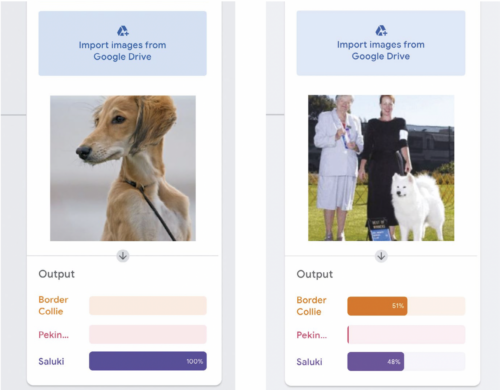
It will spark an interesting discussion if you now try the same operation with an image with items other than the one you’re testing in it. For example see Figure 1b, in which two people are in the image along with the Samoyed dog. The model is undecided, as the people are affecting the outcome. This raises the question of accuracy. Which features are being used to identify the dogs as border collie and saluki? Why are the humans in the image throwing the model off the scent?
Getting closer to home, training a model on human faces provides an opportunity to explore AI accuracy through the question of what might differentiate a female from a male face. You can find a model at helloworld.cc/maleorfemale that contains 5418 images almost evenly spread across male and female faces (see Figure 2). Note that this model will take a little longer to train.
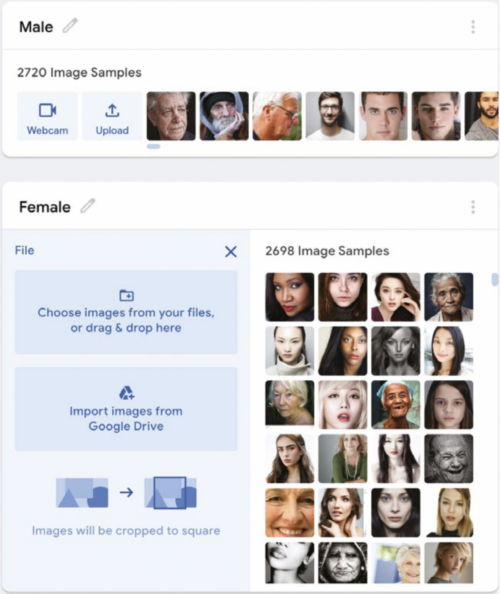
Once trained, try the model out. Props really help — a top hat, wig, and beard give the model a testing time (pun intended). In this test (see Figure 3), I presented myself to the model face-on and, unsurprisingly, I came out as 100 percent male. However, adding a judge’s wig forces the model into a rethink, and a beard produces a variety of results, but leaves the model unsure. It might be reasonable to assume that our model uses hair length as a strong feature. Adding a top hat to the ensemble brings the model back to a 100 percent prediction that the image is of a male.
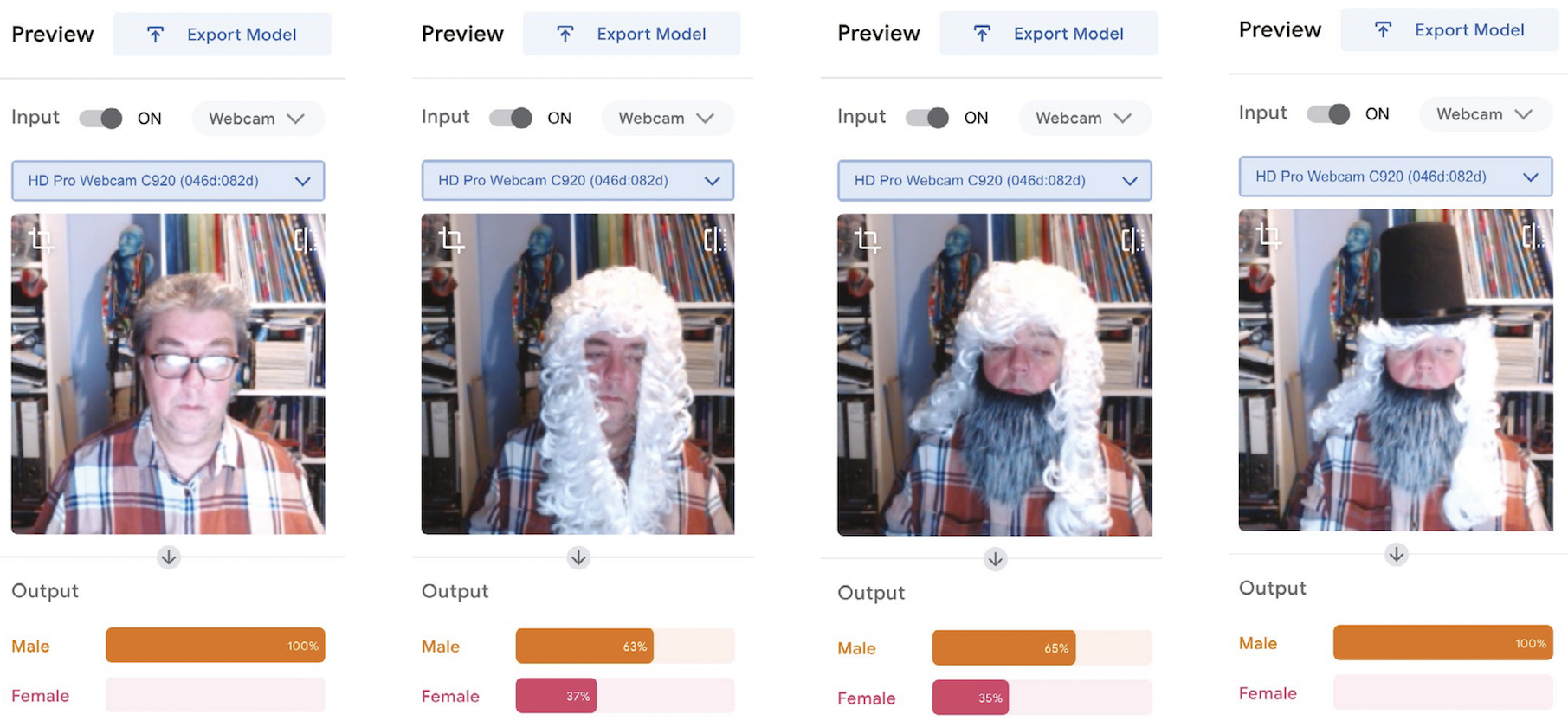
Machine learning uses a best-fit principle. The outputs, in this case whether I am male or female, have a greater certainty of male (65 percent) versus a lesser certainty of female (35 percent) if I wear a beard (Figure 3, second image from the right). Remove the beard and the likelihood of me being female increases by 2 percent (Figure 3, second image from the left).
Within a fairly small set of parameters, most human faces are similar. However, when you start digging, the research points to there being bias in AI (whether this is conscious or unconscious is a debate for another day!). You can exemplify this by firstly creating classes with labels such as ‘young smart’, ‘old smart’, ‘young not smart’, and ‘old not smart’. Select images that you think would fit the classes, and train them in Teachable Machine. You can then test the model by asking your students to find images they think fit each category. Run them against the model and ask students to debate whether the AI is acting fairly, and if not, why they think that is. Who is training these models? What images are they receiving? Similarly, you could create classes of images of known past criminals and heroes. Train the model before putting yourself in front of it. How far up the percentage scale are you towards being a criminal? It soon becomes frighteningly worrying that unless you are white and seemingly middle class, AI may prove problematic to you, from decisions on financial products such as mortgages through to mistaken arrest and identification.
It soon becomes frighteningly worrying that unless you are white and seemingly middle class, AI may prove problematic to you, from decisions on financial products such as mortgages through to mistaken arrest and identification.
Michael Jones
Encourage your students to discuss how they could influence this issue of race, class, and gender bias — for example, what rules would they use for identifying suitable images for a data set? There are some interesting articles on this issue that you can share with your students at helloworld.cc/aibias1 and helloworld.cc/aibias2.
In the classroom, you could then follow the route of building models that identify letters for words, for example. One of my students built a model that could identify a range of spoons and forks. You may notice that Teachable Machine can also be run on Arduino boards, which adds an extra dimension. Why not get your students to create their own AI assistant that responds to commands? The possibilities are there to be explored. If you’re using webcams to collect photos yourself, why not create a system that will identify students? If you are lucky enough to have a set of identical twins in your class, that adds just a little more flavour! Teachable Machine offers a hands-on way to demonstrate the issues of AI accuracy and bias, and gives students a healthy opportunity for debate.
Michael Jones is director of Computer Science at Northfleet Technology College in the UK. He is a Specialist Leader of Education and a CS Champion for the National Centre for Computing Education.
At the Foundation, AI education is one of our focus areas. Here is how we are supporting you and your learners in this area already:
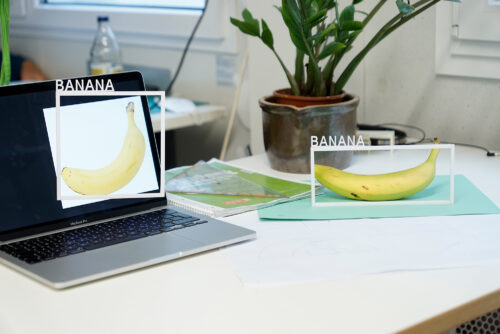
The post Classroom activities to discuss machine learning accuracy and ethics | Hello World #18 appeared first on Raspberry Pi.
From experience, being connected to a community of fellow computing educators is really important, especially given that some members of the community may be the only computing educator in their school, district, or country. These professional connections enable educators to share and learn from each other, develop their practice, and importantly reduce any feelings of isolation.
It was great to see the return of the Computer Science Teachers Association (CSTA) Annual Conference to an in-person event this year, and I was really excited to be able to attend.
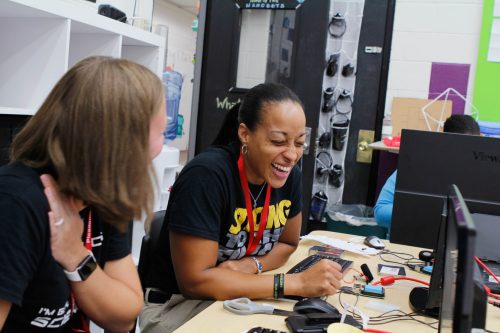
Our small Raspberry Pi Foundation team headed to Chicago for four and a half days of meetups, professional development, and conversations with educators from all across the US and around the world. Over the week our team ran workshops, delivered a keynote talk, gave away copies of Hello World magazine, and signed up many new subscribers. You too can subscribe to Hello World magazine for free at helloworld.cc/subscribe.

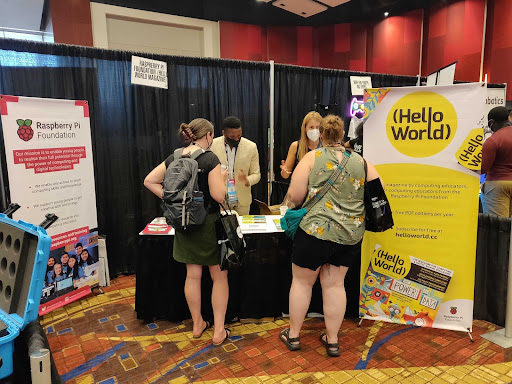
We spoke to so many educators about all parts of the Raspberry Pi Foundation’s work, with a particular focus on the Hello World magazine and podcast, and of course The Big Book of Computing Pedagogy. In collaboration with CSTA, we were really proud to be able to provide all attendees with their own physical copy of this very special edition.
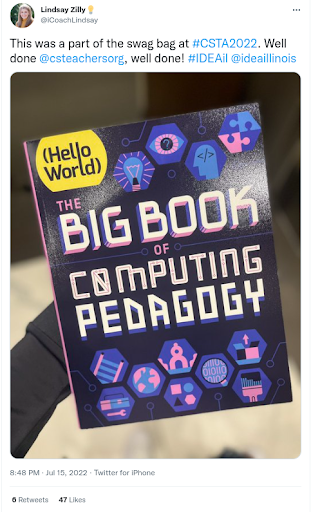
It was genuinely exciting to see how pleased attendees were to receive their copy of The Big Book of Computing Pedagogy. So many came to talk to us about how they’d used the digital copy already and their plans for using the book for training and development initiatives in their schools and districts. We gave away every last spare copy we had to teachers who wanted to share the book with their colleagues who couldn’t attend.
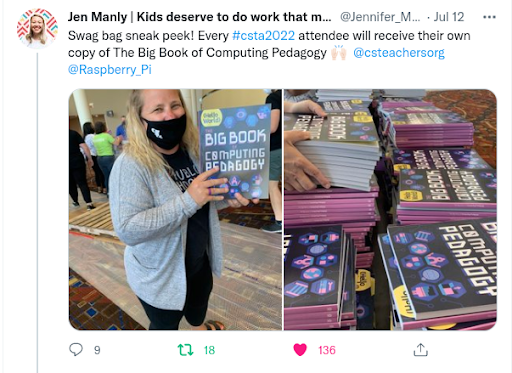
Don’t worry if you couldn’t make it to the conference, The Big Book of Computing Pedagogy is available as a free PDF, which due to its Creative Commons licence you are welcome to print for yourself.
Another goal for us at CSTA was to support and encourage new authors to the magazine in order to ensure that Hello World continues to be the magazine for computing educators, by computing educators. Anyone can propose an article idea for Hello World by completing this form. We’re confident that every computing educator out there has at least one story to tell, lessons or learnings to share, or perhaps a cautionary tale of something that failed.
We’ll review any and all ideas and will support you to craft your idea into a finished article. This is exactly what we began to do at the conference with our workshop for writers led by Gemma Coleman, our fantastic Hello World Editor. We’re really excited to see these ideas flourish into full-blown articles over the coming weeks and months.
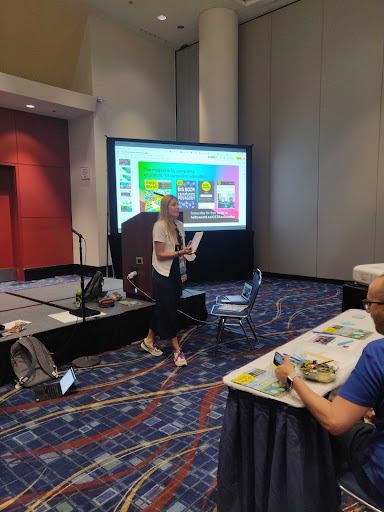
Our week culminated in a keynote talk delivered by Sue, Jane, and James, exploring how we developed our 12 pedagogy principles that underpin The Big Book of Computing Pedagogy, as well as much of the content we create at the Raspberry Pi Foundation. These principles are designed to describe a set of approaches that educators can add to their toolkit, giving them a shared language and the agency to select when and how they employ each approach. This was something we explored with teachers in our final breakout session where teachers applied these principles to describe a lesson or activity of their own.
We found the experience extremely valuable and relished the opportunity to talk about teaching and learning with educators and share our work. We are incredibly grateful to the entire CSTA team for organising a fantastic conference and inviting us to participate.
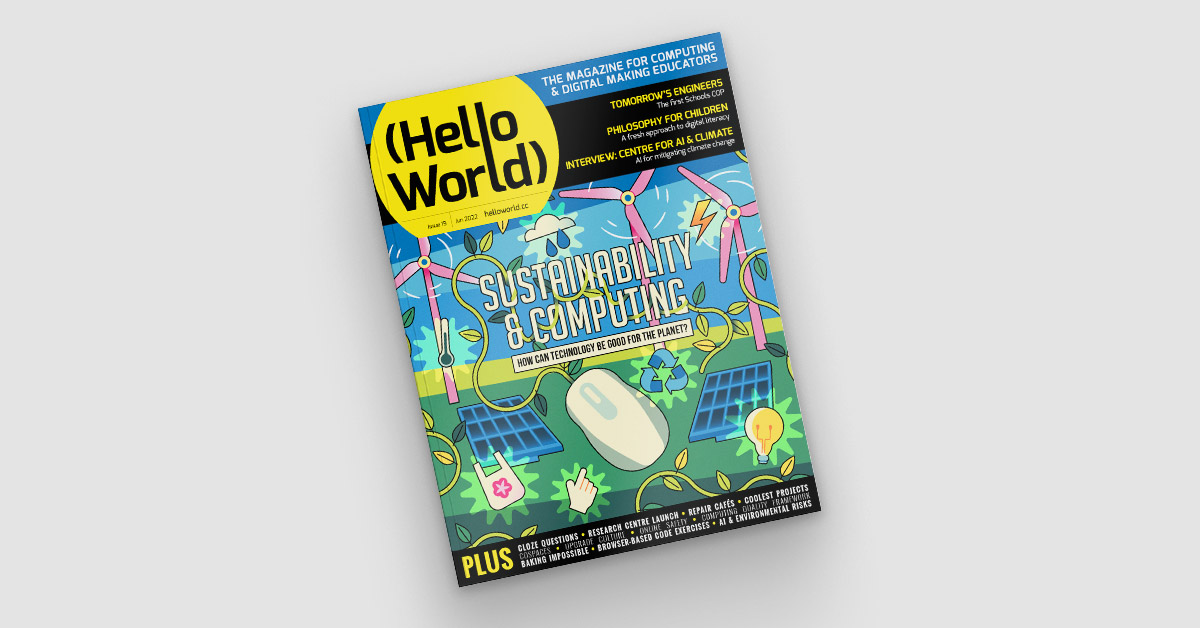
Subscribe now to get each new Hello World straight to your digital inbox, for free! And if you’re based in the UK and do paid or unpaid work in education, you can subscribe for free print issues.
The post What we learnt from the CSTA 2022 Annual Conference appeared first on Raspberry Pi.
Issue 19 of our free magazine Hello World, written by and for the computing education community, focuses on the interaction between sustainability and computing, from how we can interact with technology responsibly, to its potential to mitigate climate change.
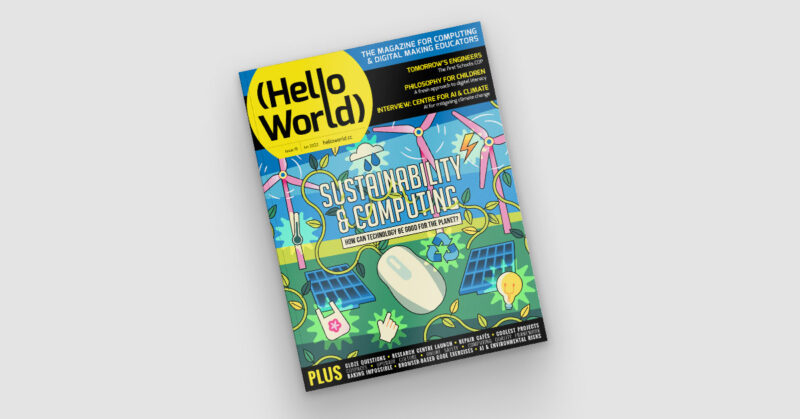
To give you a taste of this brand-new issue, here is primary school teacher Peter Gaynord’s article about his experience of using an environmental case study to develop a cross-curricular physical computing unit that gives his learners a real-life context.

The prospect of developing your own unit of work from scratch can feel very daunting. With the number of free resources available, it begs the question, why do it? Firstly, it gives you the opportunity to deliver computing that is interwoven with the rest of your curriculum. It also naturally lends itself to a constructionist approach to learning through meaningful engagement with real-world problem-solving. In this article, I am going to share my experience of developing a ten-lesson unit of physical computing for students aged nine to ten that is linked to the more general topic of the environment.
To engage children in the process of problem-solving, it is important that the problem is presented as a real and meaningful one. To introduce the topic of the environment, we showed pupils a video of the Panama Canal, including information about the staggering amount of CO2 that is saved by ships taking this route instead of the alternative, longer routes that use more fuel. However, we explained that because of the special geographical features, a moving bridge needed to be constructed over the canal. The students’ challenge was first to design a solution to the problem, and then to make a working model.
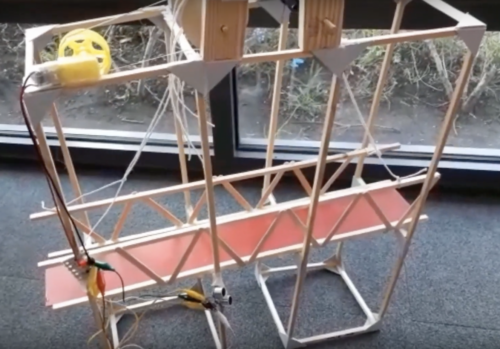
The model would use physical computing as part of the solution to the problem. The children would program a single-geared motor using a Crumble microcontroller to slowly lift and lower the bridge by the desired amount. We decided to issue a warning to drivers that the road bridge was about to close using a Sparkle, a programmable LED. Ultimately, the raising and lowering of the bridge would happen automatically when a ship approached. For this purpose, we would use an ultrasonic sensor to detect the presence of the ship.
To develop the skills required to use the Crumble microcontroller, we led some discrete computing lessons based largely on the Teach Computing Curriculum’s ‘Programming A — Selection in physical computing’ unit. In these lessons, the children developed the skill of sensing and responding differently to conditions using the selection programming construct. They learnt this key concept alongside controlling and connecting the motor, the Sparkle, and the ultrasonic sensor.
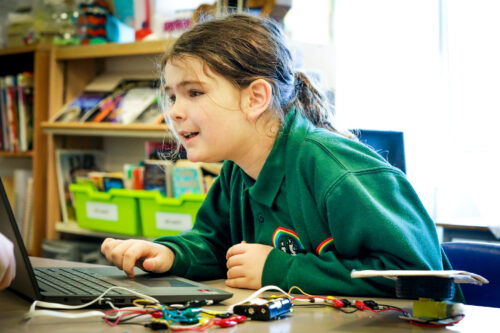
For students to succeed, we also had to teach them skills from other subjects, and consider at what stage it would be most useful to introduce them. For example, before asking children to document their designs, we first needed to teach the design technology (DT) objectives for communicating ideas through sketches. Most other DT objectives that covered the practical skills to make a model were interwoven as the project progressed. At the end of the project, we guided the children through how to evaluate their design ideas and reflect on the process of model making. Before pupils designed their solutions, we also had to introduce some science for them to apply to their designs. We covered increasing forces using levers, pulleys, and gears, as well as the greenhouse effect and how burning fossil fuels contributes to global warming.
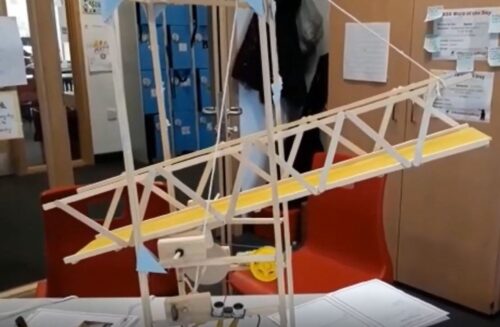
It is very important not to specify a solution for students at the beginning, otherwise the whole project becomes craft instead of problem-solving. However, it is important to spend some time thinking about any practical aspects of the model building that may need extra scaffolding. Experience suggested that it was important to limit the scale of the children’s models. We did this by showing them a completed central bridge span and later, guiding the building of this component so that all bridges had the same scale. It also turned out to be very important that the children were limited in their model building to using one single-geared motor. This would ensure that all children engaged with actively thinking about how to utilise the lever and pulley system to increase force, instead of relying on using more motors to lift the bridge.
If you want to finish reading Peter’s article and see his unit outline, download Hello World issue 19 as a free PDF.
As always, you’ll find this new issue of Hello World packed with resources, ideas, and insights to inspire your learners and your own classroom practice:
All issues of Hello World as available as free PDF downloads. Subscribe to never miss a digital issue — and if you’re an educator in the UK, you can subscribe to receive free print copies in the post.
PS: US-based educators, if you’re at CSTA Annual Conference in Chicago this month, come meet us at booth 521 and join us at our sessions about writing for Hello World, the Big Book of Computing Pedagogy, and more. We look forward to seeing you there!
The post Computing and sustainability in your classroom | Hello World #19 appeared first on Raspberry Pi.
Connecting face to face with educators around the world is a key part of our mission at the Raspberry Pi Foundation, and it’s something that we’ve sorely missed doing over the last two years. We’re therefore thrilled to be joining over 1000 computing educators in the USA at the Computer Science Teachers Association (CSTA) Annual Conference in Chicago in July.



You will find us at booth 521 in the expo hall throughout the conference, as well as running four sessions. Gemma, Kevin, James, Sue, and Jane are team members representing Hello World magazine, the Raspberry Pi Computing Education Research Centre, and our other free programmes and education initiatives. We thank the team at CSTA for involving us in what we know will be an amazing conference.


Developing and sharing effective computing pedagogy is our theme for CSTA 2022. We’ll be talking to you about our 12 pedagogy principles, laid out in The Big Book of Computing Pedagogy, available to download for free.
An exciting piece of news is that everyone attending CSTA 2022 will find a free print copy of the Big Book in their conference goodie bag!
We’re really looking forward to sharing and discussing the book and all our work with US educators, and to seeing some familiar faces. We’re also hoping to interview lots of old and new friends about your approaches to teaching computing and computer science for future Hello World podcast episodes.
Our team will also be running a number of sessions where you can join us to learn, discuss, and prepare lesson plans.
Thursday 14 July, 9am–12pm: Pre-conference workshop (booking required) with James Robinson and Jane Waite
If you enjoy explaining concepts using unplugged activities, analogy, or storytelling, then this practical pre-conference session is for you. In the session, we’ll introduce the idea of semantic waves, a learning theory that supports learners in building knowledge of new concepts through careful consideration of vocabulary and contexts. Across the world, this approach has been successfully used to teach topics ranging from ballet to chemistry — and now computing.
You’ll learn how this theory can be applied to deliver powerful explanations that connect abstract ideas and concrete experiences. By taking part in the session, you’ll gain a solid understanding of semantic wave theory, see it in practice in some freely available lesson plans, and apply it to your own planning.
Friday 15 July, 1–2pm: Workshop with Gemma Coleman
Do you enjoy sharing your teaching ideas, successes, and challenges with others? Do you want to connect with a global community of over 30,000 computing educators? Have you always wanted to be a published author? Then come along to this workshop session.
Every single computing or CS teacher out there has at least one lesson to share, idea to voice, or story to tell. In the session, you’ll discuss what makes a good article with Gemma Coleman, Hello World’s Editor, and you’ll learn top tips for how to communicate your ideas in writing. Gemma will also guide you through writing a plan for your very own article. Even if you’re not sure whether you want to write an article, doing this is a powerful way to reflect on your teaching practice.
Saturday 16 July, 4–5pm: Keynote talk by Sue Sentance
To teach any subject requires good teaching skills, knowledge about the subject being taught, and specific knowledge that a teacher gains about how to teach a particular topic, to their particular students, in a particular context. Teaching computer science is no different, and it’s a challenge for teachers to develop a go-to set of pedagogical strategies for such a new subject, especially for elements of the subject matter that they are just getting to grips with themselves.
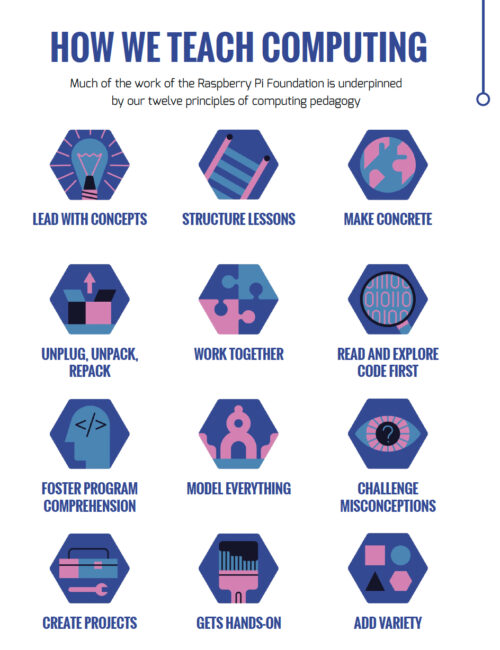
In this keynote talk, our Chief Learning Officer Sue Sentance will focus on some of the 12 pedagogy principles that we developed to support the teaching of computer science. We created this set of principles together with other teachers and researchers to help us and everyone in computing and computer science education reflect on how we teach our learners. Sue will share how we arrived at the principles, and she’ll use classroom examples to illustrate how you can apply them in practice.
Sunday 17 July, 9–10am: Workshop with Sue Sentance
The set of 12 pedagogy principles we’ve developed for teaching computing are presented in our Hello World Big Book of Computing Pedagogy. The book includes summaries, teachers’ perspectives, and lesson plans for each of the 12 principles.
All CSTA attendees will get their own print copy of the Big Book, and in this practical session, we will use the book to explore together how you can use the 12 principles in the planning and delivery of your lessons. The session will be very hands-on, so bring along something you know you want or need to teach.
CSTA is now just a month away, and we can’t wait to meet old friends, make new connections, and learn from each other! Come find us at booth 521 or at our sessions to meet the team, discover Hello World magazine and the Hello World podcast, and find out more about our educational work. We hope to see you soon.
The post We’ll see you at CSTA 2022 Annual Conference appeared first on Raspberry Pi.
In this article adapted from Hello World issue 18, teacher Babak Ebrahim explains how his school uses a cybersecurity club to increase interest in Computing among girls. Babak is a Computer Science and Mathematics teacher at Bishop Challoner Catholic College Secondary in Birmingham, UK. He is a CAS Community Leader, and works as a CS Champion for the National Centre for Computing Education in England.

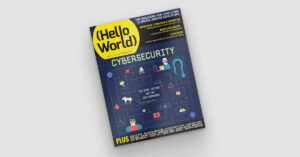
It is impossible to walk into an upper-secondary computer science lesson and not notice the number of boys compared to girls. This is a common issue across the world; it is clear from reading community forums and news headlines that there is a big gap in female representation in computing. To combat this problem in my school, I started organising trips to local universities and arranging assembly talks for my Year 9 students (aged 13–14). Although this was helpful, it didn’t have as much impact as I expected on improving female representation.
This led me to alter our approach and target younger female students with an extracurricular club. As part of our lower-secondary curriculum, all pupils study encryption and cryptography, and we were keen to extend this interest beyond lesson time. I discovered the CyberFirst Girls Competition, aimed at Year 8 girls in England (aged 12–13) with the goal of influencing girls when choosing their GCSE subjects (qualifications pupils take aged 14–16). Each school can enter as many teams as they like, with a maximum of four girls in each team. I advertised the event by showing a video of the previous year’s attendees and the winning team. To our delight, 19 girls, in five teams, entered the competition.
To make sure that this wasn’t a one-off event, we started an after-school cybersecurity club for girls. All Computing teachers encouraged their female students to attend. We had a number of female teachers who were teaching Maths and Computing as their second subjects, and I found it more effective when these teachers encouraged the girls to join. They would also help with running the club. We found it to be most popular with Year 7 students (aged 11–12), with 15 girls regularly attending. We often do cryptography tasks in the club, including activities from established competitions. For example, I recently challenged the club to complete tasks from the most recent Alan Turing Cryptography Competition. A huge benefit of completing these tasks in the club, rather than in the classroom, was that students could work more informally and were not under pressure to succeed. I found this year’s tasks quite challenging for younger students, and I was worried that this could put them off returning to the club. To avoid this, I first taught the students the skills that they would need for one of the challenges, followed by small tasks that I made myself over two or three sessions.
For example, one task required students to use the Playfair cipher to break a long piece of code. In order to prepare students for decoding this text, I showed them how the cipher works, then created empty grids (5 x 5 tables) and modelled the technique with simple examples. The girls then worked in teams of two to encrypt a short quote. I gave each group a different quotation, and they weren’t allowed to let other groups know what it was. Once they applied the cipher, they handed the encrypted message to another group, whose job was to decrypt it. At this stage, some would identify that the other group had made mistakes using the techniques, and they would go through the text together to identify them. Once students were confident and competent in using this cipher, I presented them with the competition task, and they then applied the same process. Of course, some students would still make mistakes, but they would realise this and be able to work through them, rather than being overwhelmed by them. Another worthwhile activity in the club has been for older pupils, who are in their second year of attending, to mentor and support girls in the years below them, especially in preparation for participating in competitions.
Other club activities have included a trip to Bletchley Park. As a part of the package, students took part in a codebreaking workshop in which they used the Enigma machine to crack encrypted messages. This inspirational trip was a great experience for the girls, as they discovered the pivotal roles women had in breaking codes during the Second World War. If you’re not based in the UK, Bletchley Park also runs a virtual tour and workshops. You could also organise a day trip to a local university where students could attend different workshops run by female lecturers or university students; this could involve a mixture of maths, science, and computer science activities.
We are thrilled to learn that one of our teams won this year’s CyberFirst Girls Competition! More importantly, the knowledge gained by all the students who attend the club is most heartening, along with the enthusiasm that is clearly evident each week, and the fun that is had. Whether this will have any impact on the number of girls who take GCSE Computer Science remains to be seen, but it certainly gives the girls the opportunity to discover their potential, learn the importance of cybersecurity, and consider pursuing a career in a male-dominated profession. There are many factors that influence a child’s mind as to what they would like to study or do, and every little extra effort that we put into their learning journey will shape who they will become in the future.
The post A cybersecurity club for girls | Hello World #18 appeared first on Raspberry Pi.
Hello World magazine, our free magazine written by computing educators for computing educators, has been running for 5 years now. In the newest issue, Alan O’Donohoe shares his top tips for educators to make the most out of Hello World.
Alan has over 20 years’ experience teaching and leading technology, ICT, and computing in schools in England. He runs exa.foundation, delivering professional development to engage digital makers, supporting computing teaching, and promoting the appropriate use of technology.
Years before there was a national curriculum for computing, Hello World magazines, or England’s National Centre for Computing Education (NCCE), I had ambitious plans to overhaul our school’s ICT curriculum with the introduction of computer science. Since the subject team I led consisted mostly of non-specialist teachers, it was clear I needed to be the one steering the change. To do this successfully, I realised I’d need to look for examples and case studies outside of our school, to explore exactly what strategies, resources and programming languages other teachers were using. However, I drew a blank. I couldn’t find any local schools teaching computer science. It was both daunting and disheartening not knowing anyone else I could refer to for advice and experience.
Thankfully, ten years later, the situation has significantly improved. Even with increased research and resources, though, there can still be the sense of feeling alone. With scarce prospects to meet other computing teachers, there’s fewer people to be inspired by, to bounce ideas off, to celebrate achievement, or share the challenges of teaching computing with. Some teachers habitually engage with online discussion forums and social media platforms to plug this gap, but these have their own drawbacks.
It’s great news then that there’s another resource that teachers can turn to. You all know by now that Hello World magazine offers another helping hand for computing teachers searching for richer experiences for their students and opportunities to hone their professional practice. In this Insider’s Guide, I offer practical suggestions for how you can use Hello World to its full potential.
Teachers have often told me that strategies like PRIMM and pair programming have had a positive impact on their teaching, after first reading about them in Hello World. Over the five years of its publication, there’s likely to have been an article or research piece that particularly struck a chord with you — so why not try putting the learnings from that article into practice?
You may choose to go this route on your own, but you could persuade colleagues to join you. Not only is there safety in numbers, but the shared rewards and motivation that come from teamwork. Start by choosing an article. This could be an approach that made an impression on you, or something related to a particular theme or topic that you and your colleagues have been seeking to address. You could then test out some of the author’s suggestions in the article; if they represent something very different from your usual approach, then why not try them first with a teaching group that is more open to trying new things? For reflection and analysis, consider conducting some pupil voice interviews with your classes to see what their opinions are of the activity, or spend some time reflecting on the activity with your colleagues. Finally, you could make contact with the author to compare your experiences, seek further support, or ask questions.
Authors generally welcome correspondence from readers, even those that don’t agree with their opinions! While it’s difficult to predict exactly what the outcome may be, it could lead to a productive professional correspondence. Here are some suggestions:
Take inspiration from book clubs, but rather than discuss works of fiction, instead invite members of your professional groups or curriculum teams to discuss content from issues of Hello World. This could become a regular feature of your meetings where attendees can be invited to contribute their own opinions. To achieve this, firstly identify a group that you’re a part of where this is most likely to be received well. This may be with your colleagues, or fellow computing teachers you’ve met at conferences or training days. To begin, you might prescribe one specific single article or broaden it to include a whole issue. It makes sense to select an article likely to be popular with your group, or one that addresses a current or future area of concern.
To familiarise attendees with the content, share a link to the issue for them to read in advance of the meeting. If you’re reviewing a whole issue, suggest pages likely to be most relevant. If you’re reviewing a single article, make it clear whether you are referring to the page numbers as printed or those in the PDF. You could make it easier by removing all other pages from the PDF and sending it as an attachment. Remember that you can download back issues of Hello World as PDFs, which you can then edit or print.
Encourage your attendees to share the aspects of the article that appealed to them, or areas they could not agree with the author or struggled to see working in their particular setting. Invite any points of issue for further discussion and explanation — somebody in the group might volunteer to strike up a conversation with the author by passing on the feedback from the group. Alternatively, you could invite the author of the piece to join your meeting via video conference to address questions and promote discussion of the themes. This could lead to developing a productive friendship or professional association with the author.
“I wish!” is a typical response I hear when I suggest to a teacher that they should seriously consider writing an article for Hello World. I often get the responses, “I don’t have enough time”, “Nobody would read anything I write”, or, “I don’t do anything worth writing about”. The most common concern I hear, though, is, “But I’m not a writer!”. So you’re not the only one thinking that!
“We strongly encourage first-time writers. My job is to edit your work and worry about grammar and punctuation — so don’t worry if this isn’t your strength! Remember that as an educator, you’re writing all the time. Lesson plans, end-of-term reports, assessment feedback…you’re more of a writer than you think! If you’re not sure where to start, you could write a lesson plan, or contribute to our ‘Me and my Classroom’ feature.”
— Gemma Coleman, Editor of Hello World
Help and support is available from the editorial team. I for one have found this to be extremely beneficial, especially as I really don’t rate my own writing skills! Don’t forget, you’re writing about your own practice, something that you’ve done in your career — so you’ll be an expert on you. Each article starts with a proposal, the editor replies with some suggestions, then a draft follows and some more refinements. I ask friends and colleagues to review parts of what I’ve written to help me and I even ask non-teaching members of my family for their opinions.
Writing an article for Hello World can really help boost your own professional development and career prospects. Writing about your own practice requires humility, analytical thinking and self reflection. To ensure you have time to write an article, make it fit in with something of interest to you. This could be an objective from your own performance management or appraisal. This reduces the need for additional work and adds a level of credibility.

If that isn’t enough to persuade you, for contributors based outside of the UK (who usually aren’t eligible for free print copies), Hello World will send you a complimentary print copy of the magazine that you feature in to say thank you. Picture the next Hello World issue arriving featuring an article written by you. How does this make you feel? Be honest — your heart flutters as you tear off the wrapper to go straight to your article. You’ll be impressed to see how much smarter it looks in print than the draft you did in Microsoft Word. You’ll then want to show others, because you’ll be proud of your work. It generates a tremendous sense of pride and achievement in seeing your own work published in a professional capacity.
Hello World offers busy teachers a fantastic, free and accessible resource of shared knowledge, experience and inspiring ideas. When we feel most exhausted and lacking inspiration, we should treasure those mindful moments where we can sit down with a cup of tea and make the most of this wonderful publication created especially for us.
We marked Hello World’s fifth anniversary with a recent Twitter Spaces event with Alan and Catherine Elliot as our guests. You can catch up with the event recording on the Hello World podcast. And the newest Hello World issue, with a focus on cybersecurity, is available as a free PDF download — dive it today.
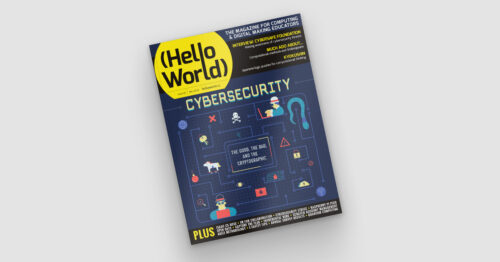
How have you been using Hello World in your practice in the past five years? What do you hope to see in the magazine in the next five? Let us know on Twitter by tagging @HelloWorld_Edu.
The post Making the most of Hello World magazine | Hello World #18 appeared first on Raspberry Pi.
We set out last year to gather more stories, ideas, and inspiration from and for the computing education community in between Hello World magazine issues: we launched the Hello World podcast. On the podcast, we dive deeper into articles from Hello World, and we speak with people from all over the world who work as teachers, educators, and other computing education professionals.
The Hello World podcast helps connect the global community of computing educators and Hello World readers, and lets them share their experiences. After two seasons and a short pause during the autumn, we are finally back with a brand-new Hello World podcast season. Regular listeners will also notice a new theme music!
Each episode, we explore computing, coding, and digital making education by delving into an exciting topic together with our guests: experts, practitioners, and other members of the Hello World community.
In season 3, we’re exploring:

In our first episode, which will be available from 7 February, your hosts Carrie Anne and James ask the question “What role do makerspaces play in the classroom?”. We talk to two fantastic guests, each with a wealth of experience in designing and developing makerspaces:

Nick Provenzano, who is a Teacher and Makerspace Director at University Liggett School in Michigan. He is also an author, makerspace builder, international keynote speaker and Raspberry Pi Certified Educator.

Chris Hillidge, who established FabLab Warrington in 2016 and manages the STEM strategy for students aged 4 to 19 across The Challenge Academy Trust. Chris is a Specialist Leader of Education, consultant, and Raspberry Pi Certified Educator.
If you’ve not tried out the Hello World podcast yet, why not get started by diving into one of our most popular episodes?
You’ll find the upcoming season and past episodes on your favourite podcast platform, where you can also subscribe to never miss an episode. Alternatively, you can listen via your browser at helloworld.cc/podcast.
The post It’s back: The Hello World podcast for the computing education community appeared first on Raspberry Pi.
The global IT industry generates as much CO2 as the aviation industry. In Hello World issue 17, we learn about the hidden impact of our IT use and the changes we can make from Beverly Clarke, national community manager for Computing at School and author of Computer Science Teacher: Insight Into the Computing Classroom.

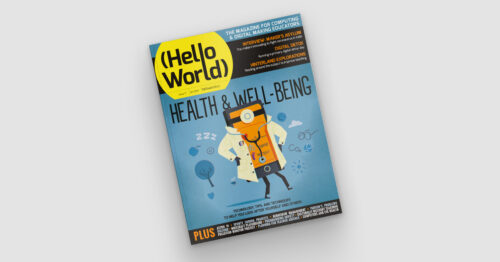
With the onset of the pandemic, the world seemed to shut down. Flights were grounded, fewer people were commuting, and companies and individuals increased their use of technology for work and communication. On the surface, this seemed like a positive time for the environment. However, I soon found myself wondering about the impact that this increased use of technology would have on our planet, in particular the increases in energy consumption and e-waste. This is a major social, moral, and ethical issue that is hiding in plain sight — green IT is big news.
This is a major social, moral, and ethical issue that is hiding in plain sight — green IT is big news.
Thinking that online is always better for the planet is not always as straightforward as it seems. If we choose to meet via conference call rather than travelling to a meeting, there are hidden environmental impacts to consider. If there are 50 people on a call from across the globe, all of the data generated is being routed around the world through data centres, and a lot of energy is being used. If all of those people are also using video, that is even more energy than audio only.
Not only is the amount of energy being used a concern, but we must also ask ourselves how these data centres are being powered. Is the energy they are using coming from a renewable source? If not, we may be replacing one environmental problem with another.
What about other areas of our lives, such as taking photos or filming videos? These two activities have probably increased as we have been separated from family and friends. They use energy, especially when the image or video is then shared with others around the world and consequently routed through data centres. A large amount of energy is being used, and more is used the further the image travels.
Not only is the amount of energy being used a concern, but we must also ask ourselves how these data centres are being powered.
Similarly, consider social media and the number of posts individuals and companies make on a daily basis. All of these are travelling through data centres and using energy, yet for the most part this is not visible to the user.
E-waste is another green IT issue, and one that will only get worse as we rely on electronic devices more. As well as the potential eyesore of mountains of e-waste, there is also the impact upon the planet of mining the precious metals used in these electronics, such as gold, copper, aluminium, and steel.

The processes used to mine these metals lead to pollution, and we should also consider that some of the precious metals used in our devices could run out, as there is not an endless supply in the Earth’s surface.
It is also problematic that a lot of e-waste is sent to developing countries with limited recycling plants […].
It is also problematic that a lot of e-waste is sent to developing countries with limited recycling plants, and so much of the e-waste ends up in landfill. This can lead to toxic substances being leaked into the Earth’s surface.
With my reflective hat on, I started to think about discussions we as teachers could have with pupils around this topic, and came up with the following:

UK-based educators can watch a recent episode of TV programme Dispatches that investigates the carbon footprint of the IT industry. You can add the following tips from the programme to your discussions:
These lists are not exhaustive, but provide a good starting point for discussions with learners. We should all play our small part in ensuring that we #RestoreOurEarth — this year’s Earth Day theme — and having an awareness and understanding of the impact of our use of electronic devices is part of the way forward.
What about you? In the comments below, share your thoughts, tips, and resources on green IT and how we can bring awareness of it to our learners and young people at home.
The post Green information technology and classroom discussions appeared first on Raspberry Pi.
In Hello World issue 12, our free magazine for computing educators, George Boukeas, DevOps Engineer for the Astro Pi Challenge here at the Foundation, introduces big moments in the history of artificial intelligence (AI) to share with your learners:
The story of artificial intelligence (AI) is a story about humans trying to understand what makes them human. Some of the episodes in this story are fascinating. These could help your learners catch a glimpse of what this field is about and, with luck, compel them to investigate further.
In 1950, Alan Turing published a philosophical essay titled Computing Machinery and Intelligence, which started with the words: “I propose to consider the question: Can machines think?” Yet Turing did not attempt to define what it means to think. Instead, he suggested a game as a proxy for answering the question: the imitation game. In modern terms, you can imagine a human interrogator chatting online with another human and a machine. If the interrogator does not successfully determine which of the other two is the human and which is the machine, then the question has been answered: this is a machine that can think.

This imitation game is now a fiercely debated benchmark of artificial intelligence called the Turing test. Notice the shift in focus that Turing suggests: thinking is to be identified in terms of external behaviour, not in terms of any internal processes. Humans are still the yardstick for intelligence, but there is no requirement that a machine should think the way humans do, as long as it behaves in a way that suggests some sort of thinking to humans.
In his essay, Turing also discusses learning machines. Instead of building highly complex programs that would prescribe every aspect of a machine’s behaviour, we could build simpler programs that would prescribe mechanisms for learning, and then train the machine to learn the desired behaviour. Turing’s text provides an excellent metaphor that could be used in class to describe the essence of machine learning: “Instead of trying to produce a programme to simulate the adult mind, why not rather try to produce one which simulates the child’s? If this were then subjected to an appropriate course of education one would obtain the adult brain. We have thus divided our problem into two parts: the child-programme and the education process.”

It is remarkable how Turing even describes approaches that have since been evolved into established machine learning methods: evolution (genetic algorithms), punishments and rewards (reinforcement learning), randomness (Monte Carlo tree search). He even forecasts the main issue with some forms of machine learning: opacity. “An important feature of a learning machine is that its teacher will often be very largely ignorant of quite what is going on inside, although he may still be able to some extent to predict his pupil’s behaviour.”
The term ‘artificial intelligence’ was coined in 1956, at an event called the Dartmouth workshop. It was a gathering of the field’s founders, researchers who would later have a huge impact, including John McCarthy, Claude Shannon, Marvin Minsky, Herbert Simon, Allen Newell, Arthur Samuel, Ray Solomonoff, and W.S. McCulloch.

The simple and ambitious definition for artificial intelligence, included in the proposal for the workshop, is illuminating: ‘making a machine behave in ways that would be called intelligent if a human were so behaving’. These pioneers were making the assumption that ‘every aspect of learning or any other feature of intelligence can in principle be so precisely described that a machine can be made to simulate it’. This assumption turned out to be patently false and led to unrealistic expectations and forecasts. Fifty years later, McCarthy himself stated that ‘it was harder than we thought’.
Modern definitions of intelligence are of distinctly different flavour than the original one: ‘Intelligence is the quality that enables an entity to function appropriately and with foresight in its environment’ (Nilsson). Some even speak of rationality, rather than intelligence: ‘doing the right thing, given what it knows’ (Russell and Norvig).

In the full article, which you can read in the free PDF copy of the issue, George looks at:
In your free PDF of Hello World issue 12, you’ll also find:
You can also read many of these articles online on the Hello World website.
In Hello World issue 16, the focus is on all things data science and data literacy for your learners. As always, you can download a free copy of the issue. And on our Hello World podcast, we chat with practicing computing educators about how they bring AI, AI ethics, machine learning, and data science to the young people they teach.
If you want a practical introduction to the basics of machine learning and how to use it, take our free online course.
There are still many open questions about what good AI and data science education looks like for young people. To learn more, you can watch our panel discussion about the topic, and join our monthly seminar series to hear insights from computing education researchers around the world.
We are also collating a growing list of educational resources about these topics based on our research seminars, seminar participants’ recommendations, and our own work. Find the resource list here.
The post Snapshots from the history of AI, plus AI education resources appeared first on Raspberry Pi.

In Hello World issue 17, Raspberry Pi Certified Educator Cat Lamin talks about how building connections and sharing the burden can help make us better educators, even in times of great stress:
In March 2020, the world suddenly changed. For educators, we jumped from face-to-face teaching to a stark new landscape, with no idea of how the future would look. As generous teachers pushed out free resources, I felt like I needed to play my part. Suddenly, an idea struck me. In September 2017, I had decided to be brave and submit a talk to PyConUK to discuss my mental health. Afterwards, several people in the audience shared their own stories with me or let me know that it helped them just to hear that someone else struggled too. I realised that in times of pressure, we need a chance to talk and we had lost these outlets. In school, we would pop to the staffroom or a friend’s classroom for a quick vent, but that wasn’t an option anymore. People were feeling isolated, scared, stressed and didn’t have anyone to turn to.
I realised that in times of pressure, we need a chance to talk, and we had lost these outlets.
Cat Lamin
Thus, the first Global Google Educator Group Staffroom: Mental Health Matters was launched on 14 March 2020, which coincided with the US government announcing school closures and UK teachers still waiting anxiously to hear when doors would close. The aim of Staffroom was to give teachers a safe space to talk about how they’re feeling under the overwhelming weight of school closures. To say it was a success would be an understatement, with teachers joining the calls from Australia, Malaysia, the USA, Colombia, Mexico, Brazil, Europe and more!

“Staffroom for me is a place and time to connect with other teachers from around the world. I remember seeing the calendar invites by mail and I kept thinking I should join but was afraid to do it. The first time I did it, I listened first and it made me realize that my struggles during pandemic online teaching were the same struggles as everywhere else.” – Pily Hernandez, Monterrey, Mexico
In those early days, we just gave teachers a chance to talk. The format of our meetings was simple: what’s your name, where are you from, and then an ice breaker question like ‘What colour do you feel like?’ or ‘What song represents your current mood?’ It wasn’t long before we hit upon a winning formula by making our own ‘Which image are you today?’ picture scale (see the ‘Which William’ image below!). Using the picture scales allowed people to really express how they felt. Often someone who had been happily chatting would explain that they were actually struggling to keep their head above water because a silly image allowed them to be honest.
One of the most important messages from Staffroom was that many people involved with technology in schools were feeling alone. After years of suggesting teachers use technology, suddenly they were blamed for schools not being properly prepared. They were struggling with not necessarily knowing what to suggest to teachers with technology difficulties, as they were grappling with their own personal lockdown situations. Hearing that other people, all around the world, were experiencing something similar was hugely eye-opening and took a great amount of weight off their shoulders.

“As someone who thrived from having in person connections and networking opportunities, lockdown hit me hard. Staffroom really helped to keep those connections going and has developed into such a lovely safe space to talk and connect with others.” – Abid Patel, London, UK
We varied the tone of the sessions depending on the needs of the attendees. In the first few months, we shared our lockdown situations and our different experiences across the world. We could share advice and tips, as well as best practice for delivering content and things that had gone terribly wrong since switching to remote teaching. Or we’d discuss food in different countries around the world (did you know that in Australia, fish and chips is made from shark?) or joke about whether Vegemite was actually an edible product (it’s ok, I tried it live on camera during one Staffroom). Other days, we would discuss how difficult we were finding teaching, isolation or life in general during a pandemic.
One of the things that people continuously mentioned was that Staffroom was a safe place where they felt they could share, be listened to, and be understood. We made it clear that no one had to speak unless they wanted to. I made a point of always being completely honest about my own mental health. As a person who had suffered from depression and anxiety in the past, it was no surprise to me when I was diagnosed with both near the end of 2020, and I was fortunate enough to get virtual therapy. I shared my story with the group, which allowed attendees to feel more comfortable being open and talking about their own struggles, in some cases leading to their own diagnosis and getting much-needed support.

“Staffroom has been the best ‘out of my comfort zone’ leap that I have ever taken. I have met educators from all over the world and learned that there are more things that unite us than divide us in this world of education.” – Frederick Ballew, Minnesota, USA
People would join Staffroom to share new jobs, engagements, even cross-country moves, but equally they would join after losing a loved one or hearing of a pupil sick in hospital. Staffroom became a safe haven for teachers, coaches, IT directors, and pretty much anyone involved in technology within education. It is a place where we could bond over shared experience, share a joke, ask questions, get ideas, and even plan our futures.
Do not underestimate the power of connections, and of sharing your story.
Cat Lamin
Alongside Staffroom, I also built a website to allow teachers to share their mental health stories and to feel a little less alone (mentalhealthineducation.com). I continue to host regular Staffrooms, although less frequently. 18 months ago, we needed a chance to talk three times a week, but now we meet two or three times a month instead. You can find current Staffroom dates at www.globalgeg.org/events. If you take one thing away from this article, however, it is this: do not underestimate the power of connections, and of sharing your story.
Cat Lamin is a Raspberry Pi Certified Educator, CAS Master Teacher, and Google Certified Innovator who works as a freelance trainer and coach, supporting schools with digital strategy and enabling educators to use technology more effectively. For running this regular mental health staffroom, she was awarded a Mental Health Champion Award from Edufuturist.
Your insights are invaluable to help us make Hello World as useful as it can be for computing educators around the globe. Hello World is a magazine for educators from educators — so if you are interested in having a 20-minute chat with me about what you like about the magazine, and what you would like to change, then please sign up here. I look forward to speaking with you.
The brand-new issue of our free Hello World magazine for computing educators focuses on all things health and well-being.
It is full of inspiring stories and practical ideas for teaching your learners about computing in this context, and supporting them to use digital technologies in beneficial ways.
Download the new issue of Hello World for free today:
To never miss a new issue, you can subscribe to Hello World for free. Also check out the first-ever special edition of Hello World, The Big Book of Pedagogy. It focuses on approaches to teaching computing in the classroom, and you can download the special edition for free.
Wherever you are in the world, you can listen to our Hello World podcast too! Each episode, we explore a new topic with some of the computing educators who’ve written for the magazine.
The post Cat Lamin on building a global educator family | Hello World #17 appeared first on Raspberry Pi.
Hello World, our free magazine for computing and digital making educators, has just published its very first special edition: The Big Book of Computing Pedagogy!
“When I started to peruse the draft for The Big Book of Computing Pedagogy, I was simply stunned.”
Monica McGill, founder & CEO of CSEDResearch.org
This special edition focuses on practical approaches to teaching computing in the classroom, and includes some of our favourite pedagogically themed articles from previous issues of Hello World, as well as a few never-seen-before pieces. It is structured around twelve pedagogical principles, first developed by us as part of our work related to the National Centre for Computing Education in England. These twelve principles are based on up-to-date research around the best ways of approaching the teaching and learning of computing.
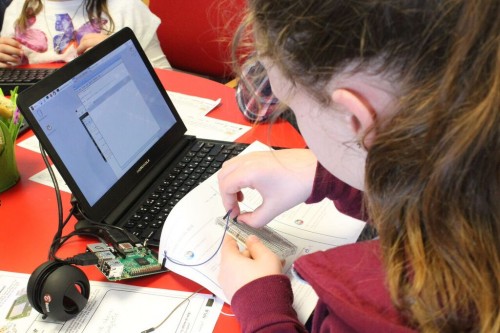
Computing education is still relatively new, and it’s a field that’s constantly changing and adapting. Despite leaving school less than ten years ago, I remember my days in the computer lab being limited to learning about how to add animations on PowerPoints and trying out basic Excel formulas (and yes, there was still the odd mouse with a ball knocking about!).
Computing education research is even younger, and we are proud to be an important part of this growing space. As an organisation, we engage in rigorous original research around computing education and learning for young people, and we share all of our research work through blogs, reports, research seminars, and academic publications. We’re particularly proud to have partnered with the University of Cambridge to establish the Raspberry Pi Computing Education Research Centre.
The Big Book of Computing Pedagogy represents another way in which we bring research and practice to computing educators in an accessible and engaging way. The book aims to be an educator’s companion to learning about tried and tested approaches to teaching computing.
It includes articles on techniques for fostering program comprehension, advice for bringing physical computing to your classroom, and introductions to frameworks for structuring your computing lessons. As with all Hello World content, we’re bridging the gap between research and practice by giving you accessible chunks of research, followed by stories of trusty educators who have tried out the approaches in their classroom or educational space.
Monica McGill, founder and CEO of CSEDResearch.org, says about Hello World’s latest offering, “When I started to peruse the draft for The Big Book of Computing Pedagogy, I was simply stunned. I found the ready-to-consume content to be solidly based on research evidence and tried-and-true best practices from teachers themselves. This resource provides valuable insights into introducing computing to students via unplugged activities, integrating the Predict–Run–Investigate–Modify–Make (PRIMM) pedagogical model, and introducing physical devices for computing — all written in a way that teachers can adopt and use in their own classrooms.”
We’ve been thrilled to see the reaction of educators to this special edition, with many teachers already using it as a reference guide and for a spot of CPD. Why not join them and download it for free today?
Subscribe now to get each new Hello World — whether regular issue or special edition — straight to your digital inbox, for free! And if you’re based in the UK and do paid or unpaid work in education, you can subscribe for free print issues.
PS Have you listened to our Hello World podcast yet? A new episode has just come out, and it’s great! Listen and subscribe wherever you get your podcasts.
The post Hello World’s first-ever special edition is here! appeared first on Raspberry Pi.
Your brand-new issue of the free Hello World magazine for computing educators focuses on all things health and well-being, featuring useful tools for educators, great ideas for schools, and inspiring projects, ideas, and resources from teachers around the world!
One such project was created by the students of James Abela, Head of Computing at Garden International School in Kuala Lumpur, Raspberry Pi Certified Educator, founder of the South East Asian Computer Science Teachers Association, and author of The Gamified Classroom:
In 2018, Indonesia burned approximately 529,000 hectares of land. That’s an area more than three times the size of Greater London, or almost the size of Brunei. With so much forest being burned, the whole region felt the effects of the pollution. Schools frequently had to ban outdoor play and PE lessons, and on some days schools were closed completely. Many schools in the region had an on-site CO2 detector to know when pollution was bad, but by the time the message could get out, children had already been breathing in the polluted air for several minutes.

My Year 12 students (aged 16–17) followed the news and weather forecasts intently, and we all started to see how the winds from Singapore and Sumatra were sending pollution to us in Kuala Lumpur. We also realised that if we had measurements from around the city, we might have some visibility as to when pollution was likely to affect our school.
I’ve always encouraged my students to do their own projects, because it gives programming tasks meaning and creates something that they can be genuinely proud of. The other benefit is that it is something to talk about in university essays and interviews, especially as they often need to do extensive research to solve the problems central to their projects.
This project was […] a genuine passion project in every sense of the word.
James Abela
This project was much more than this: it was a genuine passion project in every sense of the word. Three of my students approached me with the idea of tracking CO2 to give schools a better idea of when there was pollution and which way it was going. They had had some experience of using Raspberry Pi computers, and knew that it was possible to use them to make weather stations, and that the latest versions had wireless LAN capability that they could use. I agreed to support them during allocated programming time, and to help them reach out to other schools.
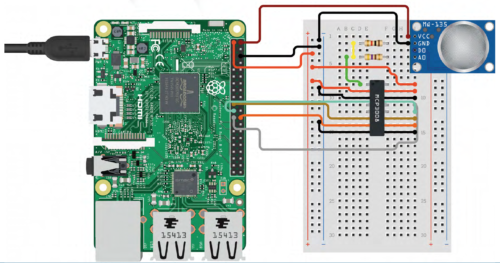
I was able to offer students support with this project because I flip quite a lot of the theory in my class. Flipped learning is a teaching approach in which some direct instruction, for example reading articles or watching specific videos, is done at home. This enables more class time to be used to answer questions, work through higher-order tasks, or do group work, and it creates more supervised coding time.
I was able to offer students support with this project because I flip quite a lot of the theory in my class.
James Abela
I initially started doing this because when I set coding challenges for homework, I often had students who confessed they spent all night trying to solve it, only for me to glance at the code and notice a missing colon or indentation issue. I began flipping the less difficult theory for students to do as homework, to create more programming time in class where we could resolve issues more quickly. This then evolved into a system where students could work much more at their own pace and eventually led to a point at which older students could, in effect, learn through their own projects, such as the pollution monitor.
The students started by looking at existing weather station projects — for example, there is an excellent tutorial on the Raspberry Pi Foundation’s projects site. Students discovered that wind data is relatively easy to get over a larger area, but the key component would be something to measure CO2. […]
Check out issue 17 of Hello World to read the rest of James’s article and find out all the details about the hardware and software his students used for this passion project. He says:
This project really helped these students to decide whether they enjoyed the hardware side of computing, and solving real-world issues really encouraged them to see computing as a practical subject. This is a message that has really resonated with other students, and we’ve since doubled the number of students taking A level computer science.
James Abela
Issue 17 of Hello World is bursting with inspiring ideas for teaching your learners about computing in the context of health and well-being. And you’ll find lots more great content in its 100 pages!
James’s article is also a wonderful example of an educator empowering their students to build a tech project they care about. You’ll discover more insights and practical tips on making computing relevant to all your learners in the following articles of the new Hello World issue:
Download the new issue of Hello World for free today:
If you’re an educator based in the UK, you can subscribe to receive each new issue in print completely free!
We’ve also just released the first-ever special edition of Hello World — The Big Book of Pedagogy — which focuses on approaches to teaching computing in the classroom. Download it for free today.
And wherever you are in the world, don’t forget to listen to the Hello World podcast, where each episode we dive into a new topic from the magazine with some of the computing educators who’ve written for us.
The post Inspiring learners about computing through health and well-being projects | Hello World #17 appeared first on Raspberry Pi.
In our brand-new issue of Hello World magazine, editor Gemma Coleman speaks to Kate Farrell from Data Education in Schools to discuss the importance of teaching data to help students navigate the world.
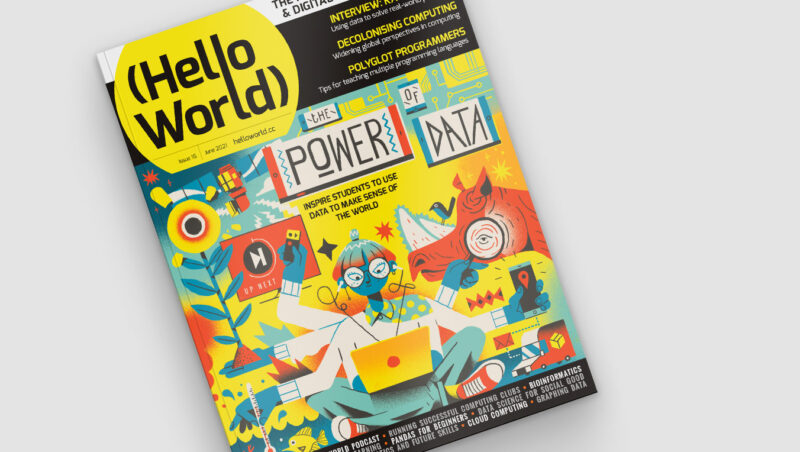
When I was searching for contributors for this issue of Hello World, a pattern quickly began to emerge: “Data? You want to speak to Kate.” Kate Farrell is director of curriculum development and professional learning on the Data Education in Schools project, part of the Data-Driven Innovation Skills Gateway in Scotland. With the project developing teaching materials, professional development, and even qualifications for schools that want to teach data education to learners aged 3–18, “It’s not the kind of role that fits easily on a business card,” she laughs.

The project started in 2019, with the team looking at the Scottish curriculum and mapping out where data could be embedded and how it could be used to support various subjects. “We know that teachers are under stress and won’t be able to deliver extra stuff, so we’re looking to understand how we get better at doing data literacy within the rest of the curriculum,” Kate explains. “How do we provide and support opportunities to look at data in the rest of the curriculum in cool new ways?”
“We like taking topics that you wouldn’t instantly think are about data science.”
The team runs monthly seminars drawing upon this theme, to help teachers see its applicability across all subjects. “We like taking topics that you wouldn’t instantly think are about data science. Yes, the sciences, computer science, and maths are where you would expect it, but there are huge amounts of data and data use in geography, music, social studies, and even PE.”
One example is the DataFit series of lessons for upper primary and lower secondary students, with a mission to simultaneously increase data literacy and physical activity literacy. This includes an introduction to activity-monitoring devices, such as step counters on phones. The lesson has the twin aims of teaching students how monitoring steps or sleep activity can be a positive thing, and also encouraging them to reflect on how they feel about their phone collecting their personal data.
“A lot of students don’t realise their phone is keeping track of their step count, just by virtue of it sitting in their pockets,” Kate muses. “It’s been interesting to see just how little some learners know about the data that’s being kept and tracked about them.”
Data Education in Schools ran a similarly themed workshop for students aged 10–11, with a series of events in an imagined Data Town being examined, to investigate how data can impact our lives. The day started by giving each student a cardboard mobile phone on which they could install apps in the form of stickers if they gave the town certain pieces of information about themselves, such as their favourite colour or football team. “Some kids would just install anything, give up any data, because they wanted the stickers – just like many kids will just download any app,” Kate explains. The apps and associated products then developed as they gathered more data, which was then presented back to the students. The purpose was to get students to reflect on how they felt about the products and how they used their data.
“[…] a series of ‘aha’ moments for students, as they realised what sharing their data meant.”
Later in the workshop, the mayor of Data Town announced that the town had sold the data to an advertising company who wanted to know people’s favourite colour, and to a gym who wanted to know their fitness data to help them decide the location of a new branch. “This meant a series of ‘aha’ moments for students, as they realised what sharing their data meant. Some of the kids who had opted not to collect the stickers were suddenly very smug!”
The project keeps a balance in the story it tells about data, with teaching materials encompassing both the risks of data collection and the huge benefits it can bring. “That is our main aim: how can we help learners use data to make their lives and the lives of their communities better — data for social good.” In the Data Town workshop, students also chose to share data with hospitals and researchers, and later found that this had helped them to develop new medicines. “We didn’t just want to send across the message that sharing data is bad. Yes, you can share your data, but be aware who you’re sharing it with, who you’re trusting with it.”
“How can we help learners use data to make their lives and the lives of their communities better?”
The materials that Data Education in Schools has produced use a framework called PPDAC: Problem, Plan, Data, Analysis, and Conclusion. This is an established approach to statistical literacy, and using this data problem-solving cycle in a real-world context is a powerful way to engage learners with data topics. “The aim is to empower students with the tools to be campaigning, to be making real-world changes to their lives and their communities using data.”
Kate gives a simple example of how a class could look at how much plastic their canteen is using, collecting the data on plastic products and then using that data to make the case to reduce their plastic consumption.
The project has also worked with Scottish exam board SQA to develop a National Progression Award in Data Science; they believe it is the world’s first data science school qualification. The award is aimed at upper secondary students, colleges, and workplaces as an introductory qualification in data science. It carries the same ethos as their materials for younger learners: to help students understand how data is used in society, both negatively and positively, and develop skills to help them make better decisions.
“We need learners to be able to look at the news, and their social media stream, and question what they’re looking at, or ask: where is the evidence?”
“I want people to realise that although data science sounds scary, it’s so important to learners’ lives these days. We’ve seen it with the pandemic. Being able to interpret and analyse data is hugely important. We need learners to be able to look at the news, and their social media stream, and question what they’re looking at, or ask: where is the evidence? This is so important, whether or not they go on to become a data scientist… although we’d love it if they did!”
Issue 16 of Hello World focuses on data science and data literacy; it is full of teaching ideas and inspiration to help you and your students use data to make decisions and to make sense of the world. Also in this issue:
Subscribe now to get each new digital issue straight to your inbox! And if you’re based in the UK and do paid or unpaid work in education, you can subscribe for free print issues.
PS Have you listened to our Hello World podcast yet? Episode 4 has just come out, and it’s great! Listen and subscribe wherever you get your podcasts.
The post How do you use data to solve a real-world problem? | Hello World #16 appeared first on Raspberry Pi.
There is growing momentum behind the idea of putting computing, computer science, and digital making at the heart of modern education. At the Raspberry Pi Foundation, we want to connect with and support computing educators, both inside and outside of the classroom. Hello World magazine, which we started in 2017, is a platform to help educators all over the world to find inspiration, share experiences, and learn from one another. Hello World is free and has proven to be very popular, with subscribers hailing from 172 countries across the globe!
The Hello World community has told us that they’re hungry for more content while they wait for each new magazine issue. So to complement the magazine, we’ve launched a brand-new Hello World podcast to meet this need! That means you can now hear directly from the educators who are writing Hello World articles, dive a little deeper, and have some fun along the way.
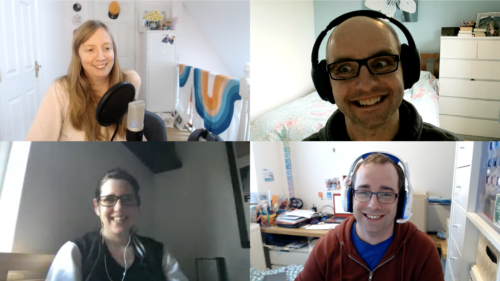
In season 1 of the Hello World podcast, you will:
Start listening to our first episodes now, wherever you usually get your podcasts. And make sure to subscribe to never miss an episode!
Let us know if you have a question or a topic you would like us to explore on the Hello World podcast. You can get even more involved by featuring as a guest on a future episode, sharing your top tips and best teaching practices with computing educators around the world. Get in touch with us at podcast@helloworld.cc with your suggestions!
The post The all-new Hello World podcast for educators interested in computing and digital making appeared first on Raspberry Pi.
In our brand-new issue of Hello World magazine, Hayley Leonard from our team gives a primer on how computing educators can apply the Universal Design for Learning framework in their lessons.
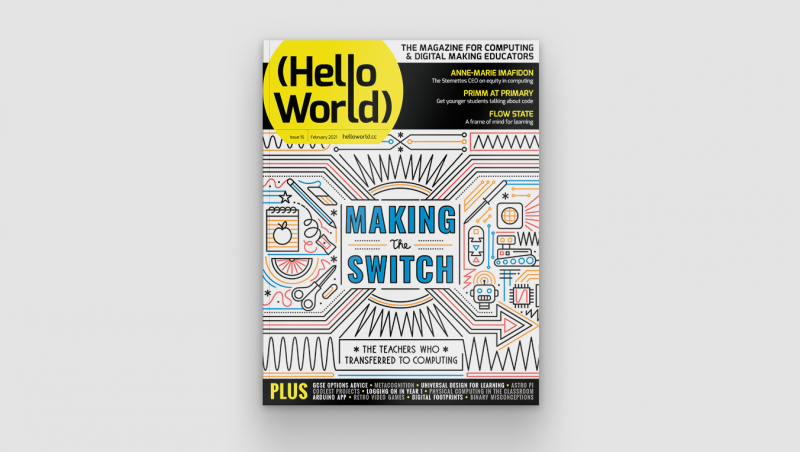
Universal Design for Learning (UDL) is a framework for considering how tools and resources can be used to reduce barriers and support all learners. Based on findings from neuroscience, it has been developed over the last 30 years by the Center for Applied Special Technology (CAST), a nonprofit education research and development organisation based in the US. UDL is currently used across the globe, with research showing it can be an efficient approach for designing flexible learning environments and accessible content.

Engaging a wider range of learners is an important issue in computer science, which is often not chosen as an optional subject by girls and those from some minority ethnic groups. Researchers at the Creative Technology Research Lab in the US have been investigating how UDL principles can be applied to computer science, to improve learning and engagement for all students. They have adapted the UDL guidelines to a computer science education context and begun to explore how teachers use the framework in their own practice. The hope is that understanding and adapting how the subject is taught could help to increase the representation of all groups in computing.
The UDL guidelines help educators anticipate barriers to learning and plan activities to overcome them.
The UDL framework is based on neuroscientific evidence which highlights how different areas or networks in the brain work together to process information during learning. Importantly, there is variation across individuals in how each of these networks functions and how they interact with each other. This means that a traditional approach to teaching, in which a main task is differentiated for certain students with special educational needs, may miss out on the variation in learning between all students across different tasks.

The UDL guidelines highlight different opportunities to take learner differences into account when planning lessons. The framework is structured according to three main principles, which are directly related to three networks in the brain that play a central role in learning. It encourages educators to plan multiple, flexible methods of engagement in learning (affective networks), representation of the teaching materials (recognition networks), and opportunities for action and expression of what has been learnt (strategic networks).
The three principles of UDL are each expanded into guidelines and checkpoints that allow educators to identify the different methods of engagement, representation, and expression to be used in a particular lesson. Each principle is also broken down into activities that allow learners to access the learning goals, remain engaged and build on their learning, and begin to internalise the approaches to learning so that they are empowered for the future.
| Multiple means of engagement | Multiple means of representation | Multiple means of action and expression |
|
Provide options for recruiting interests * Give students choice (software, project, topic) * Allow students to make projects relevant to culture and age |
Provide options for perception * Model computing through physical representations as well as through interactive whiteboard/videos etc. * Select coding apps and websites that allow adjustment of visual settings (e.g. font size/contrast) and that are compatible with screen readers |
Provide options for physical action * Include CS unplugged activities that show physical relationships of abstract computing concepts * Use assistive technology, including a larger or smaller mouse or touchscreen devices |
|
Provide options for sustaining effort and persistence * Utilise pair programming and group work with clearly defined roles * Discuss the integral role of perseverance and problem-solving in computer science |
Provide options for language, mathematical expressions, and symbols * Teach and review computing vocabulary (e.g. code, animations, algorithms) * Provide reference sheets with images of blocks, or with common syntax when using text |
Provide options for expression and communication * Provide sentence starters or checklists for communicating in order to collaborate, give feedback, and explain work * Provide options that include starter code |
|
Provide options for self-regulation * Break up coding activities with opportunities for reflection, such as ‘turn and talk’ or written questions * Model different strategies for dealing with frustration appropriately |
Provide options for comprehension * Encourage students to ask questions as comprehension checkpoints * Use relevant analogies and make cross-curricular connections explicit |
Provide options for executive function * Embed prompts to stop and plan, test, or debug throughout a lesson or project * Demonstrate debugging with think-alouds |
Each principle of the UDL framework is associated with three areas of activity which may be considered when planning lessons or units of work. It will not be the case that each area of activity should be covered in every lesson, and some may prove more important in particular contexts than others. The full table and explanation can be found on the Creative Technology Research Lab website at ctrl.education.ufl.edu/projects/tactic.
While an advantage of UDL is that the principles can be applied across different subjects, it is important to think carefully about what activities to address these principles could look like in the case of computer science.

Researchers at the Creative Technology Research Lab, led by Maya Israel, have identified key activities, some of which are presented in the table on the previous page. These guidelines will help educators anticipate potential barriers to learning and plan activities that can overcome them, or adapt activities from those in existing schemes of work, to help engage the widest possible range of students in the lesson.
As well as suggesting approaches to applying UDL to computer science education, the research team at the Creative Technology Research Lab has also investigated how teachers are using UDL in practice. Israel and colleagues worked with four novice computer science teachers in US elementary schools to train them in the use of UDL and understand how they applied the framework in their teaching.
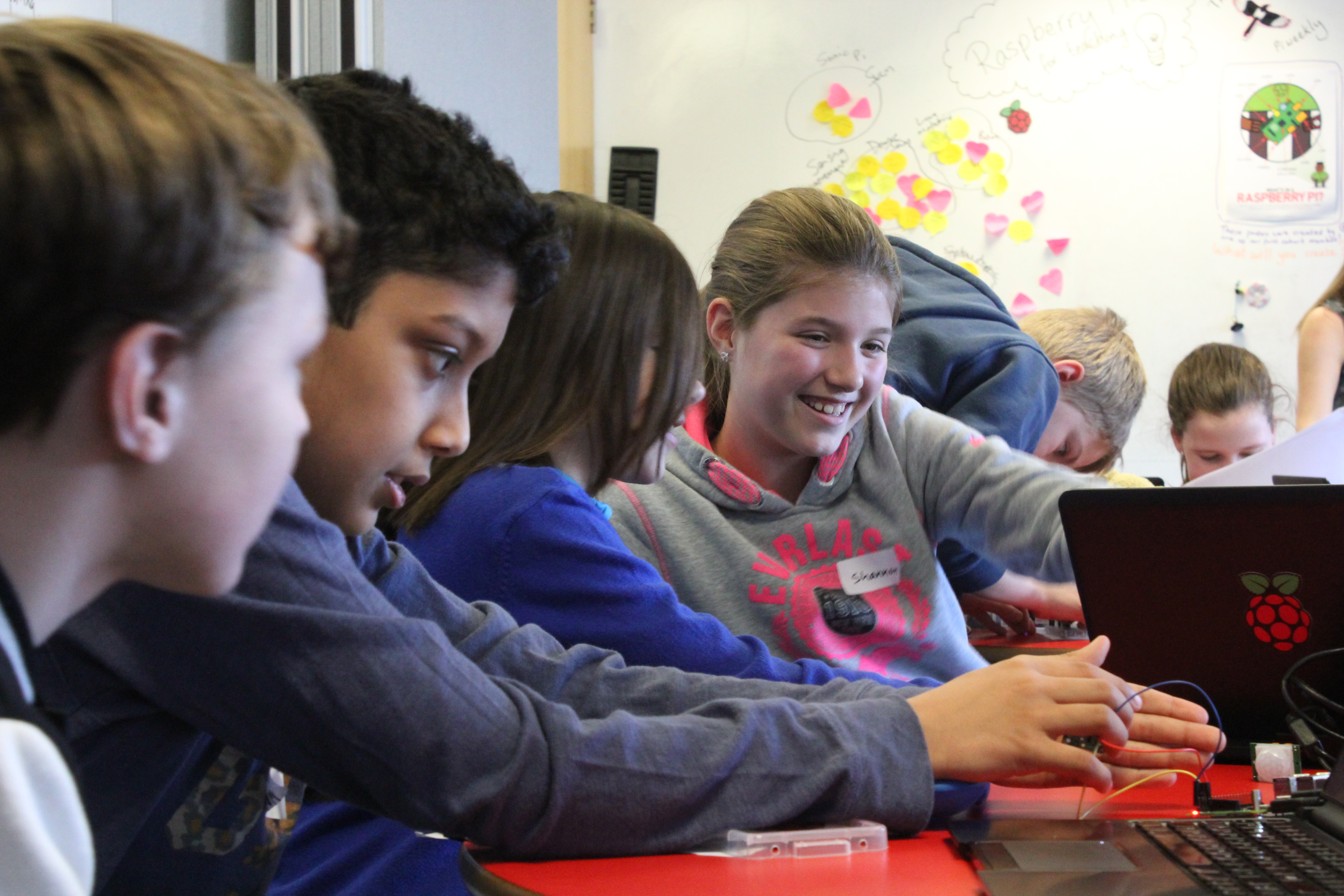
The research found that the teachers were most likely to include in their teaching multiple means of engagement, followed by multiple methods of representation. For example, they all offered choice in their students’ activities and provided materials in different formats (such as oral and visual presentations and demonstrations). They were less likely to provide multiple means of action and expression, and mainly addressed this principle through supporting students in planning work and checking their progress against their goals.
Although the study included only four teachers, it highlighted the flexibility of the UDL approach in catering for different needs within variable teaching contexts. More research will be needed in future, with larger samples, to understand how successful the approach is in helping a wide range of students to achieve good learning outcomes.
There are numerous resources designed to help teachers learn more about the UDL framework and how to apply it to teaching computing. The CAST website (helloworld.cc/cast) includes an explainer video and the detailed UDL guidelines. The Creative Technology Research Lab website has computing-specific ideas and lesson plans using UDL (helloworld.cc/udl).
Maya Israel will be presenting her research at our computing education research seminar series, on 20 April 2021. Our seminars are free to attend and open to anyone from anywhere around the world. Find out more about the current seminar series, which focuses on diversity and inclusion in computing education.
In issue 15 of Hello World, we hear from five teachers who have made the switch to computing from another subject. They tell us about the challenges they have faced, as well as the joys of teaching young people how to create new things with technology. All this and much, much more in the new issue!
Educators based in the UK can subscribe to receive print copies for free!
The post Universal design for learning in computing | Hello World #15 appeared first on Raspberry Pi.

 Lateo.net - Flux RSS en pagaille (pour en ajouter : @ moi)