 Connexion


Modern web design has turned websites from static and boring walls of information into ways of providing fun and engaging experiences to the user. Our new ‘More web’ project path shows young creators how to add interaction and animation to a webpage through JavaScript code.

As of 2024, JavaScript is the most popular programming language in the world. And it’s easy to see why when you look at its versatility and how it can be used to create dynamic and interactive content on websites. JavaScript lets you handle events and manipulate HTML and CSS so that you can build everything from simple animations, to forms that can be checked for missing or nonsensical answers. If you’ve ever seen a webpage continuously load more content when you reach the end, that’s JavaScript.
The six new projects in the ‘More web’ path move learners beyond the basics of HTML and CSS encountered in our ‘Introduction to web’ path. Young people will explore what JavaScript makes possible in web development, with plenty of support along the way.
By the end of the ‘More web’ path, learners will have covered the following key programming concepts:
| HTML and CSS | JavaScript |
| Navbars, grid layouts, hero images and image sliders Form design and handling user input Accessibility and responsive design Sizing elements relative to the viewport or container Creating parallax scrolling effects using background-attachment Fixing the position of elements and using z-index to layer elements | Local and global variables, and constants Selection (if, else if, and else) Repetition (for loops) Using Console log Concatenation using template literals Event listeners Use of the intersection observer API to animate elements and lazy-load images Use of the localStorage object to retain user preferencesWriting and calling functions to take advantage of the Document Object Model (DOM) Use setTimeout() to create time delaysWork with Date() functions |
We’ve designed the path to be completed in six one-hour sessions, with one hour per project. However, learners can work at their own speed and the project instructions invite them to take additional time to upgrade their projects if they wish.
All six projects use our Code Editor, which has been tailored specifically to young people’s needs. This integrated development environment (IDE) helps make learning text-based programming simple, safe, and accessible. The projects include starter code, handy code snippets, and images to help young people build their websites.
The path follows our Digital Making Framework, with its deliberate format of six projects that become less structured as learners progress. The Explore projects at the start of the path are where the initial learning takes place. Learners then develop their new skills by putting them into practice in the Design and Invent projects, which encourage them to use their imagination and make projects that matter to them.
Learners use HTML and CSS to design a website that lets people discover a place they may never get a chance to visit — Antarctica. They discover how to create a navigation bar (or navbar), set accessible colours and fonts, and add a responsive grid layout to hold beautiful images and interesting facts about this fascinating continent.
In the second Explore project, young people build an interactive website where the user can design a superhero character. Learners use JavaScript to let the user change the text on their website, show and hide elements, and create a hero image slider. They also learn how to let the user set the colour theme for the site and keep their preferences, even if they reload the page.
Young people create an interactive story with animated text and characters that are triggered when the user scrolls. They will learn how to design for accessibility and improve browser performance by only loading images when they’re needed.
This is where learners can practise their skills and bring in their own interests to make a fan website, which lets a user make choices that change the webpage content.
The final Design project invites young people to build a personalised web app that lets users test what they know about a topic. Learners choose a topic for their quiz, create and animate their questions, and then show the user their final score. They could make a quiz about history, nature, world records, science, sports, fashion, TV, movies… or anything else they’re an expert in!
In this final project, young people bring everything they’ve learnt together and use their new coding powers and modern design skills to create an interactive website to share a part of their world with others. They could provide information about their culture, interests, hobbies or expertise, share fun facts, create quizzes, or write reviews. Learners consider what makes a website useful and informative, as well as fun and accessible.
Encourage your young learners to take their next steps in web design, learn JavaScript, and try out this new path of coding projects to create interactive websites that excite and engage users.
Young people can also enter one of their Design or Invent projects into the Web category of the yearly Coolest Projects showcase by taking a short video showing the project and the code used to make it. Their creation will become part of the Coolest Projects online gallery for people all over the world to see!
The post Get young people making interactive websites with JavaScript and our ‘More web’ path appeared first on Raspberry Pi Foundation.
Programming is becoming an increasingly useful skill in today’s society. As we continue to rely more and more on software and digital technology, knowing how to code is also more and more valuable. That’s why many parents are looking for ways to introduce their children to programming. You might find it difficult to know where to begin, with so many different kids’ coding languages and platforms available. In this blog post, we explore how children can progress through different programming languages to realise their potential as proficient coders and creators of digital technology.
Everyone needs to start somewhere, and one great option for children aged 5–7 is ScratchJr (Scratch Junior), a visual programming language with drag-and-drop blocks for creating simple programs. ScratchJr is available for free on Android and iOS mobile devices. It’s great for introducing young children to the basics of programming, and they can use it to create interactive stories and games.
Moving on from ScratchJr, there’s its web-based sibling Scratch. Scratch offers drag-and-drop blocks for creating programs and comes with an assortment of graphics, sounds, and music for your child to bring their programs to life. This visual programming language is designed specifically for children to learn programming fundamentals. Scratch is available in multiple spoken languages and is perfect for beginners. It allows kids to create interactive stories, animations, and games with ease.
The Raspberry Pi Foundation has a wealth of free Scratch resources we have created specifically for young people who are beginners, such as the ‘Introduction to Scratch’ project path. And if your child is interested in physical computing to interact with the real world using code, they can also learn how to use electronic components, such as buzzers and LEDs, with Scratch and a Raspberry Pi computer.
Another fun option for children who want to explore coding and physical computing is the micro:bit. This is a small programmable device with an LED display, buttons, and sensors, and it can be used to create games, animations, interactive projects, and lots more. To control a micro:bit, a visual programming language called MakeCode can be used. The micro:bit can also be programmed using Scratch or text-based languages such as Python, offering an easy transition for children as their coding skills progress. Have a look at our free collection of micro:bit resources to learn more.
Everyone is familiar with websites, but fewer people know how they are coded. HTML is a markup language that is used to create the webpages we use every day. It’s a great language for children to learn because they can see the results of their code in real time, in their web browser. They can use HTML and CSS to create simple webpages that include links, videos, pictures, and interactive elements, all the while learning how websites are structured and designed. We have many free web design resources for your child, including a basic ‘Introduction to web development’ project path.
If your child is becoming confident with Scratch and HTML, then using Python is the recommended next stage in their learning. Python is a high-level text-based programming language that is easy to read and learn. It is a popular choice for beginners as it has a simple syntax that often reads like plain English. Many free Python projects for young people are available on our website, including the ‘Introduction to Python’ path.
The Python community is also really welcoming and has produced a myriad of online tutorials and videos to help learners explore this language. Python can be used to do some very powerful things with ease, which is why it is so popular. For example, it is relatively simple to create Python programs to engage in machine learning and data analysis. If you wanted to explore large language models such as GPT, on which the ChatGPT chatbot is based, then Python would be the language of choice.
JavaScript is the language of the web, and if your child has become proficient in HTML, then this is the next language for them. JavaScript is used to create interactive websites and web applications. As young people become more comfortable with programming, JavaScript is a useful language to progress to, given how ubiquitous the web is today. It can be tricky to learn, but like Python, it has a vast number of libraries of functions that people have already created for it to achieve things more quickly. These libraries make JavaScript a very powerful language to use.
There are many different programming languages, and each one has its own strengths and weaknesses. Some are easy to learn and use, some are really fast, and some are very secure.
Starting with visual languages such as Scratch or MakeCode allows your child to begin to understand the basic concepts of programming without needing any developed reading and keyboard skills. Once their understanding and skills have improved, they can try out text-based languages, find the one that they are comfortable with, and then continue to learn. It’s fairly common for people who are proficient in one programming language to learn other languages quite quickly, so don’t worry about which programming language your child starts with.
Whether your child is interested in working in software development or just wants to learn a valuable — and creative — skill, helping them learn to code and try out different kids’ coding languages is a great way for you to open up new opportunities for them.
The post Kids’ coding languages appeared first on Raspberry Pi Foundation.
Today we’re launching a time-limited special offer on subscriptions to HackSpace magazine and The MagPi magazine for readers in the USA, saving you a whopping 48% compared to standard overseas subscriptions. We want to help as many people as possible get their hands on our fantastic publications.
Starting today, you can subscribe to these magazines for the discounted price of $60 a year – just $5 per issue. Not only will you receive twelve issues direct to your door, but you’ll also receive a free gift and save up to 35% compared with newsstand prices!
You’ll need to be quick – this discounted offer is only running until 31 March 2020.
HackSpace magazine is packed with projects for fixers and tinkerers of all abilities. We’ll teach you new techniques and give you refreshers on familiar ones, from 3D printing, laser cutting, and woodworking to electronics and the Internet of Things. HackSpace magazine will inspire you to dream bigger and build better.
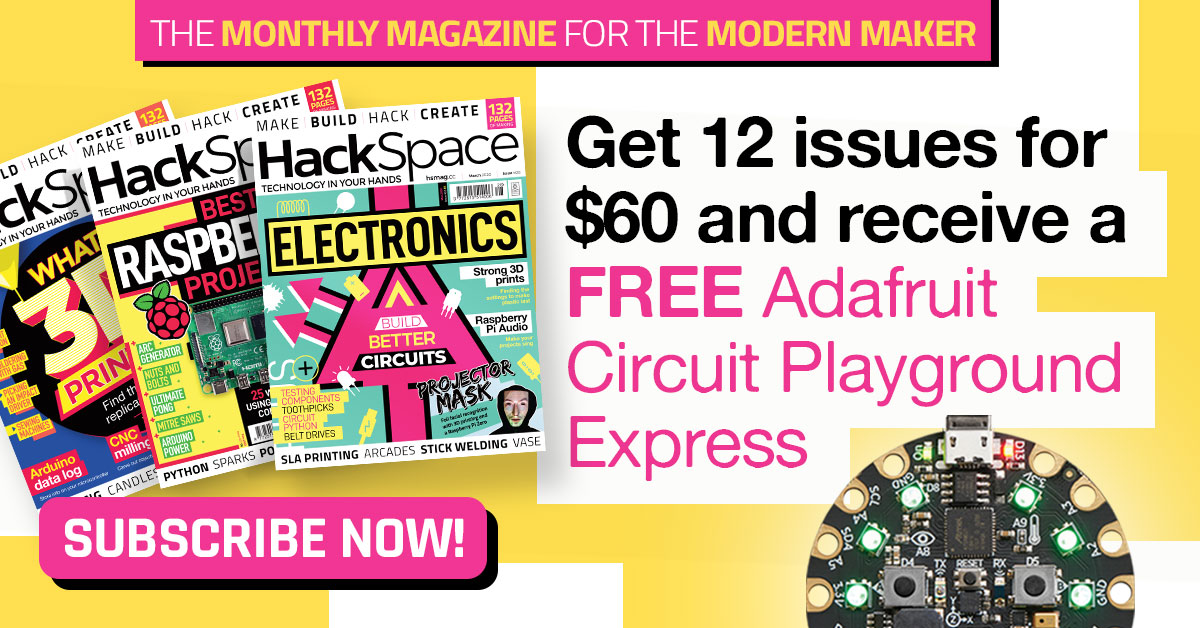
Your $60 subscription will get you twelve issues per year and a free Adafruit Circuit Playground Express, worth $25. Click here to subscribe today!
The MagPi is the official Raspberry Pi magazine. Written by and for the community, it’s packed with Raspberry Pi-themed projects, computing and electronics tutorials, how-to guides, and the latest news and reviews.
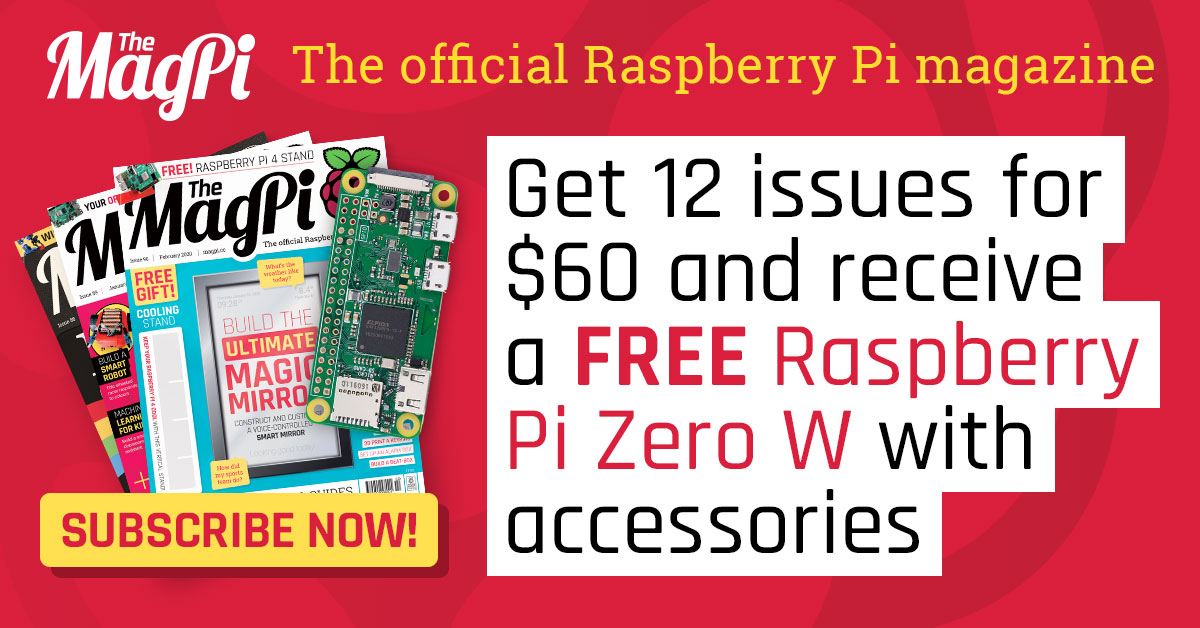
Your $60 subscription will get you twelve issues per year and a free Raspberry Pi Zero W with accessories. Click here to subscribe today!
To help spread the word about this special offer, we’re running a little no-purchase-required giveaway.
Just retweet this tweet with the hashtag #WinARaspberryPiThing, and we’ll pick five of you to win a Raspberry Pi bookazine of your choice, signed by whichever members of the Raspberry Pi team Alex can pull away from the scrum around the coffee machine.
If you don’t have Twitter, you can leave your favourite (family-friendly) knock-knock joke in the blog comments below and we’ll pick two more winners from there too!
The winners can choose any of the following:
We’ll pick winners on 1 April 2020, so you have a month and a bit to share the love!
The post USA magazine subscriptions offer: 48% off standard prices appeared first on Raspberry Pi.
Do you need to run a script whenever your Raspberry Pi turns on? Here’s Estefannie to explain how to edit crontab to do exactly that.
How to start a script at start-up on a Raspberry Pi // LEARN SOMETHING
Do you want your Raspberry Pi to automatically run your code when it is connected to power? Then you are in the right place. In this new #LEARNSOMETHING video I show you how to make you Raspberry Pi run your script automatically when it is connected to a power source.
While there are many ways of asking your Raspberry Pi to run a script on start-up, crontab -e is definitely one of the easiest.
AND, as Estefannie explains (in part thanks to me bugging asking her to do so), if you create a run folder on your desktop, you can switch out the Python scripts you want to run at start-up whenever you like and will never have to edit crontab again!
Weeeeee!
Now go write some wonderful and inspiring festive scripts while I take a well-earned nap. I just got off a plane yet here I am, writing blog posts for y’all because I love you THAT DARN MUCH!
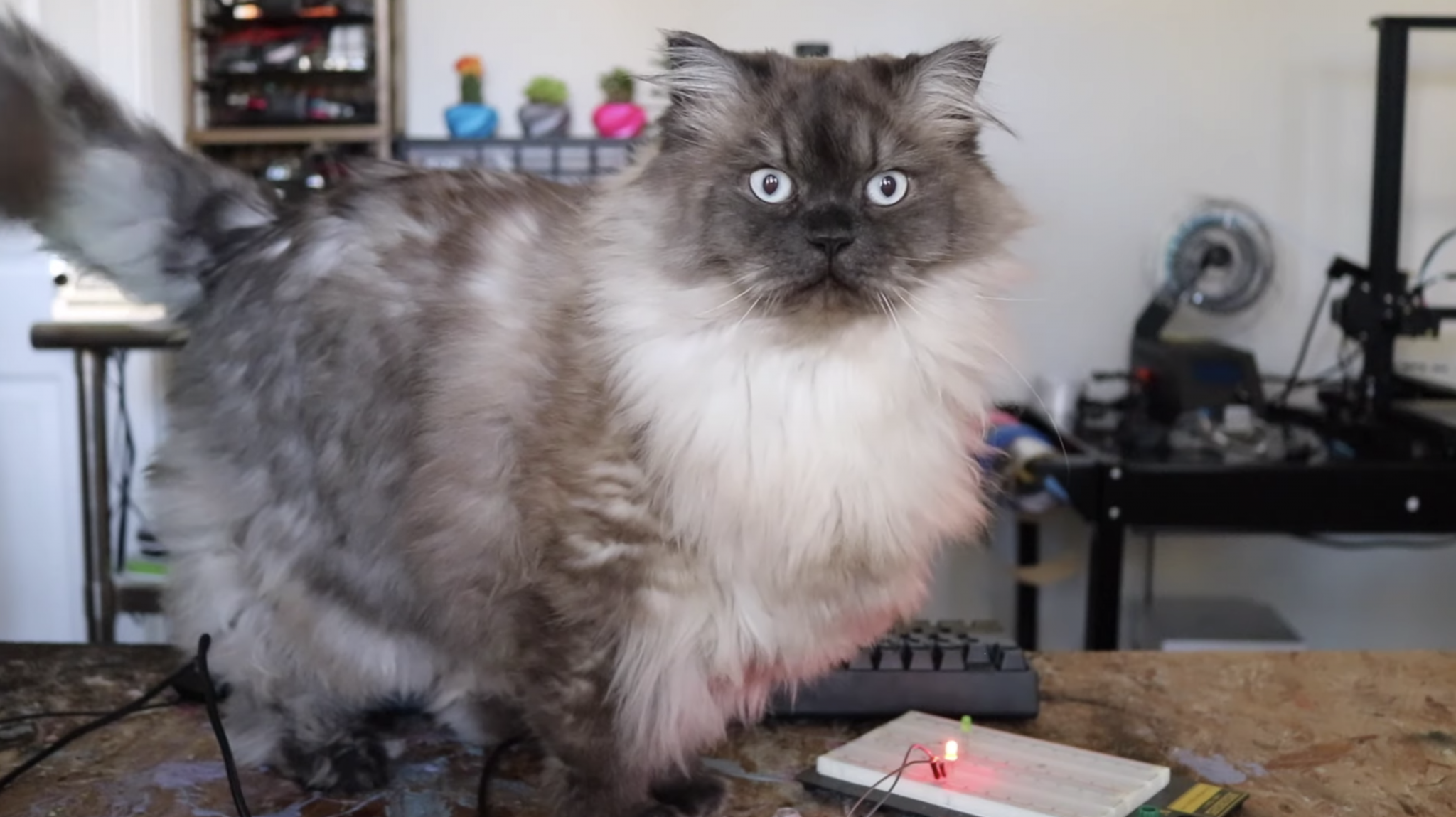
This is Teddy. Teddy is also in the video.
And don’t forget to like and subscribe for more Estefannie Explains it All goodness!
The post How to run a script at start-up on a Raspberry Pi using crontab appeared first on Raspberry Pi.


 Lateo.net - Flux RSS en pagaille (pour en ajouter : @ moi)